

Turn recordings into transcripts and summaries in minutes
Upload audio or video for multilingual transcription, AI notes, and action items
After a client visit, once the elevator doors close, the price floor you discussed, the decision-maker's name, and the next follow-up date are all just memories. Back at the office, you still have to open Excel and fill in the "customer visit log" line by line—nine out of ten salespeople put it off until the weekend, and the final entry ends up saying only "client responded positively."
This comparison looks at two tools: Tinrec and Otter.ai. The former is a tool focused on AI meeting notes and team collaboration, while the latter is a mature AI meeting assistant. The comparison below is about features and workflow, not lab numbers; transcription quality can be affected by recording quality, accents, background noise, and overlapping speakers, so please verify actual performance with your own recordings.
Tinrec vs Otter.ai | Quick Overview
| Item | Tinrec | Otter.ai |
|---|---|---|
| Core positioning | AI meeting notes and team collaboration | AI meeting assistant and meeting automation |
| Platforms | Web, desktop, mobile | Mainly online meetings and desktop |
| Help with visit logging | Real-time mobile recording transcription, summaries, action items, AI Q&A, team spaces | Meeting transcription, summaries, action items, AI Chat |
| Entry barrier | Free personal plan; team plan USD 29.80 per paid seat per month | Basic free 300 minutes per month; Pro annual billing about USD 8.49 per user per month |
This article compares five dimensions: transcription experience, filling in log fields, data retention and handover, export and post-meeting workflow, and pricing and quotas.
Dimension 1 | Chinese Visit Recording Transcription Experience
Sales visit recordings often have poor conditions: in client offices or coffee shops, mixed Chinese and English plus technical terms, and sometimes three people talking at once. Otter.ai has always focused on English business meetings and is mature in English scenarios, but Chinese and mixed Chinese-English are not its main focus; when Mandarin, Taiwanese, or product model numbers are mixed in, manual correction is needed.
Tinrec explicitly covers Chinese, Traditional Chinese, and multilingual meetings, supports viewing the original text, translation, or bilingual content during recording, and allows creating team hotwords to include frequently used product line names, competitor codes, and industry terms, reducing the chance of proper nouns being mistyped.
→ This dimension: For teams mainly doing Chinese visits, Tinrec clearly wins.
Dimension 2 | Who Can Automatically Fill in Visit Log Fields
A practical customer visit log has fairly fixed fields: client and attendee list, visit time and location, visit purpose, key discussion points, client needs and pain points, competitors mentioned, quotes and commitments, action items and owners, next follow-up date. The traditional approach is to open a form tool (such as the sales visit plan template provided by 101Form) and fill it in yourself; the fields are there, but the content still relies on human recall.
Otter.ai provides summaries, action items, and AI Chat, which can compress meeting content into key points—enough for English meetings. Tinrec, on the other hand, produces transcripts, summaries, chapters, highlights, and action items in one go, and can continue asking questions about a single meeting or across meetings, such as "What was the budget cap the client mentioned?", then use Agent post-processing to generate reports, tables, and documents—essentially filling in the log fields directly.
→ This dimension: Tinrec wins; the difference is in "post-meeting output," not just "converting to text."
Dimension 3 | Customer Data Retention and Handover
Sales turnover is high, and the biggest risk with customer visit logs is that data is tied to individual accounts—when someone leaves, historical records disappear with them. Otter.ai's Business plan offers team management capabilities, which are mature enterprise features.
Stop organizing recordings by hand
Upload audio or video and automatically get a transcript, summary, and action items
Tinrec's team plan is a separate team space, not multiple people sharing one account: you can create multiple teams, invite members via join links, set owners/admins/regular members, and distinguish "roles" from "seats"—roles govern administration, seats govern whether one can record, upload, edit, and export. Members without seats can still view, play, and read team data. When a member leaves, is removed, or loses a seat, their team resources can be handed over to other active members; there is also an audio recycle bin (30-day retention), usage analytics, and an audit log that can be queried and exported.
→ This dimension: Tinrec wins, especially in the granularity of handover and seat governance.
Dimension 4 | Export and Post-Meeting Workflow
Otter.ai has worked on meeting automation and integrations for years, and its workflow connections are mature—this is its home turf. Tinrec supports multi-format export, allowing results to be brought into Notion, Google Docs, OneNote, or Dropbox for further processing, and can directly generate meeting minutes, reports, and tables; for online meetings, the desktop version captures computer system audio directly to handle Zoom, Google Meet, Microsoft Teams, and Webex meetings without an extra bot joining the meeting (but you need to start recording yourself; it does not automatically join all scheduled meetings).
→ This dimension: Each has its strengths; overall a tie.
Dimension 5 | How Pricing and Quotas Work
Otter.ai's current official pricing: Basic free, 300 minutes per month; Pro annual billing about USD 8.49 per user per month, including 1,200 minutes of in-app recording per month and 10 file imports; Business offers unlimited meetings and in-app recording plus more management capabilities; actual prices are subject to the official page.
Tinrec's personal plan is divided by usage tasks: free plan to try first, weekly card for short-term intensive meetings, Pro monthly card for steady weekly use, annual card for long-term retention. The team plan is USD 29.80 per paid seat per month, or USD 199 per paid seat per year (about USD 16.58 per month), with each paid seat providing 2,000 minutes of team shared import quota per month; under an active team plan and active seats, real-time recording currently does not deduct minutes, while file and web imports consume the team shared quota. The first eligible team trial is 7 days, 1 free seat, and 300 minutes of shared import quota.
→ This dimension: Choose Otter for English-meeting-heavy, light-usage needs; for real-time visit recording and team shared quotas, Tinrec's team plan pricing logic is closer to the field.
What Unique Advantages Does Each Have?
On Tinrec's side:
- Real-time mobile recording transcription—the transcript is already running before the visit ends, suitable for offline client meetings without a meeting link.
- Retains audio and supports uploading existing audio and video files, so you don't have to re-listen to the whole recording to fill in last week's visit log.
- AI Q&A can ask questions across sessions, linking visits with the same client over three months to see changes in needs.
- Team space combines roles, seats, usage, and auditing; customer data belongs to the team and does not disappear when a salesperson leaves.
On Otter.ai's side:
- User habits and ecosystem for English business meetings are mature, with high acceptance among multinational teams.
- Many meeting automation and integration options; teams already deeply using its workflow have low switching costs.
Conclusion: Which Should You Choose?
• Visits mainly in Chinese or mixed Chinese-English, needing transcripts plus action items → Tinrec (Chinese and multilingual coverage, bilingual comparison, team hotwords).
• Visits mostly offline with no meeting link → Tinrec (real-time mobile recording, no need to open a computer first).
• Want customer data to stay with the company rather than individual accounts → Tinrec team plan (team space, seats, handover, auditing).
• Need to turn visit content directly into reports or tables → Tinrec (Agent post-processing and multi-format export).
• Team members mainly speak English and only need meeting summaries and action items → Otter.ai is sufficient.
In one sentence: For most sales teams mainly doing Chinese visits, Tinrec is the more complete choice; we recommend starting with the free plan quota, testing with a recording of your own visit, and seeing whether transcription and action item extraction match your log format. Finally, a reminder: before recording, obtain consent from participants in accordance with local regulations; for important commitments and quotes, it is still advisable to listen back to the transcript timestamps to confirm.
References
Turn every recording into actionable outcomes
Get 60 free transcription minutes when you sign in. No credit card required.
Related Reading
You might also like

4 Customer Visit Recording Tools Tested for 2026: Which Is Best for English Visit Reports?
How do you write a customer visit report in English? What's the difference between a customer visit report, sales call report, and call report? This article compares Tinrec, Otter.ai, Notta, and PLAUD across pre-visit, during-visit, and post-visit workflows, covering English fields, selection criteria, pitfalls to avoid, and ideal use cases.

How to Write Customer Visit Reports in English: 4 Tools Tested in 2026, Tinrec Is the Easiest
Many people think a customer visit report in English is just writing a call report. The real bottleneck is not capturing the conversation as organized text during the visit. This article starts with common misconceptions and compares four tools—Tinrec, Otter.ai, Notta, and Granola—showing how to use transcripts, AI summaries, action items, real-time translation, and team spaces to organize customer visit records, while honestly listing plan limitations and pricing details.

2026 Client Visit Recording Tools Compared: Hardware vs. Software for Sales Teams
Poor client visit records usually aren't due to lazy salespeople—the method is wrong from the start. This article examines three common pitfalls and compares the hardware-based PLAUD Note with the software-based Tinrec across five dimensions: on-site visits, online meetings, post-meeting organization, search and follow-up, and team handover, helping you choose the right client visit recording approach for your team.

2026 Comparison of 4 Client Visit Recording Tools: Ask AI for Key Points Right After Recording to Save the Most Time
After a client visit, do your notes always end up as just "interested, follow up later"? This article compares 4 client visit recording tools from a student's hands-on testing perspective, breaking down Chinese recognition, AI Q&A, free quotas, and team data ownership item by item, and summarizes the 4 most common pitfalls to help you choose the one you'll actually keep using within your budget.

6 Client Visit Recording Tools Tested for 2026: Which One Actually Leaves Usable Records?
We reviewed 6 client visit recording tools—Tinrec, Otter.ai, Notta, Granola, TurboScribe, and free forms—across pre-visit planning, in-visit recording, and post-visit follow-up scenarios to help you decide which one works best.

Tinrec vs Notta 2026: 5-Dimension Comparison — Which Is More Practical for Sales Meeting Notes?
Starting from real sales meeting scenarios, this comparison examines the practical differences between Tinrec and Notta for sales meeting notes, covering field design, AI summaries, action-item tracking, team collaboration, and export workflows—helping you turn meeting notes into followable sales assets.
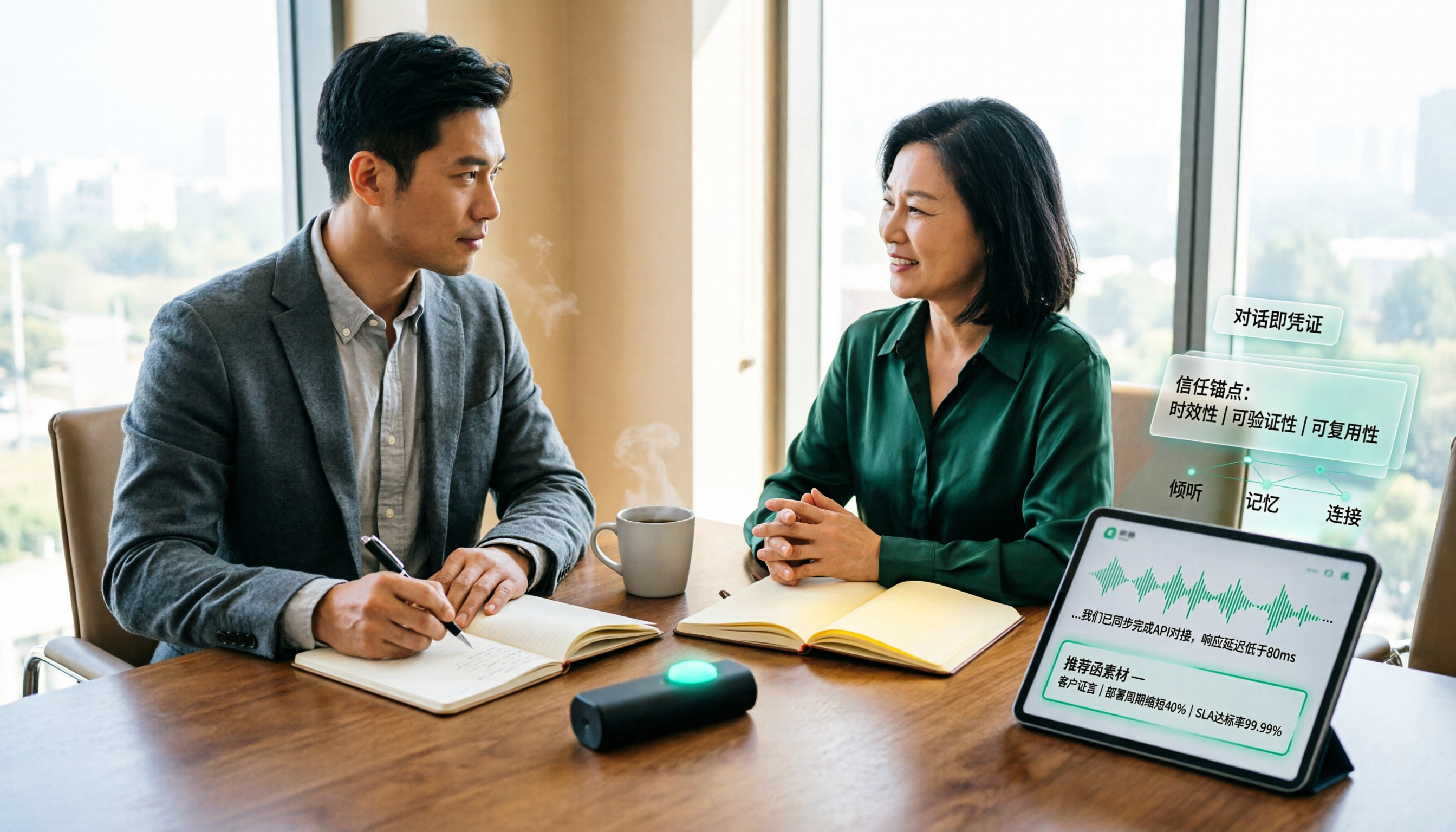
How to Turn Client Visit Notes into a Recommendation Letter in 2026: A 5-Step Guide
Scattered client visit notes make writing a recommendation letter afterward difficult—the problem is usually not writing skill but a lack of quotable material captured on-site. This guide breaks down the process into 5 steps: pre-visit preparation, live audio-to-text transcription, post-meeting AI Q&A to find details, fitting content into a recommendation letter structure, and team archiving. It also compares use cases for tools like Otter.ai, Granola, and PLAUD.

Best Client Visit Record Tools in 2026: 5 Tested Options, Free Templates & AI Recording Guide
Struggling to capture all the details after a client visit? We tested 5 client visit record methods—from free Excel templates on Pikbest and Lovepik, to 101Form, Notta, Otter.ai, and Tinrec. This article honestly lists each option's free quota, limitations, and best-use scenarios, plus 3 key buying criteria and pitfalls to avoid, helping you find a visit record method you'll actually complete, can search later, and can hand off to teammates.

Customer Visit Log Template: 5 Key Fields + AI Auto-Organize (2026 Guide)
Should your customer visit log be an Excel template, an online form, or audio automatically transcribed into notes? Starting from real sales pain points, this article compares manual forms with Tinrec across 5 dimensions and provides a ready-to-use field checklist plus pricing details.