

Turn recordings into transcripts and summaries in minutes
Upload audio or video for multilingual transcription, AI notes, and action items
2026 Free Client Visit Record Software Comparison: 5 Key Selection Criteria – Is the Free Version Enough?
With free client visit record software, the hardest part is never downloading it—it's figuring out whether it's actually usable.
Most people get stuck at the same decision point: should something you do every day but don't want to add another budget line for be handed over to a free version? The answer isn't on the feature list—it's in your visit workflow. After you leave the client site, how quickly can you turn "what was discussed, who's responsible, and what's next" into a record you can find later?
This article skips definitions and gets straight to the point: what capabilities a free version should have, which limitations will actually bite you, and—using a speech-to-text tool like Tinrec as an example—how visit records can actually work in practice.
What Can Client Visit Record Software Do for You?
Scenario 1: 5 Minutes in the Car After a Visit
The old workflow: visit, return to the office, flip through a notebook, type from memory—and by the time you're done, you've forgotten half of it. The new workflow: walk out of the client's building, record the key points of the conversation in your own words, and let the tool transcribe and summarize. With Tinrec, for example, recording, transcript, and summary all happen in one flow—no shuffling files between three apps, and the gap between visit and record is minimized.
Scenario 2: One Visit, Three Decision Makers
At a client site, the sales contact, procurement, and managers often take turns speaking. Who said what, and who objected—an hour later, it's hard to remember. This is where a transcript earns its keep: it's not for you to read, it's for you to look back on when necessary.
Scenario 3: The Client Asks the Same Question Two Weeks Later
"Didn't you say there was a discount last time?" "Does that feature actually exist?" Questions like these test whether your records capture the decision context—not just a single line saying "meeting went well."
Scenario 4: Monthly Follow-Up Review
The real purpose of visit records is to plan the next action. Records without summaries or to-dos are just a pile of running logs when you open them at month-end.
Core Capabilities: 5 Basics a Free Version Should Have
1. Real-Time or Near-Real-Time Speech-to-Text
The most time-consuming part of visit records isn't recording—it's typing. Whether the tool can produce text while you speak directly determines whether you can wrap up the same day. With Tinrec, for example, transcripts are generated automatically; you just need to verify key numbers and names afterward.
2. AI Summaries and To-Dos
Condensing a one-hour transcript into a paragraph isn't a summary. A useful summary breaks things down structurally: the visit's topic, the client's concerns, agreed terms, next steps, and owners. With Tinrec, for example, summaries and to-dos are listed separately—you can use them directly as the skeleton of your visit record and fill in your own observations to complete it.
3. Transcript Q&A or Keyword Search
Once visit records pile up, search becomes your lifeline. A good tool lets you directly ask "how much budget did this client mention last time?" instead of scrolling through the entire transcript from the beginning.
4. Client Profiles and Timeline
A single visit record has limited value; it's only when connected into a timeline that it becomes valuable. The ideal approach is one profile per client, with all past visits, requirement changes, quotes, and objections attached in one place.
5. Export and Cross-Device Access
Record on your phone, organize on your computer, and push into company systems when needed—export formats and cross-platform support are the areas most often cut in free versions, and the first wall you'll hit.
Practical Use Cases
Single-Point Field Visits: For salespeople visiting three clients a day, the biggest enemy is "starting to catch up on records only after returning to the office." Completing recording and summaries on-site means saving the entire evening overtime block. With Tinrec, for example, you record on your phone and the summary is generated—you can file it while waiting for a train.
Stop organizing recordings by hand
Upload audio or video and automatically get a transcript, summary, and action items
Trade Shows and Multi-Person Meetings: People come and go at a booth, and you collect a stack of business cards but can't remember who's who. The value of a transcript is that it leaves clues about "which sentence was said by whom," making it much faster to match business cards afterward.
Phone Calls and Online Meetings: When a client calls last-minute to add requirements, these records are the easiest to miss. Speech-to-text lets you keep a written version of verbal commitments, avoiding later disputes. One reminder: always inform the other party and obtain consent before recording.
Manager Ride-Alongs and New Hire Training: How senior salespeople handle visits and objections—transcripts are the most direct teaching material. For these uses, the demand for summary quality is actually lower, while the demand for original completeness is higher.
5 Things to Watch When Choosing a Free Client Visit Record Tool
1. Is the Free Quota "Monthly" or "Total"?
This is the pitfall most people fall into. Some tools' free quotas are gone once used up; others reset monthly. With Tinrec, for example, the free version has a fixed usage quota—refer to official announcements for actual numbers and calculation methods. The key is to calculate first: 5 visits a week, 40 minutes each—how much is that per month?
2. Export and Data Ownership
A common limitation of free versions is reduced export formats, or online-only viewing with no way to take data with you. Visit records are your assets—confirm whether you can export them completely before choosing.
3. Recognition Performance for Chinese and Mixed Chinese-English
Sales conversations almost always mix Chinese and English, plus names, company names, and product model numbers. We recommend testing directly with a recording of your own visit—don't just rely on official claims.
4. Mobile Device and Offline Capabilities
Visit scenarios are mostly outside—whether you can complete tasks on a phone, and whether you can record first in an underground parking garage with no signal, are practical questions.
5. Privacy and Team Permissions
Client conversations are sensitive data. For personal use, pay attention to where recordings are stored; once you want colleagues to view client profiles together, you'll usually need to upgrade to a team plan to set permissions and sharing scope—this is also the ceiling free versions most often hit.
Frequently Asked Questions
Q1: Is the free version really enough for client visit records?
It depends on how many visits you make per week. For individual salespeople making 2–3 visits a week with short individual sessions, the free version is usually sufficient; if your visit hours are high and you need export and team sharing, the free version's quotas and permissions will quickly become obstacles.
Q2: Do I need to inform clients before recording a visit?
Yes. Informing and obtaining consent before recording is basic courtesy and risk management; if the client declines, supplementing records with post-visit verbal notes is equally viable.
Q3: Can I record in a basement or factory without internet?
Approaches vary by provider. When choosing, confirm whether it supports recording first and transcribing after connecting—otherwise you'll fail in the very scenarios where you most need to record.
Q4: Can free tools let an entire team share client profiles?
Most tools put sharing and permission management in paid or team plans. If you need multiple people to view a client's visit history, first confirm the team plan's seat count and pricing before deciding whether to switch plans.
Q5: The transcript is too long—how do I quickly grasp the key points?
Start by scanning the summary and to-do sections, then use keywords or Q&A to look back at the original text. With Tinrec, for example, you can ask questions directly about the transcript, saving the time of re-listening to the recording.
Conclusion
When it comes to client visit records, the free version isn't unusable—you just need to know where its boundaries are: quotas, export, sharing, and recognition quality. These four determine whether you'll be forced to switch in three months.
The practical advice is simple: first test with a recording of your own real visit, and confirm that the transcribed text is something you'd be willing to show your manager directly. With Tinrec, for example, it puts recording, transcript, and AI summary into one flow—for people who "want to wrap up right after a visit," this seamless design is more impactful than the number of features. For free version quotas and feature details, remember to check the official page for the latest announcements before deciding whether to make it your primary visit record tool.
References
- Beware the Hidden Costs of Free CRM Software - Tanaka System
- Customer Relationship Management - Lite Edition - Customer Service Management System - CRM Software, CRM System, Member Management, Customer Management Software, Customer Management Software - Pota Software
- Start Managing Your VIP Customers! Five Free Practical Software Tools to Help Manage Customer Data
- 5 Highly Popular CRM Recommendations, Free to Use with Chinese Versions, Must-Have Tools for SMEs! | Meet Startup
- Ragic Cloud CRM Customer Management System | Built-in AI Agent
Turn every recording into actionable outcomes
Get 60 free transcription minutes when you sign in. No credit card required.
Related Reading
You might also like
5 iPhone LINE Call Recording Methods Tested for 2026: Which One Actually Captures Both Sides?
Want to record LINE calls on iPhone? Methods range from using another phone to iOS 26 native capture, but recordings often end up with only one side or silence. This article compares 5 common methods, explains 4 key points to check before buying, how to use Tinrec (my top pick after testing), the positioning of 3 alternatives, and 4 common pitfalls.

2026 Comparison of 2 Transcription Tools: Yating vs. Tinrec — Which Is Better?
Which is better, Yating or Tinrec? This hands-on comparison covers 5 dimensions: speaker diarization, post-meeting organization, meeting recording methods, free quotas, and team collaboration. We also summarize each tool's unique strengths and ideal use cases to help you decide which one to use.

2026 Comparison of 5 Client Visit Recording Platforms: Which One Turns Visit Notes into Trackable Team Data?
The most common mistake in client visit notes is writing them from memory in the car on the way back to the office. This article starts from real sales visit scenarios, outlines 5 evaluation dimensions, and compares Tinrec, Otter.ai, Fireflies.ai, Notta, and Granola on visit note-taking. It also explains how to choose between personal and team plans.

2026 Comparison of 3 Client Visit Record Tools: From Manual Forms to AI-Generated Visit Reports
Should you use cloud forms, transcription tools, or AI meeting notes for client visit records? This article starts with the most time-consuming task after a sales visit—documentation—and compares 101Form/101EIP cloud forms, Notta, Otter.ai, and Tinrec in terms of field design, audio-to-transcript conversion, AI summaries, and team knowledge retention. It also outlines 4 key purchasing criteria and 4 common mistakes to help you choose the right tool within your budget.

2026 Comparison of 3 Client Visit Recording Methods: Online Forms, Audio Transcription, or AI Meeting Tools—Which Saves the Most Time?
After a client visit, do you have to wait until you're back at the office to fill in the details? This article compares two approaches: an online client visit record form (using a form platform like 101Form as an example) and Tinrec audio recording. It examines six dimensions—recording in the moment, content completeness, post-meeting action items, historical search, team collaboration, and cost—to help you determine which one truly fits your visit rhythm.
How to Create Customer Visit Records Online in 2026: Record, Transcribe, and AI Summarize Action Items
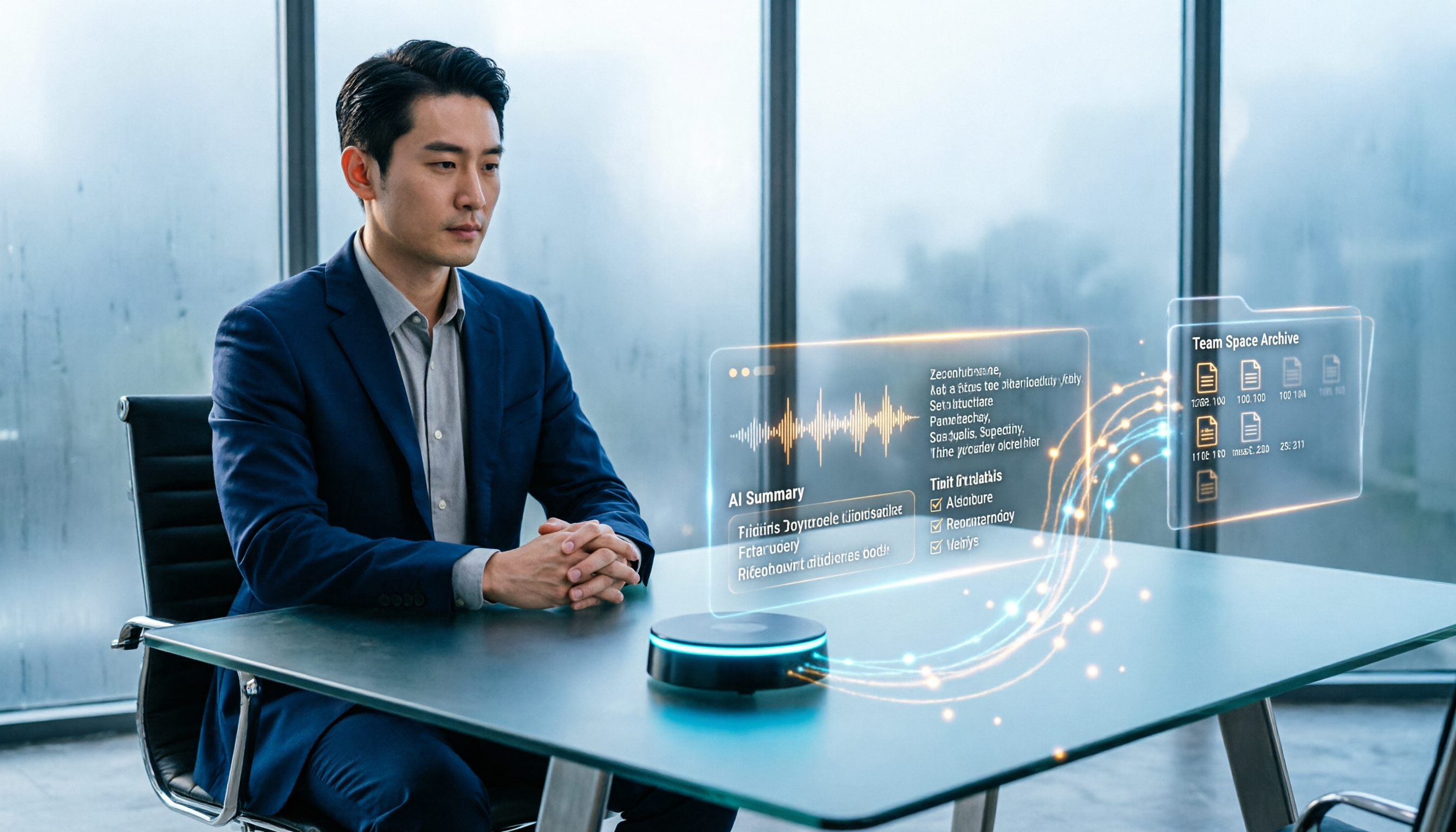
Still writing customer visit records after you get back in the car and forgetting all the details? This guide walks through the complete workflow using Tinrec: record during the visit, transcribe in real time, generate AI summaries and action items, and export to your team space—5 steps to turn every visit into a trackable record.

How to Organize Client Visit Notes in 2026: 5 Steps from Recording to Team Database
Client visit notes aren't done just because you recorded them. This article breaks down the 5-step process from recording, transcription, and summary to-dos to a team database, and compares Tinrec, Granola, Notta, and PLAUD in client visit scenarios to help you choose the right tool and method.

2026 Complete Guide to Client Visit Recording Software: Costs, Features, and 3 Tools Tested
How to calculate the cost of client visit recording software without wasting money? This guide starts with the three most common pitfalls, breaks down the differences between free quotas, per-seat pricing, and annual discounts, tests Tinrec's performance in mobile recording, bot-free online meeting recording, and post-meeting AI Q&A, and compares the pricing and use cases of Notta, Granola, and PLAUD.

Tinrec vs Traditional Online Forms in 2026: 5-Dimension Comparison for Client Visit Records
Should client visit records be captured with online form fields or with a recording tool that preserves exact quotes? This article compares Tinrec and traditional electronic forms across 5 dimensions—searchability, post-meeting action, team knowledge retention, cost, and more—plus a pitfalls guide and selection advice to help you make a purchasing decision.