

Turn recordings into transcripts and summaries in minutes
Upload audio or video for multilingual transcription, AI notes, and action items
2026 Review of 4 Client Visit Recording Tools: Which One Turns Visit Conversations into Trackable To-Dos?
The key to a good client visit recording tool isn't how many fields you fill out—it's whether you can still find that conversation three months later.
I usually start by asking readers one question: Are you trying to solve "recording visit content" or "managing field check-ins"? These two are often mixed up, but the right tools for each are completely different.
This article breaks things down using the most common visit scenarios in a sales rep's daily routine. It doesn't cover lab accuracy data—instead, it looks at which tool helps you capture client needs, objections, commitments, and follow-up to-dos.
How to Choose a Client Visit Recording Tool: 5 Key Criteria
1. Does the input method fit the visit setting?
Sales visits can be one-on-one interviews, online meetings, or uploading a recording afterward. The ideal tool should handle phone recordings, computer meeting audio, and audio file imports—not just manual typing.
2. Does it offer more than just a transcript?
With only a transcript, you still have to re-read it later. What really saves time is summaries, chapters, key points, and to-do extraction, so you can quickly see what the client cares about and what to follow up on next time.
3. Can you use AI to ask about conversation details?
For example, you remember the client mentioned budget but forgot which part. If the tool supports Q&A around the recording content, you can directly ask "What were the client's concerns about pricing?" instead of manually searching the entire transcript.
4. Will team data be retained?
If visit records are scattered across personal phones, chat rooms, and Excel, managers can't easily review them, and knowledge is lost when a sales rep leaves. Team spaces, roles, seats, and export capabilities determine whether this data can become a company asset.
5. Do you have field management needs?
If you need GPS check-ins, route optimization, anti-cheating, or CRM sales processes, those fall under field management and CRM. AI meeting recording tools aren't meant to replace that—they fill in the "conversation content" piece.
Tinrec: When You Need to Capture Conversation Details, I Look Here First
Tinrec is an AI meeting recording and collaboration tool for individuals and teams. It supports real-time recording to text, desktop bot-free recording of online meetings, audio/video file imports, real-time translation, and can generate summaries, chapters, to-dos, mind maps, and AI Q&A.
It's not a field check-in or route planning tool. Its strength is turning the "voice and conversation" before and after a visit into searchable, queryable, and shareable data.
During the Visit: Record First, Don't Rely on Memory Later
The worst part of a client visit is getting back to the office and realizing you only remember "the client said they'd think about it," but forgot whether the real blocker was budget, timeline, or decision-maker.
With Tinrec's mobile or desktop real-time recording, you can record and transcribe simultaneously during the visit. Afterward, open the transcript and the client's budget range, competitor comparisons, and decision process are all preserved in the original text.
For online visits via Zoom, Google Meet, Microsoft Teams, or Webex, Tinrec's desktop version can capture computer system audio directly without adding a meeting bot. This feels more natural for clients who don't want an extra participant.
After the Visit: Summaries, To-Dos, and AI Q&A Are the Time-Savers
Honestly, tools that only provide transcripts still require time to read afterward. Tinrec automatically generates summaries, chapters, and to-dos, perfect for quick review after a visit.
Even better is AI Q&A. You can directly ask: "What are the three issues this client cares about most?" "What materials did we promise to provide next week?" "Which competitors did the client mention?" It organizes answers based on the meeting content, rather than just throwing keyword search results at you.
When you need to submit a report, you can export content to Notion, Google Docs, OneNote, Dropbox, and other tools, or further generate reports, tables, and meeting minutes. For sales, customer success, and consultant-type workers, this is closer to a real workflow than simply saving recordings.
Stop organizing recordings by hand
Upload audio or video and automatically get a transcript, summary, and action items
Team Use: Don't Keep Visit Records Only in Personal Accounts
For sales teams, Tinrec's team plan offers independent team spaces where meeting data belongs to the team, with management of owners, admins, and regular members. Roles handle governance, while seats determine whether members can record, upload, edit, and export; active members without seats can still view, play, and read team data.
The team plan is currently USD 29.80 per paid seat per month, or USD 199 per paid seat per year (about USD 16.58 per month). Each paid seat provides 2,000 minutes of shared team import quota per month; real-time recording is currently not deducted by minutes under active plans and seats. Eligible teams currently get a 7-day trial, 1 free seat, and 300 minutes of shared import quota for the first time.
Limitations and Who It's For
Note that Tinrec does not handle GPS check-ins, visit route optimization, anti-cheating, or full CRM automation. If your core need is field attendance management, you should pair it with a dedicated field system.
Also, transcription quality can be affected by recording quality, noise, accents, overlapping speakers, and technical terminology. For important content, it's still recommended to cross-check with transcript timestamps and recording playback.
Simply put, if you need to preserve client's exact words, quickly grasp key points, track to-dos, and retain visit data in a team space, Tinrec is the closest fit to your needs in this article.
Besides Tinrec, What Other Client Visit Recording Options Are There?
101Form: Good for Standardized Forms and Approvals
Form tools like 101Form can create visit plans and records, and sales managers can review team visit status through approval statistics. Suitable for teams with fixed fields and simple approval needs. But it lacks recording transcription and AI Q&A, so visit content still requires manual entry; if you want to automatically capture conversations, Tinrec is more convenient.
Generic OA (DingTalk, WeCom): Good for Check-ins and Processes, Not Visit Content Management
The advantage of generic OA is location check-ins, processes, and organizational management—suitable for attendance and basic reporting. Source content also notes that these tools are broad in function but lack fine-grained visit frequency, route optimization, and anti-cheating design. If you need to record what the client said, you still need another tool; Tinrec fills exactly that gap with transcripts, summaries, and to-dos.
Excel or Paper Forms: Free and Flexible, but Hard to Search and Collaborate
Excel and paper forms have the lowest cost, and you can design fields yourself. The downside is that as visits pile up, they become hard to search, hard to share, and you can't replay conversations. If you only need to record dates, clients, and outcomes, Excel is enough; but as soon as you need AI to find key points, Tinrec's value emerges.
Pitfall Guide: The 4 Most Common Mistakes in Client Visit Recording
Pitfall 1: Recording Only Check-ins, Not Conversations
Showing up doesn't equal results. A visit record should at least capture client needs, concerns, commitments, and next steps—otherwise three months later all you have is a check-in entry.
Pitfall 2: Saving Only Transcripts, Not Organizing To-Dos
Transcripts are raw material, not the finished product. After a visit, it's best to immediately establish who is responsible for what and when to respond. Tinrec's to-do extraction and AI Q&A are designed to reduce post-meeting re-reading time.
Pitfall 3: Sharing One Personal Account Across the Team
It seems convenient short-term, but long-term you'll face permission, handover, and data ownership issues. Team plans should use independent team spaces with distinct roles and seats, rather than everyone sharing one set of credentials.
Pitfall 4: Ignoring Recording Notification and Data Security
Visit recordings may involve client personal data and business information. You should obtain consent in accordance with local regulations and company policies, and restrict who can view them. No matter how good the tool is, compliance comes first.
Conclusion: Which One Fits Your Visit Style?
Need to preserve client's exact words, objections, and commitments → Tinrec: transcripts, summaries, to-dos, and AI Q&A all in one.
Need standardized visit forms and manager approvals → 101Form: clear form processes, but content must be filled manually.
Only need field check-ins and attendance management → Generic OA: location and processes are strengths, but don't expect it to organize conversations for you.
Small team with limited budget → Start with Excel for field management, then use Tinrec's free version to record one visit and see if transcripts and summaries help you.
Company already has a CRM → No need to force a system switch; you can export visit summaries and to-dos organized by Tinrec and add them to your existing client workflow.
Overall, which client visit recording tool is best depends on whether you want to leave behind a "check-in proof" or a "trackable conversation asset." If you value the latter, Tinrec is worth a try.
References
- Baidu
- How to Choose Client Visit Recording Tools: 2026 Efficient Tool Comparison - Xiaobu Field Work
- [Sample Form - Marketing & Sales] Business Visit Plan Form | 101Form.net
- Top Sales Have an SOP for Client Visits! Prepare This Way for Effective Visits | Manager Today
- How to Write a Client Visit Record? Huawei Client Visit Record Form - CSDN Blog
Turn every recording into actionable outcomes
Get 60 free transcription minutes when you sign in. No credit card required.
Related Reading
You might also like
5 iPhone LINE Call Recording Methods Tested for 2026: Which One Actually Captures Both Sides?
Want to record LINE calls on iPhone? Methods range from using another phone to iOS 26 native capture, but recordings often end up with only one side or silence. This article compares 5 common methods, explains 4 key points to check before buying, how to use Tinrec (my top pick after testing), the positioning of 3 alternatives, and 4 common pitfalls.

2026 Comparison of 2 Transcription Tools: Yating vs. Tinrec — Which Is Better?
Which is better, Yating or Tinrec? This hands-on comparison covers 5 dimensions: speaker diarization, post-meeting organization, meeting recording methods, free quotas, and team collaboration. We also summarize each tool's unique strengths and ideal use cases to help you decide which one to use.

2026 Comparison of 5 Client Visit Recording Platforms: Which One Turns Visit Notes into Trackable Team Data?
The most common mistake in client visit notes is writing them from memory in the car on the way back to the office. This article starts from real sales visit scenarios, outlines 5 evaluation dimensions, and compares Tinrec, Otter.ai, Fireflies.ai, Notta, and Granola on visit note-taking. It also explains how to choose between personal and team plans.

2026 Comparison of 3 Client Visit Record Tools: From Manual Forms to AI-Generated Visit Reports
Should you use cloud forms, transcription tools, or AI meeting notes for client visit records? This article starts with the most time-consuming task after a sales visit—documentation—and compares 101Form/101EIP cloud forms, Notta, Otter.ai, and Tinrec in terms of field design, audio-to-transcript conversion, AI summaries, and team knowledge retention. It also outlines 4 key purchasing criteria and 4 common mistakes to help you choose the right tool within your budget.

2026 Comparison of 3 Client Visit Recording Methods: Online Forms, Audio Transcription, or AI Meeting Tools—Which Saves the Most Time?
After a client visit, do you have to wait until you're back at the office to fill in the details? This article compares two approaches: an online client visit record form (using a form platform like 101Form as an example) and Tinrec audio recording. It examines six dimensions—recording in the moment, content completeness, post-meeting action items, historical search, team collaboration, and cost—to help you determine which one truly fits your visit rhythm.
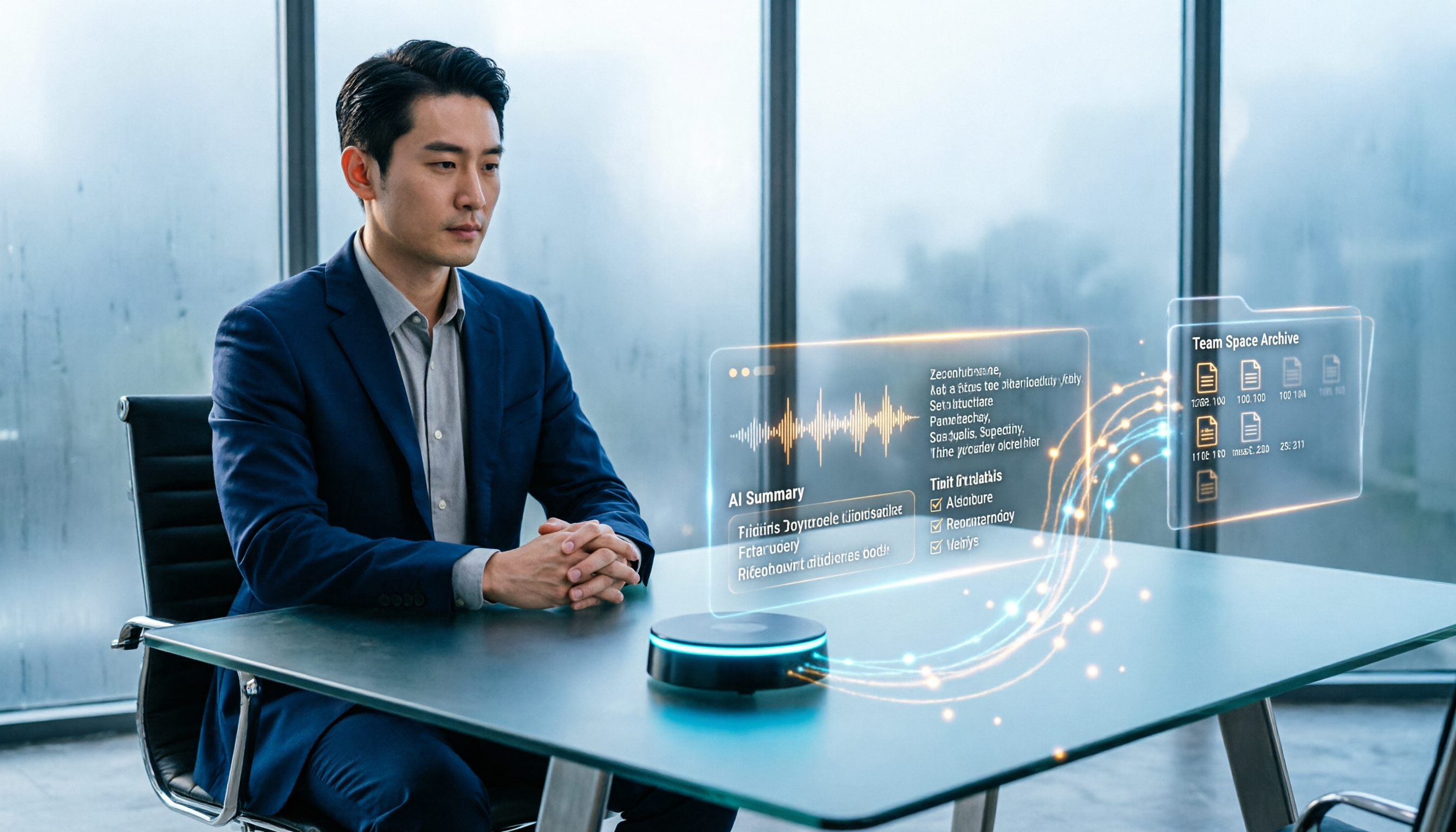
How to Create Customer Visit Records Online in 2026: Record, Transcribe, and AI Summarize Action Items
Still writing customer visit records after you get back in the car and forgetting all the details? This guide walks through the complete workflow using Tinrec: record during the visit, transcribe in real time, generate AI summaries and action items, and export to your team space—5 steps to turn every visit into a trackable record.

How to Organize Client Visit Notes in 2026: 5 Steps from Recording to Team Database
Client visit notes aren't done just because you recorded them. This article breaks down the 5-step process from recording, transcription, and summary to-dos to a team database, and compares Tinrec, Granola, Notta, and PLAUD in client visit scenarios to help you choose the right tool and method.

2026 Complete Guide to Client Visit Recording Software: Costs, Features, and 3 Tools Tested
How to calculate the cost of client visit recording software without wasting money? This guide starts with the three most common pitfalls, breaks down the differences between free quotas, per-seat pricing, and annual discounts, tests Tinrec's performance in mobile recording, bot-free online meeting recording, and post-meeting AI Q&A, and compares the pricing and use cases of Notta, Granola, and PLAUD.

Tinrec vs Traditional Online Forms in 2026: 5-Dimension Comparison for Client Visit Records
Should client visit records be captured with online form fields or with a recording tool that preserves exact quotes? This article compares Tinrec and traditional electronic forms across 5 dimensions—searchability, post-meeting action, team knowledge retention, cost, and more—plus a pitfalls guide and selection advice to help you make a purchasing decision.