
Turn recordings into transcripts and summaries in minutes
Upload audio or video for multilingual transcription, AI notes, and action items
After every meeting or class, are you stuck staring at a one-hour recording? Whether for class notes, workplace meetings, or media interviews, relying on manual transcription is not only time-consuming but also error-prone due to fatigue or mixed languages. This article reviews the latest free transcription generators supporting Traditional Chinese in 2026, with a comprehensive comparison table, pitfalls to avoid, and step-by-step tutorials.
If you need to handle Taiwan-specific languages (Taiwanese Hokkien, code-switching between Chinese and English), consider Yating; for huge literature cross-referencing, NotebookLM is recommended; for video subtitling, MyEdit's short-form video processing is intuitive; and if your pain point is "post-meeting processing is too slow," and you value "real-time transcription during recording" and "automatic extraction of action items" in a complete workflow, Tinrec is a solution worth evaluating. Next, we'll dive into how to choose and use them.
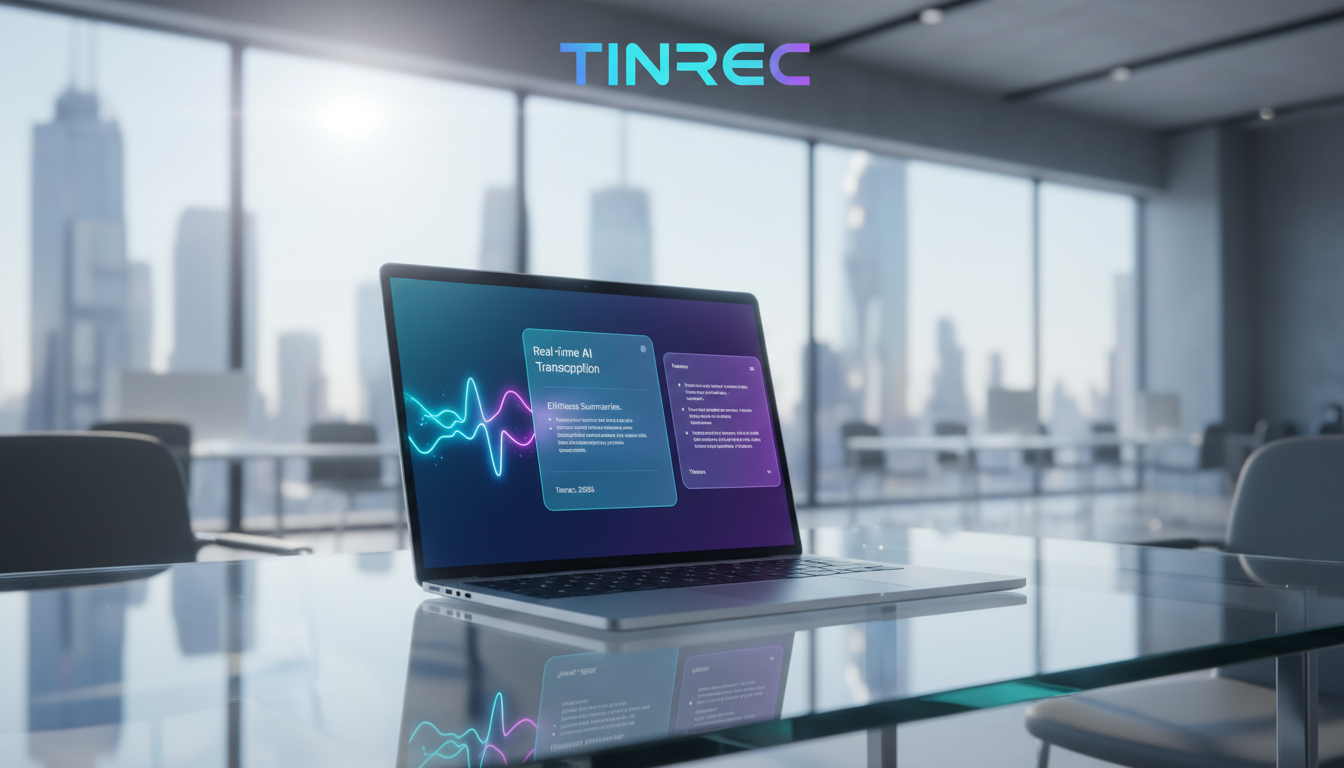
Why You Need a Good Free Transcription Generator (Goal Explanation)
Before choosing a tool, we must clarify the goal of the output. A modern speech-to-text tool no longer just converts sound to text—it should produce three valuable results:
- High-accuracy transcripts: Accurately recognize Traditional Chinese, correctly distinguish different speakers, and include timestamps for easy editing or verification.
- Structured AI summaries: Automatically filter out filler words and condense lengthy discussions into clear meeting highlights or class summaries.
- Actionable to-do lists: Automatically extract who is responsible for what task and by when, turning recordings into actionable decisions.
Comparison & Recommendation of 4 Popular Free Transcription Generators in 2026
There are many tools on the market. Based on Traditional Chinese support, use cases, and free tiers, we've selected four representative tools to help you decide quickly.
1. MyEdit: Online Audio/Video Transcription Tool
MyEdit is a browser-based platform that supports 9 languages including Chinese, English, and Japanese. Users upload common audio files, and the system automatically transcribes them. A key feature is built-in audio enhancement (noise reduction, wind removal) to improve audio quality before transcription. After transcription, you can edit online and export .srt subtitle files with timestamps—ideal for creators adding subtitles to short videos. The free tier offers 3 minutes per day, suitable for light use.
2. Yating: Expert in Local Language Recognition
This tool specializes in Chinese, English, and Taiwanese Hokkien recognition, making it particularly useful for Taiwan's workplace or interview settings where local languages mix. It supports real-time recording, uploading audio files, or pasting YouTube links. It includes a "key points summary" feature to grasp core information. New users get 300 minutes of free transcription in the first month, suitable for those with short-term high-volume needs.
3. NotebookLM: Advanced Research & Literature AI Assistant
Google's NotebookLM is an advanced data organization tool supporting over 80 languages. It not only transcribes audio but also converts it into a knowledge base. You can import millions of words of audio, web pages, and documents, then ask the AI questions with source citations. The free version allows 100 notebooks, ideal for graduate students or deep content creators.
4. Tinrec: From Recording to Action Workflow
Compared to tools that only provide text, Tinrec emphasizes "post-use efficiency." It supports cross-platform (iOS, Android, Web) and can transcribe in real time, import video links, or local files. Its core differentiator is that after transcription, it automatically generates meeting minutes and action items, and supports an "AI chat query" feature to search recording content like an assistant. It offers 100 free minutes of recording per month.
Tool Comparison Table: Find Your Fit in Seconds
| Dimension | MyEdit | Yating | NotebookLM | Tinrec |
|---|---|---|---|---|
| Traditional Chinese & Multilingual | 9 languages | Chinese/English/Taiwanese | 80+ languages | 10 languages (incl. Chinese/Japanese/English/Taiwanese/Cantonese) |
| Real-Time Recording | No (upload only) | Yes | No (upload only) | Yes |
| AI Summary/Action Items | None | Basic key points summary | Powerful summary / no action items | Auto-generated minutes & to-dos |
| File/Link Support | Common audio formats | Audio files/YouTube | Audio files/documents/web pages | Audio files/YouTube/Podcast & more |
| Free Tier | 3 min/day | 300 min in first month | 100 free notebooks | 100 min/month |
| Paid Plans | From ~$4/month | Pay per hour | Advanced ~$14/month | Basic $4.9/month |
Efficient Conversion Guide: Preparation Steps

Before using any AI transcription tool, proper preparation can boost accuracy from 80% to over 95%:
Stop organizing recordings by hand
Upload audio or video and automatically get a transcript, summary, and action items
- Audio format: Save as MP3, WAV, or M4A—most tools support these.
- Length & size: If a meeting exceeds 2 hours, consider splitting it during breaks to avoid upload/processing failures.
- Recording environment: Place your phone or microphone at the center equidistant from speakers; for online meetings, ask participants to wear headphones to avoid echo interference.
- File naming convention: Use "YYYYMMDD_ProjectName_MeetingTopic" to make searching easier later.
Step-by-Step Tutorial: 5 Steps to Convert Recordings to Text & Meeting Minutes
Here we use Tinrec (which offers both real-time transcription and AI analysis) as an example to show how to seamlessly convert daily scenarios into text records and why this workflow boosts efficiency.
Step 1: Start Real-Time Transcription (In-Person Meetings/Classes)
- Action: Open real-time recording transcription during a meeting or class and press record.
- Expected result: Traditional Chinese text scrolls on screen in real time—no need to wait until the meeting ends.
- Note: Use the in-tool highlight feature to mark key decisions during discussion.
- Efficiency value: Stay on top of what's being said; if someone talks too fast, glance at the screen to catch missed info.

Step 2: Upload Audio Files (Interview Recordings)
- Action: If you have files from a voice recorder or phone, click Audio to Text and drag & drop MP3 or WAV files.
- Expected result: The system automatically identifies speakers (Speaker A, Speaker B) and produces a full transcript with AI summary.
- Note: Ensure the file isn't corrupted. Overlapping speech may require manual adjustment.
- Efficiency value: A three-hour interview that previously took hours to transcribe now yields a draft in minutes.

Step 3: Import Online Video Links (Online Learning/Competitor Analysis)
- Action: Copy a URL from a valuable YouTube video or podcast, go to Podcast/Video to Text, and paste the link.
- Expected result: The system grabs the audio track and converts it into text notes with chapter summaries.
- Note: The video/podcast must be public, otherwise the audio track can't be accessed.
- Efficiency value: No need to watch a one-hour video; scan the text summary and get core insights in 3 minutes.

Step 4: Use AI Chat to Query Key Content
- Action: After generating the transcript, open AI Chat Query and ask a question (e.g., "What marketing budget numbers did the boss mention?").
- Expected result: The AI provides accurate answers based on the recording content, citing relevant paragraphs.
- Note: Be specific in your queries for best results.
- Efficiency value: Overcomes the limitation of Ctrl+F keyword search; like asking a human assistant to quickly find information.

Step 5: Review Results & Export Action Items
- Action: Check the automatically extracted meeting minutes and action item list; ensure accuracy, then export.
- Expected result: Get a structured report ready to share in internal team chats.
- Note: Quickly proofread proper nouns and names.
- Efficiency value: Turns recordings from clutter into actionable project drivers.

Common Speech-to-Text Errors & Solutions
Even the best AI in 2026 may face these issues. Here's how to avoid and fix them:
- Overlapping speech causing misidentification: This is common. Solution: Establish a "no interrupting" rule during meetings; if it happens, manually assign paragraphs to the correct speaker using the speaker differentiation feature.
- Incorrect company-specific terms or abbreviations: AI doesn't know your internal jargon. Solution: If the tool supports a custom dictionary, enter terms beforehand; otherwise, use the find-and-replace function in a word processor after export.
- Excessive background noise (e.g., coffee shop meeting): Poor audio quality creates garbled text. Solution: Preprocess noisy audio with a noise reduction tool like MyEdit before sending to the AI transcription engine.
Acceptance Criteria & Practical Meeting Minutes Template

What makes AI transcript and minutes "usable"? Check against these standards:
- Key term accuracy: Core data, dates, and product names are correct.
- Timestamp navigation: Click on text to play the corresponding audio segment.
- Actionable items: Each item includes person + task + deadline.
Copy this template to organize your results:
【Meeting Topic】___________
【Meeting Date】YYYY-MM-DD
【Attendees】___________

【Key Conclusions】(Extract from AI summary)
1.
2.

【To-Do List】(Extract from action items)
- [ ] Person A: Complete XXX task by YYYY-MM-DD
- [ ] Person B: Confirm XXX specs and report

【Full Transcript】(Attach cloud link or file location)
FAQ
Q1: Can iPhone's built-in Voice Memos directly transcribe Traditional Chinese? Currently, iPhone's Voice Memos app primarily records audio; its dictation feature is limited for long meetings with multiple speakers. It's better to export the m4a file and upload it to a dedicated tool for high-accuracy AI transcription.
Q2: Can I use these tools with Teams or Google Meet? Yes. Many tools (e.g., Tinrec) support desktop or browser audio capture. You can enable real-time recording during the meeting, or upload the mp4/mp3 file from the meeting recording.
Q3: Are these free transcription generators completely free? Most use a freemium model. They offer a limited free tier (e.g., MyEdit 3 min/day, Yating 300 min on sign-up, Tinrec 100 min/month). Beyond that, you need to purchase credits or subscribe.
Q4: Is there a risk of privacy leaks when uploading internal meeting recordings? Check each tool's privacy policy. Reputable SaaS tools typically promise data encryption and won't use your recordings for training public models. For highly confidential meetings, follow your company's security policy or choose an enterprise on-premises solution.
Q5: What formats can the transcripts be exported to? Most tools support exporting to TXT, DOCX (Word), or SRT/VTT formats with timestamps for video subtitles.
Q6: Why is Traditional Chinese accuracy sometimes poor? Usually due to audio quality and internet stability (for real-time transcription). Echoing rooms, distant microphones, or frequent language switching can degrade accuracy. Ensure clear audio is the only way to improve accuracy.
Turn every recording into actionable outcomes
Get 60 free transcription minutes when you sign in. No credit card required.
Related Reading
You might also like

2026 Cantonese Subtitle AI Free Options: 4 Tools Compared
2026 Cantonese subtitle AI free options compared: Tinrec, Subanana, CantoSub, and Otter.ai. Compare free quotas, Cantonese and mixed Chinese-English recognition, post-meeting organization, plus 5 key buying factors and 4 common pitfalls to avoid.
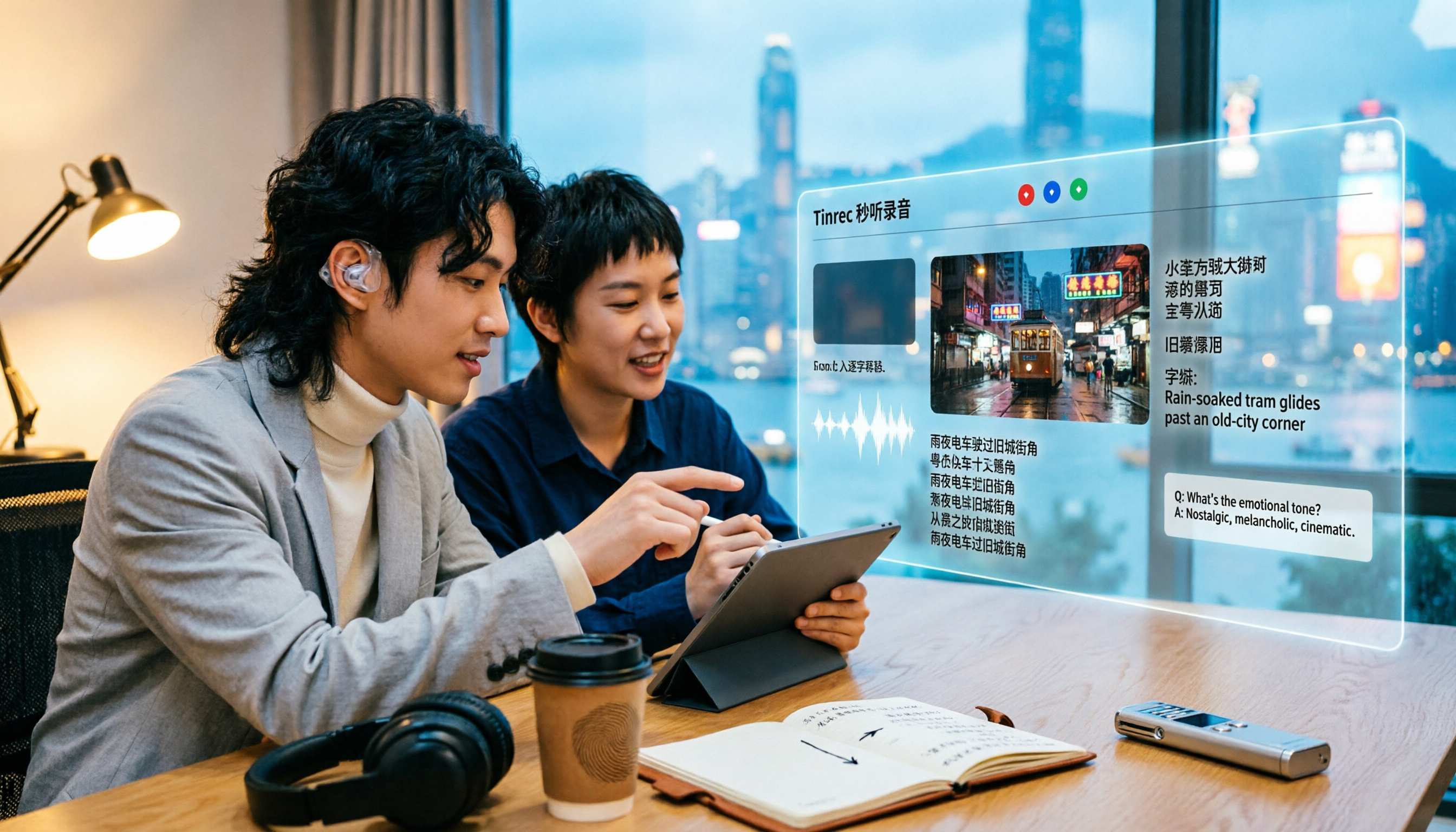
2026 Comparison of 5 Cantonese Subtitle Tools: Download Movie Subtitles or Generate Your Own?
If you're looking for Cantonese subtitles, first decide whether you want to download ready-made subtitle files or generate subtitles from your own videos. This article compares five common ways to obtain Cantonese subtitles and demonstrates the complete workflow using Tinrec—from video import, transcript, bilingual translation, AI summary Q&A, to team collaboration—to help you determine which approach truly suits you.

Tinrec vs Otter.ai 2026: 5-Dimension Comparison for Cantonese Speech-to-Text
Which tool should you use for Cantonese speech-to-text? This article compares Tinrec and Otter.ai, two AI meeting tools, across 5 dimensions: Cantonese and mixed Chinese-English recognition, online meeting recording methods, post-meeting summaries and AI follow-up, file import and audio retention, and pricing and team governance. It ends with FAQs to help you decide which one fits your situation.

How to Organize Cantonese Subtitles in 2026: AI Transcripts + Action Items in One Go
Want to add subtitles to Cantonese videos or meeting recordings? This article starts with common pitfalls, tests automatic subtitle tools like Subanana, CantoSub, and Zeemo, and takes a deep dive into how Tinrec turns Cantonese content into transcripts, summaries, action items, and team data. Learn to choose the right tool and stop wasting time.

4 Cantonese Speech-to-Text Tools Tested in 2026: Which One Actually Saves You Time?
Tired of endlessly editing Cantonese meeting transcripts? We tested Tinrec, Notta, Granola, and TurboScribe with the same set of Cantonese and mixed Chinese-English meeting recordings, comparing transcription usability, post-meeting organization, free tiers, and team data ownership. We also highlight 4 common pitfalls to help you find a solution that truly saves time after meetings.

4 Cantonese Subtitle Generators Compared: Which Saves the Most Time After Meetings?
How to choose a Cantonese subtitle generator? This article compares the actual workflows of Tinrec, Subanana, Zeemo, and CantoSub, covering free tier limits, mixed Chinese-English handling, colloquial vs. written output, and whether subtitles can be turned into summaries, action items, and team data. It also lists four common pitfalls to avoid.

Tinrec vs cantonese.ai 2026: 5-Dimension Comparison for Cantonese Speech-to-Text Efficiency
Cantonese speech-to-text shouldn't just be about copying transcripts. This article addresses common misconceptions and compares cantonese.ai and Tinrec across 5 dimensions. It also covers Tinrec's real-time transcription, bot-free online meeting recording, AI summaries and action items, AI Q&A, team spaces, plus buying tips and FAQs.

2 iPhone Live Transcription Apps Compared in 2026: Built-in Voice Memos vs Tinrec — Which Saves More Time on Meeting Notes?
How do you choose an iPhone live transcription tool? This article starts with common misconceptions and compares the built-in Voice Memos transcript with Tinrec, covering input sources, summaries and to-dos, AI Q&A, translation, and team collaboration. It also covers buying considerations, pricing and quotas, and FAQs to help you decide which option truly saves time on meeting notes.

2026 Cantonese Translation Tools Compared: Which One Turns a Full Cantonese Meeting into Usable Notes?
Cantonese translation is more than pasting sentences into a translation website. This article looks at three scenarios—single-sentence queries, Cantonese meetings, and interview transcripts—and outlines four key factors for choosing a tool. It compares Tinrec, Google Translate, Microsoft Translator, and Cantonese Translation Master, with four common pitfalls and scenario-based recommendations.