

Turn recordings into transcripts and summaries in minutes
Upload audio or video for multilingual transcription, AI notes, and action items
First, a common pitfall: assuming that buying a voice recorder means you have meeting notes
Many people buy a recording device with the idea of "record first, organize later." The result: the audio file sits on your phone for three days, and you still haven't listened to it.
Recording is just the raw material, not the finished product. What really eats up time is the transcription, highlighting key points, and turning it into notes others can understand.
Another common misconception is treating a "voice recorder" and an "AI recording tool" as the same thing. The former sells you hardware; the latter sells you a complete workflow from sound to notes—these two differ in pricing structure, usage habits, and even suitable scenarios.
This article starts with the question "What is PLAUD?" and compares the hardware and software approaches to help you decide where to spend your money.
Why "having a recording" doesn't equal "having a record"
Re-listening to a 60-minute meeting takes about 60 minutes, plus another 60 minutes for typing and organizing. In other words, the more complete your recording, the higher the post-processing cost.
The real difference lies in whether the tool can turn sound into something "directly usable"—transcripts, summaries, chapters, action items, or even a searchable database.
If your work involves several meetings, interviews, and client calls each week, what you should choose is not "which one records most clearly" but "which workflow lets you deliver notes within 10 minutes after the meeting."
4 key points to understand before buying an AI recording tool
1. Do you need hardware or a workflow?
Hardware (like PLAUD) solves "record anytime, anywhere," especially for face-to-face, phone calls, and situations without a computer. Software solves "how to organize and share after recording." Most people's pain points are actually in the latter, but they often only buy the former.
2. Is the quota "one layer" or "two layers"?
Hardware products often require an upfront device fee, with transcription minutes billed via subscription. Software typically offers a basic quota upon registration, with upgrades for more. Both are reasonable, but you need to calculate the total annual cost of "device + subscription," not just the first payment.
3. Who ultimately owns the data?
Files recorded under a personal account often cannot be taken away or handed over when you leave a job or change phones. If your meeting content is a team asset, this is more critical than recording quality.
4. What are your most common recording scenarios?
Online meetings (Zoom, Meet, Teams), in-person meetings, and phone calls require different tools. List the three scenarios you actually recorded last month, then look at specs—it's more practical.
Tinrec—a solution without carrying extra hardware
Tinrec is an AI meeting notes and collaboration tool for individuals and teams, available on web, desktop, and mobile. It's not positioned as a "recording device" but as a workflow that processes meetings from sound to deliverable data.
Online meetings: no bot invitation, no phone speaker
The desktop version directly captures system audio, handling Zoom, Google Meet, Microsoft Teams, Webex, etc., without adding a meeting bot as a participant. For external client meetings, this avoids the awkwardness of "an unknown account on the list"—a practical point.
Offline and mobile scenarios: real-time recording, transcribe as you go
For face-to-face interviews or ad-hoc discussions, just start real-time recording, and the transcript appears synchronously. During recording, you can switch between original text, translation, or bilingual view—no need to wait until after the meeting for cross-language meetings.
Post-meeting is key: summaries, chapters, action items, follow-up questions
After recording, the system generates summaries and chapters, breaking long meetings into readable sections and extracting action items from discussions. Even better is AI Q&A—you can directly ask "Who mentioned the budget last meeting? What was the conclusion?" and let it find answers from the meeting content, instead of Ctrl+F through a 30-minute transcript yourself.
For reports, you can further generate documents, reports, or tables from the meeting content and export to Notion, Google Docs, OneNote, etc., for further processing.
Team use: data belongs to the team, not individuals
The team version is a separate team space where meeting data belongs to the team. When members leave, resources can be handed over and won't disappear with personal accounts. Admins can set roles and seats, view usage trends, export audit logs, and there's an audio recycle bin to recover accidentally deleted files.
Note the difference between roles and seats: active members without a seat can view, play, and read team data, but to actually record, upload, edit, and export, a seat is required.
Limitations and costs, honestly
Stop organizing recordings by hand
Upload audio or video and automatically get a transcript, summary, and action items
The free version offers a basic quota to experience recording, importing, summaries, and transcription; heavy users need to upgrade. Personal plans include weekly, Pro monthly, and annual cards to suit different usage patterns. The team version offers a 7-day trial for first-time eligible users (1 free seat, 300 minutes shared import quota). Monthly billing is USD 29.80 per paid seat, annual billing is USD 199 per paid seat (about USD 16.58/month), with each paid seat providing 2,000 minutes of team shared import quota per month. Actual prices and benefits are subject to the official purchase page.
Also note: Tinrec does not promise a fixed accuracy rate. Recording quality, background noise, accents, overlapping speech, and technical terms can affect results. For important content, verify with transcript timestamps and audio playback.
Who it's for
If you have daily online meetings, need Chinese and mixed Chinese-English transcripts, must deliver minutes to supervisors or clients after meetings, and want data to stay with the team rather than personal devices—this workflow is more convenient than carrying extra hardware.
Besides Tinrec, what other options are there?
PLAUD Note / NotePin: first answer "What is PLAUD?"
PLAUD is an AI recording hardware brand with two main products. Plaud Note is a credit-card-sized recording card that magnetically attaches to the back of your phone; slide the switch up for phone call recording mode, down for ambient recording mode. NotePin is a smaller wearable version that can be worn as a necklace, wristband, clip, or brooch, suitable for people who are often on the move and rely on face-to-face communication.
Its strengths are clear: standalone hardware, portable, call recording, long recording time and battery life. The official page also states support for 112 languages transcription, over 3,000 summary templates, and compliance certifications such as SOC 2, HIPAA, and GDPR. In terms of price, the US official site currently lists NotePin at USD 159 and Note Pro at USD 189, with transcription minutes billed separately via membership plans (e.g., Pro plan USD 99.99/year, 1,200 minutes per month).
However, it's essentially a "hardware + app" combination, requiring an extra device and an extra subscription. Moreover, PLAUD currently lacks the team space and seat governance mechanisms like Tinrec—meeting data mainly follows personal accounts, making handover during member changes more troublesome. If you often record in situations without a computer or need call recording for evidence, PLAUD's hardware form does have its place; but if 90% of your meetings are on a computer, this device fee may not be worth it.
Otter.ai: a mature choice for English meetings
Otter is a veteran AI meeting assistant with a strong reputation for English business meetings. The free version offers 300 minutes per month, which is quite generous. But its experience with Chinese meetings is not as good as English, and it lacks a team asset space design like Tinrec. If you mainly record English content, it's worth considering.
Notta: strong in multilingual and file transcription
Notta covers multi-platform transcription, file import, translation, and team plans. The free version offers 120 minutes per month, with a 3-minute limit per session. It overlaps significantly with Tinrec, but Tinrec has more room for bot-free desktop recording, AI Q&A, and post-meeting agent processing.
Pitfall guide: 3 most common mistakes when choosing an AI recording tool
Pitfall 1: Only looking at device price, not calculating subscription costs
Total hardware cost = device fee + annual transcription plan. Before buying, estimate how many minutes you speak per month and compare with plan quotas; otherwise, you may buy the device and find the minutes insufficient.
Pitfall 2: Assuming clear recording means accurate transcript
Audio quality is just the entry ticket. What really determines whether you can quickly deliver notes is post-processing capability—whether there are summaries, chapters, action items, follow-up questions, and export to existing workflows. These are the time-savers.
Pitfall 3: Ignoring notification and legal regulations before recording
Whether using a phone, voice recorder, or AI tool, recording may involve others' privacy. Laws vary by country and region; call recording and conversations in non-public settings require extra caution. Develop the habit of saying at the start: "I use an AI tool to help take notes so I don't miss details—is that okay? I can share the notes with you afterward." This is much easier than remedying later.
Conclusion: Which one should you choose?
To answer the title question in one sentence: PLAUD is a combination of "portable recording hardware + AI transcription subscription," selling portability and call recording capability, not a complete team meeting workflow.
Next, see which scenario fits you:
- Often out of office, many face-to-face interviews, need call recording → PLAUD Note or NotePin's hardware form is indeed handy.
- Most meetings on Zoom, Meet, Teams → Tinrec, desktop version directly captures system audio, no hardware or bot needed.
- Need to deliver minutes and follow up on meeting details → Tinrec, summaries, chapters, action items, and AI Q&A in one workflow.
- Data must stay with the team, handover, manage members and usage → Tinrec team version, roles, seats, usage, and audit all in one.
- Only record English meetings, zero budget → Otter.ai free version is a reasonable option.
Practical advice: don't rush to buy hardware. Use Tinrec's free quota to record a few of your actual meetings and see if the transcript and summary are useful to you and can be pasted directly into your work group. If after a week you find you haven't opened it to organize, the problem is not recording quality but that the workflow isn't connected—buying another voice recorder would just be another unopened file.
Also, don't forget to inform and get consent before recording—that's basic courtesy and self-protection.
References
- Plaud Taiwan | Official Website | Leading AI Recording Device Brand
- Plaud Note │ The Smartest AI Voice Recorder Card
- Unboxing PLAUD Note Pro! AI Voice Recorder Card Buying Guide - Mobile01
- PLAUD NOTE | AI Smart Voice Recorder Card | Free 300 Minutes Monthly Transcription - Esentra
- Plaud Note Pro Review | Portable AI Smart Recording Evolved! Is It Good? Who Is It For? - Mr. Mad
Turn every recording into actionable outcomes
Get 60 free transcription minutes when you sign in. No credit card required.
Related Reading
You might also like
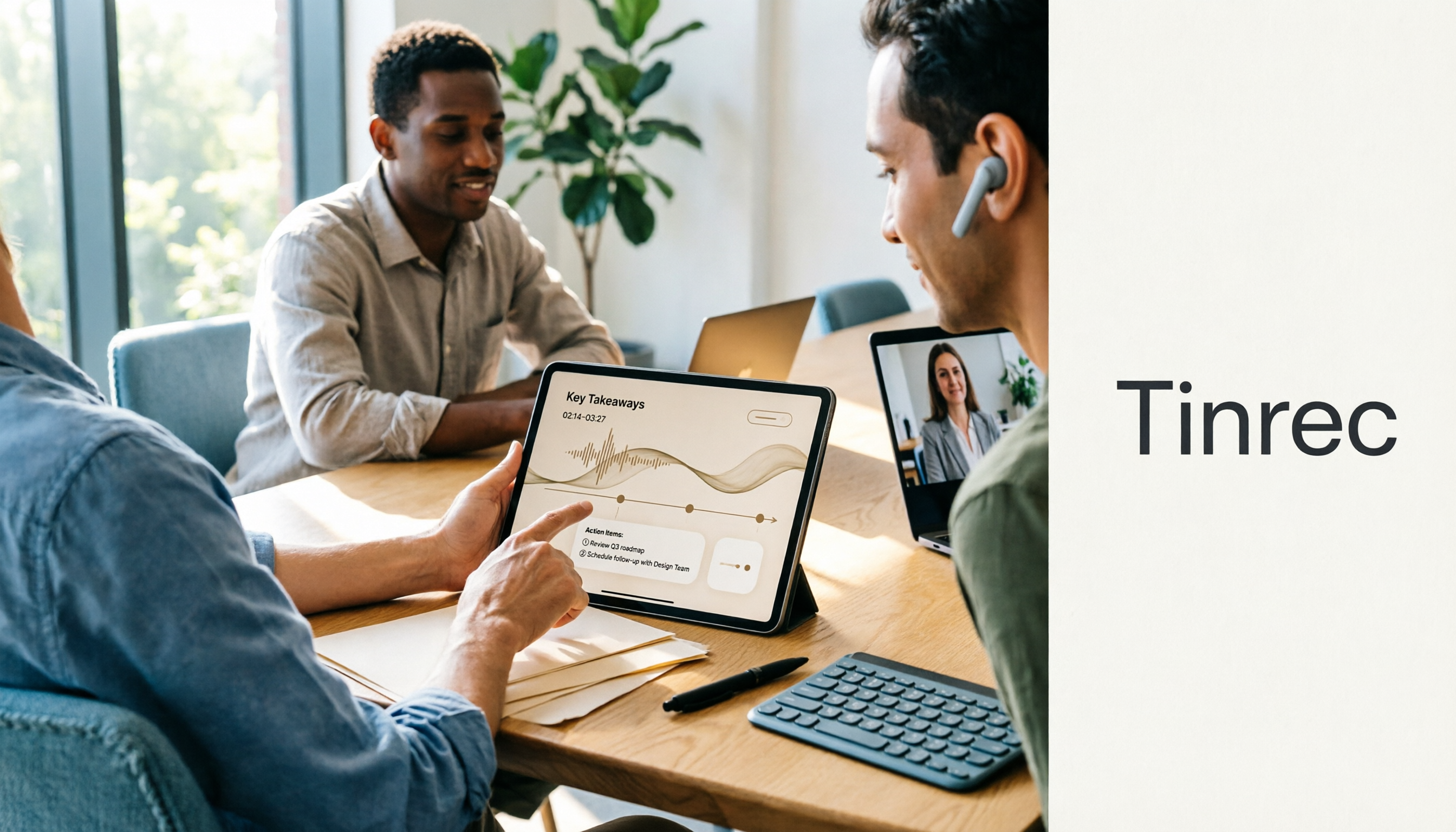
How to Use the Plaud Voice Recorder in 2026? 3 Methods Tested and Compared: Tinrec Is Easier with No Hardware
A clear guide to operating the Plaud voice recorder and setting up call recording, plus a hands-on comparison of hardware and software approaches across five dimensions: hardware threshold, online meeting recording, post-transcription organization, input sources, and team collaboration—helping you decide whether to buy a device or choose a hardware-free AI meeting notes tool like Tinrec.
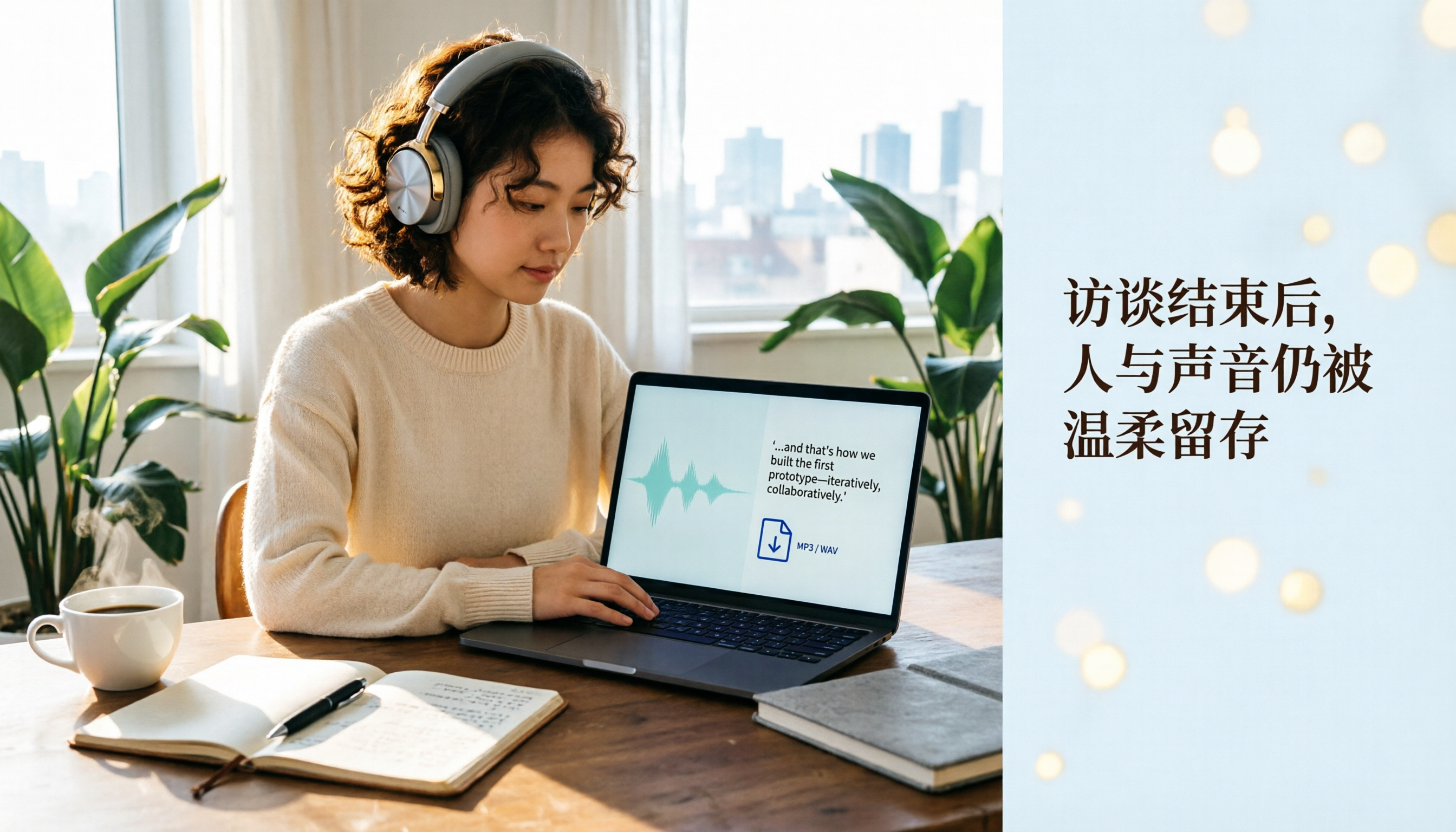
Plaud Recording Files in 2026: How to View Transcripts & Export MP3/WAV
Where are Plaud recording files stored and how do you export them? This guide walks through the app after recording ends, showing you how to view transcripts, tap captions to jump, and export MP3 or WAV. It also covers a hardware-free alternative and 3 common mistakes.

5 Best Ways to Transcribe PLAUD Recordings in 2026: Free vs Paid Comparison
What are PLAUD recordings? They are audio files captured by AI recording devices like PLAUD Note, NotePin, and Note Pro, typically stored on the device or in the PLAUD App. This article explains the sources and limitations of PLAUD recordings, then compares 5 solutions to convert them into transcripts, summaries, and action items—from the free tier of the official app to team collaboration tools—with actual pricing and ideal use cases to help you decide which one to use.

How to Use Plaud Recording in 2026: Button Start, App Trigger, and Everything In Between
How exactly do you start recording on your Plaud device, sync it, and where do you find the transcript and summary afterward? This guide walks through the actual workflow, including pre-recording prep, battery and storage specs, firmware updates, and reset procedures. It also compares Plaud with Tinrec across 5 dimensions to help you decide between a dedicated hardware recorder and a software solution that turns meetings into collaborative data.
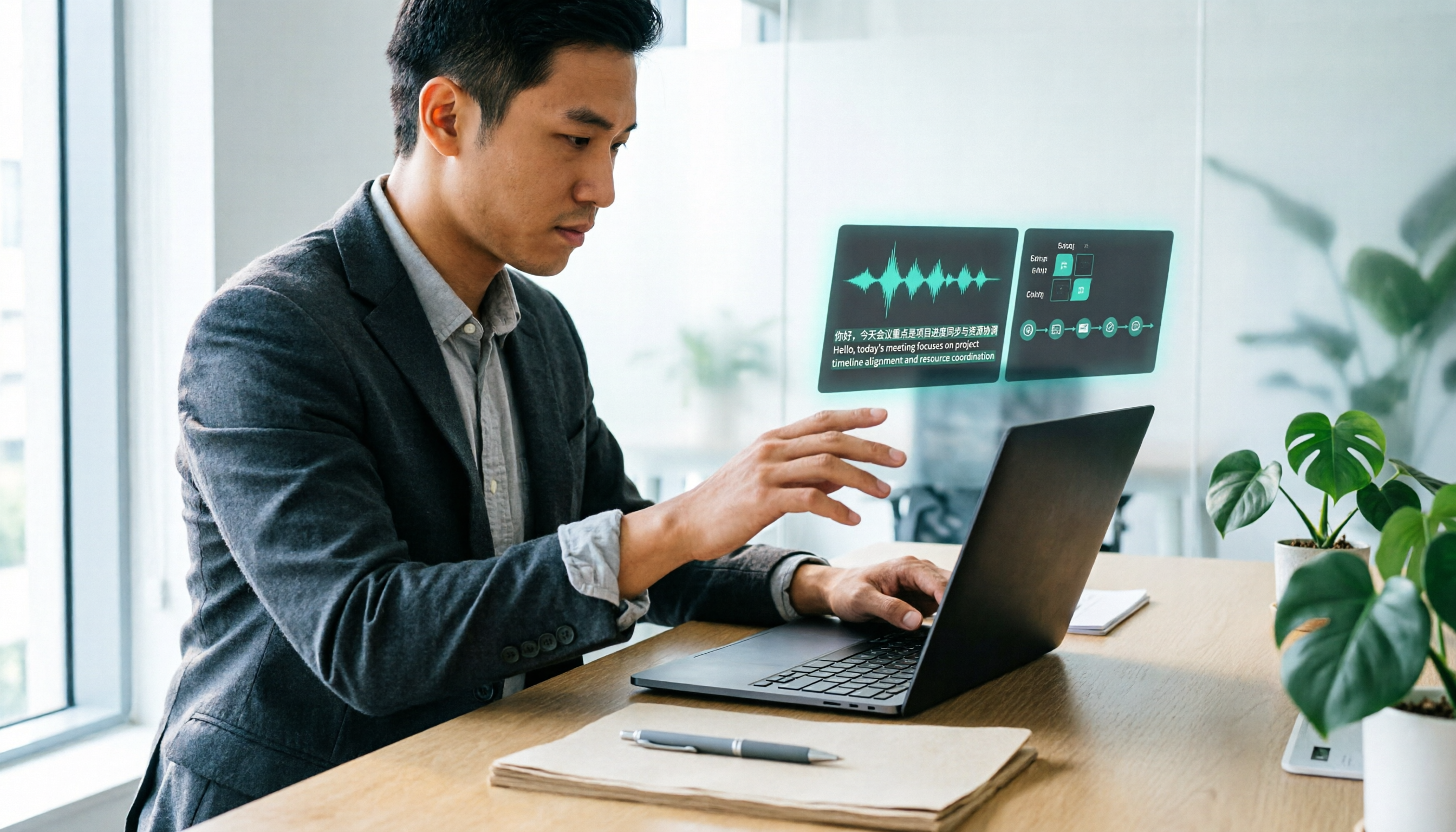
Yating Transcript vs. Others in 2026: 5 Steps to Choose the Right Tool
Yating Transcript has a strong reputation for Taiwanese Hokkien and mixed Chinese-English recognition, but comparing transcription tools requires more than just accuracy. This article takes a procurement evaluation approach, breaks down 4 key comparison dimensions, tests Tinrec against Yating Transcript, Notta, and Otter.ai, and outlines 3 common pitfalls plus a 5-step selection process to help you choose the right tool within your budget.

2026 Recording Solutions Compared: PLAUD Hardware vs Phone Recording vs AI Meeting Assistants
Many people search for 'which PLAUD recorder is best' but end up with more files piling up and no time saved on organizing. This article addresses common buying mistakes and compares three approaches: PLAUD recording hardware, built-in phone recording, and AI meeting note tools. It explains who each is for and uses Tinrec as an example to break down the complete workflow from bot-free recording to transcripts, summaries, action items, and team knowledge retention.
2026 AI Recording & Transcription Tools Compared: How to Organize PLAUD Recordings Most Efficiently
Many people think buying a recording device solves their note-taking problem, but the files just sit in the app unorganized. This article starts from the most common pain points with recording files, explains 4 key criteria for choosing a recording organization tool, compares Tinrec, PLAUD, Notta, and Otter.ai, and lists 4 common pitfalls to help you find a truly time-saving approach.
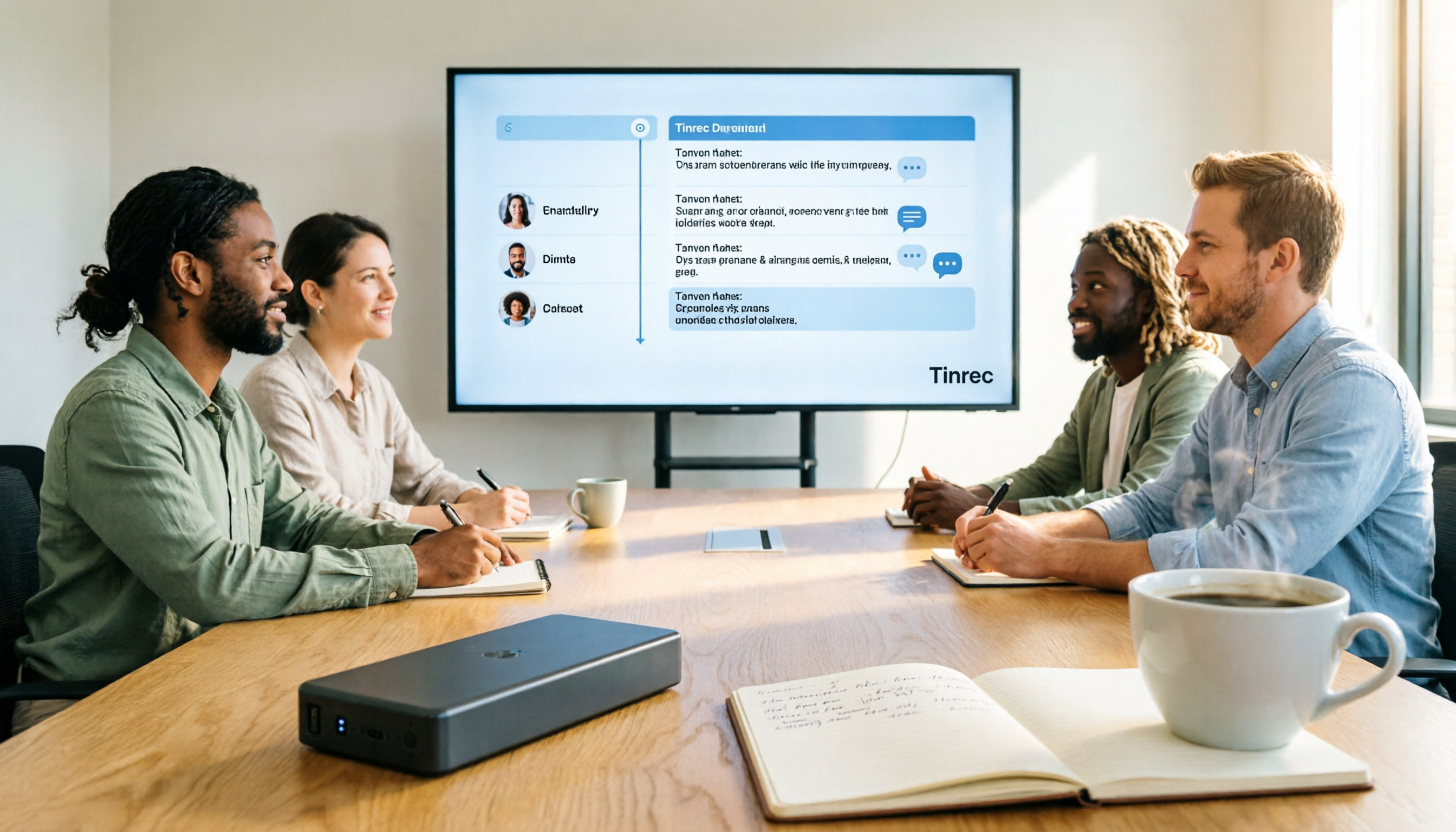
Tinrec vs Plaud Note in 2026: 5-Dimension Comparison — Which Is Better for Team Transcription?
What exactly does Plaud's recording feature do? This article starts from the real meeting scenarios of a mid-level manager and compares AI recording hardware like PLAUD Note with Tinrec's instant recording software across 5 dimensions: recording format, transcription languages, post-meeting organization, online meeting handling, team collaboration, and cost. It clarifies each one's strengths and limitations, and concludes with recommendations on when to buy hardware versus when to use software.
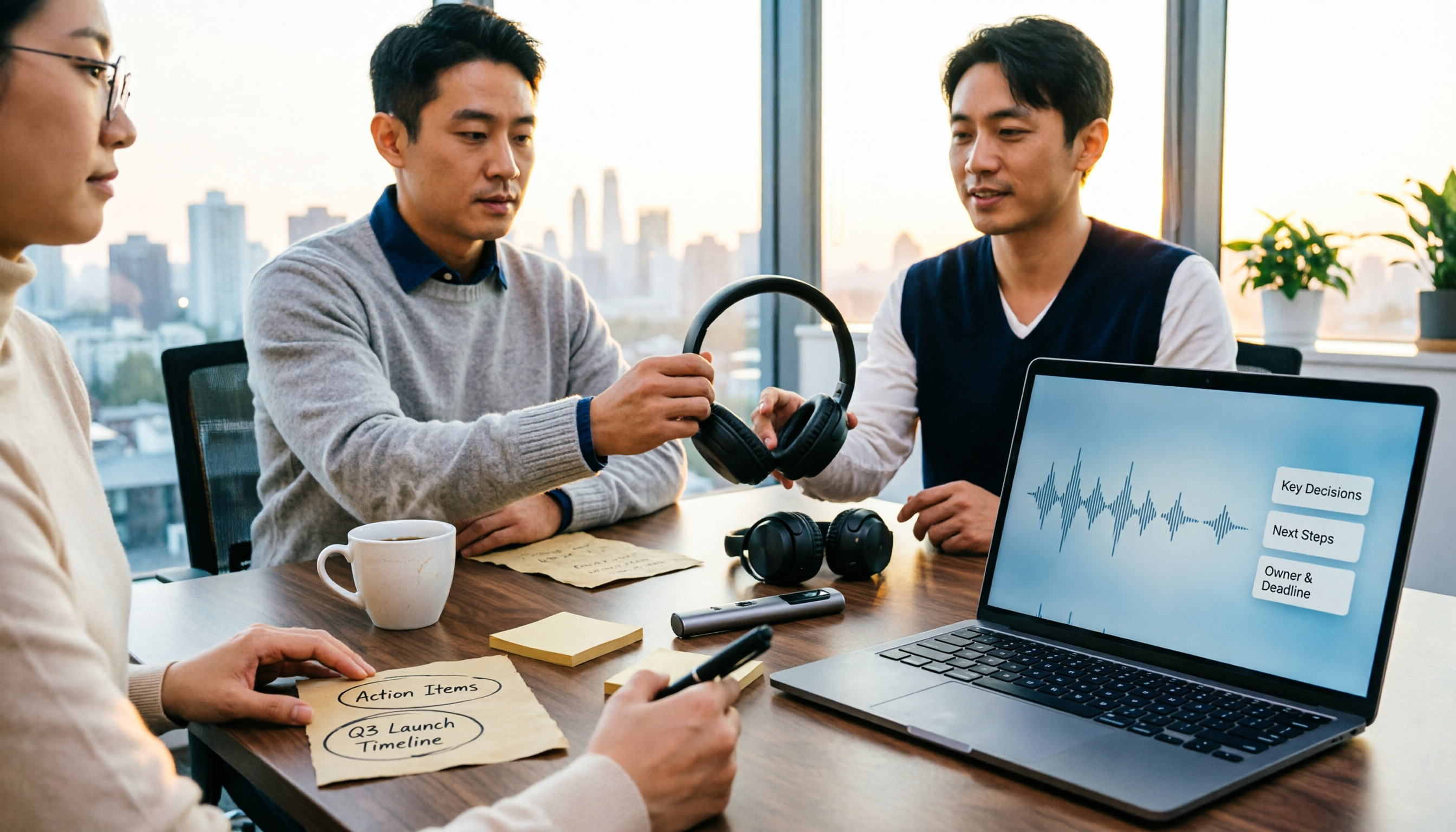
2026 AI Voice Recorder Comparison: What Are Plaud Recording Files and Which Format Works Best?
Last month, I needed to submit decision notes from a client meeting, but when I plugged in my computer, the folder on the recording card was empty. Starting from the question 'What are Plaud recording files?', this article explains recording file formats, export paths, and where files are stored. It also compares four tools—Tinrec, PLAUD, Otter, and Notta—using the same criteria to help you determine which fits your meeting rhythm.