

Turn recordings into transcripts and summaries in minutes
Upload audio or video for multilingual transcription, AI notes, and action items
What Are PLAUD Recordings? First, Distinguish Between the "Device" and the "File"
PLAUD is an AI recording hardware brand. Its main models include the credit-card-sized PLAUD Note that magnetically attaches to the back of your phone, the smallest wearable NotePin, and the higher-end Note Pro. You press a button on the device to record, and the audio is stored locally on the device (the Note has 64GB storage and can record continuously for 30 hours). It can also sync to PLAUD's encrypted cloud for cross-device access.
So "PLAUD recordings" refer to the audio files captured by these devices, usually stored on the device or in the PLAUD App. The biggest difference from a regular voice recorder is that PLAUD bundles "recording" and "in-app transcription and summarization" into one workflow. However, to generate transcripts, summaries, and template notes, you typically need to upload the audio to the app for processing, which requires an internet connection and processing time.
Also, because files are managed by the app, many people find the folder empty when they connect the device to a computer. The files aren't missing—they just aren't stored in a way that lets you drag and drop them like a USB drive.
Why "Recorded" Doesn't Mean "Organized"
For a one-hour meeting, the real challenge is never the recording itself, but the three things that follow: the transcript needs to be searchable and allow you to jump to specific timestamps; after the meeting, you need to deliver minutes, action items, and decision rationale; and as recordings pile up, you need a place to categorize and query them.
That's why many people end up with a bunch of PLAUD recordings and still look for other tools to process them. The five solutions below differ in "where the files come from, how far the output goes, and whether collaboration is supported."
Solution 1 | Tinrec — Turn PLAUD Audio into Queryable Meeting Data
Positioning: An AI meeting notes and collaboration tool for individuals and teams. It can process existing recordings you import and also record online meetings directly.
Key Features:
- Audio/video file transcription: Upload your PLAUD recordings, convert them into searchable transcripts, and automatically generate summaries, chapters, and highlights—no need to listen to long meetings from start to finish.
- AI Q&A and action item extraction: Ask questions like "What objections did the client raise in this meeting?" or have it compile action items, then generate mind maps, reports, tables, and documents—turning recordings into deliverable work outputs.
- Multi-format and third-party export: Export results to Notion, Google Docs, OneNote, or Dropbox for further editing without retyping.
- Bot-free desktop recording: When you switch to Zoom, Meet, Teams, or Webex on your computer, you don't need to invite a meeting bot. It directly captures system audio, records, and transcribes in real time. It also supports real-time translation and viewing in original, translated, or bilingual modes.
Plans and Pricing: The free version offers basic quota to try recording, importing, summaries, and transcription. For short-term intensive use, there's a weekly pass; for steady weekly use, the Pro monthly plan is suitable; for long-term data accumulation, the annual plan is available. For teams that need to share meeting data, the Team plan offers a separate team workspace at USD 29.80 per paid seat per month, or USD 199 per paid seat per year (about USD 16.58/month). Each paid seat includes 2,000 minutes of shared team import quota per month. Eligible teams get a 7-day trial with 1 free seat and 300 minutes of shared import quota.
Who it's for: People who already have PLAUD recordings but need them to become searchable, queryable, and deliverable data; and departments that want to turn meetings into team assets.
Stop organizing recordings by hand
Upload audio or video and automatically get a transcript, summary, and action items
Solution 2 | PLAUD App Native Transcription — Most Intuitive, but Locked into the Ecosystem
Positioning: Built-in transcription and summarization in the official PLAUD App—process right after recording without switching tools. Highlights include support for 112 languages, speaker labels, custom vocabulary, and over 3,000 templates and mind maps, making it especially handy for face-to-face interviews and phone recordings. Plans: Starter offers 300 free minutes per month; Pro is USD 99.99/year with 1,200 minutes per month; Unlimited is USD 239.99/year. Check the official page for actual details. Who it's for: Those who only use PLAUD devices and need only the official workflow; if you need cross-tool export, querying historical data, or team governance, you'll likely need an additional layer.
Solution 3 | Notta — Multilingual Transcription and Team Plans
Positioning: A veteran multilingual transcription tool with significant overlap with meeting notes. Highlights: The free version lets you try multilingual transcription; the Business plan adds role permissions and usage reports, suitable for teams with basic governance needs. Plans: Free offers 120 minutes per month with a 3-minute limit per item; Pro annual billing is about USD 8.17/month with 1,800 minutes per month; Business annual billing is about USD 16.67/seat/month. Who it's for: Those who prioritize minutes and language support and have low requirements for post-meeting workflows.
Solution 4 | TurboScribe — Cost-Effective Transcription for Long Files
Positioning: A transcription service geared toward large volumes and long audio files. Highlights: Paid plans support files up to 10 hours or 5 GB each and allow uploading 50 files at once, ideal for batch processing. Plans: Free allows 3 files per day with a 30-minute limit per file; Unlimited is USD 120/year (about USD 10/month). Who it's for: Those with a backlog of long recordings who want quick text conversion and will organize later on their own.
Solution 5 | Otter.ai — A Mature English Meeting Assistant
Positioning: A benchmark tool for English business meetings. Highlights: Meeting notes, summaries, AI Q&A, and team integrations are all comprehensive, and file import is supported. Plans: Basic is free with 300 minutes per month; Pro annual billing is about USD 8.49/user/month, including 1,200 minutes of in-app recording and 10 file imports per month. Who it's for: Teams whose meetings are primarily in English and who want a mature meeting assistant with existing system integrations.
With So Many Options, How Should You Choose?
- Want to turn your PLAUD recordings into "searchable + queryable + deliverable" → Tinrec. After transcription, it offers summaries, chapters, action items, AI Q&A, and multi-format export—the only one on the list that completes the post-meeting workflow.
- Need Chinese, mixed Chinese-English meetings, and bilingual comparison → Tinrec. It supports real-time translation and original/translated/bilingual views, especially useful for cross-language meetings.
- Team needs to share meeting data, manage seats and usage → Tinrec Team plan. It includes roles, seats, usage analytics, audit logs, and an audio recycle bin, so data stays with the team even when members change.
- Only need occasional transcription of a recording → PLAUD App free quota is enough to start; if it suffices, no need to spend more.
- Need to process many long files at once and only want plain text → TurboScribe. Long files and batch processing are its strengths.
- Team meetings all in English, need a mature meeting assistant → Otter.ai. Its English scenario expertise is the most mature.
3 Things to Know Before Processing PLAUD Recordings
- Get consent first: Recording involves others' privacy, and laws vary by location. It's safest to inform and explain the purpose before recording; you can also say, "I'd like to use an AI note-taking tool to help with notes and share them with you afterward."
- Audio quality determines results: Transcription and summary quality can be affected by recording distance, ambient noise, accents, and overlapping speakers. For important content, cross-check with transcript timestamps and the original audio—don't treat it as 100% accurate.
- Understand quotas and data ownership: Free quotas usually have monthly limits, and upload processing requires internet. For team use, confirm whether data is stored in personal accounts or team spaces, and how data is handed over when members leave.
Conclusion
PLAUD recordings are just audio; whether they become useful data depends on the workflow you connect them to. If you only need occasional transcription, the free quota of the official app is enough. But to make every meeting searchable, queryable, and organized into action items and deliverable documents, Tinrec fills this gap most completely, with options from personal free quota to team seat and usage management. First decide whether you want "a transcript" or "a reusable meeting data system," and the answer will be clear.
References
- Plaud Note │ The Smartest AI Voice Recorder Card Ever
- PLAUD NOTE | AI Smart Voice Recorder Card | Free 300 Minutes Transcription per Month - Sentra
- Plaud Taiwan | Official Website | Leading AI Recording Device Brand
- What is PLAUD Note Pro? Why Everyone Has One? Record Meetings, Interviews, Calls? AI Voice Recorder Buying Guide - HaveFun
- Unboxing PLAUD Note Pro! AI Voice Recorder Buying Guide - Mobile01
Turn every recording into actionable outcomes
Get 60 free transcription minutes when you sign in. No credit card required.
Related Reading
You might also like

2026 AI Recorder Comparison: How to Use Plaud & Tinrec's Hardware-Free Approach
Starting from the practical question 'How do you use a Plaud recorder?', this article first breaks down PLAUD's device pairing, dual-mode recording, and app transcription workflow, then compares PLAUD and Tinrec across 5 dimensions: ease of use, meeting scenarios, post-meeting organization, team collaboration, and cost. It ends with a selection checklist to help you decide whether to buy a portable recording device or use a hardware-free AI meeting notes tool.

How to Use Plaud for AI Voice Notes in 2026: A Complete 5-Step Tutorial
Got a Plaud device but only know how to record, not organize? This practical guide breaks down the 5 steps from recording to transcription to generating notes, and compares dedicated hardware recorders with bot-free meeting tools for online meetings and team collaboration, helping you choose the right approach.

6 AI Recording Tools Tested for 2026: Is the Plaud Recorder Worth It and How to Choose?
People searching "Is the Plaud recorder worth it?" are really deciding between buying a dedicated recording device or using software to handle the entire meeting notes workflow. This article covers 6 practical options, from the hardware experience of Plaud Note Pro and NotePin to software approaches like Tinrec, Notta, Otter, Granola, and TurboScribe, with real pricing and usage limits to help you find the right fit.

2026 AI Voice Recorder Comparison: What Is Plaud? Hardware vs. App
What is Plaud? This article explains the positioning, pricing, and limitations of Plaud Note and NotePin, and compares Tinrec, Notta, and Granola in meeting notes, transcription, AI summaries, and team collaboration to help you decide between hardware and software.
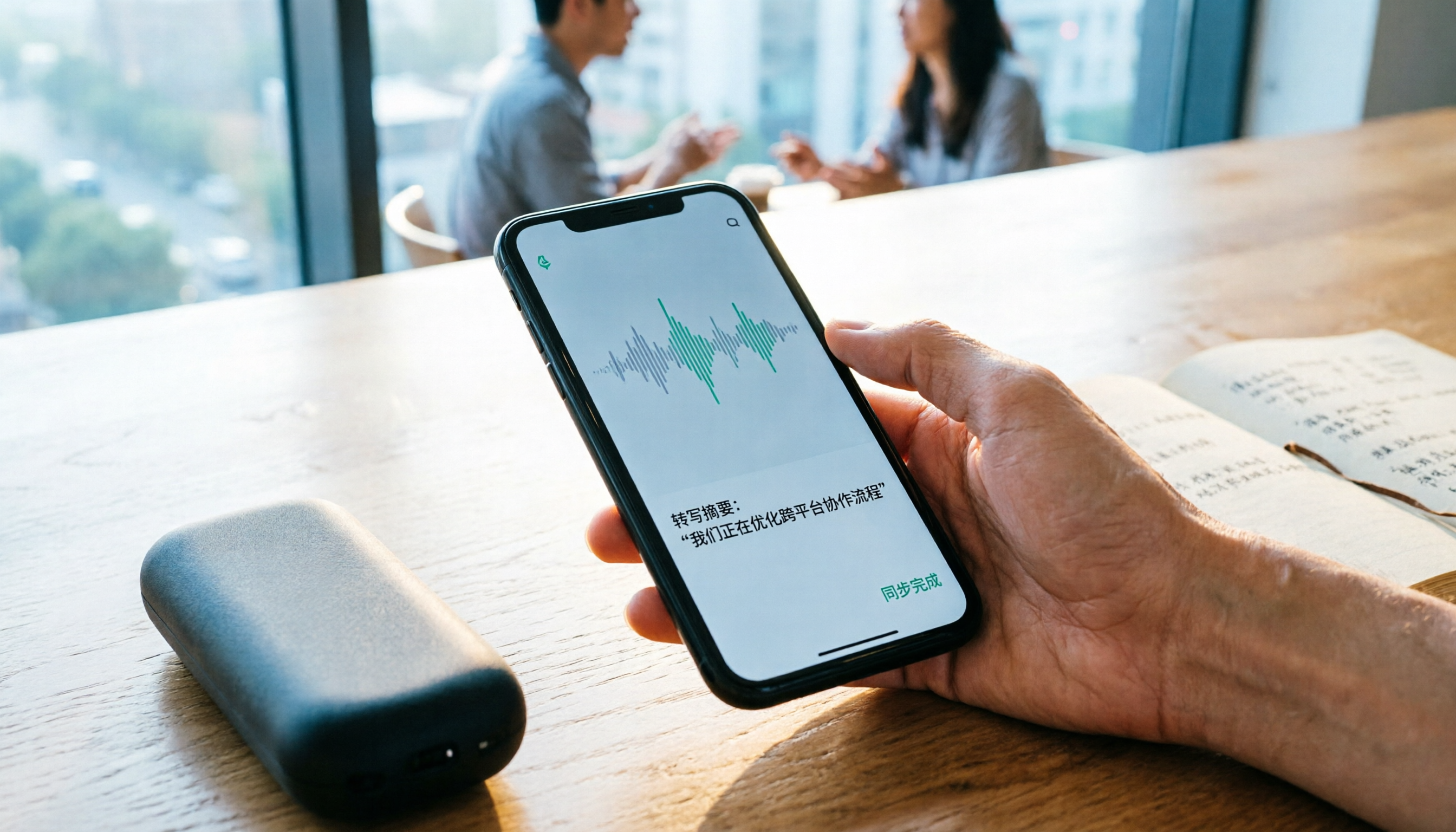
2026 Comparison of 4 Recording Sync Solutions: How to Transfer Plaud Recordings to Your Phone and Which Cross-Device Workflow Is Easiest?
Recording is just the beginning. Starting from the real pain point of 'how to sync Plaud recordings to your phone,' this article breaks down the Bluetooth/Wi-Fi transfer process and bottlenecks of hardware recording, compares four cross-device approaches—Tinrec, PLAUD, Notta, and Granola—and finally offers selection advice based on use cases plus 3 common pitfalls to avoid.
How to Use the Plaud Voice Recorder in 2026? 3 Methods Tested and Compared: Tinrec Is Easier with No Hardware
A clear guide to operating the Plaud voice recorder and setting up call recording, plus a hands-on comparison of hardware and software approaches across five dimensions: hardware threshold, online meeting recording, post-transcription organization, input sources, and team collaboration—helping you decide whether to buy a device or choose a hardware-free AI meeting notes tool like Tinrec.
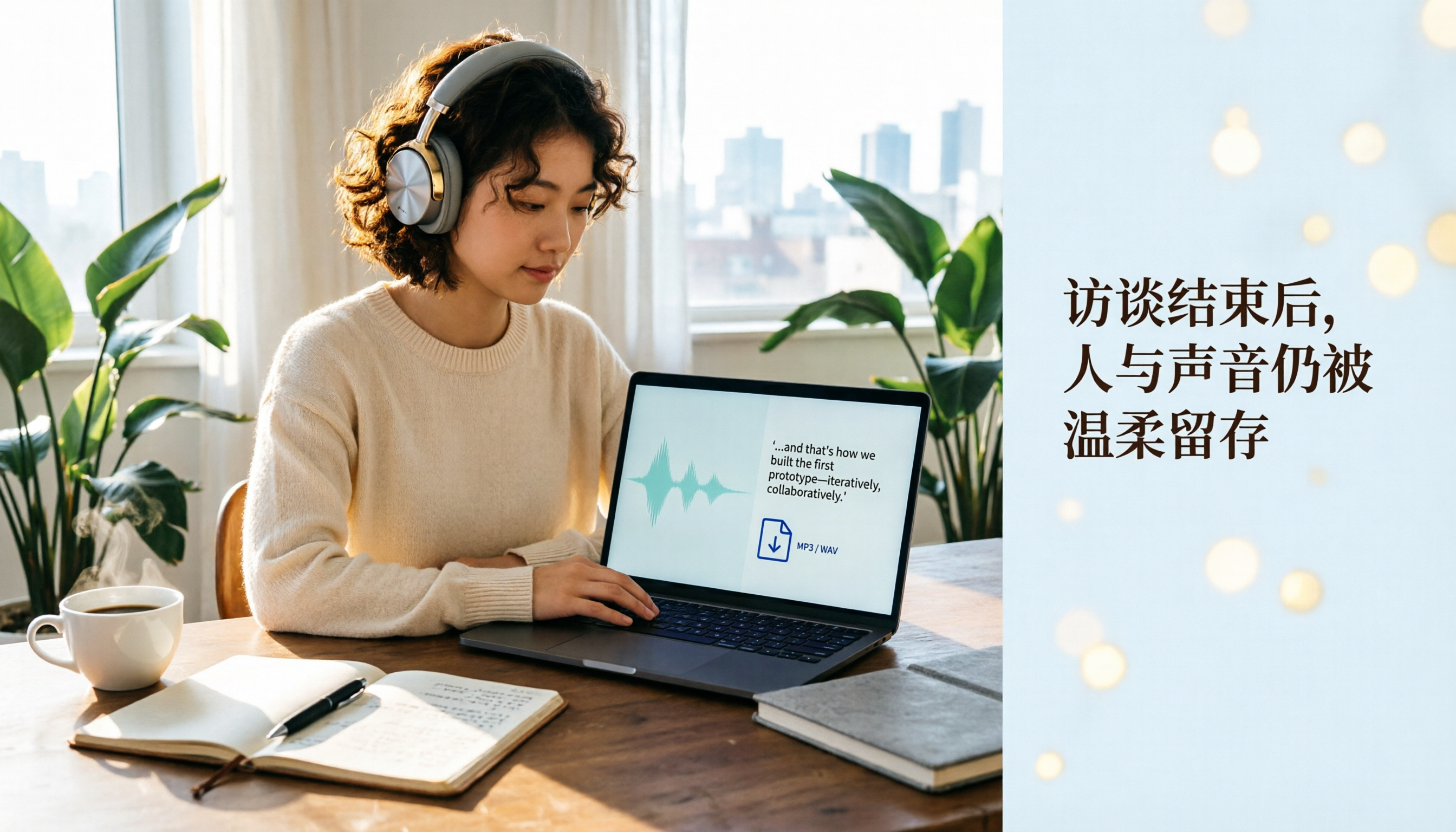
Plaud Recording Files in 2026: How to View Transcripts & Export MP3/WAV
Where are Plaud recording files stored and how do you export them? This guide walks through the app after recording ends, showing you how to view transcripts, tap captions to jump, and export MP3 or WAV. It also covers a hardware-free alternative and 3 common mistakes.

How to Use Plaud Recording in 2026: Button Start, App Trigger, and Everything In Between
How exactly do you start recording on your Plaud device, sync it, and where do you find the transcript and summary afterward? This guide walks through the actual workflow, including pre-recording prep, battery and storage specs, firmware updates, and reset procedures. It also compares Plaud with Tinrec across 5 dimensions to help you decide between a dedicated hardware recorder and a software solution that turns meetings into collaborative data.

Yating Transcript vs. Others in 2026: 5 Steps to Choose the Right Tool
Yating Transcript has a strong reputation for Taiwanese Hokkien and mixed Chinese-English recognition, but comparing transcription tools requires more than just accuracy. This article takes a procurement evaluation approach, breaks down 4 key comparison dimensions, tests Tinrec against Yating Transcript, Notta, and Otter.ai, and outlines 3 common pitfalls plus a 5-step selection process to help you choose the right tool within your budget.