

Turn recordings into transcripts and summaries in minutes
Upload audio or video for multilingual transcription, AI notes, and action items
Just finished a meeting and realized you missed the key points? The problem usually isn't you
"What was that conclusion again?" you whisper to the colleague next to you before the meeting ends.
This happens even more often in online meetings. The speaker shares their screen, switches slides, three people talk at once, and you're typing while listening—only to end up with notes you can't even read yourself.
Then there are phone calls. iPhone's built-in call recording plays a notification sound in some situations, and calls from third-party messaging apps may not be recordable at all. For salespeople, journalists, or anyone who needs evidence, this has always been a gap.
The common thread here isn't that you're not paying attention—it's that "listening attentively" and "recording completely" are crammed into the same brain. This article rounds up the common approaches today and answers the question many people search for: what exactly is a Plaud recorder?
Before Choosing an AI Recorder, Understand These 4 Key Points
1. Are you recording "sound from the screen" or "the person across from you"? Online meetings (Zoom, Google Meet, Microsoft Teams, Webex) and in-person interviews are completely different. The former's audio is inside your computer; the latter depends on on-site sound pickup and how you wear the device. Most tools are only good at one of these.
2. What else can it give you after transcription? A verbatim transcript is just the starting point. What really takes time is figuring out "what was decided in this meeting and who is responsible for what." So look at whether the tool offers summaries, chapters, action item extraction, or even lets you ask questions directly about the content.
3. Hardware or software? The advantage of a dedicated recording device is that you can pick it up and record without interrupting your phone; the downside is carrying an extra device and another thing to charge—and online meetings usually still require going back to an app. The advantage of software is cross-device access and centralized data; the downside is you have to remember to open another window.
4. Is the free quota enough for a month? Most tools offer free minutes, but the limits vary widely. Some cap total monthly minutes, others also limit single-session length. Testing with a real meeting you have on hand is more reliable than reading spec sheets.
Tinrec — The One I Currently Use as My Main Meeting Tool
Tinrec is an AI meeting notes and collaboration tool for individuals and teams, available on web, desktop, and mobile. It doesn't just convert speech to text—it organizes meetings into searchable, queryable, exportable data.
No bot to invite for online meetings. The desktop version directly captures your computer's system audio, handling Zoom, Google Meet, Teams, and Webex meetings without needing an extra bot account to join the room. This is especially useful for external meetings—you don't have to ask the other party, "I'll invite an AI in a moment."
More than just a transcript after recording. After the meeting, it generates summaries, chapters, key points, and action items; long meetings can be navigated by section. If you need visual organization, there's also a mind map to see the context.
You can keep asking questions. This is where it differs most from ordinary transcription tools. If you can't find an answer in the transcript, just ask: "Who was put in charge of the budget at the end of this meeting?" It answers based on the content—no need to Ctrl+F and search manually.
Output you can take with you. Results can be exported as documents or brought into Notion, Google Docs, OneNote, and other tools for further use; if you need post-meeting reports or tables, you can generate them through Agent post-processing.
The team version is another level. If users are departments or project teams, the team version provides independent team spaces where meeting data belongs to the team, along with roles, seats, usage analytics, audit logs, audio recycle bin, and team hotwords. Note that "roles" govern management (who can manage members and settings), while "seats" govern usage (whether one can record, upload, edit); members without seats can still view and play team data. Pricing: team monthly is USD 29.80 per paid seat per month, annual is USD 199 per paid seat per year (about USD 16.58/month), each paid seat includes 2,000 minutes of team shared import quota per month; first-time eligible users can try 7 days with 1 free seat and 300 shared minutes. Actual amounts are subject to the official purchase page.
Stop organizing recordings by hand
Upload audio or video and automatically get a transcript, summary, and action items
Limitations should also be clear. The free version has a basic quota; heavy users need to upgrade (personal plans include weekly, Pro monthly, and Pro annual cards). Transcription quality is affected by recording environment, accents, people talking over each other, and technical terminology—for important content, it's advisable to cross-check the transcript timestamps with the recording. It's also not a bot that "automatically joins all calendar meetings"—you need to actively start recording.
If you have online meetings every week and need to organize minutes for your boss or clients afterward, this workflow saves the most noticeable time.
What Is a Plaud Recorder? The Hardware Representative—Understand Three Things First
Plaud is a hardware brand focused on AI recording, positioned on its Taiwan website as a leading AI recording device brand. It has two main product lines: Plaud Note is a credit-card-sized smart recording card that magnetically attaches to the back of your phone; Plaud NotePin is the brand's smallest wearable AI note-taking tool, suited for people who are often on the go and mainly engage in face-to-face communication.
Its strengths are clear: one-touch recording, pick it up and use it. Official materials mention support for transcription in 112 languages, speaker labeling, and custom vocabulary; Note offers 30 hours of continuous recording, about 2 months standby, 64 GB storage with cloud backup, and complies with SOC 2, HIPAA, GDPR certifications. After registering and connecting the device, you get 300 minutes of free transcription per month. Recordings can stay local only or sync to encrypted cloud.
First thing: you're buying the device plus an ongoing membership. On the US official site, for example, NotePin is USD 159 and Note Pro is USD 189; once the quota runs out, you rely on membership plans—Pro is USD 99.99/year (1,200 minutes/month), Unlimited is USD 239.99/year. Prices and benefits may change; check the official page before ordering.
Second thing: its home turf is "people in person." Physical meetings, client visits, phone calls, speeches—in these pick-up-and-record scenarios, hardware interference is indeed much less than pulling out your phone and opening an app.
Third thing: the post-recording workflow. Transcripts, summary templates, and mind maps are all there, but files need to go into the app for processing; cross-device access, team sharing, and turning multiple meetings into a searchable database—this is where software tools have an edge. If half your meetings are online and half in person, the two can actually complement each other.
Besides These Two, What Other Options Are There?
Notta: A multi-platform transcription tool supporting meeting notes, file import, translation, and team plans. The free version offers 120 minutes per month with a 3-minute single-session limit. If you need simple file transcription and subtitles, it's sufficient; but bot-free recording for online meetings, post-meeting AI Q&A, and team data retention are areas where Tinrec is more complete.
Granola: Bot-free AI meeting notes that use desktop system audio and microphone for real-time transcription, enhanced by combining with your handwritten notes—good for English meetings. Note that it doesn't support uploading pre-recorded audio files and doesn't save meeting audio; if you need to keep recordings, import old files, and collaborate with a Chinese-speaking team, Tinrec is more suitable.
Pitfall Guide: The 4 Most Common Mistakes When Choosing These Tools
Pitfall 1: Only looking at free minutes, not single-session limits. Some plans say "120 minutes per month" but only allow 3 minutes per session—one meeting blows through it. Check the limits carefully before deciding whether to pay.
Pitfall 2: Thinking that recording audio equals having records. Audio files won't turn into minutes by themselves. What really saves time is summaries, action items, and the ability to ask follow-up questions—include this in your comparison when choosing a tool.
Pitfall 3: Ignoring teams and handovers. If recordings are stored in personal accounts, when a colleague leaves, changes computers, or switches phones, the data scatters. If meeting content is a team asset, confirm whether the tool has team spaces and permission design (roles, seats, auditing).
Pitfall 4: Forgetting the duty to inform. Recording involves others' privacy—call recording and conversations in non-public settings especially require checking local laws, and obtaining consent when necessary.
Conclusion: Which One Should You Choose?
In one sentence: if you want "pick up and record, people in person," look at hardware—Plaud; if you want "no bot for online meetings, post-meeting minutes and action items directly, data stays with the team," look at software—Tinrec.
- On the road every day, many interviews and calls, need a standalone recording device → Plaud Note or NotePin
- Mainly online meetings, need to deliver minutes and action items afterward → Tinrec (desktop bot-free recording)
- Need Chinese and mixed Chinese-English, bilingual comparison → Tinrec (real-time translation and bilingual view)
- Team needs to share meeting data, manage members and usage → Tinrec Team (roles + seats + usage and auditing)
- Just occasionally transcribe an audio file to text, zero budget → Try Notta or Granola free plans first
Final reminder: both sides have free quotas—don't rush to pay. Run through the workflow with the most realistic meeting you have on hand, see if the transcript is readable and whether the summary captures the key points, then decide whether to use it long-term.
References
- Plaud Taiwan | Official Website | Leading AI Recording Device Brand
- Plaud Note │ The Smartest AI Recording Card Ever
- PLAUD NOTE | AI Smart Recording Card | Free 300 Minutes Transcription per Month - Sentra
- Plaud Note Pro Unboxing Review | Portable AI Recording Evolved! Is It Good? Who Is It For? - Mr. Mad
- What Is PLAUD Note Pro? Why Does Everyone Have One? Record Meetings, Interviews, Calls? AI Recording Card Buying Guide - HaveFun | HaveFunYTChannel
Turn every recording into actionable outcomes
Get 60 free transcription minutes when you sign in. No credit card required.
Related Reading
You might also like

2026 AI Recorder Comparison: How to Use Plaud & Tinrec's Hardware-Free Approach
Starting from the practical question 'How do you use a Plaud recorder?', this article first breaks down PLAUD's device pairing, dual-mode recording, and app transcription workflow, then compares PLAUD and Tinrec across 5 dimensions: ease of use, meeting scenarios, post-meeting organization, team collaboration, and cost. It ends with a selection checklist to help you decide whether to buy a portable recording device or use a hardware-free AI meeting notes tool.

How to Use Plaud for AI Voice Notes in 2026: A Complete 5-Step Tutorial
Got a Plaud device but only know how to record, not organize? This practical guide breaks down the 5 steps from recording to transcription to generating notes, and compares dedicated hardware recorders with bot-free meeting tools for online meetings and team collaboration, helping you choose the right approach.

6 AI Recording Tools Tested for 2026: Is the Plaud Recorder Worth It and How to Choose?
People searching "Is the Plaud recorder worth it?" are really deciding between buying a dedicated recording device or using software to handle the entire meeting notes workflow. This article covers 6 practical options, from the hardware experience of Plaud Note Pro and NotePin to software approaches like Tinrec, Notta, Otter, Granola, and TurboScribe, with real pricing and usage limits to help you find the right fit.
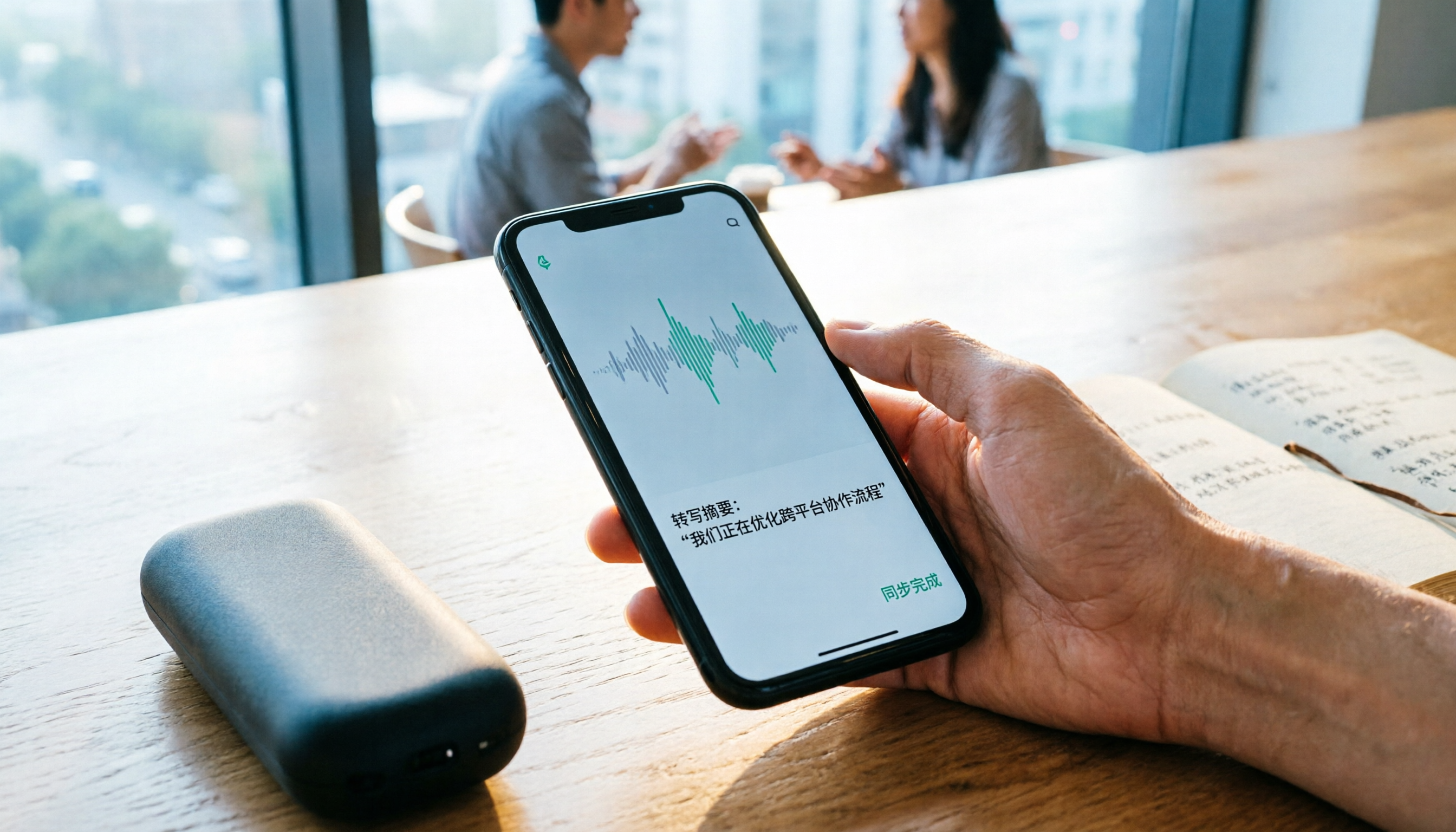
2026 Comparison of 4 Recording Sync Solutions: How to Transfer Plaud Recordings to Your Phone and Which Cross-Device Workflow Is Easiest?
Recording is just the beginning. Starting from the real pain point of 'how to sync Plaud recordings to your phone,' this article breaks down the Bluetooth/Wi-Fi transfer process and bottlenecks of hardware recording, compares four cross-device approaches—Tinrec, PLAUD, Notta, and Granola—and finally offers selection advice based on use cases plus 3 common pitfalls to avoid.
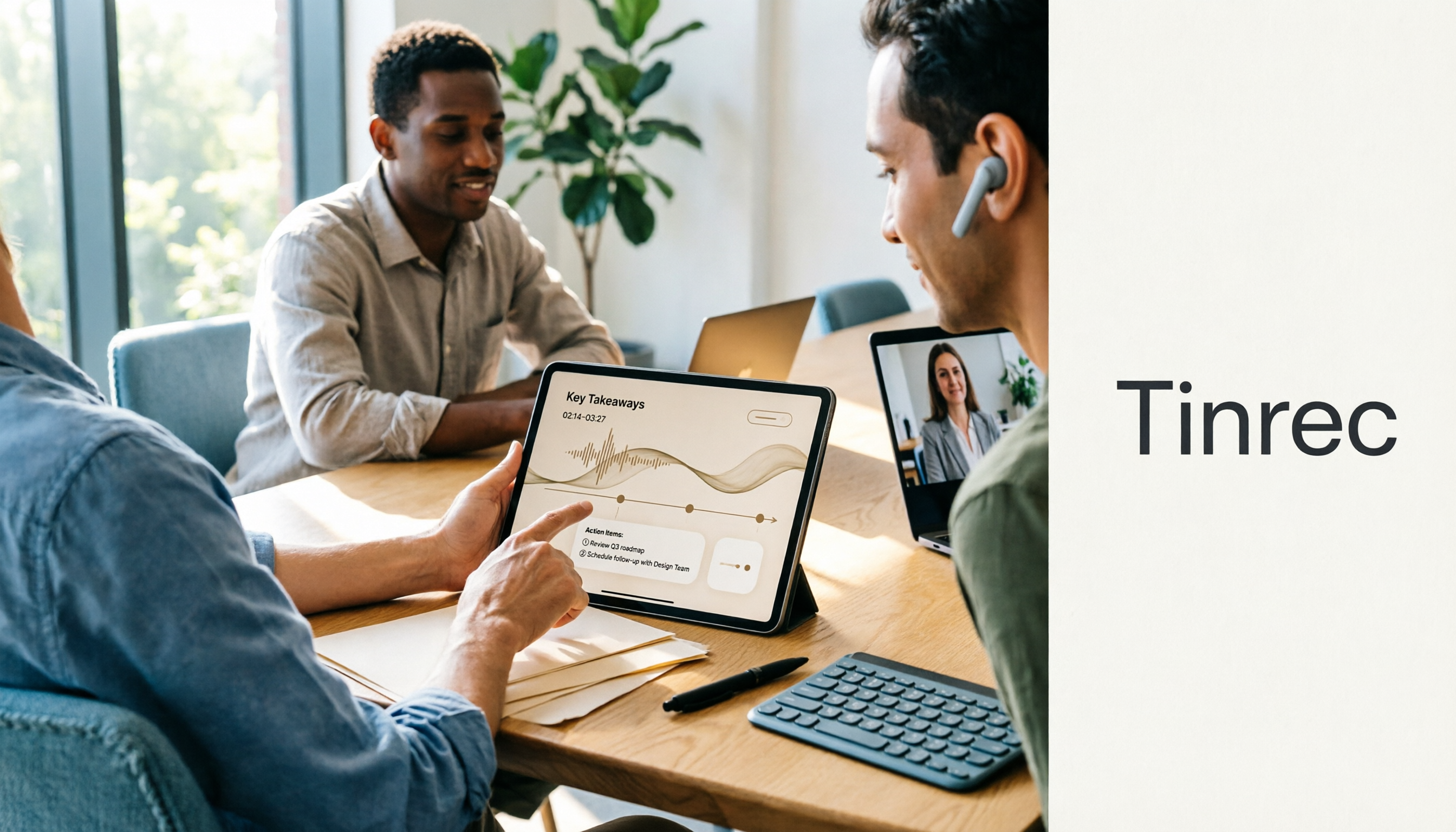
How to Use the Plaud Voice Recorder in 2026? 3 Methods Tested and Compared: Tinrec Is Easier with No Hardware
A clear guide to operating the Plaud voice recorder and setting up call recording, plus a hands-on comparison of hardware and software approaches across five dimensions: hardware threshold, online meeting recording, post-transcription organization, input sources, and team collaboration—helping you decide whether to buy a device or choose a hardware-free AI meeting notes tool like Tinrec.
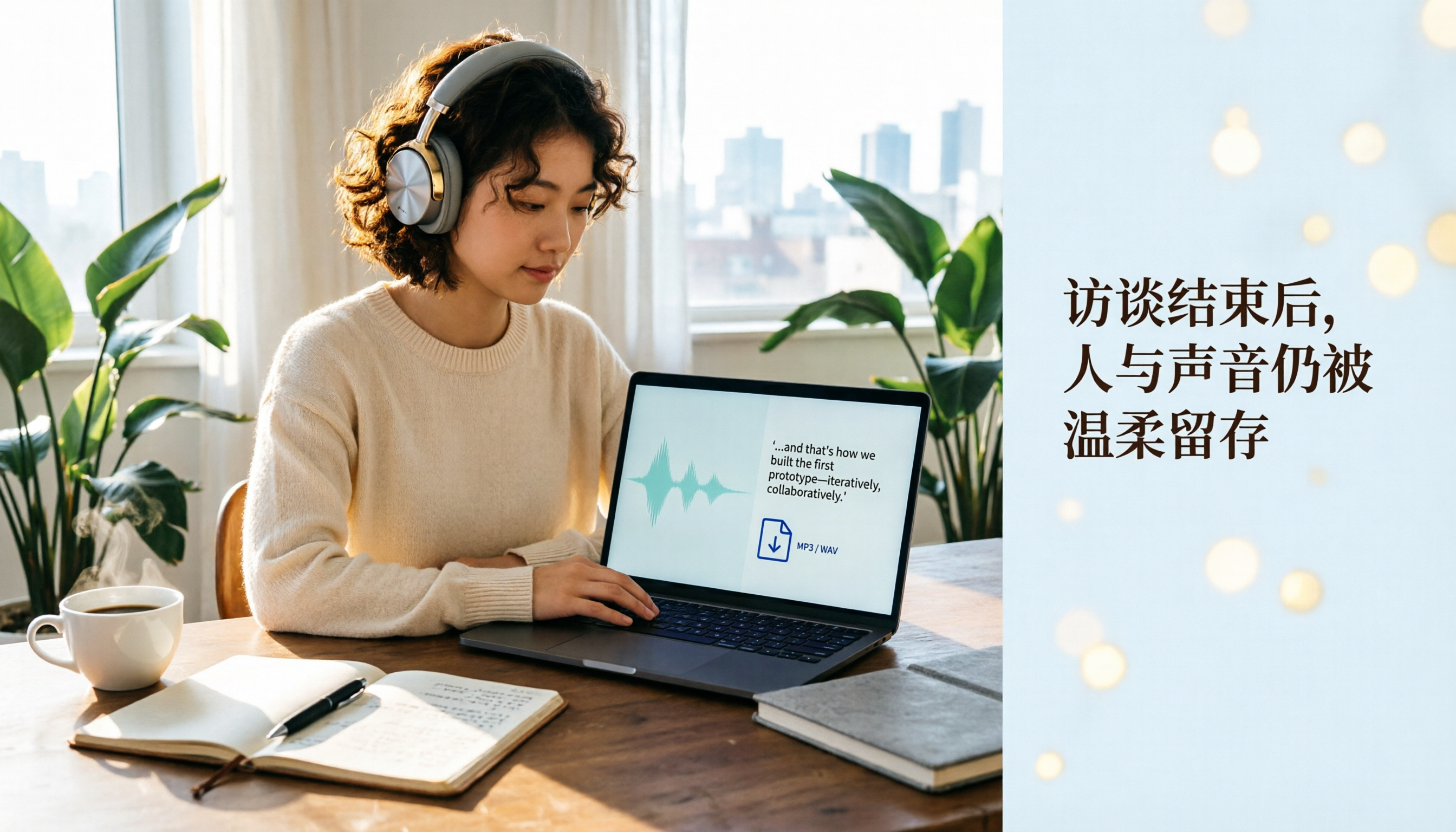
Plaud Recording Files in 2026: How to View Transcripts & Export MP3/WAV
Where are Plaud recording files stored and how do you export them? This guide walks through the app after recording ends, showing you how to view transcripts, tap captions to jump, and export MP3 or WAV. It also covers a hardware-free alternative and 3 common mistakes.

5 Best Ways to Transcribe PLAUD Recordings in 2026: Free vs Paid Comparison
What are PLAUD recordings? They are audio files captured by AI recording devices like PLAUD Note, NotePin, and Note Pro, typically stored on the device or in the PLAUD App. This article explains the sources and limitations of PLAUD recordings, then compares 5 solutions to convert them into transcripts, summaries, and action items—from the free tier of the official app to team collaboration tools—with actual pricing and ideal use cases to help you decide which one to use.

How to Use Plaud Recording in 2026: Button Start, App Trigger, and Everything In Between
How exactly do you start recording on your Plaud device, sync it, and where do you find the transcript and summary afterward? This guide walks through the actual workflow, including pre-recording prep, battery and storage specs, firmware updates, and reset procedures. It also compares Plaud with Tinrec across 5 dimensions to help you decide between a dedicated hardware recorder and a software solution that turns meetings into collaborative data.

Yating Transcript vs. Others in 2026: 5 Steps to Choose the Right Tool
Yating Transcript has a strong reputation for Taiwanese Hokkien and mixed Chinese-English recognition, but comparing transcription tools requires more than just accuracy. This article takes a procurement evaluation approach, breaks down 4 key comparison dimensions, tests Tinrec against Yating Transcript, Notta, and Otter.ai, and outlines 3 common pitfalls plus a 5-step selection process to help you choose the right tool within your budget.