

Turn recordings into transcripts and summaries in minutes
Upload audio or video for multilingual transcription, AI notes, and action items
People searching for "Is the Plaud recorder worth it?" are usually at a crossroads: should they buy a dedicated recording device, or use software to handle the entire workflow?
Both approaches can turn voice into text, but the cost structure, use cases, and post-recording organization differ significantly. I've tested the following 6 options so you can choose based on your needs.
Why Recording Isn't the Problem—Organizing Is
Most people's struggle isn't capturing audio; it's the 1–2 hours of transcription and organization afterward.
Meetings, interviews, and lectures are all the same: you need to listen carefully in the moment, then listen again to extract key points—essentially paying twice for the same time.
So the real value of these tools lies in the summaries, action items, and follow-up questions after transcription. I've ranked the following options by whether you're getting hardware or a workflow.
1. Tinrec (Miao Ting Recording)—The Most Complete AI Meeting Notes Assistant
One-sentence positioning: Turn meetings into searchable, collaborative, actionable data.
First, no meeting bot required. The desktop version directly captures your computer's system audio, so it works with Zoom, Google Meet, Microsoft Teams, and Webex online meetings without adding an extra bot to the call. This is especially useful for meetings you're pulled into last minute.
Second, the real value is after transcription. After recording, it automatically generates a transcript, summary, chapters, and action items, and you can ask AI questions directly about the meeting content—like "What exactly was decided in that last meeting?"—without re-listening.
Third, cross-language support and export. It supports Chinese, mixed Chinese-English, and multiple languages, with real-time translation during recording and the ability to switch between original, translated, or bilingual views. Results can be exported to Notion, Google Docs, OneNote, and other familiar tools for further editing.
No hardware to charge or carry—works on web, desktop, and mobile.
Plans and pricing: The personal version includes a free plan, weekly pass, Pro monthly, and Pro annual, depending on usage frequency; actual prices are subject to the official website. The team version offers a 7-day trial for first-time eligible users, 1 free seat, and 300 minutes of shared team import quota; monthly billing is USD 29.80 per paid seat per month, annual billing is USD 199 per paid seat per year (about USD 16.58 per month), with 2,000 minutes of shared team import quota per paid seat per month. Under an active plan, real-time recording currently does not deduct minutes.
Who it's for: People who have meetings every week, need Chinese transcripts and post-meeting follow-up questions, or want to turn meeting data into team assets.
2. PLAUD Note Pro / NotePin—Portable AI Recording Hardware: Is the Plaud Recorder Worth It?
One-sentence positioning: A standalone device that magnetically attaches to the back of your phone for recording.
Build quality is definitely its strength. The Note Pro is only 2.99mm thick, with aerospace-grade aluminum and sandblasted anodized finish, CNC-cut edges, and a wave pattern—it feels better in hand than most voice recorders.
To use it, you first download the PLAUD App and pair via Bluetooth; recording, transcription, summaries, and mind maps are all done in the app. Reviews mention the Plaud Note series can record continuously for about 30 hours, with standby battery life up to 60 days, and you can charge it on the go using a USB-C phone that supports reverse charging.
What's less discussed is phone call recording. Magnetically attached to the back of your phone, you can long-press the switch to start recording during a call, solving the pain point that iPhone's built-in call recording notifies the other party and is limited to its own phone app.
Note: AI transcription and summaries are subscription-based. The official page shows Starter at 300 minutes per month, and Pro at USD 99.99 per year with 1,200 minutes per month. Some users report the quota often runs out, the plan price is a barrier, and without a plan, transcripts and templates are limited. Also, you have to remember to carry an extra device and charge it.
Pricing reference: NotePin USD 159, Note Pro USD 189, subject to the official page.
Who it's for: People who frequently do interviews or in-person meetings and need something portable, discreet, and don't want to open a laptop to record.
3. Notta—Multilingual Transcription and Meeting Notes
It overlaps significantly with Tinrec—both offer multi-platform transcription and meeting notes—but leans more toward file transcription, subtitles, and translation.
The Business plan offers role permissions and usage reports, making team management fairly complete.
Stop organizing recordings by hand
Upload audio or video and automatically get a transcript, summary, and action items
Pricing: Free plan 120 minutes per month, max 3 minutes per item; Pro annual billing equivalent to USD 8.17 per month, 1,800 minutes per month; Business annual billing equivalent to USD 16.67 per seat per month.
Who it's for: People who need multilingual translation and already have an established team permission structure.
4. Otter.ai—A Mature Choice for English Meetings
It has the longest track record in English business meetings, covering Zoom, Teams, and Meet, with speaker identification, AI Chat, and workflows.
Pricing: Basic free, 300 minutes per month; Pro annual billing equivalent to USD 8.49 per user per month, including 1,200 minutes of in-app recording per month and 10 file imports.
Who it's for: People whose team meetings are primarily in English and who are comfortable using an English interface.
5. Granola—No Bot, Centered on Your Notes
Also no bot—it uses desktop system audio plus microphone for real-time transcription, then feeds your own typed notes to AI for enhancement, so the resulting minutes better reflect your thinking.
Note that it doesn't support uploading pre-recorded audio files and doesn't save meeting audio; transcripts can only be viewed, copied, and searched in real time.
Pricing: Basic free; Business USD 14 per user per month; Enterprise USD 35 per user per month.
Who it's for: People who are used to typing while listening and don't need to keep recordings.
6. TurboScribe—Budget-First Pure File Transcription
If you just want to turn existing audio files into text without a meeting workflow, this is the most economical route.
Pricing: Free 3 files per day, max 30 minutes per file; Unlimited annual billing USD 120 (about USD 10 per month), max 10 hours or 5GB per file, up to 50 files per upload.
Who it's for: People with a batch of recordings to process and a tight budget.
With So Many Options, How Should You Choose?
• Want transcription + summary + action items + AI follow-up all in one → Tinrec
• Chinese meetings, mixed Chinese-English, need bilingual transcripts → Tinrec
• Don't want a bot in online meetings → Tinrec desktop version (Granola also works, but doesn't keep audio files)
• Need to take results to Notion or Google Docs for further writing → Tinrec
• Team needs to manage members, seats, usage, and activity logs → Tinrec team version
• Meeting data needs to be transferable when members leave, not taken with them → Tinrec team version
• Frequently do interviews, need call recording, and want a portable device → PLAUD Note Pro / NotePin
• Only have audio files and just want text → TurboScribe free version
4 Things to Know Before You Buy
First, hardware and software have different cost structures. PLAUD is device purchase plus subscription, while Tinrec and similar tools are subscription-based with no extra device cost. Calculate how many times you'll use it per year before deciding whether to invest in hardware.
Second, quota matters more than the feature list. PLAUD free is 300 minutes per month, Pro is 1,200 minutes per month; Notta free is 120 minutes per month with a 3-minute limit per item. Run a trial with free quotas based on your actual usage before upgrading.
Third, get consent before recording. This is a legal and courtesy issue that tools can't help with—just give a brief heads-up.
Fourth, transcripts aren't the final product. AI can still make mistakes in noisy environments, with overlapping speakers, and with proper nouns; for important content, it's best to cross-check by replaying at the timestamp.
Conclusion
Back to the original question: Is the Plaud recorder worth it? If you want a hardware experience where you can "pull it out and record anytime," its build quality, battery life, and call recording are indeed refined.
But if most of your meetings are on a computer and the real time sink is post-meeting organization and follow-up questions, then a software solution like Tinrec that connects recording, transcription, summaries, action items, and team data into one line will better fit your daily workflow.
FAQ
Q1: Does the Plaud recorder require a subscription to use?
The recording function itself works, but AI transcription, summaries, and templates are subscription-based. The official page shows Starter at 300 minutes per month, and Pro at USD 99.99 per year with 1,200 minutes per month; actual benefits are subject to the official website.
Q2: What's the difference between Plaud Note Pro and NotePin?
Both are PLAUD's AI recording hardware; the main differences are device form factor and price (NotePin USD 159, Note Pro USD 189). For detailed specs, check the official page.
Q3: Does Tinrec have a free version?
Yes, the free version offers basic quota so you can experience recording, importing, summaries, and transcription before deciding on a weekly pass or Pro based on usage frequency.
Q4: Do I need to invite a bot to record online meetings with Tinrec?
No. The desktop version directly captures your computer's system audio; you just start recording yourself, and no extra participant appears in the list.
Q5: What's the difference between the team and personal versions?
Personal version data belongs to the individual account; the team version is a separate team space with additional members, roles, seats, shared benefits, usage analytics, audit logs, and an audio recycle bin. Members without seats can still view and play data, but need a seat to upload, edit, and export.
Q6: What accuracy can I expect from speech-to-text?
Actual performance depends on recording quality, ambient noise, accents, overlapping speakers, and technical terminology. Treat AI output as a first draft and cross-check important information against the original audio.
References
Turn every recording into actionable outcomes
Get 60 free transcription minutes when you sign in. No credit card required.
Related Reading
You might also like

2026 AI Recorder Comparison: How to Use Plaud & Tinrec's Hardware-Free Approach
Starting from the practical question 'How do you use a Plaud recorder?', this article first breaks down PLAUD's device pairing, dual-mode recording, and app transcription workflow, then compares PLAUD and Tinrec across 5 dimensions: ease of use, meeting scenarios, post-meeting organization, team collaboration, and cost. It ends with a selection checklist to help you decide whether to buy a portable recording device or use a hardware-free AI meeting notes tool.

How to Use Plaud for AI Voice Notes in 2026: A Complete 5-Step Tutorial
Got a Plaud device but only know how to record, not organize? This practical guide breaks down the 5 steps from recording to transcription to generating notes, and compares dedicated hardware recorders with bot-free meeting tools for online meetings and team collaboration, helping you choose the right approach.

2026 AI Voice Recorder Comparison: What Is Plaud? Hardware vs. App
What is Plaud? This article explains the positioning, pricing, and limitations of Plaud Note and NotePin, and compares Tinrec, Notta, and Granola in meeting notes, transcription, AI summaries, and team collaboration to help you decide between hardware and software.
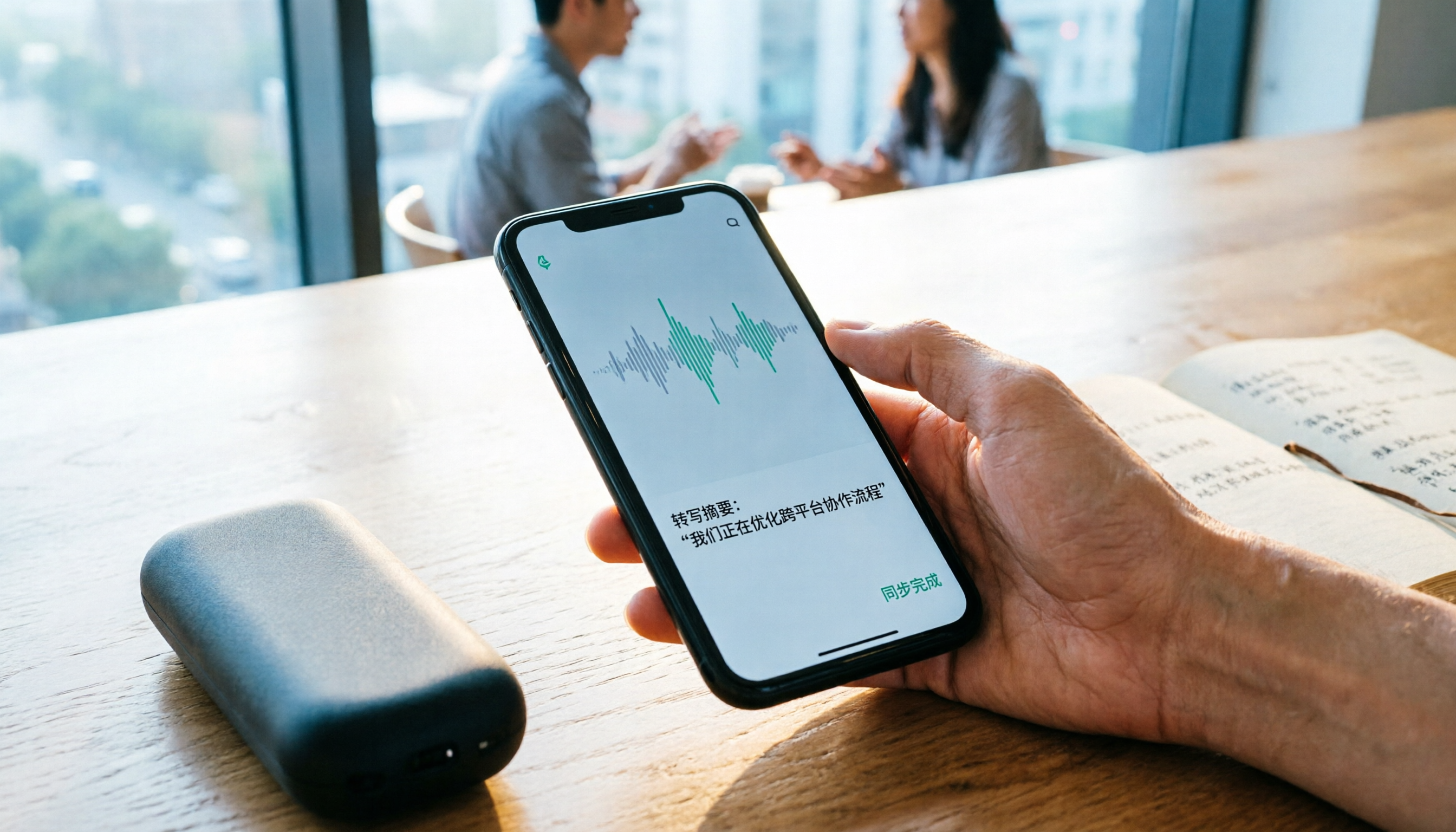
2026 Comparison of 4 Recording Sync Solutions: How to Transfer Plaud Recordings to Your Phone and Which Cross-Device Workflow Is Easiest?
Recording is just the beginning. Starting from the real pain point of 'how to sync Plaud recordings to your phone,' this article breaks down the Bluetooth/Wi-Fi transfer process and bottlenecks of hardware recording, compares four cross-device approaches—Tinrec, PLAUD, Notta, and Granola—and finally offers selection advice based on use cases plus 3 common pitfalls to avoid.
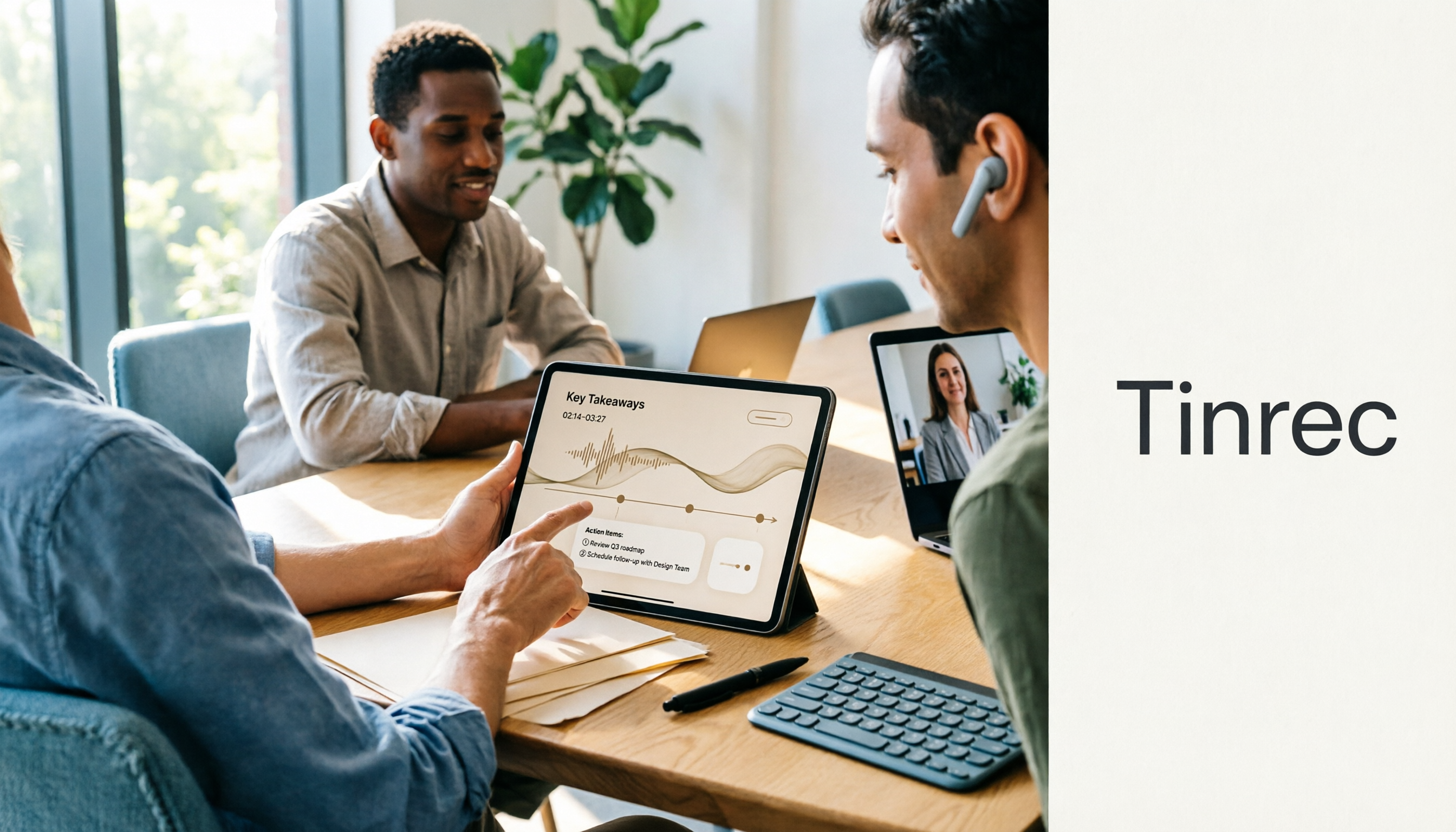
How to Use the Plaud Voice Recorder in 2026? 3 Methods Tested and Compared: Tinrec Is Easier with No Hardware
A clear guide to operating the Plaud voice recorder and setting up call recording, plus a hands-on comparison of hardware and software approaches across five dimensions: hardware threshold, online meeting recording, post-transcription organization, input sources, and team collaboration—helping you decide whether to buy a device or choose a hardware-free AI meeting notes tool like Tinrec.
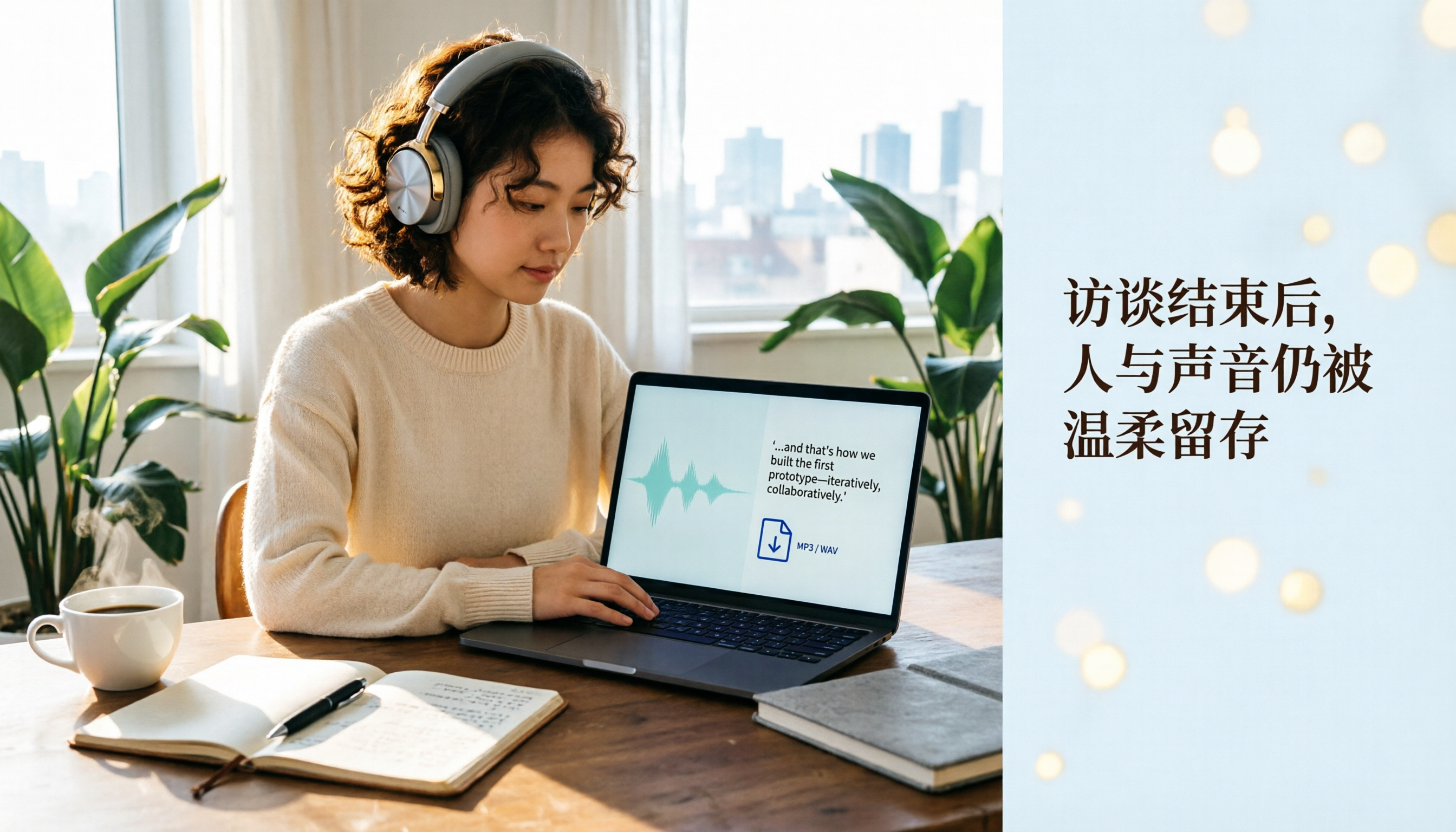
Plaud Recording Files in 2026: How to View Transcripts & Export MP3/WAV
Where are Plaud recording files stored and how do you export them? This guide walks through the app after recording ends, showing you how to view transcripts, tap captions to jump, and export MP3 or WAV. It also covers a hardware-free alternative and 3 common mistakes.

5 Best Ways to Transcribe PLAUD Recordings in 2026: Free vs Paid Comparison
What are PLAUD recordings? They are audio files captured by AI recording devices like PLAUD Note, NotePin, and Note Pro, typically stored on the device or in the PLAUD App. This article explains the sources and limitations of PLAUD recordings, then compares 5 solutions to convert them into transcripts, summaries, and action items—from the free tier of the official app to team collaboration tools—with actual pricing and ideal use cases to help you decide which one to use.

How to Use Plaud Recording in 2026: Button Start, App Trigger, and Everything In Between
How exactly do you start recording on your Plaud device, sync it, and where do you find the transcript and summary afterward? This guide walks through the actual workflow, including pre-recording prep, battery and storage specs, firmware updates, and reset procedures. It also compares Plaud with Tinrec across 5 dimensions to help you decide between a dedicated hardware recorder and a software solution that turns meetings into collaborative data.

Yating Transcript vs. Others in 2026: 5 Steps to Choose the Right Tool
Yating Transcript has a strong reputation for Taiwanese Hokkien and mixed Chinese-English recognition, but comparing transcription tools requires more than just accuracy. This article takes a procurement evaluation approach, breaks down 4 key comparison dimensions, tests Tinrec against Yating Transcript, Notta, and Otter.ai, and outlines 3 common pitfalls plus a 5-step selection process to help you choose the right tool within your budget.