
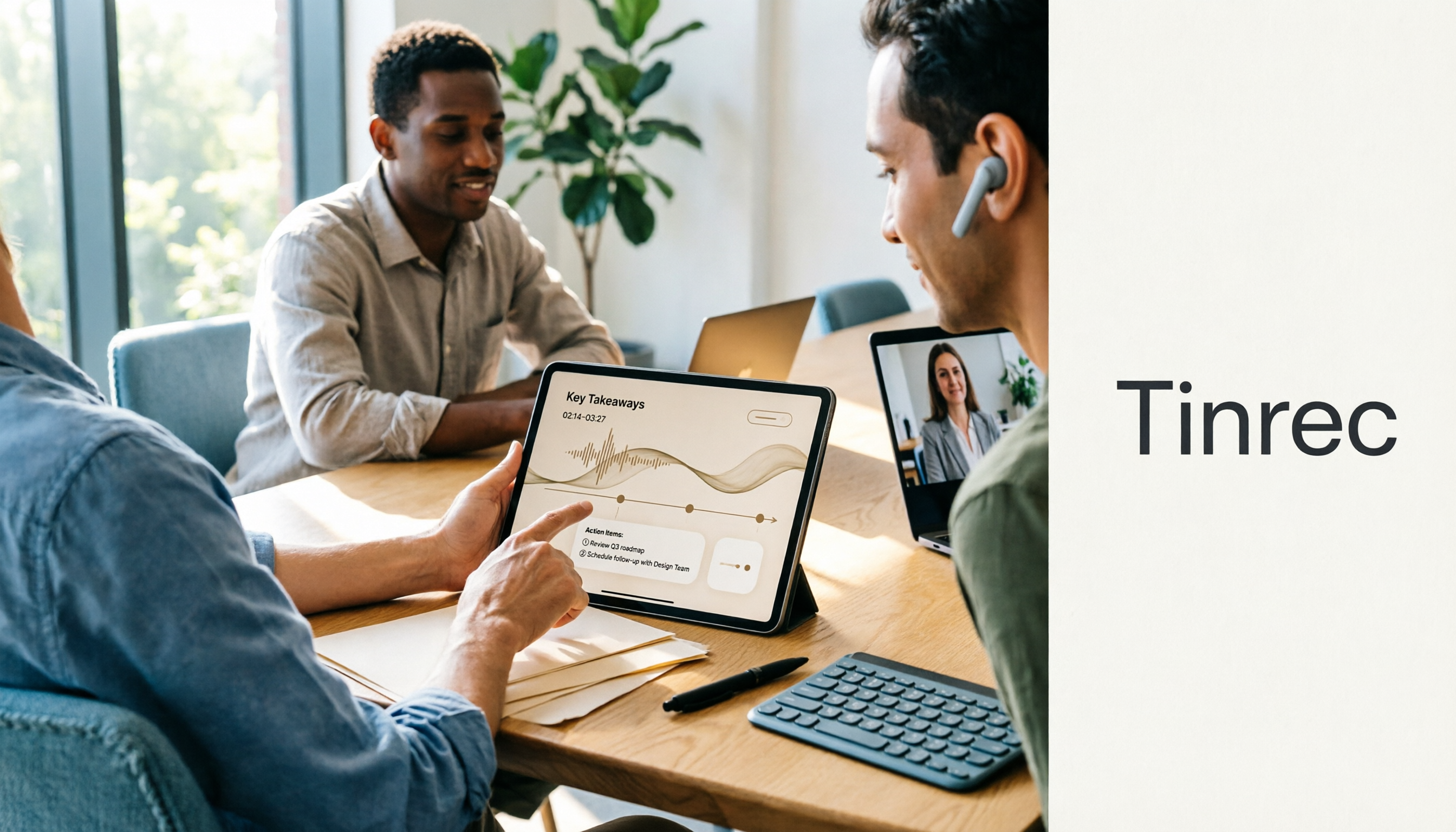
Turn recordings into transcripts and summaries in minutes
Upload audio or video for multilingual transcription, AI notes, and action items
How to Use the Plaud Voice Recorder in 2026? 3 Methods Tested and Compared: Tinrec Is Easier with No Hardware
People who search for "how to use the Plaud voice recorder" usually have more than one question: how to start recording with this small card, how to set up call recording, and—do I really need to carry an extra device? This article first clarifies the decision focus, then breaks it down from both hardware and software routes.
There are only three decision points: where your recording scenario takes place (next to your phone, in front of a computer, or both), what you want to do with the recording afterward (pure archiving, needing a transcript, or needing meeting minutes and action items), and how many people will use it (just yourself or the whole team). Once you answer these three questions, the answer to whether to buy hardware or choose software usually emerges.
Why Are Some People Starting to Look for Alternatives to the Plaud Voice Recorder?
Plaud is a representative brand of AI recording hardware. Plaud Note is a recording card that magnetically attaches to the back of a phone. Official data indicates support for transcription in 112 languages, 30 hours of battery life, 64 GB of storage with cloud backup, and 300 minutes of free transcription per month for Starter members. To operate, slide the recording switch down to note mode and long-press the record button for about 1 second; when you feel one vibration, recording starts. For call recording, slide the switch up, place the device in the MagSafe case, and magnetically attach it to the back of the phone to capture audio.
This operating logic is not complicated, but there are several practical thresholds: you have to remember to bring it, remember to charge it, and for call recording, you need to put the device in the case and attach it to the phone; transcripts and summaries are viewed back in the app. If most of your meetings are on a computer, or if you care more about "how to organize after recording and how to share with the team," then it is worth looking at another route—Tinrec. As a reminder, proactively informing the other party and obtaining consent before recording is a safer practice under regulations in various regions.
Tinrec vs. Plaud Voice Recorder: What Are the Core Experience Differences?
1. Hardware Threshold and Total Cost
Let's do the math first. Plaud's Taiwan official website lists Plaud Note at NT$5,490 and Note Pro at NT$5,890; this is the cost of the device itself, and transcription quotas are tiered by membership plan (actual prices are subject to the official page). Tinrec requires no additional device and can be used directly on phone, computer, and web. The personal version offers a free version, weekly card, Pro monthly card, and annual card, chosen according to usage frequency. If 90% of your recording scenarios happen next to a phone or computer, this hardware expense may not be a necessary cost.
2. How to Record Online Meetings
Plaud uses hardware audio capture, suitable for portable, face-to-face, and phone scenarios. Tinrec's desktop version directly captures computer system audio. When handling online meetings on Zoom, Google Meet, Microsoft Teams, Webex, etc., it does not require inviting a meeting bot to join, nor does it add an extra participant. For people whose meetings are on a computer, the software route removes variables like placement and microphone distance, and the participant list stays clean.
3. Depth of Organization After Transcription
Plaud generates summaries; official data mentions over 3,000 templates and mind maps. Tinrec focuses on the workflow after transcription: automatically generating summaries and chapters, extracting action items from discussions, supporting AI Q&A around meeting content, and using Agent post-processing to generate reports, tables, and documents, with export to Notion, Google Docs, OneNote, Dropbox, and other tools for further processing. The difference is: one is "helping you record it," the other is "after recording it, you can continue to finish the work."
4. Coverage of Input Sources
Tinrec supports real-time recording, desktop online meetings, audio/video file upload, mobile recording, and import from some web links. Plaud mainly relies on device recording, with strengths in portability and long battery life. If you have a batch of historical meeting recordings, interview audio files, or course videos waiting to be organized, uploading for transcription is much more practical than "recording again," which is why many people switch from hardware to software.
5. Team Collaboration and Data Ownership
Tinrec's team version is an independent team space: meeting data belongs to the team, administrators can manage roles and seats, view usage analytics and audit logs, use the audio recycle bin, and when members leave, resources can be handed over to other active members. Plaud's team capabilities lean toward team membership and device management. When meeting records need to change from "personal notes" to "departmental assets," the gap in this item becomes most obvious.
Stop organizing recordings by hand
Upload audio or video and automatically get a transcript, summary, and action items
Overview of Tinrec's Core Features
Real-time audio-to-text: Open Tinrec and start recording; text is generated synchronously. It works for offline meetings, interviews, and on-site notes. By the time the meeting ends, the transcript is already formed, with no need to spend time listening again.
Bot-free online meeting recording: The desktop version captures system audio and can handle Zoom, Meet, Teams, and Webex without an extra bot joining. Recording is initiated by the user, so the meeting flow is not interrupted.
AI summaries, chapters, and action items: Long meetings are automatically broken down into structure and key points, and action items from discussions are organized into to-dos. When reviewing, look at the summary first, then go back to the transcript with timestamps for details.
AI Q&A and Agent post-processing: After recording a one-hour meeting, you can directly ask "What was the conclusion?" or "Who is responsible for what?" without manually flipping through thirty pages of transcript. When deliverables are needed, let the Agent generate reports, tables, or meeting minutes.
Team space and governance: The team version provides members, roles, seats, shared benefits, usage analytics, audit logs, and an audio recycle bin. Roles determine who can manage the team, and seats determine who can record, upload, and edit; the two are designed separately. Members without seats can still view, play, and read team data.
One additional note: Tinrec currently relies on "user-initiated recording," not a bot that automatically joins all calendar meetings; this boundary should be clarified upfront during procurement evaluation.
Practical Usage Scenarios
Offline meetings and interviews: Open Tinrec on your phone to record and transcribe simultaneously; speakers' words become text in real time. After the interview, ask questions directly about the content to extract quotes and viewpoints, saving time from repeatedly listening to recordings.
Routine online meetings: Record weekly meetings, review meetings, and cross-department meetings with the desktop version, without adding an extra bot to the participant list. After the meeting, summaries, chapters, and action items are automatically organized, and decisions can be traced back through the transcript.
Organizing historical audio and video: Upload existing meeting recordings and course videos; the system transcribes them and generates summaries. This data, which previously could only "sit there," becomes searchable and queryable content.
Team knowledge retention: Meeting data is centrally stored in the team space, and new members can view historical meetings; when members are transferred or leave, the data stays with the team rather than disappearing with individual accounts. This is an area that hardware recording struggles to cover.
Points to Note When Choosing an Audio-to-Text Tool
1. Confirm the scenario first, then decide whether to buy hardware: If recording happens during commutes, at exhibitions, or in face-to-face visits, the portability of hardware has value; if the main scenario is online meetings on a computer, the software route is usually more direct.
2. Check whether quotas are "shared" or "individual": Tinrec's team version provides each paid seat with 2,000 minutes of team-shared import quota per month. Real-time recording is currently not deducted by minute under valid plans and valid seats, while file and web imports consume the team shared quota. When procuring, list "who will use it and how much" rather than just comparing total minutes.
3. Actual performance in Chinese and multilingual meetings: Tinrec covers Chinese, Traditional Chinese, and multilingual scenarios, supports real-time translation and bilingual viewing, and allows maintaining team hotwords to improve recognition of technical terms. Actual results are still affected by recording quality, accents, noise, and overlapping speakers; it is recommended to test with your own recordings.
4. The post-meeting workflow is where the time cost lies: Getting only a transcript usually requires another round of organization. When choosing a tool, look clearly at whether it can produce summaries, chapters, and action items, whether it supports Q&A, and whether it can export to your existing workflow.
5. Team governance and data ownership: When multiple people use it, clarify the difference between roles and seats, who owns the data, how data is handled after members leave, and whether there are usage and audit records. These should be confirmed during the trial phase.
Conclusion: Is Tinrec Worth a Try?
If your motivation for searching "how to use the Plaud voice recorder" is simply to know how to press that card, the operation is actually not difficult: switch modes with the slider, long-press for one second until it vibrates to start recording, and you can get started by following the official instructions. But if, after learning the operation, what comes to mind is "Do I still need to carry an extra device?" "What if the meeting is on a computer?" or "Who will organize the transcript after recording?" then it is worth adding Tinrec to your comparison list.
It combines three things: recording without extra hardware (phone, desktop, web), online meetings without a bot joining, and after recording, summaries, action items, AI Q&A, and export to continue. For team use, data is retained in the team space, roles and seats are managed separately, and member changes will not take away meeting assets. It is recommended to start with the free version, record one of your own real meetings, and see whether the transcript and summary meet your standards—this is more accurate than looking at any specification sheet.
References
- Plaud Taiwan | Taiwan Official Website | Leading Brand in AI Recording Devices
- Plaud Note │ The Smartest AI Voice Recorder Card Ever
- Plaud User Guide | Complete Tutorial and Operation Guide
- Recording Operation Guide | Plaud Taiwan
- PLAUD NOTE | AI Smart Voice Recorder Card | Includes 300 Minutes of Free Transcription per Month - Sentra International
Turn every recording into actionable outcomes
Get 60 free transcription minutes when you sign in. No credit card required.
Related Reading
You might also like

2026 AI Recorder Comparison: How to Use Plaud & Tinrec's Hardware-Free Approach
Starting from the practical question 'How do you use a Plaud recorder?', this article first breaks down PLAUD's device pairing, dual-mode recording, and app transcription workflow, then compares PLAUD and Tinrec across 5 dimensions: ease of use, meeting scenarios, post-meeting organization, team collaboration, and cost. It ends with a selection checklist to help you decide whether to buy a portable recording device or use a hardware-free AI meeting notes tool.

How to Use Plaud for AI Voice Notes in 2026: A Complete 5-Step Tutorial
Got a Plaud device but only know how to record, not organize? This practical guide breaks down the 5 steps from recording to transcription to generating notes, and compares dedicated hardware recorders with bot-free meeting tools for online meetings and team collaboration, helping you choose the right approach.

6 AI Recording Tools Tested for 2026: Is the Plaud Recorder Worth It and How to Choose?
People searching "Is the Plaud recorder worth it?" are really deciding between buying a dedicated recording device or using software to handle the entire meeting notes workflow. This article covers 6 practical options, from the hardware experience of Plaud Note Pro and NotePin to software approaches like Tinrec, Notta, Otter, Granola, and TurboScribe, with real pricing and usage limits to help you find the right fit.

2026 AI Voice Recorder Comparison: What Is Plaud? Hardware vs. App
What is Plaud? This article explains the positioning, pricing, and limitations of Plaud Note and NotePin, and compares Tinrec, Notta, and Granola in meeting notes, transcription, AI summaries, and team collaboration to help you decide between hardware and software.
2026 Comparison of 4 Recording Sync Solutions: How to Transfer Plaud Recordings to Your Phone and Which Cross-Device Workflow Is Easiest?
Recording is just the beginning. Starting from the real pain point of 'how to sync Plaud recordings to your phone,' this article breaks down the Bluetooth/Wi-Fi transfer process and bottlenecks of hardware recording, compares four cross-device approaches—Tinrec, PLAUD, Notta, and Granola—and finally offers selection advice based on use cases plus 3 common pitfalls to avoid.

Plaud Recording Files in 2026: How to View Transcripts & Export MP3/WAV
Where are Plaud recording files stored and how do you export them? This guide walks through the app after recording ends, showing you how to view transcripts, tap captions to jump, and export MP3 or WAV. It also covers a hardware-free alternative and 3 common mistakes.

5 Best Ways to Transcribe PLAUD Recordings in 2026: Free vs Paid Comparison
What are PLAUD recordings? They are audio files captured by AI recording devices like PLAUD Note, NotePin, and Note Pro, typically stored on the device or in the PLAUD App. This article explains the sources and limitations of PLAUD recordings, then compares 5 solutions to convert them into transcripts, summaries, and action items—from the free tier of the official app to team collaboration tools—with actual pricing and ideal use cases to help you decide which one to use.

How to Use Plaud Recording in 2026: Button Start, App Trigger, and Everything In Between
How exactly do you start recording on your Plaud device, sync it, and where do you find the transcript and summary afterward? This guide walks through the actual workflow, including pre-recording prep, battery and storage specs, firmware updates, and reset procedures. It also compares Plaud with Tinrec across 5 dimensions to help you decide between a dedicated hardware recorder and a software solution that turns meetings into collaborative data.

Yating Transcript vs. Others in 2026: 5 Steps to Choose the Right Tool
Yating Transcript has a strong reputation for Taiwanese Hokkien and mixed Chinese-English recognition, but comparing transcription tools requires more than just accuracy. This article takes a procurement evaluation approach, breaks down 4 key comparison dimensions, tests Tinrec against Yating Transcript, Notta, and Otter.ai, and outlines 3 common pitfalls plus a 5-step selection process to help you choose the right tool within your budget.