
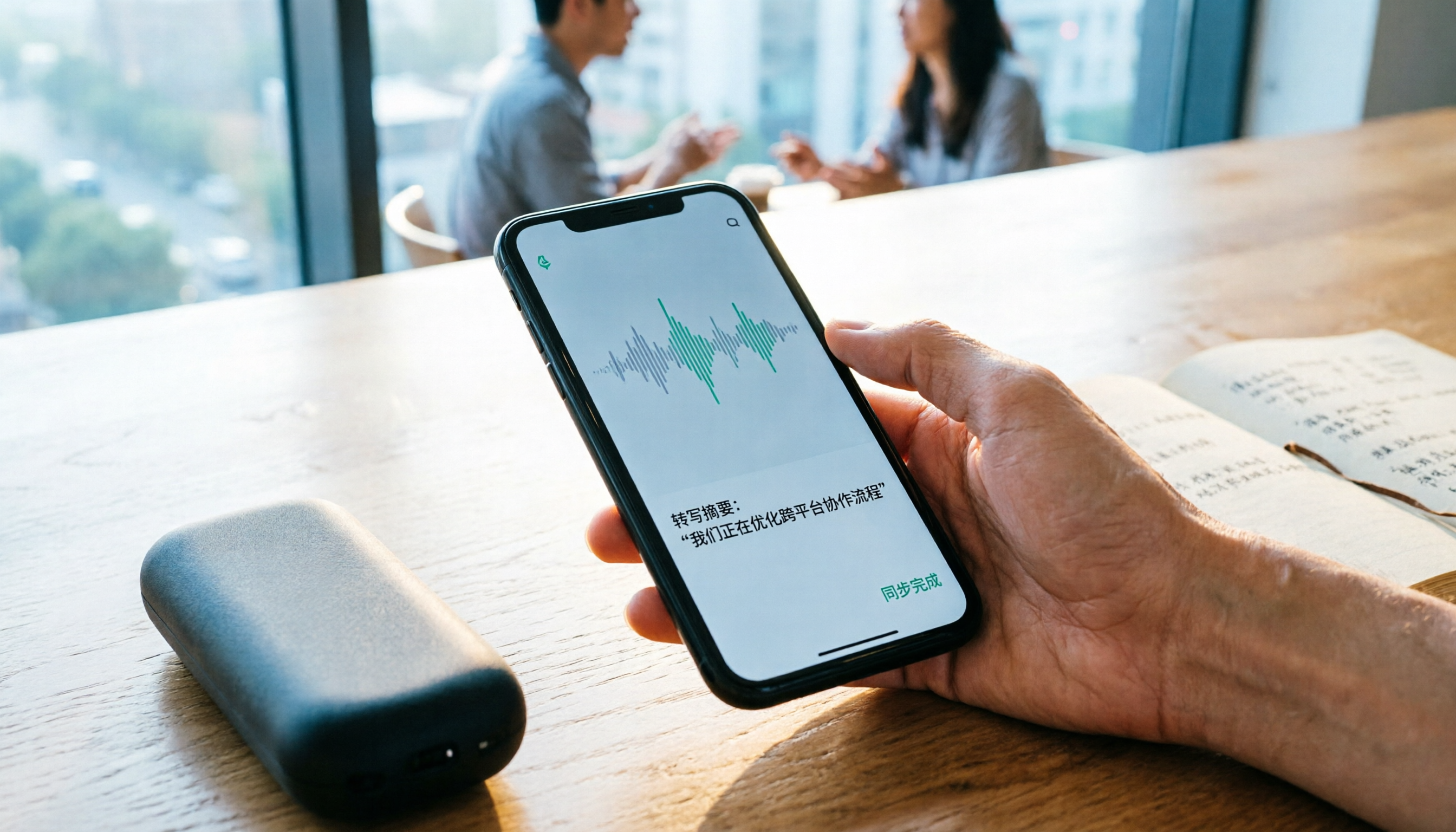
Turn recordings into transcripts and summaries in minutes
Upload audio or video for multilingual transcription, AI notes, and action items
2026 Comparison of 4 Recording Sync Solutions: How to Transfer Plaud Recordings to Your Phone and Which Cross-Device Workflow Is Easiest?
The Meeting Is Over, but the Recording Is Stuck on the Device—The Real Time Sink Is Here
Last month, after finishing a one-hour contract discussion with a client, it was already 4:30 PM by the time I got back to the office. The recording was captured, but turning it into meeting minutes I could send to my boss still involved three hurdles: first, getting the file from the recording device to my phone; then waiting for the app to finish transcription; and finally figuring out how to get it onto my computer to format and send.
The step that took the longest was 'syncing.' It wasn't that I didn't know how to do it—it was the waiting plus the back-and-forth switching that turned a ten-minute wrap-up into a half-hour ordeal.
I manage a team of 10 and have 15 meetings a week. This 'work starts after recording' loop costs me about two workdays a month. So I tried all the common recording sync methods out there—hardware recording, cloud workflows, and pure transcription tools. This article explains clearly: how exactly does a recording file get from the device to your hands, where are the bottlenecks in each approach, and what kind of person should take a different path.
Before Syncing Recordings, Understand These 4 Key Points
1. Is Sync 'Moving Files' or 'Automatic Cloud Upload'?
This makes a big difference. The sync path for hardware recording devices is usually: device → phone app (via Bluetooth or Wi-Fi) → cloud for AI processing → then you figure out how to get it to your computer. In other words, the file has to be moved twice, with waiting in between.
Cloud workflows are the opposite: wherever you record, the data goes into the same account, and you can pick up right where you left off on another device. For someone like me who records on a phone and organizes on a computer, the second approach is clearly easier.
2. Where Transcription Runs Determines Whether You Have to Wait
Some tools are 'sync first, transcribe later'—you have to wait for the file to finish transferring before AI starts. Others 'transcribe while recording,' so by the time the meeting ends, the transcript is already there. The latter saves not just time, but also the need to sit and stare at a progress bar.
Also note: AI transcription almost always requires an internet connection. Recording itself can be offline, but if you want summaries and transcripts, you need internet. Many people only discover this after buying.
3. Can You Still Record Without Internet?
If you often go to places with poor signal—factories, basements, mountain facilities—then 'offline recording' is a must-have; you can't just look at how fancy the cloud features are.
4. Does the Team Need to Share the Same Data?
This is the most easily overlooked point. For personal use, it doesn't matter whose account the data is in; but when you need 10 people to be able to look up what was said in a decision meeting three months ago, data ownership becomes a management issue. Asking people, digging through your own cloud drive, asking someone to forward the file again—these are all hidden costs.
Tinrec—The Approach That Removed the 'Sync' Step Entirely
**One-line positioning:** Tinrec is an AI meeting notes and collaboration tool for individuals and teams, supporting iOS, Android, and web.
I eventually switched my main tool to it. The key wasn't more features—it was that it deleted 'syncing' from my to-do list.
**How I handle things during meetings.** Eighty percent of my meetings are on the computer—Zoom, Google Meet, Microsoft Teams, all the same. Tinrec's desktop version directly captures the computer's system audio, without needing to invite an extra meeting bot as a participant—this is important for external meetings; you don't want to explain to a client 'this one on the screen is an AI.' While recording, the transcript is being generated, and by the time the meeting ends, the summary, chapters, and action items are already organized—who's responsible for what and by when is immediately visible.
**Post-meeting follow-ups.** This is my most-used feature. Last week my boss suddenly asked me, 'What was the discount floor we discussed with Client A last time?' I didn't have to dig through a 40-minute transcript; I just asked in Tinrec, and it answered based on the semantics of the meeting content—not dumping a bunch of keyword search results for me to find myself.
**Cross-device.** I record on my desktop at the office, check summaries on my phone during my commute, and use the web version at home to pull out action items and schedule them. Same account, same data—no 'file transfer' step.
Stop organizing recordings by hand
Upload audio or video and automatically get a transcript, summary, and action items
**Team level.** Our department now keeps meeting data in a team space, so new colleagues can look up past meetings without always asking me. Admins can assign seats, view usage trends, and check activity logs; when a member leaves, the data stays with the team and isn't taken away. Note that members without a seat can only view, play, and read—they can't upload or edit. For us, this design is just right; not everyone needs to produce content.
**Limitations, clearly stated.** The free version gives a basic quota, enough for light use, but for someone like me who has meetings every day, I need to go Pro; for short periods of intensive interviews, a weekly pass is more cost-effective. Also, AI transcription requires internet, so for important content I still go back and check the recording against the transcript timestamps—it reduces manual effort, not eliminates the need to review.
**Who it's for:** People who have more than 3 meetings a week, 80% of which are on the computer, need to organize Chinese and mixed Chinese-English content, and want meeting data to stay with the team for ongoing reference.
Besides Tinrec, What Other Options Are There?
PLAUD Note / NotePin: The Hardware Representative—Understand the Sync Process First
PLAUD is a standalone recording device. Official prices are NotePin USD 159 and Note Pro USD 189, with memberships ranging from Starter at 300 minutes per month to Unlimited at USD 239.99 per year. Its sync process is like this: download the dedicated app on your phone and pair via Bluetooth; the recording itself is stored offline on the device (Note Pro has 64GB); when you need transcription or summaries, transfer the audio file to the phone app via Wi-Fi or Bluetooth; AI processing requires internet. **So the answer to 'how to sync Plaud recordings' is: the recording does not automatically go to your phone—you have to actively transfer it.** Suitable for people who are often in the field and need a standalone device; but if most of your meetings are on the computer, Tinrec requires no extra hardware and no extra transfer step—something PLAUD can't do.
Notta: Comprehensive Transcription, but Meeting Capture Is Still Traditional
Notta's free version offers 120 minutes per month (max 3 minutes per session); Pro annual billing is about USD 8.17/month for 1,800 minutes per month, with transcription, translation, and team plans. Suitable for people who already have a bunch of audio files and need batch processing. But its meeting capture still leans toward bots or upload mode; Tinrec's desktop version can record online meetings without inviting a bot—that's the main difference.
Granola: Bot-Free Notes, but No Audio Files Kept
Granola also takes a bot-free approach, using system audio plus microphone for real-time transcription. Basic is free, Business is USD 14/user/month, and its strength is combining your handwritten notes with AI. But note: it does not save meeting audio files and does not support uploading pre-recorded audio—if you want to go back and listen to the original audio of a certain sentence later, you can't. Tinrec keeps both; for important meetings, I'd choose the latter.
Pitfall Guide: The 3 Most Common Traps in Recording Sync
**Pitfall 1: Assuming 'having an app means automatic sync.'** Hardware device recordings are mostly stored locally and require you to actively transfer via Bluetooth or Wi-Fi. Before buying, ask clearly: Is it automatic upload or manual transfer? Can it record without a phone? Once you answer these two questions, you'll probably know if it suits you.
**Pitfall 2: Looking only at transcription minutes, ignoring internet and quota rules.** Many tools advertise 'hundreds of minutes per month,' but don't tell you whether that's for in-app recording or file import—the two may be counted separately. Also, AI processing always requires internet; don't assume 'record now, transcribe immediately.'
**Pitfall 3: Thinking only about syncing files, not where the data ultimately lives.** For personal use it doesn't matter, but as soon as you have a team, ask: Is this meeting record stored in someone's account or in a team space? In the former case, if that person is sick or on leave, you can't find the file. When choosing tools, treat 'data ownership' as a spec—it will save you a lot of future trouble.
Conclusion: Which Sync Method Should You Choose?
In one sentence: If what you want is 'no file moving after recording,' go with a cloud workflow; if what you want is 'a standalone device you carry with you,' then you have to accept the transfer step.
- 80% of meetings on the computer, don't want to carry extra devices → Tinrec (desktop version directly captures system audio, no meeting bot needed)
- Need to organize Chinese and mixed Chinese-English meetings → Tinrec (also supports real-time translation and bilingual viewing)
- Record on phone, want to continue organizing on computer → Tinrec (same account across devices, no file transfer)
- Team needs to share meeting data, manage seats and usage → Tinrec Team version (team space, role and seat separation, usage analytics, activity logs)
- Often in the field, need standalone hardware recording, and don't mind manual sync → PLAUD Note / NotePin
- Already have a batch of audio files for batch transcription → Notta
If you're currently searching 'how to sync Plaud recordings,' that means you've already hit this step. My advice: first figure out what percentage of your meetings are actually on the computer—if it's more than half, what you need may not be a smoother sync process, but a different approach that doesn't require syncing at all.
Hands-on testing beats reading specs. Tinrec's free version offers a basic quota—run through a complete workflow with one of your real meetings: record, view the transcript, ask it a question, export. After that, you'll know if this is the path you want.
References
- Plaud User Guide | Complete Tutorial and Operation Guide
- Plaud Note Pro Unboxing Review | Portable AI Smart Recording Evolves Again! Is It Good? Who Is It For? - Mr. Mad
- Plaud Taiwan | Official Website | Leading Brand in AI Recording Devices
- PLAUD NOTE | AI Smart Recording Card | Includes 300 Free Transcription Minutes per Month - Esentra
- Plaud Note Pro Smart Recording Card Unboxing and Hands-On: One-Click Meeting Summaries, Call Recording, Report Writing, and AI Efficiency Tool - KOC PC
Turn every recording into actionable outcomes
Get 60 free transcription minutes when you sign in. No credit card required.
Related Reading
You might also like

2026 AI Recorder Comparison: How to Use Plaud & Tinrec's Hardware-Free Approach
Starting from the practical question 'How do you use a Plaud recorder?', this article first breaks down PLAUD's device pairing, dual-mode recording, and app transcription workflow, then compares PLAUD and Tinrec across 5 dimensions: ease of use, meeting scenarios, post-meeting organization, team collaboration, and cost. It ends with a selection checklist to help you decide whether to buy a portable recording device or use a hardware-free AI meeting notes tool.

How to Use Plaud for AI Voice Notes in 2026: A Complete 5-Step Tutorial
Got a Plaud device but only know how to record, not organize? This practical guide breaks down the 5 steps from recording to transcription to generating notes, and compares dedicated hardware recorders with bot-free meeting tools for online meetings and team collaboration, helping you choose the right approach.

6 AI Recording Tools Tested for 2026: Is the Plaud Recorder Worth It and How to Choose?
People searching "Is the Plaud recorder worth it?" are really deciding between buying a dedicated recording device or using software to handle the entire meeting notes workflow. This article covers 6 practical options, from the hardware experience of Plaud Note Pro and NotePin to software approaches like Tinrec, Notta, Otter, Granola, and TurboScribe, with real pricing and usage limits to help you find the right fit.

2026 AI Voice Recorder Comparison: What Is Plaud? Hardware vs. App
What is Plaud? This article explains the positioning, pricing, and limitations of Plaud Note and NotePin, and compares Tinrec, Notta, and Granola in meeting notes, transcription, AI summaries, and team collaboration to help you decide between hardware and software.

How to Use the Plaud Voice Recorder in 2026? 3 Methods Tested and Compared: Tinrec Is Easier with No Hardware
A clear guide to operating the Plaud voice recorder and setting up call recording, plus a hands-on comparison of hardware and software approaches across five dimensions: hardware threshold, online meeting recording, post-transcription organization, input sources, and team collaboration—helping you decide whether to buy a device or choose a hardware-free AI meeting notes tool like Tinrec.
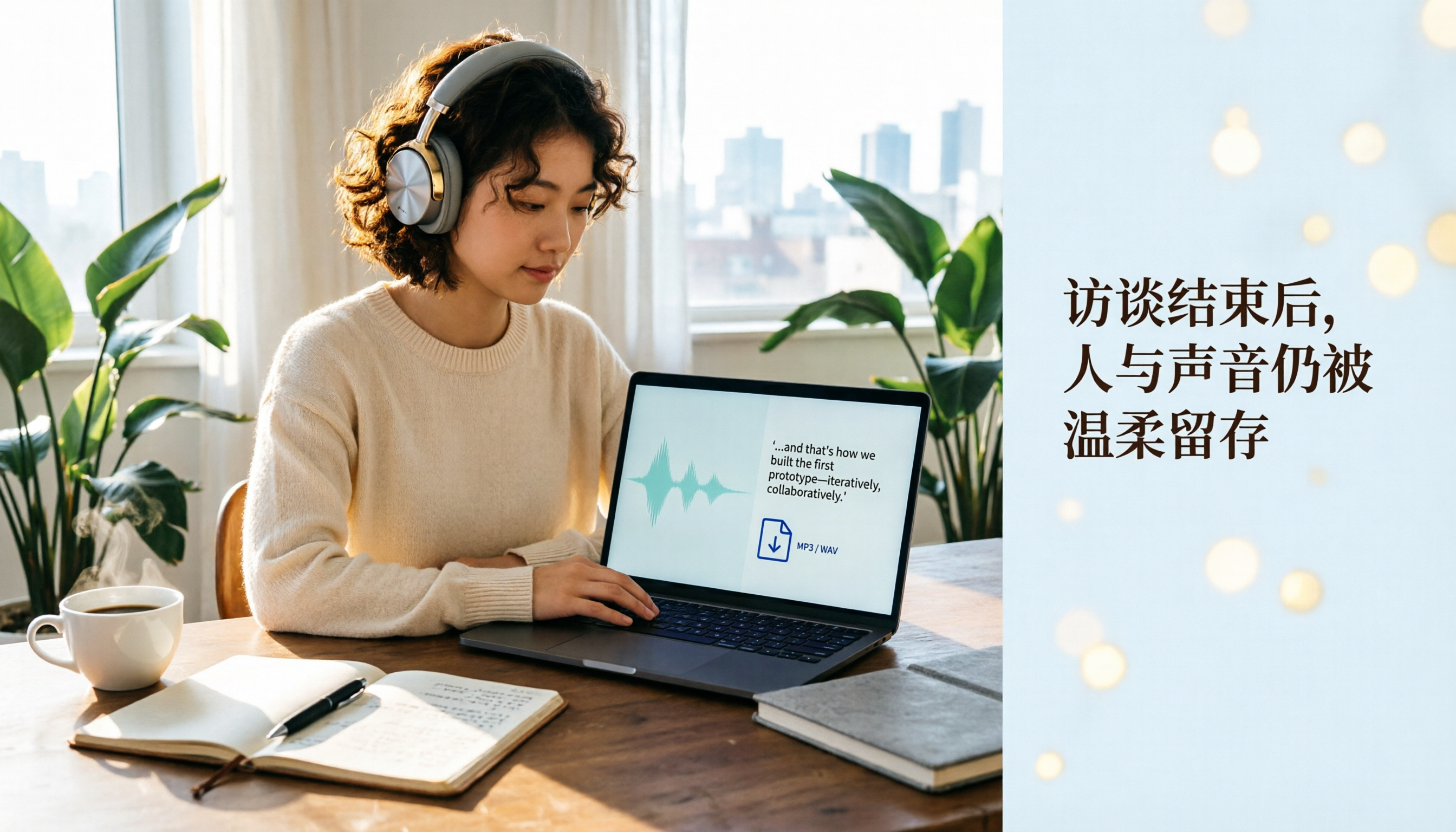
Plaud Recording Files in 2026: How to View Transcripts & Export MP3/WAV
Where are Plaud recording files stored and how do you export them? This guide walks through the app after recording ends, showing you how to view transcripts, tap captions to jump, and export MP3 or WAV. It also covers a hardware-free alternative and 3 common mistakes.

5 Best Ways to Transcribe PLAUD Recordings in 2026: Free vs Paid Comparison
What are PLAUD recordings? They are audio files captured by AI recording devices like PLAUD Note, NotePin, and Note Pro, typically stored on the device or in the PLAUD App. This article explains the sources and limitations of PLAUD recordings, then compares 5 solutions to convert them into transcripts, summaries, and action items—from the free tier of the official app to team collaboration tools—with actual pricing and ideal use cases to help you decide which one to use.

How to Use Plaud Recording in 2026: Button Start, App Trigger, and Everything In Between
How exactly do you start recording on your Plaud device, sync it, and where do you find the transcript and summary afterward? This guide walks through the actual workflow, including pre-recording prep, battery and storage specs, firmware updates, and reset procedures. It also compares Plaud with Tinrec across 5 dimensions to help you decide between a dedicated hardware recorder and a software solution that turns meetings into collaborative data.

Yating Transcript vs. Others in 2026: 5 Steps to Choose the Right Tool
Yating Transcript has a strong reputation for Taiwanese Hokkien and mixed Chinese-English recognition, but comparing transcription tools requires more than just accuracy. This article takes a procurement evaluation approach, breaks down 4 key comparison dimensions, tests Tinrec against Yating Transcript, Notta, and Otter.ai, and outlines 3 common pitfalls plus a 5-step selection process to help you choose the right tool within your budget.