

Turn recordings into transcripts and summaries in minutes
Upload audio or video for multilingual transcription, AI notes, and action items
Why Are You Searching for "Plaud Recorder"?
The meeting ends, your boss asks "When was that decision made?", and you open your phone's voice memos only to find a 40-50 minute recording titled "Meeting".
That night you spend two hours re-listening just to find one sentence.
Many people start researching these tools after scrolling through Plaud reviews on Dcard. In the Dcard 3C forum, some users shared that when using Plaud Note Pro in meetings, it can identify different speakers and automatically tag who said what, so after the meeting they just read the organized summary; others mentioned that office meeting minutes have long relied on manual transcription, and the results are often disastrous. These are very real pain points.
This article compiles 6 solutions that people are actually using: from AI meeting tools that don't require buying hardware, to the most discussed recording card on Dcard, to completely free entry-level methods.
Solution 1 | Tinrec — AI Meeting Notes Assistant Without Hardware
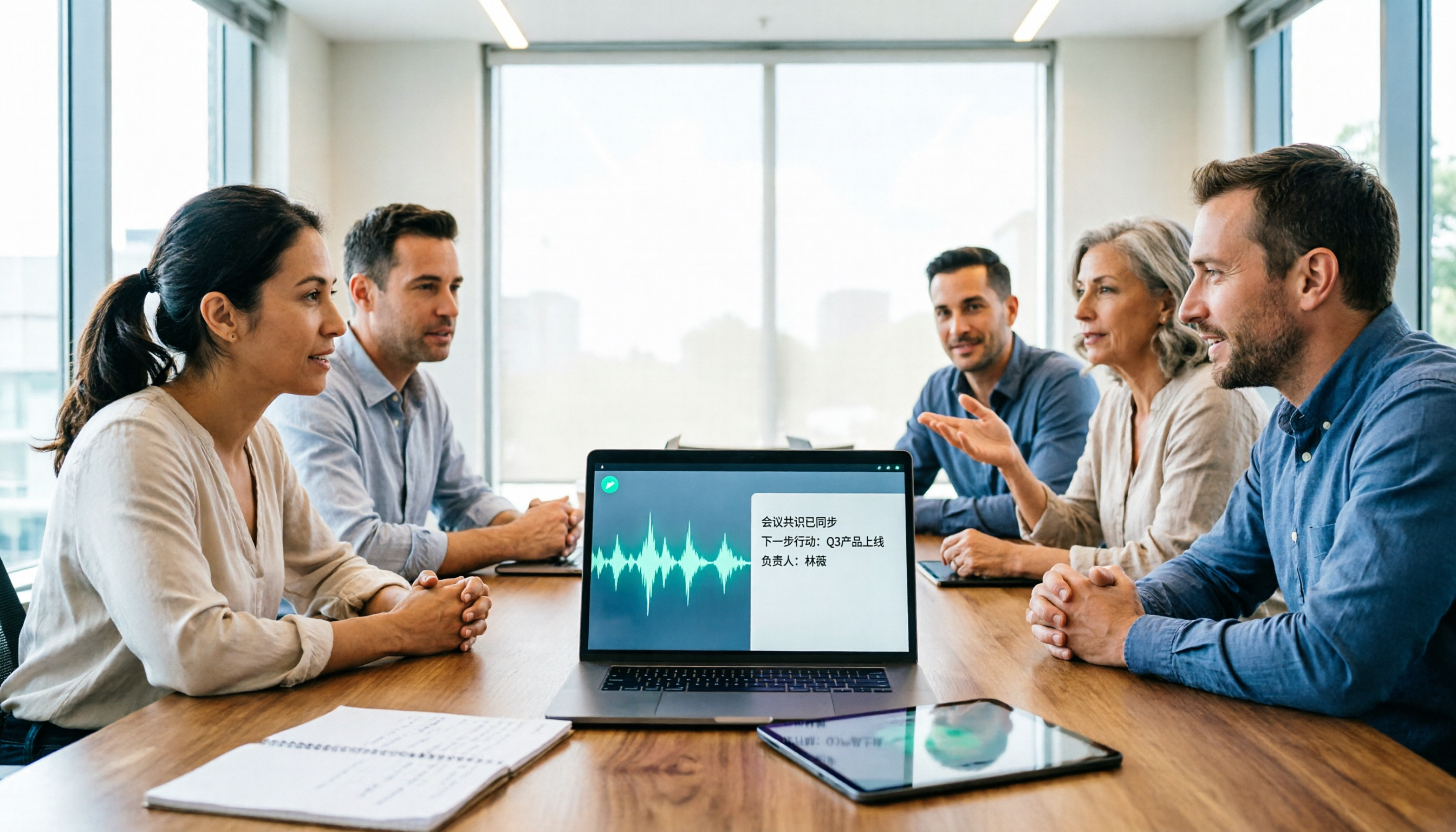
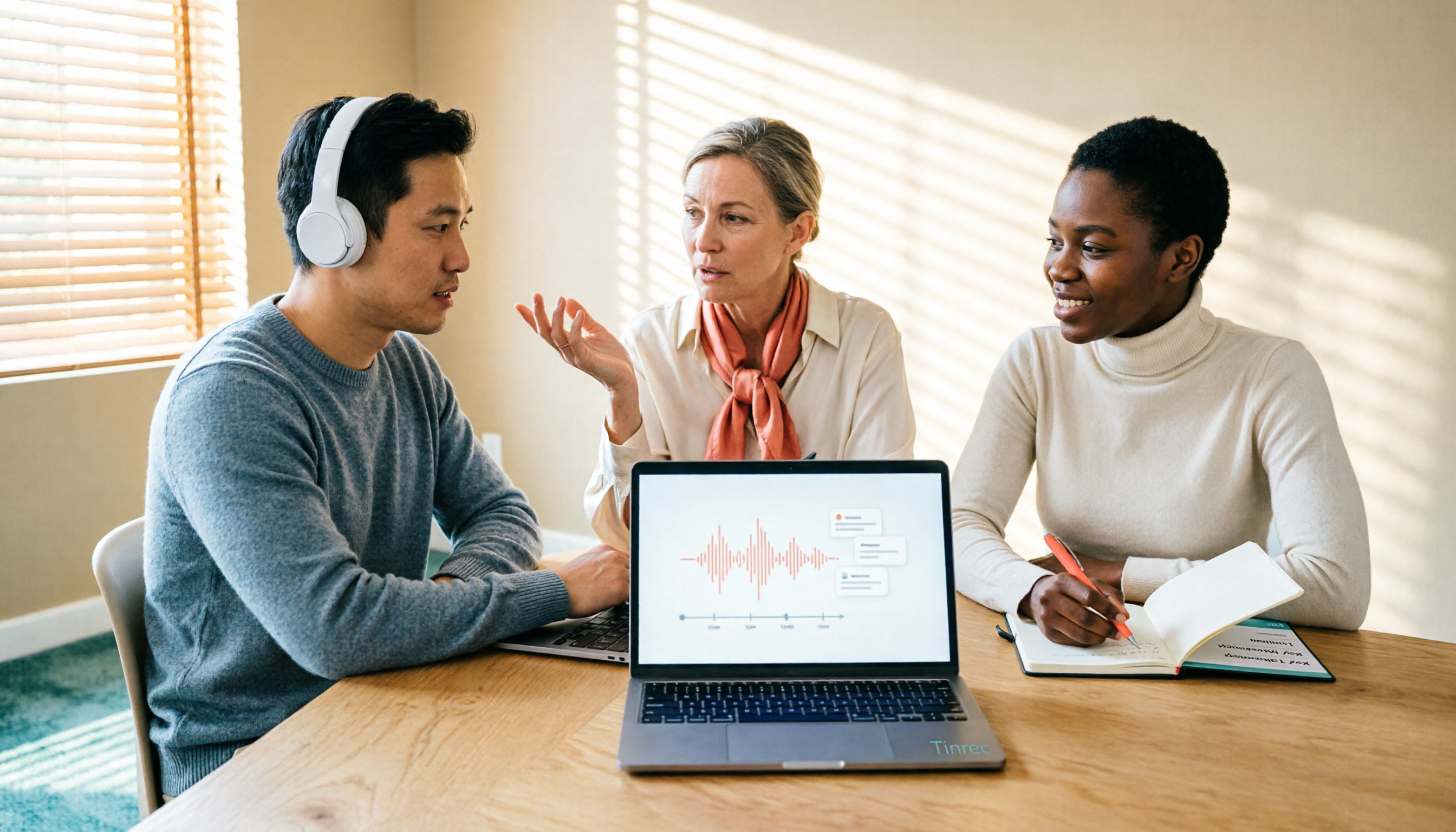
Tinrec is an AI meeting notes and collaboration tool for individuals and teams. It turns meeting recordings into searchable, summarizable, queryable, and exportable data, rather than just handing you a transcript.
The first highlight is how it captures meetings. The desktop version directly captures your computer's system audio, so when handling online meetings like Zoom, Google Meet, Microsoft Teams, or Webex, you don't need to invite a meeting bot as an extra participant. For those who dislike having an "xxx bot" in the meeting, this is very practical.
The second is the post-transcription workflow. After recording, it generates summaries, chapter highlights, and action items, and you can ask questions directly about a single meeting or across meetings, such as "What were the client's concerns about the quote?". When you need to submit a report, you can further generate documents and tables, then export to Notion, Google Docs, OneNote, etc. for further processing.
The third is team knowledge retention. The team version is a separate team space where data belongs to the team, not individual members' private accounts. Admins can manage roles, seats, shared quotas, usage analytics, and audit logs; when a member leaves or loses their seat, resources can be transferred to others and won't disappear with the account.
For plans, individuals have a free version, weekly card, Pro monthly card, and annual card—just choose based on usage frequency. The team version is currently USD 29.80 per paid seat per month, or USD 199 per paid seat per year (about USD 16.58/month), with each paid seat including 2,000 minutes of team shared import quota per month; under an active plan and active seat, real-time recording currently does not deduct minutes, only file and web imports consume shared quota.
Who it's for: Those who have meetings to organize every week, need Chinese transcripts and post-meeting Q&A, or want to keep meeting data in the team rather than on personal phones.
Solution 2 | PLAUD Note Pro — The Most Discussed AI Recording Card on Dcard
PLAUD is a representative brand of AI recording hardware. Note Pro is a card-style recorder that magnetically attaches to the back of your phone, with an official US price of USD 189. Its value is "record anytime": the card sticks to your phone, and you can start with one click for meetings, calls, or impromptu interviews without opening an app first.
Some users on the Dcard 3C forum shared actual usage: during meetings, it identifies different speakers and automatically tags who said what, so after the meeting they just read the organized summary; the AI also supplements information based on the discussion content. Some users joked that it looks so much like a magnetic phone case that "others won't notice you're recording."
Transcription quota is calculated by membership plan: the free Starter plan gives 300 minutes per month, Pro is USD 99.99/year with 1,200 minutes per month, and Unlimited is USD 239.99/year.
Who it's for: People who are often on the go, need a physical device to record (including phone calls and on-site), and don't mind carrying an extra device.
Solution 3 | PLAUD NotePin — The Wearable Recording Capsule
NotePin is a wearable recording device from the same brand, with an official US price of USD 159. It's small and can be clipped to a collar or worn on the chest, suitable for interviews, classes, or long seminars where it's inconvenient to put your phone on the table.
The main difference from Note Pro is form factor and battery: one is a card, the other is wearable; both require returning to the app for transcription and summarization, and transcription minutes are calculated the same way by membership plan.
Who it's for: People who frequently do one-on-one interviews and need a recording method where you "forget it's there."
Solution 4 | Notta — Multilingual Transcription Focus
Notta is a cross-platform transcription tool available on web, mobile, and desktop, supporting meeting notes, file import, translation, and team plans. Multilingual support is its strength.
The free version offers 120 minutes per month with a 3-minute limit per item; Pro annual billing is about USD 8.17/month with 1,800 minutes per month; Business annual billing is about USD 16.67 per seat per month, including unlimited transcription, role permissions, and usage reports.
Who it's for: Those who need a multilingual environment or companies already using Notta's team plan.
Stop organizing recordings by hand
Upload audio or video and automatically get a transcript, summary, and action items
Solution 5 | TurboScribe — Process Large Batches of Old Audio Files at Once
TurboScribe takes the cost-effective route for bulk file transcription, focusing on long files, batch uploads, subtitles, and translation.
The free version allows 3 files per day with a 30-minute limit per file; Unlimited annual billing is USD 120 (about USD 10/month), and after payment, the maximum length per file is 10 hours or 5 GB, with up to 50 files uploaded at once.
Who it's for: People who have a batch of interview recordings or class recordings to transcribe all at once and don't need real-time meeting collaboration.
Solution 6 | Built-in Phone Recording App — Zero-Budget Entry Method
If you only need it occasionally, iPhone's Voice Memos or Android's built-in recorder can get you started, paired with the system's transcription feature, completely free.
The limitations are clear: no speaker tagging, no summaries or action items, and it's hard to find specific segments when you have many recordings. Suitable for very light use, or for those who first want to confirm whether they'll actually use it.
With So Many Options, How Should You Choose?
- Want "transcript + summary + action items + Q&A right after recording" → Tinrec, its post-transcription workflow is the most complete
- Use Zoom, Meet, Teams for meetings and don't want a bot to join → Tinrec desktop version directly captures system audio
- Need Chinese and mixed Chinese-English meeting notes → Tinrec, team version also maintains hotwords to improve recognition of technical terms
- Need to keep meeting data in the team and not worry about data loss when members change → Tinrec team version (roles, seats, usage, audit)
- Often on the go, need to record on-site and phone calls → PLAUD Note Pro or NotePin, the advantage of hardware recording anytime is obvious
- Have a batch of old audio files to transcribe at once → TurboScribe
- Zero budget, only occasional recording → built-in phone recording app
4 Things to Know Before Using an AI Voice Recorder
1. Inform and get consent before recording. This is not just polite, but also relates to local regulations. Plaud's official website also specifically reminds that before starting recording, you should proactively inform the other party and obtain clear consent; for team use, it's best to agree in advance which meetings can be recorded and how long data is kept.
2. Understand how "minutes" are calculated. Plaud's free Starter is 300 minutes per month, while Tinrec's team version gives each paid seat 2,000 minutes of shared import quota per month, with real-time recording not deducting minutes. Before buying, think about how long you actually record each month.
3. Hardware only records; organization still happens in the app. Recording cards and recording capsules are the same—the real time-consuming part is the post-transcription summary and action item organization, which is why software workflow differences affect your daily experience more than hardware specs.
4. Don't treat accuracy as a spec number. Transcription results are affected by recording quality, ambient noise, accents, overlapping speakers, and technical terms. For important content, it's more reliable to cross-check with transcript timestamps and recording playback.
Conclusion
The discussion about Plaud on Dcard is hot because it truly solves the "record anytime" problem.
But if your real trouble is not recording, but spending time organizing after recording, not finding key points, and meeting data scattered across everyone's phones, then the focus should be on the post-transcription workflow.
From this perspective, Tinrec is the one most worth trying first on the list: no extra equipment to buy, no bot needed for online meetings, and after transcription you directly get summaries, chapters, action items, and AI Q&A; the team version also keeps data in the team rather than personal accounts.
FAQ
Q1: How is the Plaud recorder rated on Dcard?
Users on the Dcard 3C forum and personal boards have shared their experiences, mostly focusing on "speaker tagging," "just read the summary after the meeting," and "AI supplements information based on discussion content"; some also mentioned that it looks like a magnetic phone case and is unobtrusive when taken out. Actual experience still depends on the recording environment and number of meeting participants, and the hardware price is not low (Note Pro USD 189, NotePin USD 159), with transcription minutes calculated separately by membership plan. It's recommended to read the full reviews before deciding.
Q2: Does Tinrec have a free version?
Yes, the free version allows you to experience recording, import, summary, and transcription with basic quota. For short-term intensive use, consider the weekly card; for steady weekly needs, the Pro monthly card; for long-term accumulation of recording data, the annual card is suitable.
Q3: What is the biggest difference between Tinrec and Plaud?
One is software, the other is hardware. Plaud's advantage is "record anytime"; Tinrec's advantage is no extra device to carry, the desktop version can record online meetings, and after transcription there are summaries, chapters, action items, AI Q&A, export, and team space.
Q4: If a team member leaves, will meeting data be lost?
Team resources belong to the team. When a member exits, is removed, or loses their seat, the resources they are responsible for need to be handed over to other active members. Members without a seat can still view, play, and read team data, but cannot upload, edit, import, or export.
Q5: Can you guarantee 100% accuracy?
It's not recommended to expect that. Transcription results are affected by recording quality, noise, accents, overlapping speakers, and technical terms. For important content, it's recommended to cross-check with transcript timestamps and recording playback.
Q6: Recording involves privacy; what should I pay attention to?
Proactively inform the other party and obtain consent before recording, and comply with local regulations; for team use, agree in advance which meetings can be recorded, who can view them, and how long data is kept. Also, in the team version, roles and seats are separate: roles manage governance permissions, seats control whether one can record, upload, and edit.
References
- Plaud Taiwan | Official Website | Leading Brand of AI Recording Devices
- Plaud Note Pro User Experience Review AI Notes - 3C forum | Dcard
- #For Sale #For Sale PLAUD NOTE | ChatGPT AI Smart Recording Card | Free 300 Minutes Monthly Transcription - Second-hand Trading forum | Dcard
- The Smartest PLAUD NOTE AI Smart Recording Card Chat GPT AI - Real Experience - Ah Fei (@exvreal) | Dcard
- A Great Work Assistant | PLAUD NOTE Smart Recording Card Unboxing and Review - Double Chin Girl Claire❤ (@theclairepan) | Dcard
Turn every recording into actionable outcomes
Get 60 free transcription minutes when you sign in. No credit card required.
Related Reading
You might also like

PLAUD Recorder 2026 Latest Version Review: Which of 3 Meeting Notes Solutions Is Right for You?
How to choose the latest PLAUD recorder? This article starts with common misconceptions and outlines the positioning and limitations of three recording devices: PLAUD Note, Note Pro, and NotePin. It also compares AI meeting tools like Tinrec in terms of bot-free recording, post-meeting summaries, AI follow-up questions, and team collaboration. Key buying factors and pitfalls to avoid are included to help you decide whether to buy hardware or switch tools.
2026 AI Speech-to-Text Comparison: How to Use Vocol, Why Tinrec Wins for Team Meetings
Hands-on comparison of Vocol.ai, Notta, and Tinrec across meeting recording methods, transcript quality, post-meeting organization, team collaboration, and seat management. Includes step-by-step Vocol instructions and real-world limitations to help you choose the right tool for your meeting scenarios.

Which Group Owns Vocol in 2026? 5 Steps to Verify Brand Ownership and Choose the Right Tool
Which group owns Vocol.ai? Cross-checking the official website, Google Play developer field, and public records, the currently verifiable developer registration name is AIELLO INTERNATIONAL TAIWAN CO., LTD., but no public information clearly indicates which larger group it belongs to. This article walks you through 5 steps to verify brand ownership and compares Vocol, Tinrec, Otter.ai, and Notta in Chinese meeting notes and team collaboration.
2026 AI Voice Collaboration Tools Comparison: What Does Vocol Mean and How to Choose?
Vocol is not an English word but a portmanteau of Voice and Collaboration, and also the name of the AI voice collaboration platform Vocol.ai. This article first explains the meaning of Vocol and the platform's positioning, then compares Vocol.ai, Otter.ai, and Tinrec across four key purchasing criteria, and lists four common pitfalls for Taiwanese users to help you determine which tool fits your meeting workflow.

2026 AI Recorder Comparison: Plaud Note vs NotePin vs Tinrec for Meeting Notes
PTT threads about the Plaud recorder are everywhere, but the real pain point isn't recording—it's post-meeting organization. This hands-on comparison looks at PLAUD Note and PLAUD NotePin AI recording hardware versus Tinrec's meeting workflow, so you can decide which fits your daily meetings, interviews, and team collaboration.

2026 AI Recording Tools Compared: How to Use PLAUD Recordings and Which Has the Fastest Workflow
Got a PLAUD recording and want to turn it into a transcript, summary, and a shareable meeting recap? This guide first walks through the full PLAUD process—pairing the device, recording, syncing, transcribing, and exporting—then compares Tinrec, Otter.ai, and Notta from a practical standpoint for Chinese meetings, online meetings, and post-meeting organization. It ends with four common pitfalls and selection advice.

Tinrec vs Plaud Recorder 2026: 5-Dimension Comparison — Software Collaboration or Portable Hardware?
Plaud is a popular AI recording hardware in 2026, but before buying a device, think about where your meetings happen. This article compares Plaud and Tinrec across 5 dimensions—device cost, online meeting handling, post-meeting workflow, language translation, and team governance—to help you decide between portable hardware and software collaboration.

4 AI Recorders Compared for 2026: PLAUD, Granola, Otter, and Tinrec — How to Choose
How do you choose an AI recorder in 2026? Starting from three real-world scenarios — online meetings, in-person interviews, and team handoffs — this article lays out 4 key buying criteria and compares the positioning, pricing, and limitations of Tinrec, PLAUD Note Pro/NotePin, Granola, and Otter.ai to help you decide whether to buy hardware or use software.

4 Recording Tools Tested for 2026: PLAUD's Latest vs. Tinrec — Which Saves More Post-Meeting Time?
Looking for the latest PLAUD recording version? This guide covers PLAUD Note Pro and NotePin specs, firmware updates, and subscription costs, plus hands-on comparisons of Tinrec, Otter.ai, and Notta for meeting notes, AI Q&A, and team collaboration—helping you choose the right tool for your budget and use case.