

Turn recordings into transcripts and summaries in minutes
Upload audio or video for multilingual transcription, AI notes, and action items
PLAUD Note Pro vs Tinrec (2026): 5-Factor Comparison — Which Is Worth Buying?
"The moment the meeting ends, the real pain begins."
You just finished a two-hour cross-department meeting, and all you have left in your notebook are a few keywords—budget numbers, launch dates, who's responsible for what—all still buried in that recording. You open the app and wait for transcription to finish, then try to pick out the key points from thousands of words of transcript, and give up halfway through. This is the backdrop for the PLAUD series' rise in popularity: a 30g, 2.99mm-thin recorder about the size of a credit card that indeed captures cleaner audio than your phone and looks far better than a traditional voice recorder.
But most people only look at the hardware price when comparison shopping and miss the subscription costs that follow. Based on current US official pricing: PLAUD Note Pro device is USD 189, the free Starter plan includes 300 transcription minutes per month, the Pro plan is USD 99.99/year for 1,200 minutes per month, and the Unlimited plan is USD 239.99/year (actual prices and benefits are subject to PLAUD's official page). In other words, the hardware is a one-time purchase, but transcription minutes are a yearly renewal.
The other path is software-only. Tinrec doesn't require carrying an extra device—it works on web, desktop, and mobile. The desktop version directly captures your computer's system audio to record online meetings, automatically generates summaries, chapters, and action items afterward, and even lets you ask follow-up questions about the meeting content. This article breaks down both paths across 5 dimensions and gives a clear conclusion: when to buy hardware and when software is more cost-effective.
After Buying a Recording Device, the 4 Scenarios You'll Actually Use
Let's set specs aside and look at what you'll actually do with it after buying. The following 4 scenarios cover over 90% of real usage, each illustrated with Tinrec's actual workflow so you can compare against your own needs.
Scenario 1: In-person meetings—record and turn into notes immediately In the past, you'd spend double the time transcribing after recording; now AI takes over. With Tinrec, for example, you press record on mobile or desktop, and the transcript appears in real time as you record. By the time the meeting ends, the summary, chapters, and action items are already organized—who's responsible for what and deadlines are clear at a glance.
Scenario 2: Online meetings—without a bot crashing the party For meetings on Zoom, Google Meet, Microsoft Teams, Webex, and similar platforms, the biggest hassle is that a "bot joining the meeting" gets noticed by participants and may even be kicked out by the host. Tinrec's desktop version captures your computer's system audio to record, so no extra bot joins and the other side isn't interrupted.
Scenario 3: Field visits and ad-hoc interviews When you're out interviewing, visiting sites, or a client stops you to discuss needs on the spot, just pick up your phone and record. Tinrec's mobile app syncs audio files back to the same database, so you don't have to hunt for files when you get home.
Scenario 4: That pile of old audio files in your drawer This one is most easily overlooked. You surely have last year's interview recordings, seminar videos, and class recordings. Tinrec supports uploading audio and video files for transcription, and after transcription you can still generate summaries, action items, and export to Notion, Google Docs, OneNote, and other tools—so old data actually gets used.
What Core Capabilities Do These Tools Need? 5 Essential Elements
1. Real-time transcript: not transcribing only after recording ends
Latency determines whether you can "confirm while meeting." Tinrec's real-time audio-to-text displays words synchronously during the meeting, so you can immediately see if a number the speaker just said was transcribed incorrectly—no need to wait until after the meeting to discover a whole segment was misheard. This is especially noticeable in finance and procurement meetings where real-time number confirmation is needed.
2. Bot-free meeting capture: participants won't be disturbed
Tinrec's desktop version handles online meetings by capturing the device's system audio, without adding an extra account to the meeting room. For external client meetings, interviews, and cross-company communication, this directly affects whether the other party is willing to let you record. Note that this is "user-initiated recording," not automatically joining all calendar meetings.
3. AI summaries and action items: transcripts are only half the product
A tool that only gives you a transcript is essentially handing the organization work right back to you. Tinrec breaks long meetings into chapters, condenses them into AI summaries, and extracts action items from discussions; when you need to visualize the context of topics, it can also generate mind maps. Rather than saying it saves typing time, it saves the time of "reading through it all again."
4. AI Q&A and post-processing: meeting data should remain usable
After transcription, you can directly ask Tinrec: "What was the budget cap the client mentioned in this meeting?" "Who was responsible for the action items from last decision?" It answers based on semantic understanding, so you don't have to Ctrl+F yourself. When you need deliverables, Agent post-processing can further generate reports, tables, and meeting minutes, then export to your existing workflow.
5. Team spaces and governance: data shouldn't be locked in personal accounts
This is where the software path and hardware path differ most. Tinrec's team edition provides independent team spaces where meeting data belongs to the team, and you can manage members, roles, and seats; administrators can view usage trends, member rankings, and details, query and export audit logs, and recover accidentally deleted audio from a 30-day recycle bin. Team hotwords also make recognition of product names and technical terms more stable.
Real-World Use Cases: How Three Types of Teams Use It
Department weekly meetings and decision meetings The biggest fear in regular weekly meetings is "didn't we agree on that last time?" but you can't find the record. After recording with Tinrec, the summary directly lists decisions and action items, and all historical meetings are centralized in the team space. New members can also look back at past discussions, so decision context doesn't disappear with personnel changes.
Stop organizing recordings by hand
Upload audio or video and automatically get a transcript, summary, and action items
Client interviews and requirements meetings The pain point for sales and customer success teams is too many details—client concerns, commitments, next follow-up time. Tinrec's action item extraction picks out action items from conversations, and AI Q&A lets you review last meeting's key points in 30 seconds before your next meeting, without re-listening to an hour-long recording.
Courses, lectures, and content creation Students recording lectures and creators recording interviews actually have the same need: turn long audio files into searchable text assets. Tinrec's transcripts support search and review, and real-time translation lets cross-language content be viewed side-by-side in original, translated, or bilingual format—ready to quote when organizing notes or writing drafts.
5-Dimension Comparison: PLAUD Note Pro vs Tinrec
| Dimension | Tinrec | PLAUD Note Pro |
|---|---|---|
| Core positioning | AI meeting notes and team collaboration tool | Portable AI recording hardware |
| Meeting capture method | Desktop version captures system audio, no bot needed to join Zoom, Meet, Teams, Webex; also mobile recording and file import | Physical button recording on device, suitable for in-person occasions and on-the-go notes |
| Post-meeting organization | Transcript, AI summary, chapters, action items, mind maps, AI Q&A, real-time translation, Agent-generated reports and tables, multi-format export | Summaries, templates, and Q&A (depending on subscription plan) |
| Team collaboration and governance | Team spaces, members, roles, seats, usage analytics, audit logs, audio recycle bin, team hotwords | Team membership and device management |
| Cost of ownership | Personal edition has free and Pro subscriptions; team edition USD 29.80/paid seat/month, annual USD 199/paid seat (about USD 16.58/month) | Device USD 189; transcription plans from USD 99.99/year, free plan 300 minutes/month |
Editor's rating (based on the 5 dimensions in this article): Tinrec 8.8/10, PLAUD Note Pro 8.2/10.
PLAUD's advantage is the hardware itself—put it on and go, no phone battery anxiety, the immediacy of physical buttons. For people who are often on the go and need to start recording anytime, this is real value. But if 80% of your meetings happen in front of a computer, then "carrying an extra device" becomes a drawback, and the annual subscription cost will gradually catch up to the hardware price difference in the second and third years.
5 Things to Watch Out for When Buying These Tools
1. Calculate total cost of ownership, not just the device price USD 189 is just the entry fee. Add up "device + annual subscription" and compare against your monthly usage to know if it's worth it. Tinrec's personal edition offers a free tier and Pro subscription tiers; the team edition is priced per paid seat, with each paid seat providing 2,000 minutes of team shared import quota per month, and under an active team plan and active seat, real-time recording currently does not deduct minutes—for teams that meet heavily but upload little, the quota structure makes a big difference.
2. Confirm the meeting capture method—don't let a bot crash the party If your meetings are mostly with external clients or cross-company, first confirm whether the tool "joins as a bot" or "captures system audio." Tinrec's desktop version is the latter and won't add an extra participant; PLAUD relies on physical recording, suitable for in-person occasions. They solve different problems—don't compare them as if they're the same.
3. What comes after the transcript is the real differentiator Transcription is already common; the real difference is post-meeting: are there chapters, action items, can you ask follow-up questions, can you export. Besides summaries and action items, Tinrec also supports AI Q&A and Agent post-processing, which can directly generate reports, tables, and meeting minutes, and bring results back to Notion, Google Docs, OneNote, Dropbox for further processing.
4. Actual performance with Chinese and mixed Chinese-English Meetings in Taiwan almost always mix Chinese with English terms. Tinrec covers Chinese, Traditional Chinese, and multilingual meeting scenarios, and provides real-time translation and team hotwords. But a reminder: no tool can guarantee a fixed accuracy rate—actual performance is affected by recording quality, ambient noise, accents, overlapping speakers, and technical terminology. For important content, it's recommended to cross-check with transcript timestamps and recording playback.
5. Team governance: understand the difference between "roles" and "seats" This is the most commonly confused point in procurement. In Tinrec's team edition, roles determine who can manage the team, members, audit, and settings; seats determine whether a member can record, upload, edit, import, and export. Active members without a seat can still view, play, and read team data, but cannot perform resource-using operations. Also, when a member leaves or is removed, team resources are not taken away—the data they're responsible for needs to be handed over to other active members. This is critical for teams with frequent personnel changes.
Frequently Asked Questions
Q1: Is the PLAUD recorder well-reviewed? Who should buy it? Hardware quality and portability are indeed its strengths. It's suitable for people who are often away from a computer, need to start physical recording anytime, and are willing to pay an annual transcription subscription. If you mainly sit in front of a computer for online meetings, the marginal benefit of an extra device is not high.
Q2: Can it really replace hardware without buying a device? For most indoor and online meetings, yes. Tinrec supports real-time recording, bot-free online meeting recording via desktop, audio/video file import, and mobile recording, plus post-meeting summaries, action items, AI Q&A, and export—the workflow is complete.
Q3: Which meeting platforms does Tinrec support? By capturing system audio through the desktop version, it can handle meeting audio played on a computer from platforms like Zoom, Google Meet, Microsoft Teams, and Webex. This is functional support and does not imply official partnerships with these platforms.
Q4: What can the free version do? You can use the basic quota to experience recording, import, summaries, and transcription. For occasional recording organization, the free version is enough; for short-term intensive meetings or interviews, consider a weekly card; for steady weekly use, Pro is suitable; for long-term data accumulation, an annual card is best.
Q5: What should I pay attention to before recording? Proactively inform the other party and obtain explicit consent, and comply with local regulations. Tools can help you record, but they cannot replace authorization.
Conclusion: Two Paths—Choose Based on Where Your Meetings Happen
PLAUD Note Pro sells "the freedom to record anytime." The hardware is beautifully made and portability is unbeatable—that deserves recognition. But beyond the hardware, you still have to pay for transcription minutes every year.
Tinrec takes another path: no additional device, putting budget into post-meeting organization and collaboration capabilities. If your meetings mainly happen in front of a computer, you need Chinese transcripts, you need automatic summaries and action items after meetings, and you need to turn meeting data into team-searchable assets, then the software path offers a higher return on investment.
The suggested way to verify is simple: take your most troublesome meeting recording and actually run through the transcription, summary, and follow-up Q&A process once. See if the time saved is worth the cost. Try the free version for a while first, then decide whether to upgrade—this is more accurate than reading a hundred unboxing articles.
(Prices and plan information in this article are subject to each product's official page; exchange rates and promotions may change. Please comply with local regulations and obtain participant consent for recording and transcription.)
References
- Plaud Note Pro Unboxing Review | Portable AI Smart Recording Evolves Again! Is It Good? Who Should Buy It—All in One - Mr. Mad
- Plaud Note Pro Unboxing Review | Portable AI Smart Recording Evolves Again! Is It Good? Who Should Buy It—All in One
- Plaud Taiwan | Taiwan Official Website | Leading Brand in AI Recording Devices
- Plaud Note | The Smartest AI Voice Recording Card Ever
- Plaud Note Pro Review | 2026 30-Day Test: Monthly Plans, 3 Major Scenarios, 2 Major Drawbacks—Complete Review
Turn every recording into actionable outcomes
Get 60 free transcription minutes when you sign in. No credit card required.
Related Reading
You might also like

PLAUD Recorder 2026 Latest Version Review: Which of 3 Meeting Notes Solutions Is Right for You?
How to choose the latest PLAUD recorder? This article starts with common misconceptions and outlines the positioning and limitations of three recording devices: PLAUD Note, Note Pro, and NotePin. It also compares AI meeting tools like Tinrec in terms of bot-free recording, post-meeting summaries, AI follow-up questions, and team collaboration. Key buying factors and pitfalls to avoid are included to help you decide whether to buy hardware or switch tools.
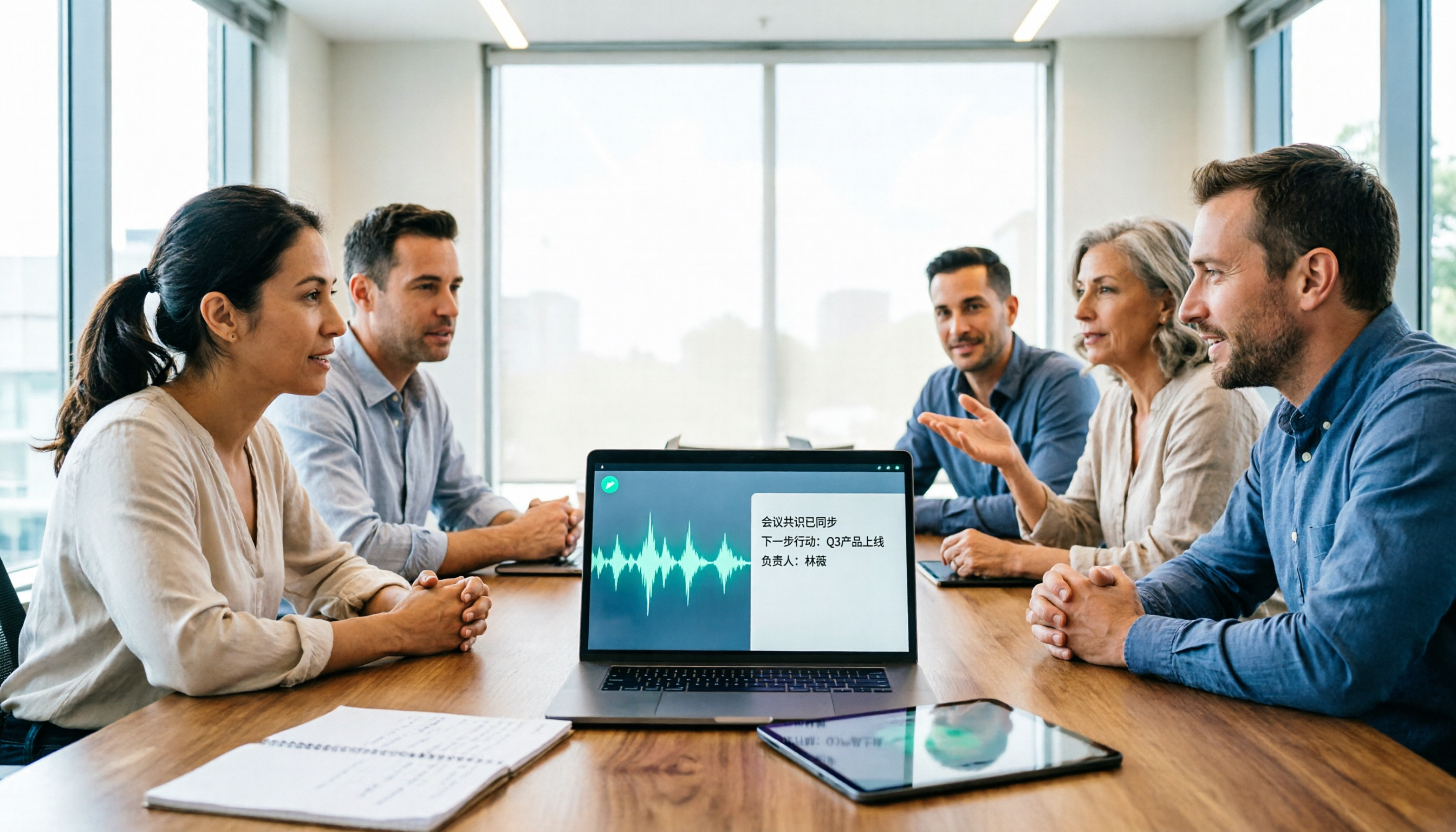
2026 AI Speech-to-Text Comparison: How to Use Vocol, Why Tinrec Wins for Team Meetings
Hands-on comparison of Vocol.ai, Notta, and Tinrec across meeting recording methods, transcript quality, post-meeting organization, team collaboration, and seat management. Includes step-by-step Vocol instructions and real-world limitations to help you choose the right tool for your meeting scenarios.

Which Group Owns Vocol in 2026? 5 Steps to Verify Brand Ownership and Choose the Right Tool
Which group owns Vocol.ai? Cross-checking the official website, Google Play developer field, and public records, the currently verifiable developer registration name is AIELLO INTERNATIONAL TAIWAN CO., LTD., but no public information clearly indicates which larger group it belongs to. This article walks you through 5 steps to verify brand ownership and compares Vocol, Tinrec, Otter.ai, and Notta in Chinese meeting notes and team collaboration.
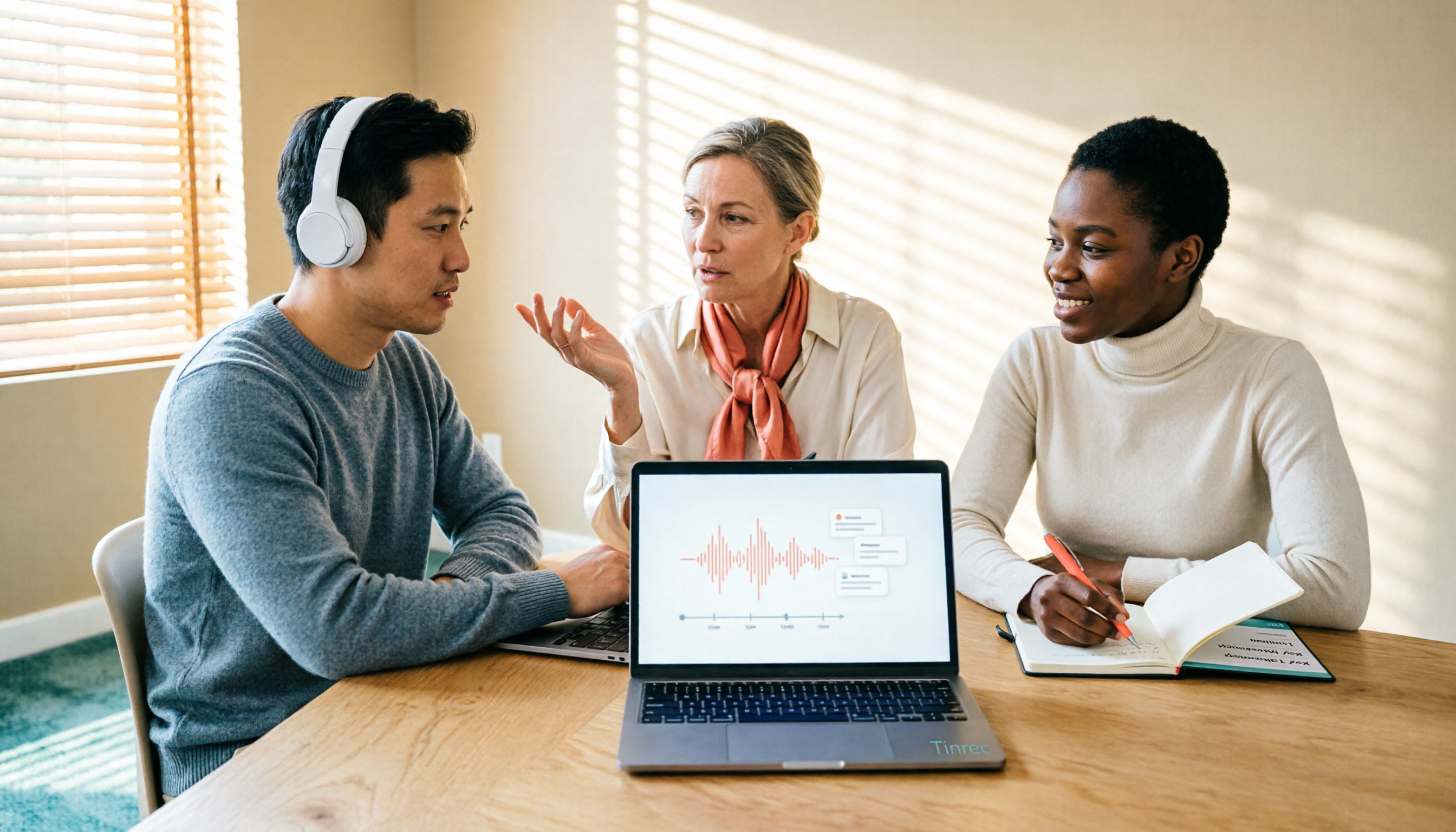
2026 AI Voice Collaboration Tools Comparison: What Does Vocol Mean and How to Choose?
Vocol is not an English word but a portmanteau of Voice and Collaboration, and also the name of the AI voice collaboration platform Vocol.ai. This article first explains the meaning of Vocol and the platform's positioning, then compares Vocol.ai, Otter.ai, and Tinrec across four key purchasing criteria, and lists four common pitfalls for Taiwanese users to help you determine which tool fits your meeting workflow.

2026 AI Recorder Comparison: Plaud Note vs NotePin vs Tinrec for Meeting Notes
PTT threads about the Plaud recorder are everywhere, but the real pain point isn't recording—it's post-meeting organization. This hands-on comparison looks at PLAUD Note and PLAUD NotePin AI recording hardware versus Tinrec's meeting workflow, so you can decide which fits your daily meetings, interviews, and team collaboration.

2026 AI Recording Tools Compared: How to Use PLAUD Recordings and Which Has the Fastest Workflow
Got a PLAUD recording and want to turn it into a transcript, summary, and a shareable meeting recap? This guide first walks through the full PLAUD process—pairing the device, recording, syncing, transcribing, and exporting—then compares Tinrec, Otter.ai, and Notta from a practical standpoint for Chinese meetings, online meetings, and post-meeting organization. It ends with four common pitfalls and selection advice.

Tinrec vs Plaud Recorder 2026: 5-Dimension Comparison — Software Collaboration or Portable Hardware?
Plaud is a popular AI recording hardware in 2026, but before buying a device, think about where your meetings happen. This article compares Plaud and Tinrec across 5 dimensions—device cost, online meeting handling, post-meeting workflow, language translation, and team governance—to help you decide between portable hardware and software collaboration.

4 AI Recorders Compared for 2026: PLAUD, Granola, Otter, and Tinrec — How to Choose
How do you choose an AI recorder in 2026? Starting from three real-world scenarios — online meetings, in-person interviews, and team handoffs — this article lays out 4 key buying criteria and compares the positioning, pricing, and limitations of Tinrec, PLAUD Note Pro/NotePin, Granola, and Otter.ai to help you decide whether to buy hardware or use software.

4 Recording Tools Tested for 2026: PLAUD's Latest vs. Tinrec — Which Saves More Post-Meeting Time?
Looking for the latest PLAUD recording version? This guide covers PLAUD Note Pro and NotePin specs, firmware updates, and subscription costs, plus hands-on comparisons of Tinrec, Otter.ai, and Notta for meeting notes, AI Q&A, and team collaboration—helping you choose the right tool for your budget and use case.