

Turn recordings into transcripts and summaries in minutes
Upload audio or video for multilingual transcription, AI notes, and action items
The meeting ends and the overtime begins—what you're missing isn't efficiency, it's the right tool
After a one-hour meeting, re-listening to the recording, filling in the transcript, and organizing key points often takes another two or three hours.
The three most common situations in Taiwanese workplaces: after an online meeting, the host asks "who said they'd handle this?"; after a client call, the salesperson writes notes from memory and misses half the details; after recording a course or interview for three or four hours, the audio file sits on the phone and is never opened again.
It looks like "no time to organize," but the real issue is the tool. A voice recorder only records; a pure transcription tool only converts to text. What really eats time is "how to use it after recording."
This article first clarifies the criteria for choosing a tool, then breaks down two completely different approaches: Tinrec and Plaud—one is a software-based meeting workflow, the other is hardware-based portable recording. After reading, you'll probably know which side you're on.
Before choosing an audio-to-text tool, think through these 4 things
1. Do you need a "recording device" or an "organizing tool"?
This is the most critical choice. Hardware buyers purchase a device that's portable, has long battery life, and can even record phone calls; software buyers purchase the ability to turn audio files into searchable, summarizable, and queryable data.
Hardware has irreplaceable scenarios—spontaneous interviews, situations where opening a computer is inconvenient, continuous recording for over ten hours. But if your pain point is "organizing meeting notes every week," carrying an extra device adds another step.
2. How are online meetings recorded?
There are two mainstream methods: one is a meeting bot joining as a participant; the other is desktop software directly capturing the computer's system audio, so no bot appears in the meeting room.
The latter is more polite for external client meetings and eliminates the risk of "forgetting to invite the bot." When choosing a tool, you can directly ask: how does it record Zoom, Google Meet, and Teams?
3. What can you do after transcription?
Having only a transcript is like having only raw material. What really saves time is the subsequent processing: automatic summaries, chapter segmentation, action item extraction, the ability to ask questions directly about the meeting content (e.g., "who mentioned the budget in the last meeting?"), and export to Notion or Google Docs for further use.
4. How are free quotas calculated and deducted?
"300 minutes per month" sounds the same, but the deduction methods vary greatly. Some plans only deduct minutes for live recording, some only for file imports—this significantly affects the actual cost for heavy users. Be sure to check this before ordering.
Tinrec—after testing, I put it first
Tinrec is an AI meeting notes and collaboration tool for individuals and teams, available on web, desktop, and mobile. Its positioning is not "audio-to-text" but turning meetings into searchable, queryable, and deliverable data.
During meetings: no need to invite a bot
The desktop version directly captures the computer's system audio and can handle Zoom, Google Meet, Microsoft Teams, and Webex without adding an extra participant. Note that this is not "automatically joining all meetings on your calendar"—you need to open Tinrec and start recording yourself, and the official documentation does not claim partnerships with these platforms.
While recording: live transcription with bilingual view
For offline meetings or interviews, you can use live recording to generate transcripts as you speak. For cross-language situations, real-time translation is supported, and you can switch between original text, translation, or bilingual view—quite practical for teams with international clients.
After the meeting: summaries, chapters, action items, and Q&A all in one place
After the meeting, the system generates summaries, chapters, and key points, and organizes action items into to-dos. Even better is the AI Q&A—you can directly ask "what was the conclusion of this meeting?" or "who is responsible for that follow-up?" without flipping through a 30-minute transcript yourself.
Further, there's Agent post-processing, which can generate reports, tables, and documents based on meeting content, and export to Notion, Google Docs, OneNote, Dropbox, etc. for further processing.
About accuracy, I won't give you a pretty number
The official documentation does not promise a fixed accuracy rate, and I don't recommend trusting any claim of "98%." Actual performance is affected by recording quality, ambient noise, accents, overlapping speakers, and technical terminology. In practice: verify important information against the transcript timestamps and recording, and maintain team-specific terms through "team hotwords" for more stable recognition.
Team version: turn meetings into team assets
If an entire department is using it, the Tinrec team version provides a separate team space rather than sharing one account among multiple people. Members join via invitation links, and roles (who can manage) and seats (who can record, upload, edit, export) are separate—members without seats can still view, play, and read team materials, but cannot upload or edit.
Admins can also view usage trends and member details, query and export audit logs, manage team hotwords, and recover accidentally deleted audio files from a 30-day recycle bin. When a member leaves or loses a seat, team resources are transferred to other active members and do not disappear with the individual account.
Stop organizing recordings by hand
Upload audio or video and automatically get a transcript, summary, and action items
Pricing: currently team monthly is USD 29.80 per paid seat per month, annual is USD 199 per paid seat per year (about USD 16.58 per month). Each paid seat provides 2,000 minutes of team shared import quota per month; under an active plan and active seat, live recording currently does not deduct minutes, while file and web link imports consume the team shared quota and do not draw from members' personal quotas. First-time eligible teams get a 7-day trial, 1 free seat, and 300 minutes of shared import quota. Prices and promotions are subject to the official purchase page.
Limitations I should honestly mention
File imports consume quota, not unlimited. The team version currently shares at the team level and has not developed fine-grained file-level permissions. Also, it's not suitable as a batch tool for "processing 50 large files at once"—that's the strength of another category of products.
Overall, if your meetings are mainly on the computer, you need Chinese transcripts and post-meeting organization, and you want data to stay with the team rather than on personal devices, Tinrec is currently the closest approach to this need.
How to use Plaud for audio transcription? The hardware approach in 5 steps
Plaud is a representative of AI recording hardware. PLAUD NOTE is a card-style recording device, and NotePin is a 16.7-gram recording capsule the size of an eye drop bottle. Its value is in "being able to record"—portable, one-button recording, long battery life—things software cannot do.
The actual workflow is roughly like this:
- Register and bind the device: Create a Plaud account and log in, then bind the recording device to the app. New registrations connected to the main unit can activate 300 minutes of free transcription per month.
- One-button recording: Press the device to start recording. Recording alone does not require internet—convenient for outdoor interviews.
- Sync audio files back to the app: After recording, sync via the PLAUD APP. Syncing, transcription, and summarization all require internet.
- Generate transcript: Start transcription in the app to generate a transcript with speaker labels and automatic segmentation.
- Apply summary templates: Choose a suitable summary mode to generate summaries and key points, then decide whether to export or share.
There are a few things to note. First, it's a hardware-centric approach—you have to remember to bring the device and charge it. Second, if your meetings are on the computer, you need an extra step to process the audio file. Third, check the prices: the US official website currently shows NotePin USD 159, Note Pro USD 189; membership plans: Starter 300 minutes per month, Pro USD 99.99 per year with 1,200 minutes per month, Unlimited USD 239.99 per year—subject to the official page.
Conversely, Tinrec does not require additional hardware; the desktop version can record online meetings without a bot and puts transcripts, summaries, action items, and team space in one system—this is the fundamental difference. If you need "record anytime, anywhere," Plaud's hardware approach is still reasonable; if you want to turn meetings into usable data, the software approach takes fewer detours.
Besides Tinrec, what other options are there?
Notta: Multi-platform transcription and meeting notes, with significant overlap with Tinrec. Free version: 120 minutes per month, max 3 minutes per item; Pro annual billing about USD 8.17 per month, 1,800 minutes per month; Business annual about USD 16.67 per seat per month, including unlimited transcription, role permissions, and usage reports. If you mainly process existing files and subtitles, it's worth comparing; but if you care about desktop bot-free recording of online meetings and team data governance, Tinrec's focus is closer to that.
Otter.ai: A mature choice for English meetings. Basic free 300 minutes per month; Pro annual billing about USD 8.49 per user per month, including 1,200 minutes of in-app recording and 10 file imports per month. If 90% of your meetings are in English, it will be smoother than Chinese-oriented tools. If Chinese meetings are a high proportion, Tinrec's Chinese transcription, real-time translation, and team hotwords will be more practical.
TurboScribe: Essentially a high-cost-performance file transcription tool. Free version: 3 files per day, max 30 minutes per file; Unlimited annual USD 120 (about USD 10 per month), paid version max 10 hours or 5 GB per file, up to 50 files at once. Very suitable for clearing hundreds of hours of historical audio, but it's not designed for live meeting notes—that's Tinrec's home turf.
Pitfall guide: the 4 most common mistakes when choosing an audio-to-text tool
Pitfall 1: Only looking at free minutes, not the deduction method. The same "300 minutes per month" may only deduct for live recording, only for file imports, or be a team shared pool. Figure out your main usage pattern, or the quota will run out in strange places.
Pitfall 2: Treating a hardware recorder as a meeting organization tool. Hardware solves "being able to record," not necessarily "organizing well." First confirm whether you lack the front end or the back end, then decide whether to carry an extra device.
Pitfall 3: Thinking a transcript equals meeting notes. A transcript is just raw material. Without summaries, chapters, action items, and queryable search, you still have to read through ten thousand words yourself. When choosing a tool, look directly at what its "post-meeting output" looks like.
Pitfall 4: Ignoring data ownership. Meetings recorded by colleagues on personal accounts—when they leave, the data goes with them. If you need team collaboration, choose a solution with team space, seat management, and resource transfer mechanisms from the start.
One more reminder: before recording, proactively inform the other party and obtain consent—this is not just courtesy but also a legal requirement.
Conclusion: Which one should you choose?
- Meetings mainly on the computer, need Chinese transcripts + post-meeting organization → Tinrec. Desktop bot-free recording, post-meeting summaries, chapters, action items, and AI Q&A, data stays in team space.
- Need portable recording, phone call recording, long battery life hardware → PLAUD Note / NotePin. This is an irreplaceable scenario for hardware.
- 90% of meetings are in English → Otter.ai, free 300 minutes per month is enough to test the waters.
- Need to batch clear large amounts of historical audio → TurboScribe, max 10 hours per file, up to 50 files at once.
- Department needs to collectively accumulate meeting data → Tinrec team version, roles and seats managed separately, data continuity when members change.
Honestly, the biggest fear with these tools is "buying but not using." I suggest first using the free quota to run through a real meeting—not a test audio file, but the meeting you'll actually have next week. After one run, you'll know whether you lack hardware or software.
References
- Meeting notes and class notes made easy! 5 steps to use Plaud's free AI audio-to-text
- PLAUD NOTE | AI smart recording card | Free 300 minutes transcription per month - Sentra
- How to transcribe mobile meeting recordings? Use Plaud + AI recording and organization in one go
- Plaud Taiwan | Official Website | Leading AI Recording Device Brand
- Plaud User Guide | Complete Tutorial and Operation Guide
Turn every recording into actionable outcomes
Get 60 free transcription minutes when you sign in. No credit card required.
Related Reading
You might also like

PLAUD Recorder 2026 Latest Version Review: Which of 3 Meeting Notes Solutions Is Right for You?
How to choose the latest PLAUD recorder? This article starts with common misconceptions and outlines the positioning and limitations of three recording devices: PLAUD Note, Note Pro, and NotePin. It also compares AI meeting tools like Tinrec in terms of bot-free recording, post-meeting summaries, AI follow-up questions, and team collaboration. Key buying factors and pitfalls to avoid are included to help you decide whether to buy hardware or switch tools.
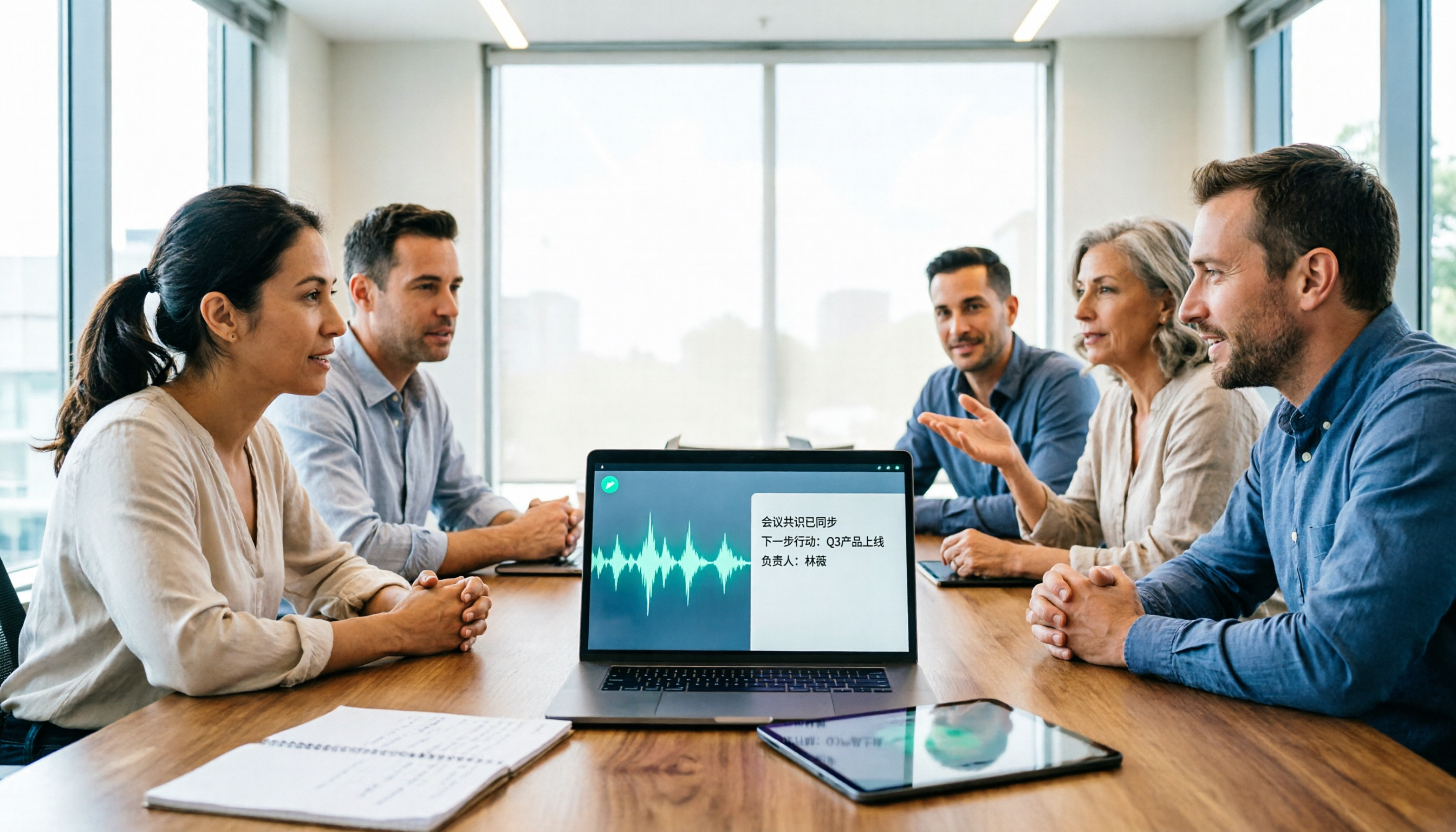
2026 AI Speech-to-Text Comparison: How to Use Vocol, Why Tinrec Wins for Team Meetings
Hands-on comparison of Vocol.ai, Notta, and Tinrec across meeting recording methods, transcript quality, post-meeting organization, team collaboration, and seat management. Includes step-by-step Vocol instructions and real-world limitations to help you choose the right tool for your meeting scenarios.

Which Group Owns Vocol in 2026? 5 Steps to Verify Brand Ownership and Choose the Right Tool
Which group owns Vocol.ai? Cross-checking the official website, Google Play developer field, and public records, the currently verifiable developer registration name is AIELLO INTERNATIONAL TAIWAN CO., LTD., but no public information clearly indicates which larger group it belongs to. This article walks you through 5 steps to verify brand ownership and compares Vocol, Tinrec, Otter.ai, and Notta in Chinese meeting notes and team collaboration.
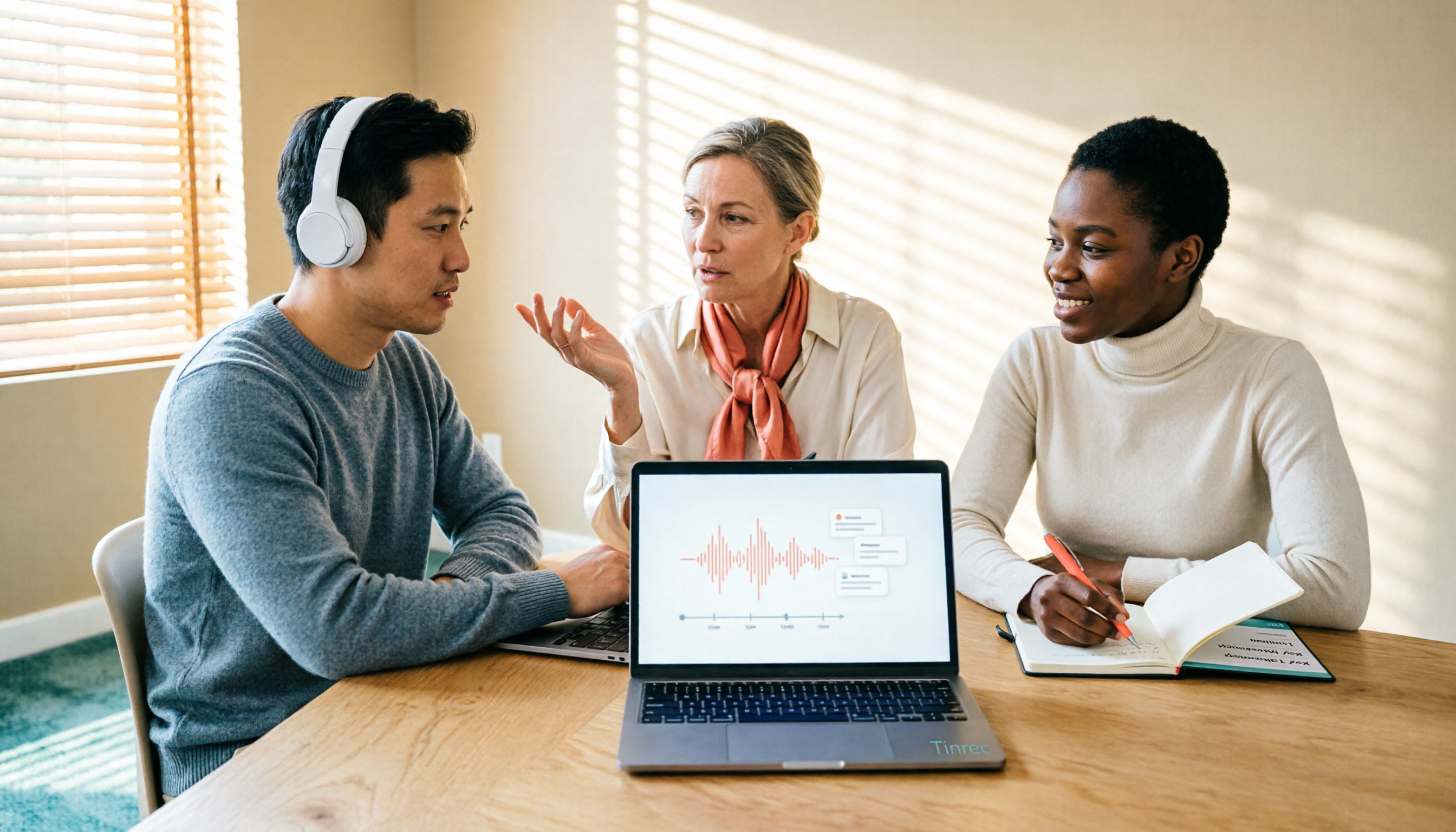
2026 AI Voice Collaboration Tools Comparison: What Does Vocol Mean and How to Choose?
Vocol is not an English word but a portmanteau of Voice and Collaboration, and also the name of the AI voice collaboration platform Vocol.ai. This article first explains the meaning of Vocol and the platform's positioning, then compares Vocol.ai, Otter.ai, and Tinrec across four key purchasing criteria, and lists four common pitfalls for Taiwanese users to help you determine which tool fits your meeting workflow.

2026 AI Recorder Comparison: Plaud Note vs NotePin vs Tinrec for Meeting Notes
PTT threads about the Plaud recorder are everywhere, but the real pain point isn't recording—it's post-meeting organization. This hands-on comparison looks at PLAUD Note and PLAUD NotePin AI recording hardware versus Tinrec's meeting workflow, so you can decide which fits your daily meetings, interviews, and team collaboration.

2026 AI Recording Tools Compared: How to Use PLAUD Recordings and Which Has the Fastest Workflow
Got a PLAUD recording and want to turn it into a transcript, summary, and a shareable meeting recap? This guide first walks through the full PLAUD process—pairing the device, recording, syncing, transcribing, and exporting—then compares Tinrec, Otter.ai, and Notta from a practical standpoint for Chinese meetings, online meetings, and post-meeting organization. It ends with four common pitfalls and selection advice.

Tinrec vs Plaud Recorder 2026: 5-Dimension Comparison — Software Collaboration or Portable Hardware?
Plaud is a popular AI recording hardware in 2026, but before buying a device, think about where your meetings happen. This article compares Plaud and Tinrec across 5 dimensions—device cost, online meeting handling, post-meeting workflow, language translation, and team governance—to help you decide between portable hardware and software collaboration.

4 AI Recorders Compared for 2026: PLAUD, Granola, Otter, and Tinrec — How to Choose
How do you choose an AI recorder in 2026? Starting from three real-world scenarios — online meetings, in-person interviews, and team handoffs — this article lays out 4 key buying criteria and compares the positioning, pricing, and limitations of Tinrec, PLAUD Note Pro/NotePin, Granola, and Otter.ai to help you decide whether to buy hardware or use software.

4 Recording Tools Tested for 2026: PLAUD's Latest vs. Tinrec — Which Saves More Post-Meeting Time?
Looking for the latest PLAUD recording version? This guide covers PLAUD Note Pro and NotePin specs, firmware updates, and subscription costs, plus hands-on comparisons of Tinrec, Otter.ai, and Notta for meeting notes, AI Q&A, and team collaboration—helping you choose the right tool for your budget and use case.