

Turn recordings into transcripts and summaries in minutes
Upload audio or video for multilingual transcription, AI notes, and action items
2026 Comparison of 3 Free Speech-to-Text Tools: How to Get the Most Out of Vocol's 200-Minute Trial
Meeting Notes Take Time—You Don't Need More Tools, You Need a Solution That Turns Meetings into Data
It's 3 PM on a Wednesday, and you've just finished a 50-minute client meeting. Your notebook has only three lines written, but the conversation included budgets, deadlines, and who's responsible for what. You open the recording and prepare to listen from the beginning.
Another scenario: an online meeting. The meeting ends, everyone leaves the video call, and you stay behind to catch up on notes. Attendees are already asking in the group chat: "What was that conclusion again?" You can only reply: "I'll listen to the recording in a bit."
The common thread in these scenarios isn't "no tools"—it's that tools only help you record, not turn content into searchable, summarizable, trackable data. Instead of installing another app that only transcribes text, what you really need is a solution that connects before, during, and after meetings.
Before Choosing a Speech-to-Text Tool, Understand These 4 Key Points
1. How to Evaluate Free Quotas: Don't Just Look at Minutes—Look at How Points Are Deducted If you're searching for "Vocol free trial," the most common question is whether 200 minutes is enough. According to Vocol's official download page and Apple Almond's summary, after registration you get about 200 minutes of trial quota. The conversion is roughly 1 to 1.5 V-points per minute of transcription, so 200 V-points is about 200 minutes. Vocol's campaign page also states: register an account and get 200 V-points; complete the form and get another 300 V-points; refer a friend who completes registration and get more V-points. Note that these quotas have expiration dates and campaign conditions; actual points are based on what's shown in your account after registration.
2. What You Can Do After Transcription: Summaries, Chapters, To-Dos, Q&A, Export Getting only a transcript means you're only halfway done. Ask yourself: Do I need the tool to highlight key points? Do I need automatic to-do extraction? Do I need to export meeting content to Notion, Google Docs, or team documents? These post-meeting tasks are where most people actually spend time.
3. Meeting Capture Methods: Bot Joining, Desktop Recording, or File Upload Online meeting recording generally falls into three types: a meeting bot joins as an attendee, a desktop app directly captures system audio, or you upload audio/video files afterward. None is inherently better, but if you don't want an extra bot name appearing in the attendee list, confirm which method the tool supports.
4. Team Collaboration and Data Ownership: Personal Account vs. Team Space Personal recordings belong to the individual; team meeting data should belong to the team. When choosing a team plan, look carefully at roles, seats, and data ownership. Roles determine who can manage members and settings; seats determine who can record, upload, edit, and export. These are not the same thing.
Tinrec—Our Top Pick After Testing
Tinrec is an AI meeting notes and collaboration tool for individuals and teams, supporting web, desktop, and mobile. Its positioning isn't "a speech-to-text tool" but rather turning meetings into searchable, collaborative, actionable team data.
During Meetings, No Need to Invite a Meeting Bot Tinrec's desktop app directly captures computer system audio, handling Zoom, Google Meet, Microsoft Teams, Webex, and other online meetings without an extra bot joining. Just open Tinrec and start recording before the meeting, and you can generate a transcript while the meeting is ongoing. This is especially useful for external quote meetings and client interviews because no unfamiliar account appears in the meeting room.
After Meetings, You Get Not Just a Transcript but Also Summaries, Chapters, and To-Dos After the meeting, Tinrec generates AI summaries, chapters, and key points, and extracts to-dos from the discussion. You can directly see who's responsible for what and what to follow up on next time. If the meeting is mixed Chinese-English, you can use real-time translation and bilingual viewing. For those who have three or four meetings a week, this saves a lot of time compared to manually re-listening to recordings.
After Recording, Ask AI Directly—No Ctrl+F for Keywords This is where Tinrec stands out from ordinary transcription tools. You can ask questions about single or multiple meetings, such as "Who mentioned the budget in the last meeting?" or "What were the client's concerns about pricing?" It answers based on meeting content, not just keyword search results. When you need to submit a report, you can use Agent post-processing to generate documents, reports, or tables, and export to Notion, Google Docs, OneNote, Dropbox, and other tools for further work.
How I Evaluate in Testing I didn't stuff a nice accuracy number into the article because the product description clearly warns: actual results are affected by recording quality, noise, accents, overlapping speakers, and technical terminology. A more reasonable approach is to use the same 5-minute mixed Chinese-English meeting recording, run it once in a quiet room and once in a meeting room with air conditioning noise, and observe transcript errors, whether summaries capture to-dos, and whether AI Q&A can answer specific questions. This is closer to real use than just looking at official percentage claims.
Stop organizing recordings by hand
Upload audio or video and automatically get a transcript, summary, and action items
Pros First, bot-free desktop recording is friendly for online meetings and doesn't require changing attendees' habits. Second, the post-meeting workflow is complete—summaries, to-dos, Q&A, and export are all in one place. Third, the team plan has an independent team space, with separate management of members, roles, seats, usage analytics, and audit logs, so team data isn't taken away by individuals when they leave.
Limitations The free version only has a basic quota, suitable for light experience, but if you handle long meetings daily, you'll need to evaluate a paid plan. Also, Tinrec isn't a meeting bot that "automatically joins all calendar meetings"—you need to actively open the desktop app to start recording. The team plan isn't a file-level permission system either; it's team-level sharing plus role and seat management.
Who It's For If you frequently have Chinese or mixed Chinese-English meetings, don't want an extra bot in meetings, want to use AI directly to find key points and to-dos after meetings, or need to turn meeting data into team assets, Tinrec is a very suitable choice.
Besides Tinrec, What Other Options Are There?
Vocol: Try 200 Minutes First, Then Decide Whether to Buy Points Vocol.ai is a voice collaboration platform. Registration gives about 200 minutes of trial quota, with 1 minute of transcription deducting about 1 to 1.5 V-points, and the campaign page offers 300 V-points for completing a form. Its public information mainly focuses on uploading audio or video files to generate transcripts, summaries, and topics. The difference from Tinrec: Tinrec combines bot-free desktop recording, AI Q&A, to-dos, and team space in one workflow.
Notta: An Option for Multi-Platform Transcription and Translation Notta covers multi-platform transcription, meeting notes, file import, and translation. The official free version offers 120 minutes per month, with a maximum of 3 minutes per item; Pro annual billing is about USD 8.17/month for 1,800 minutes per month; Business annual billing is about USD 16.67/seat/month. It suits those who need multilingual transcription and subtitles. However, Tinrec's product description lists bot-free desktop recording, AI Q&A, and team space as core features; if you value online meetings without a bot joining, this is where the two differ.
Otter.ai: Generous Free Quota for English Meetings Otter.ai is a mature AI meeting assistant. Basic is free with 300 minutes per month; Pro annual billing is about USD 8.49/user/month, including 1,200 minutes of in-app recording per month and 10 file imports. If your meetings are mainly in English and your budget is zero, Otter's free quota is attractive. But if you need Chinese meetings, mixed Chinese-English, bot-free desktop recording, and team data retention, Tinrec's product description is more aligned.
Pitfall Guide: The 4 Most Common Mistakes When Choosing a Speech-to-Text Tool
Pitfall 1: Only Looking at Free Minutes, Ignoring Point Consumption Vocol's 200-minute trial sounds like a lot, but 1 minute of transcription deducts about 1 to 1.5 V-points. If meeting recordings are long and you transcribe repeatedly, points can run out faster than expected. Before trying, calculate your weekly meeting hours so you don't discover the quota is used up when you need to submit minutes.
Pitfall 2: Treating the Tool Only as "Speech-to-Text" If you only use a transcription tool to generate transcripts, you're using only a third of its capabilities. Summaries, chapters, to-dos, Q&A, and export are where the real post-meeting time is spent. When choosing a tool, rather than comparing who's cheaper for transcription, look at who can help you turn meetings into actionable data.
Pitfall 3: Ignoring Meeting Capture Methods A meeting bot joining the meeting shows attendees an unfamiliar account; desktop system audio capture doesn't add a participant. Neither is wrong, but if your client meetings care about the attendee list, confirm which method the tool supports. Tinrec's desktop app is bot-free recording, which is the biggest difference from the meeting bot approach.
Pitfall 4: Confusing "Roles" and "Seats" A team plan isn't multiple people sharing one personal account. Take Tinrec as an example: roles determine who can manage the team, members, and audits; seats determine who can record, upload, edit, and export. Active members without seats can still view, play, and read team data but cannot perform resource-using operations. Before purchasing, figure out how many paid seats you need so you don't buy and then find members can only view but not edit.
Conclusion: Which One Should You Choose?
If you just want to know how to use the Vocol free trial: register for Vocol first, confirm the 200 V-points in your account and any campaign bonus points, and test transcription, summaries, and point consumption with a 30- to 50-minute meeting. If it's enough, consider its point packages; Vocol's pricing page lists US $16/300 V-points, US $36/800 V-points, US $66/1,600 V-points, and a US $11/300 V-points monthly plan. Actual prices are subject to the official website.
But if you want a more complete meeting workflow, choose as follows:
- Chinese meetings, mixed Chinese-English, post-meeting AI Q&A and to-dos → Tinrec. Bot-free desktop recording, ask meeting content directly after the meeting, and export to existing workflows.
- Online meetings without an extra bot joining → Tinrec. Desktop captures system audio, no meeting bot needed.
- Teams sharing meeting data, managing members and usage → Tinrec team plan. The first eligible team trial is 7 days, 1 free seat, 300 minutes of team shared import quota; paid seats are USD 29.80/month monthly or USD 199/year annually, with 2,000 minutes of team shared import quota per paid seat per month. Real-time recording is currently not deducted by minutes under an active plan and seat.
- English-only recording, zero budget → Otter.ai Basic. 300 minutes free per month, a practical starting point for English meetings.
Simply put, the Vocol free trial is suitable for small-scale validation of speech-to-text results; Tinrec is better for connecting meeting notes, summaries, Q&A, to-dos, and team collaboration into one process. You can start with Tinrec's free version for one or two meetings, use the basic quota to experience recording, import, summaries, and transcription, and consider upgrading if it fits—no need to pay from the start.
References
- Home|Vocol.ai Voice Collaboration Platform
- Introducing the Lightweight App
- Pricing and Plans|Vocol.ai Voice Collaboration Platform
- Free Internet Resource Exclusive Campaign Page
- Beyond Speech-to-Text: vocol.ai Cross-Language Collaboration Platform That Highlights Key Points and Enables Interactive Discussions Among Colleagues and Friends - Apple Almond - iPhone/iOS/Gadget Recommendation Tech Media
Turn every recording into actionable outcomes
Get 60 free transcription minutes when you sign in. No credit card required.
Related Reading
You might also like
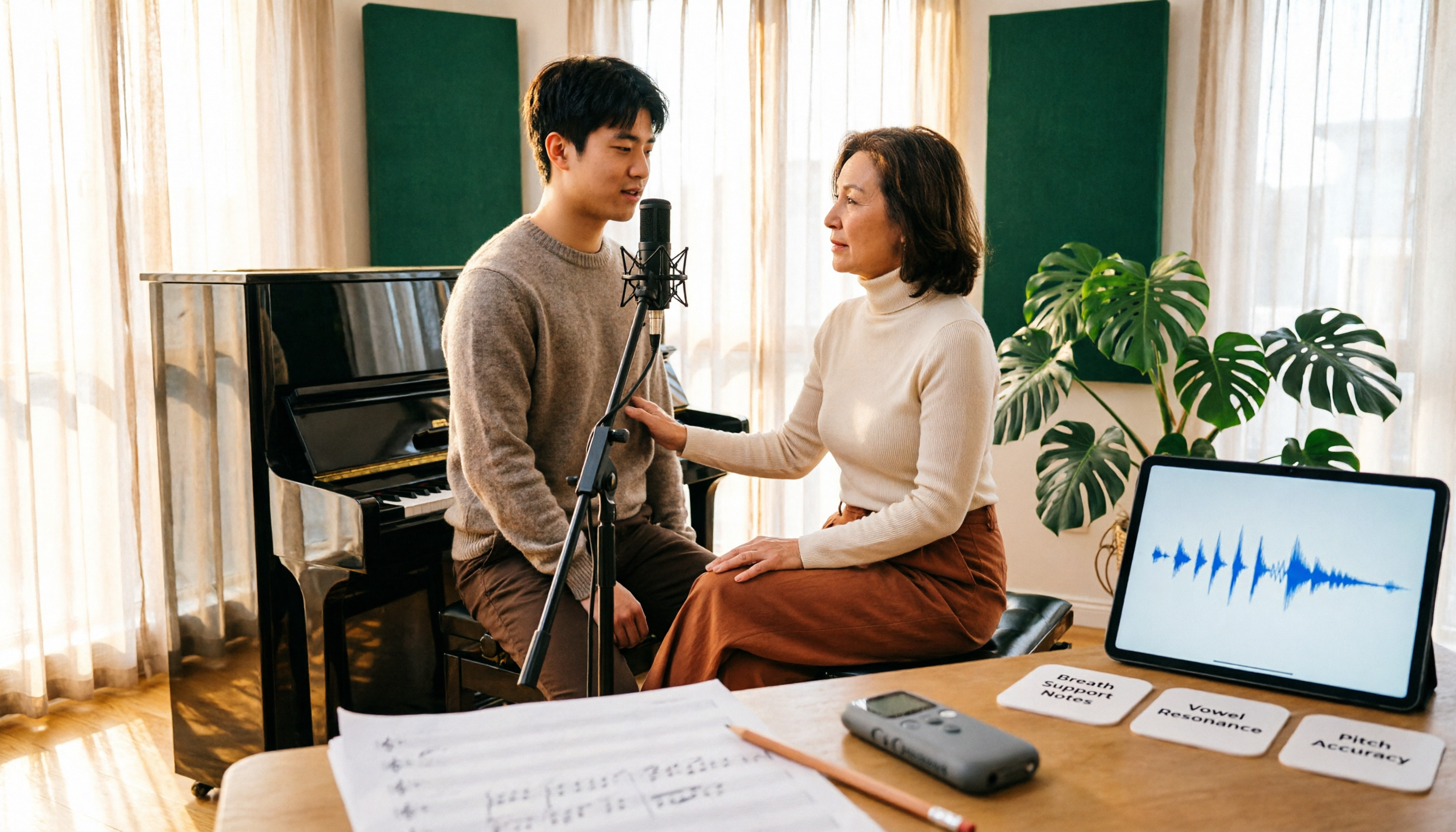
Vocology vs Vocal Pedagogy in 2026: 5 Key Differences + Practical Recording Organization Method
Vocology and vocal pedagogy are often confused, but one deals with the science and training of voice function, while the other focuses on teaching methods and artistic interpretation. This article breaks down the differences through 5 key paths and includes a practical method for turning class, practice, and masterclass recordings into searchable notes—ideal for voice teachers, students, and voice-related professionals.
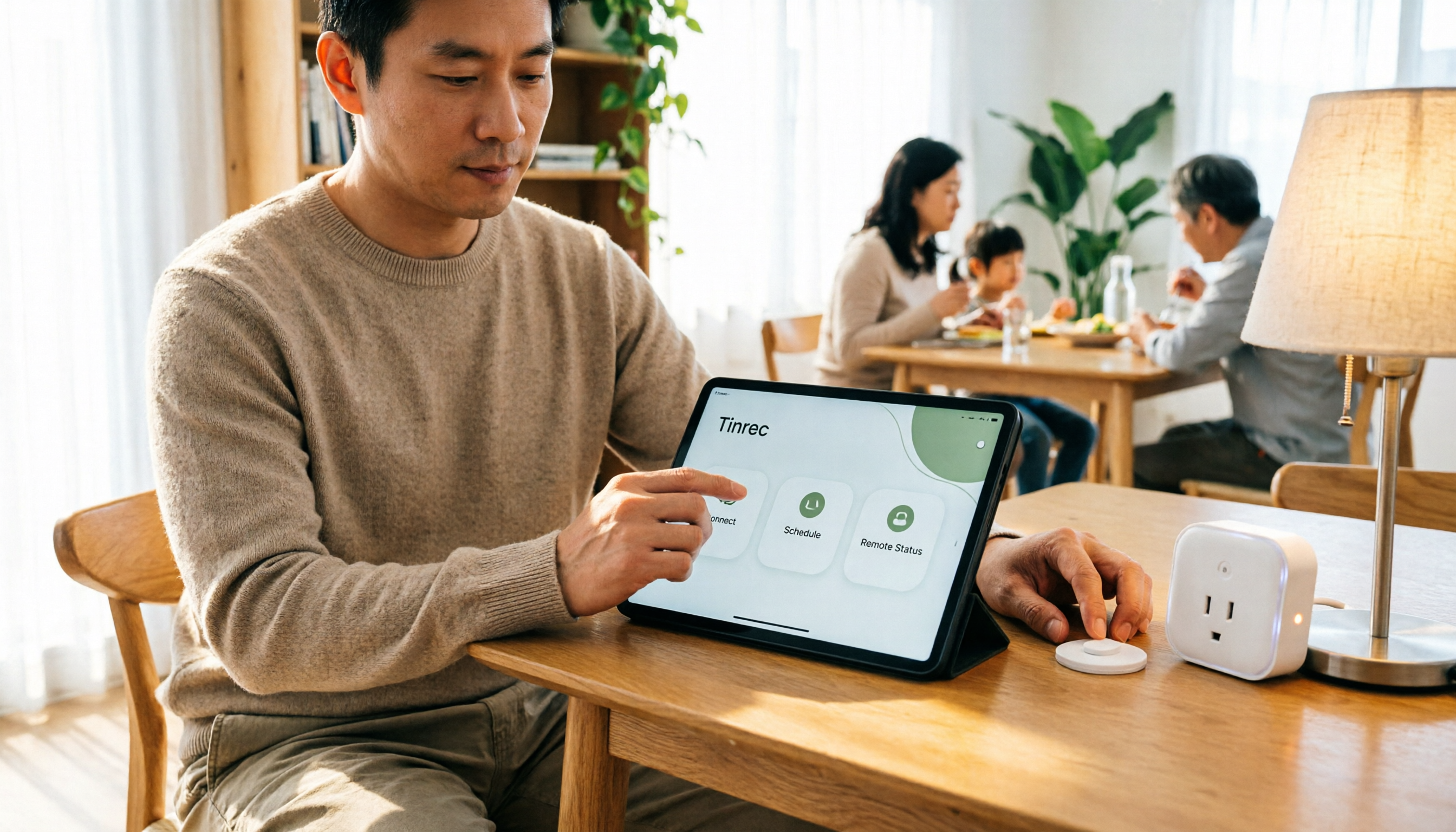
VOCOlinc Smart Plug App Review 2026: Setup and Three Control Methods Compared
Bought a VOCOlinc smart plug—should you use the VOCOlinc app, Apple Home app, or the physical button? This guide covers real-world pairing for VP5X and PM2, scheduling and Auto-Reboot, remote control hub requirements, 2.4GHz Wi-Fi limits, and which control method fits your needs.

VOCOlinc Tracker App Guide 2026: Find My vs LinkWise for iPhone & Android
Bought a VOCOlinc tracker but unsure which app to use? This guide breaks down the differences between iPhone and Android, covering three pairing options: VT2201, Air Tag Pro Smart Card, and LinkWise App. It explains pairing steps, close-range ringing, Lost Mode, NFC contact info, and waterproof/battery specs, plus four common setup mistakes to help you choose the right combo before ordering.

How to Use the VOCOlinc Tag App in 2026: 5-Step Setup and Anti-Loss Configuration
The VOCOlinc tag doesn't require a dedicated app or monthly fee. This guide explains how it works with Apple's Find My and Google Find Hub, compares the Black, Slim VT2202, and Air Tag Pro trackers, walks through setup in 5 steps, and covers key buying considerations and common mistakes.

Vocola App Review 2026: 5-Way Comparison with Tinrec — Is It Still Worth Using?
Vocola is a voice command language for controlling your computer, while AI meeting note tools like Tinrec take a completely different approach. This review compares Vocola and Tinrec across five dimensions: Chinese language support, transcript organization, online meeting recording, team collaboration, and ease of use, to help you decide which one fits your daily work.

2026 AI Meeting Notes Showdown: Tinrec vs Vocol — Which Is Better for Chinese-Speaking Teams?
Vocol.ai and Tinrec both do speech-to-text, but their actual use cases differ significantly. This article compares the two tools across five dimensions—meeting recording methods, Chinese and multilingual transcription, post-meeting outputs, team governance, and pricing—to help you determine which one fits your workflow.
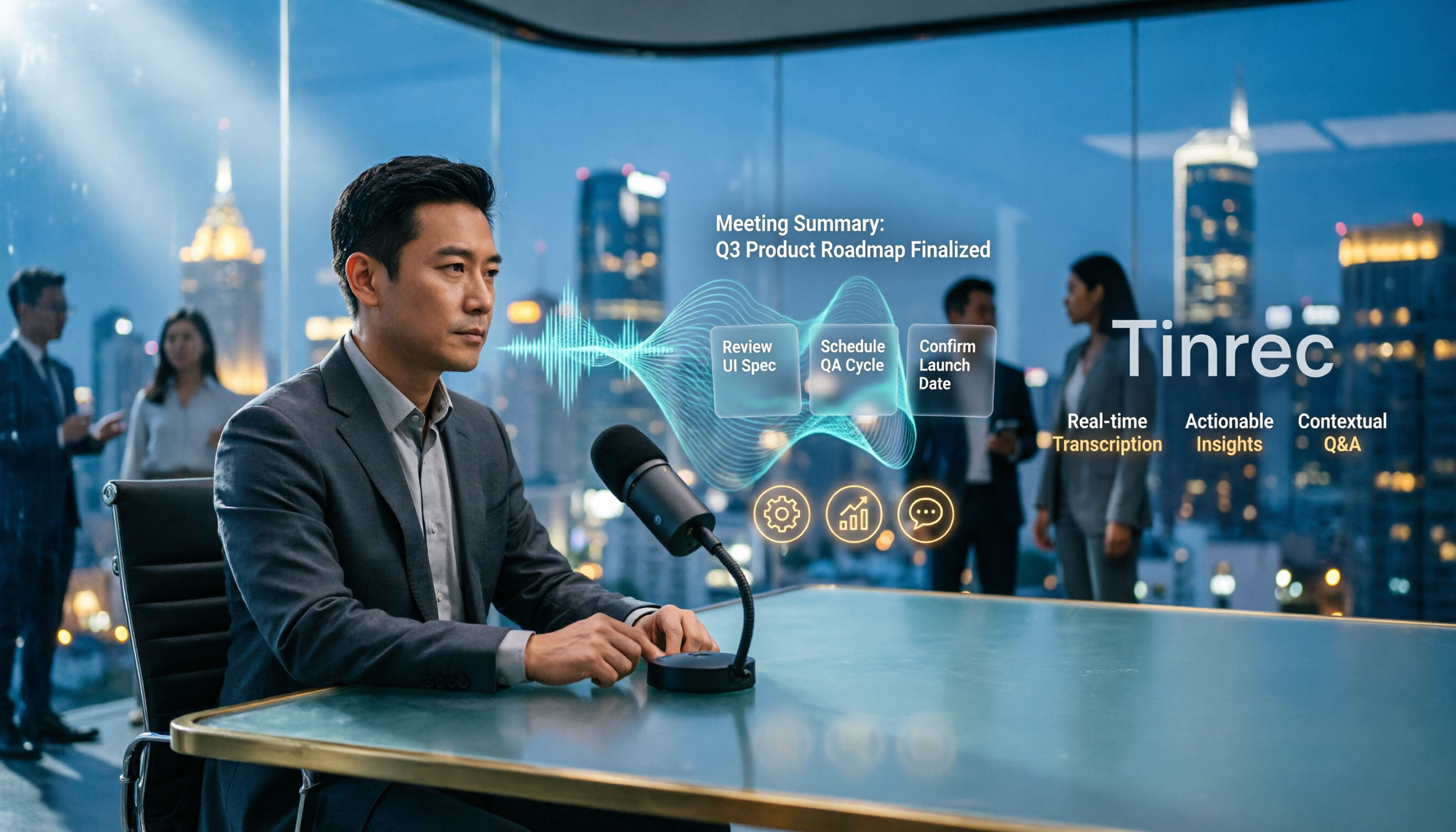
4 Vocal Aid Tools Tested in 2026: How to Turn Meeting Recordings into Usable Data
Most people searching for 'vocal aid' actually want to turn meeting, interview, and lecture audio into organized, queryable data. This article addresses common misconceptions, explains how to choose a vocal aid tool, and uses Tinrec as an example to break down the complete workflow of real-time transcription, bot-free recording, AI summaries, action item extraction, and team knowledge retention.

5 VOCOlinc App Download Sources Tested in 2026: Official Stores vs. APK Mirrors
Where should you download the VOCOlinc App? This guide covers five working download sources—App Store, Google Play, APKPure, Aptoide, and Softonic—comparing version gaps, who each is best for, and what to check before installing, so you can avoid wrong sources, version mismatches, and repeated pairing hassles.

Vocal AI Review 2026: Is It Worth It for Chinese Transcription & Action Items?
Searching for 'vocal AI' yields two distinct needs: AI singing and meeting transcription. This guide breaks down 4 key selection factors, tests Tinrec's bot-free meeting recording, AI summaries, action items, and cross-meeting Q&A, and reviews Notta, Otter.ai, and TurboScribe for different use cases, ending with clear recommendations and pitfalls to avoid.