

Turn recordings into transcripts and summaries in minutes
Upload audio or video for multilingual transcription, AI notes, and action items
The meeting just ended, and your manager turns and asks, "Who's handling that proposal?" You look down at your notebook, where you've only jotted down three keywords, and the details are slowly slipping from your mind.
This is something many office workers experience every day. That's why people turn to voice tools. Those searching for "vocola app" are likely trying to turn "spoken words" into "usable data."
Vocola is a voice command language with a long history, and it takes a completely different path from today's AI meeting note tools. In this article, I compare the two so you can figure out which one you should use.
Vocola App vs Tinrec | Quick Overview
Vocola is a language for "creating voice commands" that lets you control computer operations with short spoken commands. It is not a transcription service or a meeting note tool itself; speech recognition is handled by Windows Speech Recognition (WSR). The version found in this review is 3.1.1, developed by Rick Mohr.
Tinrec, on the other hand, is an AI meeting note and collaboration tool. It turns recordings into transcripts, then organizes them into summaries, chapters, key points, and action items. It also lets you ask questions about meeting content, translate in real time, export to other tools, and build a reusable knowledge base within team spaces.
| Item | Vocola | Tinrec |
|---|---|---|
| Positioning | Voice command language for controlling your computer with voice | AI meeting note and team collaboration tool |
| Platform | Windows (Vocola.exe) | Web, desktop, mobile |
| Main output | Custom voice commands and actions you define | Transcripts, summaries, chapters, action items, AI Q&A, documents, and tables |
| Pricing | No public pricing information available from this source | Free plan; weekly pass, Pro monthly, annual; team plan at USD 29.80 per paid seat per month |
Next, I'll look at five dimensions: Chinese and multilingual content, transcripts and post-meeting organization, online meeting recording methods, team collaboration, and ease of use.
Dimension 1 | Chinese and Multilingual Meeting Content
Vocola's recognition is based on Windows Speech Recognition, so language and accent support depend on the system engine. Its value lies in letting you trigger actions with very short spoken commands, not in turning an entire meeting into a readable transcript.
The source material also notes that WSR has traditionally struggled with dictation in "non-friendly" applications like Excel, Gmail, and most programming environments. Vocola is designed to improve this: it supports direct dictation in these apps and lets you correct or modify sentences you just spoke.
Tinrec takes a different approach. It focuses on Chinese meetings, supports mixed Chinese-English content, multilingual transcription, real-time translation, and bilingual viewing. Teams can also maintain their own specialized terminology using hotwords.
Keep in mind that actual performance on both sides is affected by recording quality, accents, background noise, and overlapping speakers. No tool can guarantee a fixed accuracy rate.
→ For this dimension: If you're dealing with Chinese meeting content, Tinrec's focus is more direct.
Dimension 2 | Transcripts and Post-Meeting Organization
Vocola with WSR lets you "type" by speaking into the application you're using, solving the input problem. Its output mainly stays in the window you have open at the moment; it doesn't automatically become a centralized, searchable meeting record.
Tinrec handles the "after recording" part. For the same recording, it produces a transcript, AI summary, chapters, and key points, and extracts action items from the discussion. It can also generate mind maps, reports, tables, and documents.
Even better, after the meeting you can continue asking questions about the content, such as "What was the budget cap the client mentioned?" without having to re-listen to a two-hour audio file.
→ For this dimension: Tinrec wins. The difference is between "having a transcript" and "having usable data."
Dimension 3 | How to Record Online Meetings
Vocola has always been positioned as voice control, not meeting recording. It won't capture the audio from your Zoom or Teams meetings.
Tinrec's desktop version directly captures computer system audio, handling online meetings on Zoom, Google Meet, Microsoft Teams, Webex, and others without needing to invite an extra meeting bot as a participant.
This is especially practical for external client meetings. You don't have to explain to the other party that "an AI bot will be joining shortly," and you don't have to worry about their concerns about a recording bot.
Note that this is "the user actively opens the desktop app to start recording," not automatically joining all calendar meetings.
Stop organizing recordings by hand
Upload audio or video and automatically get a transcript, summary, and action items
→ For this dimension: Tinrec wins, especially in situations that require external communication.
Dimension 4 | Team Collaboration and Knowledge Retention
Vocola is a local, personal tool. Commands are written on your own computer, settings are your own, and there's no concept of team sharing.
Tinrec's team plan, on the other hand, is a separate team space, not "multiple people sharing one personal account." It includes creating and switching between multiple teams, inviting members via join links, setting roles (Owner/Admin/Member), assigning and transferring seats, centrally storing meeting data, and viewing team usage trends, member rankings, and details.
On the governance side, there are audit logs that can be queried and exported. Audio moved to the recycle bin has a 30-day recovery period (TODO not within the recycle bin scope). When a member leaves or is removed, their team resources need to be handed over to other active members, so data doesn't leave with the individual.
It's important to distinguish between "roles" and "seats": roles determine who can manage the team and members, while seats determine who can record, upload, edit, and export. Active members without a seat can still view, play, and read team data.
→ For this dimension: Tinrec wins.
Dimension 5 | Ease of Use and Cost
Vocola requires you to understand its command syntax and define "what to say and what action to trigger." For those willing to spend time tuning it, this is very flexible; but for those who "just want to get meeting notes quickly," it's extra work.
Tinrec's workflow is much simpler: open, start recording, and after finishing, view the summary and action items. The free plan lets you experience recording, importing, summarizing, and transcription within basic limits. If you have a short period of intense meetings, consider a weekly pass; for steady weekly use, Pro is suitable; for long-term data retention, the annual plan is more cost-effective.
Honestly, the difference in learning cost reflects that they solve different problems, not that one is superior.
→ For this dimension: For the average office worker, Tinrec's starting barrier is much lower.
What Are the Unique Advantages of Each?
Tinrec's Unique Advantages
First, it retains recordings and historical data. Audio moved to the recycle bin can still be recovered within the time limit, providing a basis for verifying original statements later.
Second, it produces diverse output formats: beyond transcripts, there are summaries, chapters, action items, mind maps, and even further generated reports and tables.
Third, it offers cross-device and team collaboration. It works on web, desktop, and mobile, and meeting data is centralized in team spaces rather than scattered across personal computers.
Fourth, it records online meetings without a bot, so external meetings don't need an extra participant.
Vocola's Unique Advantages
First, it's highly customizable. You can design dedicated short commands for specific software, which general-purpose tools can't do.
Second, it shares the same voice settings as WSR. Adjustments you make in training, corrections, or the speech dictionary benefit both WSR dictation and Vocola.
Conclusion: Which One Should You Choose?
• If you want transcripts, summaries, and action items for Chinese meetings → Tinrec
• If your meetings are on Zoom, Meet, Teams, or Webex and you don't want to add a bot → Tinrec (desktop version captures system audio)
• If you need to keep meeting data within a team and hand it over to others → Tinrec (team space, roles and seats, audit)
• If you want to control Excel, a browser, or a development environment directly with voice and are willing to write commands → Vocola is a better fit
In one sentence: Vocola solves "replacing manual operations with voice," while Tinrec solves "turning meetings into reusable data." For most office workers, the pain point is the latter.
I recommend trying Tinrec's free plan with one of your own meeting recordings first, to see if the generated summary and action items match what you need, before deciding whether to upgrade.
FAQ
What is Vocola App? Does it cost money?
Vocola is a voice command language used to create short commands to control your computer, with speech recognition relying on Windows Speech Recognition. The version found in this review is 3.1.1. As for pricing, this source does not provide public pricing information; for actual costs, please refer to the official website.
Can Vocola and Tinrec be used together?
Yes, their purposes don't conflict. Vocola handles voice control of your computer, while Tinrec handles recording and organizing meeting content.
Is Tinrec's free plan enough?
If you only occasionally organize a recording, the free plan's basic limits are enough to experience the full workflow. If you have a steady volume of meetings every week, consider a weekly pass or Pro; if you need to accumulate recording data long-term, the annual plan has a lower monthly equivalent.
Which online meeting platforms does Tinrec support?
The desktop version captures computer system audio, so it can handle meeting audio played on your computer from platforms like Zoom, Google Meet, Microsoft Teams, and Webex, without needing a bot to join the meeting.
What's the difference between the team plan and the personal plan?
Personal plan data is managed by an individual account; the team plan is a separate space with additional features like member invitations, role and seat management, shared benefits, usage analytics, audit logs, and an audio recycle bin. Currently, eligible teams can enjoy a 7-day trial, 1 free seat, and 300 minutes of shared team import quota for the first time.
Can transcription accuracy be guaranteed?
It's not recommended to expect that. Actual performance is affected by recording quality, background noise, accents, overlapping speakers, and specialized terminology. A safer approach is to treat AI output as a first draft and verify important information against the transcript timestamps and recording.
References
Turn every recording into actionable outcomes
Get 60 free transcription minutes when you sign in. No credit card required.
Related Reading
You might also like

4 Speech-to-Text Tools Tested in 2026: Where Is Vocol's Toolbar & Which Saves More Time for Chinese Meetings?
Many people log into Vocol.ai and immediately look for the toolbar, but finding the button doesn't mean saving time. This article starts from common misconceptions, explains where Vocol's operation entry points are, and compares Tinrec, Vocol.ai, Notta, and Otter.ai on differences in Chinese meetings, bot-free recording, post-meeting organization, and team data ownership, helping you choose the workflow that truly reduces overtime.

Vocol vs Tinrec 2026: 5-Factor Comparison for Chinese Meeting Notes
How does Vocol work, how are free credits calculated, and how does it differ from Tinrec? This article compares two voice collaboration platforms across 5 dimensions based on real-world scenarios to help you decide which fits your meeting notes workflow.

2026 AI Voice Collaboration Platform Comparison: Vocol vs. Tinrec — Which Should You Choose?
What is Vocol and who is it for? This article first introduces Vocol.ai's positioning, core technology, and practical use cases, then compares it with Tinrec across five dimensions: meeting audio capture, post-meeting organization, multilingual translation, team governance, and export workflows, helping you decide which better fits your workflow before trying them.

Which VOCOlinc Slim Tag Is Best? 2026 Hands-On Review of 3 Models—This One Needs No Extra App
People searching for "vocolinc slim tag app" often ask: do I really need to download the manufacturer's app? This article compares three VOCOlinc Slim Tag models (VT2202, VT2503, Air Tag Pro), explains how they work with Apple Find My and Google Find Hub, the 4 key factors when buying a Bluetooth tracker, the limitations you'll encounter in real use, and the 4 most overlooked buying pitfalls.

2026 Speech-to-Text Tools Compared: Is Vocol's Toolbar Any Good? Which Saves More Time on Post-Meeting Cleanup?
Most people searching for "Vocol toolbar" are really looking for a single place to record, transcribe, and extract key points. This article starts with common misconceptions and compares Vocol.ai, Otter.ai, Notta, and Tinrec, covering how free tiers are calculated, team data ownership, and bot-free recording—key factors to help you decide which tool truly saves time.
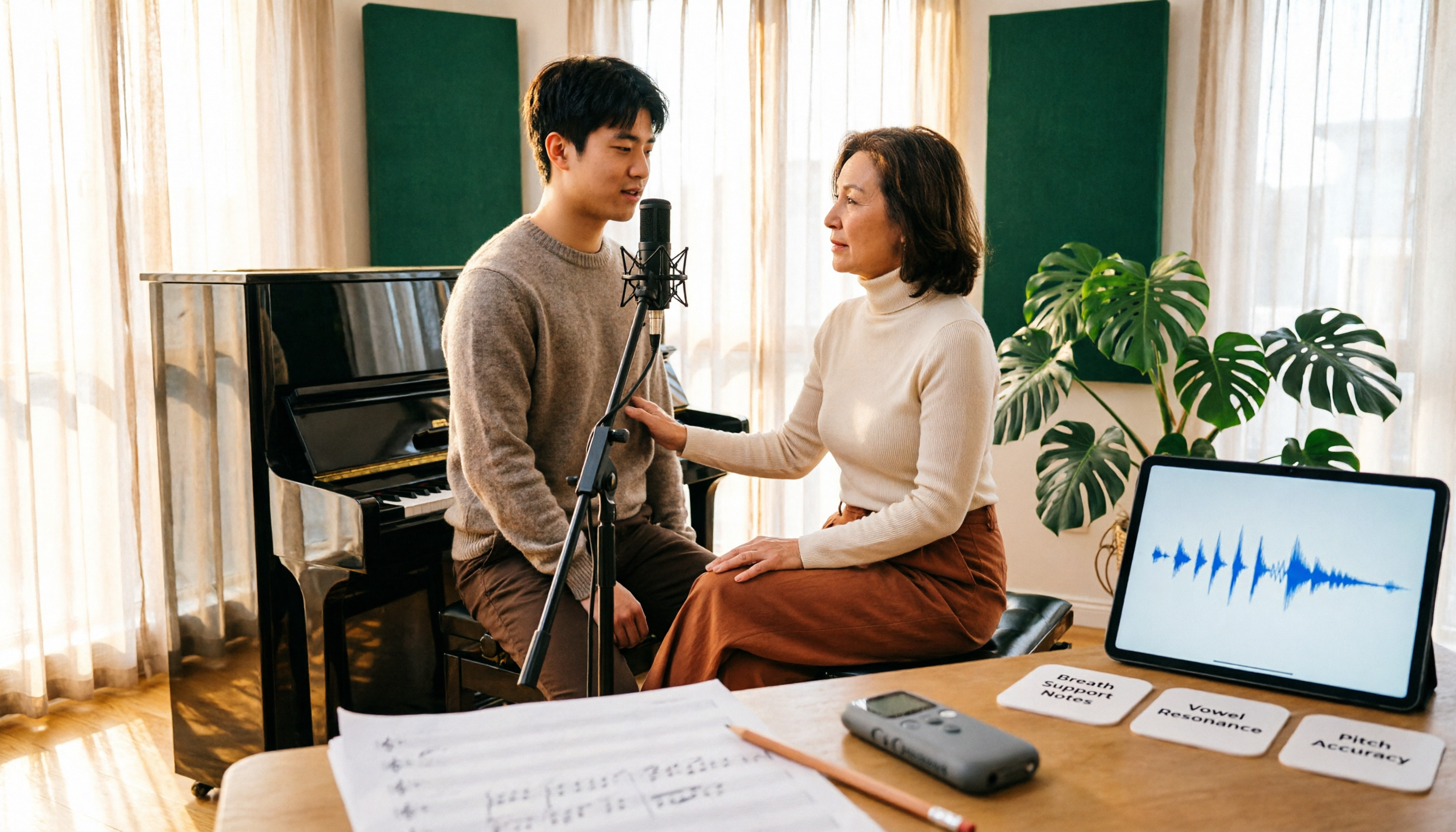
Vocology vs Vocal Pedagogy in 2026: 5 Key Differences + Practical Recording Organization Method
Vocology and vocal pedagogy are often confused, but one deals with the science and training of voice function, while the other focuses on teaching methods and artistic interpretation. This article breaks down the differences through 5 key paths and includes a practical method for turning class, practice, and masterclass recordings into searchable notes—ideal for voice teachers, students, and voice-related professionals.
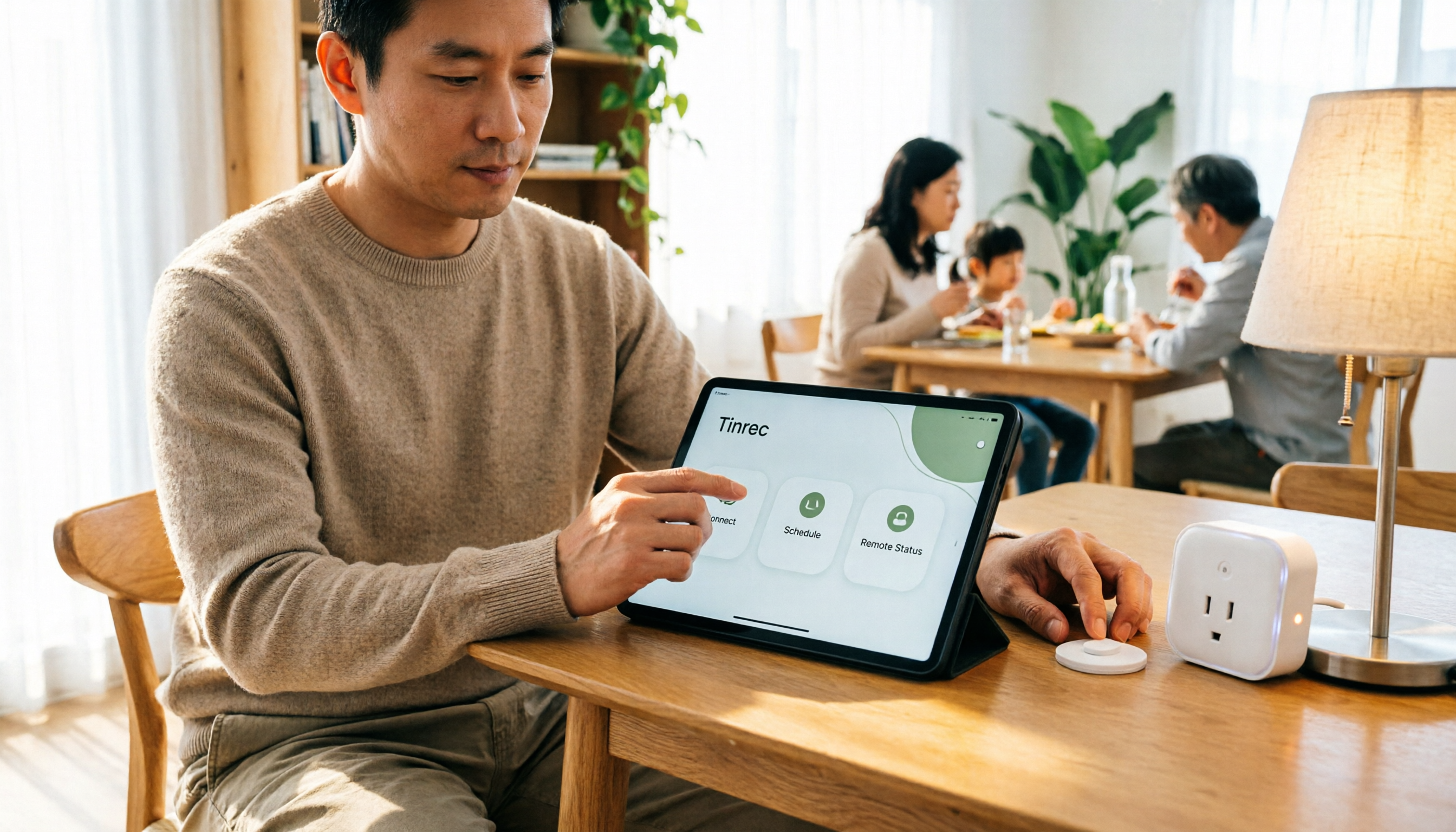
VOCOlinc Smart Plug App Review 2026: Setup and Three Control Methods Compared
Bought a VOCOlinc smart plug—should you use the VOCOlinc app, Apple Home app, or the physical button? This guide covers real-world pairing for VP5X and PM2, scheduling and Auto-Reboot, remote control hub requirements, 2.4GHz Wi-Fi limits, and which control method fits your needs.

VOCOlinc Tracker App Guide 2026: Find My vs LinkWise for iPhone & Android
Bought a VOCOlinc tracker but unsure which app to use? This guide breaks down the differences between iPhone and Android, covering three pairing options: VT2201, Air Tag Pro Smart Card, and LinkWise App. It explains pairing steps, close-range ringing, Lost Mode, NFC contact info, and waterproof/battery specs, plus four common setup mistakes to help you choose the right combo before ordering.

How to Use the VOCOlinc Tag App in 2026: 5-Step Setup and Anti-Loss Configuration
The VOCOlinc tag doesn't require a dedicated app or monthly fee. This guide explains how it works with Apple's Find My and Google Find Hub, compares the Black, Slim VT2202, and Air Tag Pro trackers, walks through setup in 5 steps, and covers key buying considerations and common mistakes.