

Turn recordings into transcripts and summaries in minutes
Upload audio or video for multilingual transcription, AI notes, and action items
2026 AI Voice Collaboration Platform Comparison: Vocol vs. Tinrec — Which Should You Choose?
People who search for "Vocol platform introduction" usually have a more specific question in mind: What exactly do I want to keep from this meeting?
If you want colleagues to be able to highlight key points and leave comments on the transcript together during the meeting, then the design logic of voice collaboration platforms like Vocol is a closer fit. If you want the transcript to automatically turn into summaries, action items, and searchable data after the meeting ends—or even become a shared team meeting asset—then Tinrec's approach will suit you better.
This article is not a stacked feature list. Instead, it compares the two across five dimensions so you know the differences before you try them.
Vocol vs. Tinrec | Quick Overview
Vocol.ai is a voice collaboration platform built around speech and natural language processing (NLP), with its name combining "Voice" and "Collaboration." According to its official description, it uses multiple natural language models and AI technologies to convert audio or video files from meetings, podcasts, and online courses into transcripts, summaries, and topics, serving both individual and enterprise users. An INSIDE report further notes that it employs language models such as GPT-3, BERT, BLOOM, and DPR, can connect with Google Meet and Microsoft Teams to transcribe meetings in real time, and mentions in-meeting collaboration features like online comments, tagging friends, and highlighting; the report also mentions that its translation feature is planned to support up to 20 languages.
Tinrec is an AI meeting notes and team collaboration tool focused on "after the meeting ends": transcripts, summaries, chapters, action items, mind maps, AI Q&A, and the governance capabilities to centralize these materials in a team space.
| Item | Vocol | Tinrec |
|---|---|---|
| One-line positioning | Voice collaboration platform with speech-to-text and AI summaries | AI meeting notes and team collaboration tool |
| Meeting audio sources | Upload audio/video files, meeting bot or console recording, connect with Google Meet and Teams | Desktop app captures system audio without a bot, upload audio/video files, mobile recording |
| Main post-meeting outputs | Transcript, summary, topics | Transcript, summary, chapters, action items, mind map, AI Q&A, reports and tables |
| Team features | In-meeting online comments, tagging, data analytics overview | Team space, roles, seats, usage, audit logs, audio recycle bin |
Below is a dimension-by-dimension comparison.
Dimension 1 | How Meeting Audio Gets In: Platform Integration or Bot-Free Capture
Vocol's audio capture methods include uploading existing audio/video files (the report mentions formats such as mp3, mp4, aac, and weba), recording via meeting bots and a console, and connecting with Google Meet and Microsoft Teams to transcribe directly during meetings. For those who already hold meetings on these platforms regularly, this "connect and record" approach is convenient.
Tinrec takes a different path: the desktop app directly captures computer system audio, so when handling online meetings on Zoom, Google Meet, Microsoft Teams, Webex, and others, there is no need to invite an extra meeting bot to join. Users need to actively open Tinrec to start recording; it does not automatically join all calendar meetings. It also supports uploading audio/video files and mobile recording.
→ This dimension: If you don't want an extra participant in the meeting, Tinrec's workflow is smoother; if you already rely on meeting platforms for scheduling, Vocol's integration approach is equally practical. The two are roughly even here, with Tinrec having a slight edge in the "no bot" scenario.
Dimension 2 | After Transcription: Just a Transcript, or Can You Keep Asking Questions?
Vocol's output focuses on three things: transcript, summary, and topics. The official description is that it converts speech into more accurate text, then uses AI to generate conversation transcripts, summaries, and topics to help teams quickly grasp key points. For the need to "record the meeting and capture the gist," this is sufficient.
Tinrec goes a step further after transcription: it automatically generates summaries and chapters, extracts action items from discussions, produces mind maps, and lets you continue asking questions about a single meeting or across meetings via AI Q&A. It also uses Agent post-processing to organize meeting content into reports, tables, and documents.
→ This dimension: Tinrec clearly wins. The difference is not in transcription accuracy, but in whether the output can be directly used to deliver work.
Stop organizing recordings by hand
Upload audio or video and automatically get a transcript, summary, and action items
Dimension 3 | Multilingual and Translation
Vocol has laid groundwork for cross-language scenarios. The report mentions that its translation feature can support up to 20 languages, enabling multilingual transcripts and collaborative sharing for international work or multilingual teaching.
Tinrec supports multilingual meeting transcription, mixed Chinese-English content organization, real-time translation during recording, and switching between original text, translation, or bilingual view. It also offers team hotwords to make recognition of product terms, job titles, and proper nouns more stable.
→ This dimension: The two have similar approaches and are roughly even; Tinrec puts a bit more effort into team-customized terminology. Actual results will still be affected by recording quality, accents, background noise, and overlapping speakers.
Dimension 4 | Team Collaboration and Governance Granularity
Vocol's team value leans toward "watching together during the meeting": online comments, tagging colleagues, highlighting, plus a one-stop collaboration platform and data analytics overview for company team members. This is intuitive for teams that need to discuss while meeting.
Tinrec's team edition, on the other hand, is an independent team space where meeting data belongs to the team, with governance broken down more finely: roles such as owner, admin, and member determine who can manage the team and audit; seats determine whether members can record, upload, edit, import, and export; the admin side can view team usage trends, member rankings, and details, query and export audit logs, and also has a 30-day audio recycle bin and a resource handover mechanism when members leave. Note that Tinrec currently focuses on team-level sharing rather than a file-level granular permission system; members without seats can still view, play, and read materials but cannot upload or edit.
→ This dimension: Tinrec is more complete in separating roles, seats, usage, and auditing, suitable for organizations that need to account for "who used how much and who can change what."
Dimension 5 | Export and Downstream Workflows
Tinrec explicitly supports multi-format export and can bring results to tools like Notion, Google Docs, OneNote, and Dropbox for further processing, making it suitable for plugging meeting notes directly into existing document and knowledge management workflows.
For Vocol, public information currently describes export formats and third-party integrations less, so it is recommended to check directly during a trial whether the export options match your archiving habits.
→ This dimension: Tinrec's export channels are more specifically documented, making it easier for those who need to feed meeting content into existing workflows.
What Are Each One's Unique Advantages?
Tinrec's unique advantages
- Bot-free recording of online meetings: The desktop app captures system audio, so you don't need an extra participant account and won't leave a strange bot on the attendee list.
- Complete post-meeting workflow: Summaries, chapters, action items, mind maps, and AI Q&A all in one place, plus Agent-generated reports and tables.
- Solid team governance: Roles, seats, usage analytics, audit logs, audio recycle bin, and resource handover, suitable for departments and project teams with management needs.
- Flexible version options: Personal plans range from a free version, weekly card, to Pro monthly and annual cards; the team edition offers a 7-day, 1 free seat, 300-minute team shared import quota for first-time eligible users, paid seats provide 2,000 minutes of team shared import quota per month, and real-time recording under an active team plan is currently not deducted by minutes.
Vocol's unique advantages
- Real-time in-meeting collaboration: Online comments, tagging, and highlighting keep discussions next to the transcript, suitable for teams that like to take collaborative notes during meetings.
- Existing industry use cases: The official page shows medical applications, such as transcribing medical meetings and healthcare discussions and using smart summaries to reduce administrative paperwork time; the platform is built on Microsoft Azure and Google Cloud Platform, both of which apply ISO 27001 information security management standards.
Conclusion: Which Should You Choose?
- If your top concern is "no extra bot in the meeting" → Tinrec (desktop app directly captures system audio)
- If you want to extract action items, ask follow-up questions, and generate reports after transcription → Tinrec (AI Q&A and Agent post-processing)
- If you need to manage members, seats, usage, and audit records → Tinrec (team edition governance capabilities)
- If you need to bring transcripts into existing document workflows like Notion and Google Docs → Tinrec (multi-format and third-party export)
- If your team is used to leaving comments and highlighting on the transcript together during meetings → Vocol's in-meeting collaboration design is a closer fit
- If you are in a field such as healthcare that already has adoption cases and want to reference peers' practices → Vocol's public cases are worth reviewing first
In one sentence: Vocol excels at "shared viewing and discussion during the meeting," while Tinrec excels at "turning content into data you can keep working with after the meeting ends." For most teams that need to produce meeting notes and action items, Tinrec is the more comprehensive choice; before actual adoption, it is recommended to test transcription and summary results with a real meeting recording of your own to see if they meet expectations.
Final reminder: Recording and transcription involve personal data and privacy. Before use, please ensure compliance with local regulations and obtain consent from participants when necessary.
References
- Home | Vocol.ai Voice Collaboration Platform
- About Us | Vocol.ai Voice Collaboration Platform
- Uncovering insights in voice, Vocol.ai — an AI online voice collaboration tool beyond ordinary transcription software - INSIDE
- Vocol AI | Home
- Want to solve staff burnout? A note-taking tool built for medical professionals | Recommended by Chi Mei Hospital
Turn every recording into actionable outcomes
Get 60 free transcription minutes when you sign in. No credit card required.
Related Reading
You might also like

4 Speech-to-Text Tools Tested in 2026: Where Is Vocol's Toolbar & Which Saves More Time for Chinese Meetings?
Many people log into Vocol.ai and immediately look for the toolbar, but finding the button doesn't mean saving time. This article starts from common misconceptions, explains where Vocol's operation entry points are, and compares Tinrec, Vocol.ai, Notta, and Otter.ai on differences in Chinese meetings, bot-free recording, post-meeting organization, and team data ownership, helping you choose the workflow that truly reduces overtime.

Vocol vs Tinrec 2026: 5-Factor Comparison for Chinese Meeting Notes
How does Vocol work, how are free credits calculated, and how does it differ from Tinrec? This article compares two voice collaboration platforms across 5 dimensions based on real-world scenarios to help you decide which fits your meeting notes workflow.

Which VOCOlinc Slim Tag Is Best? 2026 Hands-On Review of 3 Models—This One Needs No Extra App
People searching for "vocolinc slim tag app" often ask: do I really need to download the manufacturer's app? This article compares three VOCOlinc Slim Tag models (VT2202, VT2503, Air Tag Pro), explains how they work with Apple Find My and Google Find Hub, the 4 key factors when buying a Bluetooth tracker, the limitations you'll encounter in real use, and the 4 most overlooked buying pitfalls.

2026 Speech-to-Text Tools Compared: Is Vocol's Toolbar Any Good? Which Saves More Time on Post-Meeting Cleanup?
Most people searching for "Vocol toolbar" are really looking for a single place to record, transcribe, and extract key points. This article starts with common misconceptions and compares Vocol.ai, Otter.ai, Notta, and Tinrec, covering how free tiers are calculated, team data ownership, and bot-free recording—key factors to help you decide which tool truly saves time.
Vocology vs Vocal Pedagogy in 2026: 5 Key Differences + Practical Recording Organization Method
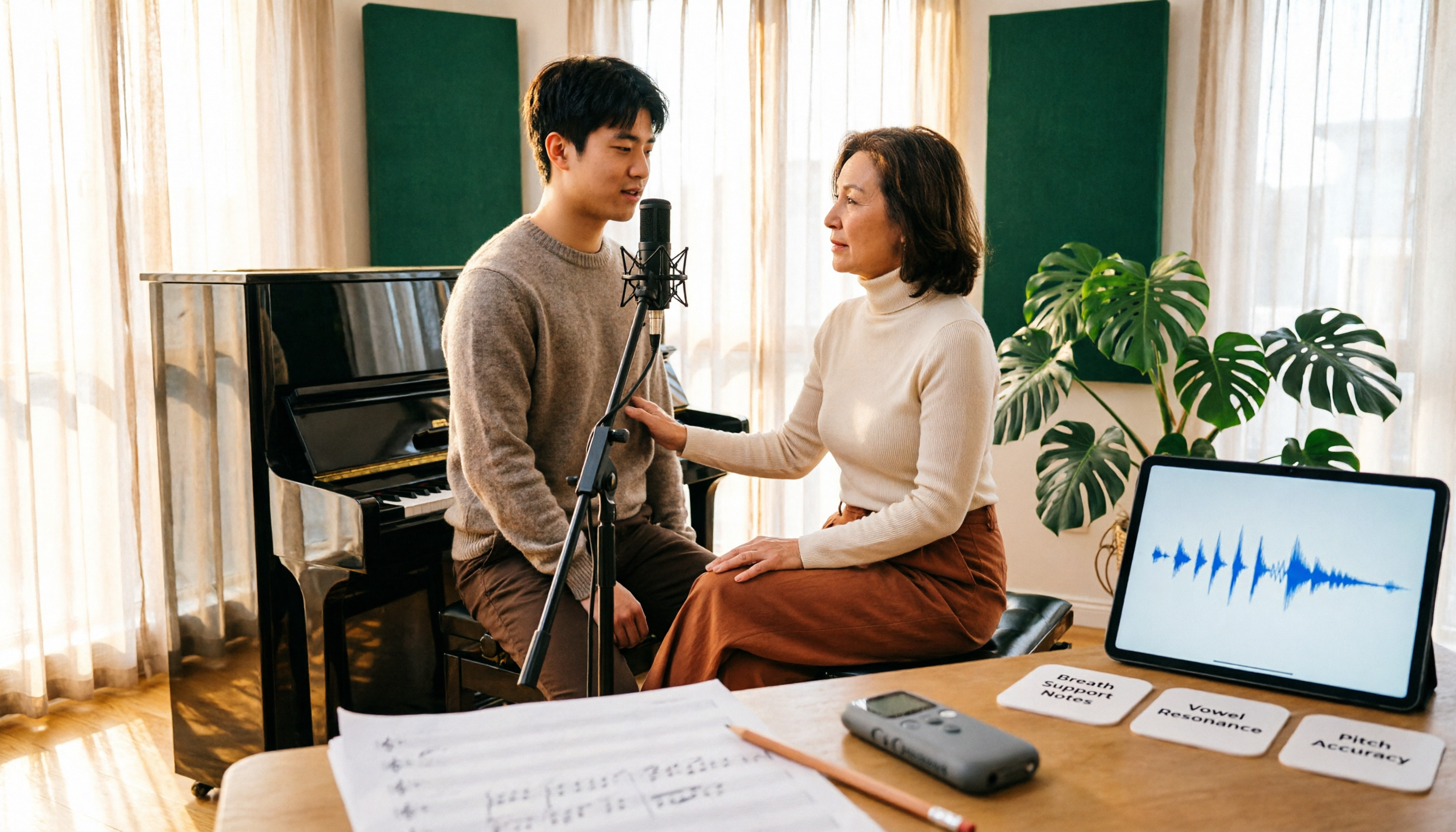
Vocology and vocal pedagogy are often confused, but one deals with the science and training of voice function, while the other focuses on teaching methods and artistic interpretation. This article breaks down the differences through 5 key paths and includes a practical method for turning class, practice, and masterclass recordings into searchable notes—ideal for voice teachers, students, and voice-related professionals.

VOCOlinc Smart Plug App Review 2026: Setup and Three Control Methods Compared
Bought a VOCOlinc smart plug—should you use the VOCOlinc app, Apple Home app, or the physical button? This guide covers real-world pairing for VP5X and PM2, scheduling and Auto-Reboot, remote control hub requirements, 2.4GHz Wi-Fi limits, and which control method fits your needs.

VOCOlinc Tracker App Guide 2026: Find My vs LinkWise for iPhone & Android
Bought a VOCOlinc tracker but unsure which app to use? This guide breaks down the differences between iPhone and Android, covering three pairing options: VT2201, Air Tag Pro Smart Card, and LinkWise App. It explains pairing steps, close-range ringing, Lost Mode, NFC contact info, and waterproof/battery specs, plus four common setup mistakes to help you choose the right combo before ordering.

How to Use the VOCOlinc Tag App in 2026: 5-Step Setup and Anti-Loss Configuration
The VOCOlinc tag doesn't require a dedicated app or monthly fee. This guide explains how it works with Apple's Find My and Google Find Hub, compares the Black, Slim VT2202, and Air Tag Pro trackers, walks through setup in 5 steps, and covers key buying considerations and common mistakes.

Vocola App Review 2026: 5-Way Comparison with Tinrec — Is It Still Worth Using?
Vocola is a voice command language for controlling your computer, while AI meeting note tools like Tinrec take a completely different approach. This review compares Vocola and Tinrec across five dimensions: Chinese language support, transcript organization, online meeting recording, team collaboration, and ease of use, to help you decide which one fits your daily work.