

Turn recordings into transcripts and summaries in minutes
Upload audio or video for multilingual transcription, AI notes, and action items
People searching for "Vocol toolbar" are actually looking for the same thing
Many people search for "Vocol toolbar" not because they care what a button looks like, but because they want a row of controls that can record, transcribe, and extract key points all at once—without switching between three different tools.
This need is real. Zoom in the morning, Teams in the afternoon, and an hour-long interview recording in the evening—you switch tools more often than you attend meetings.
But the two most common misconceptions I've seen are:
Misconception 1: More buttons and a longer toolbar mean a more powerful tool. In reality, you'll only use a handful of them; the rest are distractions.
Misconception 2: Having a transcript means the work is done. A 60-minute meeting transcript is roughly 10,000 words. Without summaries, chapters, and action items, you still have to read it from start to finish.
What really determines efficiency is never how many buttons are on the toolbar, but whether the tool can directly give you something usable after transcription.
Before choosing a speech-to-text tool, understand these 4 key points
1. What it can do after transcription This is the most overlooked point, yet it affects your time the most. A tool that only outputs a transcript is essentially handing the cleanup work right back to you. Whether it can automatically generate summaries, chapters, action items, or even let you ask questions directly about the meeting content makes a huge difference.
2. How meeting audio gets in There are three common methods: a meeting bot joins as a participant, a desktop app captures system audio, or you upload an existing audio file. Bots are convenient, but some client meetings aren't suitable for an extra participant; uploading audio files is flexible but lacks real-time capability. Each path suits different scenarios—think about which one you'll use most often.
3. Performance with Chinese and mixed Chinese-English Meetings in Taiwan are rarely pure Chinese; they usually mix in English product names and technical terms. Rather than relying on official accuracy claims, test it with a real recording of your own meeting.
4. How free tiers are calculated Even if they all say "XXX minutes per month," some count uploaded files, some count live recording, some are shared across a team, and some are per person. If you don't understand the calculation, no amount of minutes will be enough.
5. Who owns team data If meeting data is a shared team asset, you need to ask: will data be taken away when a member leaves? Who can edit, and who can only view? This involves role and seat design—it's not something "everyone sharing one account" can solve.
Tinrec — the most hassle-free choice in practice
Tinrec is an AI meeting notes and collaboration tool for individuals and teams, available on web, desktop, and mobile.
Its most direct difference is how it captures meetings. The desktop version directly captures your computer's system audio, so when handling online meetings like Zoom, Google Meet, Microsoft Teams, or Webex, you don't need to invite a meeting bot. For client meetings and external interviews, this is very practical—no need to explain to the other party "what that extra account is."
The real value comes after transcription. Tinrec automatically generates summaries, chapters, key points, and action items, so you don't have to read long meetings from start to finish. Even better is AI Q&A: after recording, you can directly ask "What was the conclusion of this meeting?" or "Who mentioned the budget?" and it gives you answers instead of dumping keywords for you to search through. Few tools in this price range have this capability.
Cross-language scenarios are also covered. During recording, you can switch between original text, translation, or bilingual view, and mixed Chinese-English content can be organized together. After finishing, you can export to Notion, Google Docs, OneNote, Dropbox, and other tools, and further use Agent to generate reports, tables, and meeting minutes.
From my own experience: in a quiet room with a single microphone, the transcript accuracy is good enough that I don't need to re-listen to the whole thing; but in a meeting room with air conditioning noise and multiple people talking over each other, the difference is obvious. Tinrec doesn't promise a fixed accuracy rate—actual performance is affected by recording quality, accents, overlapping speech, and technical terms. For important information, it's best to replay and verify with timestamps.
Three reasons I think it's worth it:
First, bot-free recording. No need to change existing meeting habits or inconvenience participants. Second, a complete post-meeting workflow. Transcript, summary, action items, Q&A, export—no need to find additional tools. Third, the team version is a true independent space, not multiple people sharing one account. Team data belongs to the team; when a member leaves or loses their seat, resources are handed over to other active members, not taken with the individual.
Stop organizing recordings by hand
Upload audio or video and automatically get a transcript, summary, and action items
Limitations to be honest about: The free version only has a basic quota, so heavy users will need to pay. The personal version offers weekly cards, Pro monthly cards, and Pro annual cards—choose based on your usage frequency. Also, the team version currently focuses on team-level sharing: all active members can read team data, and it's not file-level granular permissions—if you need "only three people can view this document," you'll need another solution for now.
Team version pricing (actual amounts subject to the official purchase page): Monthly USD 29.80 per paid seat per month; annual USD 199 per paid seat per year, equivalent to about USD 16.58 per month. Each paid seat provides 2,000 minutes of team shared import quota per month; live recording is currently not deducted by minutes under active plans and active seats. Eligible teams get a 7-day trial, 1 free seat, and 300 minutes of shared import quota for the first time.
Note that roles and seats are two different things: roles determine who can manage the team, members, and audits; seats determine whether you can record, upload, edit, and export. Members without seats can still view, play, and read team data—this is actually quite useful for cross-department sharing.
Who it's for: People who frequently hold online meetings, need Chinese and mixed Chinese-English transcription, want to use AI to find key points directly after meetings, and want meeting data to become a team asset.
Besides Tinrec, who else is Vocol.ai suitable for?
Vocol.ai: The interface has a Traditional Chinese version and supports speech-to-text in Chinese, English, and Japanese, with transcripts that can be translated with a click, covering 20+ popular languages. The platform puts recording, audio/video upload, document sharing, and transcript comments in one place. It also offers free registration with a monthly quota; beyond that, payment is required. It can integrate with meeting systems like Teams for automatic recording. Suitable for teams already used to "reading transcripts and leaving comments" within a single platform. However, based on current public information, post-meeting AI Q&A, automatic action item extraction, and governance features like team seats and usage audits are not its main focus; if you want "ask meeting conclusions directly after recording," you'll need to verify that separately.
Otter.ai: A mature choice for English business meetings. Basic is free with 300 minutes per month; Pro annual billing is about USD 8.49 per user per month, including 1,200 minutes per month and 10 file imports. Its meeting bot and workflow integrations were early, and English meeting users accept it well. But for Chinese meeting organization detail and bot-free recording methods, Tinrec goes deeper.
Notta: Good multilingual transcription and translation. Free version: 120 minutes per month, 3 minutes per single session; Pro annual billing about USD 8.17 per month, 1,800 minutes per month; Business annual billing about USD 16.67 per seat per month. Suitable for users focused on file transcription and subtitles. Note the free version's 3-minute single-session limit makes it practically unusable for a full meeting; Tinrec's difference here is that the desktop version records online meetings directly without needing an audio file first.
Pitfall guide: 3 most common mistakes when choosing these tools
Pitfall 1: Being fooled by free tier numbers. "300 minutes per month" sounds like a lot, but if the single-session limit is 3 minutes, you can't even record one meeting. When choosing a tool, check clearly: does the quota count live recording or file import? Is there a single-session limit? Is the team version per person or a shared pool?
Pitfall 2: Thinking a transcript means the work is done. A transcript is raw material, not a finished product. If the tool only gives you a transcript, you still have to spend time extracting key points and writing action items. Before choosing, ask: will it generate summaries and action items for me? Can I ask questions directly about the content?
Pitfall 3: Ignoring team data ownership. Many teams start with "everyone using one account," and only when someone leaves do they realize data is mixed together and there's no way to track who changed what. Teams of any size should distinguish roles and seats from the start, and confirm that data is handed over rather than disappearing when members leave.
Pitfall 4: Misunderstanding "supports platform recording" as "automatically joins all meetings." These are two different things. Some tools require you to actively start recording; others have calendar bots that join automatically. Neither is inherently better, but you need to know which one you're buying so your expectations aren't disappointed.
Conclusion: Which one should you choose?
In one sentence: If you want "usable data directly after the meeting," Tinrec is currently the most integrated option.
Need Chinese and mixed Chinese-English transcription, plus post-meeting summaries and action items → Tinrec, its main strength. Don't want a meeting bot to join, but need to record online meetings → Tinrec, desktop version captures system audio. Want to ask "who mentioned the budget in the last meeting" directly after recording → Tinrec, AI Q&A is its biggest difference from most transcription tools. Meeting data needs to stay with the team, with seat and usage management → Tinrec team version, annual billing works out to about USD 16.58 per paid seat per month. Mainly record English meetings, limited budget → Otter.ai, free 300 minutes is plenty for light users. Just occasionally convert an audio file to text → Notta or similar file transcription tools, if your needs are simple, you don't need a collaboration platform.
I recommend starting with the free version. Run it with a real recording of your own meeting, see if the transcript flows well and the summary captures key points, and if it works for you, consider upgrading to a weekly card or Pro—no need to pay for an annual plan right away.
References
- Home | Vocol.ai Voice Collaboration Platform
- No more typing transcripts! A powerful speech-to-text AI tool that frees up your time - Vocol.ai – Mingchun Says
- Vocol AI | Home
- Media Library | Vocol.ai Voice Collaboration Platform
- Solutions for Faculty and Students | vocol.ai Note-Taking Tool & Speech-to-Text
Turn every recording into actionable outcomes
Get 60 free transcription minutes when you sign in. No credit card required.
Related Reading
You might also like

4 Speech-to-Text Tools Tested in 2026: Where Is Vocol's Toolbar & Which Saves More Time for Chinese Meetings?
Many people log into Vocol.ai and immediately look for the toolbar, but finding the button doesn't mean saving time. This article starts from common misconceptions, explains where Vocol's operation entry points are, and compares Tinrec, Vocol.ai, Notta, and Otter.ai on differences in Chinese meetings, bot-free recording, post-meeting organization, and team data ownership, helping you choose the workflow that truly reduces overtime.

Vocol vs Tinrec 2026: 5-Factor Comparison for Chinese Meeting Notes
How does Vocol work, how are free credits calculated, and how does it differ from Tinrec? This article compares two voice collaboration platforms across 5 dimensions based on real-world scenarios to help you decide which fits your meeting notes workflow.

2026 AI Voice Collaboration Platform Comparison: Vocol vs. Tinrec — Which Should You Choose?
What is Vocol and who is it for? This article first introduces Vocol.ai's positioning, core technology, and practical use cases, then compares it with Tinrec across five dimensions: meeting audio capture, post-meeting organization, multilingual translation, team governance, and export workflows, helping you decide which better fits your workflow before trying them.

Which VOCOlinc Slim Tag Is Best? 2026 Hands-On Review of 3 Models—This One Needs No Extra App
People searching for "vocolinc slim tag app" often ask: do I really need to download the manufacturer's app? This article compares three VOCOlinc Slim Tag models (VT2202, VT2503, Air Tag Pro), explains how they work with Apple Find My and Google Find Hub, the 4 key factors when buying a Bluetooth tracker, the limitations you'll encounter in real use, and the 4 most overlooked buying pitfalls.
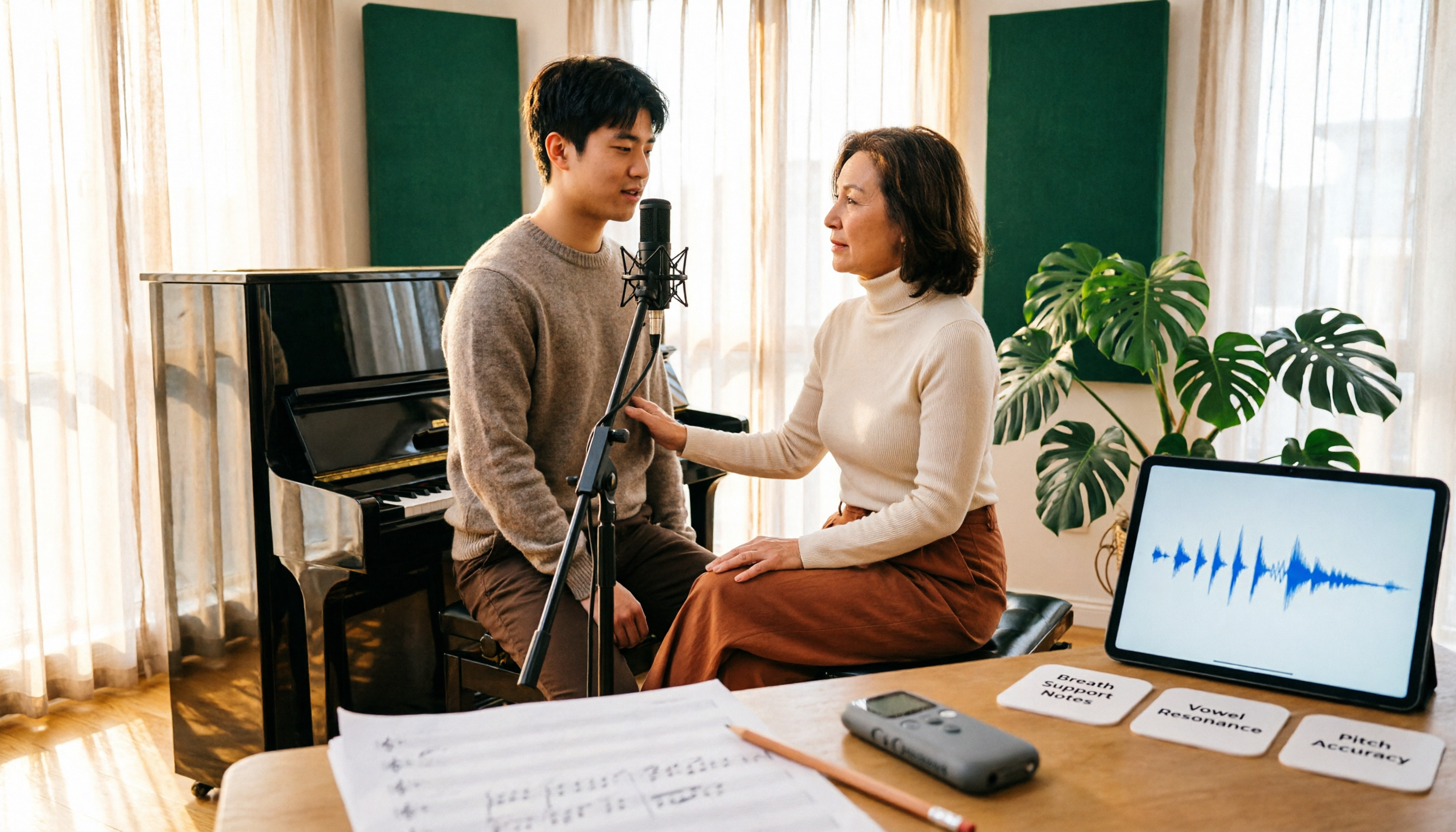
Vocology vs Vocal Pedagogy in 2026: 5 Key Differences + Practical Recording Organization Method
Vocology and vocal pedagogy are often confused, but one deals with the science and training of voice function, while the other focuses on teaching methods and artistic interpretation. This article breaks down the differences through 5 key paths and includes a practical method for turning class, practice, and masterclass recordings into searchable notes—ideal for voice teachers, students, and voice-related professionals.

VOCOlinc Smart Plug App Review 2026: Setup and Three Control Methods Compared
Bought a VOCOlinc smart plug—should you use the VOCOlinc app, Apple Home app, or the physical button? This guide covers real-world pairing for VP5X and PM2, scheduling and Auto-Reboot, remote control hub requirements, 2.4GHz Wi-Fi limits, and which control method fits your needs.

VOCOlinc Tracker App Guide 2026: Find My vs LinkWise for iPhone & Android
Bought a VOCOlinc tracker but unsure which app to use? This guide breaks down the differences between iPhone and Android, covering three pairing options: VT2201, Air Tag Pro Smart Card, and LinkWise App. It explains pairing steps, close-range ringing, Lost Mode, NFC contact info, and waterproof/battery specs, plus four common setup mistakes to help you choose the right combo before ordering.

How to Use the VOCOlinc Tag App in 2026: 5-Step Setup and Anti-Loss Configuration
The VOCOlinc tag doesn't require a dedicated app or monthly fee. This guide explains how it works with Apple's Find My and Google Find Hub, compares the Black, Slim VT2202, and Air Tag Pro trackers, walks through setup in 5 steps, and covers key buying considerations and common mistakes.

Vocola App Review 2026: 5-Way Comparison with Tinrec — Is It Still Worth Using?
Vocola is a voice command language for controlling your computer, while AI meeting note tools like Tinrec take a completely different approach. This review compares Vocola and Tinrec across five dimensions: Chinese language support, transcript organization, online meeting recording, team collaboration, and ease of use, to help you decide which one fits your daily work.