

Turn recordings into transcripts and summaries in minutes
Upload audio or video for multilingual transcription, AI notes, and action items
2026 AI Meeting Notes Showdown: Tinrec vs Vocol — Which Is Better for Chinese-Speaking Teams?
Let me ask you a question first: Do you want to "turn recordings into transcripts," or do you want to "turn a meeting into data you can still use later"?
These two needs sound similar, but the direction for choosing a tool is completely different. Both Vocol.ai and Tinrec can convert audio to text; the difference lies in how meetings are recorded, what you get after the meeting, and how teams manage that data.
This article compares the two tools across five dimensions to make things clear.
Tinrec vs Vocol | Quick Overview
Vocol.ai is an AI voice collaboration platform launched by Taiwan-based Aiello, focusing on multilingual speech-to-text and automatically generating transcripts, summaries, and topics.
Tinrec is an AI meeting notes and collaboration tool for individuals and teams. Beyond transcription, it organizes meetings into team data that is searchable, queryable, and exportable.
| Item | Tinrec | Vocol.ai |
|---|---|---|
| Core positioning | AI meeting notes and team collaboration | AI voice collaboration platform |
| Main input | Live recording, desktop bot-free recording of online meetings, audio/video files, mobile | Upload audio or video files, or connect to meeting platforms as per official instructions |
| Platforms | Web, desktop, mobile | Web, iOS, Android |
| Free plan | Free version with basic quota | Free registration with monthly quota |
| Paid info | Team plan publicly priced | Payment required after quota, subject to official site |
Next, let's look at each: how meetings are recorded, transcription performance, what you get after the meeting, how teams manage it, and how costs are calculated.
Dimension 1 | How Meetings Are "Recorded"
Vocol's approach is to provide audio or video files to the platform; according to official instructions, it can also integrate with meeting platforms like Teams or meeting systems to automatically record meeting content. For those who already have recordings, this path is intuitive.
Tinrec, besides uploading audio/video files, offers a desktop version that can directly capture system audio from online meetings such as Zoom, Google Meet, Microsoft Teams, and Webex, without needing an extra meeting bot to join as a listener.
Note that Tinrec is not the type of tool that "automatically joins all calendar meetings"; instead, the user actively opens the desktop version to start recording.
→ This dimension: Tinrec has an advantage in "being able to record even when pulled into a meeting last minute."
Dimension 2 | Chinese and Multilingual Transcription
Vocol officially highlights transcription in Chinese, English, and Japanese, can handle mixed-language contexts, and can generate translations in over 25 languages. For multinational teams or bilingual courses, this is a real selling point.
Tinrec covers Chinese, Traditional Chinese, and multilingual meeting scenarios, supports mixed Chinese-English content organization, real-time translation during recording with bilingual comparison, and also allows teams to maintain custom hotwords for common technical terms.
Honestly, each has its strengths here. Vocol has a clear advantage in the number of translation languages; Tinrec leaves "terminology consistency" to the team to maintain, which is more noticeable in industries with many product terms.
→ This dimension: roughly a tie. Choose Vocol if you value multilingual translation; consider Tinrec if you value team terminology consistency.
Dimension 3 | What You Actually Get After the Meeting
Vocol produces transcripts, summaries, and topics, and supports keyword tracking search, making it easy to quickly grasp the meeting outline and review key segments.
Tinrec leans more toward "work output" after transcription: besides transcripts, summaries, and chapters, it can extract action items, generate mind maps, and provide AI Q&A around meeting content.
Even better is the Agent post-processing, which can directly organize meeting content into reports, tables, or documents, and export to Notion, Google Docs, OneNote, Dropbox, etc. for further processing.
→ This dimension: Tinrec wins. The difference is "what you can do after getting the transcript."
Dimension 4 | Team Collaboration and Data Governance
Vocol supports teams in real-time meeting status tracking; members can share, collaborate, discuss, and comment online, and those who missed the meeting can quickly catch up.
Stop organizing recordings by hand
Upload audio or video and automatically get a transcript, summary, and action items
Tinrec's team plan is based on the concept of independent team spaces: you can create multiple teams, invite members via link, set roles (Owner/Admin/Member), and allocate or revoke seats.
Team data (Audio, Folder, TODO) belongs to the team; administrators can view usage trends, member rankings, export audit logs, and use the audio recycle bin. When a member leaves or loses their seat, their responsible resources need to be handed over to other active members.
Note that Tinrec currently has team-level shared visibility, with role-based governance and seat-based usage control, not file-level granular permissions.
There's also a common misunderstanding: members without a seat can still view, play, and read team data, but need a seat to record, upload, edit, and export.
→ This dimension: Tinrec wins, suitable for teams that need to manage people, quotas, and records.
Dimension 5 | How Costs and Quotas Are Calculated
Vocol uses a free registration model; the free plan has a monthly quota, and payment is required beyond that. Actual plans and prices are subject to the official site. When the quota runs out, you need to purchase more, so be prepared for spikes in meetings.
Tinrec's personal plan includes a free version, weekly card, Pro monthly, and Pro annual, choose based on usage frequency; occasional transcription can use the free version.
The team plan currently offers a 7-day trial for first-time eligible users, 1 free seat, and 300 minutes of shared import quota; monthly payment is USD 29.80 per paid seat per month, annual payment is USD 199 per paid seat per year, equivalent to about USD 16.58 per month. Each paid seat provides 2,000 minutes of shared import quota per month; live recording under an active seat is currently not deducted by minutes.
Prices and promotions are subject to the official purchase page.
→ This dimension: Tinrec wins on information transparency, making it easier to estimate costs for team procurement.
What Are the Unique Advantages of Each?
Tinrec:
- Desktop bot-free recording, no need to add another account to the meeting room for note-taking.
- Complete post-meeting workflow: summaries, chapters, action items, AI Q&A, all the way to export and report generation.
- Team plan includes seats, usage, audit, recycle bin, and resource handover, so data isn't lost when members change.
- Available on web, desktop, and mobile, covering both online and offline meetings.
Vocol:
- Clear multilingual support; mixed Chinese-English-Japanese contexts and over 25 translation languages are key highlights.
- Web version plus iOS/Android apps; free registration allows you to try first, and there are solutions for educational scenarios.
Conclusion: Which One Should You Choose?
- If you're often pulled into online meetings last minute and don't want to prepare recordings in advance → Tinrec, desktop version directly captures system audio.
- If you want to get meeting minutes, action items, and reports right after the meeting → Tinrec, post-transcription processing is more complete.
- If your team has turnover and needs to manage seats and usage → Tinrec team plan, data belongs to the team and can be handed over.
- If your needs are mainly multilingual translation, especially large volumes of Chinese-English-Japanese conversion → Vocol's language support is more direct.
- If you just want to transcribe a few recordings to test the waters → both free plans are worth a try.
In one sentence: For most teams that need "meeting notes + post-meeting organization + team knowledge retention," Tinrec offers a more complete workflow; if your core need at this stage is cross-language translation, Vocol is also worth including in your list to try.
FAQ
Q1: What exactly does Vocol.ai include?
According to the official site, it includes speech-to-text transcription, AI summaries and topics, keyword tracking search, multilingual translation, team sharing and comment collaboration, and provides web, iOS, and Android apps.
Q2: Are the free versions of both sufficient?
Vocol offers a monthly quota with free registration; Tinrec's free version provides basic quota to experience recording, import, summaries, and transcription. If your daily meeting volume is low, start with the free versions; consider paid plans for regular use.
Q3: Does Tinrec need a meeting bot to record online meetings?
No. The desktop version directly captures system audio, but you need to open Tinrec yourself to start recording; it's not the type that automatically joins all calendar meetings. Also, support for recording audio from these platforms does not imply an official partnership with them.
Q4: Can transcription accuracy be guaranteed?
It's not recommended to discuss it that way. Actual performance is affected by recording quality, background noise, accents, overlapping speakers, and technical terms. For important content, it's advisable to cross-check with transcript timestamps and recording playback.
Q5: Will meeting data be taken away when a team member leaves?
Tinrec team plan data belongs to the team; when a member exits, is removed, or loses their seat, their responsible team resources need to be handed over to other active members. Accidentally deleted audio can be restored from the recycle bin, currently retained for 30 days.
Q6: What should I pay attention to before recording?
Please comply with local regulations and obtain participant consent when necessary, especially for meetings involving customer data or sensitive content.
References
- Home | Vocol.ai Voice Collaboration Platform
- Vocol AI | Home
- Solutions for Faculty and Students | vocol.ai Note Tool & Speech-to-Text
- No More Typing Transcripts! The Powerful Speech-to-Text AI Tool That Frees Up Your Time - Vocol.ai – Mingchun Says
- Vocol.ai: Using AI to Improve Voice Collaboration Efficiency, Supporting Multilingual Transcription and Team Collaboration | Latest News | AI Digital Transformation Application Training Base | National Taichung University of Science and Technology Extension Education
Turn every recording into actionable outcomes
Get 60 free transcription minutes when you sign in. No credit card required.
Related Reading
You might also like
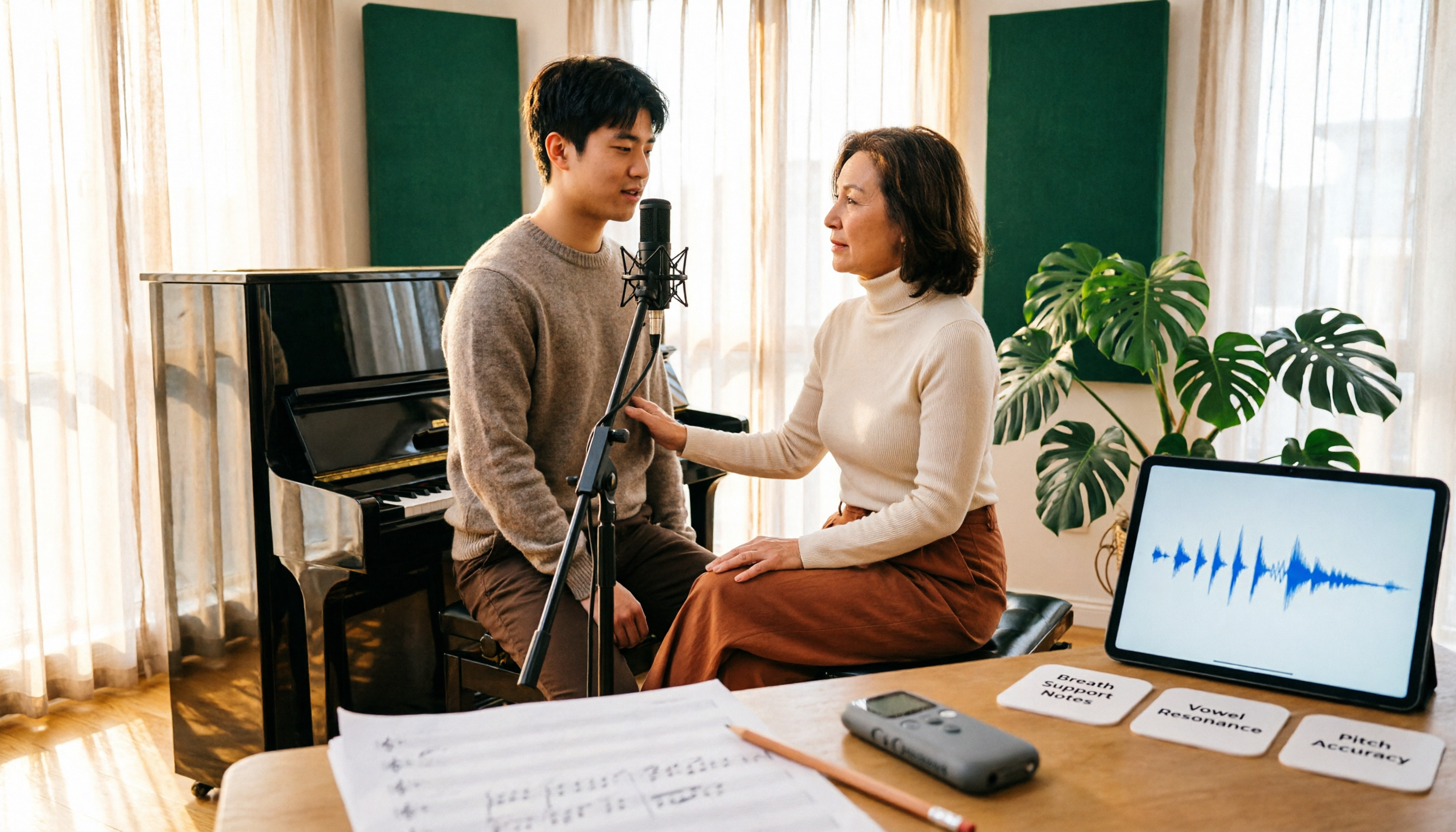
Vocology vs Vocal Pedagogy in 2026: 5 Key Differences + Practical Recording Organization Method
Vocology and vocal pedagogy are often confused, but one deals with the science and training of voice function, while the other focuses on teaching methods and artistic interpretation. This article breaks down the differences through 5 key paths and includes a practical method for turning class, practice, and masterclass recordings into searchable notes—ideal for voice teachers, students, and voice-related professionals.

VOCOlinc Smart Plug App Review 2026: Setup and Three Control Methods Compared
Bought a VOCOlinc smart plug—should you use the VOCOlinc app, Apple Home app, or the physical button? This guide covers real-world pairing for VP5X and PM2, scheduling and Auto-Reboot, remote control hub requirements, 2.4GHz Wi-Fi limits, and which control method fits your needs.

VOCOlinc Tracker App Guide 2026: Find My vs LinkWise for iPhone & Android
Bought a VOCOlinc tracker but unsure which app to use? This guide breaks down the differences between iPhone and Android, covering three pairing options: VT2201, Air Tag Pro Smart Card, and LinkWise App. It explains pairing steps, close-range ringing, Lost Mode, NFC contact info, and waterproof/battery specs, plus four common setup mistakes to help you choose the right combo before ordering.

How to Use the VOCOlinc Tag App in 2026: 5-Step Setup and Anti-Loss Configuration
The VOCOlinc tag doesn't require a dedicated app or monthly fee. This guide explains how it works with Apple's Find My and Google Find Hub, compares the Black, Slim VT2202, and Air Tag Pro trackers, walks through setup in 5 steps, and covers key buying considerations and common mistakes.

Vocola App Review 2026: 5-Way Comparison with Tinrec — Is It Still Worth Using?
Vocola is a voice command language for controlling your computer, while AI meeting note tools like Tinrec take a completely different approach. This review compares Vocola and Tinrec across five dimensions: Chinese language support, transcript organization, online meeting recording, team collaboration, and ease of use, to help you decide which one fits your daily work.
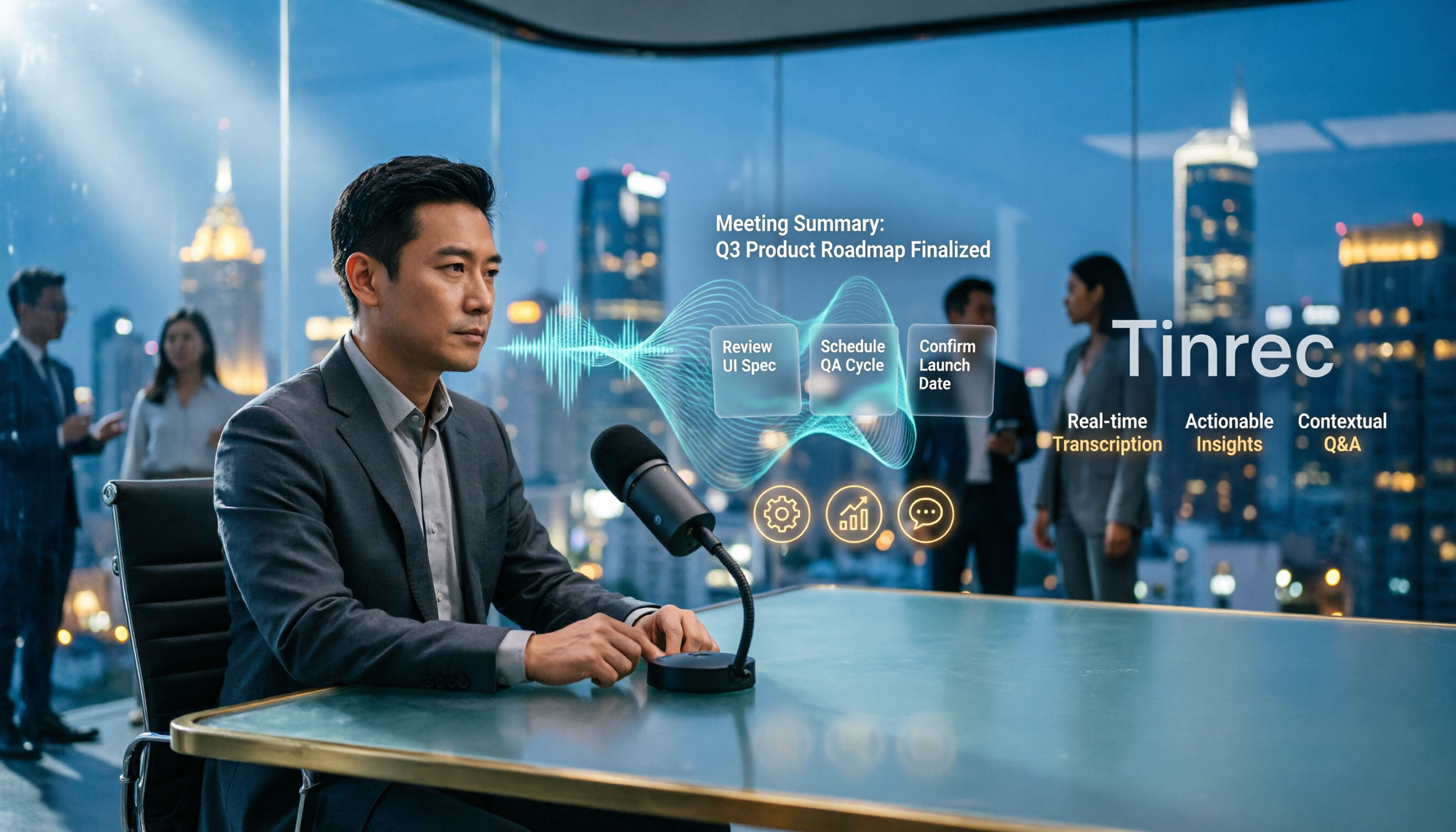
4 Vocal Aid Tools Tested in 2026: How to Turn Meeting Recordings into Usable Data
Most people searching for 'vocal aid' actually want to turn meeting, interview, and lecture audio into organized, queryable data. This article addresses common misconceptions, explains how to choose a vocal aid tool, and uses Tinrec as an example to break down the complete workflow of real-time transcription, bot-free recording, AI summaries, action item extraction, and team knowledge retention.

5 VOCOlinc App Download Sources Tested in 2026: Official Stores vs. APK Mirrors
Where should you download the VOCOlinc App? This guide covers five working download sources—App Store, Google Play, APKPure, Aptoide, and Softonic—comparing version gaps, who each is best for, and what to check before installing, so you can avoid wrong sources, version mismatches, and repeated pairing hassles.

2026 Comparison of 3 Free Speech-to-Text Tools: How to Get the Most Out of Vocol's 200-Minute Trial
Starting with the Vocol free trial, this article breaks down Vocol's roughly 200-minute trial quota, V-points consumption, and promotional bonus rules, and compares Tinrec, Notta, and Otter.ai using the same purchasing criteria. It honestly discloses free plan limitations, team plan seats, and pricing to help you decide whether to try Vocol first or go straight to Tinrec for meeting notes and team collaboration workflows.

Vocal AI Review 2026: Is It Worth It for Chinese Transcription & Action Items?
Searching for 'vocal AI' yields two distinct needs: AI singing and meeting transcription. This guide breaks down 4 key selection factors, tests Tinrec's bot-free meeting recording, AI summaries, action items, and cross-meeting Q&A, and reviews Notta, Otter.ai, and TurboScribe for different use cases, ending with clear recommendations and pitfalls to avoid.