
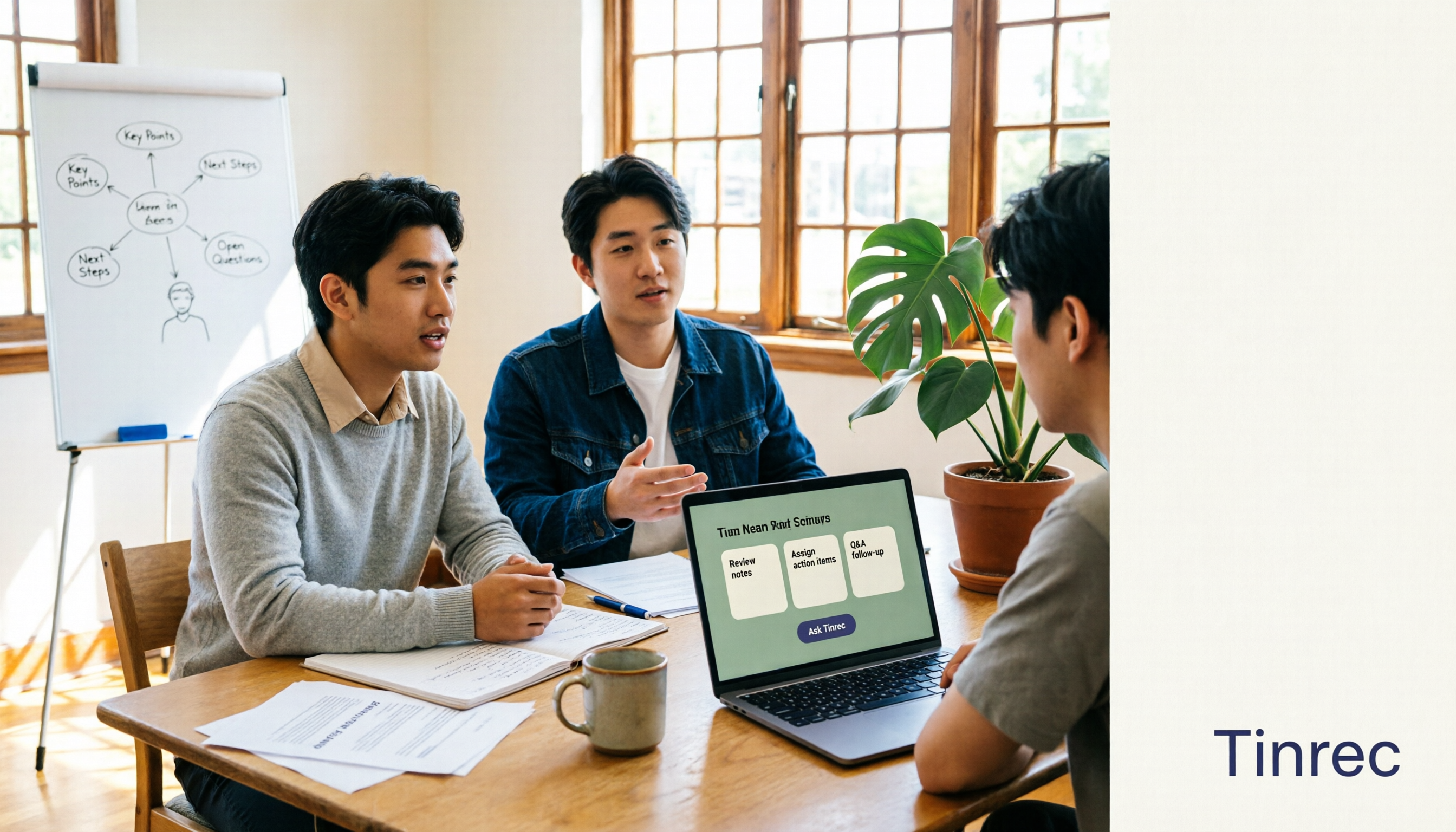
Turn recordings into transcripts and summaries in minutes
Upload audio or video for multilingual transcription, AI notes, and action items
Introduction: A Transcript Alone Isn't Really Meeting Notes
I used to think "AI meeting notes" just meant turning recordings into text. Then one day during a group discussion, I stared at a long transcript and couldn't find what we had actually decided. That's when I realized: just getting the text doesn't count as meeting notes.
A truly useful AI meeting notes tool should turn transcripts into summaries, action items, and searchable data you can query. In this article, I'll walk you through the workflow I tested this semester, show you what AI meeting notes can do for you, how to choose one, and how to use Tinrec to turn class and group meetings into notes you can actually use.
What Can AI Meeting Notes Do for You?
Scenario 1: The Professor Talks Too Fast—Get the Key Points Right After Class
In the past, I couldn't take notes fast enough in class and had to borrow a classmate's, which I often couldn't understand. Now I use Tinrec to record lectures, transcribing as it records. After class, I go straight to the AI summary and chapters—I can see at a glance which part covers theory and which part gives examples.
Scenario 2: Finally, Someone Remembers the Group Discussion Conclusions
Our group discussions are always chaotic, and afterward no one remembers who's supposed to do what. With Tinrec recording, it automatically organizes action items—who's responsible for the survey, who's handling the presentation—and lists them out. Drop it in the group chat and no more arguing.
Scenario 3: No More Re-listening to Two-Hour Online Interviews
This semester, I'm working on my graduation project and need to interview alumni. I use Tinrec's desktop version to record Google Meet interviews—no need to invite a bot into the meeting. Afterward, I can go straight to the transcript and AI Q&A, which makes finding quotes much faster.
Scenario 4: Club Meetings Become Searchable Records
Club meetings are often forgotten as soon as they end, and handovers are painful. Tinrec can centralize meeting recordings, summaries, and action items in a team space, so the next group of officers can search past meetings directly instead of starting from scratch.
What Are the Core Capabilities of AI Meeting Notes?
Real-Time Transcription: See It as You Record, No Waiting
Tinrec supports real-time speech-to-text, so you can check for missed key points during class or meetings. Compared to transcribing after recording, this approach is better for students who need to capture key points immediately.
AI Summaries and Chapters: Long Meetings No Longer Feel Like an Ocean
Tinrec automatically generates summaries and chapters, breaking long meetings into readable sections. When reviewing for finals, I just look at chapter titles to find key points instead of listening from start to finish.
Action Item Extraction: Turn "Let's Talk Next Time" into a Checklist
Tinrec can extract action items from discussions, which is super useful for group reports. Who's responsible for what and what the deadlines are—all listed out, reducing the time spent following up after meetings.
AI Q&A: Ask the Meeting Content Directly
Once transcription is done, you can ask questions about the meeting data. For example, "What conclusions came out of this discussion?" or "Who mentioned the budget?" Tinrec answers based on semantic understanding, which is great for organizing interviews or reviewing decisions.
Real-Time Translation and Bilingual Viewing
If you have English courses or cross-language meetings, Tinrec supports real-time translation, letting you view the original text, translation, or both. For students who need to read original literature, this feature is a lifesaver.
Multi-Format Export and Post-Processing
Tinrec can export transcripts, summaries, and action items to common formats, and also supports Agent post-processing to generate reports, tables, and documents. When organizing project data, it saves a lot of copy-pasting time.
Team Space: A Shared Notebook for Labs and Clubs
If you're using it as a team, Tinrec's team version offers independent team spaces, member roles, seat management, usage analytics, and audit logs. Meeting data belongs to the team, so it stays even when members leave.
Practical Use Cases
Classroom Learning: Condense Two Hours into Ten Minutes of Review
This semester I have a three-credit course where the professor speaks incredibly fast. I record with Tinrec, then first look at the AI summary to grasp the big concepts, and then go back to the transcript for details. When reviewing for finals, I don't have to re-listen to the entire recording—just chapters and key points—saving at least half the time.
Stop organizing recordings by hand
Upload audio or video and automatically get a transcript, summary, and action items
Group Reports: Meeting Notes Are No Longer a Punishment
In the past, after group discussions, everyone would push the meeting notes onto someone else. Now we just start a Tinrec recording, and action items are automatically listed afterward—who's responsible for what is clear at a glance. If there's a dispute during discussion, we can check the transcript instead of arguing from memory.
Interviews and Research: Finding Quotes Is Much Faster
For my graduation project, I need to organize interview content. Tinrec's AI Q&A lets me directly ask, "What are the interviewee's views on this topic?" and it pulls answers from the transcript. Compared to searching page by page myself, it's much faster.
Clubs and Internships: No More Handover Gaps
The biggest fear during club officer handovers is losing data. Tinrec's team version centralizes past meetings in a team space, so new officers can search past discussions directly. During internships, if the team needs to share meeting notes, the team version can also manage members and seats.
5 Things to Consider When Choosing an AI Meeting Notes Tool
1. Chinese Recognition and Accent Adaptation
Don't just look at the official accuracy claims—test with your own recordings. Tinrec performs well with Chinese meetings and Taiwanese terminology, but actual results still depend on recording quality, noise, accents, and overlapping speakers.
2. Post-Transcription Organization Capabilities
Tools that only provide transcripts have limited value for students. Tinrec's strength is that after transcription, it can generate summaries, chapters, action items, and AI Q&A—that's where the real time savings come from.
3. Input Sources and Bot-Free Recording
If you often record online meetings, pay attention to how the tool captures audio. Tinrec's desktop version directly captures computer system audio, handling meetings on Zoom, Google Meet, Microsoft Teams, Webex, and others without inviting an extra bot.
4. Free Tier and Pricing Flexibility
Students have limited budgets, so a free version is important. Tinrec's free version offers basic quota for occasional recordings; if you have a short period of intensive meetings or interviews, consider a weekly card; if you have steady weekly needs, the Pro monthly plan is more suitable; for long-term data accumulation, check the annual plan. Before paying, I recommend trying the free version for a semester to confirm you really need it before upgrading.
5. Team Collaboration and Data Ownership
If you're a lab, club, or internship team, pay attention to whether data belongs to the team. Tinrec's team version has independent team spaces, role and seat management. Members without a seat can still view data, but need a seat to record, upload, and edit. Team pricing is subject to the official purchase page; currently, monthly billing is USD 29.80 per paid seat per month, and annual billing is USD 199 per paid seat per year.
Frequently Asked Questions
Is AI Meeting Notes Accuracy Very High?
It's not recommended to chase a fixed number. Tinrec provides high-quality transcription with clear audio and common scenarios, but accuracy is affected by recording quality, noise, accents, overlapping speakers, and technical terminology. For important content, it's best to cross-check with transcript timestamps and recording playback.
Is the Free Version Enough for Students?
If you don't use it frequently, the free version lets you experience recording, importing, summaries, and transcription. If you have weekly class or meeting recordings, then consider a weekly card or Pro. Starting with the free version and paying only after confirming it meets your needs is less wasteful for students.
Which Online Meeting Platforms Does Tinrec Support?
Tinrec's desktop version can capture computer system audio, handling meeting audio played on a computer from platforms like Zoom, Google Meet, Microsoft Teams, and Webex. Users need to actively open Tinrec to start recording; it doesn't automatically join all calendar meetings.
What's the Difference Between the Team Version and the Personal Version?
Personal version data is managed by the individual account; the team version provides independent team spaces where meeting data belongs to the team, plus member roles, seat management, sharing permissions, usage analytics, audit logs, and an audio recycle bin.
Do I Need Consent to Record?
Yes. Recording and transcription should comply with local laws and obtain participant consent when required. This applies regardless of which tool you use.
Conclusion
AI meeting notes are no longer future tech—they're tools that can save students time right now. The point isn't turning recordings into text, but turning text into summaries, action items, and queryable data. Using Tinrec as an example, from real-time transcription, AI summaries, and action item extraction to team spaces, the entire workflow is designed around "still being usable after the meeting."
If you're also tired of handwriting notes and post-meeting amnesia, try Tinrec's free version first. Organize one or two classes or group meetings, and you'll know whether AI meeting notes deserve a place in your toolbox.
References
- Meeting Ink - 2026 AI Meeting Notes Tool Hands-On Test | 7 Speech-to-Text and Summary Speed Comparisons | Meeting Ink - AI Meeting Notes Assistant Automatic Transcription and Meeting Summary
- AI Meeting Notes Software Recommendations: 5 App Hands-On Comparisons, Automatic Transcription Makes Meetings Easy!
- The Most Recommended AI Meeting Notes Tool of 2026, Time-Saving Must-Have for Meetings!
- Many people have been asking me recently if there are any AI tools for meeting notes?
- No More Taking Turns Writing Meeting Notes! 3 AI Tools for Real-Time Recording and Summary Generation, So You Can Focus on the Meeting | Manager Today
Turn every recording into actionable outcomes
Get 60 free transcription minutes when you sign in. No credit card required.
Related Reading
You might also like

How to Use AI for Meeting Notes in 2026: 5 Steps from Recording to Summary
A 5-step guide to using AI for meeting notes in 2026: from recording and transcription to AI summarization, action item extraction, and post-meeting Q&A. Includes comparisons of Tinrec, Otter.ai, Notta, and Granola for different use cases and limitations.

2026 AI Meeting Notes Tools Compared: Which Summaries Actually Save Time?
The meeting ends, but the work begins. This article runs the same Chinese meeting recording through four AI meeting notes tools, comparing everything from how they capture online meetings, transcript usability, summaries and action items, AI follow-up questions, to team data ownership and pricing. We break down the real differences and the most common pitfalls when choosing a tool, so you can find the one that truly saves you time after the meeting.

6 AI Meeting Transcription Tools Compared for 2026: Which Free Version Is Enough?
Is a free AI meeting transcription tool enough? This side-by-side comparison of Tinrec, Otter.ai, Notta, Granola, PLAUD, and TurboScribe breaks down free quotas, Chinese transcription, post-meeting summaries, and team collaboration to help you decide when to upgrade from free.

2026 AI Meeting Notes Showdown: Tinrec vs. Granola Review, Examples, and Buying Advice
We put Tinrec and Granola—two bot-free AI meeting note tools—through the same evaluation framework, comparing meeting capture, audio retention, Chinese-language experience, post-meeting outputs, team governance, and pricing. Includes a meeting notes format example to help you decide which tool better fits your workflow.

2026 AI Meeting Notes Showdown: Tinrec vs. Notta — Which Saves More Time on Transcripts?
Meeting just ended and your boss wants notes? We compare Tinrec and Notta, two AI meeting note tools, across online meeting recording, Chinese transcript quality, summaries and action items, export workflows, team seats, and pricing. Includes step-by-step instructions and FAQs to help you choose the right fit for your meeting style.

Tinrec vs PLAUD Note 2026: 5-Dimension Comparison — Which Is Better for Chinese Meeting Notes and Team Knowledge Retention?
AI meeting note apps don't stop at transcription. This article compares Tinrec and PLAUD Note across five practical dimensions (how meeting audio gets in, what you get after transcription, Chinese and mixed Chinese-English performance, team collaboration, and how quotas are calculated), and highlights common pitfalls and scenario-based selection advice.

2026 Comparison of 5 AI Meeting Notes Tools: Which Free Version Is Actually Good Enough?
There are many free AI meeting notes tools, but 'free minutes' often aren't calculated the same way. This article compares the free plans of Tinrec, Otter.ai, Notta, TurboScribe, and others based on how free quotas are calculated, meeting audio capture, post-meeting organization, and team data ownership. It outlines common pitfalls and buying advice to help you find the one that's truly good enough.

Tinrec vs PLAUD Note 2026: 5-Dimension Comparison — Which Free AI Meeting Recorder Is Right for You?
How to choose a free AI meeting recorder? This article compares two popular options, Tinrec and PLAUD Note, across five dimensions: free quota and upfront cost, online meeting recording methods, post-meeting organization and AI follow-up, Chinese and multilingual experience, and team collaboration. It also includes FAQs to help budget-conscious professionals decide which tool fits them best.

Where Is the Teams Meeting ID in 2026? 3 Locations Tested & Compared — Plus Fixing the Post-Meeting Mess
Meeting time is here, but you can't find that meeting ID in the Teams invite? This article shows you exactly where the Teams meeting ID is hidden in 3 locations, how to join without signing in on mobile, and compares tested meeting note tools including Tinrec, Otter.ai, Notta, and Teams built-in transcription — covering the whole flow from joining to post-meeting organization.