

Turn recordings into transcripts and summaries in minutes
Upload audio or video for multilingual transcription, AI notes, and action items
Tinrec vs PLAUD Note 2026: 5-Dimension Comparison — Which Is Better for Chinese Meeting Notes and Team Knowledge Retention?
The Biggest Misunderstanding About AI Meeting Note Apps: Thinking It Ends with "Transcription"
Most people looking for an AI meeting note app for the first time have only one criterion: accuracy.
After the meeting, you throw the recording in, get a transcript, save it to a folder—and never open it again.
I've fallen into this trap myself. A thirty-page transcript, and to find "who said they'd change the quote," I still had to scroll page by page.
Another common misconception is treating "clear recording" and "easy organization" as the same thing. Good audio quality doesn't mean effortless post-meeting organization; having a transcript doesn't mean you'll find that sentence before the next meeting.
The real question is: after this meeting ends, what do I need to move the next thing forward?
If the answer is a summary, a to-do list, and a database you can keep querying, then you need more than a transcription tool—you need a meeting workflow.
Below, we compare Tinrec and PLAUD Note across five dimensions to help you decide which one better fits your daily routine.
Before Choosing an AI Meeting Note App, Understand These 5 Key Points
1. How Meeting Audio Gets In
Online meetings (Zoom, Google Meet, Teams, Webex) and in-person meetings require completely different capture methods.
Some tools send a meeting bot to join the meeting, some rely on a desktop app to capture system audio, and others use a hardware recorder. This determines how many extra steps you take each meeting and whether you'll forget to start recording.
2. What You Get After Transcription
Having only a transcript versus having summaries, chapters, action items, and AI Q&A are two completely different workloads.
With the former, you still have to read through and organize it yourself; with the latter, you get a semi-finished product handed to you. The gap here usually affects your daily time more than transcription accuracy.
3. Performance with Chinese and Mixed Chinese-English
Meetings in Taiwan are rarely pure Chinese. Product names, project codes, and English abbreviations interspersed in sentences are the norm.
This dimension looks at how the model handles mixed-language sentences and whether you can customize team hotwords so internal jargon isn't mistranscribed every time.
4. Can the Team Use It Together
One person's meeting notes stored on their phone disappear when they leave.
What teams need to look at: who owns the data, whether members can share, how roles and permissions are divided, whether usage is visible, and how data is handed over when someone leaves.
5. How Quotas Are Calculated
Free quotas, import minutes, and per-seat pricing—mixing three calculation methods easily loses focus.
Don't just look at the monthly fee. First calculate "how many meetings you record per month and how long each is," then check which plan is actually sufficient.
Tinrec — Our Top Pick After Testing
Tinrec is an AI meeting note and collaboration tool for individuals and teams, available on web, desktop, and mobile, and can handle live recording, online meetings, audio, and video files.
Record Online Meetings Without Inviting a Meeting Bot
Tinrec's desktop app directly captures computer system audio, so when handling Zoom, Google Meet, Teams, or Webex meetings, you don't need an extra bot in the participant list.
It works well for both internal and external meetings—especially client meetings, where an unfamiliar account in the list sometimes requires extra explanation.
Note that this doesn't mean "automatically join all meetings on your calendar." You still need to actively open Tinrec to start recording.
After Transcription Is Where It Really Saves Time
The transcript appears as the recording runs, and after the meeting, summaries, chapters, and action items are automatically generated. Who's responsible for what and what needs to be delivered before the next meeting are listed directly.
Even better is AI Q&A. After recording, you can directly ask it "which option was finally decided in this meeting" or "what was the budget cap the client mentioned," and it answers based on the content—no need to Ctrl+F for keywords yourself.
For cross-language meetings, you can enable real-time translation and view it in original, translated, or bilingual side-by-side format.
Organized results can be exported to Notion, Google Docs, OneNote, Dropbox, and other tools for further processing, and can also directly generate reports, tables, and meeting minutes.
Team Edition: Turn Meetings into Team Assets
The Team Edition is not "multiple people sharing one personal account" but an independent team space.
Meeting data is stored centrally in the team, and new members can review past meetings; admins can manage members, assign seats, view usage trends and details, and there are audit logs and an audio recycle bin.
One commonly misunderstood point: roles and seats are two different things. Roles determine who can manage the team; seats determine who can record, upload, edit, and export. Active members without a seat can still view, play, and read team data, but cannot perform editing operations.
Stop organizing recordings by hand
Upload audio or video and automatically get a transcript, summary, and action items
Also, the current Team Edition focuses on team-level sharing, not file-level granular permissions—confirm whether this meets your internal policies before evaluating.
Plans and Pricing (Listed As Is)
The Personal Edition has a free version, weekly card, Pro monthly, and Pro annual—choose based on usage frequency: for occasional recording, start with the free version; for short-term intensive meetings, consider the weekly card; for steady weekly needs, look at Pro or annual.
The Team Edition currently offers a 7-day trial for first-time eligible users, 1 free seat, and 300 minutes of team shared import quota; monthly USD 29.80 per paid seat per month, annual USD 199 per paid seat per year (about USD 16.58/month), with each paid seat providing 2,000 minutes of team shared import quota per month.
Live recording under an active team plan and active seat is currently not deducted by minutes; file and web imports consume team shared quota. Prices and promotions are subject to the official purchase page.
Limitations and Who It's For
The free version has a quota limit, so heavy users need to pay; it does not support automatically joining all calendar meetings; AI-generated content should still be verified against transcript timestamps and recordings.
If you frequently hold Chinese or mixed Chinese-English online meetings, want summaries and action items right after the meeting, or need to turn meeting data into searchable team assets, Tinrec is currently the easier choice.
Besides Tinrec, What Other Options Are There?
PLAUD Note / NotePin: A representative of AI recording hardware. The advantage is portability—press a physical button to record. PLAUD Note supports call recording (NotePin does not). The official website currently shows NotePin at USD 159 and Note Pro at USD 189; membership Starter is 300 minutes per month, Pro USD 99.99/year (1,200 minutes per month). If you're often on the go and need a physical device to record anytime, it's a good fit. But the hardware must be purchased separately and remembered, whereas Tinrec can handle online meetings via web, desktop, or mobile, and can also upload existing audio files for summaries, Q&A, and export.
Notta: A veteran choice for multi-platform transcription and translation. Free version: 120 minutes per month, 3 minutes per content; Pro annual equivalent to about USD 8.17/month, 1,800 minutes per month; Business annual equivalent to about USD 16.67/seat/month. Suitable for those focused on file transcription and subtitles. However, its team governance is basic; Tinrec's Team Edition additionally offers role-seat separation, usage analytics, audit logs, and an audio recycle bin.
Otter.ai: A mature choice for English meetings. Basic free: 300 minutes per month; Pro annual equivalent to about USD 8.49/user/month, 1,200 minutes per month including 10 file imports. If 90% of your meetings are in English, it's a good deal. But Chinese and mixed Chinese-English are not its strong suit; Tinrec offers Chinese transcription, real-time translation, and team hotwords in this area, better suited to the actual context of Taiwanese teams.
Pitfall Guide: The 4 Most Common Mistakes When Choosing an AI Meeting Note App
Pitfall 1: Only looking at the officially claimed accuracy rate. Numbers measured in a quiet studio differ greatly from a real meeting room—air conditioning noise, keyboard sounds, and multiple people talking over each other all affect results. A more practical approach is to take a real meeting recording of your own and try it out, to see if it can recognize your company's commonly used jargon.
Pitfall 2: Thinking a transcript equals meeting notes. A transcript is raw material, not a finished product. If the tool only gives you text, you haven't actually saved organization time. When choosing, first confirm whether it has summaries, chapters, action items, and follow-up query capabilities.
Pitfall 3: Treating "multiple people sharing one account" as a team edition. This saves money short-term but leads to three long-term problems: unclear data ownership, data taken away when someone leaves, and quota consumed by a few. A real team edition should have member, role, seat, and usage management.
Pitfall 4: Forgetting to inform participants. Recording involves personal data, and regulations vary by country and company. Getting consent before recording is basic courtesy and risk control.
Conclusion: Which One Should You Choose?
In one sentence: if you want "data you can use right after the meeting," Tinrec's end-to-end workflow is the easiest; if you want a physical device to "record wherever you go," the PLAUD series is more intuitive.
Scenario breakdown for reference:
- Mostly online meetings (Zoom, Meet, Teams) → Tinrec, desktop app records without a bot, and directly produces summaries and action items after the meeting.
- Chinese or mixed Chinese-English internal meetings → Tinrec, Chinese transcription, real-time translation, and team hotwords better fit the actual context.
- Need cross-department sharing of meeting data → Tinrec Team Edition, with roles, seats, usage, and auditing all in one place.
- Often on the go, offline interviews, need call recording → PLAUD Note, hardware recording on the go is most convenient.
- Pure English meetings, limited budget → Otter.ai, free 300 minutes/month is enough for basic use.
Honestly, there's no need to pay for such tools from the start. First use the free quota to record two or three real meetings, see if the transcript is usable and whether the summary captures the key points, then decide whether to upgrade—this is more accurate than reading ten reviews.
References
- AI Meeting Notes Software Recommendations: 5 App Tested Comparisons, Automatic Transcription Makes Meetings Easy!
- AI Meeting Notes - Google Play App
- Meeting Ink - 2026 AI Meeting Notes Tool Tested | 7 Speech-to-Text and Summary Speed Comparisons | Meeting Ink - AI Meeting Notes Assistant Automatic Transcription and Summary
- Meeting Notes AI App - App Store
- Recently many people ask me if there are AI tools for meeting notes. They still type manually, often can't multitask, and waste time. I always answer—SeaMeet. Why recommend it? Here are the key points: - Connects to Google Meet, transcribes online meetings in sync with real-time summaries, super convenient. - No need to refresh; after the meeting, it directly emails all participants. - Operation is extremely simple; I taught middle-aged and elderly people with no AI experience in 10 minutes. - In-person meetings
Turn every recording into actionable outcomes
Get 60 free transcription minutes when you sign in. No credit card required.
Related Reading
You might also like

How to Use AI for Meeting Notes in 2026: 5 Steps from Recording to Summary
A 5-step guide to using AI for meeting notes in 2026: from recording and transcription to AI summarization, action item extraction, and post-meeting Q&A. Includes comparisons of Tinrec, Otter.ai, Notta, and Granola for different use cases and limitations.

2026 AI Meeting Notes Tools Compared: Which Summaries Actually Save Time?
The meeting ends, but the work begins. This article runs the same Chinese meeting recording through four AI meeting notes tools, comparing everything from how they capture online meetings, transcript usability, summaries and action items, AI follow-up questions, to team data ownership and pricing. We break down the real differences and the most common pitfalls when choosing a tool, so you can find the one that truly saves you time after the meeting.

6 AI Meeting Transcription Tools Compared for 2026: Which Free Version Is Enough?
Is a free AI meeting transcription tool enough? This side-by-side comparison of Tinrec, Otter.ai, Notta, Granola, PLAUD, and TurboScribe breaks down free quotas, Chinese transcription, post-meeting summaries, and team collaboration to help you decide when to upgrade from free.

2026 AI Meeting Notes Showdown: Tinrec vs. Granola Review, Examples, and Buying Advice
We put Tinrec and Granola—two bot-free AI meeting note tools—through the same evaluation framework, comparing meeting capture, audio retention, Chinese-language experience, post-meeting outputs, team governance, and pricing. Includes a meeting notes format example to help you decide which tool better fits your workflow.

2026 AI Meeting Notes Showdown: Tinrec vs. Notta — Which Saves More Time on Transcripts?
Meeting just ended and your boss wants notes? We compare Tinrec and Notta, two AI meeting note tools, across online meeting recording, Chinese transcript quality, summaries and action items, export workflows, team seats, and pricing. Includes step-by-step instructions and FAQs to help you choose the right fit for your meeting style.

2026 Comparison of 5 AI Meeting Notes Tools: Which Free Version Is Actually Good Enough?
There are many free AI meeting notes tools, but 'free minutes' often aren't calculated the same way. This article compares the free plans of Tinrec, Otter.ai, Notta, TurboScribe, and others based on how free quotas are calculated, meeting audio capture, post-meeting organization, and team data ownership. It outlines common pitfalls and buying advice to help you find the one that's truly good enough.
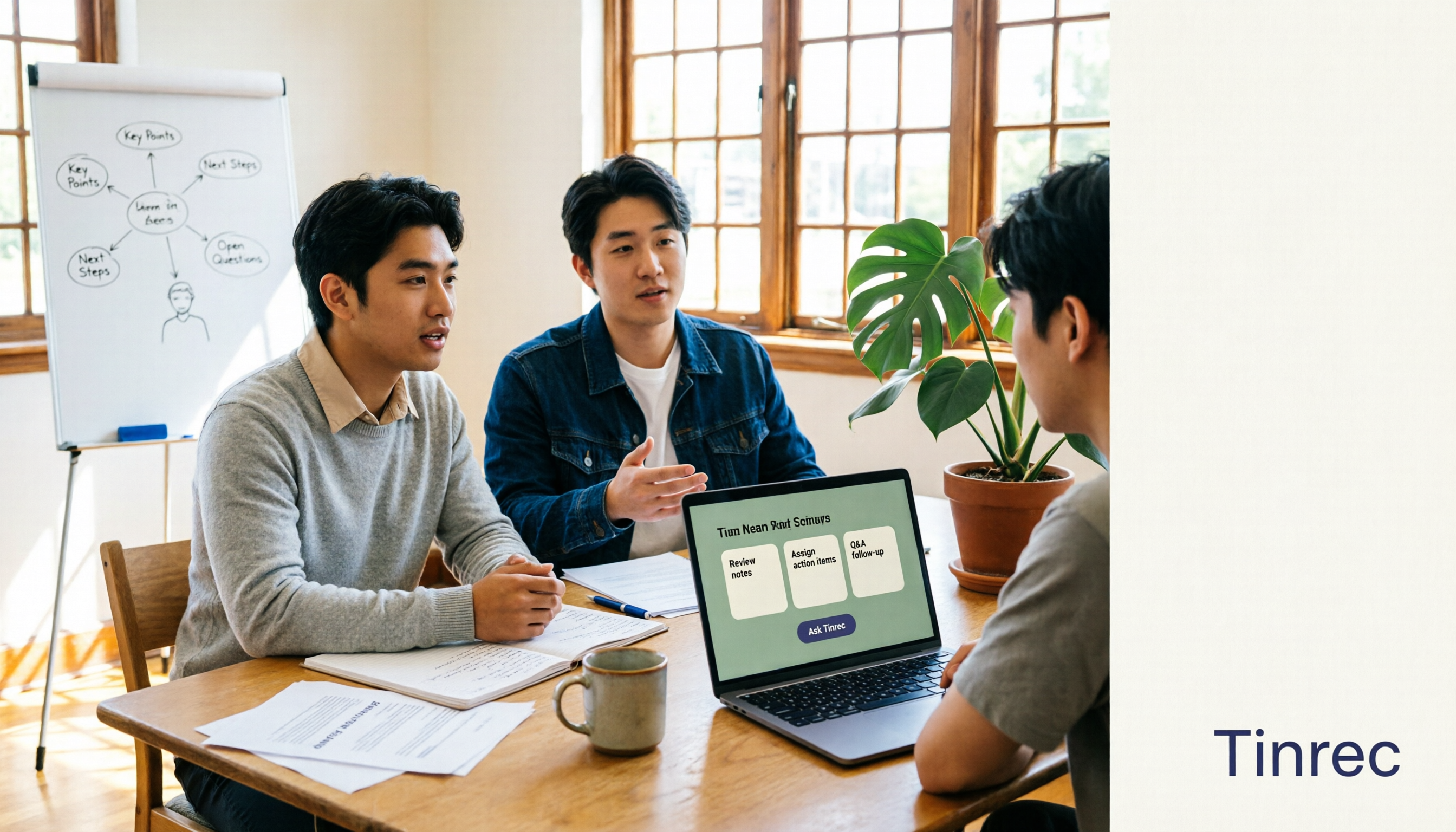
The Complete Guide to AI Meeting Notes in 2026: Hands-On Workflow, Core Features, and How to Choose a Tool
Starting from the real pain points of campus classes and group discussions, this guide shows that AI meeting notes are more than just transcripts—they also include summaries, action items, AI Q&A, and team collaboration. Using Tinrec as an example, it covers a hands-on workflow, core capabilities, buying considerations, and FAQs to help students find a tool that truly saves time on a limited budget.

Tinrec vs PLAUD Note 2026: 5-Dimension Comparison — Which Free AI Meeting Recorder Is Right for You?
How to choose a free AI meeting recorder? This article compares two popular options, Tinrec and PLAUD Note, across five dimensions: free quota and upfront cost, online meeting recording methods, post-meeting organization and AI follow-up, Chinese and multilingual experience, and team collaboration. It also includes FAQs to help budget-conscious professionals decide which tool fits them best.

Where Is the Teams Meeting ID in 2026? 3 Locations Tested & Compared — Plus Fixing the Post-Meeting Mess
Meeting time is here, but you can't find that meeting ID in the Teams invite? This article shows you exactly where the Teams meeting ID is hidden in 3 locations, how to join without signing in on mobile, and compares tested meeting note tools including Tinrec, Otter.ai, Notta, and Teams built-in transcription — covering the whole flow from joining to post-meeting organization.