

Turn recordings into transcripts and summaries in minutes
Upload audio or video for multilingual transcription, AI notes, and action items
Introduction: Three Most Common Pitfalls
When choosing an AI meeting recorder tool, most people first look at "how many free minutes" it offers. That's the biggest pitfall. Minutes only determine how long you can record, not whether you'll still have to stay behind and re-listen to a two-hour recording after the meeting.
The second misconception is thinking that "having a transcript" equals "having meeting notes." A transcript without summaries, conclusions, or action items isn't much different from notes you type yourself—just much longer. The third misconception is assuming the tool will join meetings and start recording on its own. In reality, most solutions marketed as automated rely on a bot account joining the meeting room. When internal meetings block external accounts, they simply fail.
A more reasonable way to judge is to ask yourself: At the moment the meeting ends, can I hand over something directly? Take Tinrec as an example. Its design connects "recording → transcript → summary → action items → team knowledge retention" into one line: the desktop version directly captures computer system audio to record online meetings without needing an extra bot to join, and after the meeting it directly produces searchable, queryable, and exportable meeting data. Below we break it down from a practical usage perspective.
What Can AI Meeting Recorder Tools Do for You?
Scenario 1: Deliver meeting minutes within 5 minutes after the meeting A two-hour meeting used to take another hour to organize. With Tinrec, for example, summaries, chapters, and action items are already generated when the meeting ends. Who is responsible for what and when it's due are listed directly, so you don't have to listen to the recording from the beginning.
Scenario 2: Mixed Chinese-English meetings no longer turn into gibberish In Taiwan offices, it's common to have "one Chinese sentence with three English technical terms." Tinrec supports transcription for Chinese, Traditional Chinese, and multilingual meetings, and you can view the original text, translation, or bilingual content during recording. No need to find a separate translator for cross-language meetings.
Scenario 3: No need to re-listen to recordings when asked for details after the meeting Questions like "Who mentioned the budget cap in the last meeting?" used to require flipping through notes or re-listening. Tinrec supports AI Q&A around meeting content—ask directly, get answers directly, and the answer can be cross-referenced with the transcript timestamp.
Scenario 4: Turn meetings into reusable team data The biggest problem with personal notes is that data scatters when people leave. Tinrec's team version provides an independent team space where meeting data belongs to the team. New members can also search historical meetings, so handovers don't require asking a round of questions again.
What Are the Core Capabilities of AI Meeting Recorder Tools?
Bot-free recording of online meetings Tinrec's desktop version directly captures device system audio, handling meeting audio played on platforms like Zoom, Google Meet, Microsoft Teams, and Webex without adding extra accounts to the meeting room. Note that this is not the same as "automatically joining all scheduled meetings"; rather, the user actively opens Tinrec to start recording.
Real-time transcription and live translation Transcribe while recording, so you can see text accumulate during the meeting instead of waiting for the file after recording. Tinrec also provides real-time translation, allowing you to switch between original text, translation, or bilingual view—especially useful for cross-language meetings.
AI summaries, chapters, and action item extraction Tinrec's summaries don't just condense the whole conversation into one paragraph; they structurally break out meeting topics, discussion points, conclusions, and action items. Long meetings are also divided into chapters, so you can jump directly to key sections when reviewing.
AI Q&A and post-processing After transcription, you can ask questions about a single meeting or across meetings. You can also use Agent post-processing to further organize meeting content into reports, tables, or documents for direct use in presentations and reviews.
Export and workflow integration Tinrec supports multiple export formats and can bring results to tools like Notion, Google Docs, OneNote, and Dropbox for further processing, so you're not locked into a single platform.
Real-World Use Cases
Weekly department meetings Weekly meetings are prone to disputes like "Who was responsible for that thing we discussed last time?" Record and transcribe simultaneously with Tinrec during the meeting, and action items are automatically listed afterward. Before the next meeting, simply check the previous meeting's action item list against progress—much faster than scrolling through chat logs.
Stop organizing recordings by hand
Upload audio or video and automatically get a transcript, summary, and action items
Customer interviews and requirements communication Sales and customer success teams fear missing customer conditions and commitments. Tinrec can organize requirements, objections, and follow-up actions, then export them as customer records, so other team members can take over without re-listening to the entire interview.
Courses, lectures, and internal training When speakers talk fast and content is dense, handwritten notes are nearly impossible to complete. Tinrec supports real-time audio-to-text transcription and also uploading existing audio and video files. After class, review with summaries and Q&A—much more effective than writing from memory afterward.
Team knowledge retention and personnel handover This is where the team version really stands out. Tinrec's team version centrally stores meeting audio, transcripts, summaries, and action items in the team space. When a member leaves or is removed, their team resources can be handed over to other active members, so data doesn't disappear with the individual account.
5 Things to Consider When Choosing an AI Meeting Recorder Tool
1. Recording method: bot joining vs. system audio capture Bot solutions are convenient for external meetings, but they get stuck in internal meetings that don't allow external accounts. Tinrec takes the route of desktop system audio capture, which doesn't occupy a meeting seat and isn't restricted by guest lists.
2. Usability after transcription Transcripts are just raw material. When choosing a tool, check whether it can provide summaries, chapters, action items, and Q&A. Tinrec puts these in the same workflow, so you can directly produce deliverable content when the meeting ends.
3. Performance with Chinese and mixed Chinese-English Taiwan's meeting language environment is mixed, and pure English tools often struggle. Tinrec focuses on Chinese meetings and mixed Chinese-English content, and offers a team hotword feature to make recognition of technical terms like product names and project codes more stable.
4. Data retention and team governance Company meetings often involve sensitive information, so before purchasing, you must clarify how data is stored and who can see it. Tinrec's team version distinguishes "roles" and "seats": roles determine who can manage the team and audit, seats determine who can record, upload, edit, and export; active members without seats can still view, play, and read team data. The team also provides usage analytics, audit logs, and an audio recycle bin.
5. Export and integration with existing workflows No matter how good the tool is, if data can't get out, it's an island. Tinrec supports multiple export formats and third-party tool integrations, so meeting results can return to the documents and knowledge bases your team already uses.
A practical note: Tinrec's team version is currently USD 29.80 per paid seat per month, or USD 199 per paid seat per year (about USD 16.58 per month). Each paid seat provides 2,000 minutes of team shared import quota per month; real-time recording under active team plans and seats is currently not deducted by minutes. Actual prices and benefits are subject to the official purchase page.
FAQ
Q1: Is the free version enough? It depends on your usage frequency. Tinrec's free version provides a basic quota to experience recording, import, summaries, and transcription. If you only occasionally organize a recording, the free version is fine. For short-term intensive meetings or interviews, consider a weekly card; for stable weekly use, the Pro plan is suitable.
Q2: Which meeting platforms are supported? Tinrec's desktop version can handle meeting audio played on a computer from Zoom, Google Meet, Microsoft Teams, Webex, etc. Note that supporting recording of these platforms does not imply an official partnership with them.
Q3: What is the transcription accuracy? It's not recommended to rely solely on promotional numbers. According to third-party summaries, most tools currently have Chinese accuracy around 85–95%. Tinrec provides high-quality transcription under clear audio and common meeting scenarios, but actual performance is affected by recording quality, ambient noise, accents, overlapping speakers, and technical terms. For important decisions, it's advisable to cross-check with the transcript and recording playback.
Q4: Can all team members see all meeting data? Tinrec's team version currently focuses on team-level sharing. Active members can read team data, and only after obtaining a seat can they record, upload, edit, and export. It is not a fine-grained file-level permission system, so confirm this meets your company's expectations before purchasing.
Q5: Can it record in-person meetings? Yes. In addition to online meetings, Tinrec supports real-time recording and uploading audio/video files, so in-person meetings, interviews, and course recordings can be organized into transcripts and summaries afterward.
Conclusion
The difference between AI meeting recorder tools is no longer "can it convert to text" but "can you use it directly after conversion." Comparing only free minutes makes it easy to buy a tool that still requires you to re-listen to recordings.
If you need Chinese meeting transcription, online meeting recording without a bot joining, plus summaries, action items, Q&A, and team knowledge retention, Tinrec offers a relatively complete workflow. Note that recording and transcription involve personal data and local regulations; before adoption, confirm you have participants' consent and evaluate according to your company's information security policies. Clarify your team size and core needs first, then decide whether to start with the free or team version—more practical than buying the highest specification at once.
References
- AI Meeting Minutes Software Recommendations: 5 App Reviews, Automatic Transcription Makes Meetings Easy!
- Meeting Ink - 2026 AI Meeting Recorder Tool Test | 7 Voice-to-Text and Summary Speed Comparisons | Meeting Ink - AI Meeting Recorder Assistant Automatic Transcription and Summary
- Many people recently asked me if there are any AI tools for meeting notes?
- 2026's Most Recommended AI Meeting Recorder, Time-Saving Must-Have Tool!
- [AI Meeting Recorder Toolkit] How to Choose Enterprise-Level AI Meeting Tools? 5 Key Aspects: Features, Security, Integration
Turn every recording into actionable outcomes
Get 60 free transcription minutes when you sign in. No credit card required.
Related Reading
You might also like

2026 AI Meeting Notes: Record Online Meetings Without a Bot + Auto To-Dos in One Go
The latest shift in AI meeting notes for 2026 is moving from "inviting a bot into the meeting" to "getting data you can use right after the meeting." This article takes the perspective of a mid-level manager, breaks down 4 key purchasing criteria, tests Tinrec's bot-free recording, automatic to-dos, and AI Q&A, and briefly reviews who Meeting Ink, SeaMeet, and CLOVA Note are each best for.

2026 AI Meeting Notes Comparison: Which Latest Version Actually Saves You Time?
A guide to choosing the latest AI meeting notes tools in 2026, covering common pitfalls, core capabilities, real-world use cases, team seat pricing, and how Tinrec turns meetings into searchable, collaborative, actionable data.

2025 AI Meeting Notes Guide: Auto-Generate Transcripts and Action Items in One Go
How to choose an AI meeting notes tool in 2025? We break down 5 key buying factors: meeting capture methods, post-transcript organization, mixed Chinese-English recognition, team data ownership, and quota calculations. Plus, we compare Tinrec, Otter.ai, Notta, and Granola to help you find the right fit.

4 Real-Time Transcription Tools Tested for 2026: Which One Keeps Up as You Speak?
How do you do real-time transcription? We tested 4 tools with the same Chinese meeting recording, comparing live transcription, Chinese and mixed Chinese-English recognition, post-meeting summaries and AI follow-up questions, as well as free quotas, team seats, and pricing, to help you find the approach that truly keeps up during meetings.

2026 AI Meeting Notes Guide: Record Online Meetings Without Bots + Auto-Generate Action Items
How to choose the best AI meeting notes tool in 2026? This guide covers three real-world scenarios—online meetings, in-person meetings, and multilingual meetings—and outlines 4 key buying factors. It hands-on tests Tinrec's bot-free recording, transcription, AI summaries, and action item extraction, compares Otter.ai, Notta, and Granola, and includes a pitfalls guide and selection advice.
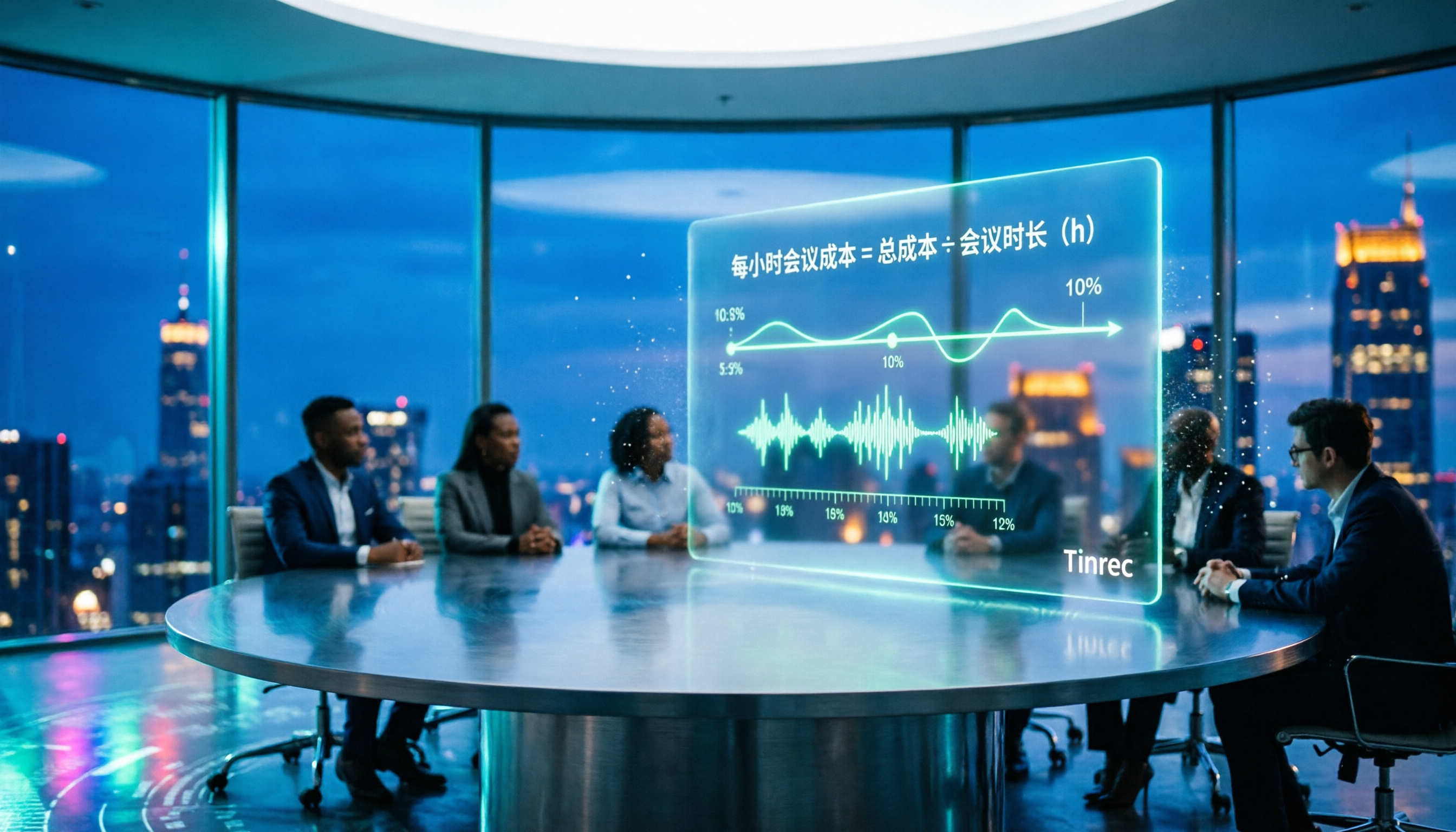
2026 AI Meeting Notes Tools Compared: How to Calculate Costs Without Wasting Money
Many people only look at the monthly fee when choosing an AI meeting notes tool, but overlook usage caps, per-meeting length limits, and post-meeting organization costs. This article recalculates using 'cost per meeting hour' and compares the pricing structures and use cases of Tinrec, Notta, Otter.ai, Granola, and PLAUD, plus four common pricing traps.
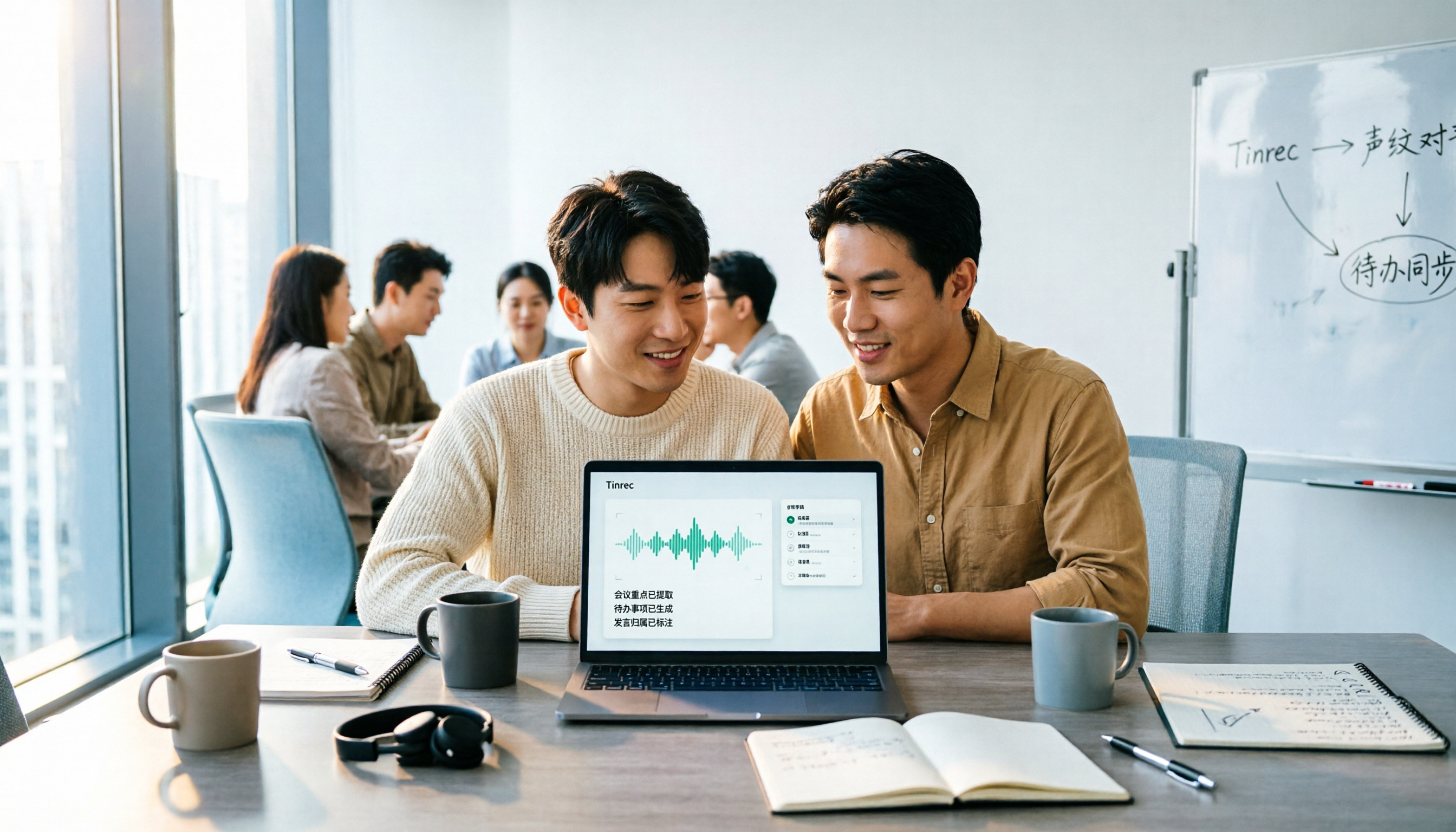
2026 AI Meeting Notes Comparison: Tinrec vs Notta Across 5 Dimensions — Which One Really Saves You Time?
The time between a meeting ending and delivering the minutes — replaying, pulling out key points, confirming action items — often wears you down more than the meeting itself. This article puts Tinrec and Notta side by side, comparing them across 5 dimensions: meeting capture, Chinese transcription, post-meeting output, team governance, and pricing/quotas. It also honestly lists each tool's limitations and best-fit scenarios to help you decide which tool should handle your meeting notes in 2026.
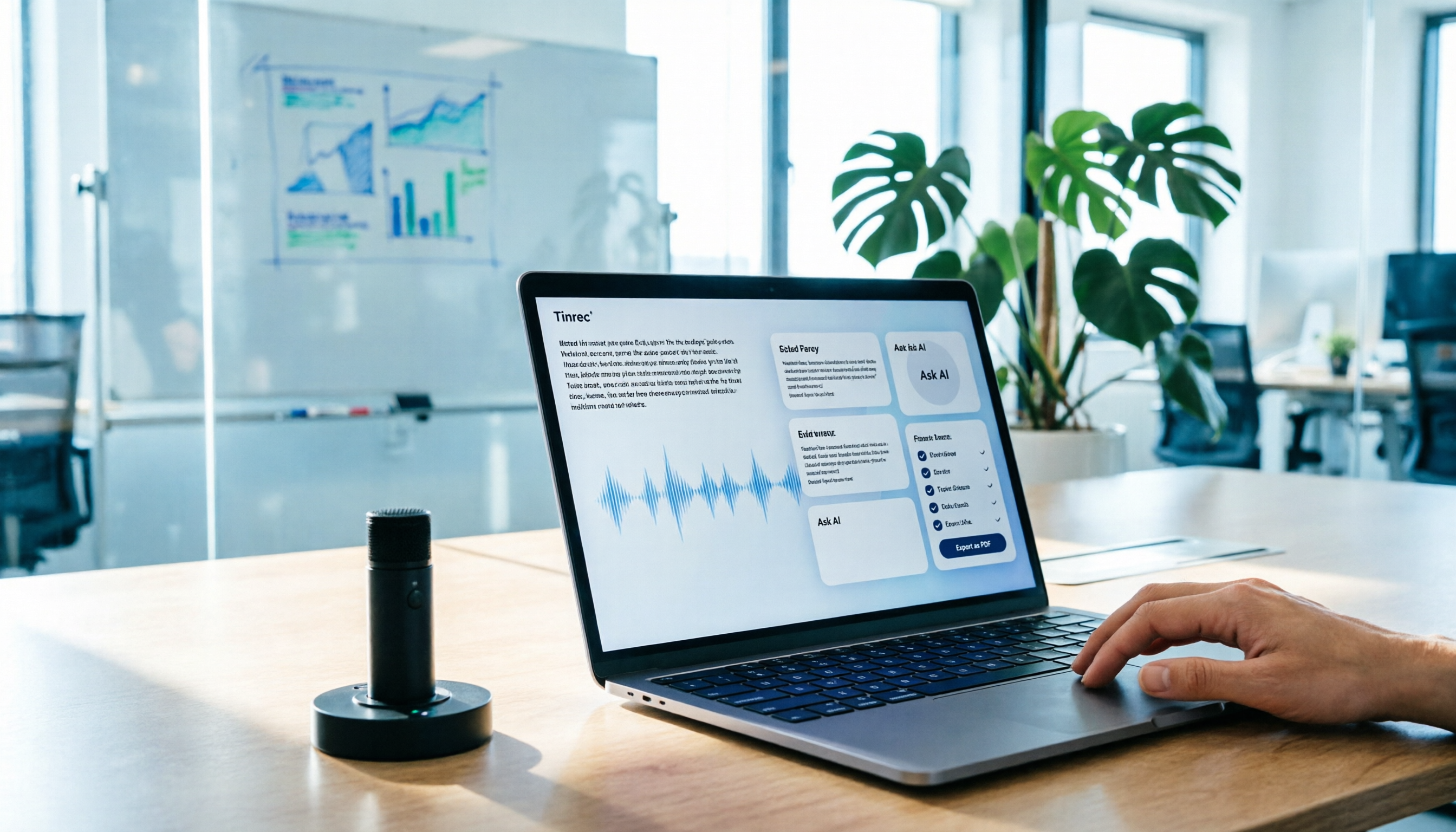
AI Meeting Notes in 2026: My Tinrec Workflow + Auto Summaries & Action Items
Meeting notes shouldn't mean replaying recordings and typing them up. This article breaks down AI meeting notes into five steps using my actual workflow: bot-free recording, live transcription, chapter summaries, AI follow-up questions, and action item export—with Tinrec as the example tool, plus a copy-paste follow-up checklist and buying considerations.

2026 AI Meeting Notes Free Plans Compared: Tinrec, Otter.ai, Notta, Granola Pricing at a Glance
Dcard discussions about AI meeting notes often focus on whether free versions are enough and how pricing works. This article compares Tinrec, Otter.ai, Notta, and Granola across four dimensions—free quota, per-upload limit, post-meeting output, and seat-based pricing—and highlights four common purchasing pitfalls to help you understand your meeting rhythm before spending money.