
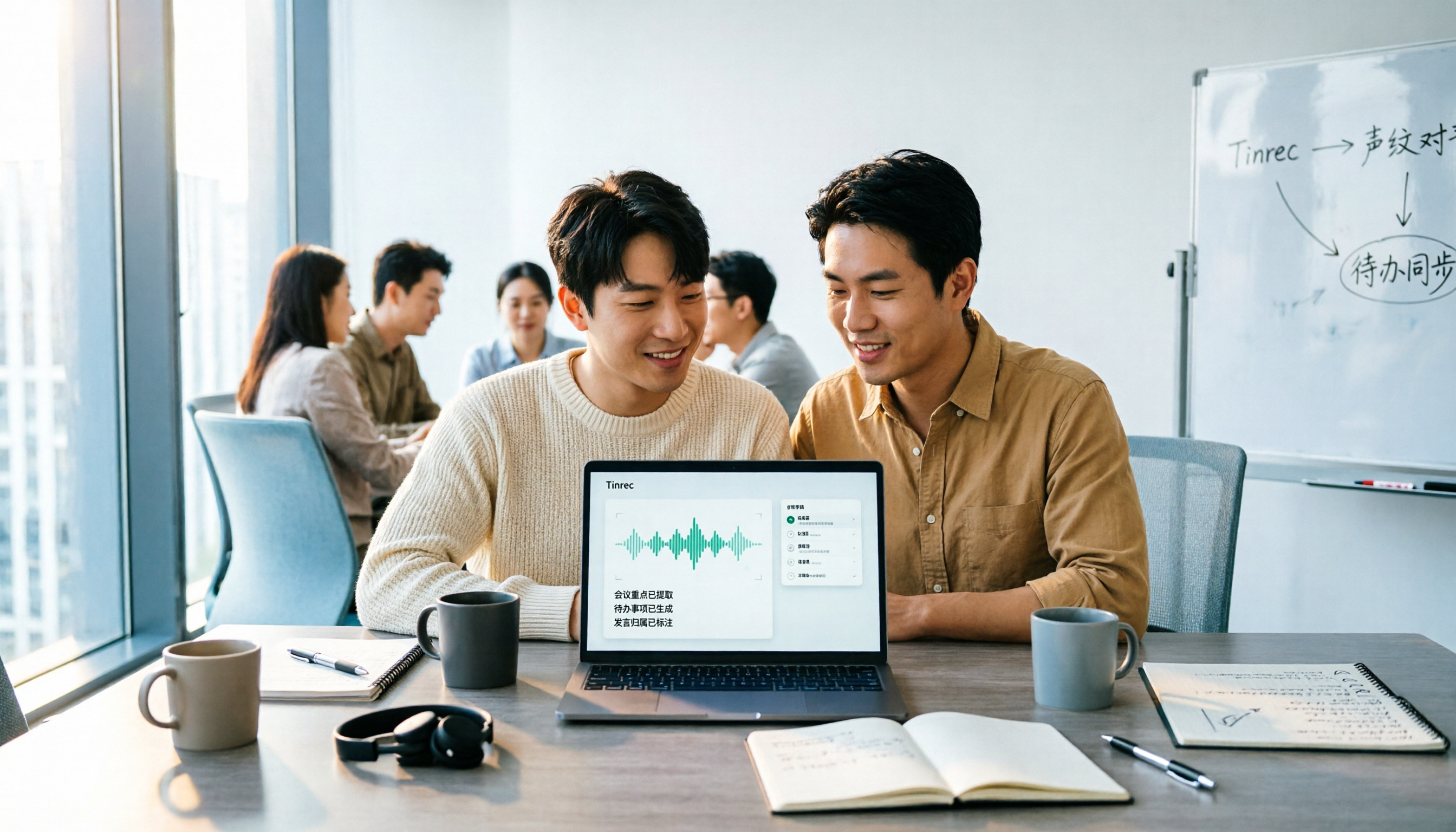
Turn recordings into transcripts and summaries in minutes
Upload audio or video for multilingual transcription, AI notes, and action items
It's 4:30 PM, and the online meeting has just ended. You close Zoom, and on your screen are the half-finished notes you typed thirty minutes ago — more like keyword debris than actual minutes. In thirty minutes, you need to report decisions and action items, but you still have to go back and replay the recording to confirm who mentioned that budget and when it's due.
This article isn't going to list another long lineup of tools. I'm putting Tinrec and Notta on the same table and looking at which one better fits your actual meeting situation across 5 dimensions.
The comparison below is based on publicly available information and product documentation from both sides, with data verified as of August 2026. It does not include homemade experimental data, because transcript accuracy varies greatly with recording quality, accents, and room noise — I don't want to mislead you with a set of pretty numbers. Prices and entitlements are subject to the official pages.
Tinrec vs Notta | Quick Overview
Tinrec is an AI meeting notes and collaboration tool for individuals and teams, focused on turning meetings into searchable, queryable, and collaborative data. Notta is a multilingual speech-to-text tool with a web version and app, supporting 58 languages, automatic speaker detection, and generating summaries and action items.
| Item | Tinrec | Notta |
|---|---|---|
| Core positioning | AI meeting notes and team collaboration | Multilingual transcription and meeting notes |
| Meeting capture | Desktop app captures system audio; no bot required | Offers meeting bot, desktop app, and upload options |
| Quota concept | Personal plan has basic quota; team plan paid seats include 2,000 shared import minutes per month; real-time recording is not deducted by minute | Free: 120 min/month (max 3 min per session); Pro: 1,800 min/month; Business: unlimited transcription stated |
Next, we'll compare across 5 dimensions: meeting capture, Chinese-language experience, post-meeting output, team governance, and pricing/quotas.
Dimension 1 | Meeting Capture: Do You Need an Extra Bot?
Notta offers multiple ways to capture meeting content, including having a meeting bot join online meetings. The advantage is a high degree of automation — it's there as soon as the meeting starts. The downside is an extra account on the participant list; some clients or external partners will specifically ask, "Who is this?"
Tinrec takes a different path. The desktop app directly captures your computer's system audio, handling Zoom, Google Meet, Microsoft Teams, Webex, and other online meetings without an extra bot as a participant. Note that this doesn't mean it automatically joins all scheduled meetings — you still need to open the desktop app yourself to start recording.
If you always take meetings on your own computer and don't want a third-party bot in the meeting room, Tinrec's capture method is a better fit.
→ This dimension: Tinrec has the edge.
Dimension 2 | Transcription Experience for Chinese and Multilingual Meetings
Notta's strength is clear: it supports 58 languages, offering broad language coverage, which is very practical for those who frequently handle meetings with international clients.
Tinrec focuses on Chinese, Traditional Chinese, and mixed Chinese-English meeting scenarios, and offers real-time translation during recording, allowing you to switch between original text, translation, or bilingual view. The team plan also has a hotword feature that lets you maintain a list of product names, internal code names, and other specialized terms.
Honestly, there's no absolute winner here. If your meetings are primarily in foreign languages, Notta's language count is an advantage; for the kind of Taiwanese team meetings where "one Chinese sentence is mixed with three English words," Tinrec's design is more on point.
→ This dimension: Tie, depending on your meeting language mix.
Dimension 3 | Post-Meeting Output: How Much Work Is Left After the Transcript?
Usable meeting minutes aren't just "what was discussed." They need to clearly state what was decided, who is responsible, when it's due, and what remains undecided. This is where most people get stuck.
Notta produces transcripts, summaries, and action items, covering the basic needs.
Tinrec goes a step further after the transcript: summaries, chapters, key points, action items, mind maps, and ongoing AI Q&A about the meeting content — for example, you can directly ask, "What was the budget cap the client mentioned?" When you need to deliver documents, you can use Agent post-processing to generate reports, tables, and documents, and export to Notion, Google Docs, OneNote, Dropbox, and other tools for further work.
→ This dimension: Tinrec clearly wins.
Dimension 4 | Team Collaboration and Governance: Who Owns the Data, Who Can Edit?
Notta's Business plan offers role permissions and usage reports, which is sufficient for small teams' basic management needs.
Stop organizing recordings by hand
Upload audio or video and automatically get a transcript, summary, and action items
Tinrec's team plan is a separate team space, not multiple people sharing a personal account. It distinguishes roles and seats: roles determine who can manage members and team settings; seats determine whether one can record, upload, edit, and export. Active members without a seat can still view, play, and read team data.
Other features include usage trends and member rankings, audit log queries and exports, team hotwords, an audio recycle bin (retained for 30 days, can be restored or permanently deleted), and handover of team resources when a member leaves or loses a seat.
A honest reminder: Tinrec currently focuses on team-level sharing, not a granular file-level permission system — don't think of it as being able to set independent access scopes for each file.
→ This dimension: Tinrec is more complete in governance details.
Dimension 5 | Pricing and Quotas: Where Do Your Minutes Go?
Notta's official pricing page shows: Free: 120 min/month, max 3 min per session; Pro: annual billing equivalent to about USD 8.17/month, 1,800 min/month; Business: annual billing equivalent to about USD 16.67/seat/month. The low entry barrier is a very practical advantage.
Tinrec's personal plan includes a free version, weekly card, Pro monthly, and Pro annual, chosen by usage task; the free version offers basic quota to experience recording, import, summary, and transcription. The team plan is USD 29.80/paid seat/month, or USD 199/paid seat/year (about USD 16.58/month), with 2,000 shared import minutes per seat per month. Eligible teams can try 7 days, 1 free seat, and 300 shared import minutes for the first time. Under an active team plan, real-time recording is currently not deducted by minute.
Simply put: if your minutes are mainly spent on "having meetings," Tinrec's pricing logic is closer; if your main need is converting large amounts of existing audio files to text, Notta's Pro quota or long-document-oriented tools will be more cost-effective.
→ This dimension: Tie, depending on your usage pattern.
What Unique Advantages Does Each Have?
Tinrec's unique advantages
No meeting bot needed — the desktop app captures system audio to record online meetings, so the participant list doesn't gain an extra account.
Complete workflow after the transcript: summaries, chapters, action items, mind maps, AI Q&A, and generating reports and tables.
Detailed team governance: roles, seats, usage, audit, recycle bin, and resource handover are all designed for.
Meeting audio is retained; accidental deletion can be recovered from the 30-day recycle bin.
Notta's unique advantages
Supports 58 languages, broad language coverage, flexible for international meetings.
The free version offers 120 minutes per month, making it low-cost to test the waters.
Conclusion: Which One Should You Choose?
• You don't want an extra bot in meetings and always use your own computer → Tinrec
• You want more than a transcript — you want to ask questions about the meeting content and generate reports → Tinrec
• You need to manage member seats, view usage and activity logs → Tinrec team plan
• Your meetings are mainly in Chinese or mixed Chinese-English → Tinrec
• Your meetings span multiple languages and you need 58-language support → Notta
• You just want to try it out with a free quota first → Notta's free version has a lower barrier
In one sentence: for most Taiwanese teams whose meetings are mainly in Chinese and who still need to deliver reports and follow up on action items afterward, Tinrec is a more comprehensive choice; if your core needs are language count and low-cost entry, Notta is still worth a try.
Final reminder: recording and transcription involve personal data; please comply with local regulations and obtain participant consent when necessary.
FAQ
Q1: Is Tinrec's free version enough?
The free version offers a basic quota that lets you go through the full process of recording, importing, transcribing, and summarizing. If you only occasionally organize an interview, just try the free version to see the results; if you have regular weekly meetings, then consider the Pro plan.
Q2: Without a bot, can it really record Zoom and Google Meet meetings?
Yes, Tinrec's desktop app captures the system audio played on your computer. But you need to open the desktop app yourself to start recording — it's not a bot that automatically joins calendar meetings, so be clear on that first.
Q3: What accuracy can I expect from the transcript?
It's not recommended to imagine a fixed percentage. Actual performance is affected by recording quality, room noise, accents, overlapping speakers, and specialized terminology. For important numbers, negative statements, and responsibility assignments, it's advisable to replay the recording at the transcript timestamps to verify.
Q4: What's the difference between the team plan and the personal plan?
Personal plan data belongs to the individual account; the team plan is a separate space where data belongs to the team, with additional member invitations, roles, seat allocation, shared entitlements, usage analysis, audit logs, and audio recycle bin.
Q5: Can members without a seat see team data?
They can view, play, and read, but cannot upload, edit, import, or export. Seats determine the "eligibility to use resources," not "whether you can see them."
Q6: After a member leaves, will meeting data be taken away?
No. Team resources belong to the team; when a member leaves, is removed, or loses a seat, the admin needs to hand over their team resources to other active members.
References
- Meeting Ink - 2026 AI Meeting Notes Tool Test | 7 Speech-to-Text and Summary Speed Comparison | Meeting Ink - AI Meeting Notes Assistant Automatic Transcription Transcript Summary Meeting Minutes
- The Most Recommended AI Meeting Notes Tool of 2026, Time-Saving Must-Have for Meetings!
- How to Take AI Meeting Notes? Tool Selection, Process, Format, and Privacy Reminders
- AI Meeting Notes - Google Play App
- Get Meeting Minutes Done! How to Do AI Speech-to-Transcript? Gemini Notebook, Gemini, EchoScript Operation Analysis | 104 Workplace Power
Turn every recording into actionable outcomes
Get 60 free transcription minutes when you sign in. No credit card required.
Related Reading
You might also like

2026 AI Meeting Notes: Record Online Meetings Without a Bot + Auto To-Dos in One Go
The latest shift in AI meeting notes for 2026 is moving from "inviting a bot into the meeting" to "getting data you can use right after the meeting." This article takes the perspective of a mid-level manager, breaks down 4 key purchasing criteria, tests Tinrec's bot-free recording, automatic to-dos, and AI Q&A, and briefly reviews who Meeting Ink, SeaMeet, and CLOVA Note are each best for.

2026 AI Meeting Notes Comparison: Which Latest Version Actually Saves You Time?
A guide to choosing the latest AI meeting notes tools in 2026, covering common pitfalls, core capabilities, real-world use cases, team seat pricing, and how Tinrec turns meetings into searchable, collaborative, actionable data.

2025 AI Meeting Notes Guide: Auto-Generate Transcripts and Action Items in One Go
How to choose an AI meeting notes tool in 2025? We break down 5 key buying factors: meeting capture methods, post-transcript organization, mixed Chinese-English recognition, team data ownership, and quota calculations. Plus, we compare Tinrec, Otter.ai, Notta, and Granola to help you find the right fit.

4 Real-Time Transcription Tools Tested for 2026: Which One Keeps Up as You Speak?
How do you do real-time transcription? We tested 4 tools with the same Chinese meeting recording, comparing live transcription, Chinese and mixed Chinese-English recognition, post-meeting summaries and AI follow-up questions, as well as free quotas, team seats, and pricing, to help you find the approach that truly keeps up during meetings.

2026 AI Meeting Notes Guide: Record Online Meetings Without Bots + Auto-Generate Action Items
How to choose the best AI meeting notes tool in 2026? This guide covers three real-world scenarios—online meetings, in-person meetings, and multilingual meetings—and outlines 4 key buying factors. It hands-on tests Tinrec's bot-free recording, transcription, AI summaries, and action item extraction, compares Otter.ai, Notta, and Granola, and includes a pitfalls guide and selection advice.
2026 AI Meeting Notes Tools Compared: How to Calculate Costs Without Wasting Money
Many people only look at the monthly fee when choosing an AI meeting notes tool, but overlook usage caps, per-meeting length limits, and post-meeting organization costs. This article recalculates using 'cost per meeting hour' and compares the pricing structures and use cases of Tinrec, Notta, Otter.ai, Granola, and PLAUD, plus four common pricing traps.
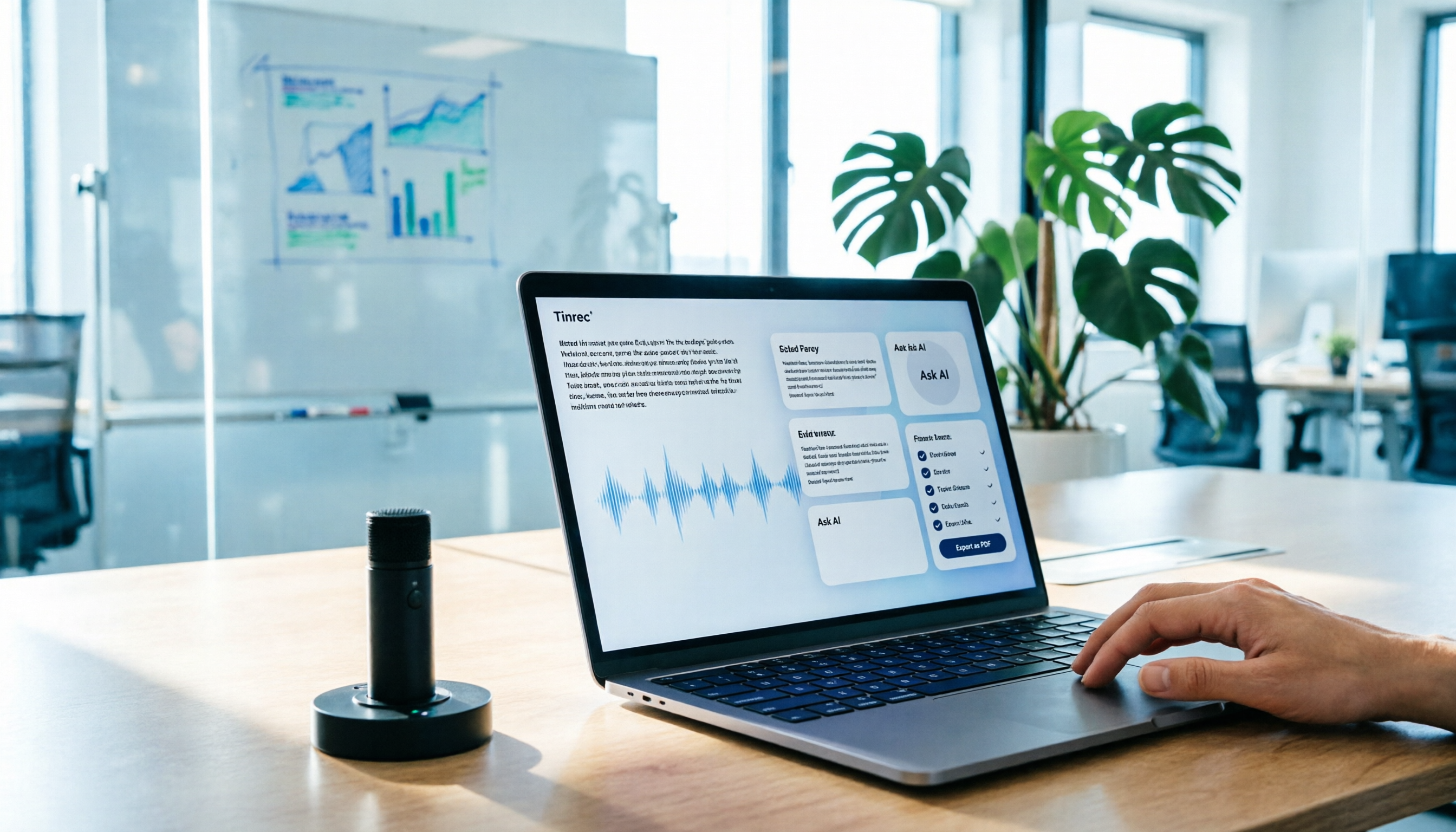
AI Meeting Notes in 2026: My Tinrec Workflow + Auto Summaries & Action Items
Meeting notes shouldn't mean replaying recordings and typing them up. This article breaks down AI meeting notes into five steps using my actual workflow: bot-free recording, live transcription, chapter summaries, AI follow-up questions, and action item export—with Tinrec as the example tool, plus a copy-paste follow-up checklist and buying considerations.

2026 AI Meeting Recorder Comparison: 5 Tools Tested for Chinese Transcripts and Post-Meeting Efficiency
Most people choose AI meeting recorder tools based only on free minutes, but still have to re-listen to recordings afterward. This article starts from real pain points, breaks down the core capabilities AI meeting recorder tools should have, 4 real use cases, and 5 purchase checkpoints. Using Tinrec as an example, it explains the complete workflow from bot-free recording, transcription, summaries, action items, AI Q&A, to team knowledge retention.

2026 AI Meeting Notes Free Plans Compared: Tinrec, Otter.ai, Notta, Granola Pricing at a Glance
Dcard discussions about AI meeting notes often focus on whether free versions are enough and how pricing works. This article compares Tinrec, Otter.ai, Notta, and Granola across four dimensions—free quota, per-upload limit, post-meeting output, and seat-based pricing—and highlights four common purchasing pitfalls to help you understand your meeting rhythm before spending money.