

Turn recordings into transcripts and summaries in minutes
Upload audio or video for multilingual transcription, AI notes, and action items
Tinrec vs Notta 2026: 5-Dimension Hands-On Comparison — Which Saves More Time for Chinese Meeting Notes?
When it comes to speech-to-text apps, I've found that the most common pitfall for users isn't choosing the wrong tool—it's starting with the wrong criteria: treating "free minutes" as the only comparison point.
That criterion is dangerous because minutes only solve the step of turning sound into text. What really takes time is the long transcript afterward that has no paragraphs, no key points, and no action items.
Another common misconception is thinking "having a transcript means it's organized." A 60-minute meeting is roughly 10,000+ words—are you really going to read it from the first line to the last? Most people go back and re-listen to the recording, which means the transcription was wasted.
So in this article, I'm not looking at whose marketing copy is prettier. Instead, I compare five dimensions hands-on: Chinese recognition, meeting capture method, post-transcription organization, quota and pricing, and team collaboration. Tinrec is the primary test subject, with Notta—also frequently asked about—as a reference where needed.
What Can a Speech-to-Text App Do for You?
Scenario 1: The meeting ends, and the minutes are already there A two-hour meeting used to mean another hour of organizing afterward. With Tinrec, for example, the transcript is generated in sync during the meeting, and by the time it ends, the AI summary, chapters, and action items are already organized—you can see directly who's responsible for what and what to follow up on next time.
Scenario 2: No need to invite a bot into online meetings Tinrec's desktop version captures your computer's system audio directly. For meetings on Zoom, Google Meet, Microsoft Teams, Webex, and similar platforms, no extra bot account needs to join the meeting room. This is especially noticeable in client-facing meetings—one less unfamiliar participant makes the screen much cleaner.
Scenario 3: Existing audio and video files can be organized too Got a pile of old recordings and interview files? Tinrec supports uploading audio and video files for transcription, so you don't have to re-record.
Scenario 4: Cross-language meetings are understandable During recording, you can switch between original text, translation, or bilingual view—no need to wait until after the meeting to guess what was said in mixed Chinese-English meetings.
What Are the Core Capabilities?
Real-time transcription: Text appears as you record, not after the recording ends and queues for conversion. During meetings, you can read along and confirm whether any key points were missed.
Bot-free recording: Let me be clear here—Tinrec is not the type that "automatically joins all your calendar meetings." Its approach is that the user actively opens the desktop version to start recording, capturing the meeting audio playing on the computer at that moment. It may not sound as magical, but in practice it's actually simpler.
AI summary and chapters: It doesn't just cram the transcript into a single paragraph; it structures it—topics, conclusions, and action items are listed separately. Long meetings are automatically divided into chapters, making it much faster to go back and find a specific topic.
AI Q&A: After transcription is complete, you can ask questions directly, such as "What was the budget cap the client mentioned?" or "Which action items from this meeting have no owner?" It answers based on semantics, not Ctrl+F keyword search.
Translation and export: Supports multilingual transcription and real-time translation; results can be exported to Notion, Google Docs, OneNote, Dropbox, and other tools for continued use. You can also use Agent post-processing to generate reports, tables, and meeting minutes documents.
Practical Use Cases
Department weekly meetings and project meetings: Regular weekly meetings are best for building a habit. Tinrec accumulates meeting materials in one place—before this week's meeting, you can quickly check whether last week's action items were completed.
Customer interviews and requirements interviews: The biggest fear in interviews is missing the customer's exact words. The transcript preserves timestamps, so when you need to quote, you can jump directly back to that segment of the recording to verify—more reliable than writing a summary from memory.
Classes and lectures: A two-hour class often means missing parts while taking notes. After recording with Tinrec, the AI summary can serve as a review index, while the transcript remains for checking details.
Stop organizing recordings by hand
Upload audio or video and automatically get a transcript, summary, and action items
Team knowledge retention: This is where Tinrec's team version differs most. Meeting recordings, folders, and action items are centralized in the team space. New members can look back at historical meetings; when a member leaves or loses their seat, the data belongs to the team and is handed over to other members—it doesn't disappear with the individual account.
5 Things to Watch When Choosing a Speech-to-Text App
1. Look at Chinese and mixed Chinese-English performance first, not just English reviews Most reviews of foreign tools focus on English. My advice is to run a 10-minute real meeting recording of your own to confirm whether proper nouns, names, and numbers are transcribed correctly. Tinrec's main selling point is Chinese and mixed Chinese-English meetings, but actual performance is still affected by recording quality, accents, and overlapping speakers—so this test run is essential.
2. Understand how the meeting is "captured" There are three common approaches: a meeting bot joins, desktop captures system audio, or only file upload is supported. Tinrec uses the second approach—the advantage is no need to invite a bot, but the prerequisite is that you must start recording yourself on the computer.
3. Can it produce something directly after transcription? This is what I consider the most important yet most often overlooked point. A tool with only transcripts pushes the workload downstream. Tinrec's approach provides summaries, chapters, action items, and Q&A all at once—that's where the time gap between meeting end and minutes production lies.
4. Look at quota and pricing together, not just free Tinrec's free version offers a basic quota so you can experience recording, importing, summaries, and transcription. For short-term intensive use, there's a weekly card; for long-term, consider the Pro annual card. The team version offers a 7-day trial for first-time eligible users, 1 free seat, and 300 minutes of team shared import quota; afterward, it's USD 29.80 per paid seat per month, or USD 199 per paid seat per year (about USD 16.58 per month), with each paid seat providing 2,000 minutes of team shared import quota per month. Under an active team plan and active seats, real-time recording currently does not deduct minutes; file and web imports use the team shared quota. By the way, Notta's free version is 120 minutes per month with a 3-minute limit per session—the plan structure is different, so choose based on your usage frequency, not just by comparing numbers.
5. For team use, distinguish roles and seats Many people think "buying the team version makes everyone an admin" or "without a seat, you can't see anything." Tinrec's design is: roles determine whether you can manage the team and audit; seats determine whether you can record, upload, edit, and export; active members without seats can still view, play, and read team materials. Additionally, the team version provides usage analytics, audit logs, team hotwords, and a 30-day audio recycle bin.
Frequently Asked Questions
Q: How is Tinrec different from a regular voice recorder or recording app? A recording app only captures sound. Tinrec further converts it into a transcript, then organizes summaries, chapters, and action items, and supports follow-up questions, translation, export, and team collaboration.
Q: Is the free version enough? If your need is occasional organization of a meeting or class recording, the free version's basic quota is enough to test the waters. If you have regular weekly meetings, I recommend evaluating Pro or the team version directly so you won't be interrupted by quota limits.
Q: What accuracy can transcription achieve? I don't recommend looking at any fixed number. Actual results depend on recording quality, microphone, accents, how many people speak simultaneously, and terminology density. The practical approach is to verify important content against transcript timestamps and recording playback.
Q: Do I need to install a meeting bot? No. Tinrec's desktop version captures computer system audio to record online meetings, without needing an extra account to join. But it's not "automatic"—you need to start recording yourself.
Q: If a team member leaves, will meeting data be taken away? No. Team resources belong to the team. When a member exits, is removed, or loses their seat, the resources they were responsible for are handed over to other active members.
Q: What should I pay attention to before recording? Please comply with local regulations and obtain consent from participants before recording when necessary.
Conclusion
Back to the misconception at the beginning: the value of a speech-to-text app isn't in how many free minutes it offers, but in the time gap between "the meeting ends" and "you get usable materials."
If you only occasionally turn a recording into text, many tools on the market can do that. But if you have meetings every week, need Chinese transcripts, need minutes and action items immediately after meetings, or even want to retain meetings as team knowledge, Tinrec's flow—from recording, transcription, summary, Q&A to team space—is worth spending the time of a meal to test with a real recording.
References
- Speech-to-Text/Voice-to-Text/Transcript: 2026 6 AI Tool Recommendations and Tinrec Hands-On Test - Tinrec Blog
- Hands-On Test of 4 Best Online Speech-to-Text Tools: Free and Instant Recording-to-Transcript Conversion
- What Speech-to-Text App to Use for Meeting Notes? 5 Best Choices 2026 Including Tinrec Hands-On Test - Tinrec Blog
- 6 Free Audio-to-Text Apps Hands-On Test: Chinese Recognition, Real-Time Summary, Free Quota at a Glance - Tinrec Blog
- Want to Convert Recordings to Transcripts for Free? 5 Must-Try Transcription Tools to Get It Done Fast
Turn every recording into actionable outcomes
Get 60 free transcription minutes when you sign in. No credit card required.
Related Reading
You might also like

2026 Comparison of 5 Audio-to-Text Software: Why Tinrec Is Becoming Notta Users' New Choice?
Starting from PTT's hot discussion list, this comparison examines Tinrec vs. Notta in meeting capture, post-meeting organization, Chinese language experience, team governance, and quotas to help readers decide which audio-to-text software is better suited for Chinese meetings and team collaboration.
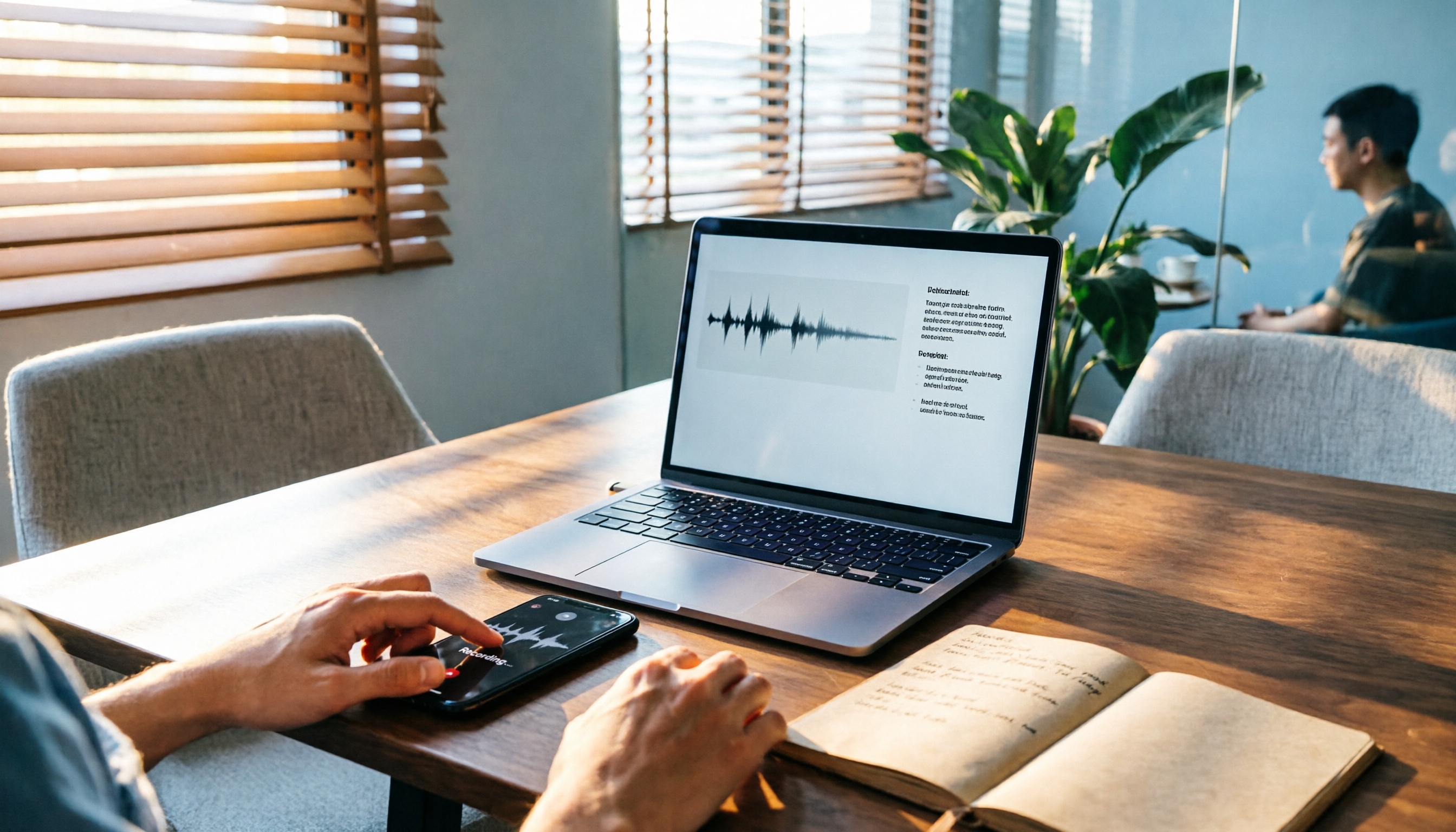
2026 Comparison of 3 Audio-to-Text Tools: Tinrec 5-Step Tutorial and Free Tier Analysis
From recording, transcription, proofreading to meeting minutes and export, walk through Tinrec's 5-step audio-to-text workflow and compare free tiers and use cases of Notta and TurboScribe.

2026 Tinrec Review: No-Bot Audio Transcription + AI Q&A to Find Key Points
Dcard discussions about audio transcription share the same pain points: can't bear to delete recordings, can't finish transcripts, and privacy concerns. This guide covers selection criteria and real workflows, breaks down how Tinrec differs from Notta, Otter.ai, and Granola, and lists four common mistakes to help you find a truly time-saving approach.

2026 iPhone Audio-to-Text Guide: Built-in Transcripts vs. Tinrec Comparison
From iPhone Voice Memos' built-in transcripts to Tinrec's AI summaries, action items, and team collaboration, this guide breaks down the decision logic for audio-to-text tools with real workflows, covering free vs. paid boundaries, use cases, and FAQs to help you find the right iPhone audio-to-text solution.

Tinrec vs Notta in 2026: 5-Dimension Comparison — Which Saves More Time on Chinese Meeting Notes?
People have been asking on PTT since 2024 which speech-to-text tool to choose. This article skips flashy interfaces and directly compares Tinrec and Notta across 5 dimensions, while also outlining the boundaries of Otter.ai and Granola. It helps you avoid the most common pitfalls: free tier limits, mixed Chinese-English recognition, and team data ownership.
WhatsApp Voice to Text in 2026: Built-in vs Tinrec vs Notta Compared
How to choose a WhatsApp voice-to-text solution? This article covers the official built-in 'voice message transcripts' feature—its staged rollout, privacy, and language limitations—and compares Tinrec, Notta, and Otter.ai in different scenarios to help you decide which tool to use for single voice messages versus full meeting recordings.

How to Choose a Speech-to-Text Tool in 2026: 5 Steps from PTT-Approved Tools to Real-World Workflows
There are plenty of discussions about speech-to-text on PTT, but the real key to choosing isn't 'which one is the most powerful'—it's your audio source, language mix, and team sharing needs. This article uses 4 buying criteria and 5 practical steps to help you pick the tool from PTT's popular list that you'll actually use long-term.

5 Best Audio-to-Text Tools in 2026: Chinese Accuracy & Free Tiers Tested
Meeting recording is 47 minutes, but the transcript is due in an hour? This hands-on comparison tests Tinrec, Otter.ai, Notta, TurboScribe, and Yating across four key criteria, with a buyer's guide and pitfalls to avoid.

Tinrec vs Yating Transcription: 5-Dimension Comparison of PTT's Most Discussed Speech-to-Text Tools in 2026
PTT discussions on speech-to-text tools often focus on two approaches: Taiwan-localized Yating Transcription and Tinrec, which emphasizes meeting notes and post-meeting organization. This article skips the top-10 list and compares them across five dimensions: free quota, post-meeting output, input sources, team collaboration, and Chinese language support, helping you decide which fits your use case.