

Turn recordings into transcripts and summaries in minutes
Upload audio or video for multilingual transcription, AI notes, and action items
Your meeting ends at 3 PM. The recording is 47 minutes long. The meeting notes are due in an hour.
This is a daily reality for many office workers. The meeting ends, but the real work begins: rewind, pause, type, replay.
One-on-one interviews are manageable, but cross-departmental meetings are a different story. Three people talking at once, Chinese and English mixed with technical terms, air conditioning hum and keyboard clatter—transcribing becomes a chore.
And then there's the follow-up. "Who exactly said that about the budget last time?" You're stuck dragging the progress bar from start to finish.
This article isn't about which app can record audio. It's about which tool can turn your recording into text you can edit and hand off directly.
4 Key Factors to Consider Before Choosing an Audio-to-Text Tool
1. Accuracy with Chinese, mixed Chinese-English, and Taiwanese accents
Most tools perform well in quiet environments with standard accents. The real difference shows up in actual meetings—background noise, interruptions, and technical terms are where tools separate themselves.
So don't just look at spec sheets. Test with your own real recording; that's more reliable than any marketing claim.
2. Transcription speed and live transcription capability
If a tool only processes files after recording ends, you have to wait. Tools that transcribe live have the transcript ready when the meeting ends.
You're not just saving time—you're avoiding the risk of "I'll deal with it later" turning into "I'll never deal with it."
3. Usability after transcription
If all you get is a transcript, you still have to read through 40 minutes of content to find conclusions. Better tools automatically generate summaries, chapters, and action items—or even let you ask questions directly about the meeting content.
This difference often matters more than accuracy when deciding whether you'll still use the tool three months from now.
4. Free tier limits, export options, and team sharing
How many free minutes, any per-file limits, export to Google Docs or Notion, and whether team members can share the same data—these are the keys to long-term use.
Tinrec — Our Top Recommendation After Hands-On Testing
Tinrec is an AI meeting notes and collaboration tool for individuals and teams, available on web, desktop, and mobile. It doesn't just convert audio to text; it organizes meeting recordings into searchable, summarizable, queryable, and exportable data.
No need to invite a bot to your meetings
Tinrec's desktop app captures your computer's system audio directly, so for online meetings on Zoom, Google Meet, Microsoft Teams, or Webex, you don't need to add a meeting bot.
For those who meet with external clients, this is practical. You don't have to explain "what's that account joining the meeting?" and you don't have to worry about a bot stuck in the waiting room.
Transcript and action items ready when the meeting ends
After recording or uploading audio, Tinrec produces a transcript and automatically generates summaries, chapters, key points, and action items. Participants don't have to rely on memory to recall "so what did we decide?"
Even better is the AI Q&A. You can ask questions about a single meeting or across multiple meetings—for example, "What do customers complain about most?" It answers based on content, not just a list of keyword search results.
Export and post-meeting processing
Transcripts, summaries, and action items can be exported to Notion, Google Docs, OneNote, or Dropbox for further use. When you need to submit a report, you can use Agent post-processing to generate documents, tables, and meeting minutes—saving you from retyping everything.
For cross-language meetings, you can view the original text, translation, or bilingual content during recording.
Team Edition: Turn meetings into team assets
If you're a multi-person team, Tinrec's Team Edition provides a separate team space where meeting data belongs to the team, not individuals.
Management separates "roles" and "seats": roles determine who can manage members, audit, and team settings; seats determine who can record, upload, edit, and export.
Stop organizing recordings by hand
Upload audio or video and automatically get a transcript, summary, and action items
Members who are active but don't have a seat can still view, play, and read team data—they just can't upload, edit, or export.
Other capabilities include usage analytics, audit logs, team hotwords, and an audio recycle bin (deleted audio files can be recovered before permanent deletion). When a member leaves or loses a seat, their team resources must be handed over to other members—data doesn't leave with the person.
Things to note
The free version offers a basic quota. If you have several meetings every week, you should evaluate a paid plan.
Team Edition is USD 29.80 per paid seat per month, or USD 199 per paid seat per year (about USD 16.58 per month), with each paid seat providing 2,000 minutes of shared team import quota per month. Eligible teams can try 7 days with 1 free seat and 300 shared minutes. Prices and benefits are subject to the official purchase page.
Two more things to clarify. Tinrec is not a bot that automatically joins all calendar meetings—you need to actively open the desktop app to start recording. Transcription quality is also affected by recording quality, accents, overlapping speech, and technical terms; for important content, we recommend cross-checking with the audio.
Also, Team Edition currently focuses on team-level sharing—all active members can read team data. It is not a file-level or member-level granular permission system.
Who it's for: Those who need Chinese meeting transcripts, want to use AI to find key points after meetings, or want to turn meeting data into team assets.
What Are the Alternatives to Tinrec?
Otter.ai: A mature English AI meeting assistant. Free version offers 300 minutes per month; Pro annual billing is about USD 8.49 per user per month. If 90% of your meetings are in English, it's smoother than Tinrec. Conversely, Chinese meetings are not its strong suit—Tinrec is better positioned for Chinese and mixed Chinese-English organization, bilingual comparison, and post-meeting report generation.
Notta: The closest competitor to Tinrec, offering multi-platform transcription, meeting notes, and translation. Free version: 120 minutes per month, max 3 minutes per file; Pro annual billing about USD 8.17 per month; Business about USD 16.67 per seat per month. If you care about bot-free desktop recording and smooth AI Q&A, Tinrec is worth trying alongside it.
TurboScribe: A cost-effective file transcription option. Free version: 3 files per day, 30 minutes per file; Unlimited annual plan USD 120, max 10 hours or 5 GB per file, up to 50 files at once. It's great for batch-processing dozens of long recordings, but live meeting transcription and post-meeting Q&A workflows like Tinrec's are not its focus.
Yating: Developed by a Taiwanese team, its strength is recognizing Taiwanese accents, mixed Chinese-English, and Taiwanese Hokkien. Consider it for interviews with strong Taiwanese accents. If you want to turn meetings into a team database and manage member seats and usage, that's within Tinrec Team Edition's scope.
Pitfall Guide: 3 Common Mistakes When Choosing an Audio-to-Text Tool
Pitfall 1: Only looking at advertised accuracy rates
Numbers from a quiet recording studio are one thing; your meeting room with echo, keyboard noise, and people talking over each other is another. The right approach is to test with your own recording—and test your hardest segment.
Pitfall 2: Treating a transcription tool as a typewriter
Using it only for transcripts means you're using one-third of its capabilities. The real time-saver is the summaries, action items, and Q&A. With Tinrec's AI Q&A, asking "What was the conclusion?" right after a meeting is much faster than manually scrolling through a 30-minute transcript.
Pitfall 3: Team members sharing one account
It's cheap, but the cost is that no one knows who uploaded what, who edited it, or where the data is. For sharing, choose a solution with team spaces, roles, and seat management—so data doesn't disappear when a member leaves.
Conclusion: Which One Should You Choose?
In short: if you need Chinese meetings, want to ask questions directly after meetings, and want data to stay with the team, Tinrec is currently the best fit.
- Chinese meetings, mixed Chinese-English → Tinrec
- Want to ask AI for key points and generate reports after recording → Tinrec
- Don't want a bot in online meetings → Tinrec desktop app
- Team sharing, seat and usage management → Tinrec Team Edition
- 90% English meetings, zero budget → Otter.ai free version
- Batch processing many long recordings at once → TurboScribe
We recommend trying a free version with one of your own meetings first, then consider upgrading if it feels right—no need to pay upfront.
References
- Want free audio-to-transcript? 5 must-try transcription tools to get it done fast
- Hands-on test: 4 best online speech-to-text tools, free and instant audio-to-transcript
- [Audio-to-Text] 5 AI tools free vs. paid comparison: How to choose for meeting and interview transcripts? - Tinrec Blog
- Convert audio to text/speech-to-text/transcript generation: 2026 6 AI tool reviews and practical tutorials - Tinrec Blog
- Convert audio to text/speech-to-text/transcript: 2026 5 AI tool reviews and tutorials - Tinrec Blog
Turn every recording into actionable outcomes
Get 60 free transcription minutes when you sign in. No credit card required.
Related Reading
You might also like

2026 Comparison of 5 Audio-to-Text Software: Why Tinrec Is Becoming Notta Users' New Choice?
Starting from PTT's hot discussion list, this comparison examines Tinrec vs. Notta in meeting capture, post-meeting organization, Chinese language experience, team governance, and quotas to help readers decide which audio-to-text software is better suited for Chinese meetings and team collaboration.
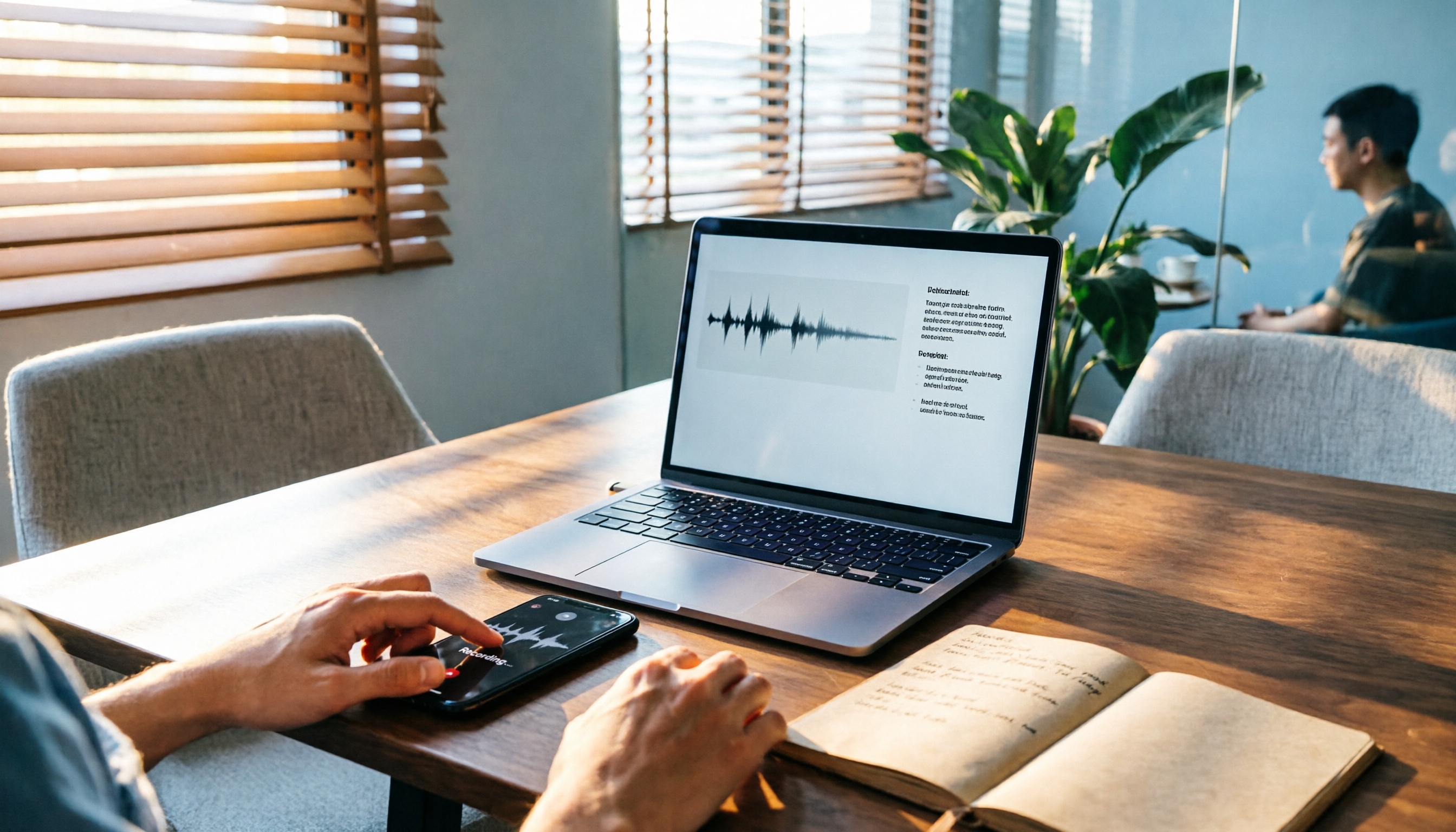
2026 Comparison of 3 Audio-to-Text Tools: Tinrec 5-Step Tutorial and Free Tier Analysis
From recording, transcription, proofreading to meeting minutes and export, walk through Tinrec's 5-step audio-to-text workflow and compare free tiers and use cases of Notta and TurboScribe.

2026 Tinrec Review: No-Bot Audio Transcription + AI Q&A to Find Key Points
Dcard discussions about audio transcription share the same pain points: can't bear to delete recordings, can't finish transcripts, and privacy concerns. This guide covers selection criteria and real workflows, breaks down how Tinrec differs from Notta, Otter.ai, and Granola, and lists four common mistakes to help you find a truly time-saving approach.

2026 iPhone Audio-to-Text Guide: Built-in Transcripts vs. Tinrec Comparison
From iPhone Voice Memos' built-in transcripts to Tinrec's AI summaries, action items, and team collaboration, this guide breaks down the decision logic for audio-to-text tools with real workflows, covering free vs. paid boundaries, use cases, and FAQs to help you find the right iPhone audio-to-text solution.

Tinrec vs Notta in 2026: 5-Dimension Comparison — Which Saves More Time on Chinese Meeting Notes?
People have been asking on PTT since 2024 which speech-to-text tool to choose. This article skips flashy interfaces and directly compares Tinrec and Notta across 5 dimensions, while also outlining the boundaries of Otter.ai and Granola. It helps you avoid the most common pitfalls: free tier limits, mixed Chinese-English recognition, and team data ownership.
WhatsApp Voice to Text in 2026: Built-in vs Tinrec vs Notta Compared
How to choose a WhatsApp voice-to-text solution? This article covers the official built-in 'voice message transcripts' feature—its staged rollout, privacy, and language limitations—and compares Tinrec, Notta, and Otter.ai in different scenarios to help you decide which tool to use for single voice messages versus full meeting recordings.

How to Choose a Speech-to-Text Tool in 2026: 5 Steps from PTT-Approved Tools to Real-World Workflows
There are plenty of discussions about speech-to-text on PTT, but the real key to choosing isn't 'which one is the most powerful'—it's your audio source, language mix, and team sharing needs. This article uses 4 buying criteria and 5 practical steps to help you pick the tool from PTT's popular list that you'll actually use long-term.

Tinrec vs Yating Transcription: 5-Dimension Comparison of PTT's Most Discussed Speech-to-Text Tools in 2026
PTT discussions on speech-to-text tools often focus on two approaches: Taiwan-localized Yating Transcription and Tinrec, which emphasizes meeting notes and post-meeting organization. This article skips the top-10 list and compares them across five dimensions: free quota, post-meeting output, input sources, team collaboration, and Chinese language support, helping you decide which fits your use case.
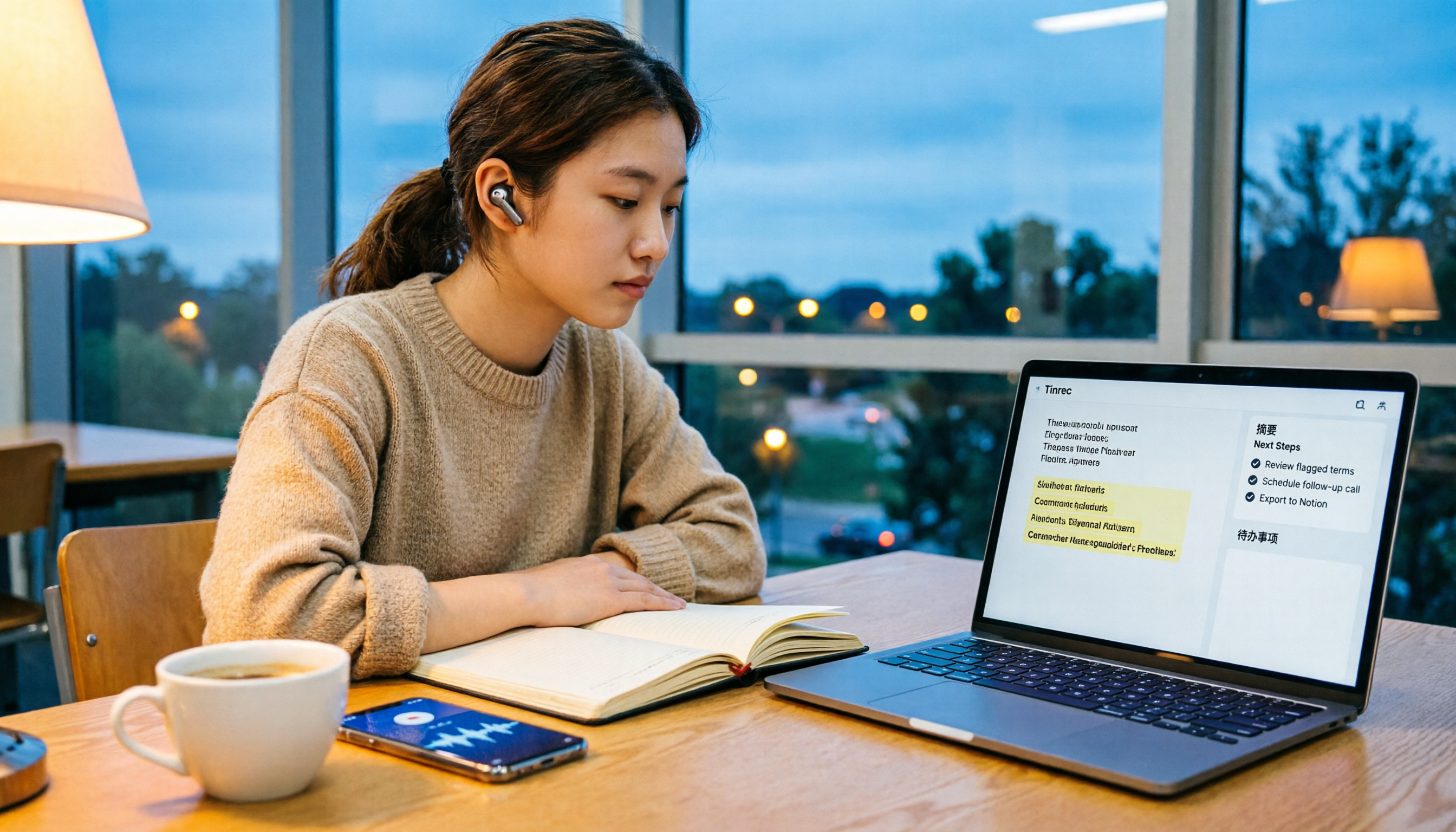
5 Free Audio-to-Text Solutions in 2026: A Student's Guide
How to choose a free audio-to-text solution in 2026? This guide, from a student's hands-on perspective, compares five tools' free tiers, paid thresholds, and best use cases. It also walks through Tinrec's complete workflow—from recording to transcript, proofreading, summary, and action items—to help you decide if the free version is enough.