

Turn recordings into transcripts and summaries in minutes
Upload audio or video for multilingual transcription, AI notes, and action items
How to Choose a Speech-to-Text Tool in 2026: 5 Steps from PTT-Approved Tools to Real-World Workflows
I've probably read through dozens of PTT discussion threads about 'speech-to-text.' The biggest takeaway: everyone asks 'which one is the best,' but the three more specific questions should be answered first.
Are you dealing with a live meeting, or a one-hour audio file already sitting on your phone? Is the meeting in Chinese, mixed Chinese-English, or all English? Is this transcript just for your own eyes, or does the whole team need to share it?
Different answers to these three questions lead to completely different tool choices. Below is my own decision-making order, along with thoughts after actually testing several tools.
Why Do Most People End Up Typing Transcripts Manually?
After a one-hour meeting, re-listening takes an hour, and typing while listening takes another two hours. This is the daily reality for many office workers, and it's the most underestimated time cost.
The bigger hassle is Chinese scenarios. Mixed Chinese-English sentences, common Taiwanese filler words, product terminology—traditional recognition software often makes ridiculous errors, and fixing typos takes almost as long as retyping.
There's another situation rarely mentioned: built-in transcription on phones or meeting platforms mostly only converts 'live' audio to text in real time. That .m4a file you recorded last week? It won't accept it. And the output is just a plain text stream—no speakers, no timestamps, no summary.
If you've encountered any of the above, the problem usually isn't that you don't know how to use tools—it's that you chose the wrong direction.
Before Choosing a Speech-to-Text Tool, Understand These 4 Key Points
First, is the input source broad enough? This is where most people get burned. Some tools only support live recording, some only accept file uploads, some focus on joining online meetings. First confirm whether it can handle 'the type of audio source you already have.'
Second, recognition of Chinese and mixed Chinese-English. Don't just look at the accuracy rate on the promotional page—that's usually tested in a quiet environment. Real meeting rooms have air conditioning noise, keyboard sounds, and multiple people talking over each other; that's when the differences between tools really show. I recommend testing directly with your own recordings.
Third, what do you get after transcription? Having only a transcript versus having a summary, chapters, and action items are two different things. The former still requires Ctrl+F to search slowly; the latter lets you move directly to the next step.
Fourth, quota and sharing method. How much free quota, how billing works after exceeding it, how teams share—these won't hurt during the trial period, but you'll definitely encounter them after a month of use.
Tinrec — The One in PTT Discussions That Completes the 'Post-Meeting Workflow'
Tinrec is an AI meeting notes and collaboration tool for individuals and teams, available on web, desktop, and mobile. Its positioning isn't just converting voice to text, but turning meetings into searchable, queryable, and further processable data.
Online meetings: no bot invitation needed. This is what I find most practical. The desktop version directly captures your computer's system audio, handling Zoom, Google Meet, Microsoft Teams, Webex, and similar meetings without needing an extra bot account on the list. Just open Tinrec and start recording. Note that this doesn't mean it automatically joins every meeting on your calendar—you still need to start it manually.
Existing audio files: upload and transcribe. One-hour interview recordings, client call .mp3s, online course video files—all can be uploaded and converted to text. For 'post-processing' people, this is a basic requirement, but many tools on the market really can't do it.
Post-meeting: from transcript to something usable. After transcription, it provides summaries, chapters, key points, and action items, and also supports mind maps. For cross-language meetings, you can switch between original text, translation, or bilingual view during recording.
AI Q&A: this is where it differs most from similar tools. You don't need to scroll through a 30-minute transcript to find a specific conversation—just ask 'who mentioned the budget in the last meeting' or 'what were the client's concerns,' and it answers based on semantics, not a bunch of keyword search results.
Team version: keep data with the team, not personal accounts. The team version is an independent collaboration space where you can create multiple teams, invite members via link, and set owners/admins/regular members. Here's a commonly confused concept: roles determine who can manage the team, seats determine who can record, upload, edit, and export. Members without seats can still view, play, and read team data, but cannot perform actions like uploading or editing. Team data belongs to the team; when members leave, resources need to be handed over to other active members and won't be taken away personally.
Stop organizing recordings by hand
Upload audio or video and automatically get a transcript, summary, and action items
Pricing. The personal version has a free version (basic quota experience), weekly card, Pro monthly, and Pro annual—choose based on usage frequency: occasional transcription use the free version, short-term intensive meetings use the weekly card, weekly needs go Pro. The team version currently offers a first-time 7-day trial (1 free seat, 300 minutes of team shared import quota), monthly payment is USD 29.80/paid seat/month, annual payment is USD 199/paid seat/year (about USD 16.58/month), each paid seat provides 2,000 minutes of team shared import quota per month. Under an active team plan and active seats, live recording currently does not deduct minutes. Actual prices and benefits are subject to the official purchase page.
Limitations to be honest about. The free version has a basic quota; heavy users will definitely hit the limit. The team version is priced per seat, so the cost difference between a five-person group and a twenty-person department is significant. Also, the team version currently focuses on team-level sharing, not per-file permission settings. If you expect fine-grained permission control down to individual documents, you should confirm this first.
Who it's for. If your meetings are mainly in Chinese or mixed Chinese-English, you need to process existing audio files, and you want to get summaries and action items directly after meetings rather than just a plain transcript, Tinrec is currently the best match.
Besides Tinrec, Other Options Often Mentioned on PTT
PTT discussions also frequently mention local tools like Yating Transcription and Good Tape, each with supporters. The following three are most commonly discussed in side-by-side comparisons.
Notta: Multi-platform transcription, meeting notes, file import, and translation are all available, with the highest overlap with Tinrec. The official free version is currently 120 minutes per month with a 3-minute limit per session; Pro annual billing is about USD 8.17/month (1,800 minutes per month). It's suitable for people who just need to quickly convert files to text; but if you want bot-free recording of online meetings plus team data retention, Tinrec focuses more on these two areas.
Otter.ai: A veteran choice for English meetings, Basic free is 300 minutes per month, Pro annual billing is about USD 8.49/user/month. If 90% of your meetings are in English, it indeed has an advantage in cost-effectiveness. Conversely, for Chinese meetings and mixed Chinese-English organization, most people will need another solution to fill the gap.
TurboScribe: A high-cost-performance file transcription route, free 3 files per day (30-minute limit per file), Unlimited annual payment USD 120. It excels at long files and batch uploads, with a single file up to 10 hours. But it's essentially 'file-to-text' and lacks live meetings, post-meeting action items, and team spaces.
5 Practical Steps: From a One-Hour Recording to Usable Meeting Data
Step 1: Confirm the audio source first, then choose the entry point. For in-person meetings, start live recording directly; for online meetings, use the desktop version to capture system audio; for existing files, use audio upload. Choose the wrong entry point and everything after is wasted.
Step 2: Set the language. Pure Chinese, mixed Chinese-English, and multilingual meetings are handled differently. If there's a team hotword feature, add product names, project codes, and client terms first—the recognition experience for technical terms will be noticeably better.
Step 3: Let the tool produce structure, not just text. Confirm the transcript has timestamps and speaker differentiation, then check whether the summary and chapters capture the real key points. This step determines whether you'll spend 10 minutes or 60 minutes afterward.
Step 4: Use Q&A to capture decisions and action items. Instead of reading from the beginning, directly ask 'what was the conclusion of this meeting' or 'who is responsible for which item and what's the deadline.' Pulling out the action item list is the key to turning records into action.
Step 5: Export to your existing workflow. Support exporting to tools like Notion, Google Docs, OneNote, Dropbox, so data doesn't get stuck in an app no one goes back to open.
Pitfall Guide: The 4 Most Common Mistakes When Choosing Speech-to-Text
Pitfall 1: Only looking at the official accuracy rate. Promotional numbers are usually tested under ideal conditions. Real meetings have noise, accents, and interruptions—test with your own recordings before deciding.
Pitfall 2: Ignoring the 'existing audio files' need. Many tools only do live transcription, and you only discover they can't handle it when you have a batch of historical recordings. Confirm this before buying.
Pitfall 3: Treating the transcript as the end goal. Using the tool only as 'speech-to-text' means you're only using part of its capabilities. Summaries, action items, and Q&A—these post-processing features are where you really save time.
Pitfall 4: Thinking team sharing means multiple people sharing one account. The proper approach is an independent team space with separate seats. Note that members without seats can only view and play, not upload, edit, or export; calculate how many seats you need before purchasing.
Conclusion: Which One Should You Choose?
In one sentence: first look at your audio source and language, then look at the output you want, and finally look at the price.
- Chinese or mixed Chinese-English meetings, need post-meeting summaries and action items → Tinrec
- Need bot-free recording of Zoom, Meet, Teams, and don't want an extra bot account → Tinrec
- Want to directly ask AI questions like 'who mentioned the budget' after recording → Tinrec (few competitors in the same price range have this feature)
- Want the whole team to share meeting data, manage seats and usage → Tinrec Team Version
- Meetings are almost all in English, budget priority → Otter.ai is still worth including in comparison
- Only need batch transcription of large long files, no meeting features needed → TurboScribe
If you have two or three regular meetings every week and have accumulated some old recordings, I suggest first using Tinrec's free version to run through your own files and experience the complete process from recording to summary, action items, and Q&A, then decide whether to upgrade. When it comes to tools, trying once is more accurate than reading ten reviews.
One final reminder: recording and transcription involve others' privacy, and depending on local regulations, you may need to obtain consent from participants. Remember to confirm before use.
References
- Which Audio-to-Text Tool Is Best? Conclusion First: 5 AI Tools Recommended by PTT Users - Tinrec Blog
- Which Audio-to-Text Is Good? Conclusion First: 6 AI Tools Popular on PTT - Tinrec Blog
- Speech-to-Text App PTT Recommendations: 2026 Efficient Meeting Notes and Transcription Tool Comparison - Tinrec Blog
- Sales Call Recording Challenges: 5 iPhone Call Recording PTT Solutions and AI Transcription Perfect Plan - Tinrec Blog
- What Speech-to-Text Tool for iPhone Calls? 5 Best Choices and PTT Solutions - Tinrec Blog
Turn every recording into actionable outcomes
Get 60 free transcription minutes when you sign in. No credit card required.
Related Reading
You might also like

2026 Comparison of 5 Audio-to-Text Software: Why Tinrec Is Becoming Notta Users' New Choice?
Starting from PTT's hot discussion list, this comparison examines Tinrec vs. Notta in meeting capture, post-meeting organization, Chinese language experience, team governance, and quotas to help readers decide which audio-to-text software is better suited for Chinese meetings and team collaboration.
2026 Comparison of 3 Audio-to-Text Tools: Tinrec 5-Step Tutorial and Free Tier Analysis
From recording, transcription, proofreading to meeting minutes and export, walk through Tinrec's 5-step audio-to-text workflow and compare free tiers and use cases of Notta and TurboScribe.
2026 Tinrec Review: No-Bot Audio Transcription + AI Q&A to Find Key Points
Dcard discussions about audio transcription share the same pain points: can't bear to delete recordings, can't finish transcripts, and privacy concerns. This guide covers selection criteria and real workflows, breaks down how Tinrec differs from Notta, Otter.ai, and Granola, and lists four common mistakes to help you find a truly time-saving approach.

2026 iPhone Audio-to-Text Guide: Built-in Transcripts vs. Tinrec Comparison
From iPhone Voice Memos' built-in transcripts to Tinrec's AI summaries, action items, and team collaboration, this guide breaks down the decision logic for audio-to-text tools with real workflows, covering free vs. paid boundaries, use cases, and FAQs to help you find the right iPhone audio-to-text solution.

Tinrec vs Notta in 2026: 5-Dimension Comparison — Which Saves More Time on Chinese Meeting Notes?
People have been asking on PTT since 2024 which speech-to-text tool to choose. This article skips flashy interfaces and directly compares Tinrec and Notta across 5 dimensions, while also outlining the boundaries of Otter.ai and Granola. It helps you avoid the most common pitfalls: free tier limits, mixed Chinese-English recognition, and team data ownership.
WhatsApp Voice to Text in 2026: Built-in vs Tinrec vs Notta Compared
How to choose a WhatsApp voice-to-text solution? This article covers the official built-in 'voice message transcripts' feature—its staged rollout, privacy, and language limitations—and compares Tinrec, Notta, and Otter.ai in different scenarios to help you decide which tool to use for single voice messages versus full meeting recordings.

5 Best Audio-to-Text Tools in 2026: Chinese Accuracy & Free Tiers Tested
Meeting recording is 47 minutes, but the transcript is due in an hour? This hands-on comparison tests Tinrec, Otter.ai, Notta, TurboScribe, and Yating across four key criteria, with a buyer's guide and pitfalls to avoid.

Tinrec vs Yating Transcription: 5-Dimension Comparison of PTT's Most Discussed Speech-to-Text Tools in 2026
PTT discussions on speech-to-text tools often focus on two approaches: Taiwan-localized Yating Transcription and Tinrec, which emphasizes meeting notes and post-meeting organization. This article skips the top-10 list and compares them across five dimensions: free quota, post-meeting output, input sources, team collaboration, and Chinese language support, helping you decide which fits your use case.
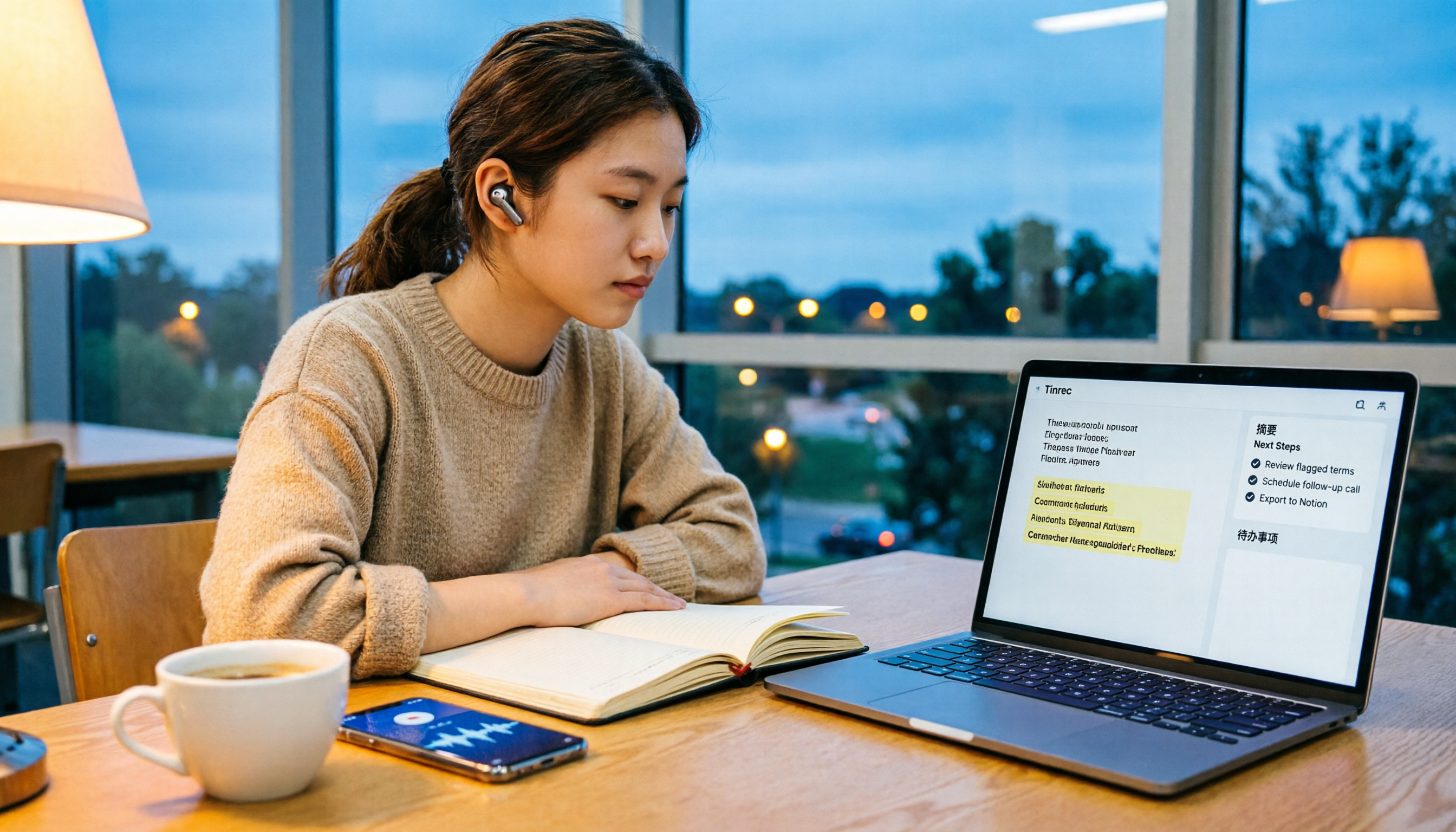
5 Free Audio-to-Text Solutions in 2026: A Student's Guide
How to choose a free audio-to-text solution in 2026? This guide, from a student's hands-on perspective, compares five tools' free tiers, paid thresholds, and best use cases. It also walks through Tinrec's complete workflow—from recording to transcript, proofreading, summary, and action items—to help you decide if the free version is enough.