

Turn recordings into transcripts and summaries in minutes
Upload audio or video for multilingual transcription, AI notes, and action items
2026 Comparison of 4 Meeting Minutes Tools: Which Saves the Most Time After Using a Template?
Why Is It Still Hard to Write Meeting Minutes Even After Downloading a Meeting Minutes Template?
When most people encounter problems with meeting minutes, their first reaction is "I'm missing a template." So they find a meeting minutes template online, open the document, and fill in each field one by one.
Then they discover three things.
First, there's simply no time to take notes during the meeting. When speakers talk fast or multiple people talk over each other, you can only jot down fragmented keywords and rely on memory to fill in the gaps afterward; what you add is usually not fact but impression.
Second, the template is filled out but there are no decisions. The meeting name, date, and attendees are all written completely, but the "who will do what and by when" field is empty. This kind of record looks good in the archive, but no one will pull it out at the next meeting.
Third, treating the transcript as meeting minutes. A transcript is raw material; meeting minutes are conclusions. Mixing the two is like dumping the entire meeting unchanged on someone who wasn't there.
A usable meeting minutes template skeleton looks roughly like this:
- Meeting name
- Date and time (scheduled start and actual start)
- Location or online platform
- Chairperson
- Attendees
- Absentees and reasons for absence
- Agenda
- Summary of discussion for each topic
- Decisions
- Action items (owner + deadline)
- Next meeting time
- Confirmation of previous meeting minutes
These 12 fields aren't difficult. The hard part is "filling them all in within 30 minutes after the meeting." That's what tools really need to solve.
By the way, the English term for meeting minutes is "meeting minutes," often shortened to "minutes," generally used in the plural; the person responsible for taking notes is called a minute-taker or note-taker. In Chinese, both "會議記錄" and "會議紀錄" are used in Taiwan, with "紀錄" being slightly more formal; just choose one and use it consistently within the same template.
Before Choosing a Meeting Minutes Tool, Understand These 5 Key Points
1. Are the template fields natively output?
Not every tool understands that "decisions" and "action items" are two different things. Some only give you a large block of continuous text, and you have to split the fields yourself. When choosing a tool, first check whether its summary can map to the "discussion" and "decisions" in your template, rather than just producing a running log.
2. Can action items be automatically extracted?
The most frequently asked question about meeting minutes is "who is responsible for this." If the tool can organize action items from the conversation, your job shifts from "re-listening to a 40-minute recording" to "checking whether the owners are correct." That's a big difference.
3. How does online meeting content get into the tool?
The approach of inviting a bot to join the meeting is blocked by security or external clients in many companies. The approach of directly capturing computer system audio on the desktop is less likely to get stuck for client meetings and cross-department meetings.
4. Recognition experience with mixed Chinese and English
Meetings in Taiwan are usually mainly in Chinese, with proper nouns in English. In practice, this is more critical than "how many languages are supported." Also remember that any tool's actual performance will be affected by recording quality, accents, background noise, and overlapping speakers; no tool can guarantee a fixed accuracy rate.
5. Can the team share the same template?
Only when the same department uses the same template will the fields line up. The personal version can solve "taking good notes for your own meetings," while the team version solves "putting everyone's meeting data in the same place."
Tinrec — The Tool That Saves the Most Template-Filling Time in Testing
Tinrec is an AI meeting minutes and collaboration tool for individuals and teams, supporting iOS, Android, and web, with a desktop version that can handle online meetings. Its positioning is clear: it's not just about recording your meeting, but about turning the meeting into data that can be directly filled into a template.
During the meeting: live transcription as you speak
Open Tinrec and start recording, and the transcript is generated synchronously. For online meetings, use the desktop version to capture computer system audio; it works with Zoom, Google Meet, Microsoft Teams, and Webex, without needing to pull a bot into the meeting room as an extra participant. For external client meetings, this is more practical than anything.
After the meeting: summary, chapters, and action items are already listed
This is the biggest difference from ordinary transcription tools. As soon as the meeting ends, the AI summary, chapter segmentation, and action items are already generated. What you need to do shifts from "recalling what was just said" to "checking whether the action item owners are correct." The two hardest fields in the template, "decisions" and "action items," are essentially drafted for you.
Post-meeting follow-up: ask the meeting content directly
After recording, you can ask questions about the meeting data, such as "What was the conclusion about the budget in the last meeting?" It responds with answers organized based on the content, not by throwing a string of keywords for you to search through yourself. For cross-language meetings, you can view the original text, translation, or bilingual content during recording, which is especially useful for mixed Chinese-English settings.
Stop organizing recordings by hand
Upload audio or video and automatically get a transcript, summary, and action items
Output and further processing
In addition to the transcript, you can export to Notion, Google Docs, OneNote, Dropbox, and other tools for further editing, and you can also use Agent post-processing to generate reports, tables, and meeting summaries. For those who need to turn meeting minutes into weekly reports or deliverable documents, what's saved is more than just a round of typing.
Plans and limitations, honestly stated
The personal version has a free version to experience recording, import, summary, and transcription with basic quota; for short-term intensive meetings, consider a weekly card; for stable use, the Pro monthly card is suitable; for long-term data accumulation, the annual card offers a lower effective rate. The team version is an independent team space, priced at USD 29.80 per paid seat per month for monthly payment, or USD 199 per paid seat per year for annual payment (about USD 16.58 per month), with each paid seat providing 2,000 minutes of team shared import quota per month; eligible teams can try it for 7 days with 1 free seat and 300 minutes of shared quota for the first time.
Note that the team version is mainly based on team-level sharing: all active members can read team data, but without a seat they cannot upload, edit, or export—this is not fine-grained file-level permission; also, AI organization may still miss details, so important decisions should be verified against the transcript timestamps and original audio. Pricing and benefits are subject to the official purchase page.
Who it's for
If you have two or three meetings a week, meetings are often mixed Chinese-English, you don't want a bot joining the meeting, and you want structured content that can be pasted directly into a template after the meeting, Tinrec is currently the smoothest choice.
Besides Tinrec, What Other Tools' Templates Can Be Used?
Notta
Excels at multi-platform transcription and file import, and also supports translation and team plans. The free version offers 120 minutes per month, with a maximum of 3 minutes per session; Pro annual payment is about USD 8.17 per month with 1,800 minutes per month; Business annual payment is about USD 16.67 per seat per month. Suitable for those who mainly organize existing audio files. However, its online meetings still lean toward bots or upload methods; if you don't want a bot in the meeting, Tinrec's desktop system audio capture is more direct.
Otter.ai
A veteran in English business meetings. Basic is free with 300 minutes per month; Pro annual payment is about USD 8.49 per user per month, including 1,200 minutes per month and 10 file imports. The English meeting experience is mature. But if your meetings are mainly in Chinese or Traditional Chinese, Tinrec is closer to Taiwan usage habits in Chinese transcription, real-time translation, and bilingual viewing scenarios.
Granola
A bot-free AI meeting notes tool. Basic is free; Business is USD 14 per user per month. Its strength is combining your own typed notes with AI, with a very refined design. Note that it does not support uploading pre-recorded audio files and does not save meeting audio. If you need to listen back to the original audio afterward or organize historical recordings, Tinrec's audio retention and file import are much more practical.
Pitfall Guide: The 4 Most Common Mistakes When Choosing Templates and Tools
Pitfall 1: Thinking more template fields means more professional
With too many fields, people filling them out start to go through the motions. Keep the five items—meeting name, attendance, discussion, decisions, and action items—and adjust the rest according to the nature of the meeting. Templates are meant to be used, not displayed.
Pitfall 2: Only comparing transcription minutes
Minutes are the entry ticket, not the value. Two tools both give you 1,200 minutes; one only spits out a transcript, the other directly gives you summaries and action items. The time you spend afterward differs by several times. When comparing, look at "whether the output can go directly into the template."
Pitfall 3: Ignoring the decisions and action items fields
Meeting minutes without owners and deadlines are equivalent to no conclusions. This is also why you should choose a tool that can automatically extract action items: this is the field most easily missed when writing by hand.
Pitfall 4: Treating the team version as "multiple people sharing one account"
The team version should distinguish roles, seats, and member relationships: roles govern administration (who can manage members, view usage and audit logs), seats govern usage eligibility (whether one can record, upload, edit, export), and member relationships determine whether one belongs to the team. Active members without a seat can view and play data but cannot edit. Understand these three layers so you don't buy it and find everyone's permissions are a mess.
One more reminder: before recording and transcription, remember to obtain participants' consent in accordance with local regulations; this is more important than any tool setting.
Conclusion: Which One Should You Actually Use?
Back to the original question: templates aren't hard to find; the hard part is filling them out.
- Want template fields automatically filled (summary, chapters, action items) → Tinrec
- Don't want to pull an extra bot into online meetings → Tinrec (desktop system audio capture)
- Mixed Chinese-English, need bilingual transcripts → Tinrec (real-time translation and bilingual view)
- Want to turn minutes into reports, tables, deliverable documents after the meeting → Tinrec (Agent post-processing and multi-format export)
- Team needs to share the same template and historical meetings → Tinrec team version (space, seats, usage, audit)
- Pure English meetings, zero budget → Otter.ai free version; this is the only exception scenario in this article
- Batch transcription of large long audio files to subtitles → This falls under the scope of file transcription tools, not in the meeting minutes workflow
The recommended approach: start with the Tinrec free version, run a real meeting with your own 12-field template, and see how much of the post-meeting summary and action items can be filled in. If it fills in and only needs minor adjustments, then this workflow is worth keeping; if it doesn't fill in, it's still not too late to switch tools—after all, the template is yours to define.
References
- Meeting Minutes Tips with Examples | Indeed.com Hong Kong
- Chinese and English Meeting Minutes Templates (2026) | Corporate, School, Institutional Meeting Formats, Examples, and AI Auto-Generation Tutorial | Subanana
- Meeting Minutes Template | Notion Marketplace
- Meeting Minutes Template | Microsoft Create
- A Practical Guide to Writing English Meeting Minutes | CommonWealth Magazine
Turn every recording into actionable outcomes
Get 60 free transcription minutes when you sign in. No credit card required.
Related Reading
You might also like

iPhone Voice Memos vs Tinrec in 2026: 5-Factor Comparison — Which Is Better for Transcribing Meetings?
From the built-in iPhone Voice Memos app to Tinrec, we compare 5 practical factors to help you decide which iPhone transcription solution best fits your meetings, interviews, and team collaboration.

4 AI Meeting Notes Tools Tested for 2026: Which Saves the Most Time for Cantonese Meetings?
Cantonese meetings with mixed Chinese and English, then having to listen to recordings and type up minutes yourself? This article breaks down 4 key factors for choosing an AI meeting notes tool and compares Tinrec, Subanana, Notta, and PLAUD to clarify which suits Hong Kong teams and which are traps.

2026 Comparison of 3 Meeting Minutes Templates: Tinrec Auto-Generates Chinese Minutes Fastest
When searching for meeting minutes Chinese templates, most people want a format they can directly apply. This article provides 3 Chinese meeting minutes templates for enterprise project meetings, client interviews, and school club meetings, and compares Tinrec and Notta on bot-free recording, Chinese transcription, post-meeting outputs, and team data retention, helping you decide whether to write manually or use a tool.

2026 Mac Transcription Software Guide: Tinrec's Bot-Free Recording + AI Q&A for Meeting Notes
The real difference between Mac transcription apps isn't how fast they transcribe—it's how much time you spend organizing afterward. This guide compares MacWhisper and Tinrec across five dimensions: how meetings are captured, post-meeting output, AI follow-up questions, cross-language handling, and team data ownership. Includes a ready-to-use starter checklist.

Tinrec vs Notta 2026: 5-Dimension Comparison for iPad Meeting Notes
Many people think recording a meeting on an iPad is enough, but they still have to listen to the 90-minute audio afterward. This article debunks two common myths about iPad meeting note apps and compares Tinrec and Notta across five dimensions: transcription, AI summaries, action item extraction, team knowledge retention, and governance. It also covers practical use cases and buying tips.

6 Meeting Minutes Tools Compared for 2026: From MoM Abbreviation to AI-Generated Summaries
Meeting minutes are abbreviated as MoM (Minutes of Meeting), but 'minutes' here doesn't mean time. This article first breaks down common abbreviations and terms like take the minutes, minutes taker, resolution, and action items, then compares six meeting minutes solutions—Tinrec, Otter.ai, Notta, Granola, TurboScribe, and PLAUD—from the decision-making perspective of whether to organize minutes yourself or let a tool do it, helping you choose the right workflow for your meeting style.

2026 Voice-to-Transcript Tools Compared: NotebookLM vs. Tinrec — Which Saves More Time?
No more manual typing for meeting transcripts. This hands-on comparison of NotebookLM, Tinrec, EchoScript, and Otter.ai covers Chinese transcription, post-meeting organization, online meeting audio capture, and team collaboration, plus 4 key buying factors and common pitfalls to help you pick the one that truly saves time.

2026 Comparison of 5 iPhone Recording-to-Meeting-Notes Tools: Is the Free Version Enough?
What's the most time-saving way to turn iPhone recordings into meeting notes? This article starts with common misconceptions and compares 5 approaches: built-in Voice Memos, Notes app, third-party transcription apps, meeting bot tools, and Tinrec desktop bot-free recording. It uses Tinrec to demonstrate the complete workflow from recording, transcription, AI summary to to-dos and team collaboration, with buying tips and FAQs.
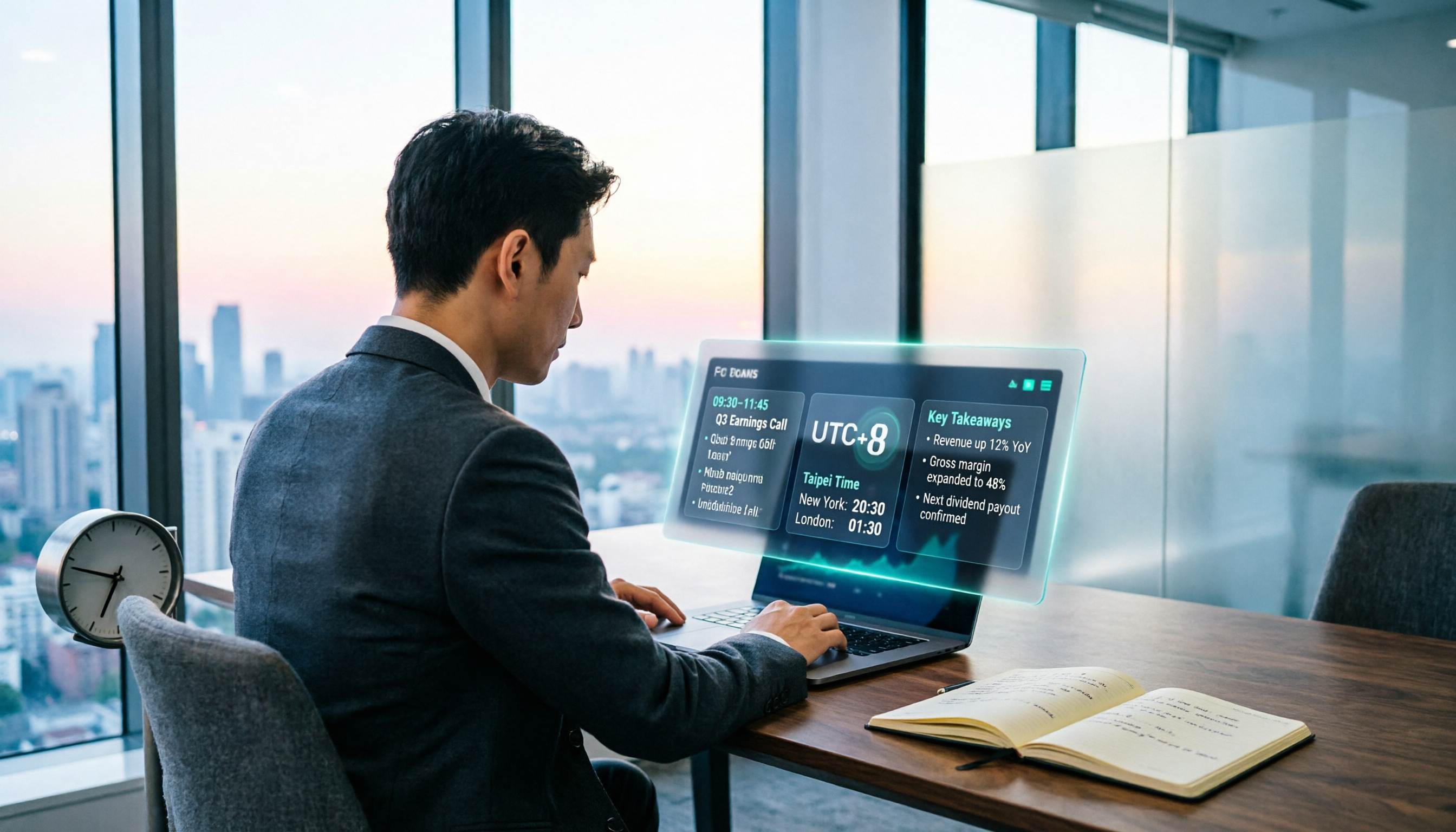
When Are the 2026 Fed Meeting Minutes Released? 5 Steps to Understand Time Conversion and Key Takeaways
When exactly are FOMC meeting minutes released? How do you convert to Taiwan time? This article breaks down the release pattern of Fed meeting minutes in 5 steps, the difference between daylight saving and standard time, and how to quickly grasp the key points after release. It also tests using an AI meeting notes tool to organize press conferences and financial content, saving you from staying up late reading the original text word by word.