

Turn recordings into transcripts and summaries in minutes
Upload audio or video for multilingual transcription, AI notes, and action items
The moment the meeting ends is when the pain begins
It's 4 p.m. on a Friday, and the meeting is finally over. You look at the 1-hour-and-42-minute recording on your phone, and instead of thinking about what was discussed, you wonder, "How long will it take to type up this transcript?"
What's worse, three people were talking at the same time, with a few English product names mixed in. Even if you're willing to spend two hours re-listening, it's hard to remember who said what.
And your boss doesn't want a transcript—they want "three decisions + who's responsible + when it's due."
Over the years, I've tested many voice-to-transcript tools, from Google's NotebookLM to various AI meeting assistants. My takeaway: **No tool is absolutely the best, but choosing the wrong one will cost you double the time.** Here are four I've actually used, including who each is best for and where they fall short.
Before choosing a voice-to-transcript tool, understand these 4 key points
1. Do you want a "transcript" or a "usable meeting record"?
These are very different. A transcript is the raw speech, suitable for evidence or interview quotes; a meeting record is a condensed summary of key points and action items.
Some tools only give you the former, while others automatically generate summaries and action items. Figure out which one you need first, or you'll end up paying for features you won't use.
2. Performance in Chinese and mixed Chinese-English is the real differentiator
Transcription for English meetings is mature now; the real gap shows in Chinese.
Especially for sentences common in Taiwanese workplaces like "this feature needs to be confirmed next week," whether the tool can correctly segment sentences and preserve proper nouns directly determines how much manual editing you'll need afterward.
3. How do you capture audio for online meetings? Bot or system sound?
To record meetings on Zoom, Google Meet, or Teams, there are currently two approaches: one is to send a meeting bot in as a participant, and the other is to capture system sound directly from your computer.
The advantage of a bot is full automation, but the downside is that an unfamiliar account appears on the participant list, which some clients may mind. System sound capture doesn't alert anyone, but you need to have the tool open beforehand.
4. Free tier limits, file caps, and where data is stored
Whether the free version is usable depends on its limitations. Some limit monthly minutes, some limit file length, and some limit the number of files.
If a team will share meeting data, you also need to ask: Who owns the data? Can it still be accessed after a member leaves?
Tinrec — The one I open most often after testing
Tinrec is an AI meeting notes and collaboration tool for individuals and teams, available on web, desktop, and mobile app. Its positioning isn't "audio-to-text" but turning meetings into searchable, queryable, actionable data.
Three features I actually use
1. Record online meetings without a meeting bot. The desktop version directly captures your computer's system sound, so you can handle Zoom, Google Meet, Microsoft Teams, and Webex without inviting an extra account. Open Tinrec before the meeting and hit record—participants won't notice an extra attendee.
2. Post-transcript organization is truly done in one go. After the meeting, it generates a transcript, summary, chapters, and action items. I usually only look at three things: decisions, action items, and highlighted key passages. What used to take two hours of re-listening can now be grasped in ten minutes.
3. You can ask questions directly about the meeting content. This is the biggest difference from pure transcription tools. For example, "Who mentioned the budget in the last meeting?" or "What were the client's concerns about pricing?" It answers based on semantics rather than dumping a bunch of keyword search results. The more historical meetings accumulate, the better this feature works.
Other noteworthy points
- Supports real-time translation; cross-language meetings can be viewed in original, translated, or bilingual mode.
- Transcription results can be exported to Notion, Google Docs, OneNote, Dropbox, etc., and further used to generate reports, tables, and meeting minutes.
- The team version is a separate team space, not "multiple people sharing one account." Admins can assign seats, view usage trends and activity logs, and when members change, data remains with the team rather than being taken by individuals.
Limitations to note
Tinrec does not promise a fixed recognition accuracy rate; actual performance is affected by recording quality, accents, background noise, overlapping speakers, and technical terminology. For important content, it's still advisable to cross-check with the original text and recording.
Stop organizing recordings by hand
Upload audio or video and automatically get a transcript, summary, and action items
Also, it's a tool you actively start recording with, not a bot that automatically joins all calendar meetings—understand this first.
Pricing
The personal version has a free tier to try basic quota; for short-term intensive use, consider a weekly pass; for steady weekly needs, the Pro monthly or annual plan is suitable.
The team version is currently USD 29.80 per paid seat per month, or USD 199 per paid seat per year (about USD 16.58 per month), with each paid seat providing 2,000 minutes of shared team import quota per month; eligible teams get a 7-day trial, 1 free seat, and 300 shared minutes for the first time. Actual prices and benefits are subject to the official purchase page.
Who it's for
If you handle several Chinese meetings each month, want to ask key questions right after recording, and need meeting data to stay with the team rather than on personal phones, Tinrec is currently the smoothest choice.
Besides Tinrec, these also suit different people
NotebookLM: Those who come via keyword search are usually looking for this
NotebookLM (Google's AI note-taking tool, recently also appearing in tutorials as Gemini Notebook) has a simple voice-to-transcript workflow: upload the audio file as a source in a notebook, click on that source, and a summary and transcript expand on the right, ready to copy.
If you only occasionally need to turn a recording into text and generate a summary, it has almost no learning curve and is free. According to the source article, each notebook can hold up to 50 files, with a single file limit of 200MB or 500,000 characters.
Keep in mind that its transcript format is relatively plain, without speaker labels or timestamps. The source article also mentions that for legal evidence, academic interviews, and other occasions requiring precise time markers, it recommends using EchoScript in Google AI Studio instead.
The difference from Tinrec: NotebookLM leans toward "data analysis," while Tinrec leans toward "meeting workflow"—the latter has audio retention, action item extraction, export, and team seat management, while the former lacks team governance.
EchoScript: Look here for the most raw transcript
Google's transcription tool in AI Studio: just go to the website and upload an audio file. It focuses on near-raw transcripts with timestamps and speaker labels.
It's great for research interviews and situations requiring sentence-by-sentence quotes. The downside is no summary, no action items, and no team collaboration—it only does the "dictation" part for you.
Otter.ai: A cost-effective choice for English meetings
Otter.ai is a mature AI meeting assistant with a complete experience for English business meetings. According to its official pricing page, the free version offers 300 minutes per month, and the Pro annual plan is about USD 8.49 per user per month.
If 90% of your meetings are in English, it's more cost-effective than most tools. But Chinese and mixed Chinese-English are not its strong suit, and its common approach is to send a bot into meetings—different from Tinrec's desktop version, which directly captures system sound.
Pitfall guide: The 4 most common mistakes when choosing a voice-to-transcript tool
Pitfall 1: Only looking at "whether it has a transcript." A transcript is only a semi-finished product. If you have to find decisions in 30,000 words every time, the time saved typing will be entirely lost reading.
Pitfall 2: Thinking a meeting bot is required. Many people don't know you can capture system sound directly from the computer. If clients mind an unfamiliar account appearing on the participant list, this difference is crucial.
Pitfall 3: Ignoring the hidden ceiling of free versions. Some free versions limit monthly minutes, some limit file length, some limit the number of files. NotebookLM limits file count and file size, Otter limits monthly minutes, and Tinrec's team version limits shared import quota. Check first whether your usage frequency will hit the limit.
Pitfall 4: Treating AI transcripts as 100% accurate. Even the best tools will make mistakes with air conditioning noise, people talking over each other, and technical terms. For numbers, amounts, and names, developing a habit of cross-checking is more practical than chasing recognition rates.
Conclusion: Which one should you choose?
Simply ask yourself, "What do I want to do after recording?" and the answer emerges.
- Want Chinese meeting records plus action items and follow-up questions → Tinrec: transcript, summary, action items, and AI Q&A all in one.
- Holding online meetings but don't want a bot to join → Tinrec desktop version, directly captures system sound.
- Meeting data should stay with the team, and members may change → Tinrec team version: seats, usage, and data ownership are all handled.
- Just occasionally turn a recording into text → NotebookLM: free, upload and view the transcript.
- Need raw transcripts with timestamps and speakers → EchoScript.
- Meetings are almost entirely in English → Otter.ai: generous free tier.
If you haven't decided, start with the free versions. Run your own real meeting recording through them and see if the transcript reads smoothly and the summary captures the key points—that's more accurate than any spec sheet.
One final reminder: recording and transcription involve personal data; before use, ensure compliance with local regulations and obtain consent from participants when necessary.
References
- Master Meeting Notes! How to Do AI Voice-to-Transcript? Gemini Notebook, Gemini, EchoScript Operation Analysis | 104 Job Bank
- How to Quickly Convert Audio Files to Transcripts with NotebookLM and Ask Questions to Uncover Key Points | 小圓在路上
- EP10 | Boss Wants Meeting Minutes: How to Choose an AI Transcript Tool? – Knowledge Nomad Studio
- Gemini Notebook Presentation and Infographic Features Launch! 3 Steps to Chinese Podcast Audio, Transcripts, and Other Practical Tips | 104 Job Bank
- NotebookLM Voice-to-Text Transcript | 雲云工作室 - YouTube
Turn every recording into actionable outcomes
Get 60 free transcription minutes when you sign in. No credit card required.
Related Reading
You might also like

iPhone Voice Memos vs Tinrec in 2026: 5-Factor Comparison — Which Is Better for Transcribing Meetings?
From the built-in iPhone Voice Memos app to Tinrec, we compare 5 practical factors to help you decide which iPhone transcription solution best fits your meetings, interviews, and team collaboration.

4 AI Meeting Notes Tools Tested for 2026: Which Saves the Most Time for Cantonese Meetings?
Cantonese meetings with mixed Chinese and English, then having to listen to recordings and type up minutes yourself? This article breaks down 4 key factors for choosing an AI meeting notes tool and compares Tinrec, Subanana, Notta, and PLAUD to clarify which suits Hong Kong teams and which are traps.

2026 Comparison of 3 Meeting Minutes Templates: Tinrec Auto-Generates Chinese Minutes Fastest
When searching for meeting minutes Chinese templates, most people want a format they can directly apply. This article provides 3 Chinese meeting minutes templates for enterprise project meetings, client interviews, and school club meetings, and compares Tinrec and Notta on bot-free recording, Chinese transcription, post-meeting outputs, and team data retention, helping you decide whether to write manually or use a tool.

2026 Mac Transcription Software Guide: Tinrec's Bot-Free Recording + AI Q&A for Meeting Notes
The real difference between Mac transcription apps isn't how fast they transcribe—it's how much time you spend organizing afterward. This guide compares MacWhisper and Tinrec across five dimensions: how meetings are captured, post-meeting output, AI follow-up questions, cross-language handling, and team data ownership. Includes a ready-to-use starter checklist.

Tinrec vs Notta 2026: 5-Dimension Comparison for iPad Meeting Notes
Many people think recording a meeting on an iPad is enough, but they still have to listen to the 90-minute audio afterward. This article debunks two common myths about iPad meeting note apps and compares Tinrec and Notta across five dimensions: transcription, AI summaries, action item extraction, team knowledge retention, and governance. It also covers practical use cases and buying tips.

6 Meeting Minutes Tools Compared for 2026: From MoM Abbreviation to AI-Generated Summaries
Meeting minutes are abbreviated as MoM (Minutes of Meeting), but 'minutes' here doesn't mean time. This article first breaks down common abbreviations and terms like take the minutes, minutes taker, resolution, and action items, then compares six meeting minutes solutions—Tinrec, Otter.ai, Notta, Granola, TurboScribe, and PLAUD—from the decision-making perspective of whether to organize minutes yourself or let a tool do it, helping you choose the right workflow for your meeting style.

2026 Comparison of 4 Meeting Minutes Tools: Which Saves the Most Time After Using a Template?
Most people looking for meeting minutes templates get stuck not on the format, but on filling them out after the meeting. Starting from a 12-field meeting minutes template skeleton, this article explains 5 key points to consider before choosing a tool, and compares Tinrec, Notta, Otter.ai, and Granola in terms of efficiency, limitations, and suitable users for filling out templates.

2026 Comparison of 5 iPhone Recording-to-Meeting-Notes Tools: Is the Free Version Enough?
What's the most time-saving way to turn iPhone recordings into meeting notes? This article starts with common misconceptions and compares 5 approaches: built-in Voice Memos, Notes app, third-party transcription apps, meeting bot tools, and Tinrec desktop bot-free recording. It uses Tinrec to demonstrate the complete workflow from recording, transcription, AI summary to to-dos and team collaboration, with buying tips and FAQs.
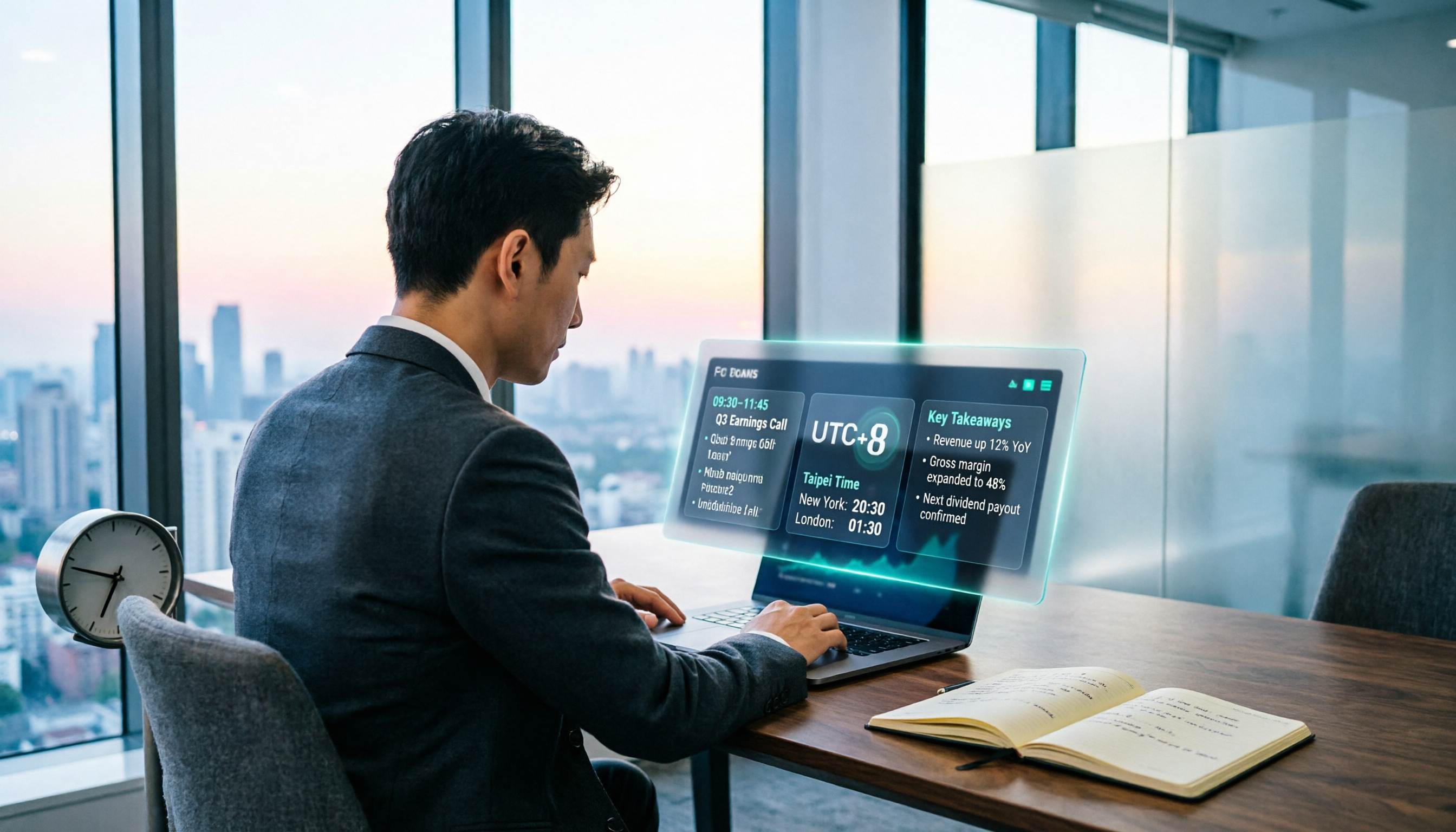
When Are the 2026 Fed Meeting Minutes Released? 5 Steps to Understand Time Conversion and Key Takeaways
When exactly are FOMC meeting minutes released? How do you convert to Taiwan time? This article breaks down the release pattern of Fed meeting minutes in 5 steps, the difference between daylight saving and standard time, and how to quickly grasp the key points after release. It also tests using an AI meeting notes tool to organize press conferences and financial content, saving you from staying up late reading the original text word by word.