

Turn recordings into transcripts and summaries in minutes
Upload audio or video for multilingual transcription, AI notes, and action items
Best Free Audio-to-Text Tools in 2026: 6 Real-Time Transcription Apps Compared
What you're really choosing isn't just an app—it's three key questions: Do you need live transcription while recording, or upload audio afterward? Is the free quota enough for your monthly meeting volume? Can it handle Chinese and mixed Chinese-English speech accurately? Get these wrong, and even ten tools won't help. The following 6 tools are ranked by real-time capability, free quota, and post-meeting organization. Start with the most comprehensive one, then pick the one that fits your budget.
Why do you need real-time audio-to-text?
The real time sink isn't the meeting itself—it's the hours spent replaying, pausing, and typing afterward. Real-time transcription compresses that work into the recording moment, so by the time the meeting ends, you already have a searchable transcript. Below are 6 tools covering live recording transcription, file upload transcription, and the actual limits of free quotas, so you can choose based on your usage frequency and meeting format.
Tinrec – The most complete AI meeting notes assistant
In one sentence: turns meeting recordings into searchable, queryable, transferable data—not just a transcript.
- Record online meetings without a bot: The desktop version captures system audio directly, handling Zoom, Google Meet, Microsoft Teams, and Webex meetings without inviting a bot as a participant.
- Live transcription with real-time translation: Starts transcribing as soon as an in-person meeting or interview begins. For cross-language meetings, switch between original text, translation, or bilingual view. Mixed Chinese-English content is organized into readable paragraphs.
- More than a transcript after the meeting: Automatically generates summaries, chapters, key points, and action items. You can also ask AI questions about the meeting content, export to Notion, Google Docs, OneNote, Dropbox, or generate reports, tables, and meeting minutes.
- Team knowledge retention: The team version is a separate workspace where meeting data belongs to the team. Manage roles, seats, shared quotas, usage analytics, and audit logs. When a member leaves or loses a seat, resources can be transferred to others and don't disappear with the person.
Free and paid: The free version offers basic quota to try recording, importing, summaries, and transcription. Paid options include a weekly card, Pro monthly, and Pro annual, catering to short-term sprints or long-term data accumulation. The team version offers a 7-day trial for first-time eligible users, 1 free seat, and 300 minutes of shared import quota; afterward, USD 29.80 per paid seat per month, or USD 199 per paid seat per year (about USD 16.58/month), with 2,000 minutes of shared import quota per paid seat per month. Live recording under an active seat is currently not deducted by minute. Actual prices are subject to the official purchase page.
Who it's for: Professionals and project teams who meet daily, need Chinese and mixed Chinese-English transcripts, and must deliver minutes and follow up on action items.
Monica – A versatile web-based audio-to-text entry point
Positioning: A lightweight entry point when you don't want to install a full system for a one-off transcription. The official page states new users get 30 minutes of free audio-to-text service, suitable for occasional meeting recordings or voice memos. Supports Windows, Mac, iOS, Android, and integrates AI chat to help organize content. Free and paid quotas are subject to the official website. Who it's for: People who occasionally need to transcribe a recording with scattered needs.
cSubtitle – Upload a file, get a transcript and subtitle file
Positioning: File-based transcription focused on output formats. No account required to upload; single file up to 4GB and 5 hours, supports MP4/MOV video and MP3/WAV/M4A/OGG/WMA audio. Besides plain text and Word transcripts, the AI engine automatically adds punctuation, paragraphs, and generates time-coded subtitle files. Batch processing available for multiple files. Free and paid are subject to the official website. Who it's for: People with a pile of audio and video files who need to convert them into text and subtitles at once.
Stop organizing recordings by hand
Upload audio or video and automatically get a transcript, summary, and action items
Notta – A general-purpose tool for multilingual transcription and team plans
Positioning: A versatile tool covering multi-platform transcription, meeting notes, file import, and translation. The official pricing page shows the free version offers 120 minutes per month, with a maximum of 3 minutes per item; Pro annual billing is about USD 8.17/month with 1,800 minutes per month; Business annual billing is about USD 16.67 per seat per month, including unlimited transcription, role permissions, and usage reports. Who it's for: Users who need a fixed monthly quota and handle multilingual meetings and file imports.
TurboScribe – Geared toward long audio files and batch transcription
Positioning: A cost-effective option for long-file transcription. The paid version supports up to 10 hours or 5GB per file and up to 50 files at once; official pricing: free version 3 files per day, up to 30 minutes per file; Unlimited annual plan USD 120 (about USD 10/month). Who it's for: People organizing long lecture recordings, seminars, or archived audio who want the lowest cost per minute.
iPhone Notes – A zero-install, zero-cost real-time option
Positioning: Built into iPhone/iPad, no extra app needed. Supports simultaneous recording and live transcription in Chinese and English; you can see text appear in real time during lectures or on-site. According to current information, live recording transcription is free; transcribing existing audio files is a paid feature and iOS-only. Who it's for: Light users who only use an iPhone.
With so many options, how should you choose?
- Want the most complete post-meeting workflow (transcription + summary + action items + AI Q&A + export) → Tinrec, one of the few on this list with all these features.
- Need Chinese, mixed Chinese-English, and multilingual meetings with bilingual view → Tinrec, supports real-time translation and switching between original and translated text.
- Don't want a bot joining online meetings → Tinrec desktop captures system audio directly, no bot invitation needed.
- Switch between phone, computer, and web → Tinrec works across devices; recordings and data follow your account.
- Team needs to manage seats, usage, and activity logs → Tinrec team version allows role assignment, seat allocation, usage tracking, and audit logs.
- Zero budget, only occasional file transcription → Monica's free quota or cSubtitle upload.
- Have a batch of long audio files to transcribe → TurboScribe is better suited for long files and batch processing.
- Only use iPhone, very light needs → Built-in Notes is the simplest.
4 things to know before using audio-to-text
- Check whether the free quota is monthly or per-use. Some free plans give a fixed number of minutes per month but cap each session; a one-hour meeting might cut off midway. Confirm the rules before important meetings.
- Real-time and upload are two different workflows. Real-time suits live and online meetings; upload suits existing files. Tools like Tinrec that support both save you from installing two systems for different scenarios.
- Chinese recognition depends on context, not marketing numbers. Accents, noise, overlapping speakers, and jargon all affect results; team-specific terms can be improved with hotwords. Tinrec team version offers team hotword settings.
- Handle consent and regulations before recording. Meeting recording involves personal data and local regulations; obtain participant consent when necessary. For important content, cross-check the transcript timestamps with the recording—AI can still miss or misinterpret details.
Conclusion
In 2026, the barrier to real-time audio-to-text is low enough to try before deciding—the real difference is what you get after the meeting: scattered transcripts or searchable, queryable, transferable data. If you meet daily and need to write minutes afterward, Tinrec is the most complete for bot-free recording, Chinese experience, AI Q&A, and team knowledge retention. Run a free trial on your own meeting to see how much time you save. If your needs are simple, start with free tools—no need to pay for a year for a few transcriptions.
References
- Audio to Text - Free Speech-to-Text Tool
- Online AI Speech, Video, Audio to Text - Free Trial - cSubtitle
- No Time Limit! 3 Free AI Transcription Tools Recommended! AI Voice Notes Generate Meeting Minutes, Presentations, Mind Maps | 104 Job Bank
- Real-time Speech-to-Text App Recommendations: 1. iPhone/iPad Notes App - Supports real-time text conversion - Cost: Free - Supports Chinese and English
- Audio to Text / Speech to Text / Transcript: 6 AI Tools Recommended in 2026 and Tinrec Hands-on Test - Tinrec Blog
Turn every recording into actionable outcomes
Get 60 free transcription minutes when you sign in. No credit card required.
Related Reading
You might also like

2026 English Speech-to-Text Tools Tested: Which One Turns Transcripts Into Usable Data?
How do you choose an English speech-to-text tool? Starting from common pitfalls, this hands-on comparison tests Tinrec, Otter.ai, Notta, and TurboScribe, covering five key buying factors: audio sources, post-meeting organization, mixed Chinese-English speech, free quotas, and team data ownership, plus a pitfalls guide and scenario-based recommendations.

4 Phone Recording-to-Text Solutions Tested for 2026: Which Offers the Most Free Minutes and Best Post-Meeting Organization?
Starting from the three most common mistakes students make, this hands-on comparison tests four phone recording-to-text solutions and explains how Tinrec turns classroom and group meeting recordings into searchable, queryable, exportable transcripts and action items. It also covers free quotas, pricing, and what students should consider when choosing a tool.
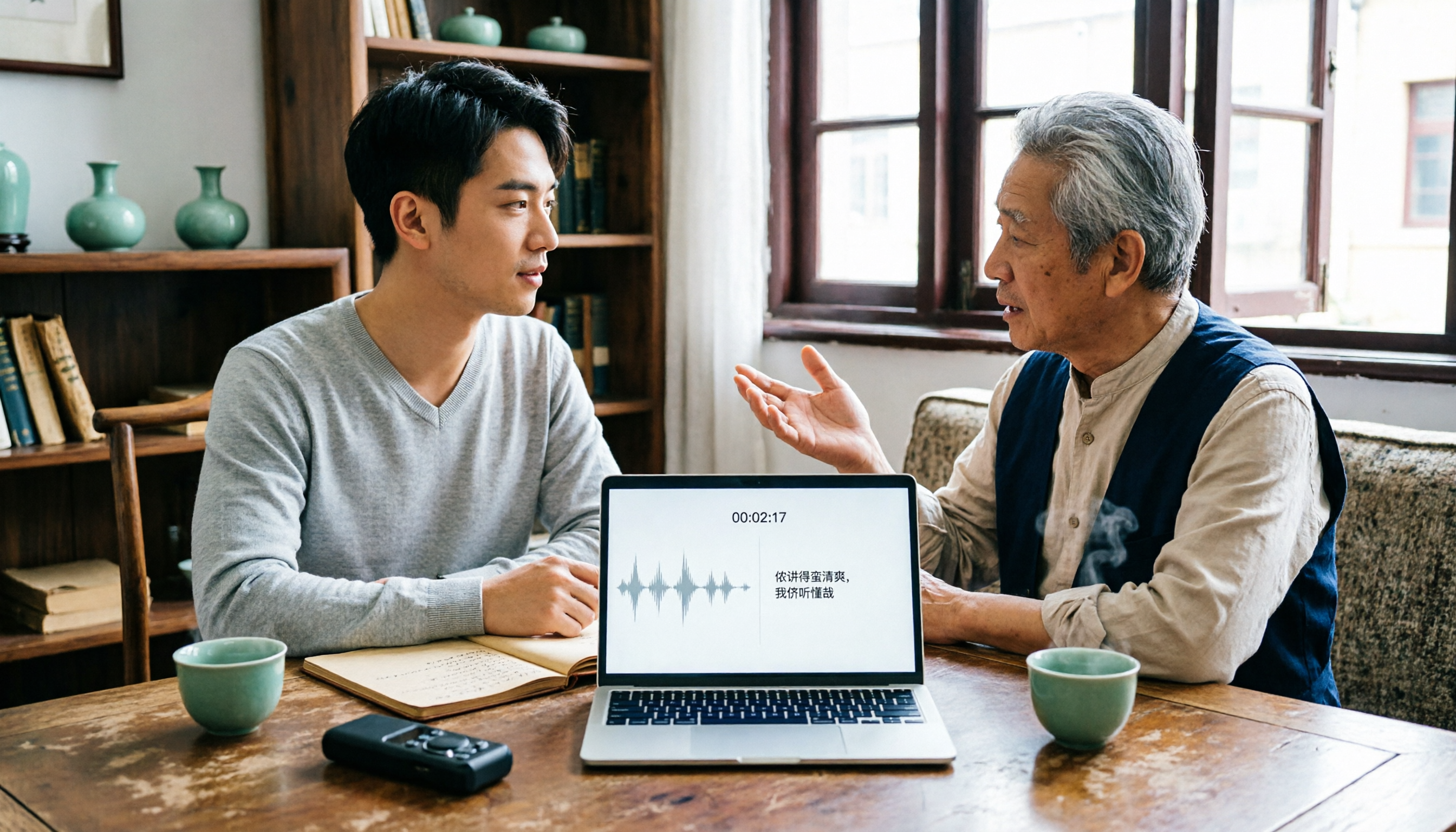
2026 Tested: 3 Shanghainese Speech-to-Text Tools Compared — The Least Painful Way to Process Dialect Interviews
There's no one-size-fits-all answer for transcribing Shanghainese. Instead of hunting for a tool that "supports dialects," change your workflow. This article covers four key points — assessing your recording's language mix, checking timestamps, post-meeting follow-up questions, and preserving team data — and tests Tinrec, Notta, Granola, and Otter.ai on mixed-language interviews, plus the 4 most common buying mistakes.

5 Best Korean Speech-to-Text Tools in 2026: Free vs Paid Comparison
After a one-hour Korean meeting, do you spend three hours organizing the transcript? This article compares five Korean speech-to-text tools: Tinrec, Musely, UniScribe, TurboScribe, and Notta. It breaks down honorific level handling, post-meeting summaries and action items, input sources, team collaboration, and free tier limits, with a guide to avoid pitfalls and scenario-based recommendations to help you find the one that truly saves time.
4 Desktop Speech-to-Text Tools Tested: Which Is Fastest for Chinese Meeting Transcripts in 2026?
Spending two or three hours after a meeting to clean up transcripts often comes down to choosing the wrong tool version. This article reviews four desktop speech-to-text solutions, comparing whether the desktop version can directly capture system audio, Chinese and mixed Chinese-English recognition, post-meeting summary Q&A, team seats, and quotas. We tested Tinrec, Otter.ai, Granola, and TurboScribe to help you pick the one that best fits your workflow.

Best Multilingual Speech-to-Text Tools in 2026: 4 Tested, This One Handles Chinese + Mixed Chinese-English Best
How to choose a multilingual speech-to-text tool? This article starts from the real pain point of mixed-language meetings, explains 4 key points to consider before buying, and tests Tinrec, Otter.ai, Notta, and TurboScribe on Chinese, mixed Chinese-English, and cross-language meeting performance. It honestly lists each tool's free quota, paid pricing, and feature limitations to help you decide which fits your meeting scenario, not just how many languages it supports.

4 Audio-to-Text Tools Tested: Which Offers the Best Free Tier in 2026?
How to choose a meeting transcription tool? This article covers four real-world scenarios—Chinese meetings, mixed Chinese-English, online meeting recording, and post-meeting organization—and outlines 4 key buying factors and 4 common pitfalls. It also tests and compares Tinrec, Otter.ai, Notta, and Granola on free tier limits, Chinese performance, and post-meeting workflows, with final recommendations by use case.
Best Taiwanese Hokkien Input Methods in 2026: 5 Tested, Speaking Beats Typing for Meeting Notes
Most people get stuck on Tâi-lô romanization and tones, so they install a Taiwanese Hokkien input method but end up typing Mandarin instead. This article tests the Ministry of Education Taiwanese Hokkien Hanzi input method, PhahTaigi, RIME, and built-in mobile keyboards, covering 4 key buying factors and 3 common pitfalls. It also explains how using Tinrec to record first and organize later can save effort in meetings and interviews.

Free Audio-to-Text Solutions in 2026: 6 Tools Compared + AI-Generated Meeting Minutes
Tired of replaying recordings and typing every word after a meeting? This guide reviews six free audio-to-text solutions in 2026—Tinrec, MyEdit, Monica, Notta, TurboScribe, and Granola—covering free quotas, supported languages, pricing, and ideal users to help you pick the right tool and avoid overtime transcription.