

Turn recordings into transcripts and summaries in minutes
Upload audio or video for multilingual transcription, AI notes, and action items
English Speech-to-Text: Most People Get the First Step Wrong
Many people's first impression of these tools is: drop in an audio file, wait for the text to appear, copy, paste, done.
Honestly, that's the easiest way to make a bad call.
The first pitfall is treating it like a one-off translation machine. If the transcript has no paragraphs, isn't searchable, and has no summary, you still have to read a 40-minute English meeting from start to finish—you've only saved typing time, not comprehension time.
The second pitfall is looking only at free minutes. Even when tools advertise "free," some quotas apply to live recording, some to file imports, and some are single-session length limits. Comparing raw numbers alone is easy to get wrong.
The third pitfall—and the one Taiwan users hit most often—is using a purely English-oriented tool to handle meetings with mixed Chinese and English. A colleague is talking about the product roadmap, switches back to Chinese halfway through, and the transcript starts producing strange sentence breaks.
A more sensible approach is to break the whole thing into three stages: getting the audio, turning it into a readable transcript, and organizing it into usable data. Most people only care about the second stage, but the third stage is what really eats up time. This hands-on comparison focuses on who does the third stage better.
Before Choosing an English Speech-to-Text Tool, Understand These 5 Key Points
1. Where does your audio come from? Online meetings, in-person interviews, and already-recorded MP3s are three completely different scenarios. Online meetings are the trickiest because you have to handle system audio; if your tool relies on a meeting bot joining, an unfamiliar account will appear on the attendee list of client meetings.
2. Can the output be used directly? A transcript alone versus a transcript plus summary, chapters, and action items are two different workloads. With the former, you have to read it all and then organize it yourself; with the latter, you can grasp the key points as soon as you open it. The difference is especially obvious when you have a lot of meetings.
3. Tolerance for mixed Chinese and English English meetings in Taiwan workplaces are rarely pure English. Product names, system terms, and internal company codes are often in Chinese, with a few English words mixed in. Tools built on pure English models tend to make more mistakes in these passages. Before choosing, it's best to test with a recording of your own.
4. How are free quotas calculated? Even when tools say "free," some offer a fixed number of minutes per month, some cap single-session length, and some calculate live recording and file imports separately. Figure out which one you'll mainly use first, then comparing quotas makes sense.
5. Who ends up holding the data? For personal use, it's not a big deal. But as soon as a team is involved, you need to ask: does meeting data belong to individuals or the team? Does the data remain after a member leaves? Is anyone managing seats and usage? If these questions aren't answered clearly, fixing things later is a hassle.
Tinrec — The One We Opened Most Often After Testing
Tinrec is an AI meeting notes and collaboration tool for individuals and teams. It supports live recording, online meeting transcription, and audio/video file imports, and automatically generates summaries, chapters, action items, and mind maps. Its positioning isn't "turn sound into text" but "turn meetings into data that can be searched, queried, and handed off."
Online English meetings are where it's most effortless. When you open a meeting with the desktop version, Tinrec directly captures your computer's system audio—Zoom, Google Meet, Microsoft Teams, and Webex audio can all be captured—without inviting a meeting bot to join. The attendee list stays clean, which makes a big difference in client meetings.
During the meeting, you can switch between the original text, translation, or bilingual view. This is especially useful for Taiwan teams—the meeting is in English, but you need to report back to Chinese-speaking colleagues, so you don't have to translate it again separately.
After the meeting is where it pulls ahead. The transcript is automatically segmented, AI summaries and chapters break long meetings into a readable structure, and action items are organized into a separate list, so you can see at a glance who's responsible for what and when it's due.
Even better is the post-meeting AI Q&A. After recording, you can directly ask it: "What was the budget cap the client mentioned?" "Who's responsible for next week's proposal?" It answers based on semantic understanding, not by throwing a string of keywords at you to search the timeline yourself. When it's time to deliver, results can be exported to Notion, Google Docs, OneNote, and Dropbox, or you can use Agent post-processing to directly generate meeting minutes, reports, or tables.
For team use, the team edition is a separate team space. Meeting data belongs to the team, and admins can manage roles, seats, and sharing permissions, and view usage trends and audit logs. Note that roles and seats are two different things: active members without a seat can still view, play, and read team data, but cannot upload, edit, or export; when a member leaves or loses a seat, resources need to be handed over to other members and won't disappear with the individual account.
Stop organizing recordings by hand
Upload audio or video and automatically get a transcript, summary, and action items
Our test conditions were as follows: the same roughly 10-minute English meeting recording (recorded from Zoom system audio, indoor environment, with one non-native speaker), plus a client interview with mixed Chinese and English. With clear audio, Tinrec's transcript was directly readable; the mixed Chinese-English segment was where it struggled relatively less. We won't give a nice-looking accuracy number here, because results change with a different echoey meeting room or a different set of accents—it's best to test with your own recording.
Pros First, no meeting bot is needed—the desktop version captures system audio to record online meetings, so client meetings won't have an extra account. Second, after the meeting it doesn't just hand you a transcript and stop; summaries, chapters, action items, Q&A, export, and report generation form a complete workflow. Third, the team edition manages members, seats, usage, auditing, and the recycle bin separately, so there's a system when multiple people share meeting data.
Limitations The free version offers a basic quota; actual minutes and benefits are subject to the official website, and heavy users should evaluate paid plans. In the team edition, file and web imports consume the team's shared quota; live recording currently isn't deducted by the minute under an active team plan and active seat. Also, the team edition focuses on team-level sharing rather than fine-grained file-level permissions, so teams that need strict per-file control should confirm this first.
Who it's for If English meetings make up a large part of your work but your notes and reports need to be in Chinese; if you want to ask AI for key points right after recording instead of digging through the transcript yourself; if you're a team where multiple people share meeting records—in these three cases, Tinrec was the smoothest choice in this test.
Besides Tinrec, What Other Options Are There?
Otter.ai: A veteran choice for English business meetings. The free version offers 300 minutes per month; Pro billed annually works out to about USD 8.49/user/month, including 1,200 minutes of in-app recording and 10 file imports per month. If the whole meeting is in English and the team is comfortable with an English interface, it's very mature. Note that its strengths are English meeting summaries and workflows; mixed Chinese-English and bilingual comparison aren't its home turf. Tinrec, meanwhile, puts bilingual viewing with live translation and post-meeting report and table generation into the same workflow.
Notta: A common option for multilingual transcription. The free version offers 120 minutes per month with a 3-minute single-session limit; Pro billed annually works out to about USD 8.17/month (1,800 minutes), and Business billed annually is about USD 16.67/seat/month. It overlaps most with Tinrec; the main difference is how meetings are captured—Tinrec's desktop version directly captures system audio without a bot joining, while Notta leans toward meeting bots or file uploads. In addition, Tinrec's team edition manages roles, seats, and usage at different levels.
TurboScribe: A cost-effective file transcription tool. The free version allows 3 files per day with a 30-minute per-file limit; Unlimited billed annually is USD 120 (about USD 10/month), and the paid version supports files up to 10 hours or 5 GB and up to 50 files at once. If you need to process a large number of long recordings at once, it's more suitable. But it's file-in, text-out—no live meeting recording, no post-meeting AI Q&A, and no team meeting repository, which is exactly Tinrec's home turf.
Pitfalls Guide: The 3 Most Common Mistakes When Choosing English Speech-to-Text
Pitfall 1: Looking only at free minutes, not where the quota applies. Some tools give quota for file uploads, but you mainly use it to record while in meetings, so you run out in the first week. First confirm whether your main scenario is live recording or file transcription, then compare quotas.
Pitfall 2: Using a pure English tool to force-handle mixed Chinese-English. Official accuracy rates are usually measured in quiet environments with a single language. Real meetings have air-conditioning noise, keyboard sounds, people talking over each other, and half Chinese. Rather than looking at advertising numbers, take a recording of your own meeting and try it for free—you'll see the difference in five minutes.
Pitfall 3: Treating the transcript as the finish line. If you only use "recording to text," you're using only a third of what these tools can do. With Tinrec's AI Q&A, for example, you can ask right after recording, "What was the conclusion of this meeting?"—much faster than manually flipping through a 30-minute transcript.
One last reminder: recording involves other people, so remember to inform attendees before the meeting and handle it in accordance with local regulations.
Conclusion: Which One Should You Actually Choose?
To sum up this test's conclusion in one sentence: what most Taiwan teams' English meetings lack has never been the transcript, but usable post-meeting data. By that standard, Tinrec is the most balanced option in this test.
- Mainly English meetings, but minutes and reports need to be in Chinese → Tinrec (its mixed Chinese-English and bilingual comparison experience is closest to how Taiwan teams actually work)
- Want to use AI to ask for key points and find commitments right after recording → Tinrec (post-meeting Q&A allows follow-up questions, not just keyword search)
- Multiple people share meeting data and need to manage seats, usage, and handover → Tinrec Team Edition (first-time eligible teams can try 7 days, 1 free seat, and 300 minutes of shared import quota; paid seats are USD 29.80/month, or USD 199/year billed annually, about USD 16.58/month, with 2,000 minutes of shared import quota per seat per month; actual prices are subject to the purchase page)
- All-English meetings, all-English team interface, budget first → Otter.ai (free 300 minutes/month, mature for English meetings)
- One-time processing of a large number of long recordings → TurboScribe (up to 10 hours per file, suitable for batch work)
We suggest starting with the free version for one or two meetings to see how it performs, confirming that its summary quality fits your meeting style, and then considering an upgrade. What you're buying with a tool is saved time, not the number of features—this is especially obvious with this type of product.
References
Turn every recording into actionable outcomes
Get 60 free transcription minutes when you sign in. No credit card required.
Related Reading
You might also like

4 Phone Recording-to-Text Solutions Tested for 2026: Which Offers the Most Free Minutes and Best Post-Meeting Organization?
Starting from the three most common mistakes students make, this hands-on comparison tests four phone recording-to-text solutions and explains how Tinrec turns classroom and group meeting recordings into searchable, queryable, exportable transcripts and action items. It also covers free quotas, pricing, and what students should consider when choosing a tool.
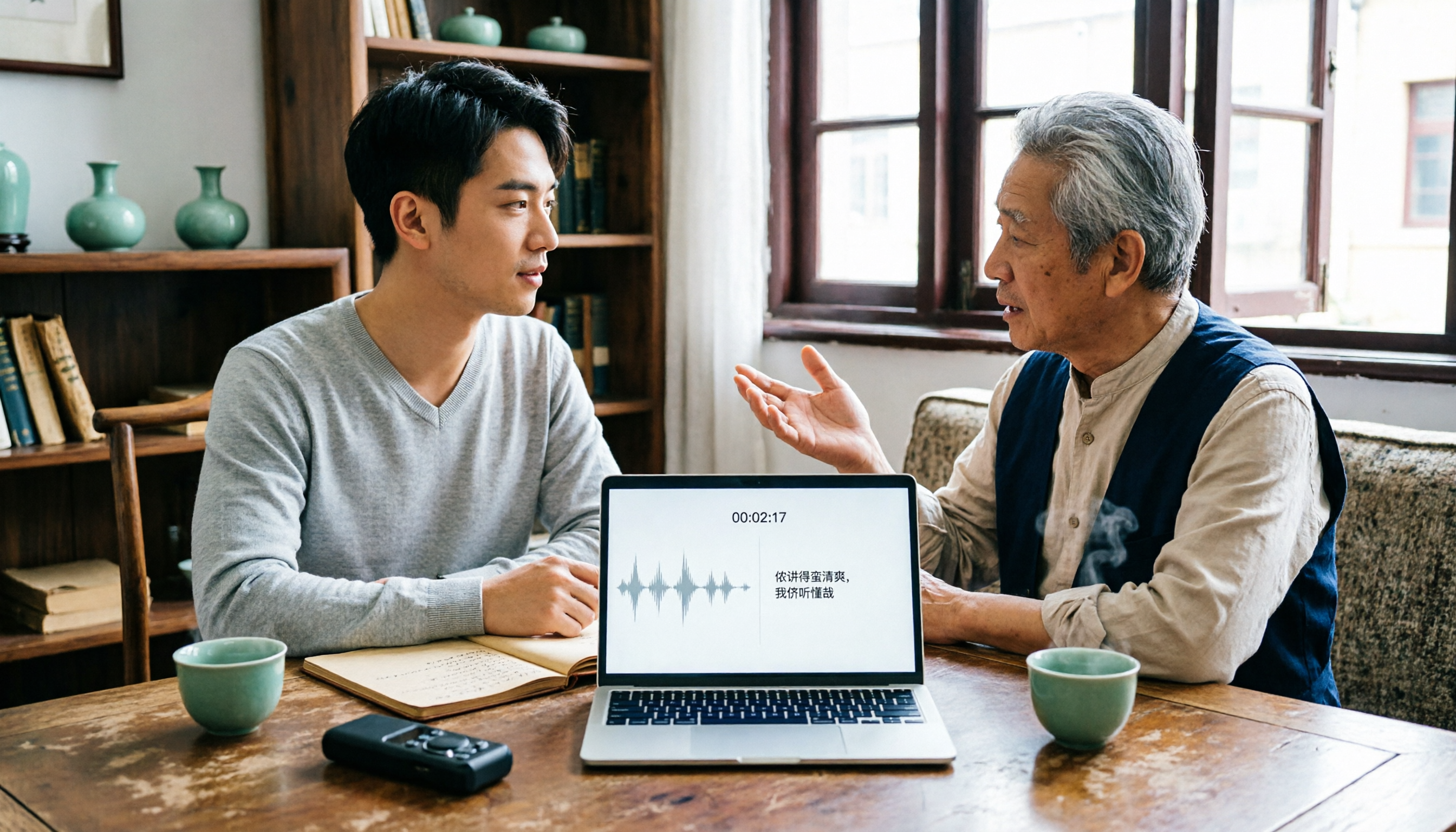
2026 Tested: 3 Shanghainese Speech-to-Text Tools Compared — The Least Painful Way to Process Dialect Interviews
There's no one-size-fits-all answer for transcribing Shanghainese. Instead of hunting for a tool that "supports dialects," change your workflow. This article covers four key points — assessing your recording's language mix, checking timestamps, post-meeting follow-up questions, and preserving team data — and tests Tinrec, Notta, Granola, and Otter.ai on mixed-language interviews, plus the 4 most common buying mistakes.

5 Best Korean Speech-to-Text Tools in 2026: Free vs Paid Comparison
After a one-hour Korean meeting, do you spend three hours organizing the transcript? This article compares five Korean speech-to-text tools: Tinrec, Musely, UniScribe, TurboScribe, and Notta. It breaks down honorific level handling, post-meeting summaries and action items, input sources, team collaboration, and free tier limits, with a guide to avoid pitfalls and scenario-based recommendations to help you find the one that truly saves time.
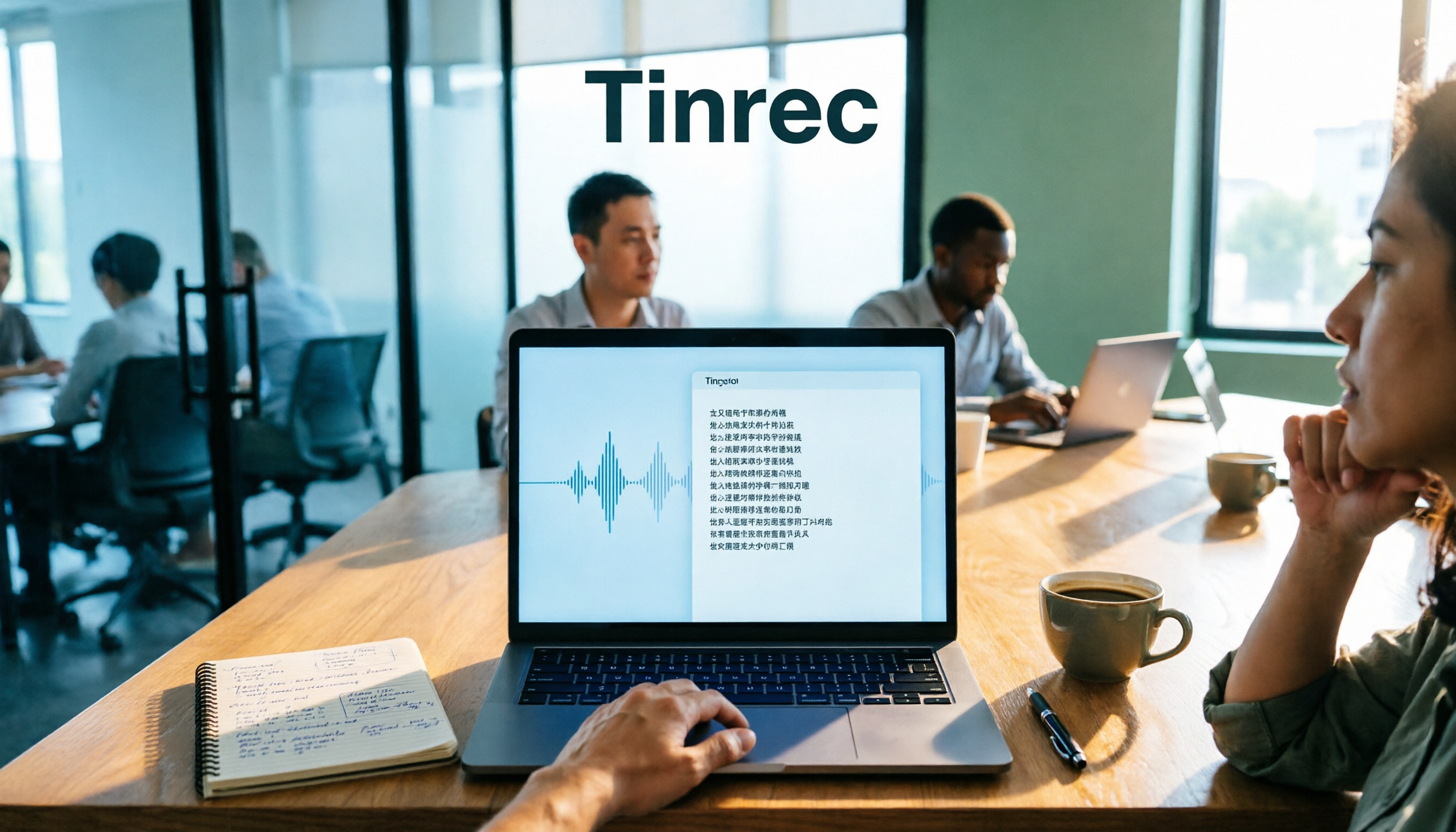
4 Desktop Speech-to-Text Tools Tested: Which Is Fastest for Chinese Meeting Transcripts in 2026?
Spending two or three hours after a meeting to clean up transcripts often comes down to choosing the wrong tool version. This article reviews four desktop speech-to-text solutions, comparing whether the desktop version can directly capture system audio, Chinese and mixed Chinese-English recognition, post-meeting summary Q&A, team seats, and quotas. We tested Tinrec, Otter.ai, Granola, and TurboScribe to help you pick the one that best fits your workflow.

Best Multilingual Speech-to-Text Tools in 2026: 4 Tested, This One Handles Chinese + Mixed Chinese-English Best
How to choose a multilingual speech-to-text tool? This article starts from the real pain point of mixed-language meetings, explains 4 key points to consider before buying, and tests Tinrec, Otter.ai, Notta, and TurboScribe on Chinese, mixed Chinese-English, and cross-language meeting performance. It honestly lists each tool's free quota, paid pricing, and feature limitations to help you decide which fits your meeting scenario, not just how many languages it supports.

4 Audio-to-Text Tools Tested: Which Offers the Best Free Tier in 2026?
How to choose a meeting transcription tool? This article covers four real-world scenarios—Chinese meetings, mixed Chinese-English, online meeting recording, and post-meeting organization—and outlines 4 key buying factors and 4 common pitfalls. It also tests and compares Tinrec, Otter.ai, Notta, and Granola on free tier limits, Chinese performance, and post-meeting workflows, with final recommendations by use case.
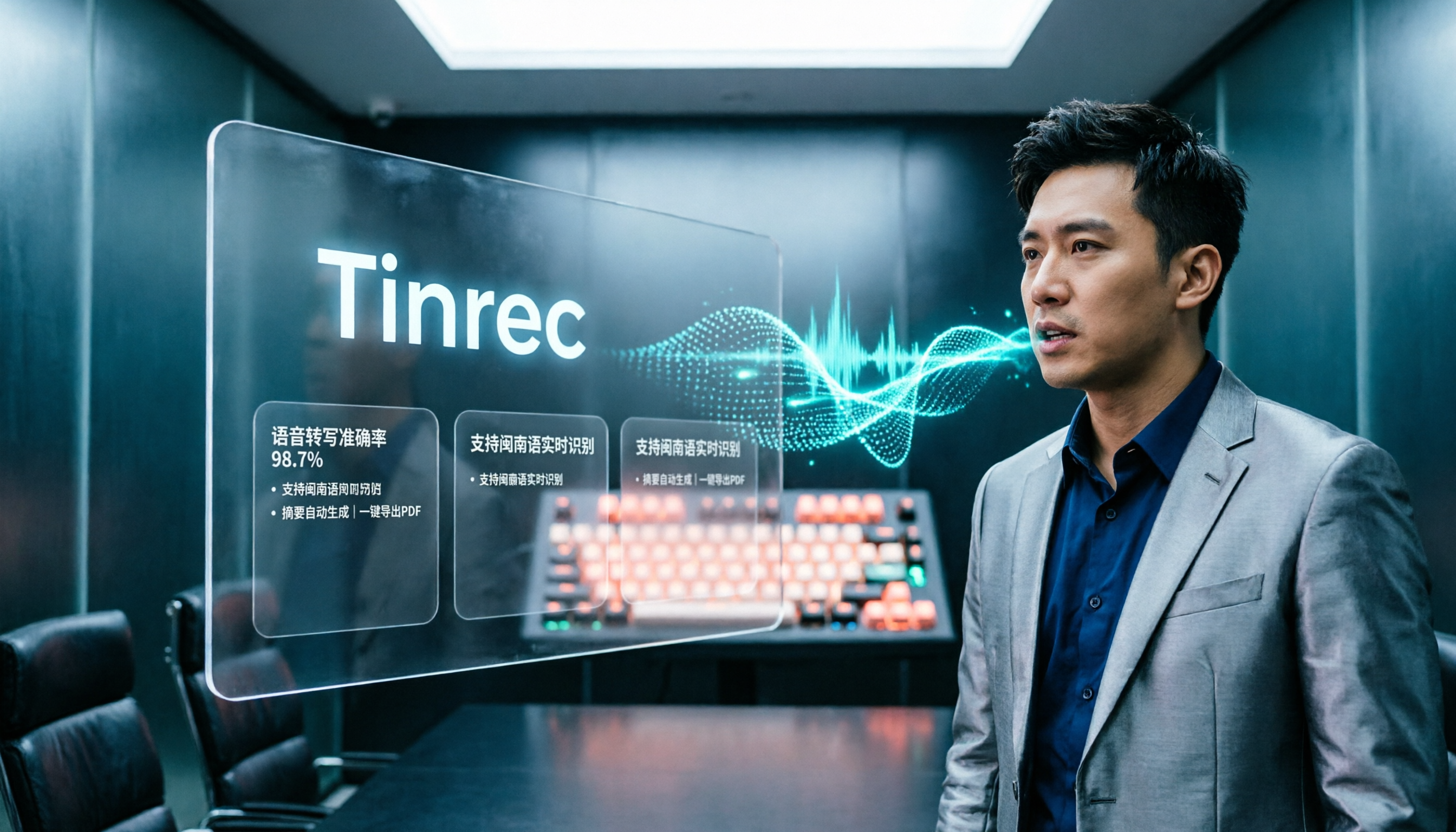
Best Taiwanese Hokkien Input Methods in 2026: 5 Tested, Speaking Beats Typing for Meeting Notes
Most people get stuck on Tâi-lô romanization and tones, so they install a Taiwanese Hokkien input method but end up typing Mandarin instead. This article tests the Ministry of Education Taiwanese Hokkien Hanzi input method, PhahTaigi, RIME, and built-in mobile keyboards, covering 4 key buying factors and 3 common pitfalls. It also explains how using Tinrec to record first and organize later can save effort in meetings and interviews.

Best Free Audio-to-Text Tools in 2026: 6 Real-Time Transcription Apps Compared
How to choose a real-time audio-to-text tool? This guide compares 6 free and paid options—from online meeting recording without a bot, bilingual live transcription, to post-meeting summaries, action items, and team knowledge retention—with free quotas and pricing details to help you decide which one is worth your time.

Free Audio-to-Text Solutions in 2026: 6 Tools Compared + AI-Generated Meeting Minutes
Tired of replaying recordings and typing every word after a meeting? This guide reviews six free audio-to-text solutions in 2026—Tinrec, MyEdit, Monica, Notta, TurboScribe, and Granola—covering free quotas, supported languages, pricing, and ideal users to help you pick the right tool and avoid overtime transcription.