
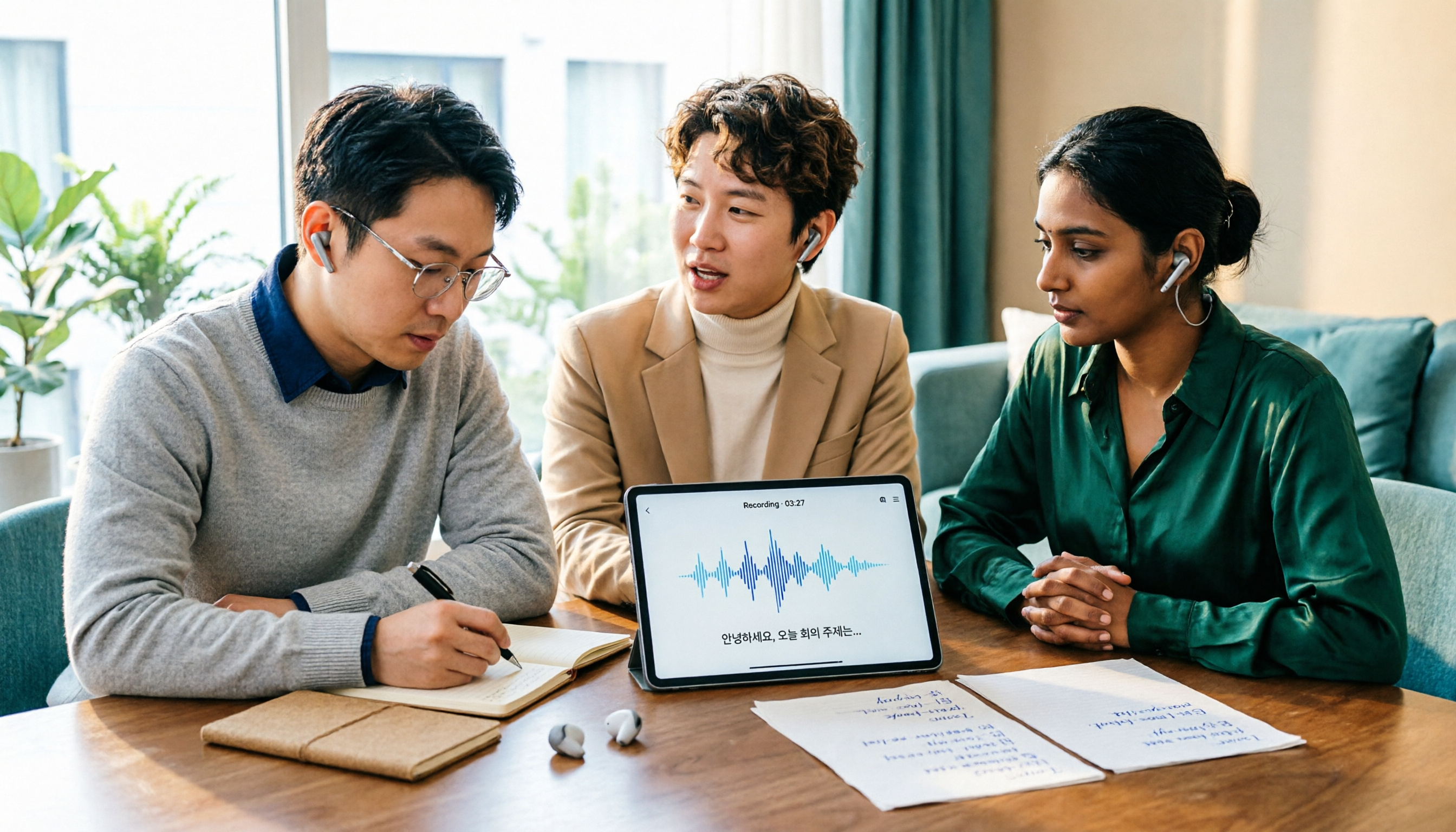
Turn recordings into transcripts and summaries in minutes
Upload audio or video for multilingual transcription, AI notes, and action items
Tinrec vs Musely 2026: 5-Dimension Comparison, Tinrec for Korean Meeting Notes
Korean Audio to Text: Are You Really Choosing "Transcription" or "Post-Meeting Usability"?
With Korean audio to text, the challenge usually isn't whether to transcribe, but whether the result is usable afterward.
If you only get a transcript from a Korean meeting recording, you still have to highlight key points, identify action items, and organize them into emails or reports yourself. What's more troublesome is that other team members may not understand Korean, and a transcript sitting on a personal computer means no shared knowledge.
So this article doesn't just look at whose Korean recognition rate is higher; it also examines: after transcription, can you summarize, ask follow-up questions, export, and share with your team?
Simply put, are you choosing a "transcription tool" or a "meeting notes workflow"? These two answers lead to different products.
Before Choosing a Korean Audio-to-Text Tool, Understand These 5 Key Points
1. Korean Recognition Depends on Honorifics and Accents, Not Just Percentages
Korean has different honorific levels, and verb endings (습니다, 세요, 해요, 해) affect meaning and politeness. Some tools specifically handle honorific levels, while others use generic multilingual engines. In addition, Seoul accents vs. regional accents, background noise, and overlapping speakers can all reduce accuracy. Test with your own recordings rather than relying solely on official numbers.
2. Does It Preserve Audio and Timestamps?
If a transcript doesn't have corresponding audio timestamps, verifying a sentence later becomes painful. Especially for interviews or legal/medical content, being able to replay the original audio is more important than polished text. Consider this a basic requirement.
3. Post-Meeting Organization Capabilities Determine How Much Time You Save
With a tool that only provides transcripts, you still have to read through everything yourself. Tools that automatically generate summaries, chapters, action items, and key points can move you from "transcribing" to "decision-making." If you have Korean meetings every week, this gap becomes very obvious.
4. Cross-Platform and Team Collaboration
Today you record on iPhone, tomorrow you organize on a Windows PC, and the day after you need to show a colleague—if the tool only supports a single platform, the workflow breaks. For team use, also consider: can meeting data be shared, can members and seats be managed, and are there usage and audit logs? These aren't things a personal transcription tool handles.
5. Free Quota and Export Formats
Is the free quota enough to test a full meeting? Can exports go to Word, PDF, SRT, or Notion? These details determine whether the tool fits into your existing workflow. Rather than looking at spec sheets, first confirm your file formats and export needs.
Tinrec — Our Top Choice After Testing
Tinrec is an AI meeting notes and collaboration tool for individuals and teams. It supports real-time recording, bot-free online meeting transcription, audio/video file import, real-time translation, and automatically generates summaries, chapters, action items, and mind maps. You can ask AI questions about meeting data and export results to common formats or third-party tools.
To be clear: Tinrec's positioning isn't a "single Korean transcription engine" but a "meeting notes and team collaboration workflow." It supports multilingual meeting transcription and real-time translation, but whether Korean is currently on the supported list and how well it actually recognizes Korean should be verified on the product page or with the free quota. I won't endorse numbers the official source hasn't published.
Bot-Free Recording Is Very Practical for Online Korean Meetings
If you hold Korean meetings on Zoom, Google Meet, Microsoft Teams, or Webex, the Tinrec desktop app can directly capture computer system audio without adding a meeting bot. For external clients or formal meetings, having one less bot participant keeps the screen clean and avoids the question "Who is this?"
After the Meeting, It's Not Just a Transcript—There Are Summaries, Action Items, and AI Q&A
After the meeting ends, Tinrec generates a transcript, summary, chapters, and action items. You can directly ask it: "Who mentioned the budget in the last meeting?" "What were the client's concerns about the delivery timeline?" It answers based on meeting content rather than just throwing a list of keywords. This is especially valuable for Korean meetings—even if your Korean listening is good, finding one sentence in an hour-long recording still takes time.
Stop organizing recordings by hand
Upload audio or video and automatically get a transcript, summary, and action items
Team Spaces Keep Meeting Data from Leaving with People
Tinrec's team version provides independent team spaces where meeting data belongs to the team. Admins can manage members, roles, and seats, and view usage trends and audit logs. Members without seats can still view, play, and read team data; only after being assigned a seat can they record, upload, edit, and export. Note this carefully: the team version isn't "multiple people sharing one account" but has role and seat distinctions.
Limitations Should Also Be Clear
Tinrec's free version has a basic quota suitable for light testing; if you have many Korean meetings every week, you'll need to evaluate paid plans. The team version is USD 29.80 per paid seat per month, or USD 199 per paid seat per year (about USD 16.58/month); actual prices are subject to the official purchase page. Also, Tinrec doesn't promise a fixed accuracy rate—recording quality, accents, noise, and technical terminology all affect results.
Who It's For
If you need to turn Korean meeting recordings into searchable, summarizable, queryable, and shareable team data, Tinrec currently offers one of the more complete workflows on the market. If you just need a Korean transcript, a Korean-specialized tool like Musely mentioned below would be more direct.
Besides Tinrec, What Other Options Are There?
Musely: A Korean-Specialized Transcription Tool
Musely focuses on Korean speech-to-text. Source materials indicate its accuracy can reach 96.8%, it can handle seven honorific levels and verb endings, and it natively supports Hangul. It supports MP3, WAV, MP4, MOV, and other formats, up to 3 hours, allows custom vocabulary for names, and exports to Markdown, DOCX, or plain text. If your core need is "pure Korean transcription," it's a good fit. But team spaces, post-meeting AI Q&A, and bot-free meeting recording that Tinrec offers are areas Musely's public information doesn't emphasize much.
MyEdit: A Lightweight Option with Online Free Credits
MyEdit's AI speech-to-text is an online tool supporting 9 languages including Traditional Chinese, English, Japanese, and Korean. It can upload MP3, WAV, FLAC, M4A and export plain text or SRT subtitle files. It offers daily free credits, suitable for occasional interview transcription or subtitling. But if you need team sharing, AI follow-up questions, and action item extraction, Tinrec's meeting workflow is more complete.
Sonix: Multi-Format Export and Subtitle Archiving
Sonix supports Korean audio-to-text, automatically identifies speakers, adds word-level timestamps, and can export to Word, PDF, SRT, and over 30 other formats. It's suitable for teams needing subtitles, archiving, and multi-person interview tagging. However, Tinrec emphasizes post-meeting summaries, Q&A, action items, and team knowledge retention; if you need to bring transcripts into editing or subtitle workflows, Sonix's export flexibility is worth considering.
Pitfall Guide: 4 Most Common Mistakes When Choosing Korean Audio-to-Text
Pitfall 1: Looking Only at Official Accuracy Rates, Ignoring Honorifics and Accents
Numbers like 96.8% are usually measured on clear audio. Your meetings may have air conditioning noise, keyboard sounds, overlapping speakers, and Korean honorific variations. Test with a real meeting recording, not just ads.
Pitfall 2: Treating a Transcript as Meeting Notes
A transcript is not the same as meeting notes. What's truly useful are summaries, decisions, action items, and owners. If you only get a transcript, you've only completed one-third of the work. When choosing a tool, check whether it can organize content into action items.
Pitfall 3: Buying a Personal Plan for Team Use
Team and personal versions differ significantly. Personal version data belongs to the individual; only the team version has shared spaces, roles, seats, usage, and audit. If colleagues will view meeting data together, don't share a personal account—otherwise, data handover becomes troublesome when a member leaves.
Pitfall 4: Ignoring Recording Consent and Legal Regulations
Before recording, confirm local laws and participant consent. Especially for client interviews and cross-border meetings, obtaining consent is not just courtesy but a compliance requirement.
Conclusion: Which One Should You Choose?
If you need pure Korean transcription and value honorific levels, speaker labels, and Hangul accuracy, Musely is a more direct choice.
If you need Korean meeting notes and team collaboration—including bot-free online meeting recording, automatic summaries, action items, AI Q&A, multi-format export, and team spaces—Tinrec's complete workflow is more suitable. It may not score highest on every Korean transcription test, but it solves the "how to use after transcription" problem.
Most workplace scenarios are actually the latter: meeting recordings aren't saved for the sake of saving, but so the team can search, follow up, and act. That's why I put Tinrec as the first recommendation.
Readers on a budget can first test a Korean meeting with Tinrec's free version to see if the transcript and summary meet their needs; if you only need one-time Korean transcription, then consider Musely or MyEdit's free quotas. You don't need to get it perfect on the first try—testing with real recordings is the most accurate approach.
References
- Transcribe Korean audio to text for free in seconds
- Online speech-to-text AI, free MP3 or recording to transcript - MyEdit
- Korean speech-to-text: one-click Korean audio to transcript | Musely
- Korean audio transcription - convert audio to text (2026) | Sonix
- Online Korean audio to text - free and accurate | VOMO AI
Turn every recording into actionable outcomes
Get 60 free transcription minutes when you sign in. No credit card required.
Related Reading
You might also like

4 Free Audio-to-Text Tools Tested for 2026: Which Free Tier Actually Works?
Many free audio-to-text tools offer trial credits rather than a lasting free plan. This comparison focuses on whether the free tier is enough for your needs, evaluating Tinrec, Otter.ai, Notta, and TurboScribe on free limits, per-file length caps, and post-transcription processing to help you pick the one that truly works.

4 Audio-to-Text Tools Compared in 2026: Free vs. Paid at a Glance
Can recorded audio be converted to text? Yes, and it's easier than you think. This article starts from real-world use cases, first covering 4 key points for choosing a tool, then takes a deep dive into Tinrec's bot-free meeting recording, AI summaries, and post-meeting Q&A, and briefly reviews the positioning and limitations of Notta, Otter.ai, and PLAUD Note. It ends with a pitfalls guide and selection advice to help you understand the differences between free and paid plans at a glance.

5 Best Audio-to-Text Tools in 2026: Is iPhone's Built-in Feature Enough?
Since iOS 18.4, iPhone's built-in Voice Memos can transcribe recordings, but that doesn't mean you get the meeting notes you need. This article compares 5 solutions based on recording sources, Chinese recognition, post-meeting output, and team collaboration, so you can decide whether the built-in option suffices or if you need a dedicated tool.
How to Convert WeChat Voice Messages to Text in 2026: 5 Steps from Voice to Transcript
WeChat voice messages can't be exported and are hard to organize into long transcripts. This guide covers 6 recording-to-text solutions, from WeChat's built-in features and phone dictation to AI meeting note tools, and walks through 5 steps to turn a 40-minute WeChat voice message into searchable, queryable meeting material.

6 Android Speech-to-Text Apps Tested for 2026: Which Free Version Actually Works?
Most people start comparing Android speech-to-text apps by looking for the free one, but that's the wrong first step. This guide covers six practical options—from Google Keyboard's completely free dictation to Tinrec, which automatically generates summaries, action items, and AI Q&A—honestly listing each plan's free quota, paid pricing, and best use cases to help you avoid the 'transcribed but unusable' trap.

2026 Audio-to-Text Tool Buying Guide: 5 Key Dimensions Tested and Recommended
How to choose an audio-to-text tool? This guide starts with three key considerations: audio source type, post-meeting organization needs, and team data ownership. It then outlines 5 practical buying dimensions and uses Tinrec as an example to demonstrate bot-free online meeting recording, AI summaries and action item extraction, AI conversational search, and team spaces. A FAQ section is included at the end.
2026 Comparison of 4 Foreign Language Meeting Translation Tools: From Real-Time Bilingual Subtitles to Post-Meeting Summaries
Can you understand foreign language meetings but struggle to remember or follow up? This article starts with common misconceptions and breaks down 4 key factors for choosing a foreign language meeting translation tool. It compares Tinrec, Otter.ai, Notta, and Granola in real-time translation, bilingual comparison, post-meeting summaries, and team collaboration, and lists the 4 most common pitfalls to help you choose the right tool at once.

2026 Comparison of 4 Audio-to-Text Tools: Which One Actually Saves You Time?
From meeting notes and transcripts to post-meeting follow-ups, compare Tinrec, Canva, MyEdit, and Otter.ai in terms of positioning, limitations, and best-fit scenarios to help you choose the right audio-to-text tool.

2026 Shanghai Dialect Speech-to-Text Buyer's Guide: 4 Tools Tested and Selection Tips
Shanghai dialect has voiced consonants and tone sandhi, so speech-to-text often fails on entire sentences. This guide breaks down 5 key factors for choosing a Shanghai dialect speech-to-text tool based on recognition, usability, and retention, with hands-on testing of Tinrec (Miao Ting Lu Yin) and comparisons to Notta, Otter.ai, and Granola, plus a pitfall checklist and getting-started steps.