

Turn recordings into transcripts and summaries in minutes
Upload audio or video for multilingual transcription, AI notes, and action items
2026 Audio-to-Text Tool Buying Guide: 5 Key Dimensions Tested and Recommended
When choosing an audio-to-text tool, most people first look at "how many free minutes" they get. But from my years of testing, what you'll really regret later usually isn't the quota—it's three key judgments: whether your audio source is a live meeting or an existing file, whether you need a verbatim transcript or conclusions, and whether the data ultimately belongs to an individual or a team.
Think through these three things first, then compare prices. It'll save you a lot of trial time. Below, I'll use Tinrec as the main example to break down these judgments. You can use the same checklist to compare other tools.
What Can Audio-to-Text Do for You?
Scenario 1: After a meeting, no more spending an hour re-listening
In the past, a two-hour meeting meant another hour afterward organizing notes. With Tinrec, for example, the desktop version can directly capture your computer's system audio. It can record online meetings on Zoom, Google Meet, Microsoft Teams, and Webex without inviting a meeting bot to join as a participant. The transcript is generated in real time during the meeting, and after the meeting, the summary, chapters, and action items are already organized.
Scenario 2: Dealing with that pile of old recordings in your drawer
Audio files from voice recorders, phones, and interview microphones can be uploaded directly to Tinrec and converted to text. This is important—some tools only do real-time transcription and can't handle existing files at all.
Scenario 3: Understand cross-language meetings
Tinrec supports real-time translation. During a meeting, you can switch between original text, translated text, or bilingual view. Mixed Chinese-English content can also be organized together.
Scenario 4: Turn transcripts into something you can deliver
Most people get stuck at "I have a transcript but don't know how to use it." Tinrec can generate reports, tables, and documents based on the meeting content, or export to Notion, Google Docs, OneNote, or Dropbox for further editing.
What Are the Core Capabilities of an Audio-to-Text Tool?
Real-time transcription: Transcribe while recording, no need to wait until the end. During a meeting, you can follow the text to confirm you haven't missed key points and ask questions on the spot.
Bot-free online meeting recording: The Tinrec desktop version captures the device's system audio, so it doesn't take up a meeting seat and no "recording bot" appears to other participants. Note that you still need to actively open Tinrec and start recording—it doesn't automatically join every meeting on your calendar.
AI summaries, chapters, and action items: Transcription is just the first step. Tinrec breaks long meetings into chapters, extracts conclusions and action items. Knowing who's responsible for what and when it's due is much faster than reading the transcript from the beginning.
AI conversational search: This is what I find most useful. After transcription, you can directly ask Tinrec: "What was decided in this meeting?" "Where did the client mention the budget?" It answers based on semantics, so you don't have to Ctrl+F for keywords yourself.
Export and post-processing: Transcripts, summaries, and mind maps can all be exported. You can also hand them to an Agent for post-processing to generate reports or tables, directly connecting to your existing workflow.
Team spaces and governance: The team version is an independent collaboration space where meeting data belongs to the team. It allows management of roles, seats, usage, audit logs, and an audio recycle bin.
Practical Use Cases
Weekly department meetings
Weekly meetings often fall into the trap of "lots of discussion, few conclusions." After recording with Tinrec, the summary separates the discussion flow from decisions, and action items are assigned to owners. Reviewing before next week's meeting is much faster than scrolling through chat logs.
Customer interviews and requirements gathering
Customers speak quickly and mix languages. The value of a transcript is that you can search for key sentences afterward. Tinrec's AI Q&A lets you directly ask "What were the customer's concerns about pricing?" without re-listening to 60 minutes.
Stop organizing recordings by hand
Upload audio or video and automatically get a transcript, summary, and action items
Courses, lectures, and self-study notes
Re-listening to a two-hour class is costly. Upload the audio to Tinrec, first look at the chapter structure, then replay key sections. Note-taking efficiency improves significantly.
Team handover and onboarding
When senior employees leave, they take not only experience but also those recordings no one ever listens to again. The team version keeps meeting data in the space, so new members can search, ask questions, and read historical records. Handover doesn't have to start from zero.
5 Things to Consider When Buying an Audio-to-Text Tool
- Comprehensive audio source support: Live recording, online meetings, and existing files are three different capabilities. Missing one will hold you back. Tinrec supports all three, plus mobile recording and some web link imports.
- Performance with Chinese and mixed Chinese-English: Don't just look at the official accuracy rate—it depends on recording quality, accent, background noise, and people talking over each other. I recommend running a test with one of your own meetings. Tinrec offers team hotwords, so you can add internal product names and project codes to make technical term recognition more stable.
- Can it help you organize after transcription?: A tool that only provides a transcript is essentially handing the organization work right back to you. When choosing, check for summaries, chapters, action items, and Q&A. Tinrec focuses more on this aspect.
- Data ownership and permission logic: Personal accounts and team spaces are two different things. Tinrec's team version separates "roles" and "seats"—roles determine who can manage members and team settings, while seats determine who can record, upload, edit, and export. Active members without a seat can still view, play, and read team data but cannot perform editing operations. Currently, sharing is at the team level, not fine-grained per-file permissions.
- Quota and pricing: The team version currently offers a shared team import quota of 2,000 minutes per paid seat per month. Monthly billing is USD 29.80/seat, annual billing is USD 199/seat (equivalent to about USD 16.58/month). Eligible teams get a 7-day trial, 1 free seat, and 300 minutes of shared import quota for the first time. Additionally, real-time recording under an active team plan is currently not deducted by minutes; only file and web imports consume the shared quota. Actual prices and promotions are subject to the official purchase page.
FAQ
Q: Is the free version enough?
A: If you only occasionally organize one or two recordings, the free version's basic quota is enough to complete the process once. Tinrec's personal version also offers a weekly card, Pro monthly card, and annual card. For short-term intensive meetings or interviews, choose the weekly card. If you have steady weekly needs, consider Pro. For long-term data accumulation, the annual card offers a lower average cost.
Q: Can it really record Zoom, Google Meet, and Teams meetings? Does it need a bot to join?
A: No bot needed. The Tinrec desktop version captures the system audio played on your computer, so you can record while having the meeting on your own computer. Note that it does not automatically join all meetings on your calendar; you still need to actively start recording. Also, being able to handle audio from these platforms does not mean an official partnership with them.
Q: How accurate is recognition for Traditional Chinese and mixed Chinese-English?
A: It performs stably when the recording is clear and speakers don't overlap, but I wouldn't recommend anyone promise a fixed accuracy rate. Actual results are affected by microphone, ambient noise, accent, and proper nouns. For important content, it's advisable to cross-check with transcript timestamps and audio playback.
Q: What's the difference between the team version and the personal version?
A: Personal version data belongs to the individual account; the team version is an independent team space where data belongs to the team. It adds member invitations, role and seat management, shared quota, usage analytics, audit logs, team hotwords, and an audio recycle bin.
Q: If a member leaves, will the meetings they recorded disappear?
A: They won't automatically leave with the person. Team resources belong to the team. When a member exits, is removed, or loses their seat, the resources they were responsible for need to be handed over to other active members.
Q: Can deleted recordings be recovered?
A: Team audio first goes to the recycle bin, currently retained for 30 days, and can be restored before permanent deletion begins. Action items are not covered by the recycle bin.
Conclusion
Back to the three judgments at the beginning: audio source determines whether you can start using it, post-meeting organization determines whether you save time, and data ownership determines whether the tool can stay long-term.
Tinrec positions itself more as a workbench for meeting data rather than a simple transcription tool—from recording, transcript, summary, action items, Q&A all the way to export and team accumulation. If your meetings are mainly in Chinese and you don't want to add another bot to the meeting, you can start with the free version, test it with one of your own real meetings, and then decide whether to upgrade.
References
- Convert Audio Files to Text/Speech to Text/Transcript: 2026 5 AI Tool Reviews and Tutorials - Tinrec Blog
- [Audio to Text] 6 Tool Comparison 2026: How to Choose for Meeting Notes and Voice Recorder Files (with Tinrec Test) - Tinrec Blog
- Can ChatGPT Convert Audio Files to Text? 2026 Efficient Speech-to-Text Tool Review and Selection Guide - Tinrec Blog
- iPhone Audio to Text/Speech to Transcript: 2026 7 Tool Tests and Operation Tutorials - Tinrec Blog
- 2026 6 Audio-to-Text Tool Recommendations: Free High-Quality Transcripts and Tinrec Test - Tinrec Blog
Turn every recording into actionable outcomes
Get 60 free transcription minutes when you sign in. No credit card required.
Related Reading
You might also like

4 Free Audio-to-Text Tools Tested for 2026: Which Free Tier Actually Works?
Many free audio-to-text tools offer trial credits rather than a lasting free plan. This comparison focuses on whether the free tier is enough for your needs, evaluating Tinrec, Otter.ai, Notta, and TurboScribe on free limits, per-file length caps, and post-transcription processing to help you pick the one that truly works.

4 Audio-to-Text Tools Compared in 2026: Free vs. Paid at a Glance
Can recorded audio be converted to text? Yes, and it's easier than you think. This article starts from real-world use cases, first covering 4 key points for choosing a tool, then takes a deep dive into Tinrec's bot-free meeting recording, AI summaries, and post-meeting Q&A, and briefly reviews the positioning and limitations of Notta, Otter.ai, and PLAUD Note. It ends with a pitfalls guide and selection advice to help you understand the differences between free and paid plans at a glance.

5 Best Audio-to-Text Tools in 2026: Is iPhone's Built-in Feature Enough?
Since iOS 18.4, iPhone's built-in Voice Memos can transcribe recordings, but that doesn't mean you get the meeting notes you need. This article compares 5 solutions based on recording sources, Chinese recognition, post-meeting output, and team collaboration, so you can decide whether the built-in option suffices or if you need a dedicated tool.

How to Convert WeChat Voice Messages to Text in 2026: 5 Steps from Voice to Transcript
WeChat voice messages can't be exported and are hard to organize into long transcripts. This guide covers 6 recording-to-text solutions, from WeChat's built-in features and phone dictation to AI meeting note tools, and walks through 5 steps to turn a 40-minute WeChat voice message into searchable, queryable meeting material.

6 Android Speech-to-Text Apps Tested for 2026: Which Free Version Actually Works?
Most people start comparing Android speech-to-text apps by looking for the free one, but that's the wrong first step. This guide covers six practical options—from Google Keyboard's completely free dictation to Tinrec, which automatically generates summaries, action items, and AI Q&A—honestly listing each plan's free quota, paid pricing, and best use cases to help you avoid the 'transcribed but unusable' trap.
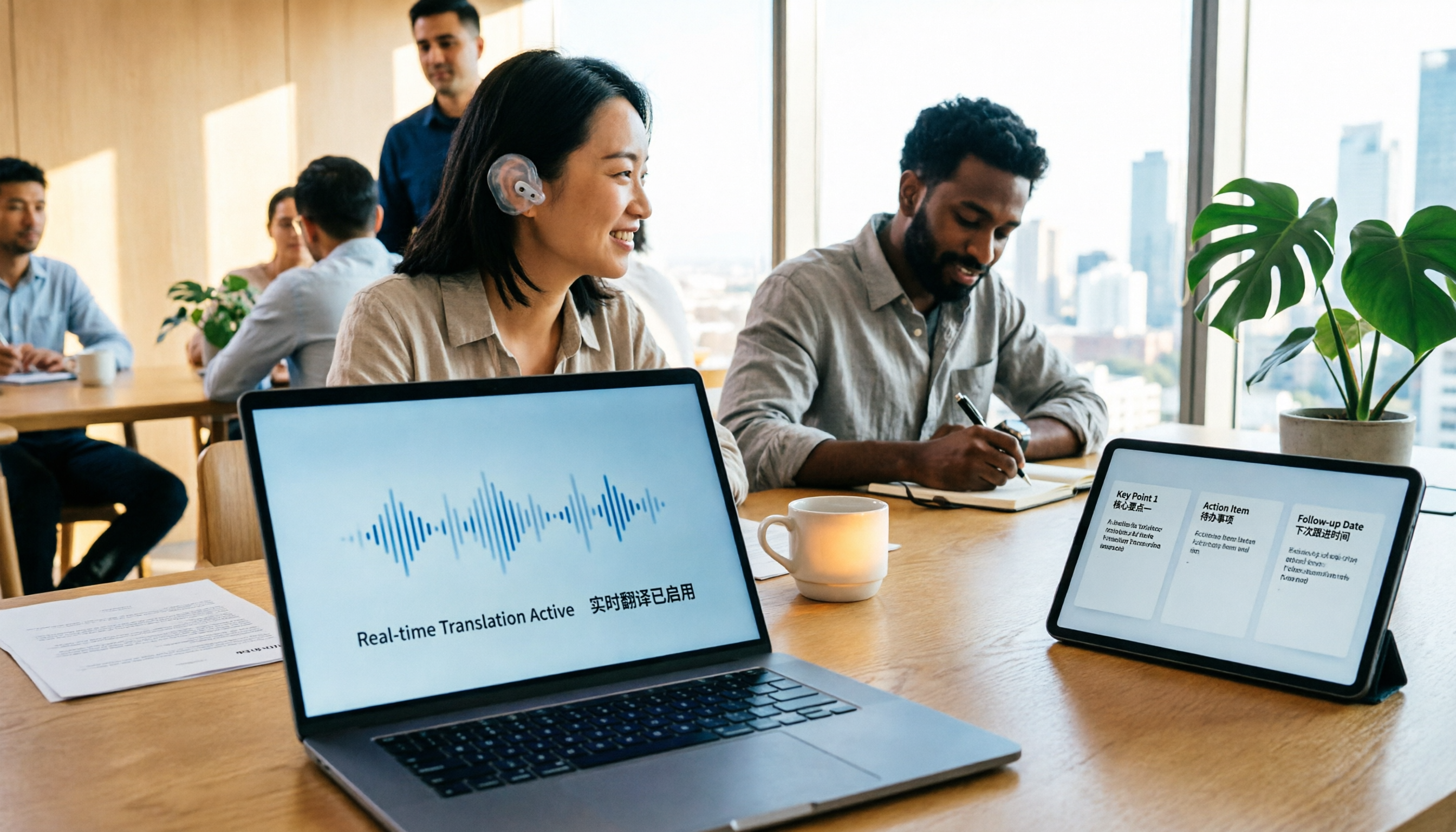
2026 Comparison of 4 Foreign Language Meeting Translation Tools: From Real-Time Bilingual Subtitles to Post-Meeting Summaries
Can you understand foreign language meetings but struggle to remember or follow up? This article starts with common misconceptions and breaks down 4 key factors for choosing a foreign language meeting translation tool. It compares Tinrec, Otter.ai, Notta, and Granola in real-time translation, bilingual comparison, post-meeting summaries, and team collaboration, and lists the 4 most common pitfalls to help you choose the right tool at once.
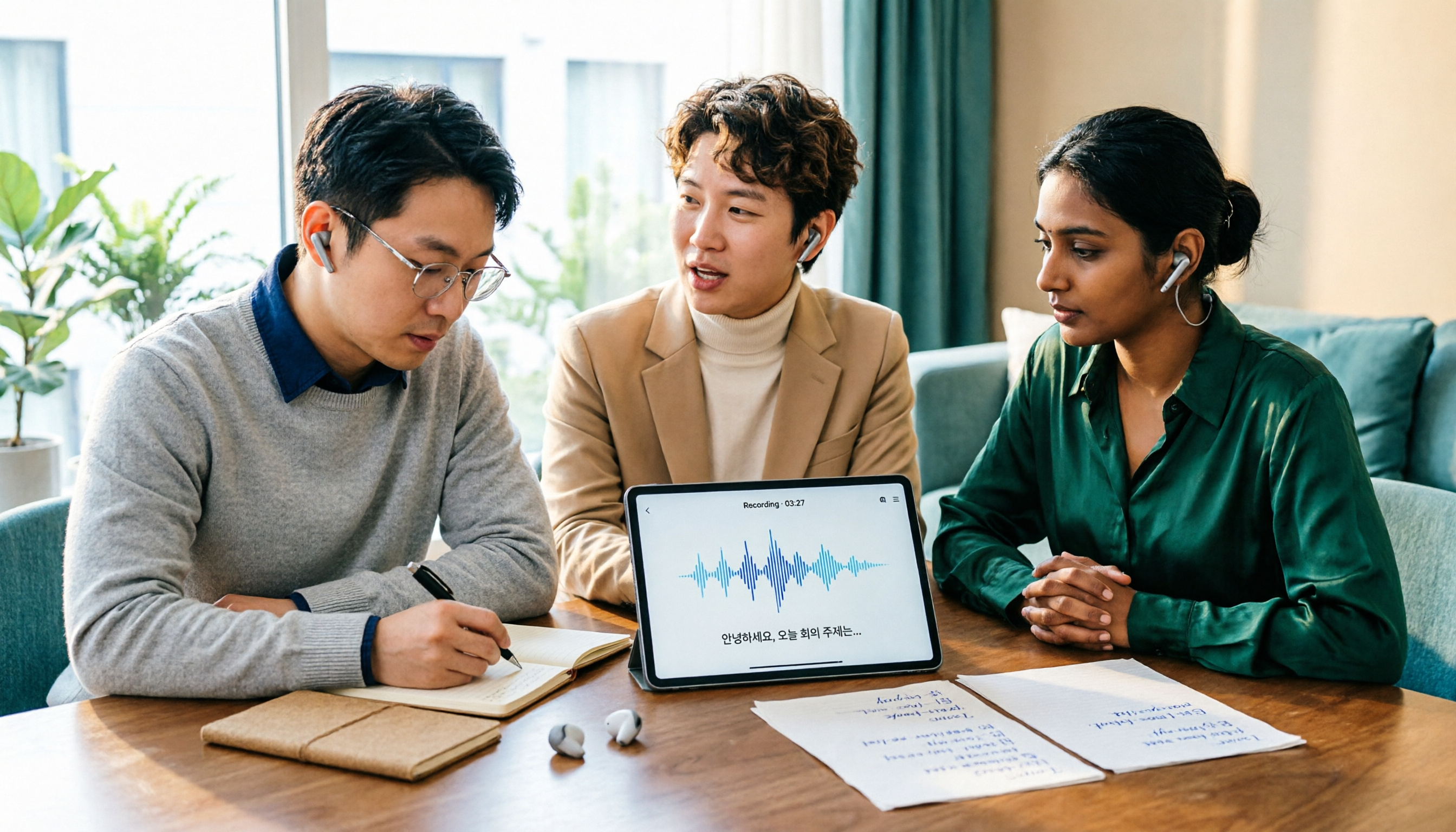
Tinrec vs Musely 2026: 5-Dimension Comparison, Tinrec for Korean Meeting Notes
How to choose a Korean audio-to-text tool? This article compares Tinrec and Musely across 5 dimensions: Korean recognition, post-meeting organization, team collaboration, export, and free quota. It also covers alternatives like MyEdit and Sonix to help you decide when pure transcripts vs. meeting notes are suitable.

2026 Comparison of 4 Audio-to-Text Tools: Which One Actually Saves You Time?
From meeting notes and transcripts to post-meeting follow-ups, compare Tinrec, Canva, MyEdit, and Otter.ai in terms of positioning, limitations, and best-fit scenarios to help you choose the right audio-to-text tool.

2026 Shanghai Dialect Speech-to-Text Buyer's Guide: 4 Tools Tested and Selection Tips
Shanghai dialect has voiced consonants and tone sandhi, so speech-to-text often fails on entire sentences. This guide breaks down 5 key factors for choosing a Shanghai dialect speech-to-text tool based on recognition, usability, and retention, with hands-on testing of Tinrec (Miao Ting Lu Yin) and comparisons to Notta, Otter.ai, and Granola, plus a pitfall checklist and getting-started steps.