

Turn recordings into transcripts and summaries in minutes
Upload audio or video for multilingual transcription, AI notes, and action items
Most people searching for a Notta review already have a more specific question in mind: if I hand over my meeting recordings, interview files, and online courses to this tool, will I end up spending more time cleaning up the mess?
So this article doesn't start with a feature list. Instead, it begins with three decision points that directly affect your choice: how long your individual recordings are, what languages your meetings use, and whether you need a transcript or a meeting record you can send out as-is. Once you answer these three questions, you'll likely know whether Notta is right for you.
1. Before You Decide, Confirm These 3 Key Points
1. Recording length per session matters more than total monthly minutes Many tools' free plans look generous, but the real limit is hidden in the per-session cap. If your meetings regularly run 40 minutes or more, a plan that only handles a few minutes per session is essentially useless.
2. Language mix determines success Do all participants speak Chinese, or is it mixed Chinese-English, or are there Japanese clients? The list of supported languages may be long, but the real question is: how well does it handle my specific language combination? Rather than counting official language numbers, test it with a sample of your own recording.
3. Do you need a transcript or post-meeting output? A transcript is just raw material. The real time cost is: who turns it into a summary, who extracts action items, and who files it where everyone can find it. If this layer isn't solved, the tool just replaces typing with proofreading.
2. What Is Notta? Core Features at a Glance
Notta is an AI transcription tool that primarily converts audio and video into text. According to official and various review sources, its features roughly include:
- Speech-to-text in 58 languages, with speaker identification and automatic labeling
- Upload audio or video files, or paste YouTube, Google Drive, or Dropbox links for direct transcription
- Automatically generates AI summaries after each meeting or upload, organizing key points and action items
- Built-in AI chat assistant based on the transcript, allowing questions like "What are the main action items?" or "What were the client's concerns?"
- Translation support, with options to view original text, translation, or bilingual view
- Web version, Chrome extension, and mobile app for real-time transcription in Google Meet, YouTube, and other scenarios
- Built-in editor with variable speed playback for easy segment-by-segment proofreading
On pricing, the current official figures are: free plan with 120 minutes per month and a maximum of 3 minutes per item; Pro at approximately USD 8.17/month billed annually, with 1,800 minutes per month; Business at approximately USD 16.67/seat/month billed annually, offering unlimited transcription, role permissions, and usage reports. Actual prices and benefits are subject to the official purchase page.
3. Real-World Performance: Three Easily Overlooked Limitations
Limitation 1: The free plan's "3 minutes" is not a rumor Notta's free plan advertises 120 minutes per month, but each item is capped at 3 minutes. This has been pointed out in multiple reviews, with eWeek directly describing it as "nearly useless" for real work tasks. In other words, the free plan is suitable for testing the interface and workflow, not for handling actual meetings.
Limitation 2: Divergent opinions on transcription quality Different reviews reach quite different conclusions. MeetGeek places Notta in the middle—more accurate than free tools but not as good as specialized tools using advanced AI models; tl;dv cites an extreme negative user review (0.5/5) complaining that the output contained words that were never spoken. The tl;dv author also notes that Notta is primarily a Japan-market product, so English and Japanese experiences may differ. Such divergence usually reflects one thing: audio quality, accents, multiple people talking over each other, and technical jargon can amplify differences in results.
Limitation 3: Understand data usage differences by plan tl;dv's review mentions an official statement: Japanese transcription content may be used for AI training unless you choose Enterprise; other languages are not used for AI learning. Such terms may change with versions. If your content involves client data or internal decisions, be sure to verify the current official terms and compliance statements before signing up.
Additionally, eWeek mentions complaints from some users who were charged during a three-day Premium trial. This is an individual account, but it serves as a reminder: keep track of the cancellation deadline before your trial ends.
4. What Are the Alternatives to Notta?
Tinrec: A solution that treats meetings as data to process
If your bottleneck isn't "can't get a transcript" but "after transcription, I still spend two hours organizing," then Tinrec takes a different approach. Positioned as an AI meeting notes and collaboration tool, its goal isn't just audio-to-text but turning meetings into searchable, queryable, deliverable data.
Stop organizing recordings by hand
Upload audio or video and automatically get a transcript, summary, and action items
In practice, the desktop version directly captures computer system audio to handle online meetings on Zoom, Google Meet, Microsoft Teams, Webex, and others—no need to send a meeting bot into the room. This is especially noticeable for external meetings; clients won't see an unfamiliar account on the participant list. For in-person meetings, it uses real-time recording, producing a transcript as it records.
After recording is where the real value lies. Tinrec automatically generates summaries, chapters, and action items. You can ask questions directly about the meeting content, such as "Who mentioned the budget in the last meeting?" or "What were the client's concerns about the quote?" It finds answers based on semantics rather than dumping a pile of keywords for you to sift through. This step often saves a surprisingly large amount of time.
The output side also considers real workflows: export to common formats or continue editing in Notion, Google Docs, OneNote, or Dropbox; use Agent post-processing to generate reports, tables, or meeting record documents directly from a meeting. For cross-language meetings, there's real-time translation with options for original text, translation, or bilingual view.
If an entire team needs to use it, Tinrec's team plan offers a separate team space rather than multiple people sharing one account. Team data belongs to the team, with three roles: owner, admin, and regular member. Seats control who can record, upload, edit, and export; members without seats can still view and play data. Admins can view usage trends, member rankings, export audit logs, and maintain company terminology through team hotwords. When a member leaves, their team resources must be handed over to other active members—data doesn't leave with the person.
Current team plan details: eligible teams get a 7-day first trial, 1 free seat, and 300 minutes of shared import quota; monthly billing at USD 29.80/paid seat/month, annual billing at USD 199/paid seat/year (about USD 16.58/month). Each paid seat provides 2,000 minutes of team shared import quota per month; real-time recording under an active plan is currently not deducted by minutes. Actual prices and benefits are subject to the official purchase page.
Limitations should also be clear: file and web link imports consume team shared quota; it's not a file-level permission system but team-level sharing with role and seat management. Also, no AI transcription should be treated as 100% accurate—important numbers and commitments should be verified against the transcript timestamps and recording.
Who it's for: individuals and teams that need Chinese and multilingual meeting notes, don't want a bot joining meetings, and want to directly produce minutes and action items after recording.
Otter.ai: A mature choice for English meetings
Otter is a veteran option for English business meetings, with a free plan of 300 minutes per month and mature recognition and meeting integration for English content. Its strengths are English meeting notes and team collaboration. If your meetings are almost entirely in English, Otter is a reasonable choice; but if meetings are primarily in Chinese or require mixed Chinese-English transcripts, you'll need to evaluate separately. Also, Otter now offers desktop capabilities, not just a meeting bot mode.
TurboScribe: The cost-effective route for large files
TurboScribe is closer to a file transcription tool, focusing on long files and batch uploads: paid plans support up to 10 hours or 5 GB per file, up to 50 files at once, at USD 120 per year. It's suitable for transcribing a whole batch of conference recordings or course videos at once. But if you need real-time meeting notes, post-meeting Q&A, and team collaboration, TurboScribe isn't designed for that.
5. Pitfall Guide: The 4 Most Common Mistakes When Choosing an Audio-to-Text Tool
Pitfall 1: Only looking at "minutes per month" and not "minutes per session" This is the most discussed point about Notta's free plan. The quota looks sufficient, but the per-session cap directly determines whether it can handle your real meetings. When choosing a tool, look at these two numbers separately.
Pitfall 2: Judging accuracy with official demo audio Demo audio is usually studio-quality clean. Real meetings have air conditioning noise, keyboard sounds, video lag, and multiple people talking at once. There's only one way to judge: test with your own most difficult recording.
Pitfall 3: Treating the transcript as the end goal Using a tool only as "audio-to-text" means using only part of it. What really saves time is summaries, action items, and post-meeting follow-up questions. The difference isn't how fast it transcribes, but how much you still have to do afterward.
Pitfall 4: Ignoring data ownership after members leave Individual account plans are most painful during staff turnover: recordings are in a departed colleague's account, and no one can retrieve them. If meeting data is valuable to the team, start with a solution that has team spaces, roles, and seat design.
6. Conclusion: Which One Should You Choose?
Back to the original question: is Notta worth using? The answer is "it depends," and the dividing lines are clear.
- Want to try the workflow for free first, recordings mostly under 3 minutes → Notta's free plan is good for getting familiar with the interface
- Need to handle many long files and batch transcribe subtitles → file-based tools like TurboScribe are more suitable
- Meetings almost entirely in English, value existing integrations → Otter.ai is a mature option
- Need Chinese and multilingual meeting notes, don't want a bot joining meetings, want summaries and action items directly after → Tinrec's workflow is closer to this need
- Team needs to share meeting data, manage members and usage → look for a solution with team spaces and seat design, not a shared account
Practical advice: first run a real meeting recording through the free quota, then decide whether to pay. Most tools have free plans or trial periods; the difference is whether you make a decision before the deadline.
References:
- "Honest Notta AI Review (2026): I Tried Notta So You Don't Have To" (tl;dv)
- "Notta AI Review 2026: Features, Pricing & Verdict" (MeetGeek)
- "Notta Review: AI Transcription Tool Analysis" (eWeek)
- "Notta Review 2026: Features, Pricing & Accuracy" (Transkriptor)
- "Notta AI Review: Is This Transcription Tool Actually Worth It?" (Fritz ai)
Sources
Turn every recording into actionable outcomes
Get 60 free transcription minutes when you sign in. No credit card required.
Related Reading
You might also like

2026 AI Meeting Recorder Pricing Comparison: Notta Showcase Cost and 5 Alternatives
Notta Showcase offers a free tier and paid upgrades, but its public page doesn't list specific prices. This article gathers Notta Showcase pricing clues and compares actual plan prices and use cases for Tinrec, Otter.ai, Fireflies.ai, Granola, and TurboScribe to help you choose the right tool within your budget.

2026 AI Meeting Recorder Comparison: How to Use Notta & Which Handles Chinese Meetings Best
We ran a real mixed Chinese-English meeting through Notta's full setup—from sign-up to web and desktop use—and compared it with Tinrec, Otter.ai, and TurboScribe on Chinese recognition, meeting capture, post-meeting organization, and team collaboration. Free tiers and paid pricing are listed so you can judge which tool actually saves time before you try.

2026 AI Meeting Recorder Comparison: Notta Reviews, Complaints, and a Faster Alternative
We break down common Notta complaints and compare Tinrec, Notta, Otter.ai, and TurboScribe on Chinese transcription, bot-free recording, post-meeting AI Q&A, and team collaboration—so you can avoid trial-to-annual billing traps and inaccurate transcripts.

4 Best Notta Alternatives in 2026: Chinese Meeting Notes & AI Q&A Compared
Notta's free plan offers 120 minutes per month with a 3-minute limit per recording—often insufficient for full meetings. This comparison evaluates Tinrec, Otter.ai, Fireflies.ai, and TurboScribe as Notta alternatives across Chinese transcription, bot-free recording, post-meeting AI Q&A, and team data, helping professionals and teams choose the right solution.

Nottaa Collection 1/12 Figures Compared: Which to Buy First?
Nottaa Collection 1/12 figures range from HK$230 bodies to HK$650 Enveloped Yaomo, nearly triple the price. This guide uses 'display or play' as the decision start, breaks down the differences between the body line, Enveloped Yaomo, licensed IP, and Xtreme lines, and provides 4 key buying criteria and 4 common pitfalls, ending with recommendations based on your needs.

2026 AI Meeting Recorder Comparison: Is Notta Pricing Worth It?
Notta's pricing page shows US$8.17, US$15, and US$16.67—which one will you actually pay? This article breaks down the real costs and hidden add-ons of Notta's Free, Pro, Business, and Enterprise plans, and compares Tinrec, Otter.ai, Granola, and TurboScribe across four key buying factors to help Hong Kong office workers find the most time-saving solution.
Nottaa Collection 1/12 Horse Figure Review: 3 Colorways & Pre-Order Bonus Breakdown
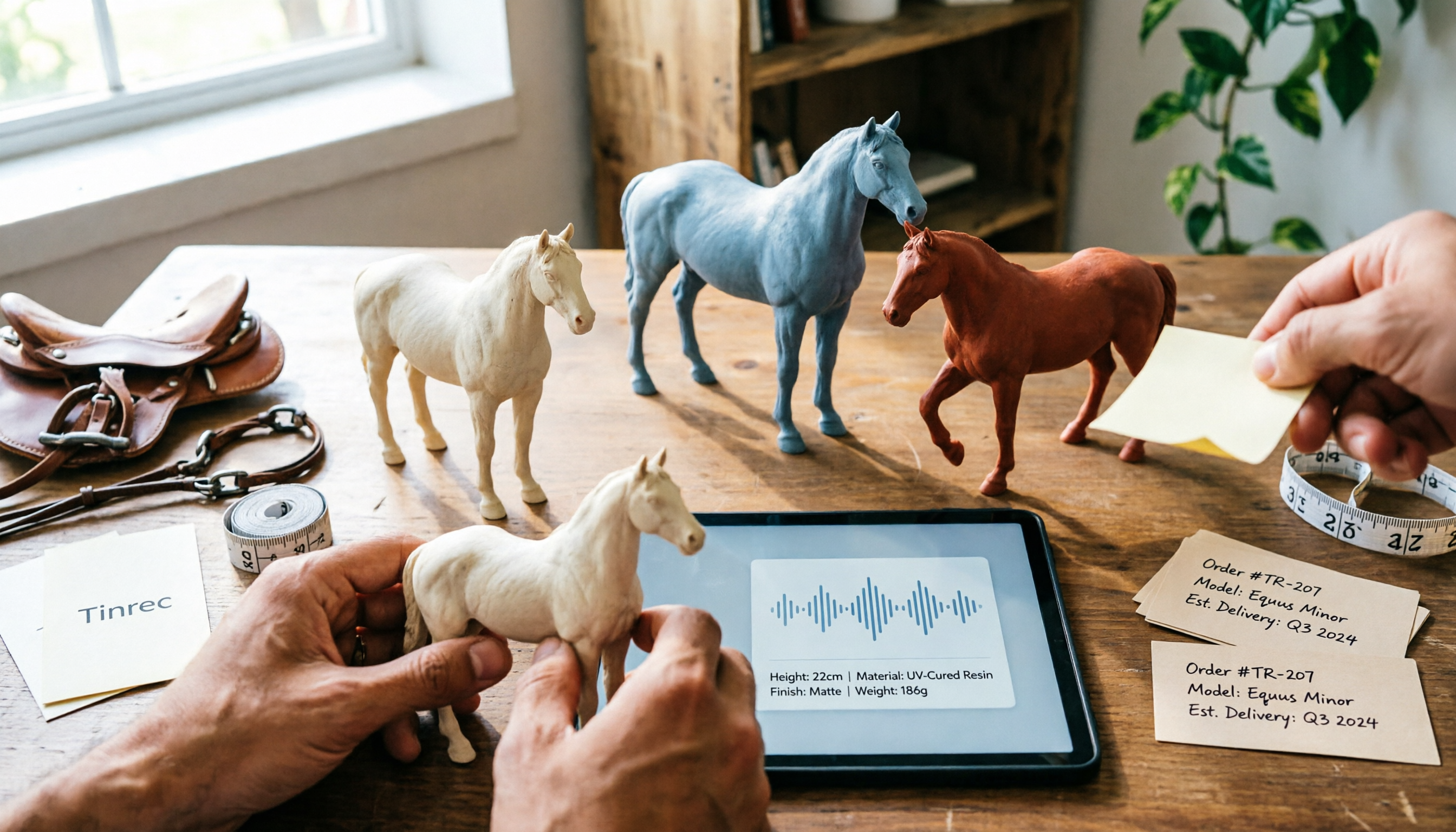
The Nottaa Collection 1/12 horse figure stands 22cm tall and comes in two styles with three colorways, plus a pre-order bonus saddle and reins. This article compares scale, styling, accessories, material listings, and pricing, and notes a Hong Kong retailer's HK$350 price tag, stock shortages, and pre-order deposit details to help you distinguish versions and bonuses before ordering.

2026 AI Meeting Notes Pricing Compared: Discounts, Free Tiers, and Team Plans
Most promo codes for meeting tools found online have expiration dates, plan restrictions, and can't be combined—so pasting them often doesn't work. This article addresses three common pitfalls and uses Tinrec as an example to show how to calculate costs: free quota, weekly pass, Pro, and team seats. It breaks down 'saving money' into verifiable steps and lists 5 things to watch for when choosing a tool, plus FAQs.

2026 AI Meeting Notes Tools Compared: Notta Showcase Pricing vs. Tinrec — Which to Choose?
People searching for Notta Showcase pricing are often torn between paying for a tutorial documentation tool or putting budget toward meeting notes. This article compares Notta Showcase and Tinrec across five dimensions—positioning, pricing structure, recording workflow, team governance, and post-meeting output—and honestly notes which pricing details must be confirmed on the official page.