
Turn recordings into transcripts and summaries in minutes
Upload audio or video for multilingual transcription, AI notes, and action items
Why You Need a Sony Voice Recorder? Common Pain Points and Hardware Advantages
If you are looking for suitable Sony voice recorder recommendations and hoping to solve the pain point of "two hours of recording, a day of typing," in addition to choosing hardware with high audio quality, pairing it with AI software (such as Tinrec) that can automatically generate summaries and action items will save you a lot of time. Many students and office workers face three core pain points when recording meetings or lectures:
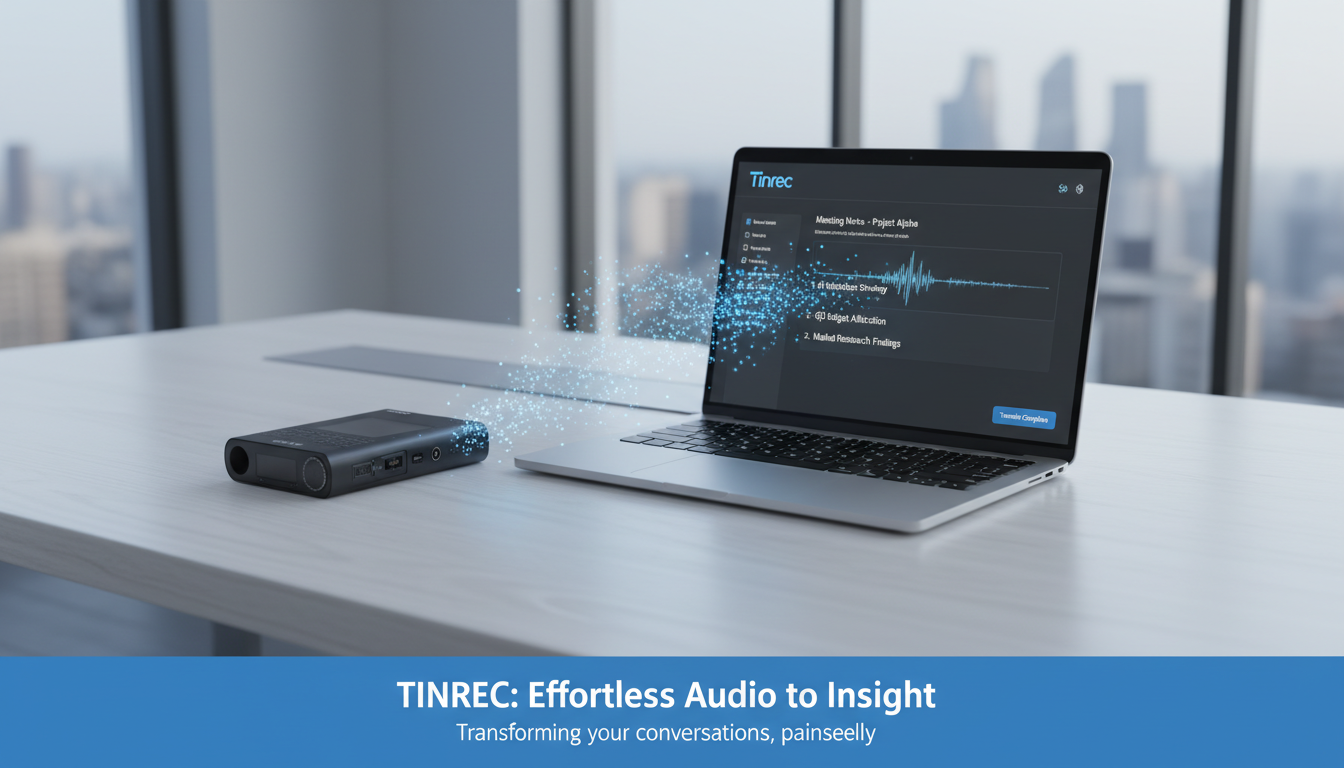
- Extremely tiring to organize: Traditional recordings have very low information density, making transcription costly.
- Super time-consuming to re-listen: Most of the time you can only drag the timeline, unable to find keywords or key sections.
- No action items after the meeting: Recordings are often just "saved" but lack decision summaries and to-do lists.
This article reviews 4 popular Sony voice recorders and provides a comparison table of "hardware + AI software," step-by-step tutorials, and FAQs. If you value high-quality audio recording, refer to the hardware list first; if you focus on text extraction and organization efficiency, prioritize the AI recording assistant solution.
4 Popular Sony Voice Recorder Recommendations in 2024
When choosing a voice recorder, pick based on your usage scenario (e.g., classroom, business meeting, or professional interview):
- ICD-TX660: Known for being slim and portable, suitable for business professionals to clip in a suit pocket and record on the go.
- ICD-UX570F: A popular choice for students and general meetings, featuring automatic voice recording and noise reduction.
- ICD-PX470: A high-value entry-level model, ideal for users on a budget who still need clear stereo sound.
- PCM-A10: Professional-grade high-resolution audio quality, suitable for music recording or interviews requiring extremely high sound fidelity.
Now What After Buying a Recorder? In-depth Comparison of Hardware and AI Transcription Tools
Having good recording hardware is only the first step. To turn "time-based content" into "scannable, searchable, actionable text," software assistance is crucial. Below is an objective comparison of pure hardware, general transcription tools, and modern AI assistants:
| Comparison Dimension | Sony Voice Recorder (Hardware Only) | General Speech-to-Text Tools | Tinrec (Seconds Audio) |
|---|---|---|---|
| Language Support | None (only recording) | Single or few languages | Auto-recognizes 10 languages including Chinese, English, Japanese, and Taiwanese |
| Real-time | Real-time audio recording | Wait after upload | Supports real-time speech-to-text, no waiting |
| Summary & Action Items | None | Only provides transcript | Automatically generates meeting minutes, conclusions, and action items |
| AI Query | None | Only Ctrl+F search | Supports semantic AI conversational queries |
| Export & Integration | Only audio files (MP3/WAV) | TXT or Word | Supports multi-format file export |
| Price & Free Tier | One-time hardware purchase | Depends on software | Up to 100 minutes free recording per month |
Stop organizing recordings by hand
Upload audio or video and automatically get a transcript, summary, and action items
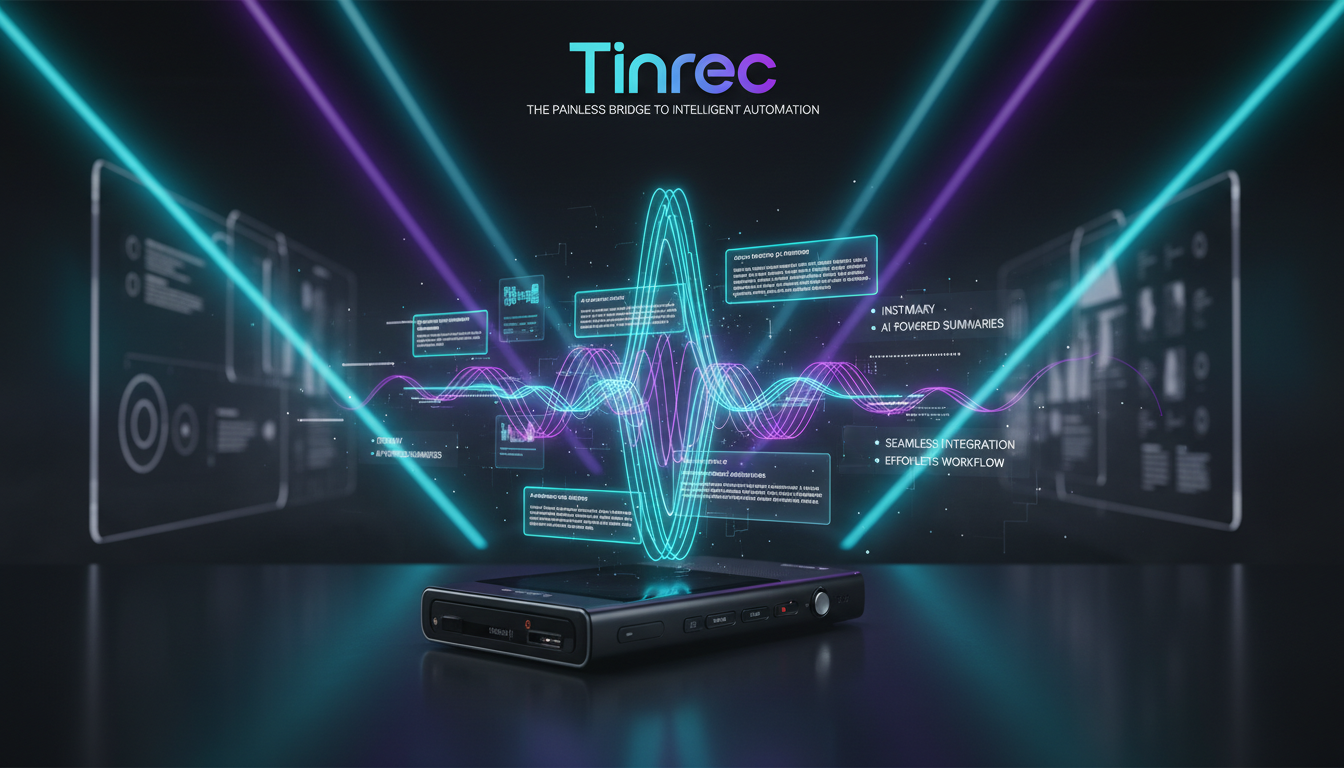
Deep Dive: Complete Workflow from Recording to Action
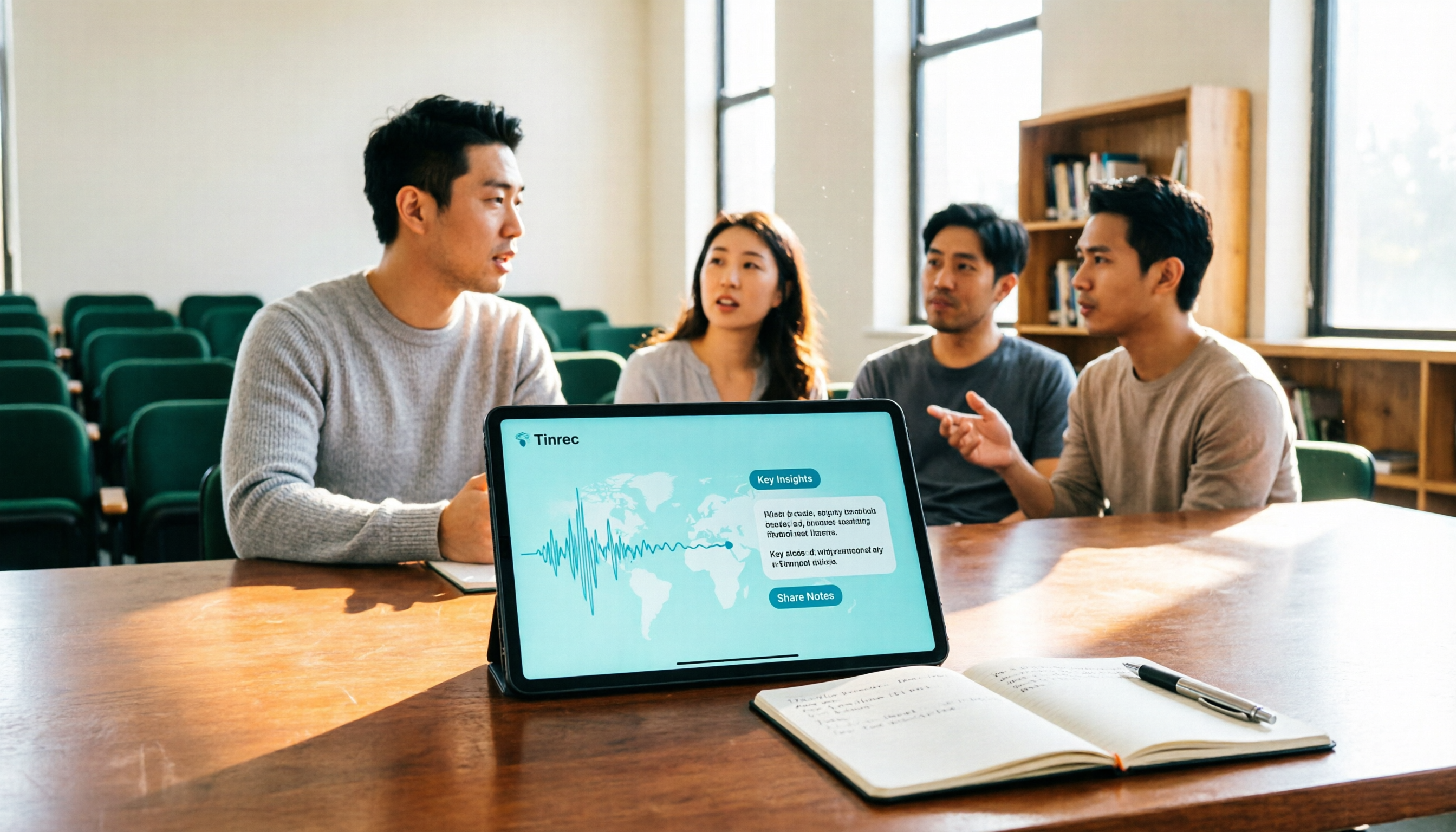
Traditional tools usually only solve the step of "turning sound into text," but modern workplace and learning scenarios need "post-use efficiency." Take Tinrec as an example: it is a multi-device AI recording assistant supporting iOS, Android, and web. It not only automatically recognizes and transcribes foreign language meetings and courses but also generates project decision records and action item summaries. It is suitable for cross-border meetings and online course notes, but note that the free version has a 100-minute monthly limit; if you have high-frequency needs, consider the Basic or Pro version.
Practical Guide: 4 Steps to Turn Recordings into High-Value Assets
Whether you are using a Sony voice recorder file or recording directly with your phone, you can turn speech into valuable notes through the following steps:
Step 1: Real-time Speech-to-Text During Recording
If you are in a meeting, simply open the software and use the "real-time recording to text" feature. The system will record and transcribe in real time, no waiting, so you can keep up with the discussion.

Step 2: Audio File to Text
If you have already recorded high-quality MP3 or WAV files with a Sony voice recorder, just upload the audio file to the platform. The system will quickly transcribe and automatically differentiate speakers.

Step 3: Podcast / Online Video to Text
If your learning material comes from YouTube or an online podcast, simply copy and input the URL. The system can directly parse the online video link and generate a transcript and key summary.

Step 4: AI Conversational Query and Export
After obtaining the transcript, the most useful feature is the "AI conversational query." You can ask questions about the recording content, such as "What are the next week's action items mentioned?", and let the AI quickly retrieve and answer. Finally, export the content in your desired format.
Frequently Asked Questions about Voice Recorders and Transcription Tools

Q1: I bought a Sony voice recorder. How can I convert the audio files to transcripts for free? You can import the audio output from the recorder into an AI transcription tool that offers a free tier (e.g., some tools provide 100 free minutes per month), and it will automatically generate transcripts and summaries.
Q2: Can the built-in Voice Memos on iPhone replace a professional voice recorder? iPhone recording is convenient, but for distant in-person meetings or noisy environments, Sony voice recorders have clear advantages with their directional microphones and noise reduction. It's recommended to capture audio with hardware and then process text with software.
Q3: Can I transcribe online meetings from Teams or Google Meet? Yes. Many AI recording assistants support real-time transcription of online meetings via web or system audio capture, ideal for remote workers.
Q4: Do transcription tools support mixed languages or foreign languages? Advanced AI assistants now support automatic recognition of multiple languages like Chinese, English, and Japanese, perfect for cross-border meetings and foreign language courses.
Q5: In multi-speaker meetings, can AI differentiate speakers? Most high-end AI transcription tools have a "speaker diarization" feature that splits speech segments by voiceprint recognition.
Q6: What export formats are available for these tools? They usually support exporting transcripts or summaries as TXT, Word, Markdown, and other formats, convenient for editing in other note-taking software.
Final Recommendation After choosing a Sony voice recorder to solve audio quality issues, the subsequent text organization is the real test of productivity. We suggest preparing a 10-minute meeting or lecture recording to run through the entire process, evaluating whether the workflow from recording to understanding to action is smooth, before deciding on the best long-term solution for you.
Turn every recording into actionable outcomes
Get 60 free transcription minutes when you sign in. No credit card required.
Related Reading
You might also like

Tinrec vs Notta 2026: 5-Dimension Comparison — Which Writes Meeting Minutes Faster?
Struggling to finish meeting minutes? The problem is usually the process, not your writing. This article compares Tinrec and Notta across 5 dimensions: audio capture method, Chinese and mixed Chinese-English recognition, recording retention, post-meeting outputs, and team sharing. It explains how to use tools to get transcripts, summaries, and action items done in one go, with a pitfalls guide and selection advice.

3 Legal Meeting Transcription Methods Tested in 2026: How Tinrec Helps You Avoid Common Pitfalls
Transcribing legal meeting recordings isn't as simple as dropping audio into a tool. This article explores common pitfalls and explains how Tinrec turns pre-trial meetings, client interviews, and internal discussions into searchable, queryable, and actionable transcripts and meeting materials. It also covers 5 key factors to consider when choosing a transcription tool.

4 Customer Interview Transcription Tools Tested in 2026: Which One Actually Saves You Cleanup Time?
Tired of spending hours on customer interview transcripts? We tested 4 tools, covering selection criteria, an in-depth look at Tinrec, and pitfalls to avoid, to help you find a transcription solution that truly saves you cleanup time.

2026 M4A to Text: 5 Tools Tested + AI Summaries and Action Items in One Go
M4A is the most common audio recording format, but converting it to text is just the first step. This article starts with common pitfalls, breaks down 5 key factors for choosing an M4A-to-text tool, tests how Tinrec turns an M4A file into a transcript, summary, action items, and queryable meeting data, and briefly reviews TurboScribe, Notta, and Granola for their use cases and things to watch out for.
4 Podcast Transcription Tools Tested in 2026: Which Saves More Time—Transcripts or AI Summaries?
The same podcast audio file yields completely different results when run through four tools. This hands-on test compares Tinrec, Apple Podcasts' built-in transcripts, Notta, and TurboScribe, covering transcript readability, AI summaries and Q&A, export formats, and team collaboration. We also highlight common pitfalls around free quotas and per-file limits to help you find the most time-saving podcast transcription workflow.
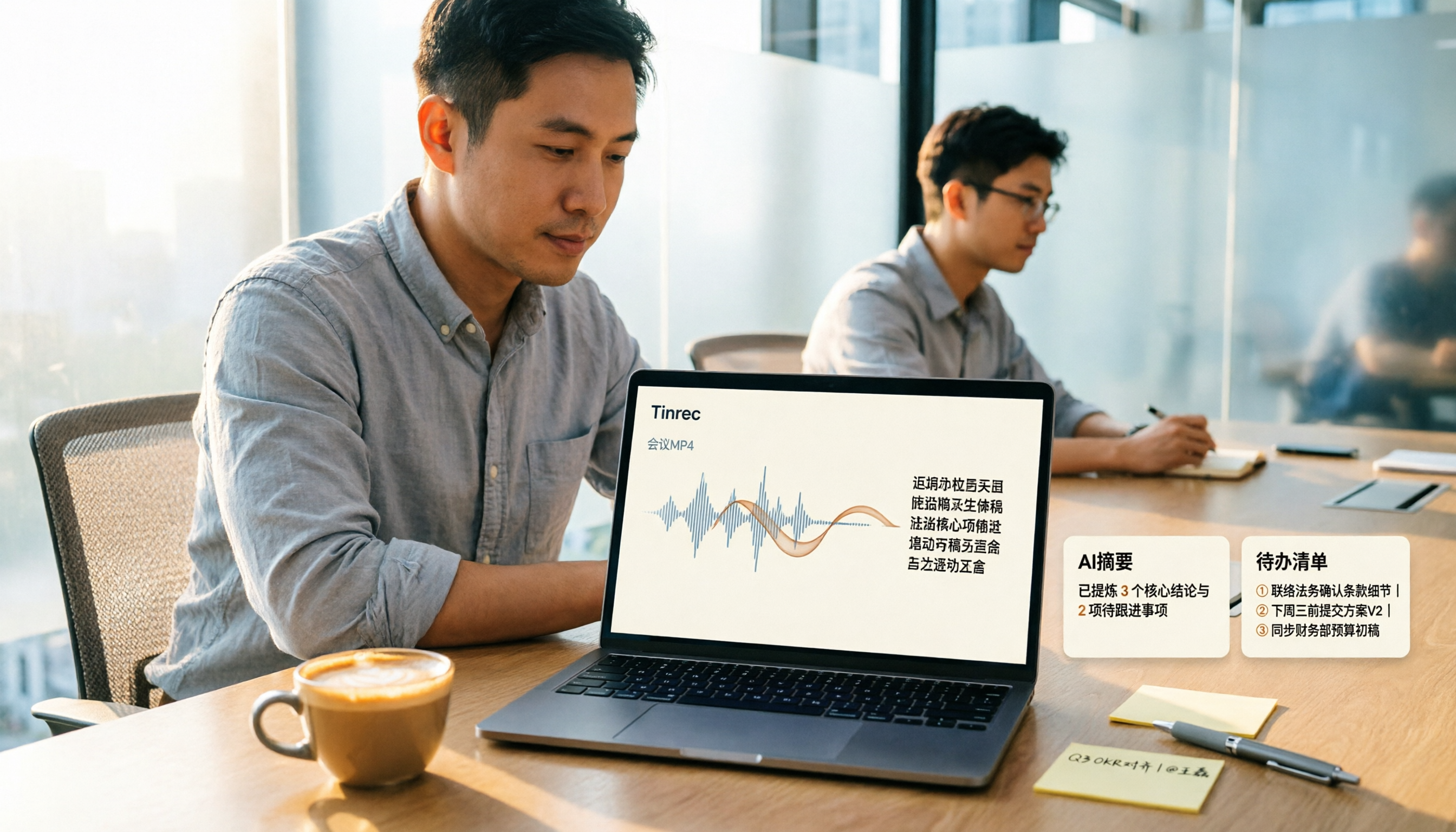
How to Convert MP4 to Text in 2026: Auto-Generate Transcripts + AI Summaries & Action Items
How do you choose an MP4-to-text tool? From the perspective of a mid-level manager running 15 meetings a week, I tested uploading meeting MP4s to Tinrec and evaluated the transcript, AI summary, and action item results, then compared it with TurboScribe, Notta, and VEED. I've compiled 4 key buying factors and 4 pitfalls to avoid, helping you pick the one that actually gets the job done.
4 Best Lecture Transcription Tools in 2026: Can a 3-Hour Lecture Really Become Usable Notes?
How do you choose a lecture transcription tool? This article covers four key factors: audio quality, file import, post-lecture organization, and team sharing. It compares Tinrec, Notta, TurboScribe, and PLAUD, with common pitfalls and selection advice to turn your lecture recordings into truly usable notes.

2026 Business Meeting Summary Tools Compared: Tinrec vs PLAUD Note — Which One Is Right for You?
Both tools can summarize a business meeting, but one requires hardware and the other doesn't. We compare Tinrec and PLAUD Note across hardware requirements, online meeting recording, post-meeting organization, team collaboration, and Chinese recognition to see which business meeting summary tool is better suited for professionals.

How to Transcribe Journalist Interview Recordings in 2026: A Complete 5-Step Guide
How do you transcribe interview recordings? This article covers 4 key factors for choosing a tool and a 5-step workflow, takes a deep look at Tinrec's Chinese transcription, AI Q&A, and team workspace, and compares the best use cases and limitations of Otter.ai, Granola, and Notta.