

Turn recordings into transcripts and summaries in minutes
Upload audio or video for multilingual transcription, AI notes, and action items
Google Meet vs WhatsApp in 2026: 5-Dimension Comparison — They're Actually Completely Different
Let me ask you a question first: What you need right now is either "to hold a meeting with an agenda and a record" or "to reach someone anytime for a quick word."
Both needs seem solvable with video, but the underlying tool logic is completely different. Once you understand this, you won't ask "isn't one enough?" anymore.
Simply put: Google Meet is a video conferencing tool, WhatsApp is a messaging app. They overlap, but they cannot replace each other.
Why do people compare these two?
Because the surface features really are similar. Both offer one-on-one video calls, group calls, messaging, and screen sharing.
Someone on Reddit discussed "Is WhatsApp ready to replace Google Meet?" and one reply put it bluntly: WhatsApp is a video calling app, Google Meet is not just calling—it's a video conferencing app.
My own habit when testing tools is this: first look at "what scenario does this tool assume you're opening it for." Meet assumes you're starting a meeting, WhatsApp assumes you're reaching out to talk. That one point determines all the design that follows.
Understand these 5 key differences first, then decide whether to install
1. Positioning: Meeting room vs chat room
Google Meet's core is "multi-person meetings," with meeting links, scheduling, and a host concept.
WhatsApp's core is "conversation," with meetings just being one feature.
2. Completeness of multi-person meetings
According to GetApp's comparison page, Google Meet offers HD video and audio conferencing for up to 100 participants, plus live captions, meeting recording, multi-device chat sync, and chat history retention.
WhatsApp's group calls are mainly for small, impromptu gatherings—not designed for "a 30-person department monthly meeting."
3. How to bring people in
With Meet, just give a link—it works best with calendar scheduling.
WhatsApp requires the other person's phone number. Someone on Reddit pointed out this difference: people change phone numbers much more often than they change email addresses.
4. What's left after the meeting
This is the biggest dividing line. Meet has captions and recording, so the meeting process can be preserved.
WhatsApp leaves behind chat history. A user review on Software Advice mentioned that WhatsApp only allows login from a single device and relies on the user's existing cloud storage, making it hard to carry all conversations and data when switching platforms.
5. Account mechanism
Meet uses a Google account. WhatsApp is tied to a phone number, essentially more mobile-first.
Google Meet: A tool built for "a meeting"
One-sentence positioning: Google Meet is Google's video conferencing service for mobile and web, enabling voice and video meetings for small to large teams.
Its strength lies in the meeting process itself. Before the meeting, gather people via link or calendar; during the meeting, share screen, turn on captions, record if needed; after the meeting, chat history remains for reference. A user on Capterra mentioned that screen sharing, chat, and captions make meetings more efficient, and the platform remains stable with large numbers of participants.
I think it's best suited for these scenarios:
- Department weekly meetings, project syncs: need fixed times and fixed members.
- Client proposals, cross-company communication: attendees may not be from the same organization—sharing a link is fastest.
- Online courses, lectures: need captions and larger participant counts.
- Discussions that need a visual record: when recording is required, Meet is far more practical than a pure messaging app.
Stop organizing recordings by hand
Upload audio or video and automatically get a transcript, summary, and action items
Note that Google Meet solves "getting the meeting done," but doesn't guarantee "post-meeting data is usable." Recorded videos don't automatically become transcripts, summaries, and action items.
If you have to organize meeting notes every week, that time cost is usually higher than the meeting itself.
In that case, consider pairing with Tinrec. Its desktop version directly captures computer system audio without inviting a meeting bot, so it can record Google Meet, Zoom, Microsoft Teams, Webex, and other online meetings, generating transcripts while recording.
After the meeting, AI organizes summaries, chapters, and action items, and you can ask questions directly about the meeting content, such as "What was the budget consensus?" It also supports real-time translation, multi-format export, and the team version includes independent team spaces, role and seat management, usage analytics, and audit logs, so meeting data doesn't get tied to individual accounts.
Limitations are clear too: the free version has a basic quota, heavy users need to pay; the team version is USD 29.80 per paid seat per month, or USD 199 per paid seat per year. Eligible teams can try 7 days free with 1 free seat and 300 minutes of shared onboarding quota. Actual prices and benefits are subject to the official purchase page.
WhatsApp: A messaging app centered on "chat"
One-sentence positioning: WhatsApp is a messaging-centric communication app that supports voice and video calls, often used by customer service, marketing, sales, and e-commerce teams for real-time customer interaction.
Its advantage is clear: low barrier to entry. Anyone with a phone number can connect—elderly relatives, clients, contractors can all use it. That's a level of ubiquity Meet can't match.
Tinrec's comparison article describes it well: WhatsApp calls are more like "picking up the phone and dialing," suitable for family, friends, and urgent matters.
But its limitations in meeting scenarios are also practical:
- No meeting agenda or host process—easy to get chaotic with many people.
- No recording or caption mechanisms designed for long meetings.
- Tied to phone number—switching devices and backing up is more troublesome.
- Files and discussions scattered in chat rooms—hard to organize afterward.
So WhatsApp isn't weak—it was just designed to solve a different problem.
Pitfall guide: The 4 most common mistakes of using the wrong tool
Pitfall 1: Using WhatsApp for formal meetings. No captions, no recording, no meeting structure—afterward you're left with a pile of messages and have to piece together conclusions yourself.
Pitfall 2: Using Meet for daily communication. Having to generate a link and wait for the other person to join every time—opening a meeting room just to ask "what time tomorrow?" is actually slower.
Pitfall 3: Thinking "having a recording" equals "having a record." A recording file won't turn itself into action items. Without transcription and summarization, three months later you'll only remember "we seemed to have discussed it."
Pitfall 4: Ignoring backup and device limitations. If important communication only stays in phone conversations, switching phones or platforms creates a data gap. This is also a common complaint about WhatsApp from many users.
Conclusion: Which one should you actually use?
Back to the original question: Are Google Meet and WhatsApp similar? No. They just both support video.
It's clearer to route by scenario:
- Meetings with agendas, multiple participants, needing captions or recording → Google Meet.
- Family, friends, urgent matters, quick one-on-one confirmations → WhatsApp.
- Frontline customer contact and instant replies for businesses → WhatsApp remains a common choice.
- Meetings needing transcripts, summaries, and action items, and to be retained as team data → Google Meet with Tinrec.
- Install both → Completely reasonable, they don't conflict.
Honestly, most people end up using both: formal meetings on Meet, daily communication on WhatsApp. What really deserves attention is "after the meeting ends, how does that content become data you can find and use."
One final reminder: before recording and transcribing, please comply with local regulations and obtain participant consent when necessary.
References
- Google Meet vs WhatsApp - 2026 Comparison - Software Advice
- Google Meet vs WhatsApp Comparison (2026) - GetApp
- r/whatsapp on Reddit: Do you think WhatsApp is ready to replace Google Meet as a full conference platform (audio and/or video) on mobile, desktop and web?
- Compare Google Meet vs WhatsApp 2026 | Capterra
- Google Meet vs WhatsApp 2026: In-Depth 4-Dimension Comparison – Which One Should You Use? - Official Tinrec Blog
Turn every recording into actionable outcomes
Get 60 free transcription minutes when you sign in. No credit card required.
Related Reading
You might also like

Google Meet vs FaceTime in 2026: A Complete Guide to Cross-Platform Differences and Post-Meeting Organization
Are Google Meet and FaceTime similar? Both offer video calling, but one is a cross-platform online meeting room and the other is a built-in call feature within the Apple ecosystem. This article uses 5 key differences, real-world scenarios, and pitfalls to help you decide which one to use—and when you need Tinrec to handle post-meeting organization.

2026 Comparison of 4 Meeting Tools: Is Google Meet Really Better Than Skype?
Skype has been retired, so asking "Is Google Meet better than Skype?" is practically comparing Google Meet, Microsoft Teams, and post-meeting organization tools. This article breaks down call quality, cross-platform support, meeting data retention, and post-meeting collaboration from four angles, and tests Tinrec's bot-free recording, AI summaries, and Q&A workflow to help you decide which one to choose.

2026 Comparison of 3 Meeting Note Tools: Beyond Google Meet and Microsoft Teams, Who Is Tinrec For?
Which is better, Google Meet or Microsoft Teams, depends on which ecosystem your work environment is in; but both only solve 'having the meeting,' not 'after the meeting.' This article compares the two from a hands-on testing perspective, then explains why meeting notes should be handled by cross-platform Tinrec: no-bot recording, real-time transcription, AI summaries and action items, plus team edition seats and governance design.

Google Meet Free Plan in 2026: 3 Versions Compared
Google Meet's free version lets you hold meetings, but recording, noise cancellation, and AI features are part of the paid Google Workspace plans. This article clarifies the actual boundaries between free and paid versions (24-hour 1-on-1 calls, 60-minute group meetings, 100 participant limit) and explains how to choose if you need post-meeting transcripts, summaries, and action items: a comparison of Google Meet's built-in features, Otter.ai, Notta, Granola, and Tinrec.

Google Meet Down in 2026? How to Check Outages and 4 Backup Tools Tested
When Google Meet won't load, most people make the wrong first move. This guide covers common mistakes, explains 4 ways to verify if Google Meet is down, and tests 4 backup and note-taking tools so you're ready before your next meeting disruption.

Google Meet vs Messenger in 2026: Which Should You Choose? Breaking Down Video Meetings vs Instant Messaging
Google Meet or Messenger? They're not the same type of tool: one is built for formal meetings, the other for everyday communication. This article breaks down use cases, account requirements, post-meeting output, and data retention across four key decision points, and tests how Tinrec fills the gap in post-meeting organization, with a pitfalls guide and selection advice.

Google Meet vs Skype in 2026: 6 Key Differences Compared — Which Is Right for You?
Is Google Meet like Skype? The answer is that they overlap but are fundamentally different: Meet is an online meeting room you can open in a browser, while Skype is a communication app installed on your computer—and Skype has been retired, with users directed to Microsoft Teams. This article compares the two across six dimensions—positioning, participant limits, join requirements, chat features, and post-meeting organization—to help you decide which one to choose.
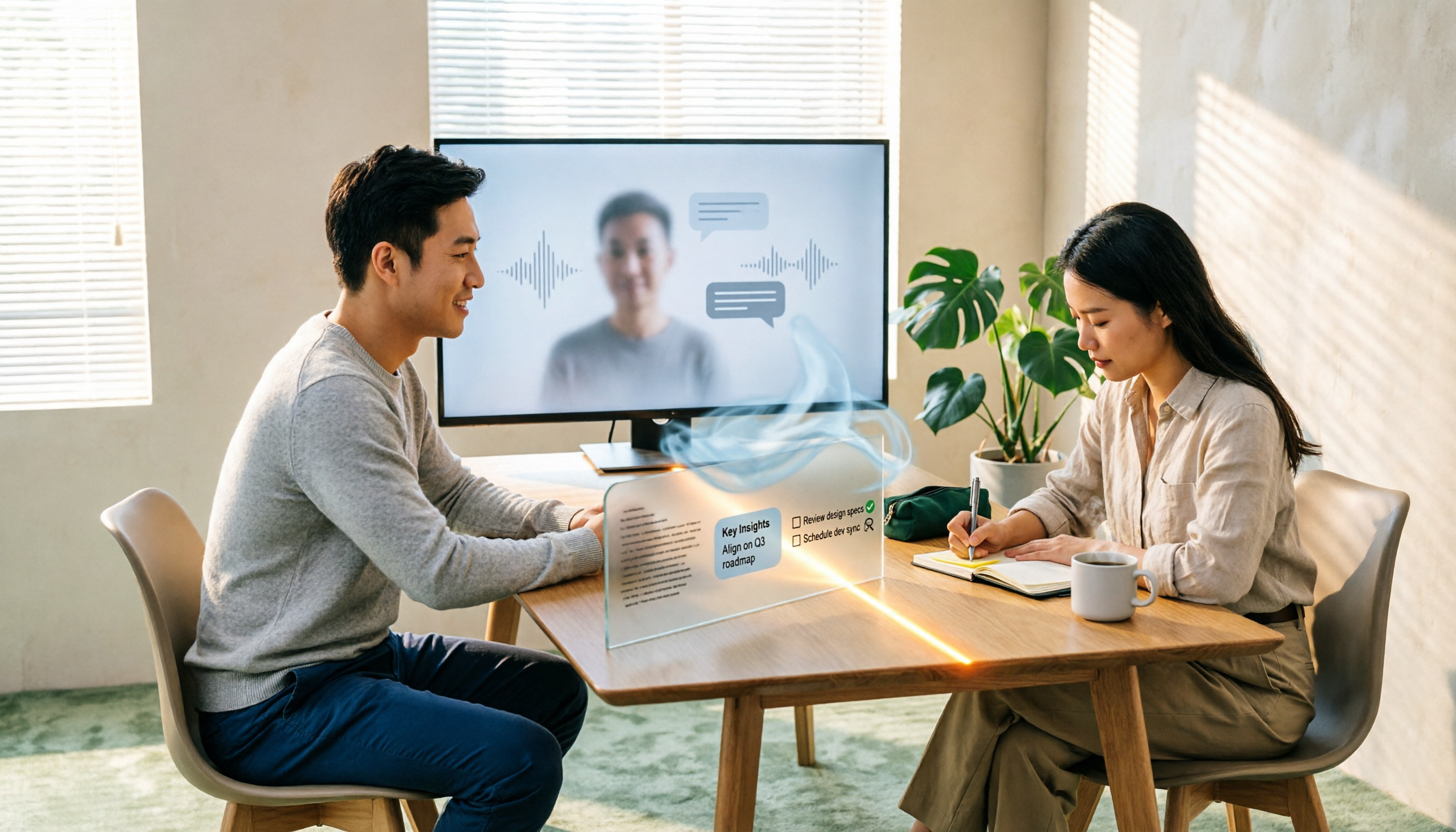
Google Meet vs WhatsApp: Which Is Better? 2026 Hands-On Test of 3 Tools — Meetings and Chatting Can't Replace Each Other
Many people assume Google Meet and WhatsApp are similar because both offer video calls, but one is a meeting tool and the other is a chat tool. This article examines four key aspects—use cases, participant scale, post-meeting records, and data ownership—to explain the differences, and adds a point most people overlook: after a meeting ends, how to retain transcripts, summaries, and action items.

2026 Complete Guide to Meeting Notes: Google Meet vs WhatsApp and Tinrec Use Cases
Google Meet and WhatsApp are often compared, but they serve different purposes. This guide starts from real meeting scenarios to explain their differences and shared gaps, then outlines the capabilities meeting notes tools should have, key purchasing considerations, and how Tinrec is applied in practice.