

Turn recordings into transcripts and summaries in minutes
Upload audio or video for multilingual transcription, AI notes, and action items
The hard part of visit notes isn't writing—it's not having time to write
After visiting three clients in a day, back in the car, all you can usually remember is one sentence: "He said the budget has to wait until Q3."
An online client interview lasts an hour. When the meeting ends, there's no transcript, no action items—just scattered notes on the page.
Three months later, your manager asks: "Which competitors did Client A mention at the time?" You search through your phone's notes and still can't find it.
The problem this article solves is very specific: Should customer visit records be kept in an app, in Excel, or with recording plus AI organization? I'll first list the decision points, then discuss how to choose among four tools.
Before Choosing a Visit Recording App, Understand These 4 Key Points
1. Do you need a "form" or "content"?
The first few fields a visit record should have are easy to write from memory: client name, visit time, attendees.
What really gets missed are these later items: which competitors the client proactively mentioned, what the comparison points were, what we promised, what the deadline is, and who is responsible for the next step.
No matter how beautifully designed the fields are, if the content isn't captured, the form has no reuse value three months later.
2. Should audio files be kept?
The biggest fear with visit records is misremembering.
With audio, you can go back and verify exactly what the client said. Some tools only provide transcripts and don't save audio, so if you later want to confirm tone or numbers, there's no way to check.
3. Can it be operated with one hand on-site?
Salespeople often need to take notes on the fly—in the car, on the stairs, or at the client's meeting room door.
If a tool requires sitting down at a computer to use, it's destined to be skipped.
4. Where does the data ultimately go?
The endpoint of visit records is usually not the app itself, but the company's shared documents or the weekly report the manager wants to see.
Whether it can be exported and shared with the team determines whether this record is a "personal note" or a "company asset."
Tinrec: Let Visit Records Take Shape on the Spot
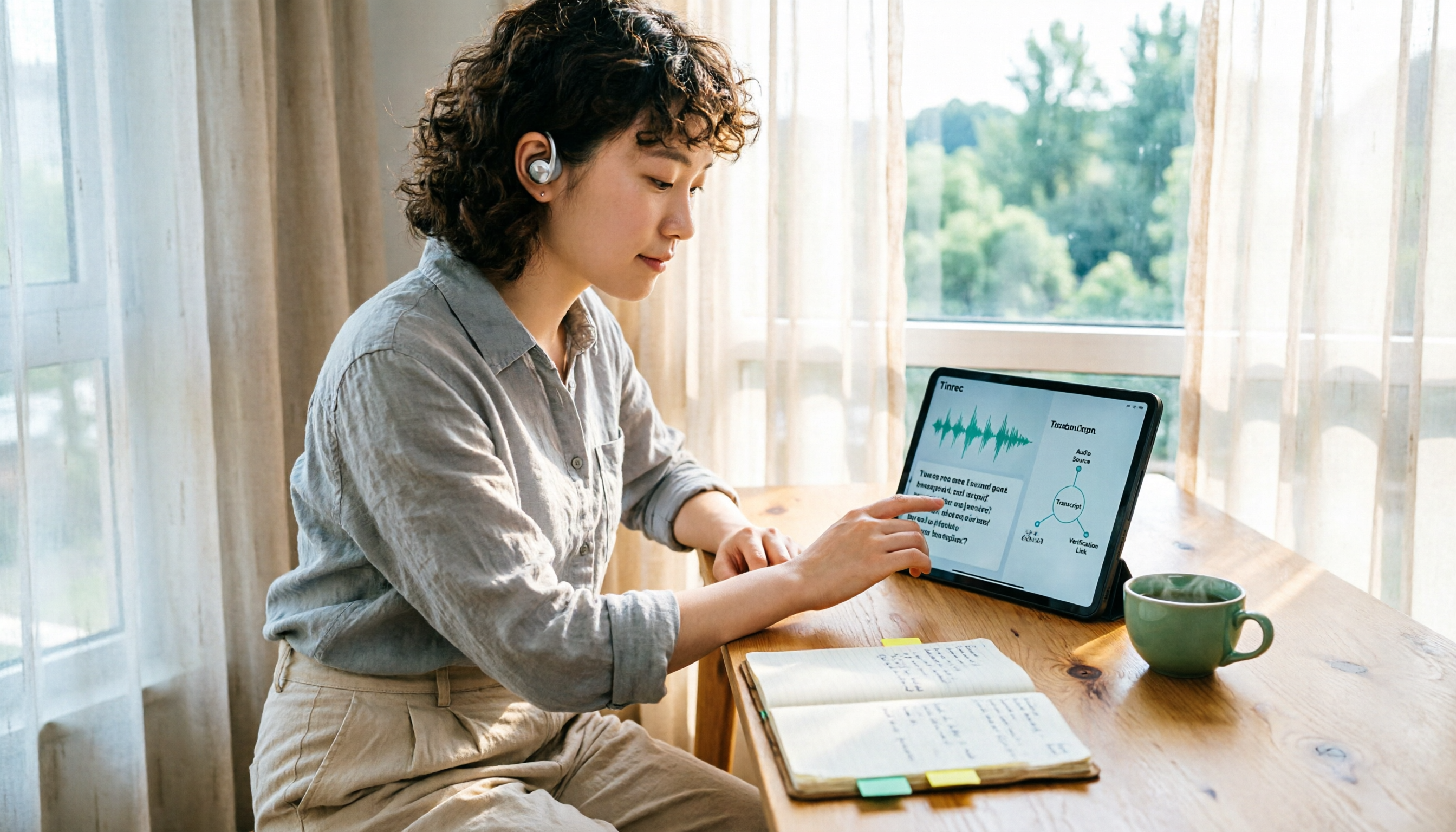
Tinrec is an AI meeting notes and collaboration tool for individuals and teams, available on web, desktop, and mobile. It doesn't just convert voice to text—it organizes a visit into searchable, queryable data that can be further processed.
On-site visit: transcript appears as you speak. Open the app on your phone in the client's meeting room and start recording; the transcript is generated simultaneously. By the end of the visit, you already have a complete conversation with timestamps, so you no longer have to rely on memory to recall "did he say the budget is in Q3?"
Online client meetings: no meeting bot needed. Many requirements interviews now take place on Zoom, Google Meet, Microsoft Teams, or Webex. The Tinrec desktop version directly captures the computer's system audio without inviting an extra bot to join the meeting, so no strange name appears in the participant list.
Five minutes after the meeting: summary, chapters, and action items all at once. AI automatically generates summaries and chapters, and organizes action items from the discussion into to-dos. Who promised what and by when is listed directly for you—exactly filling in the cells most easily missed in visit record forms.
Even better is AI Q&A. After recording, you can directly ask it: "Which competitors did this client mention?" "What did we promise?" "What should we discuss in the next follow-up?" It doesn't give you keyword search results; it answers directly based on semantics. Currently, almost no tools at the same price point have this feature.
Export and retention. Organized content can be exported to Notion, Google Docs, OneNote, or Dropbox for continued use; past visit recordings, phone call recordings, and even video files can also be uploaded for transcription—not just new meetings.
Stop organizing recordings by hand
Upload audio or video and automatically get a transcript, summary, and action items
Multi-person sales teams: If visit records are to become company assets, the team version offers independent spaces rather than multiple people sharing one account. You can create multiple teams, invite members via link, set owner/admin/member roles, and control who can record, upload, and edit via seats. Managers can view usage trends and member details, plus audit logs and an audio recycle bin (accidentally deleted audio files can be restored before permanent cleanup).
Currently, the team version's first eligible trial is 7 days, 1 free seat, and 300 minutes of team shared import quota; monthly billing is USD 29.80 per paid seat per month, annual billing is USD 199 per paid seat per year (equivalent to about USD 16.58 per month), with each paid seat providing 2,000 minutes of team shared import quota per month. Real-time recording is currently not deducted by minutes under valid plans and seats; file and web imports use the team shared quota.
Note: The free version is a basic quota, and heavy visitors will quickly need a paid plan; transcription and summary performance can be affected by recording quality, background noise, accents, multiple people speaking at once, and technical terminology. Important numbers and commitments should be verified against recording timestamps. Also, remember to inform the other party and obtain consent before recording.
Who it's for: Sales and customer success teams who visit clients weekly, frequently conduct online requirements interviews, and want to avoid spending extra time catching up on notes after visits.
Besides Tinrec, What Other Options Are There?
Visit Record App (App Store) The developer is a former salesperson turned software engineer. It focuses on visit planning, visit records, and enterprise management. You can set tags for enterprises, record the office building and attention level; schedule management is its strength. However, it is essentially a digital form: it doesn't handle recording, has no transcript, and content still relies on you typing on the spot or recalling afterward. If you only need to structure visit schedules and client lists, it's sufficient; but if you want a complete conversation you can refer back to, it can't do that.
Granola It also captures device audio without a bot. Basic is free, Business is USD 14 per user per month. Its strength is combining user handwritten notes with AI-enhanced content. Note that it does not support uploading existing recording files and does not save meeting audio. If the client visit has unstable network or you want to replay a conversation afterward to verify, there will be a gap—Tinrec retains audio and also supports audio and video file import.
Otter.ai A veteran choice for English meetings. Basic is free with 300 minutes per month; Pro annual billing is about USD 8.49 per user per month. If your client visits are mainly in English, it offers good value. But it's not as smooth with Chinese or mixed Chinese-English visit content, and post-meeting Chinese summaries and action items are not its strong suit.
Pitfall Guide: The 4 Most Common Mistakes When Choosing a Visit Recording App
Pitfall 1: Choosing the form with the most fields. More fields doesn't mean you'll fill them in. What really should be captured is competitor mentions, our commitments, deadlines, and next steps.
Pitfall 2: Ignoring audio retention. Tools that only provide transcripts and don't save audio cannot verify tone and numbers afterward—when problems arise, you can only guess.
Pitfall 3: Using phone speakerphone to record online visits. Recording an online meeting by pointing your phone at the speaker will significantly degrade audio quality. Switching to the desktop version to capture system audio makes a big difference in transcript usability.
Pitfall 4: Buying AI features but only using them as a voice recorder. If you only use the tool as "recording to text," you're using only one-third of its capability. After recording, directly ask it "What are the conclusions and action items from this visit?"—much faster than manually scrolling through a 30-minute transcript.
Conclusion: Which One Should You Choose?
To circle back: the point of visit records is not the form, but whether you can capture the "content."
- Want a timestamped transcript and action items right after the visit → Tinrec
- Don't want an extra bot joining online client meetings → Tinrec
- Record on phone, organize on computer, need cross-device use → Tinrec
- Clients speak English throughout, budget is zero → Otter.ai
- Only need visit schedule and client list management → Visit Record App
We suggest first running a real visit with Tinrec's free version. After recording, ask it on the spot: "What competitors did this client mention and what did we promise?"—then you'll know whether this type of tool is worth keeping. If it works for you, then discuss upgrading; no need to pay upfront.
References
Turn every recording into actionable outcomes
Get 60 free transcription minutes when you sign in. No credit card required.
Related Reading
You might also like

Yating Transcription vs. Tinrec: A 5-Dimension Comparison for 2026 — What to Look Beyond Referral Codes
We break down the reality of Yating Transcription referral codes and pricing, then compare Yating Transcription and Tinrec across five key buying dimensions. This helps you decide whether to hunt for a discount code or switch to a workflow that handles both meeting notes and post-meeting action items.

2026 Comparison of 4 Transcription Tools: Is Yating Transcription Good? Who Is It Best For?
Is Yating Transcription really good? I tested Yating Transcription, Notta, Otter.ai, and Tinrec for a whole semester, comparing Traditional Chinese and Taiwanese accent recognition, free quotas, post-meeting summaries and AI Q&A, cross-platform export, and more, to provide practical recommendations and pitfalls for students.

Which Client Visit Record Tool Is Best? 2026 Hands-On Test of 3 Options: Tinrec Wins for Handoffs
A client visit record isn't just about filling out a form—the real challenge is handing off the client's exact words, commitments, and next steps to colleagues. Starting from handoff-ready field design, this article outlines 4 key selection criteria, compares Tinrec, Granola, and TurboScribe in hands-on testing, and includes the 4 most common pitfalls sales teams face plus scenario-based recommendations.

6 Transcription Tools Tested and Compared in 2026: Which Country Developed Yating Transcription?
Which country developed Yating Transcription? Two claims circulate online: a 'Taiwanese team' and 'China's iFlytek.' This article cross-checks the App Store developer field, official website, and app description to give the answer first, then lists 6 transcription tools worth adding to your shortlist, including free quotas, paid pricing, and use cases, to help you decide which one to use.

4 Transcription Tools Tested: Which Is Better Than Yating? Who Saves the Most Time After Meetings?
A mid-level manager who holds 15 meetings a week tests four transcription tools—Yating, Notta, Otter.ai, and Tinrec—covering Taiwanese Hokkien and mixed Chinese-English recognition, post-meeting summaries and action items, AI Q&A, team data ownership, and pricing plans to reveal the real answer to 'which is better than Yating?'
Which Country Developed Yating Transcription? 3 Steps to Verify the Source and Alternatives
Which country developed Yating Transcription? This article uses 3 steps to help you verify the development team's origin, explains the difference between Taiwan AI Labs and the circulating claim about China's iFlytek, and compares Yating Transcription, Tinrec, Otter.ai, and Notta from three angles: language support, post-meeting output, and data storage, to help you decide which audio-to-text tool to use.

2026 Comparison of 2 Client Visit Record Tools: Excel Template vs Tinrec — Which Captures More Clues?
Starting from the pain points of post-visit documentation, this comparison examines Excel visit record templates and Tinrec in terms of capturing verbatim quotes, field examples, post-meeting handoff, team knowledge retention, and usage costs. It also provides visit record fields and examples you can apply directly.

2026 Comparison of 4 Client Visit Recording Platforms: Which Free Version Actually Captures What Clients Say?
How to choose a client visit recording platform? This article starts from the key decision point of 'can you look it up later?' and covers 4 key selection criteria, tests Tinrec's actual workflow in on-site visits and online meetings, compares the differences and limitations of Notta, Granola, and PLAUD, and includes free and paid plan pricing to help you choose the right visit recording tool.

2026 AI Speech-to-Text Tools Compared: Which One Actually Saves Time After Meetings?
From meeting recordings and transcripts to post-meeting action items, we compare 4 AI speech-to-text tools. This article breaks down selection criteria and pitfalls from a procurement decision perspective, and explains Tinrec's positioning in bot-free recording, Chinese meetings, AI Q&A, and team knowledge retention.