
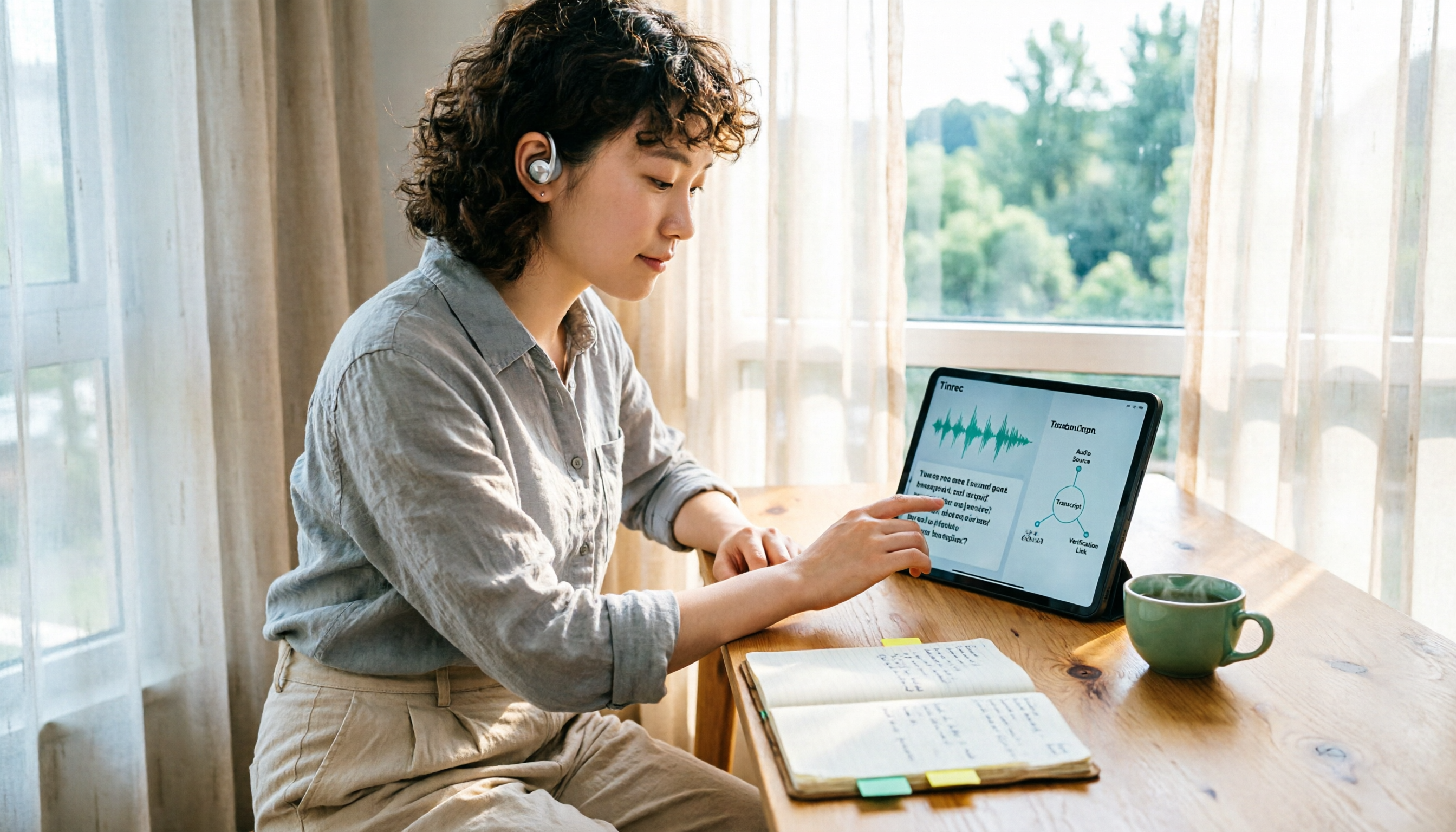
Turn recordings into transcripts and summaries in minutes
Upload audio or video for multilingual transcription, AI notes, and action items
When you type "Yating Transcription" into the Google search bar, the dropdown menu automatically suggests "which country."
This question may seem like trivia, but it's actually a practical decision point: are you going to hand over an entire meeting, a client interview, or even a recording with sensitive information to a tool whose development background you don't even understand?
Let's put the conclusion first. Based on currently verifiable official pages and App Store developer information, Yating Transcription points to a Taiwanese team. But more important than the conclusion is: you need to know how to check for yourself, and once you've checked, how to judge whether it's suitable for you.
Which country developed Yating Transcription? 3 clues to check yourself
Clue 1: The developer field on the App Store
Open the Yating Transcription page on the App Store, scroll down to the "Developer" section, and it shows AILabs. This is the abbreviation for Taiwan AI Labs.
The developer field in an app store is a relatively reliable clue because it requires platform review and cannot be arbitrarily changed like website copy.
Clue 2: What the official website and product description say
The official introduction page for Yating Transcription states directly: "AI transcription software developed by a Taiwanese team," and the App Store description also mentions "100% Made In Taiwan," emphasizing that funding, data collection, and developers all come from Taiwanese civil organizations.
Its main language capabilities also feel very local: Taiwanese Mandarin, Taiwanese Hokkien, Cantonese, Japanese, and the mixed Chinese-English "Jingjing style." This language combination is basically designed for the daily speaking style of Taiwanese users.
Clue 3: There are indeed opposing claims online
During your search, you may also see articles claiming that Yating Transcription is actually a service from China's iFlytek, not developed by a Taiwanese team.
Such claims do not currently appear on Yating's official pages or App Store developer information. Honestly, when encountering conflicting sources, I don't rush to take sides; instead, I go back to the two most original places to verify: the official website's About page and the app store's developer field.
**Verification conclusion:** Based on currently verifiable data, the developer of Yating Transcription points to Taiwan AI Labs. If you are extremely sensitive about the source, it is recommended to rely directly on the App Store developer field and review the team's privacy policy before adoption.
To judge whether a transcription tool is usable, look at these 3 key points first
After checking the nationality, the next question is: which one should I use?
Key point 1: Does it understand what you're saying?
The recognition rates advertised officially are usually measured in quiet environments. Real meeting rooms have air conditioning noise, keyboard sounds, multiple people talking over each other, and a bunch of product codes and English abbreviations.
The way to judge is simple: take a recording of yourself in your most common scenario and test it, don't just use the demo audio files.
Key point 2: What do you get after recording?
Getting only a transcript versus getting a transcript plus summary plus action items are completely different workloads.
If your meetings often exceed one hour, rather than dragging through it yourself from start to finish, choose a tool that can directly produce structured content after the meeting.
Key point 3: Where is the data stored, and are audio files retained?
The difference between a personal account and a team space may not be obvious normally, but it becomes a big problem when a colleague leaves or a project is handed over.
Also pay attention to the audio retention policy: some tools keep only text and not audio, while others retain recordings for playback. This affects whether you can verify what was said afterward.
Tinrec — our main tool after actual use
Tinrec is an AI meeting notes and collaboration tool for individuals and teams, supporting web, desktop, and mobile. Its positioning is not just "audio to text," but turning meetings into data that can be searched, queried, and further processed.
**During the meeting, it records and transcribes simultaneously.** The desktop version directly captures the computer's system audio, so when handling online meetings like Zoom, Google Meet, Microsoft Teams, and Webex, you don't need to invite a meeting bot. This is especially noticeable for external client meetings—one less "participant" means one less explanation.
**After the meeting, it organizes for you.** Once the transcript is complete, the system automatically generates a summary, chapters, and action items. Who is responsible for what and what needs to be done before the next meeting—no need to listen to the recording again and figure it out yourself.
Stop organizing recordings by hand
Upload audio or video and automatically get a transcript, summary, and action items
**After recording, it can be queried.** This is where Tinrec differs most noticeably from ordinary transcription tools. You can directly ask it "What was the conclusion about the budget in the last meeting?" and it will answer based on the recording content, rather than throwing a bunch of keyword search results for you to sift through. Cross-language meetings can also enable real-time translation, viewed in original, translated, or bilingual format.
**For multi-person collaboration, it keeps data within the team.** The team version is an independent team space, not multiple people sharing a personal account. Meeting audio, folders, and action items belong to the team; administrators can manage member roles, assign seats, and view usage trends and activity logs. When a member leaves or loses a seat, resources can be handed over to other members and won't disappear with the personal account.
Plans and pricing
The personal version includes a free version, weekly card, Pro monthly card, and Pro annual card. If you occasionally organize a recording, start with the free version to test the waters; for short-term intensive interviews or courses, the weekly card is more cost-effective; for steady weekly needs, the Pro monthly or annual card is more suitable.
The team version currently offers a 7-day trial for first-time eligible users, including 1 free seat and 300 minutes of team shared onboarding quota. The paid plan is USD 29.80 per seat per month, or USD 199 per seat per year (approximately USD 16.58/month), with each paid seat providing 2,000 minutes of team shared onboarding quota per month. Under an active plan and active seat, real-time recording is currently not deducted by minute.
Actual prices, currencies, and promotional content are subject to the official purchase page.
Things to note
The free version has limited quota, and heavy users need to pay. Additionally, any AI transcription is affected by recording quality, accents, background noise, and overlapping speech; for important content, it is recommended to verify by replaying at the transcript timestamps, and not to treat it as a 100% accurate final document tool.
Who is it for
If you frequently hold Chinese meetings, need to handle mixed Chinese-English content, want to get summaries and action items directly after meetings, or switch between phone and computer, Tinrec is a choice worth trying first. When used by a team, its member, seat, and usage management also provide more governance than pure personal tools.
Besides Tinrec, what other options are there?
Yating Transcription
Developed by a Taiwanese team, its support for Taiwanese accents, Taiwanese Hokkien, and mixed Chinese-English is its signature. The app allows recording and transcription simultaneously, which helps hearing-impaired users and interview organization. Its strength is accurately converting speech to text; if you want team spaces, member seats, and "ask AI for conclusions directly after recording," it currently has no corresponding design. Suitable for users who mainly produce personal transcripts.
Otter.ai
A veteran choice for English meetings. The free version offers 300 minutes per month; the Pro annual plan is about USD 8.49/month, with 1,200 minutes per month plus 10 file imports. If you almost always hold English meetings, it's very cost-effective. But the Chinese meeting experience is not its strong suit, and it lacks a desktop version that directly captures system audio for bot-free recording.
Notta
Good at multilingual transcription and file processing. The free version offers 120 minutes per month with a 3-minute limit per item; the Pro annual plan is about USD 8.17/month, with 1,800 minutes per month. Its positioning leans more toward transcription and translation itself; post-meeting AI queries and team data retention are not its main selling points.
Pitfall guide: 3 most common mistakes when checking a tool's background
Mistake 1: Judging nationality by name alone. "Yating" sounds very Taiwanese, but what you should really look at is the App Store developer field and the official website's About page. Conversely, a non-local name doesn't mean the team isn't in Taiwan.
Mistake 2: Treating "supports Traditional Chinese" as "developed in Taiwan." These are two different things. Many international tools' Traditional Chinese interfaces are translated, and their recognition models handle Taiwanese accents, Taiwanese Hokkien, and Jingjing style completely differently.
Mistake 3: Only looking at transcription and ignoring data policy. Meeting recordings often contain client names, quotes, and HR discussions. Before adoption, confirm whether audio files are retained, whether they can be deleted, and how team member permissions are divided. For example, Tinrec's team version separates roles, seats, and member relationships; members without seats can still view data but cannot upload or edit. This granularity is much safer in practice than "everyone can edit."
Conclusion: How should you choose?
Back to the original question: Which country developed Yating Transcription? Based on verifiable official and developer information, the answer is Taiwan AI Labs.
As for how to choose a tool, you can divide it like this:
- Want high-accuracy transcripts for Taiwanese accents, Taiwanese Hokkien, and mixed Chinese-English → Yating Transcription
- Want bot-free recording of online meetings, with automatic summaries and action items after meetings → Tinrec
- Want to directly ask "What was the conclusion of this meeting?" after recording → Tinrec (AI chat query)
- Want phone, computer, and team space connected → Tinrec
- Almost only hold English meetings, budget first → Otter.ai
- Need extensive file transcription and translation → Notta
It is recommended to first test with a real meeting recording you have on hand, not just official demo files. A good tool is one that lets you spend less time re-listening to recordings and less time organizing transcripts. If it feels right, then consider upgrading; there's no need to rush to pay at the beginning.
References
- Yating Transcription
- Yating Transcription
- Yating Transcription - App Store
- Is Yating Transcription from Taiwan? 2026 Audio-to-Text Tool Roundup: Complete Comparison from Otter and Notta to Tinrec - Tinrec Blog
- Generative AI Guide, National Kaohsiung University of Science and Technology - Teaching Resource Repository
Turn every recording into actionable outcomes
Get 60 free transcription minutes when you sign in. No credit card required.
Related Reading
You might also like

Yating Transcription vs. Tinrec: A 5-Dimension Comparison for 2026 — What to Look Beyond Referral Codes
We break down the reality of Yating Transcription referral codes and pricing, then compare Yating Transcription and Tinrec across five key buying dimensions. This helps you decide whether to hunt for a discount code or switch to a workflow that handles both meeting notes and post-meeting action items.

2026 Comparison of 4 Transcription Tools: Is Yating Transcription Good? Who Is It Best For?
Is Yating Transcription really good? I tested Yating Transcription, Notta, Otter.ai, and Tinrec for a whole semester, comparing Traditional Chinese and Taiwanese accent recognition, free quotas, post-meeting summaries and AI Q&A, cross-platform export, and more, to provide practical recommendations and pitfalls for students.

Which Client Visit Record Tool Is Best? 2026 Hands-On Test of 3 Options: Tinrec Wins for Handoffs
A client visit record isn't just about filling out a form—the real challenge is handing off the client's exact words, commitments, and next steps to colleagues. Starting from handoff-ready field design, this article outlines 4 key selection criteria, compares Tinrec, Granola, and TurboScribe in hands-on testing, and includes the 4 most common pitfalls sales teams face plus scenario-based recommendations.

6 Transcription Tools Tested and Compared in 2026: Which Country Developed Yating Transcription?
Which country developed Yating Transcription? Two claims circulate online: a 'Taiwanese team' and 'China's iFlytek.' This article cross-checks the App Store developer field, official website, and app description to give the answer first, then lists 6 transcription tools worth adding to your shortlist, including free quotas, paid pricing, and use cases, to help you decide which one to use.

4 Transcription Tools Tested: Which Is Better Than Yating? Who Saves the Most Time After Meetings?
A mid-level manager who holds 15 meetings a week tests four transcription tools—Yating, Notta, Otter.ai, and Tinrec—covering Taiwanese Hokkien and mixed Chinese-English recognition, post-meeting summaries and action items, AI Q&A, team data ownership, and pricing plans to reveal the real answer to 'which is better than Yating?'

2026 Comparison of 2 Client Visit Record Tools: Excel Template vs Tinrec — Which Captures More Clues?
Starting from the pain points of post-visit documentation, this comparison examines Excel visit record templates and Tinrec in terms of capturing verbatim quotes, field examples, post-meeting handoff, team knowledge retention, and usage costs. It also provides visit record fields and examples you can apply directly.

4 Customer Visit Recording Apps Tested for 2026: No More Office Catch-Up After Client Meetings
Should you use an app or Excel for customer visit records? This article starts with 4 key decision points, then compares Tinrec, Visit Record App, Granola, and Otter.ai. It covers the fields most often missed in visit notes, how to record online client meetings, and the 4 biggest mistakes salespeople make—helping you choose a tool that truly captures the content.

2026 Comparison of 4 Client Visit Recording Platforms: Which Free Version Actually Captures What Clients Say?
How to choose a client visit recording platform? This article starts from the key decision point of 'can you look it up later?' and covers 4 key selection criteria, tests Tinrec's actual workflow in on-site visits and online meetings, compares the differences and limitations of Notta, Granola, and PLAUD, and includes free and paid plan pricing to help you choose the right visit recording tool.

2026 AI Speech-to-Text Tools Compared: Which One Actually Saves Time After Meetings?
From meeting recordings and transcripts to post-meeting action items, we compare 4 AI speech-to-text tools. This article breaks down selection criteria and pitfalls from a procurement decision perspective, and explains Tinrec's positioning in bot-free recording, Chinese meetings, AI Q&A, and team knowledge retention.