

Turn recordings into transcripts and summaries in minutes
Upload audio or video for multilingual transcription, AI notes, and action items
2026 Comparison of 3 Real-Time Speech-to-Text Apps: Which Free Version Is Enough?
Many people think a real-time speech-to-text app is simply "open the recorder, get text when you finish." But after actually trying a few, you realize the biggest pitfall is comparing three different things as if they were the same: built-in phone voice input, English meeting assistants, and AI meeting tools that turn meetings into usable data.
If you just need to jot down a quick note, built-in phone tools may be enough. But if you need to organize a meeting longer than 30 minutes, the real hassle is usually not "transcription" itself, but what comes after: summaries, action items, search, and team sharing.
This article breaks things down using scenarios most office workers encounter, focusing on three representative options: iPhone Notes, Otter.ai, and Tinrec. I won't just compare minutes; I'll look at whether the whole workflow—from starting a recording to having something usable after the meeting—flows smoothly.
Why Are People Looking for Alternatives to Otter.ai or Built-in Phone Tools?
Otter.ai is often used in English-dominant meetings and live captioning scenarios; if your meetings are mainly in English, it's a common choice. iPhone's Notes app is free, supports Chinese and English, and can convert speech to text in real time, making it convenient for quick notes—but it's iOS only.
However, many people eventually run into a few sticking points. First, when Chinese meetings include English technical terms, the transcript needs repeated proofreading. Second, getting the text is just the beginning; you still have to pull out summaries, find conclusions, and organize action items yourself. Third, meeting data is scattered across personal phones and chat rooms, making it hard for teams to go back and find a past meeting.
If you have similar needs, Tinrec is worth a look. It's not just speech-to-text; it turns meetings into searchable, summarizable, queryable, and exportable data.
Tinrec vs Otter.ai and Built-in Phone Tools: What's Different in the Core Experience?
1. How Meetings Are Captured: No Meeting Bot Required
The last thing you want in an online meeting is an extra bot joining, especially in client-facing meetings. Tinrec's desktop version captures computer system audio directly. When the user starts recording, it can handle meeting audio played on the computer from platforms like Zoom, Google Meet, Microsoft Teams, and Webex—without an extra bot joining.
Note that this doesn't mean it "automatically joins all calendar meetings." You still need to open Tinrec and start recording. For those who need to control when recording happens, this is actually more reassuring.
Otter.ai has maturity in English meetings and live captioning; built-in phone Notes is manual and device-centric. Tinrec's difference is putting "bot-free recording" and "post-meeting organization" into the same workflow.
2. Chinese and Mixed Chinese-English: Closer to Taiwanese Office Workers
Tinrec can handle Chinese, Traditional Chinese, and multilingual meeting content, and also supports mixed Chinese-English organization. During recording, you can view the original text, translation, or bilingual content, which helps in cross-language meetings.
Actual recognition accuracy is affected by recording quality, noise, accents, overlapping speakers, and technical terminology. It's not recommended to treat it as 100% proofreading-free. A safer approach is to verify important conclusions against transcript timestamps and audio playback.
Otter.ai's strength leans toward English business meetings; iPhone Notes is suitable for short phrases and quick notes. If your meetings are mainly in Chinese, Tinrec's Chinese experience will be a more direct choice.
3. Post-Meeting Organization: More Than Just a Transcript
With only a transcript, you usually still spend time reading through it, highlighting key points, and extracting action items. Tinrec automatically generates summaries, chapters, and key points, extracts action items from discussions, and even allows AI Q&A around the meeting content.
This means you can directly ask: "What were the conclusions of this meeting?" "Who is responsible for what?" "What are the three issues the client cares about?" No need to manually flip through dozens of pages of transcript.
Otter.ai has maturity in English meeting scenarios; built-in phone tools focus on raw transcription. Tinrec puts summaries, action items, Q&A, and export into one workflow, making post-meeting organization for Chinese meetings easier.
4. Historical Data and Export: Keeping Meeting Content Usable
Tinrec supports real-time recording, audio and video file uploads, mobile recording, and can also process some web link content as a supplement. After transcription, you can export to common tools like Notion, Google Docs, OneNote, and Dropbox, or further generate reports, tables, and documents.
Built-in phone Notes data usually stays within the Apple ecosystem; Otter.ai focuses on meeting scenarios. If your meeting data needs to flow into existing workflows, Tinrec's export and post-meeting outputs are easier to integrate.
5. Team Collaboration: Meeting Data Belongs to the Team, Not Individuals
Tinrec's team version is not multiple people sharing one personal account; it's an independent team space. Meeting data belongs to the team, new members can view historical data, and administrators can manage roles, seats, sharing permissions, usage, and audits.
Currently, the team version offers a 7-day trial, 1 free seat, and 300 minutes of team shared import quota. Paid seats are USD 29.80/month or USD 199/year (about USD 16.58/month), with each paid seat getting 2,000 minutes of team shared import quota per month. Under an active team plan and active seats, real-time recording is currently not deducted by minutes; file and web imports use the team shared import quota. Actual prices and benefits are subject to the official purchase page.
Note that the team version currently focuses on team-level sharing, not file-level or member-level granular permissions. Roles determine who can manage the team; seats determine who can record, upload, edit, and import/export. Active members without seats can still view, play, and read team data, but cannot perform resource-consuming operations.
Tinrec's Core Features at a Glance
Real-time speech-to-text: Open Tinrec and record; text is generated synchronously, suitable for offline meetings, interviews, and on-site notes. By the end of the meeting, the transcript already has a basic shape—no need to start from scratch.
Bot-free online meeting recording: The desktop version captures computer system audio to handle Zoom, Google Meet, Microsoft Teams, Webex, and other meetings. No extra bot joins client meetings, and users control when to start and stop.
Stop organizing recordings by hand
Upload audio or video and automatically get a transcript, summary, and action items
AI summaries, chapters, and action items: Long meetings are automatically organized into summaries, chapters, and key points; mind maps can also be generated, and follow-up actions extracted. For project and client meetings, this is closer to "ready to use after the meeting" than a plain transcript.
AI Q&A: Ask follow-up questions across single or multiple meetings. Instead of keyword search, just ask "What risks were mentioned in the last meeting?" "Who committed to this requirement?" It answers based on semantic understanding.
Real-time translation and bilingual view: For cross-language meetings, view original text, translation, or bilingual content. For those communicating with overseas teams or clients, no need to wait until after the meeting to handle language gaps.
Multi-format export and post-meeting outputs: Bring transcripts, summaries, and action items to Notion, Google Docs, OneNote, Dropbox, and generate reports, tables, and meeting minutes. Meeting content doesn't stop in Tinrec; it can continue to be used.
Team space and governance: The team version centrally stores Audio, Folder, TODO, and meeting data, supporting member invitations, roles, seats, usage analysis, audit logs, audio recycle bin, and team hotwords. When members change, team resources can be handed over to other active members and won't leave with the individual.
Real-World Usage Scenarios
Online Meetings: Zoom, Meet, Teams Without Adding a Bot
When client or cross-department meetings happen on the computer, open Tinrec desktop to record system audio. Participants won't see an extra bot, and after the meeting you have transcripts, summaries, and action items directly. For those who need to keep meetings clean, this is the biggest difference.
In-Person Meetings and Interviews: Confirm While Recording
The biggest fear in offline interviews is missing something. Tinrec's real-time transcription lets you record and read simultaneously; if a keyword looks off, you can ask on the spot. After the meeting, use AI Q&A to extract client needs, objections, and commitments—much faster than re-listening to an hour of recording.
Classes and Lectures: Break Long Content into Chapters
A class or lecture often exceeds an hour, and transcripts are hard to read. Tinrec's chapters and summaries break long content into parts, while action items are great for organizing homework, further reading, and action items. If the speaker mixes Chinese and English, bilingual view helps you keep up.
Team Weekly Meetings and Client Communication: Settle into Team Data
For weekly team meetings, the biggest hassle is "where did we leave off last time." After putting meetings into Tinrec's team space, new members can look up historical data, and administrators can view usage and audits. For client communication, needs, objections, and follow-up actions can be organized into exportable data.
Things to Consider When Choosing a Speech-to-Text Tool
First, clarify whether you want "real-time text" or "post-meeting organization." For quick notes, built-in phone tools may suffice; if meeting content needs to become summaries, action items, and team data, look at post-processing capabilities. Tinrec's strength is the latter.
Second, actually test Chinese and mixed Chinese-English recognition. Rather than looking at advertising numbers, try running a segment of your own meeting recording. Tinrec supports Chinese, Traditional Chinese, and multiple languages, but actual performance is still affected by recording quality and accents.
Third, confirm whether audio files are retained and can be reviewed. With only text and no recording, it's hard to verify when disputes arise. Tinrec supports retaining audio files and transcript review, and the team version also has an audio recycle bin mechanism; currently the recycle bin retention period is 30 days, and TODO is not covered by the recycle bin.
Fourth, look at export and workflow. Whether meeting results can go into Notion, Google Docs, OneNote, Dropbox determines how many times you'll have to manually move things later. Tinrec supports multi-format export and post-meeting document generation, which is smoother for those who need to write reports or archive.
Fifth, teams should look at roles and seats, not just headcount. Tinrec's team version distinguishes owners, admins, and regular members; seats determine whether one can record, upload, edit, and import/export. Members without seats can view data but cannot use resources. If you need file-level independent permissions, note that the team version currently focuses on team-level sharing—confirm this first.
Sixth, treat free quota as a trial, not a long-term solution. Tinrec's free version has a basic quota to experience recording, import, summaries, and transcription, but the quota is not unlimited. For long-term use, consider a weekly card, Pro, or team version based on your tasks; actual plans are subject to the official page.
Conclusion: Is Tinrec Worth a Try?
If you need Chinese meeting transcription, bot-free online meeting recording, and a tool that directly generates summaries, action items, Q&A, and team data after meetings, Tinrec is a choice worth adding to your 2026 shortlist.
But if you only hold English meetings and only need live captions, English meeting assistants like Otter.ai still have their place; if you only occasionally jot down a note on iPhone, built-in Notes is enough.
Tinrec's value lies in connecting "recording, transcription, organization, querying, export, and team settling" into one workflow. I recommend first using the free version on one of your real meetings to see if Chinese recognition, summaries, and action items fit your habits, then decide whether to upgrade. That's more direct than reading any review.
FAQ
Is Tinrec's free version enough?
The free version has a basic quota to experience recording, import, summaries, and transcription, but the quota is not unlimited. If you only occasionally organize short meetings, you can try it first; if you have regular weekly meetings, then consider a weekly card, Pro, or team version based on your needs.
Can Tinrec record Zoom, Meet, Teams? Does it need a meeting bot?
It can handle meeting audio played on the computer from these platforms. Tinrec's desktop version captures system audio and does not require an extra bot to join the meeting, but the user needs to actively open Tinrec to start recording—it does not automatically join all calendar meetings.
Does it support Chinese and mixed Chinese-English? How accurate is it?
Tinrec supports Chinese, Traditional Chinese, and multilingual meeting content, and also offers real-time translation and bilingual view. Actual accuracy is affected by recording quality, noise, accents, overlapping speakers, and technical terminology; it's not recommended to promise fixed numbers. For important content, verify against the transcript and audio playback.
What's the difference between the team version and personal version? Can members without seats view data?
Personal version data is managed by the individual account; the team version is an independent team space where data belongs to the team, adding members, roles, seats, sharing permissions, usage analysis, audit logs, and recycle bin. Active members without seats can still view, play, and read team data, but cannot record, upload, edit, or import/export.
Can team audio files be recovered after deletion?
After audio files enter the team recycle bin, they can be restored before permanent cleanup begins. Currently the recycle bin retention period is 30 days; TODO is not covered by the team recycle bin. Actual cleanup rules are subject to the product page and team settings.
What should I pay attention to when recording meetings?
Recording and transcription may involve personal data and local regulations. For client meetings or interviews, it's recommended to inform participants and obtain consent before recording. Tinrec can reduce manual note-taking costs, but important decisions should still be manually verified.
References
- No time limit! 3 free AI transcription tools, highly recommended! AI voice notes generate meeting minutes, presentations, mind maps | 104 Job Bank
- Real-time speech-to-text APP recommendations 1. iPhone/iPad "Notes" APP - Supports real-time conversion to text - Cost: Free - Supports Chinese, English
- On the App Store: "Speech to Text - Voice to Text, Real-time Transcript, Voice Memo Audio Translator"
- 2026 Latest 8 Real-Time Speech-to-Text App Recommendations: Solving Meeting Notes and Transcript Organization Pain Points - Tinrec Blog
- 2026 Latest 5 Meeting Recording Real-Time Speech-to-Text App Recommendations: Solving Transcript Organization and Action Item Pain Points - Tinrec Blog
Turn every recording into actionable outcomes
Get 60 free transcription minutes when you sign in. No credit card required.
Related Reading
You might also like

2026 Cantonese Speech-to-Text Comparison: Why Tinrec Beats Subanana for Mixed Chinese-English Meetings
2026 comparison of Cantonese speech-to-text tools, focusing on mixed Chinese-English, spoken-to-written conversion, post-meeting summaries, and team collaboration. This article uses meeting notes workflow as the main thread to explain how Tinrec saves time for professionals and teams through bot-free recording, AI summaries, action item extraction, and AI Q&A, with buying advice for free and team plans.

2026 Comparison of 5 Real-Time Recording Translation Apps: From Meeting Notes to Cross-Language Communication
Starting from common misconceptions, this comparison examines the differences between Tinrec, Vurbo.ai, Otter.ai, Notta, and Google Translate in real-time translation, transcription, post-meeting organization, and team collaboration, helping you choose the right tool for meetings, learning, and travel scenarios.
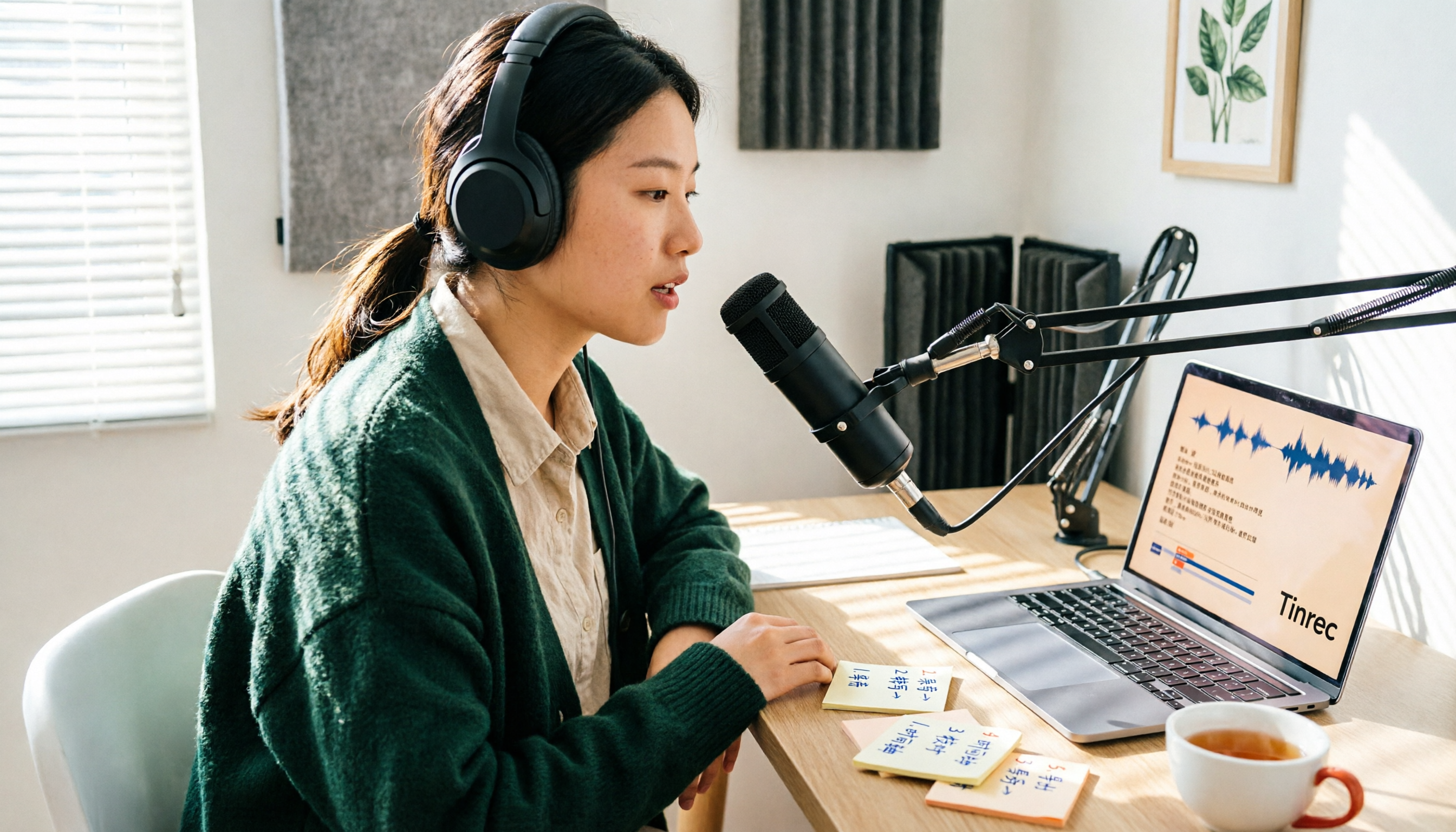
How to Get Free Cantonese Subtitles in 2026: 5 Steps from Recording to Transcript
There are many free Cantonese subtitle tools, but "free" means very different things: some only let you preview, some charge for downloads, and some give you just 5 minutes per month. This guide walks you through 5 steps—defining your needs, testing, checking limits, and choosing the right tool—and compares the free plans of Tinrec, Subanana, CantoSub AI, and Hey! Subtitles so you can choose wisely and avoid wasting money.

2026 Cantonese Subtitle Tools Compared: Which Converts Spoken to Written Best?
A practical comparison of 4 Cantonese subtitle tools in 2026: spoken vs. written output, mixed Chinese-English recognition, free quotas and download limits, plus meeting notes and team knowledge retention. Includes a comparison table and recommendations by use case.

4 Cantonese Subtitle Generators Tested in 2026: Tinrec vs Subanana — What's the Difference?
There are many Cantonese subtitle generators, but most only turn videos into subtitle files. This article takes a practical workflow perspective, comparing Tinrec and Subanana in terms of source materials, post-meeting outputs, team knowledge retention, and pricing structure. It explains why meetings, interviews, and course recordings really need searchable, queryable transcripts and organized results—not just an SRT file.

How to Use iPhone Live Translation for Calls in 2026: A 4-Step Guide
iPhone's built-in Live Translation lets you understand foreign languages in real time during calls, FaceTime, and Messages, but it only provides on-screen captions—not searchable meeting records. This guide walks through four setup steps, explains three key limitations, and then shows a complete workflow for turning recordings into transcripts, summaries, and action items.

How to Choose a Voice Recorder in 2026: 5 Steps to Find a Real-Time Transcription Tool
Starting from the pain point of students taking notes in class, this article breaks down the 5 steps for choosing a real-time voice-to-text recorder, compares the applicable scenarios of Tinrec, PLAUD Note, VOITER SR502J, and Philips VTR5102Pro, and helps you avoid the pitfalls of only looking at hardware specs while ignoring post-meeting organization and free quotas.
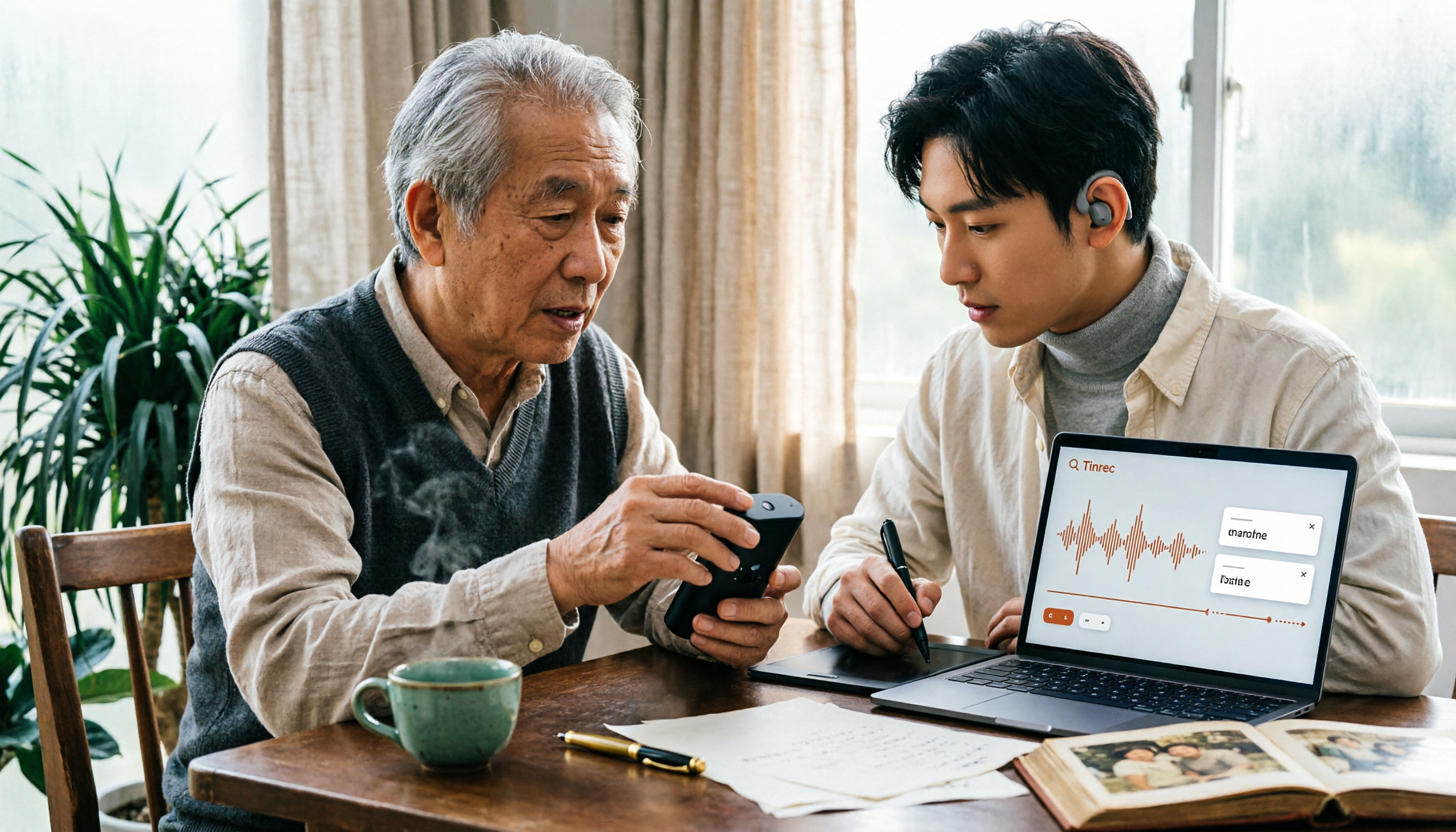
2026 Taiwanese Translator Buying Guide: 5 Tools Compared and How to Choose
There are many Taiwanese translators out there, but do you need to look up a word, translate a whole sentence, or turn a long recording into searchable text? This guide breaks down the differences in output formats, romanization systems, pronunciation, dictionaries, and translation, compares Lohankha, iTaigi, EzTranslate, Taiwanese AI Translator, and TopMediai, and explains Tinrec's role in organizing long recordings—so you can pick the right tool in one go.
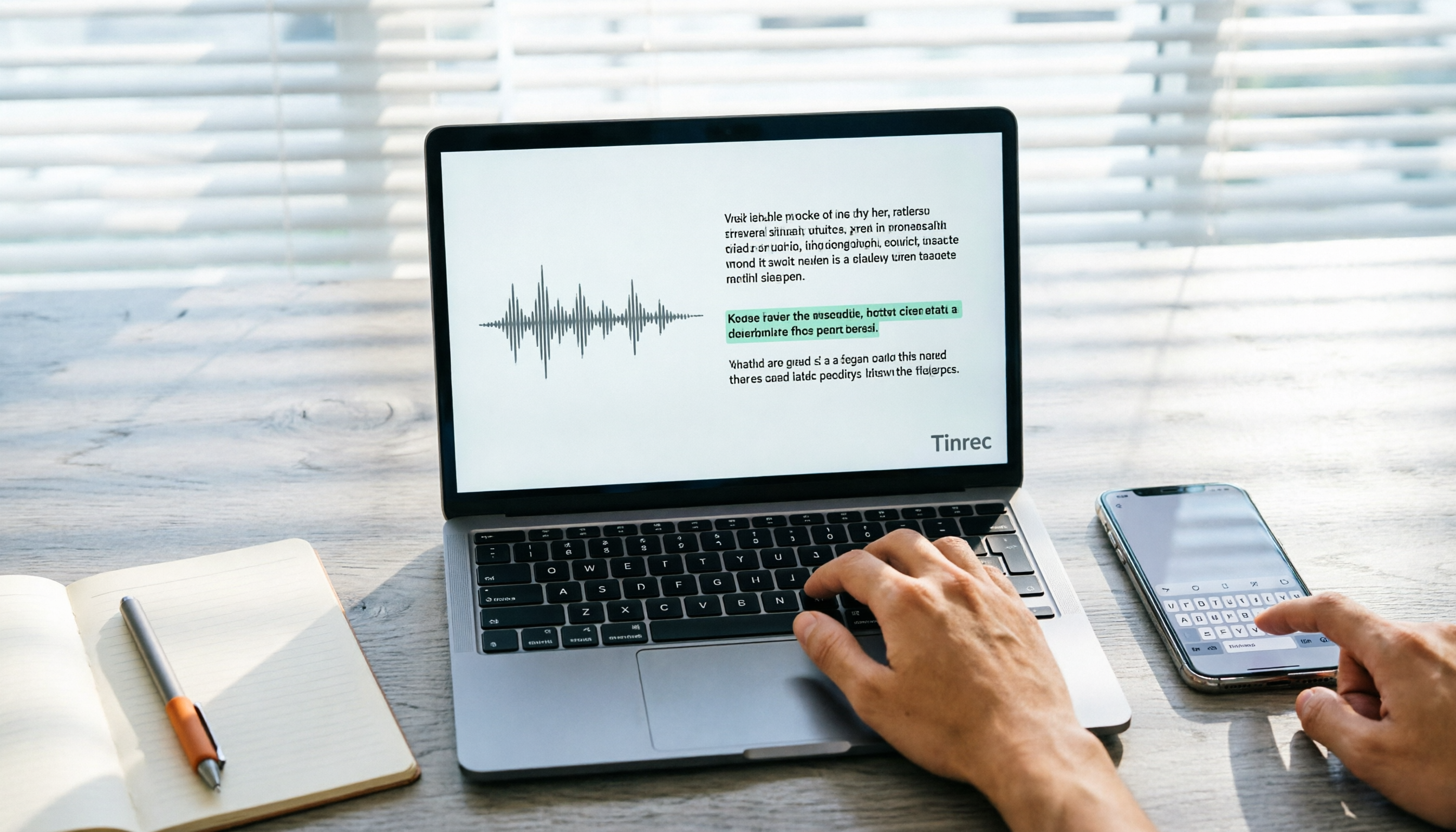
4 Recommended Taiwanese Input Methods to Download in 2026: A Guide to Mobile, Desktop, and Online Tools
Which Taiwanese input method should you download? This guide compares the Ministry of Education Taiwanese Input Method, the FHL Taiwanese and Hakka Input Method, PhahTaigi, and Lohankha—covering their differences, supported devices, and real-world pain points. It also explains how audio-to-text tools can address the other half of the need: when someone else speaks and you need to take notes. Plus, it highlights the four most common pitfalls for beginners.