

Turn recordings into transcripts and summaries in minutes
Upload audio or video for multilingual transcription, AI notes, and action items
2026 Real-World Comparison of 4 Cantonese Real-Time Translation Tools: Instant Comprehension vs. Post-Meeting Usability — What's the Difference?
The Cantonese Real-Time Translation Dilemma: Do You Want to "Understand in the Moment" or "Keep a Trackable Record"?
When working, attending meetings, or taking classes in Hong Kong, the first thought when encountering Cantonese content is usually, "Is there a tool that can translate immediately?"
But the real pain point is often not failing to understand in the moment, but rather that after the meeting ends, those spoken conversations haven't become searchable, organizable, or transferable data.
If you're just looking up a phrase while traveling, a general translation tool is enough; if you're dealing with meetings, interviews, or team communication, the selection criteria are different. This article breaks down "real-time translation" and "post-meeting organization" to help you find a tool that fits your workflow.
Before Choosing a Cantonese Real-Time Translation Tool, Understand These 4 Key Points
1. Language and Accent Support in Real-Time Translation Cantonese has a large number of colloquial expressions and tonal variations, and not every translation engine handles them well. Rather than looking at how many languages the official claims to support, it's better to confirm whether it stably recognizes Cantonese accents, mixed Chinese-English, and everyday expressions.
2. Whether Original Text and Translation Are Preserved Some tools make translations disappear after completion, while others leave transcripts and bilingual comparisons. If you need to write records, review, or hand off later, the ability to preserve the original text and translation is key.
3. Can It Directly Become Summaries and To-Dos After the Meeting Real-time translation solves "understanding in the moment," but the real time sink in meetings is post-meeting organization. Whether the tool can automatically generate summaries, chapters, to-dos, and even let you ask follow-up questions with AI determines how much time you save.
4. Team Data Ownership and Seat Management If used by a team, confirm who owns the meeting data, whether data is taken away when members leave, and how permissions and seats are managed. These aren't translation speed issues, but they directly affect long-term use.
Tinrec (MiaoTing Recording) — More Than Real-Time Translation, It's the Post-Meeting Organization Hub for Cantonese Meetings
Tinrec (MiaoTing Recording) is an AI meeting notes and collaboration tool for individuals and teams, supporting real-time recording, bot-free online meeting transcription, audio/video file import, real-time translation, and automatic generation of summaries, chapters, to-dos, and mind maps. It covers iOS, Android, and web versions; the desktop version can directly capture computer system audio to handle online meetings on Zoom, Google Meet, Microsoft Teams, Webex, etc., without requiring an additional meeting bot to join.
Taking a roughly 5-minute Cantonese meeting recording as an example (indoor environment, two-person conversation, recorded via desktop version), Tinrec can produce transcripts and summaries, with main speakers and conclusions generally readable. Note that Cantonese colloquial expressions, speech rate, and background noise can still affect transcription results; the language options for real-time translation should be based on the product interface, and it's recommended to test with your own real recordings first.
What truly sets Tinrec apart is after the meeting ends. You can directly ask questions about the meeting content, such as "What issue was the client most concerned about this time?" It answers based on the semantics of the transcript, not just keyword search results. The system can also organize discussions into to-dos, with who is responsible and what the next step is at a glance. For those who need to write meeting minutes, this is much less hassle than manually re-listening to a 30-minute recording.
Additionally, Tinrec supports exporting results to common formats and third-party tools, and can generate reports, tables, and documents through Agent post-processing. The team version provides independent team spaces where meeting data belongs to the team, and allows management of members, roles, seats, usage, audit logs, and audio recycle bin. Even members without seats can view, play, and read team data; only after obtaining a seat can they record, upload, edit, and export. This design suits departments or project teams that need to precipitate meeting content into team assets.
Stop organizing recordings by hand
Upload audio or video and automatically get a transcript, summary, and action items
Limitations should also be clearly stated: the free version has a basic quota, and heavy users need to upgrade; the team version is USD 29.80/paid seat/month for monthly payment, USD 199/paid seat/year for annual payment (about USD 16.58/month), and the first eligible team trial is 7 days, 1 free seat, 300 minutes of team shared import quota. Prices and benefits are subject to the official purchase page. Also, Tinrec should not be understood as "automatically joining all meetings," but rather as initiated by users actively through the desktop version.
If you frequently handle Cantonese meetings, need transcripts and summaries, and want to use AI to follow up on key points after the meeting, Tinrec is currently a relatively complete choice on the market that connects "record → understand → act." If you're just looking up a Cantonese phrase temporarily, the general translation tools introduced below may be more lightweight.
Besides Tinrec, What Other Cantonese Real-Time Translation Options Are There?
OpenL Translate: An AI-driven online translation tool supporting text, document, image, and voice translation, covering over 100 languages, with a daily free quota. The official site emphasizes deleting data after translation and not storing translated content. Suitable for temporary Chinese-Cantonese mutual translation, travel, or quickly processing foreign language documents. However, it's mainly a translation tool and lacks Tinrec's meeting recording precipitation, AI Q&A, and team spaces; if you need to turn a meeting into trackable to-dos and records, you'll need to find another tool.
Google Translate: Free, supports over 100 languages, provides text and voice translation, and in some contexts you can hear Cantonese read aloud. The biggest advantage is ubiquity and quick onboarding, making temporary communication convenient. Note that some devices or conversation modes may not yet support Cantonese real-time translation, and it won't organize meeting summaries or to-dos for you. Compared to Tinrec, Google Translate is suitable for "understanding in the moment," not for "post-meeting use."
SonicMeet: Can add real-time subtitles to Cantonese meetings and translate subtitles to or from natural written Cantonese, supporting platforms like Zoom, Microsoft Teams, Google Meet. When using, you need to manually select the source language because automatic detection currently treats Chinese speech as Mandarin. It's suitable for those who just want to see real-time subtitles in existing meetings; but if you need recording preservation, AI Q&A, to-do extraction, and a team database, Tinrec's functional scope is more complete.
Pitfall Guide: The 3 Most Common Mistakes When Choosing Cantonese Real-Time Translation Tools
Pitfall 1: Treating "real-time translation" as "meeting notes." Real-time translation solves immediate understanding, not leaving usable transcripts and summaries. If you need to write reports or track to-dos later, relying only on a translation window will be painful. The correct approach is to choose a workflow that connects translation, transcripts, and post-meeting organization.
Pitfall 2: Only looking at free quotas, ignoring team seats and data ownership. Personal free plans usually have minute limits, and team use also depends on seats and shared quotas. More importantly, who owns meeting data after members leave. If data is tied to personal accounts, the team effectively has no assets.
Pitfall 3: Using travel translation tools for formal meetings. Tools for checking menus or asking directions are lightweight, but formal meetings require stable recording, speaker diarization, summaries, and export. Choosing the wrong tool means you'll spend more time re-listening and supplementing records.
Conclusion: Which One Should You Choose?
Simply put, if you want a "complete workflow for Cantonese meetings," Tinrec is the top choice in this article; if you're just looking up a phrase temporarily, general translation tools are more suitable.
- Need to see transcripts and translations while meeting, and directly generate summaries and to-dos afterward → Tinrec
- After recording, want to ask AI "Who mentioned the budget in the last meeting?" → Tinrec
- Team needs to share meeting data, manage members and seats → Tinrec Team Version
- Want to convert historical Cantonese recordings into searchable data → Tinrec
- Just looking up a Cantonese phrase or reading a menu while traveling → Google Translate (the only exception)
It's recommended to start with Tinrec's free version, test transcription and translation effects with a real Cantonese meeting recording, and then decide whether to upgrade. Rather than buying outright, first confirm whether it can integrate into your workflow.
References
- Online Translation to Cantonese - OpenL Translate
- 2026 Real-World Comparison of 5 Cantonese Real-Time Translation and Recording Organization Tools: From Conversation Translation to AI Meeting Minutes - MiaoTing Recording Blog
- Cantonese Translator: Mandarin and Cantonese Mutual Translation · Love Cantonese
- 2026 Practical Cantonese Real-Time Translation Tool Recommendations, Making Cantonese Learning Easier
- Cantonese Meeting Transcription and Real-Time Translation | SonicMeet
Turn every recording into actionable outcomes
Get 60 free transcription minutes when you sign in. No credit card required.
Related Reading
You might also like

2026 Voice Input in Cantonese: Google Setup, Recognition Scenarios, and Meeting Note Tools Compared
Google voice input often fails with Cantonese because the keyboard language isn't added or the account language is wrong. This guide covers Cantonese setup steps for Android, iOS, and Google Assistant, and compares Gboard, Google Docs voice typing, Notta, and Tinrec in real meeting-note scenarios, including pricing and quotas.

2026 Comparison of 4 Cantonese-to-Mandarin Translation Tools: How to Choose for Meeting Notes vs. Daily Conversation
Compare 4 Cantonese-to-Mandarin translation tools, from translation directions and colloquial terms to voice input, meeting summarization, and team collaboration, to help you choose the right tool for your scenario.

4 Cantonese Translation Tools Tested for 2026: Which One Actually Turns Cantonese Content into Reviewable Notes?
Starting from real frustrations in group discussions and Cantonese interviews, this comparison examines OpenL Translate, Cantonese Translation Master, Google Translate, and Tinrec in handling Cantonese content, and summarizes what students care about most: free quotas, transcript retention, and post-meeting organization.
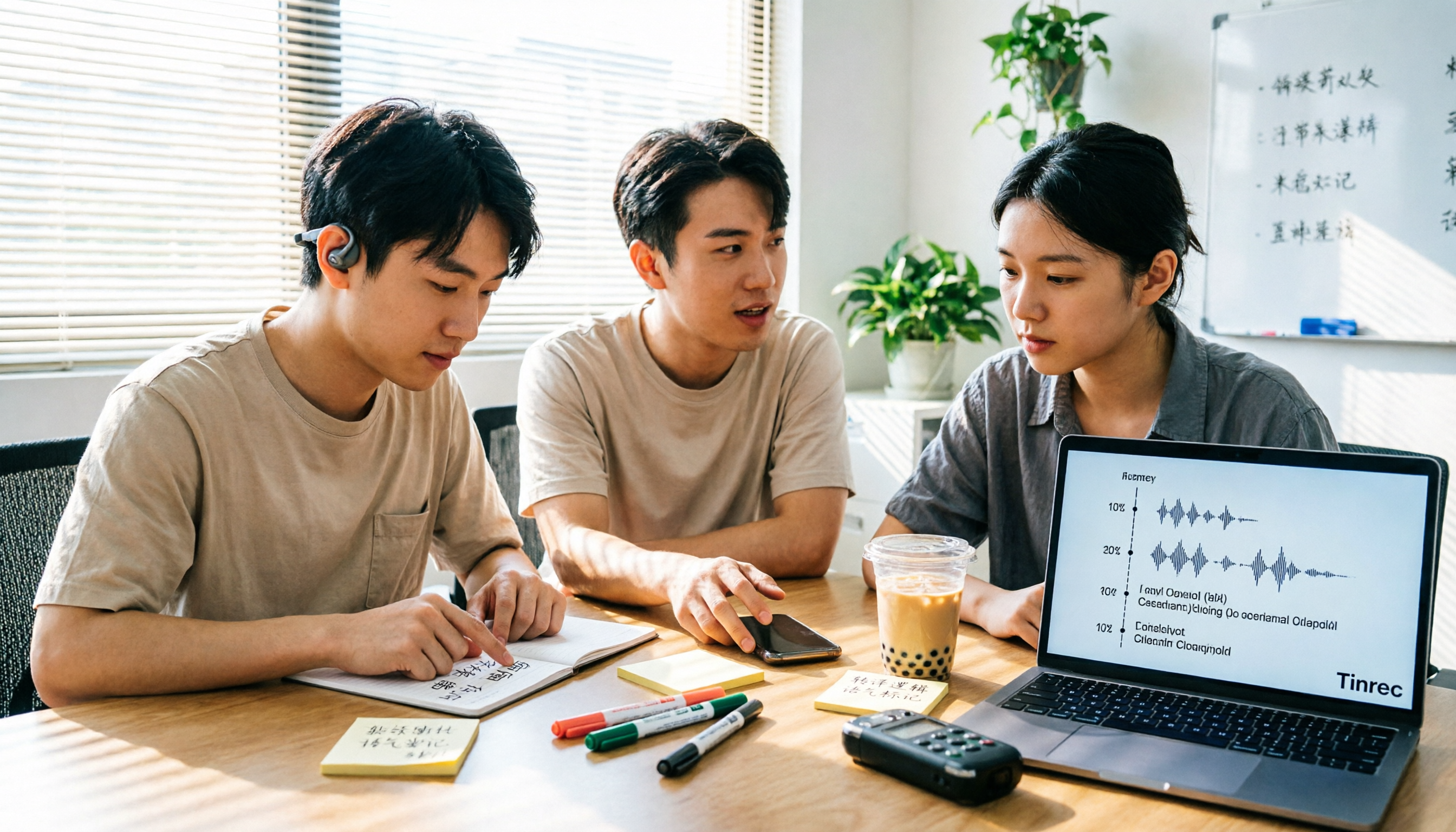
Google Translate vs. Tinrec: Which Is Better for Cantonese in Daily Life and Meetings? (2026 Test)
Google Translate now supports Cantonese, making it handy for looking up single sentences. But when it comes to full meeting recordings, long slang, or project documentation, it falls short. This article, from a student's hands-on testing perspective, compares Google Translate and Tinrec on input types, translated outputs, data retention, and team collaboration to help you decide which tool to use in which scenario.

4 Free Cantonese-to-Chinese Translation Tools for 2026: Free Tiers and Meeting Notes Use Cases Compared
Turning Cantonese meeting recordings into written Chinese isn't as simple as word-for-word translation. This comparison of Tinrec, Granola, Notta, and Otter.ai breaks down the real limits of their free plans, per-recording time caps, whether you can query recordings afterward, and how well they fit meeting-notes workflows.
3 iPhone Cantonese Voice Input Options Tested: Built-in Dictation, Gboard, and Tinrec Compared (2026)
A practical comparison of three ways to do Cantonese voice input on iPhone: the correct setup steps and hidden tweaks for built-in dictation, when to use Gboard, and how Tinrec differs for meeting transcripts and post-meeting organization. Includes four common mistakes and final selection advice.

Cantonese Real-Time Translation Comparison 2026: Tinrec vs OpenL 5-Dimension PK — Which Is Better for Meetings?
Most people looking for 'Cantonese real-time translation' first open a translation website and paste sentences one by one, only to find the meeting is over before they finish typing the last sentence. This article compares Tinrec and OpenL Translate across 5 dimensions: real-time capability, meeting audio source, Cantonese context, post-translation output, and team knowledge retention, to help you decide which scenario each is suited for.

2026 Cantonese Translator Comparison: 4 Tools Tested for Full-Meeting Use
Most people looking for a Cantonese translator only think of translating one sentence at a time, but this quickly breaks down in meetings, interviews, and classes. This article starts with common misconceptions and compares short-sentence translation tools like OpenL Translate, Cantonese Translation Master, Xunjie Cantonese Translator, and iCantonese, then explains how Tinrec fills the gap after translation with transcripts, real-time translation, AI summaries, and team spaces.

How to Use Google Voice Typing for Cantonese in 2026: A 5-Step Guide
Most people get stuck on keyboard language settings when trying to type Cantonese with Google voice input. This guide breaks down the free setup paths for Android, iPhone, Google Docs, and Chrome extensions in 5 steps, includes a free-tier comparison table, and explains which tool to use for transcribing long meeting recordings.