
Turn recordings into transcripts and summaries in minutes
Upload audio or video for multilingual transcription, AI notes, and action items
Google Translate vs. Tinrec: Which Is Better for Cantonese in Daily Life and Meetings? (2026 Test)
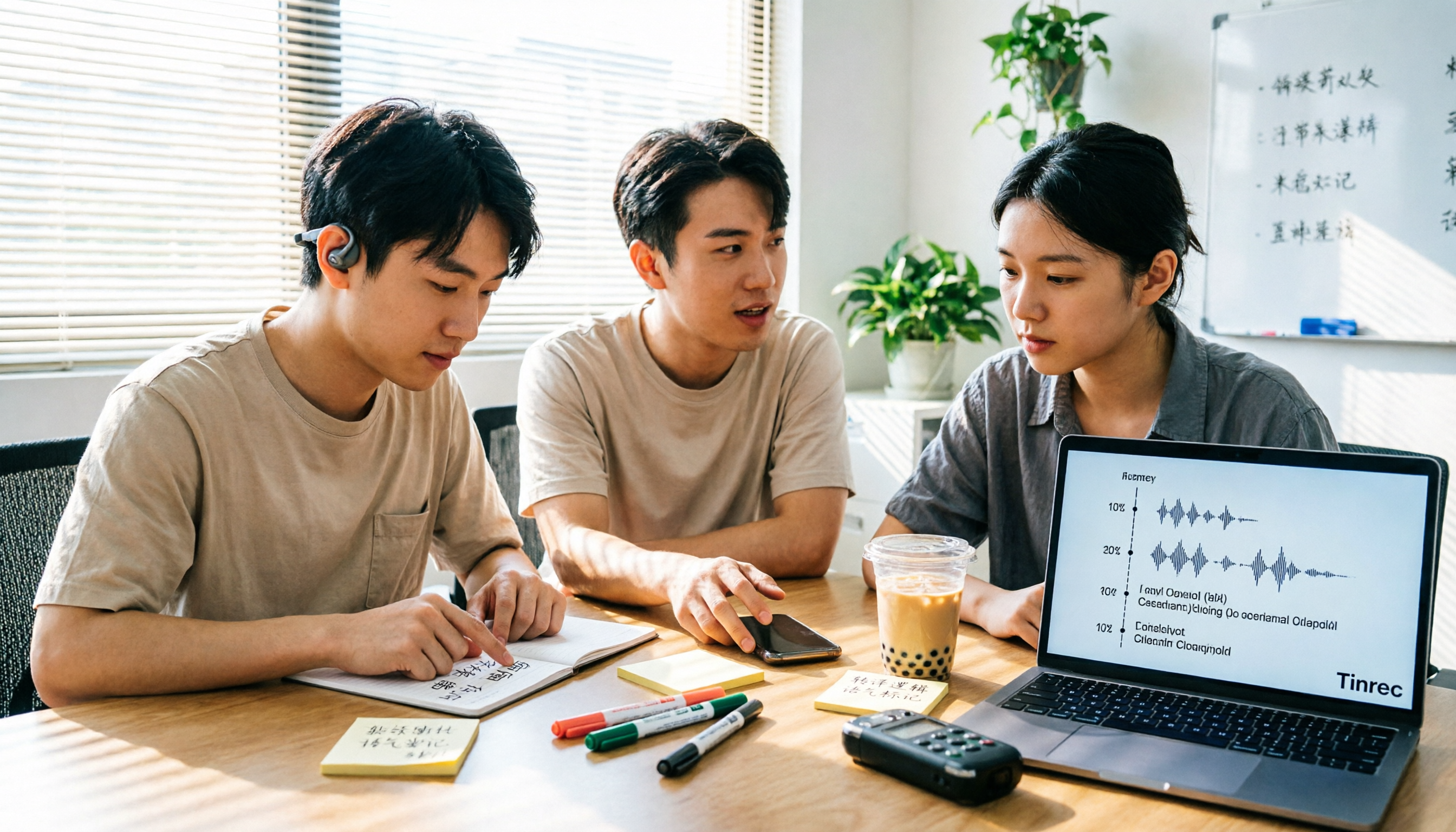
Last semester, I worked on a graduation project with several classmates from Hong Kong. During meetings, they spoke Cantonese, and I could only nod along. My initial thought was simple: just throw the recording into Google Translate.
But the first round got stuck. I put in “食死貓” (to be made a scapegoat), and it returned death eating cat; “篤背脊” (to backstab) became the pinyin Dubeiji. I stared at the screen for ten seconds and still had no idea what they were talking about. That day I realized the problem wasn't that Google Translate was bad, but that I was using a tool meant for “looking up a sentence” to do the job of “organizing a whole discussion.”
Why are people looking for alternatives to Google Translate for Cantonese?
To be fair, Google Translate added support for 110 languages in 2024, including Cantonese, which many had waited years for. The total number of languages increased from 133 to 243, powered by the PaLM 2 model. For most people, this already solves the need to “look up what a Cantonese phrase means”—whether for travel directions, watching Hong Kong dramas, or messaging Hong Kong friends, it's more than enough.
But after using it for a while, you'll hit two common pitfalls. The first is choosing the wrong source language: Google Translate lists both “Chinese” and “Cantonese.” If you select “Chinese,” the translation logic is based on written Chinese; only when you select “Cantonese” does it apply a model closer to spoken language, and the results differ greatly. The second is treating “single-sentence translation” as “whole-segment organization”—Google Translate is great for one sentence, but when you have a 40-minute group discussion recording, it won't segment it, won't extract key points, and won't tell you who agreed to deliver what.
If you just need to look up a sentence in real time, Google Translate is still a good choice. But if you need to turn a whole segment of Cantonese content into material you can refer back to and hand over to others, that's a different level of tool—Tinrec is worth checking out.
Tinrec vs. Google Translate: What's the difference in core experience?
Input type: typing sentence by sentence vs. throwing in a whole segment
This is the most fundamental difference. Google Translate's input unit is text—you have to type out what you hear before translating; with long recordings, you have to type while listening, and a one-hour meeting can take up your entire evening. Tinrec's input unit is sound: real-time recording transcribes as you record, or you can upload audio or video files for batch transcription. For the same one-hour discussion, you just press a button and can do other things.
What's left after translation
Google Translate ends when the translation is done; if you want to keep a record, you have to copy and paste it elsewhere. Tinrec, after recording or importing a file, simultaneously produces a transcript, AI summary, chapters, and to-dos. It also supports AI Q&A around the meeting content and exports to Notion, Google Docs, OneNote, and other tools for further processing. For someone working on a project, the difference is “whether there's material ready to go into the report right after the meeting.”
Depth of language processing
Google Translate is a general-purpose translation model that handles one language pair at a time. Tinrec is designed for meeting scenarios, supporting transcription of Chinese, Traditional Chinese, and multilingual meetings, with real-time translation and the ability to switch between original text, translation, or bilingual view. The team version also maintains team glossaries to improve recognition of technical terms. In testing, Google Translate actually performs well on general colloquial speech—it can translate “點解” (why), “做乜” (what for), “好掂” (awesome), “玩嘢” (play tricks), and sentences like “今晚食乜好?” (What should we eat tonight?) are understandable; but longer slang like “搏一搏,單車變摩托” (go for it, a bicycle becomes a motorcycle) can only be translated literally. Tinrec's value lies in fully preserving the original text; when translation gets stuck, you can refer back to the transcript and timestamps, so you don't have to give up on the whole segment.
Data retention and team collaboration
Google Translate has no concept of “projects”; each translation is an independent one-time action. Tinrec's team version is a separate team space: meeting data belongs to the team, members can share and view, admins can manage roles and seats, view usage analytics and audit logs, and when a member leaves or loses their seat, resources can be handed over to other active members. For a graduation project that spans semesters, this is more important than how fast the translation is.
Boundaries of use cases
For instant translation of short sentences or looking up a phrase while traveling, Google Translate has almost no rival; for long meetings, classes, interviews, and other content that needs to be archived and organized afterward, that's where Tinrec shines. Honestly, it's not about one replacing the other—they're tools for two different tasks.
Stop organizing recordings by hand
Upload audio or video and automatically get a transcript, summary, and action items
Tinrec's core features at a glance
Real-time speech-to-text. Text is generated simultaneously as you record, suitable for offline meetings, interviews, and classes. The transcript is ready the moment you finish, so you don't have to spend time re-listening.
Bot-free online meeting recording. The desktop version directly captures computer system audio, handling online meetings on Zoom, Google Meet, Microsoft Teams, Webex, etc., without inviting an extra meeting bot. For small group online discussions, it saves the awkwardness of “being recorded by a bot.”
Audio and video file transcription. Upload already-recorded files to convert them to text, ideal for organizing historical recordings, lecture videos, or interview material.
AI summaries, chapters, and to-dos. Long meetings are broken into structured segments, with key points and follow-up actions extracted. The “discussion conclusions” and “task assignments” needed for reports can usually be taken directly from here.
AI Q&A and multi-format export. You can directly ask “What was the conclusion of this discussion?” or “Who is responsible for which part?” without manually flipping through thirty pages of transcript; the organized content can also be exported to your existing workflow.
Real-world use cases
Group project discussions with Cantonese-speaking members. Some team members speak Cantonese, some speak Mandarin, and the slides are in English. After recording with Tinrec, the transcript is fully preserved, and you can switch to bilingual view with real-time translation to roughly follow the discussion. After the meeting, I pasted the summary into the shared project document—for the first time, I didn't write conclusions based on memory after the meeting.
Class and lecture recordings. When the professor speaks fast and flips slides even faster, I record directly. Later, I use AI summaries to capture chapters; when reviewing, I look at the structure first, then go back to listen to uncertain parts, saving a lot of time compared to listening from start to finish.
Cross-language interviews. For my graduation project, I interviewed a Hong Kong interviewee entirely in Cantonese. Previously, I would pause and type the transcript while listening, and a 20-minute audio file would take two or three hours; now I transcribe first, then use translation to aid understanding. The key is that I can keep the original speech, so I don't worry about misrepresentation when writing the report.
Points to consider when choosing translation and transcription tools
1. Can it handle whole audio files? Tools that only support typing require you to listen and type yourself when you have a recording, which is very time-consuming. Before choosing, confirm whether it supports file upload or real-time transcription.
2. Does it produce usable output after translation? Having only the translation versus having a transcript, summary, chapters, and to-dos are completely different workloads. You can ask yourself: what will I do with this content afterward?
3. Is the free quota enough for you? Students have limited budgets, so first see what the free version can test. Tinrec's free version provides a basic quota; you can test it with a real recording of your own, which is more accurate than any review.
4. Cross-platform and export. Recording on mobile and organizing on computer is common; confirm whether the web, desktop, and mobile versions connect, and whether you can export to the tools you already use.
5. Calculate the cost of the team version clearly. Tinrec's team version is currently USD 29.80 per paid seat per month, or USD 199 per paid seat per year (about USD 16.58 per month). Each paid seat provides 2,000 minutes of team shared import quota per month. If it's just a short-term project with two or three people, the personal version is enough; if it's a team with fixed roles that needs to manage seats and usage, then consider the team version.
6. Recording consent and data regulations. Remember to inform participants before recording and comply with local regulations—this applies to any tool.
Conclusion: Is Tinrec worth a try?
My conclusion: keep both.
Google Translate is suitable for instant scenarios where “I want to know what this sentence means right now.” Choose the correct “Cantonese” source language and avoid written-language logic, and it's really convenient for daily use. But if your scenario is “I need to organize this discussion later, hand it over to others, and put it into a report,” then Google Translate was never designed for that from the start.
Tinrec fills exactly that gap: whole recording transcribed directly, original text fully preserved, translation with bilingual comparison, summaries and to-dos ready after the meeting, and a team space for multi-person collaboration to accumulate data. It's not a “stronger Google Translate,” but rather pulls you out of the cycle of “listening and typing + copy-pasting.”
I suggest starting with the free version quota and testing with a Cantonese recording of your own. Whether the translation is smooth and whether the transcript is usable—you'll know best after listening to it yourself.
References
- How to use Google Translate for Cantonese? - Superman Marketing
- [Editor's Test] Google Translate adds Cantonese support! Can it translate slang/trendy phrases/idioms? | Now.com WATCH
- Google Translate adds 110 languages including Cantonese; reporter tests if it can translate slang | Yahoo
- Language breakthrough: Does Google Translate have Cantonese? Unveiling the latest support features and test analysis - UpToGo
- Google Translate's biggest update ever! Adds 110 languages including Cantonese; why is the AI model PaLM 2 the hero behind it? | BusinessNext
Turn every recording into actionable outcomes
Get 60 free transcription minutes when you sign in. No credit card required.
Related Reading
You might also like

2026 Voice Input in Cantonese: Google Setup, Recognition Scenarios, and Meeting Note Tools Compared
Google voice input often fails with Cantonese because the keyboard language isn't added or the account language is wrong. This guide covers Cantonese setup steps for Android, iOS, and Google Assistant, and compares Gboard, Google Docs voice typing, Notta, and Tinrec in real meeting-note scenarios, including pricing and quotas.

2026 Comparison of 4 Cantonese-to-Mandarin Translation Tools: How to Choose for Meeting Notes vs. Daily Conversation
Compare 4 Cantonese-to-Mandarin translation tools, from translation directions and colloquial terms to voice input, meeting summarization, and team collaboration, to help you choose the right tool for your scenario.

4 Cantonese Translation Tools Tested for 2026: Which One Actually Turns Cantonese Content into Reviewable Notes?
Starting from real frustrations in group discussions and Cantonese interviews, this comparison examines OpenL Translate, Cantonese Translation Master, Google Translate, and Tinrec in handling Cantonese content, and summarizes what students care about most: free quotas, transcript retention, and post-meeting organization.

2026 Real-World Comparison of 4 Cantonese Real-Time Translation Tools: Instant Comprehension vs. Post-Meeting Usability — What's the Difference?
2026 real-world comparison of Cantonese real-time translation tools, analyzing Tinrec, OpenL Translate, Google Translate, and SonicMeet across real-time translation, transcripts, AI summaries, and team collaboration to help you choose the solution that truly saves meeting organization time.

4 Free Cantonese-to-Chinese Translation Tools for 2026: Free Tiers and Meeting Notes Use Cases Compared
Turning Cantonese meeting recordings into written Chinese isn't as simple as word-for-word translation. This comparison of Tinrec, Granola, Notta, and Otter.ai breaks down the real limits of their free plans, per-recording time caps, whether you can query recordings afterward, and how well they fit meeting-notes workflows.
3 iPhone Cantonese Voice Input Options Tested: Built-in Dictation, Gboard, and Tinrec Compared (2026)
A practical comparison of three ways to do Cantonese voice input on iPhone: the correct setup steps and hidden tweaks for built-in dictation, when to use Gboard, and how Tinrec differs for meeting transcripts and post-meeting organization. Includes four common mistakes and final selection advice.

Cantonese Real-Time Translation Comparison 2026: Tinrec vs OpenL 5-Dimension PK — Which Is Better for Meetings?
Most people looking for 'Cantonese real-time translation' first open a translation website and paste sentences one by one, only to find the meeting is over before they finish typing the last sentence. This article compares Tinrec and OpenL Translate across 5 dimensions: real-time capability, meeting audio source, Cantonese context, post-translation output, and team knowledge retention, to help you decide which scenario each is suited for.

2026 Cantonese Translator Comparison: 4 Tools Tested for Full-Meeting Use
Most people looking for a Cantonese translator only think of translating one sentence at a time, but this quickly breaks down in meetings, interviews, and classes. This article starts with common misconceptions and compares short-sentence translation tools like OpenL Translate, Cantonese Translation Master, Xunjie Cantonese Translator, and iCantonese, then explains how Tinrec fills the gap after translation with transcripts, real-time translation, AI summaries, and team spaces.

How to Use Google Voice Typing for Cantonese in 2026: A 5-Step Guide
Most people get stuck on keyboard language settings when trying to type Cantonese with Google voice input. This guide breaks down the free setup paths for Android, iPhone, Google Docs, and Chrome extensions in 5 steps, includes a free-tier comparison table, and explains which tool to use for transcribing long meeting recordings.