

Turn recordings into transcripts and summaries in minutes
Upload audio or video for multilingual transcription, AI notes, and action items
2026 AirPods Live Translation Cantonese Guide: Supported Models, Setup Steps, and Meeting Notes Integration
Standing in front of a Cantonese speaker with AirPods on, your real question usually isn't "how do I turn this feature on" but "should I really hand translation over to it?"
This article focuses on that decision. AirPods Live Translation, powered by Apple Intelligence, solves "understand in the moment, respond in the moment." Tinrec solves "keep this conversation and turn it into usable material." The two are often asked about together, but their purposes are different.
Below is a quick overview, then a dimension-by-dimension breakdown.
AirPods Live Translation vs Tinrec | Quick Overview
AirPods Live Translation is a built-in Apple capability between AirPods and iPhone. Put on the earbuds and press and hold the stem to start; what the other person says is translated into your preferred language and played through the earbuds.
Tinrec is an AI meeting notes and collaboration tool that turns live recordings, online meetings, and audio/video files into transcripts, then generates summaries, chapters, and action items, with AI Q&A and export support.
| Item | AirPods Live Translation | Tinrec |
|---|---|---|
| Core positioning | Face-to-face live voice translation | AI meeting notes and team collaboration |
| Hardware requirements | Supported AirPods + iPhone 15 Pro or later | Web, desktop, mobile; no specific earbuds required |
| Main output | Live translated audio in earbuds, translated transcript on iPhone | Transcript, summary, chapters, action items, Q&A, exported files |
| Best for | Travel, ad-hoc face-to-face communication | Meetings, interviews, conversations that need to be kept and tracked |
The dimensions compared in this article include: Cantonese and Traditional Chinese support, activation requirements, transcript retention and post-meeting organization, cost structure, team collaboration, and privacy handling.
Dimension 1 | Cantonese and Traditional Chinese Support Scope
First, the AirPods side. Apple Intelligence officially supports Traditional Chinese starting with iOS 26.1, supports Cantonese in some scenarios, and Siri language can be set to "Chinese (Cantonese - Hong Kong)." Before use, you must download two language models: "the language the other person speaks" and "the language you want it translated into." Once downloaded, all processing happens on the iPhone.
On the Tinrec side, the stated scope is Chinese, Traditional Chinese, and multilingual meeting transcription, with live translation during recording and the ability to switch between original text, translation, or bilingual view. Note that Tinrec does not publicly promise a fixed Cantonese recognition accuracy rate; actual performance is affected by recording quality, accent, background noise, overlapping speakers, and technical terminology. Team plans can maintain common terms through team hotwords to improve recognition of specialized vocabulary.
→ This dimension: Tie. AirPods wins at "understanding in the moment," Tinrec wins at "transcripts you can edit, add hotwords to, and reprocess."
Dimension 2 | Activation Requirements and Model Restrictions
AirPods Live Translation isn't just a switch you flip; it has clear model and system requirements. According to Apple's support page, it requires AirPods 4 (Active Noise Cancellation model), AirPods Pro 2, AirPods Pro 3, or AirPods Max 2, paired with an iPhone 15 Pro or later with Apple Intelligence enabled; the iPhone must be on the latest iOS and the AirPods on the latest firmware. The official support page also mentions AirPods 5 (both models); please refer to the support page for your specific devices.
There's another often-overlooked limitation: this feature is not available in all languages or regions, and it cannot be used in mainland China.
The setup process is roughly as follows: first update iOS, go to Settings to enable Apple Intelligence and wait for the model to load; then download the needed languages in the Translate app; finally set the Action button or Control Center to launch translation. To actually start it, press and hold the stems of both AirPods simultaneously (for AirPods Max 2, press and hold the listening mode button), or use the Action button or Control Center on iPhone.
Tinrec's barrier is much lower: no specific earbuds required; you can start on web, desktop, or mobile. The desktop version captures computer system audio to handle online meetings on Zoom, Google Meet, Microsoft Teams, Webex, and others, without needing a meeting bot to join.
→ This dimension: Tinrec wins. No need to buy the right earbuds first or check chip generations.
Dimension 3 | Can Transcripts Be Kept and Reprocessed?
AirPods Live Translation is cleverly designed: when the other person speaks, AirPods automatically translates the content into your preferred language; if the environment is noisy, the iPhone microphone can help alongside the earbud microphone—just bring the iPhone closer to the other person. The translated conversation appears in the "Live" tab of the iPhone Translate app; you can turn the transcript toward the other person or press play to output it through the iPhone speaker.
But if your need is "pull up this conversation next week, find a specific promise, turn it into action items," the AirPods side has no corresponding description. Current public information focuses on live listening and live display, and does not state that it can be stored long-term, generate summaries, or export.
Tinrec makes this the core: transcripts are searchable and reviewable, automatically generating summaries, chapters, and key points; action items can be extracted; AI Q&A can be done around meeting content; and multi-format export to Notion, Google Docs, OneNote, Dropbox, and other tools is supported. Agent post-processing can also generate reports, tables, and documents.
→ This dimension: Tinrec clearly wins. AirPods gives you the moment; Tinrec gives you afterward.
Dimension 4 | How the Cost Structure Works
The hidden cost on the AirPods side is hardware. To use Live Translation, you must already own a supported AirPods model and an iPhone 15 Pro or later. The feature itself has no additional charge, but the barrier is tied to the devices.
Stop organizing recordings by hand
Upload audio or video and automatically get a transcript, summary, and action items
Tinrec uses a software subscription model. The Personal plan has a free tier to try recording, importing, summaries, and transcription with basic quota; a weekly card suits short-term intensive meetings or interviews; a Pro monthly card suits steady weekly use; a Pro annual card suits long-term accumulation of recording data. The Team plan is currently USD 29.80 per paid seat per month, or USD 199 per paid seat per year (about USD 16.58 per month), with each paid seat providing 2,000 minutes of team shared import quota per month; eligible teams can try 7 days with 1 free seat and 300 minutes of team shared import quota. Under an active team plan and active seat, live recording currently does not deduct by minute, while file and web imports consume team shared quota.
Prices, currencies, and promotional content are subject to change; please refer to the official purchase page before ordering.
→ This dimension: Tinrec wins. No need to change earbuds just for translation.
Dimension 5 | Team Collaboration and Data Accumulation
AirPods Live Translation is a personal device capability; translated content stays on your own iPhone. That's its original design intent and also its boundary.
Tinrec's Team plan addresses a different problem: meeting data ownership. Teams have independent spaces, can create and switch between multiple teams, invite members via join links, set Owner/Admin/Member roles, and assign, reclaim, or transfer seats. Meeting data belongs to the team; when a member leaves, is removed, or loses a seat, the team resources they were responsible for must be handed over to other active members, so data does not disappear when the person leaves.
Here's an often-misunderstood detail: roles and seats are two different things. Roles determine who can manage the team, members, audit, and settings; seats determine whether a member can record, upload, edit, import, and export. Active members without a seat can still view, play, and read team data.
Currently, the Team plan is primarily team-level sharing, not a file-level granular permission system—this should be made clear.
→ This dimension: Tinrec wins. Personal translation vs. team assets are inherently different in scale.
Dimension 6 | Privacy Handling
This is one point where both sides are unusually aligned. After the language models are downloaded, all processing for AirPods Live Translation happens on the iPhone; conversation data stays private and is not sent back to Apple servers.
Tinrec likewise keeps processing within the device and its service flow, and the Team plan provides audit logs to query, filter, and export important team operation records. Accidentally deleted audio can be restored from the recycle bin (currently retained for 30 days; action items are not covered by the recycle bin).
→ This dimension: Tie. Both treat "no upload to the cloud" as a baseline requirement.
What Unique Advantages Does Each Have?
First, the Tinrec side.
One: bot-free recording of online meetings. The desktop version directly captures system audio, with no need to invite an extra bot into Zoom, Meet, Teams, or Webex.
Two: a workflow after transcription. Summaries, chapters, action items, AI Q&A, mind maps, reports, and tables—these are things that start after you have the transcript.
Three: cross-device and historical data. Live recordings, computer meetings, audio/video files, and mobile recordings all go into the same database; meetings from past quarters can be searched and queried.
Four: team governance. Spaces, roles, seats, usage analytics, audit logs, audio recycle bin, team hotwords—these are the questions teams actually ask during procurement.
The AirPods side's advantages are also clear.
One: a natural hands-free conversation experience. No need to hold the phone or look down at the screen; press and hold the stem to start. In travel directions and casual greetings, there's almost no substitute.
Two: the other person can communicate without AirPods. You can turn the transcript toward them in the "Live" tab of the iPhone Translate app, or play the translated audio through the iPhone speaker; if the other person also has supported AirPods and has completed setup, each person listening through their own earbuds makes the experience smoother.
Conclusion: Which Should You Choose?
If your scenario is traveling abroad, ad-hoc face-to-face communication with Cantonese speakers, and needing to understand and respond in the moment → AirPods Live Translation is the most natural choice, provided your model and system meet the requirements.
If you need to keep transcripts of Cantonese meetings, client interviews, or cross-language discussions, and afterward find key points, capture action items, and write up records → Tinrec is more suitable.
• Want hands-free, no-phone live conversation → AirPods Live Translation
• Want searchable, editable transcripts → Tinrec
• Want summaries, chapters, action items, and AI Q&A → Tinrec
• Want to export to Notion or Google Docs for continued use → Tinrec
• Team members need to view the same batch of meeting data → Tinrec Team plan
• Only need to occasionally understand a few sentences and don't want extra tools → AirPods is enough
In one sentence: AirPods solves "the moment you don't understand," Tinrec solves "what to do after the conversation." The two don't conflict; many people actually use both together.
FAQ
Does AirPods Live Translation support Cantonese?
Apple Intelligence supports Traditional Chinese starting with iOS 26.1, supports Cantonese in some scenarios, and Siri language can be set to "Chinese (Cantonese - Hong Kong)." Actual availability varies by language and region, and this feature cannot be used in mainland China.
Is iPhone 15 Pro or later required?
According to Apple's support page, using Live Translation with AirPods requires pairing with an iPhone 15 Pro or later with Apple Intelligence enabled; the iPhone must be on the latest iOS and the AirPods on the latest firmware.
What if the other person doesn't have AirPods?
You can simply speak naturally, and the iPhone Translate app can display what you say in the other person's language, or play the translated audio in their language. You can also turn the transcript toward them in the "Live" tab.
Can AirPods Live Translation be used for video subtitles?
Not really suitable. Video subtitles are usually polished for colloquial flow, while live translation tends toward literal translation, which can be hard to follow; this feature is better for everyday conversation and face-to-face communication.
Can Tinrec replace AirPods Live Translation?
Different purposes. Tinrec's live translation is for viewing original text, translation, or bilingual content during recording or meetings, with the focus on keeping organizable material; AirPods focuses on helping you understand in the moment. For walking and chatting without touching your phone, AirPods is still handier.
What's the difference between roles and seats in the Team plan?
Roles determine who can manage the team, members, audit, and settings; seats determine whether a member can record, upload, edit, import, and export. Active members without a seat can still view, play, and read team data, but cannot perform resource-usage operations.
One final reminder: recording and transcription involve local regulations and others' consent; obtain participant consent when needed, regardless of which tool you use.
References
- Use Live Translation with AirPods - Apple Support (Taiwan)
- How to use AirPods Live Translation: supported models, activation methods, and supported languages at a glance - Mr. Mad
- Translate face-to-face conversations with AirPods - Apple Support (Taiwan)
- iOS Live Translation tutorial: try it with AirPods Pro, travel communication demo
- Stop using Google Translate! Step-by-step AirPods Live Translation setup: supported models, setup steps, and Apple Intelligence explained | GQ Taiwan
Turn every recording into actionable outcomes
Get 60 free transcription minutes when you sign in. No credit card required.
Related Reading
You might also like

4 iPhone Speech-to-Text Tools Tested: Cantonese Transcription vs. Post-Meeting Summaries—Which Saves More Time?
Compare four ways to transcribe Cantonese recordings on iPhone—built-in Voice Memos, Notely Voice, Cantonese.ai, and Tinrec—across transcription, post-meeting organization, cross-device access, and team collaboration to help you choose the right tool.

4 Cantonese Speech-to-Text AI Tools Compared (2026): How to Choose for Cantonese Recognition and Mixed Chinese-English
Transcribing Cantonese recordings is often less about the transcript itself and more about mixed Chinese-English, colloquial wording, and limited free quotas. This article uses a consistent framework to compare Tinrec, Subanana, CantoSub, and Notta—covering their stated support, export formats, free quotas, and paid thresholds—with data verification dates and items pending confirmation, so you can decide which one is worth trying first.
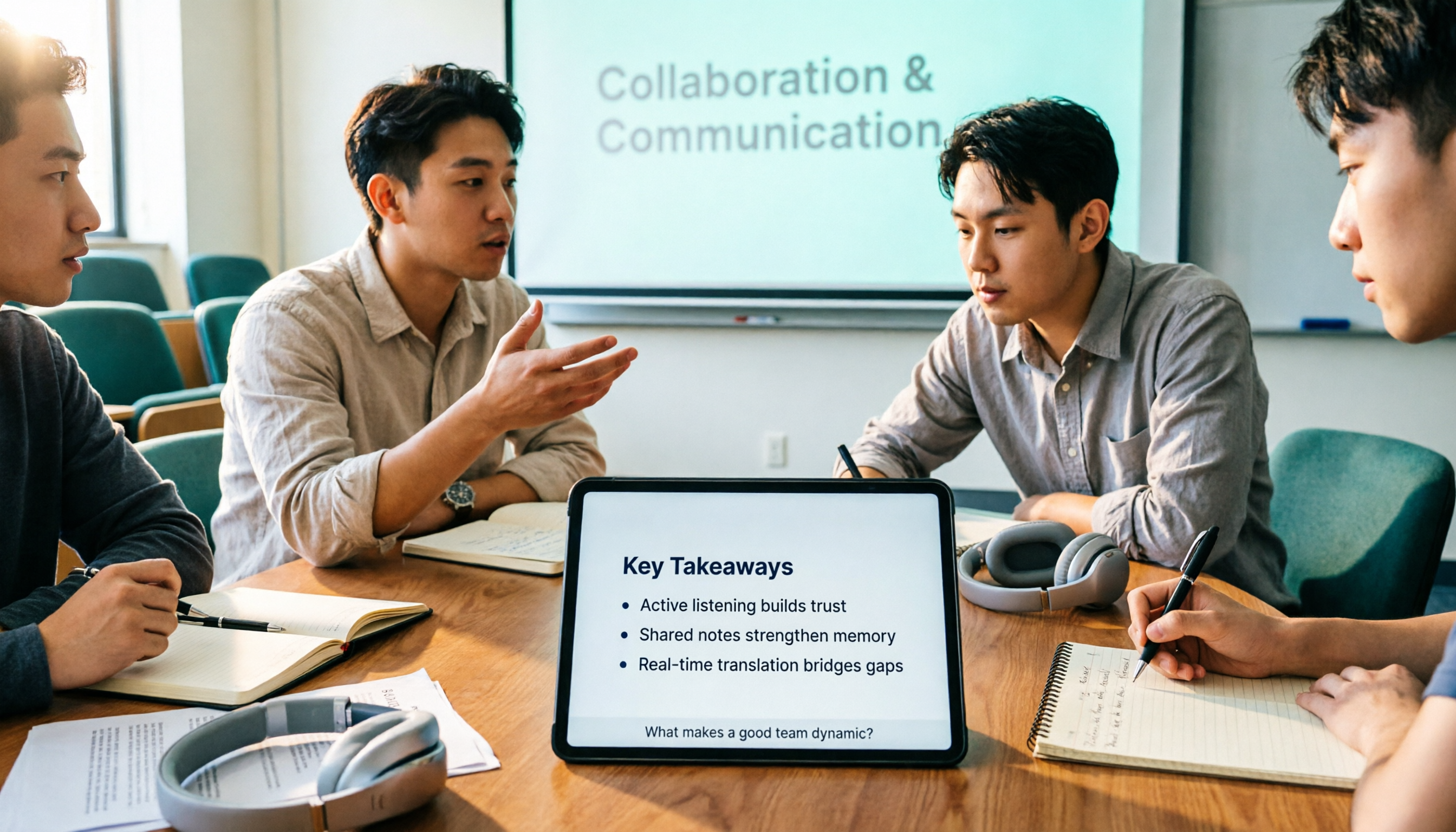
3 AI Real-Time Cantonese Translation Tools Tested for 2026: Which Offers Enough Free Quota and Post-Meeting Organization?
Starting from campus group discussions and class lectures, this article shares hands-on experience with AI real-time Cantonese translation tools. It covers 4 key purchasing criteria, Tinrec's post-meeting organization workflow, and the scenarios where OpenL Translate, Subanana, and Transync AI each fit best, helping students choose the right tool on a limited budget.

3 iPhone Cantonese Live Translation Tools Compared in 2026: Which Is Better for Meetings vs. Travel?
Starting from three common misconceptions, this comparison examines the real-world differences between iPhone's built-in live translation, Apple's Translate app, and Tinrec in Cantonese scenarios. It covers hardware requirements, language settings, and key pitfalls to avoid, and explains which tool suits which need.
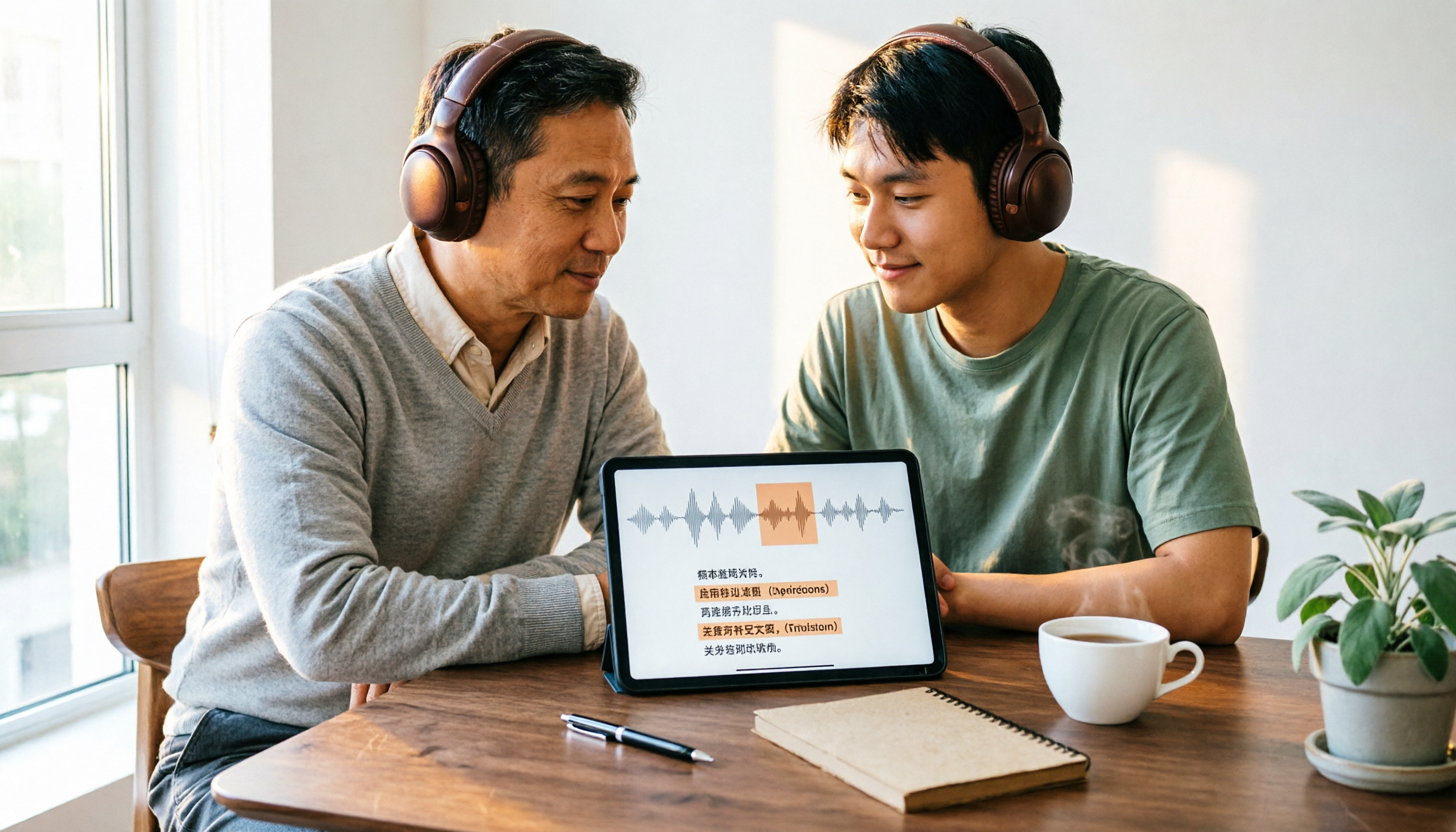
4 Free Cantonese Speech-to-Text Tools in 2026: Free Limits and Transcript Uses
A roundup of 4 free speech-to-text options that handle Cantonese, comparing free quotas, spoken-to-written conversion, speaker labeling, and subtitle export formats, plus common pitfalls and a method to verify with your own recordings. Information verified as of August 2026.

2026 Comparison of 4 Cantonese Speech-to-Text Apps: Which Saves More Time with Code-Switching and Post-Meeting Organization?
A one-hour Cantonese meeting often takes three hours to transcribe. This article reviews four tools that handle Cantonese speech-to-text, comparing them on mixed Chinese-English recognition, input sources, post-meeting organization, team data ownership, and free tiers, plus common pitfalls and scenario-based recommendations.

4 Free Cantonese Speech-to-Text Tools Tested for 2026: Which Free Tier Is Enough?
I have over a dozen meetings a week, many with Hong Kong teams in Cantonese mixed with English. This article uses a mid-level manager's real work scenarios to compare the free tier algorithms, Cantonese recognition performance, and post-meeting organization capabilities of four Cantonese speech-to-text tools: Tinrec, Subanana, UniScribe, and cSubtitle. It also summarizes three common pitfalls to help you judge whether the free version is sufficient.

How to Use iPhone Cantonese Live Translation in 2026: 5 Methods + 4 Key Settings
A guide to 5 ways to achieve Cantonese live translation on iPhone in 2026, including Apple Intelligence translation in Messages, Phone, FaceTime, and AirPods, plus Tinrec's meeting transcription and translation workflow, with details on device requirements, language settings, and practical limitations.

2026 Meeting Audio Transcription Buyer's Guide: 7 Solutions Compared and How to Choose
Meeting audio transcription isn't just about dropping a recording into a tool. This guide starts with the most common pitfalls, then reviews the positioning, quotas, and ideal users for 7 solutions—Tinrec, Otter, Notta, TurboScribe, Granola, NotebookLM, and CLOVA Note—and offers actionable selection advice to save you from re-listening to recordings after meetings.