

Turn recordings into transcripts and summaries in minutes
Upload audio or video for multilingual transcription, AI notes, and action items
3 iPhone Cantonese Live Translation Tools Compared in 2026: Which Is Better for Meetings vs. Travel?
Updated to iOS 26 but Cantonese Still Doesn't Translate Smoothly? Let's Clear Up Three Common Misconceptions First
Many people assume that once they update their iPhone to iOS 26, live translation will automatically understand Cantonese. But after actually upgrading, they discover that Chinese Apple Intelligence won't arrive until iOS 26.1, and Cantonese has additional setup requirements.
This is the first misconception: equating "supports Chinese" with "supports spoken Cantonese." According to PCM's summary, to use Apple Intelligence with Cantonese, the system's preferred language must be set to "Traditional Cantonese," not the "Traditional Chinese (Hong Kong)" that Hong Kong users typically use. Siri's language must be set to "Chinese (Cantonese–Hong Kong)," and you need to plug in the power and wait for the language model to download. If you skip these steps, you'll think the feature is broken.
The second misconception: treating "live interpretation" as "meeting notes." Live translation solves the problem of understanding in the moment, but after the meeting ends, what you need is to find out "who mentioned the budget cap" and "what are the action items"—these interpretation screens won't be saved for you.
The third misconception: assuming that transcription equals understanding the content. Cantonese meetings are mixed with company abbreviations, product codes, and Chinese-English code-switching; a pure verbatim transcript just gives you a sea of text.
This article compares three common solutions: iPhone's built-in live translation, Apple's Translate app, and Tinrec, which specializes in meeting notes. The conclusion up front: they don't replace each other; they solve problems at different stages.
Before Choosing a Solution, Understand These 4 Key Points
1. Do you need to "understand in the moment" or "look it up later"?
When traveling and asking for directions, or taking an impromptu call with a foreign client, you need live interpretation. But for weekly project meetings or client interviews, the real time sink is post-meeting organization. These two tasks require different tools—don't expect one feature to do it all.
2. Hardware requirements are higher than you think
Apple's live translation requires iPhone 15 Pro series (A17 Pro) or iPhone 16 and later models, with Apple Intelligence enabled. To use it in conversations, you also need AirPods Pro 2, AirPods Pro 3, or AirPods 4. Without all of these, it won't work.
3. Language settings determine what you sacrifice
The source mentions that when using Cantonese, the ChatGPT integration is paused, meaning some Apple Intelligence features become unavailable. This kind of trade-off—"turn on A, turn off B"—is worth understanding before deciding.
4. Is the data retained?
Interpretation is real-time; once the screen is closed, it's gone. If your scenario involves meetings, interviews, or project discussions, what really affects efficiency is "can you search, query, export, and share with the team after the meeting." This is often the dividing line that determines whether to switch tools.
Tinrec—Turning "Understanding" into "Usable Data"
Tinrec is an AI meeting notes and collaboration tool for individuals and teams, available on web, desktop, and mobile. Its core is not live interpretation, but turning meeting content into searchable, queryable, and deliverable data.
During the meeting: transcribe while recording, with bilingual display
Open Tinrec's live recording in the meeting room, and content is transcribed as it records. For cross-language meetings, you can switch between original text, translation, or bilingual display during recording—essentially taking notes and comparing side by side without re-listening afterward.
After the meeting: summaries, chapters, and action items all at once
The most troublesome part of long meetings is review. Tinrec automatically generates summaries, chapters, and key points, and extracts action items from the discussion—who is responsible for what and roughly when it's due—much faster than flipping through a 30-minute transcript yourself. When you need further deliverables, it can also generate reports, tables, and documents.
After recording: ask it questions directly
This is where it differs most from pure transcription tools. You can directly ask: "Who mentioned the budget in the last meeting?" It doesn't give you keyword search results, but answers based on content understanding. The more historical meetings accumulate, the better this database becomes.
No bot needed for online meetings
The desktop version directly captures computer system audio, handling online meetings on Zoom, Google Meet, Microsoft Teams, Webex, etc., without an extra bot joining the meeting room, and without worrying about an extra participant causing awkwardness.
Team Edition: Turning meetings into team assets
The Team Edition is not multiple people sharing a personal account, but an independent team space. Meeting data belongs to the team, and members can view historical meetings; administrators can manage roles and seats, view usage trends and member rankings, query and export audit logs, and restore accidentally deleted audio from the recycle bin.
Stop organizing recordings by hand
Upload audio or video and automatically get a transcript, summary, and action items
Here's a common misunderstanding to clarify: roles determine governance permissions, while seats determine whether you can record, upload, edit, and export. Members who are active but have no seat can still view, play, and read team data, but cannot perform resource-usage operations.
The Team Edition currently offers a 7-day trial for first-time eligible users, 1 free seat, and 300 minutes of team shared import quota; monthly billing is USD 29.80 per paid seat per month, annual billing is USD 199 per paid seat per year (about USD 16.58 per month). Paid seats provide 2,000 minutes of team shared import quota per seat per month. Under an active plan, live recording currently does not deduct minutes; file and web imports consume the team shared quota.
About Cantonese, I'll be honest
Tinrec covers Chinese, Traditional Chinese, and multilingual meeting scenarios, and supports live translation and bilingual viewing. But actual performance is affected by recording quality, ambient noise, accents, multiple people talking over each other, and technical terminology. The official policy also does not recommend promising a fixed accuracy rate externally.
So if you mainly handle Cantonese content, the most practical approach is: first use the free plan quota, run a real Cantonese meeting recording through it, see if the transcript and summary are usable, and then decide whether to pay. This is more accurate than any review.
Three reasons to recommend
- Meeting data is retained, searchable, queryable, and can be exported to Notion, Google Docs, OneNote, Dropbox for further processing.
- Bot-free recording of online meetings, cross-platform use (phone, computer, web), no need to tie to specific hardware.
- From transcript all the way to summaries, action items, reports, and team sharing—no need to move files between three tools.
Limitations
- Its translation happens within the recording and transcription workflow, not the face-to-face live interpretation with earphones—different scenarios.
- The free plan has a quota limit; heavy users need to pay. The personal plan includes Free, Weekly Pass, Pro Monthly, and Pro Annual—choose based on usage frequency; no need to buy an annual pass right away.
Who it's for
People who have weekly meetings to record, interviews to organize, and need to hand off meeting content to the team for reuse.
Besides Tinrec, What Other Options Are There?
Apple's built-in "Live Translation"
Integrated into Messages, FaceTime, and Phone apps. During a call, tap "More" then "Live Translation" to start; both parties receive a notification, and translated subtitles appear on screen in real time. For face-to-face communication, it can be used with AirPods. Its feature is that Apple's models run entirely on-device, offering strong privacy. But its output is "understanding in the moment"; it won't leave you a searchable meeting database, action item list, or queryable Q&A—this is exactly where Tinrec fills the gap. Suitable for overseas travel and impromptu calls with foreign clients.
Apple "Translate" App
Supports text translation, built-in dictionary, camera translation, and automatic voice translation. The interface is intuitive; translating menus, a passage, or text in photos is fast. It's a one-segment-at-a-time translation tool; it doesn't handle long meeting transcripts, chapters, summaries, and action items, nor does it have team spaces and permission management. Suitable for everyday fragmented translation needs—a supplement, not a primary tool.
Pitfall Guide: 3 Most Common Mistakes
Pitfall 1: Assuming a system update gives you Cantonese live translation.
In reality, you need iOS 26.1, a compatible model, Apple Intelligence enabled, and for Cantonese, you must separately set the preferred language and download the model. During beta, you even need to apply for a developer testing qualification. Confirm your device and version first, then talk about the experience.
Pitfall 2: Testing only one sentence like "How are you?" and drawing conclusions.
In a quiet room, saying a standard greeting—any tool performs well. Real scenarios involve air conditioning noise, keyboard sounds, three people talking over each other, and product codes everywhere. Test with your own meeting recordings; only then will differences emerge.
Pitfall 3: Treating interpretation as meeting notes.
Understanding in the moment feels great, but two hours later when you want to find "that price the client mentioned," the interpretation screen won't help. Important meetings still need transcripts and summaries to be preserved.
Pitfall 4: Buying a tool and using it only for transcription.
If you only use a meeting tool as "audio-to-text," you're using only a small part of its capabilities. After recording, directly ask it "What were the conclusions of this meeting?" and "What are the action items?"—much faster than manually flipping through the transcript.
Conclusion: Which One Should You Choose?
- Overseas travel, short face-to-face conversations → iPhone built-in live translation (remember to pair with supported AirPods)
- Online meetings where you need to understand in the moment and organize afterward → built-in live translation for real-time, Tinrec for preservation
- Weekly meetings, client interviews, need transcripts and action items → Tinrec (bot-free recording + AI Q&A)
- Team needs to share meeting data, manage seats and usage → Tinrec Team Edition (roles, seats, audit, recycle bin)
- Only translating a passage, menu, or photo → Apple Translate app is sufficient
Simply put, iPhone's live translation solves "I don't understand this moment," while Tinrec solves "how to use this meeting afterward." Together, they form a complete workflow.
Two final reminders: recording and transcription involve personal data, and depending on local regulations, you may need to obtain participant consent; and it's recommended to first use Tinrec's free plan quota, run a real Cantonese meeting recording through it, and consider upgrading only if it suits you—there's no need to pay right away.
References
- Apple Intelligence Finally Gets Cantonese: iOS 26.1 Live Translation Tutorial - PCM
- Translate messages, calls, and conversations on iPhone - Apple Support (Taiwan)
- Use Live Translation on iPhone - Apple Support (Taiwan)
- Translate App - App Store
- How to enable iOS 26 live translation? iPhone call translation settings and supported languages - Mr. Mad
Turn every recording into actionable outcomes
Get 60 free transcription minutes when you sign in. No credit card required.
Related Reading
You might also like

4 iPhone Speech-to-Text Tools Tested: Cantonese Transcription vs. Post-Meeting Summaries—Which Saves More Time?
Compare four ways to transcribe Cantonese recordings on iPhone—built-in Voice Memos, Notely Voice, Cantonese.ai, and Tinrec—across transcription, post-meeting organization, cross-device access, and team collaboration to help you choose the right tool.

4 Cantonese Speech-to-Text AI Tools Compared (2026): How to Choose for Cantonese Recognition and Mixed Chinese-English
Transcribing Cantonese recordings is often less about the transcript itself and more about mixed Chinese-English, colloquial wording, and limited free quotas. This article uses a consistent framework to compare Tinrec, Subanana, CantoSub, and Notta—covering their stated support, export formats, free quotas, and paid thresholds—with data verification dates and items pending confirmation, so you can decide which one is worth trying first.
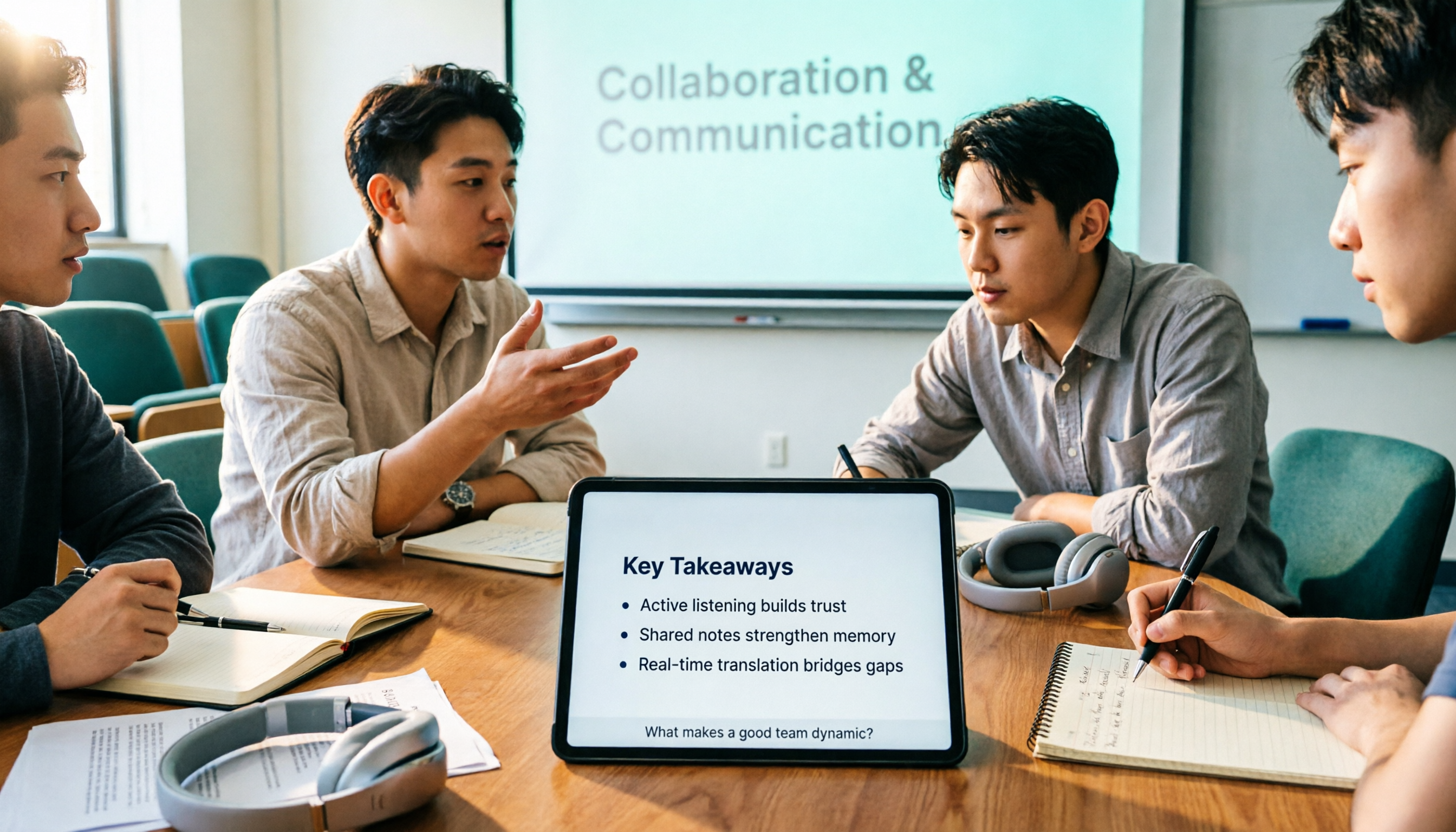
3 AI Real-Time Cantonese Translation Tools Tested for 2026: Which Offers Enough Free Quota and Post-Meeting Organization?
Starting from campus group discussions and class lectures, this article shares hands-on experience with AI real-time Cantonese translation tools. It covers 4 key purchasing criteria, Tinrec's post-meeting organization workflow, and the scenarios where OpenL Translate, Subanana, and Transync AI each fit best, helping students choose the right tool on a limited budget.

2026 AirPods Live Translation Cantonese Guide: Supported Models, Setup Steps, and Meeting Notes Integration
Can AirPods Live Translation handle Cantonese? Starting from the decision points readers struggle with most, this guide covers supported models, Apple Intelligence setup steps, the actual support scope for Cantonese and Traditional Chinese, and compares AirPods Live Translation with Tinrec in a single workflow: when wearing earbuds is enough, and when you need a transcript you can keep and reprocess.
4 Free Cantonese Speech-to-Text Tools in 2026: Free Limits and Transcript Uses
A roundup of 4 free speech-to-text options that handle Cantonese, comparing free quotas, spoken-to-written conversion, speaker labeling, and subtitle export formats, plus common pitfalls and a method to verify with your own recordings. Information verified as of August 2026.

2026 Comparison of 4 Cantonese Speech-to-Text Apps: Which Saves More Time with Code-Switching and Post-Meeting Organization?
A one-hour Cantonese meeting often takes three hours to transcribe. This article reviews four tools that handle Cantonese speech-to-text, comparing them on mixed Chinese-English recognition, input sources, post-meeting organization, team data ownership, and free tiers, plus common pitfalls and scenario-based recommendations.

4 Free Cantonese Speech-to-Text Tools Tested for 2026: Which Free Tier Is Enough?
I have over a dozen meetings a week, many with Hong Kong teams in Cantonese mixed with English. This article uses a mid-level manager's real work scenarios to compare the free tier algorithms, Cantonese recognition performance, and post-meeting organization capabilities of four Cantonese speech-to-text tools: Tinrec, Subanana, UniScribe, and cSubtitle. It also summarizes three common pitfalls to help you judge whether the free version is sufficient.

How to Use iPhone Cantonese Live Translation in 2026: 5 Methods + 4 Key Settings
A guide to 5 ways to achieve Cantonese live translation on iPhone in 2026, including Apple Intelligence translation in Messages, Phone, FaceTime, and AirPods, plus Tinrec's meeting transcription and translation workflow, with details on device requirements, language settings, and practical limitations.

2026 Meeting Audio Transcription Buyer's Guide: 7 Solutions Compared and How to Choose
Meeting audio transcription isn't just about dropping a recording into a tool. This guide starts with the most common pitfalls, then reviews the positioning, quotas, and ideal users for 7 solutions—Tinrec, Otter, Notta, TurboScribe, Granola, NotebookLM, and CLOVA Note—and offers actionable selection advice to save you from re-listening to recordings after meetings.