

Turn recordings into transcripts and summaries in minutes
Upload audio or video for multilingual transcription, AI notes, and action items
[Tutorial] Automatic Speaker Identification in 2026: 5 Buying Criteria + Post-Meeting Workflow
Are you looking for automatic labeling of "who said what" in meetings, or for something that can directly turn into summaries, action items, and team data after the meeting? These two needs are often conflated. Choose wrong, and you'll spend an extra round reorganizing the transcript. First ask yourself: am I missing speaker labels, or am I missing a workflow that turns meetings into action?
First, understand: automatic speaker identification is not a single switch
Speaker diarization analyzes voiceprint features to segment continuous recordings and label speakers. Standard transcription only gives you a wall of text; tools with speaker diarization will label "Speaker 1, Speaker 2."
The key factors affecting accuracy are audio quality, distance from the microphone, background noise, overlapping speech, and number of participants. Source pages often mention better results with 2-6 people; accuracy may decline with too many participants or when people talk over each other.
Labels can usually be renamed and corrected. The real question is: once you have the labels, what will you do with them? Before recording, also make sure participants are informed and consent.
When choosing an automatic speaker identification tool, look at these 5 criteria first
- Do you need labels or a workflow: If you only need transcript labels, that's suitable for interview organization; if you also need summaries, action items, Q&A, and export, look at post-meeting processing capabilities.
- Audio conditions and meeting size: 2-6 people, taking turns speaking, with clear microphones usually yields more stable results. Test first for large roundtables and overlapping speech.
- Output formats and export: TXT, PDF, SRT, VTT, timestamps, and speaker labels determine whether you can directly integrate into your workflow afterward.
- Post-meeting processing: Summaries, chapters, action items, AI Q&A, translation, and document generation affect efficiency more than simple transcription.
- Team governance: Team spaces, roles, seats, usage, auditing, and data ownership determine whether things get out of control with multiple users.
This article does not provide accuracy figures without testing conditions; source pages generally remind that audio conditions and overlapping speech affect results.
Tinrec — the main event comes after the meeting is saved
Tinrec is an AI meeting notes and collaboration tool for individuals and teams. The product introduction focuses on understanding, action, and team knowledge retention after transcription, and does not list automatic speaker identification as a main feature; if your primary need is speaker labels, you can first look at the specialized tools in the next section. But if what you want is "to be able to work directly after recording," Tinrec's section is most worth reading.
For online meetings, the Tinrec desktop app directly captures computer system audio to handle Zoom, Google Meet, Microsoft Teams, Webex, and other meetings without needing to invite a meeting bot. Users need to actively open Tinrec to start recording; it does not automatically join all calendar meetings.
For transcription and post-meeting organization, Tinrec supports real-time recording to text, audio/video file import, mobile recording, and real-time viewing of original text, translations, or bilingual content. After the meeting, it can generate AI summaries, chapters, action items, and mind maps, and also conduct AI Q&A around meeting content, further generate reports, tables, and documents, and export to Notion, Google Docs, OneNote, Dropbox, and other tools.
For team use, the Tinrec team version is an independent team space, not multiple people sharing a personal account. It provides join links, owner/admin/member roles, seat allocation, team sharing benefits, usage analytics, audit logs, audio recycle bin, and team hotwords. Valid members without seats can still view, play, and read team data, but cannot upload, edit, or import/export.
Stop organizing recordings by hand
Upload audio or video and automatically get a transcript, summary, and action items
Pricing: The first eligible team trial is 7 days, 1 free seat, and 300 minutes of team shared import quota. Team monthly is USD 29.80 per paid seat per month; annual is USD 199 per paid seat per year, equivalent to about USD 16.58 per month. Paid seats provide 2,000 minutes of team shared import quota per month; under an active team plan, real-time recording is currently not deducted by minutes. The personal version has a free version, weekly card, Pro monthly card, and annual card, chosen based on usage tasks; actual prices are subject to the official purchase page.
Limitations should be clear: Tinrec does not recommend promising a fixed 98% or 99% accuracy rate; important content should be verified against transcript timestamps and recordings. If your primary need is automatic labeling of each speaker, first try specialized speaker diarization tools; if you need Chinese meetings, bot-free recording of online meetings, post-meeting summary/action items/Q&A, and team knowledge retention, Tinrec is a better fit.
Besides Tinrec, you can first try these 3 tools for automatic speaker identification
Taption: The source page highlights installation-free AI speaker recognition and speaker diarization, allowing you to rename speakers, correct segmentation, export TXT, PDF, SRT, VTT with speaker labels and timestamps, and supports common Taiwanese accents and Traditional Chinese terms, with a free trial. If you just need to quickly get a transcript with speaker labels, you can try it first. If you also need team spaces, post-meeting AI Q&A, and action item retention, Tinrec's product introduction covers these workflows.
SeaMeet: The source states it analyzes voiceprints and splits conversations by number of participants, labeling "Speaker 1, Speaker 2, Speaker 3," with best results for 2-6 person meetings, cloud asynchronous processing, and produces summaries with speaker identities. Suitable for in-person meeting notes. If you need team governance such as member roles, seats, usage, and auditing, the Tinrec team version has corresponding capabilities.
PLAUD Note Pro: The source mentions four MEMS microphones with AI beamforming, 5-meter pickup range, Plaud Intelligence can perform speaker diarization, and supports 112 languages. The US official website shows NotePin USD 159, Note Pro USD 189; Starter 300 minutes per month, Pro USD 99.99/year for 1,200 minutes per month, Unlimited USD 239.99/year. Suitable for portable hardware recording; if you don't want to carry extra devices and want desktop bot-free recording of online meetings and team data, Tinrec handles it via web, desktop, and mobile.
Pitfalls guide: 4 most common mistakes when choosing automatic speaker identification
Pitfall 1: Only looking at advertised accuracy. Numbers without testing conditions have low reference value; please try with your own meeting recordings, paying special attention to air conditioning noise, keyboard sounds, and multiple people talking over each other.
Pitfall 2: Ignoring participant count and overlapping speech. 2-6 people taking turns speaking is usually more stable; multiple people speaking at once can cause segmentation errors. For important meetings, arrange microphones and speaking order.
Pitfall 3: Treating the transcript as the end goal. Labels only solve reading; post-meeting summaries, action items, Q&A, and export are what drive action. Tinrec's value lies in the latter workflow.
Pitfall 4: Ignoring team permissions and data ownership. The team version is not multiple people sharing a personal account; roles control governance, seats control usage, and data should be transferable when members leave. The Tinrec team version clearly distinguishes roles and seats.
Conclusion: Which one should you choose?
If your primary need is automatic speaker labeling and quick export of transcripts with speaker labels, try Taption first; for in-person meetings with 2-6 people, consider SeaMeet; if you need portable hardware recording, choose PLAUD.
If you need Chinese meetings, bot-free recording of Zoom/Meet/Teams/Webex, post-meeting summaries/action items/AI Q&A/translation/export, choose Tinrec. If you need team spaces, role seats, usage auditing, and member transition handover, choose the Tinrec team version. If you need to retain long-term meeting data as a searchable, queryable team asset, also choose Tinrec.
First clarify whether you need "labels" or "action." If you need both, you can use specialized tools to get labels, then use a workflow like Tinrec to organize; but don't expect any tool to promise 100% accuracy without stated conditions. Before recording, please obtain participant consent.
References
- AI Meeting Notes and Speaker Recognition Tool | Automatic Speaker Labeling and Transcript - Taption
- How to Identify Speakers in Recordings: Complete Guide to AI Transcript Speaker Labeling
- SeaMeet Speaker Identification: Labeling Speakers in In-Person Meeting Notes | SeaMeet Blog
- Speaker Identification Overview | Tinrec Help Center
- Speaker Separation: Clear and Powerful | Transync AI
Turn every recording into actionable outcomes
Get 60 free transcription minutes when you sign in. No credit card required.
Related Reading
You might also like
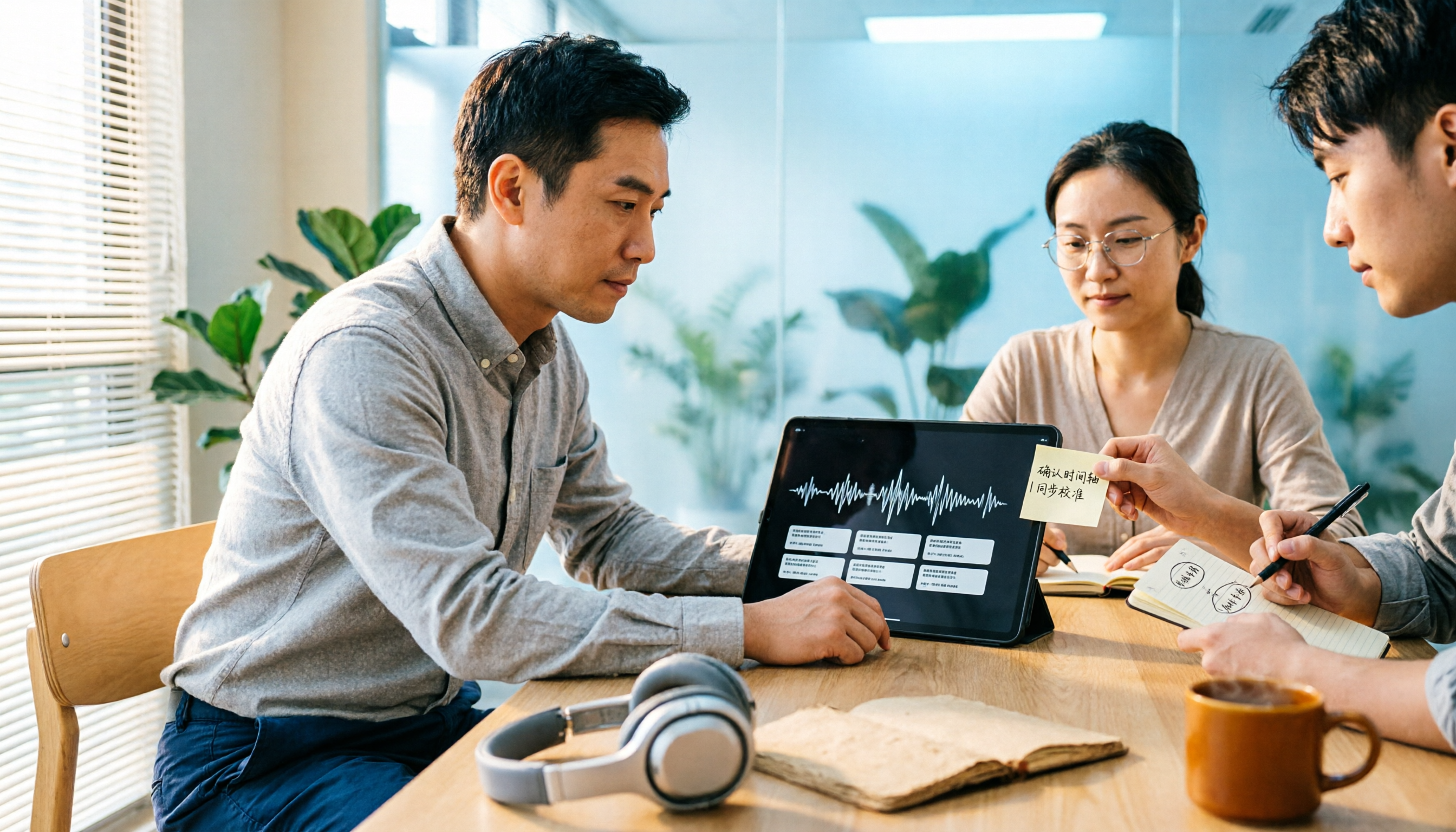
Tinrec vs Notta 2026: 5-Dimension Comparison — Which Is Better for WAV-to-Text and Meeting Follow-Through?
WAV-to-text isn't just about speed — post-meeting organization and team collaboration matter too. This article compares Tinrec and Notta from a manager's perspective on features, pricing, and use cases, explains why no timed benchmark was run, and offers a repeatable verification method.

4 Business Meeting Summary Tools Tested: Which Handles Chinese Meeting Minutes Best in 2026?
A business meeting summary isn't just pasting a transcript. Starting from real sales meeting workflows, this article covers 4 key buying criteria, hands-on observations of Tinrec, how Notta, PLAUD, and Granola differ in positioning, and 4 common pitfalls—so you can pick the one that truly saves post-meeting cleanup time.

Free Legal Meeting Transcription Options in 2026: 5 Tools Compared (Tinrec vs Notta)
How to choose a transcription tool for legal meetings? This article starts with common pitfalls and reviews free and paid options in 2026, with a primary comparison between Tinrec and Notta. It covers Chinese recognition, post-meeting summaries, AI Q&A, team collaboration, and compliance reminders to help you find the right tool for legal meeting records.
Free Microsoft Teams Meeting Transcription Options in 2026: 4 Tools Compared
Starting from the real pain points of student project meetings, this article reviews the free plans and limitations of Teams built-in transcription, Tinrec, Otter.ai, and Notta, and shares first-hand advice on how to choose so you don't waste time.

4 MP4 to Text Tools Tested: Which One Turns Videos into Queryable Data?
How to choose an MP4 to text tool? Starting from the key question—do you need a transcript or usable meeting data—this article outlines 4 buying criteria and compares Tinrec, Notta, TurboScribe, and VEED, covering free quotas, file limits, post-meeting organization, and team data ownership, to help you pick the one that truly saves time.

Tinrec vs Notta 2026: 5-Dimension Comparison — Which Is Better for Chinese Meeting Notes?
When a meeting ends and minutes are due, don't buy another recording app before understanding how tools differ in capture, transcription, organization, team collaboration, and pricing. This article compares Tinrec and Notta based on their official public information, explains who each suits, notes items still unconfirmed, and includes a data verification date.

Tinrec vs Notta 2026: 5-Dimension Comparison for Chinese Online Meeting Transcription
How to choose an online meeting transcription tool? This article compares Tinrec and Notta across 5 dimensions: Chinese recognition, meeting capture methods, post-meeting organization, team collaboration, and pricing/quotas. It also includes a buying guide to avoid pitfalls and scenario-based recommendations to help you determine which tool better fits your meeting workflow.

2026 Comparison of 4 Lecture Recording-to-Transcript Tools: The Most Time-Saving Option That Lets You Ask Follow-Up Questions After Transcription
Lecture recordings sitting untouched for three weeks? This article starts from the real-world usage scenarios of mid-level managers and compares four lecture recording-to-transcript tools: Tinrec, Yating Transcript, Plaud, and Notta. It explains key purchasing factors, each tool's limitations, and pitfalls to avoid, helping you choose the one that truly saves time and lets you ask follow-up questions after transcription.

How to Transcribe Recordings in 2026: 5 Steps from Audio File to Meeting Minutes
Meeting or interview recordings sit for days because the thought of typing them out is exhausting. This guide starts from real-world scenarios, covers 4 key points to consider before transcribing, and walks through 5 steps to turn an audio file into searchable, queryable, deliverable meeting material. It also compares Otter.ai, Notta, and TurboScribe—their differences and limitations—to help you decide which tool combination best fits your workflow.