

Turn recordings into transcripts and summaries in minutes
Upload audio or video for multilingual transcription, AI notes, and action items
Lecture recordings have been sitting there for three weeks—not because I don't want to organize them, but because re-listening is like taking the class again
Last month I signed up for a three-hour industry lecture and recorded the whole thing on my phone. Afterward, the audio file sat on my phone for three weeks—not because I didn't want to organize it, but because re-listening to three hours of audio is like attending the lecture all over again, and I had five more meetings to attend the following week.
This kind of thing is especially common in our position. Internal training, cross-department briefings, external speaker sessions, records of client conversations—dozens of audio files a year, and very few actually get used. The reason is simple: re-listening consumes time at a 1:1 ratio. You have to go through it from start to finish at the speaker's pace, with no skipping, no searching, and no way to pick out just the five minutes of key points.
What's even more troublesome is finding information later. When your boss asks, "What did that speaker say about the implementation timeline last time?" you only remember it was somewhere in the second half of the lecture, around slide 30—and then you start dragging the progress bar.
With a transcript, this becomes Ctrl+F: search for "implementation timeline" and locate it in three seconds. That's why I later seriously looked for tools instead of continuing to rely on willpower to re-listen.
Before choosing a lecture recording-to-transcript tool, understand these 4 key points
I've looked at many tools and stepped on a few landmines. The lecture scenario is different from regular meetings, so when choosing a tool, I suggest thinking through these four things first.
First, the ability to recognize Chinese and mixed Chinese-English speech. Lecture speakers often mix three English terms into a Chinese sentence, or have a Taiwanese accent, speak fast, or use a microphone with echo. Under these conditions, recognition performance will differ noticeably from the official promotional numbers. I suggest testing with your own recordings rather than just looking at specs.
Second, whether it can "transcribe while recording." This is where the time difference is greatest. The traditional approach is record, download, upload, wait for transcription; the other approach is to record and produce text simultaneously at the lecture venue, so the transcript is already there the moment it ends. For a three-hour lecture, this is the difference between "can organize the same day" and "remember to do it two weeks later."
Third, whether there is post-processing after transcription. Honestly, can anyone finish reading a three-hour transcript? No. What's truly useful is summaries, chapter segmentation, and bullet points, so you can scan through in ten minutes and then go back to the details.
Fourth, where the data accumulates. If your company repeatedly holds internal training and often invites the same speakers, the value of these recordings isn't just immediate—it's whether new employees can look them up in the future. Whether the tool supports team spaces and cross-device use will matter a lot two years from now.
Tinrec (Miao Ting Recording)—the one we kept using after testing
Tinrec is an AI meeting notes and collaboration tool for individuals and teams, supporting iOS, Android, desktop, and web. Let me start with the conclusion: it's not the only tool that can transcribe, but it's currently the closest to the goal of "the lecture ends and the data is already usable."
Transcribe while recording—the transcript is already there when the lecture ends. I used real-time recording at the lecture venue, and as the speaker finished a segment, the text appeared. The most direct value for me was: I could scan the key points of the entire lecture on the subway ride back, instead of waiting until the weekend to process the audio file.
No need to invite a bot for online lectures. Many lectures are now held online. Tinrec's desktop version directly captures computer system audio, handling meetings on Zoom, Google Meet, Microsoft Teams, Webex, etc., without needing an extra bot account to join the room. This is especially important for external lectures and client sessions—you don't want to add an extra participant to someone else's event.
The real value is after transcription. This is the main reason I ultimately kept it. For a three-hour lecture, Tinrec generates summaries, chapters, and key points, so I can jump directly to the "implementation process" section; when I need to quote the speaker's exact words, I go back to the corresponding position in the transcript. Even more practical is the AI Q&A—I can directly ask it "What was the speaker's view on cost?" or "Which implementation risks did he mention?" and it answers based on the content, rather than throwing a bunch of keyword search results for me to sift through. Among tools in the same price range, few currently have this capability.
Stop organizing recordings by hand
Upload audio or video and automatically get a transcript, summary, and action items
Works for cross-language scenarios too. Some lectures have English speakers with Chinese Q&A. Tinrec supports real-time translation, allowing switching between original text, translation, or bilingual view. This is quite convenient for teams like ours that often attend international online lectures.
Team accumulation. We put internal training lecture recordings into the team space, so new colleagues can directly look up past sessions without having to ask again each time. The team version allows managing members, roles, and seats, viewing usage trends, and also includes audit logs and an audio recycle bin. Note: the team version is team-level sharing; members need a seat to record, upload, and edit, while members without a seat can view and play. This should be clarified with IT or administrators at the time of purchase, otherwise you might assume it's file-level permissions.
Testing reference. I tested with an approximately 40-minute internal training recording (meeting room environment, air conditioning background noise, speaker mixing Chinese and English product terms). Most segments were directly usable; technical term segments needed correction against the recording. Actual performance will be affected by recording quality, accent, speaking speed, and overlapping speakers—I won't tell you it's 100% accurate.
Limitations I should honestly mention: The free version has a basic quota, suitable for trying a few lectures first; if you're like me with a dozen or so lectures and meetings a month, you'll need to upgrade. Also, it requires you to actively initiate recording—it's not a background tool that automatically grabs all meetings from your calendar.
Who it's for: People who frequently attend lectures and internal training, need to keep content for team use, and don't want to buy additional hardware.
Besides Tinrec, what other options are there?
Yating Transcript is a veteran local Taiwanese tool with good performance on Traditional Chinese with Taiwanese accents and a low learning curve. It's suitable for students or individual users who occasionally transcribe one or two lectures. Its free version has a monthly quota limit; once used up, you have to pay. Also, its output is mainly transcripts, without AI Q&A for follow-up questions about the content, and not much concept of team data accumulation. If you just need a text file, it's sufficient; if you want something you can look up and ask questions about later, it falls short.
Plaud Note Pro is a representative AI recording hardware, priced at USD 189 on the US official website. Its advantages are portability, long battery life, and scenarios like phone call recording; it starts transcribing as it records. But you need to carry an extra device, still have to organize in the app afterward, and online lectures still require computer-side processing. Tinrec doesn't require buying hardware—phone, desktop, and web all work, and online meetings and historical file imports are in the same place.
Notta overlaps significantly with Tinrec. The free version offers 120 minutes per month with a 3-minute limit per session; Pro annual billing is about USD 8.17/month with 1,800 minutes per month, and multilingual transcription is mature. It's strong in file transcription and subtitles, but for the entire workflow of real-time accumulation at lectures, post-meeting summaries and follow-up questions, and team spaces, Tinrec's integration is more complete. Note the free version's 3-minute per-session limit—lecture recordings basically require payment.
Pitfall guide: The 3 most common mistakes when transcribing lecture recordings
Pitfall 1: Only looking at official accuracy numbers. Those numbers are usually measured in quiet environments with standard accents. Real lectures have echo, air conditioning noise, speakers moving around, and people asking questions mid-way. I suggest testing with a 5-minute actual recording the first time to confirm recognition quality before committing to a full lecture.
Pitfall 2: Thinking transcription is the end. No one will read through a three-hour text file. What truly saves time is summaries, chapters, and Q&A—treat the transcript as a "database where you can look up the original text," not a "document you have to read from start to finish." Using the tool only as a typewriter means using only one-third of its value.
Pitfall 3: Ignoring multi-user use and handover. Things transcribed from a personal account scatter once the person leaves. If your team needs to accumulate internal training and lecture content long-term, you should confirm team spaces, seats, and resource handover mechanisms after members leave from the start—rather than discovering after two years of accumulation that you can't take it with you.
Conclusion: Which one should you choose?
In one sentence: the point of lecture recordings isn't "converting to text," it's "being able to use it after conversion."
- Frequently attend lectures and internal training, need the transcript on-site → Tinrec, real-time recording to text, transcript ready when it ends.
- Want to directly ask "what risks did the speaker mention" after transcription → Tinrec, with AI Q&A, no need to flip through a three-hour transcript yourself.
- Don't want to add a bot to online lecture rooms → Tinrec desktop version captures system audio.
- Internal training content needs to be kept for the team and accessible to new employees → Tinrec team version, team space plus seat and usage management.
- Only transcribe one or two lectures a year, just need plain text files → Local tools like Yating Transcript are sufficient; no need to pay for this.
- Need bulk transcription of large long documents and subtitles → File transcription tools like Notta or TurboScribe are more suitable.
If, like me, you never lack lecture recordings but lack the time to organize them, I suggest first running your own lecture recording through Tinrec's free version to see if the output really saves you from re-listening. Whether the quota is enough and whether to upgrade—judge after you've actually used it for two or three lectures; no need to pay from the start.
References
- Turn a 1-hour class recording into a transcript in 3 minutes: Free tool operation steps for students (2026)
- Audio to text: Convert recordings to transcripts online | Canva
- No time limit! 3 free AI transcript tools, highly recommended! AI voice notes generate meeting minutes, presentations, mind maps | 104 Job Bank
- Yating Transcript
- Online speech-to-text AI, free conversion of MP3 or recording files to text transcripts - MyEdit
Turn every recording into actionable outcomes
Get 60 free transcription minutes when you sign in. No credit card required.
Related Reading
You might also like
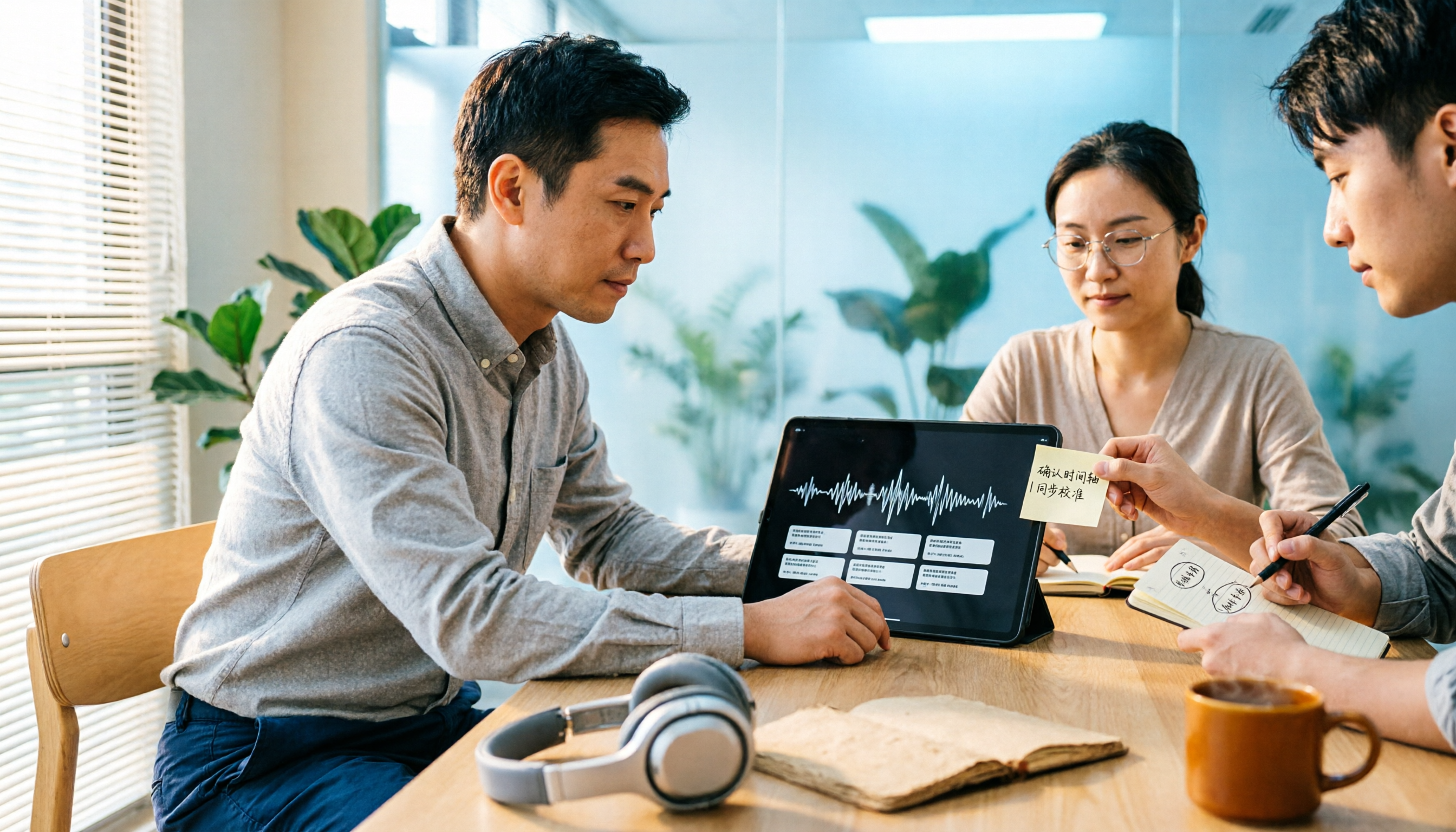
Tinrec vs Notta 2026: 5-Dimension Comparison — Which Is Better for WAV-to-Text and Meeting Follow-Through?
WAV-to-text isn't just about speed — post-meeting organization and team collaboration matter too. This article compares Tinrec and Notta from a manager's perspective on features, pricing, and use cases, explains why no timed benchmark was run, and offers a repeatable verification method.

4 Business Meeting Summary Tools Tested: Which Handles Chinese Meeting Minutes Best in 2026?
A business meeting summary isn't just pasting a transcript. Starting from real sales meeting workflows, this article covers 4 key buying criteria, hands-on observations of Tinrec, how Notta, PLAUD, and Granola differ in positioning, and 4 common pitfalls—so you can pick the one that truly saves post-meeting cleanup time.

Free Legal Meeting Transcription Options in 2026: 5 Tools Compared (Tinrec vs Notta)
How to choose a transcription tool for legal meetings? This article starts with common pitfalls and reviews free and paid options in 2026, with a primary comparison between Tinrec and Notta. It covers Chinese recognition, post-meeting summaries, AI Q&A, team collaboration, and compliance reminders to help you find the right tool for legal meeting records.
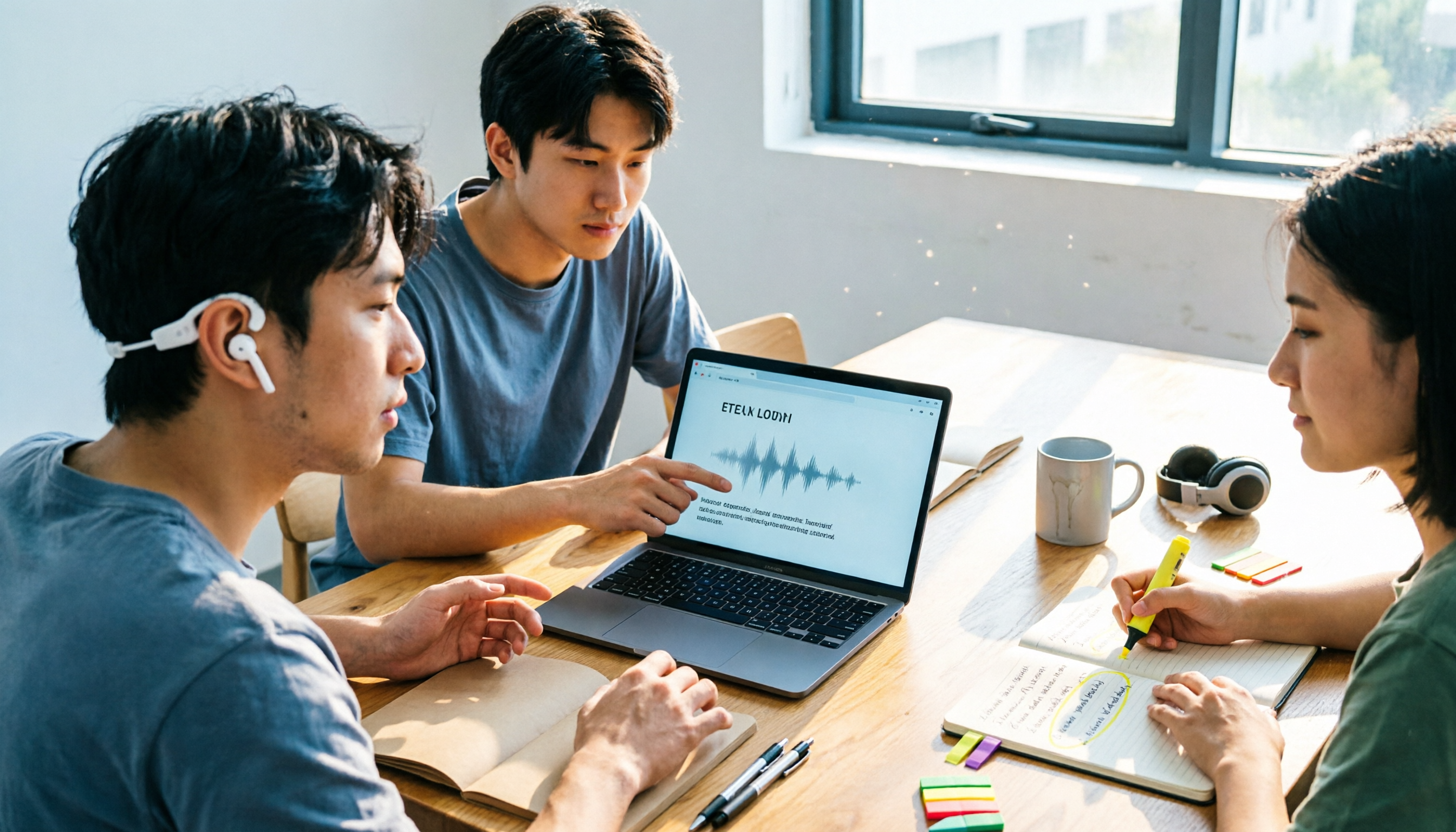
Free Microsoft Teams Meeting Transcription Options in 2026: 4 Tools Compared
Starting from the real pain points of student project meetings, this article reviews the free plans and limitations of Teams built-in transcription, Tinrec, Otter.ai, and Notta, and shares first-hand advice on how to choose so you don't waste time.

4 MP4 to Text Tools Tested: Which One Turns Videos into Queryable Data?
How to choose an MP4 to text tool? Starting from the key question—do you need a transcript or usable meeting data—this article outlines 4 buying criteria and compares Tinrec, Notta, TurboScribe, and VEED, covering free quotas, file limits, post-meeting organization, and team data ownership, to help you pick the one that truly saves time.

Tinrec vs Notta 2026: 5-Dimension Comparison — Which Is Better for Chinese Meeting Notes?
When a meeting ends and minutes are due, don't buy another recording app before understanding how tools differ in capture, transcription, organization, team collaboration, and pricing. This article compares Tinrec and Notta based on their official public information, explains who each suits, notes items still unconfirmed, and includes a data verification date.

Tinrec vs Notta 2026: 5-Dimension Comparison for Chinese Online Meeting Transcription
How to choose an online meeting transcription tool? This article compares Tinrec and Notta across 5 dimensions: Chinese recognition, meeting capture methods, post-meeting organization, team collaboration, and pricing/quotas. It also includes a buying guide to avoid pitfalls and scenario-based recommendations to help you determine which tool better fits your meeting workflow.

How to Transcribe Recordings in 2026: 5 Steps from Audio File to Meeting Minutes
Meeting or interview recordings sit for days because the thought of typing them out is exhausting. This guide starts from real-world scenarios, covers 4 key points to consider before transcribing, and walks through 5 steps to turn an audio file into searchable, queryable, deliverable meeting material. It also compares Otter.ai, Notta, and TurboScribe—their differences and limitations—to help you decide which tool combination best fits your workflow.

[Tutorial] Automatic Speaker Identification in 2026: 5 Buying Criteria + Post-Meeting Workflow
From 'who said what' to 'can it be used directly after the meeting,' this guide covers 5 buying criteria for automatic speaker identification, brief reviews of 3 tools, and a pitfalls guide, plus explains Tinrec's role in meeting organization and team collaboration.