

Turn recordings into transcripts and summaries in minutes
Upload audio or video for multilingual transcription, AI notes, and action items
Tinrec vs Gemini Real-Time Translation 2026: 5-Dimension Comparison for Meeting Notes
Start with a decision question: Do you want to "understand what the other person is saying right now," or do you want to "after understanding, capture the meeting's conclusions, action items, and owners"? I have about 15 meetings a week, and I have asked myself this question many times. Gemini can do real-time speech translation—Google's Gemini 3.5 Live Translate can perform near-real-time speech-to-speech translation across more than 70 languages. But if your scenario is like mine, where you need to report upward and track downward after the meeting, what really matters is not who translates more instantly, but whether the data is usable after translation. This article compares Tinrec and Gemini in a meeting scenario across 5 dimensions.
What Can Real-Time Speech Translation Do for You?
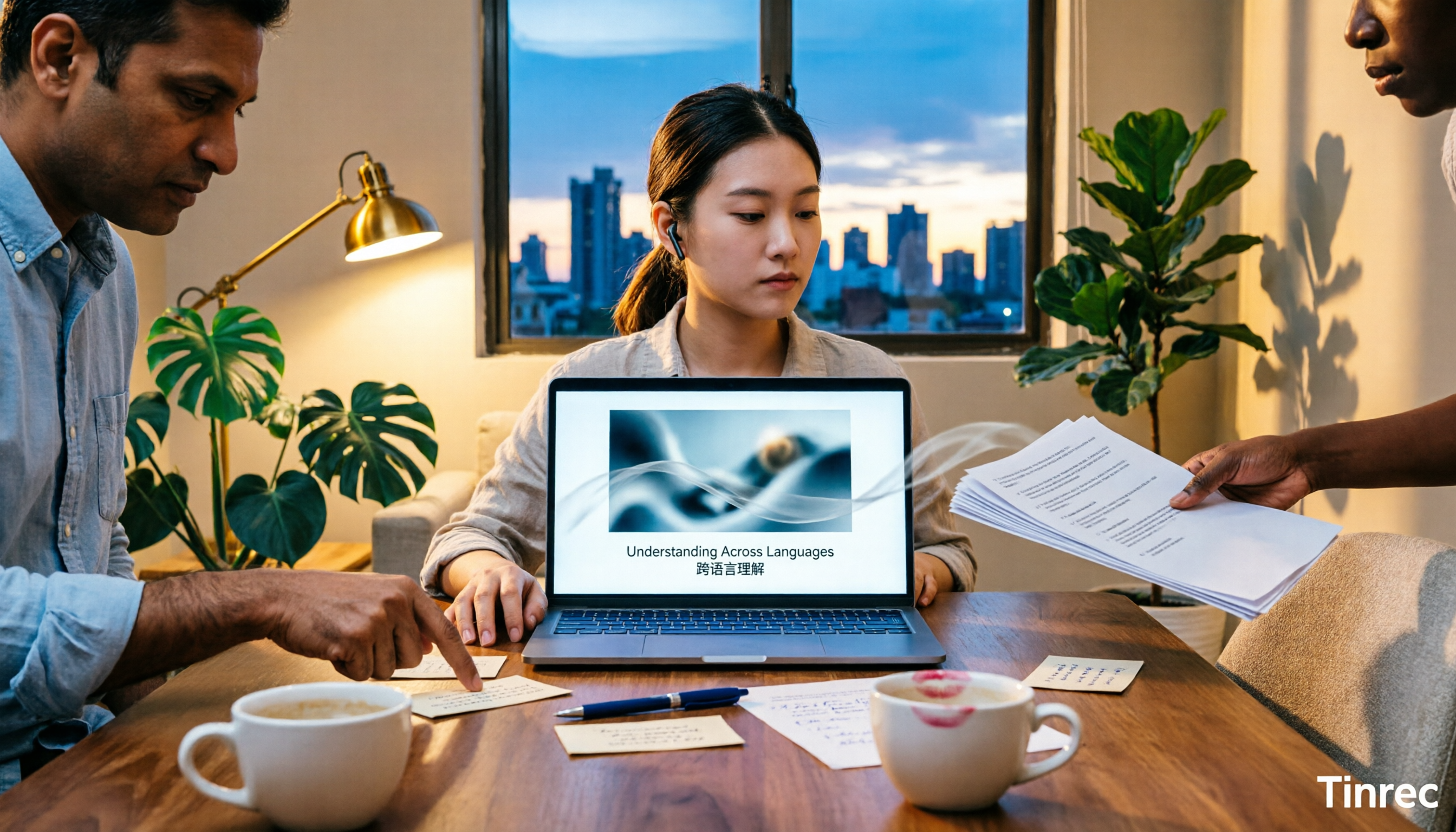
Scenario 1: Cross-language meetings, viewing bilingual content while recording. In the past, the most troublesome part of cross-language meetings was having to organize from memory afterward. Now, taking Tinrec as an example, the desktop version can directly capture computer system audio without inviting a meeting bot to join. During the meeting, it generates a transcript in real time, and you can view the original text, translation, or bilingual content while recording. Translation is no longer just "the moment of understanding" but becomes part of the transcript, allowing you to continue with summaries and action items afterward.
Scenario 2: Meeting notes in 5 minutes after the meeting. For a two-hour meeting, I used to spend another hour organizing. Tinrec automatically generates summaries, chapters, key points, and action items after transcription, listing who is responsible for what and what the next steps are. For someone who has a dozen meetings a week, what you save is not typing time but the time spent recalling the context afterward.
Scenario 3: Organizing historical interviews and course recordings. If you have interview recordings, online courses, or live stream replays, Tinrec supports uploading audio and video files for transcription. After transcription, you can ask AI questions about the content, such as "What budget constraints did the client mention?" or "What are the speaker's conclusions?" This is much faster than listening from the beginning.
Scenario 4: Turning meetings into team data. Personal recordings left on a phone are usually just recordings. Tinrec's team version puts meeting data into a team space, where members can view, play, and read historical meetings, and action items and post-meeting outputs can be continuously followed up. When members change, team resources can be handed over, so data is not lost when someone leaves.
What Are the Core Capabilities?
Real-time transcript and bilingual viewing: Tinrec transcribes while recording, capturing meeting content in real time. In cross-language meetings, you can view the original text, translation, or bilingual content during recording, solving the pain point of "not understanding at the moment and not being able to look it up afterward." It does not provide speech interpretation in your earphones but keeps the translation in a reviewable text context.
No-bot online meeting recording: Tinrec's desktop version directly captures device system audio, handling online meetings on Zoom, Google Meet, Microsoft Teams, Webex, etc., without requiring an additional bot to join as a participant. The user initiates recording, so no extra attendee appears in the meeting.
AI summaries, chapters, and action items: Transcription is only the first step. Tinrec organizes long meetings into summaries, chapters, and key points, and extracts action items from discussions. For managers, this is more practical than getting a complete transcript because you can directly see conclusions and action items.
AI Q&A and Agent post-processing: After transcription, you can ask questions about single or multiple meeting data, and Tinrec answers based on semantic understanding. When post-meeting deliverables are needed, it can further generate reports, tables, and documents, turning meeting content into materials for continued work.
Team space and governance: Tinrec's team version is not a personal account shared by multiple people but an independent team space that includes members, roles, seats, sharing permissions, usage analytics, audit logs, audio recycle bin, and team hotwords. Roles determine governance permissions, seats determine whether one can record, upload, edit, and import/export, and member relationships determine whether one belongs to the team. This distinction is important for departments that need to manage meeting data for multiple members.
5-Dimension Comparison: Differences Between Tinrec and Gemini in Meeting Scenarios
Dimension 1: Real-time speech translation experience. Gemini's strength is clear: Gemini 3.5 Live Translate supports more than 70 languages, can generate translations synchronously as the speaker talks, usually lagging only a few seconds, and tries to preserve the original speaker's tone, speed, and pitch. The limitation is that language detection still struggles with heavy accents, similar languages, or rapid switching, and background noise is not guaranteed to be fully filtered out. Tinrec's real-time translation is viewing the original text, translation, or bilingual text during the recording and transcription process, not speech-to-speech interpretation; if you just want to understand in your earphones at the moment, Gemini is more direct.
Dimension 2: Meeting capture method. Gemini's capabilities can be used through entrances such as the Google Translate app, Google Meet, and the Gemini Live API; Tinrec uses the desktop version to capture system audio without a bot, with the user initiating recording, covering common online meetings like Zoom, Meet, Teams, and Webex, and retaining meeting recordings. For those who need to check back after the meeting, retaining the recording is a practical difference.
Dimension 3: Post-meeting organization and usability. Gemini solves "understanding"; Tinrec solves "how to use the data after understanding." Tinrec connects transcripts, summaries, chapters, action items, AI Q&A, multi-format export, and Agent post-processing into one workflow, so after the meeting you can directly produce minutes, reports, or tables. This is also why I more often open Tinrec in meeting scenarios.
Stop organizing recordings by hand
Upload audio or video and automatically get a transcript, summary, and action items
Dimension 4: Team collaboration and governance. Gemini is a translation capability within the Google ecosystem; Tinrec's team version centralizes meeting data into a team space, where administrators can manage roles, seats, sharing permissions, usage, and audits. Deleted audio can be recovered from the recycle bin, and resources can be handed over when members leave. For teams of ten or more, the ownership and handover of meeting data often cause more problems than translation itself.
Dimension 5: Chinese and multilingual meetings. Gemini supports more than 70 languages, covering most mainstream languages; Tinrec can handle Chinese meeting transcription and minutes, mixed Chinese-English content, multilingual meeting transcription, and supports real-time translation and bilingual viewing, while team hotwords are used to maintain professional terminology. Neither should promise a fixed accuracy rate; actual results are affected by recording quality, noise, accents, overlapping speakers, and professional terminology.
The conclusion is simple: for "understanding at the moment," Gemini is a reasonable choice; for "having usable data after the meeting," Tinrec is closer to the needs of meeting notes and team knowledge retention.
Practical Application Scenarios
Cross-department weekly meetings with mixed Chinese and English. Participants sometimes speak Chinese and sometimes mix in English, and decisions need to be organized afterward. Use Tinrec's desktop version for no-bot recording, generate a real-time transcript during the meeting, and view bilingual content when necessary; after the meeting, use summaries and action items to confirm who does what. For managers, this is more reliable than chasing people afterward to ask "What was that conclusion again?"
Customer interviews and requirement confirmation. After uploading interview recordings to Tinrec, first transcribe them, then use AI Q&A to extract customer needs, objections, and commitments, and finally export them as follow-up materials. Sales or customer success teams can quickly confirm key points without re-listening to the entire recording.
Online courses and live stream replays. Course or live stream content can be imported into Tinrec for transcription, generating chapters and summaries for easy review and search. For cross-language content, real-time translation and bilingual viewing can assist understanding, and key points can be organized into notes.
Team handover and historical meeting search. The team version keeps meeting data in the team space, so new members can view historical meetings, and action items and post-meeting outputs are not scattered across personal devices. When a member leaves or loses a seat, administrators can hand over resources to other active members, reducing knowledge gaps.
5 Things to Note When Choosing Real-Time Speech Translation and Meeting Notes Tools
First distinguish between "interpretation" and "notes." If you want to understand face-to-face at the moment, speech-to-speech translation tools are more direct; if you want post-meeting transcripts, summaries, and action items, choose a tool that can turn transcription into a workflow. Tinrec is positioned in the latter, with real-time translation as part of the process, not a replacement for real-time interpretation.
Confirm whether meeting capture requires a bot. Some tools require a bot to join the meeting, while others capture system audio from the desktop. Tinrec's desktop version belongs to the latter, with the user initiating recording, so no extra participant appears; but it should not be understood as automatically joining all calendar meetings.
Can it still be used after translation? Just looking at "whether there is translation" is not enough; you also need to see whether the translation can be placed together with transcripts, summaries, action items, and Q&A. Tinrec lets you view the original text, translation, or bilingual content during recording, and then connect to summaries and AI Q&A afterward, so data does not stop at the translation step.
Team permissions depend on roles, seats, and member relationships. The team version is not multiple people sharing one account. Tinrec's team version separates the three: active members without a seat can still view, play, and read team data but cannot upload, edit, or import/export; team resources belong to the team and can be handed over when members change.
Calculate quota by usage frequency, not just price. For occasional organization of one or two recordings, you can start with Tinrec's free version; for short-term intensive meetings or interviews, consider a weekly card; for stable weekly use, Pro is more suitable; for long-term data retention, the annual card is more cost-effective. The team version offers a 7-day trial, 1 free seat, and 300 minutes of shared team import quota for first-time eligible users; monthly payment is USD 29.80 per paid seat per month, annual payment is USD 199 per paid seat per year, each paid seat provides 2,000 minutes of shared team import quota per month, and real-time recording under an active team plan is currently not deducted by minutes. Actual prices and benefits are subject to the official purchase page.
Frequently Asked Questions
Q1: Can Gemini do real-time speech translation? A: Yes. Google's Gemini 3.5 Live Translate supports more than 70 languages, can generate translations near real-time as the speaker talks, and has been introduced into the Google Translate app, Google Meet, and the Gemini Live API. Its focus is understanding at the moment; if you need post-meeting summaries, action items, and team data retention, Tinrec is more suitable.
Q2: Is Tinrec's real-time translation speech-to-speech? A: No. Tinrec's real-time translation is viewing the original text, translation, or bilingual text during recording and transcription, with the focus on retaining cross-language meeting content rather than replacing real-time earphone interpretation. If you only need face-to-face real-time interpretation, speech-to-speech tools are more direct; if you need post-meeting transcripts and minutes, Tinrec's workflow is more complete.
Q3: Do Zoom, Meet, and Teams require a bot to join? A: No. Tinrec's desktop version directly captures computer system audio, with the user initiating recording, without inviting a meeting bot. It is currently not a mode that automatically joins all calendar meetings; users still need to start recording themselves.
Q4: Can team members without a seat view data? A: They can view, play, and read team data but cannot upload, edit, or import/export. Tinrec's team version separates roles, seats, and member relationships; when a member leaves or is removed, team resources can be handed over to other active members.
Q5: Is the free version enough? A: It depends on your usage frequency. For occasional organization of one or two recordings, start with Tinrec's free version to experience the basic quota; for stable weekly meetings, Pro is more suitable; if the team needs to share meeting data, then evaluate the team version. The team version has a 7-day trial, 1 free seat, and 300 minutes of shared import quota. Actual prices and benefits are subject to the official purchase page.
Conclusion
Back to the initial decision: Gemini can do real-time speech translation—this is already established; but if, like me, you believe the value of a meeting is not in the few seconds of understanding but in whether conclusions, action items, and responsibilities can be retained afterward, then the choice logic is different. Tinrec's strength is not speech-to-speech interpretation but connecting real-time recording, transcripts, real-time translation, summaries, action items, AI Q&A, and team space into a post-meeting workflow. I suggest you first use the free version for a real meeting to see whether transcripts and summaries can save you post-meeting organization time; if the team needs to share, then evaluate the team version's seats and quota.
References
- Real-time translation with Gemini Live API | Gemini API | Google AI for Developers
- Google launches Gemini 3.5 Live Translate, supporting real-time translation in over 70 languages | iThome
- Google Translate introduces Gemini native speech capabilities, begins testing real-time speech translation | iThome
- How to use Gemini 3.5 Live Translate? Supports real-time interpretation in 70 languages - SOGI Mobile King
- 2026 comparison of 3 real-time speech translation tools: Can Gemini really do real-time interpretation? - Tinrec Blog
Turn every recording into actionable outcomes
Get 60 free transcription minutes when you sign in. No credit card required.
Related Reading
You might also like

Free Audio-to-Transcript Options in 2026: 5 Tools Compared
A roundup of free audio-to-transcript options available in 2026, comparing free quotas, supported languages, whether they can directly record online meetings, and post-transcription summarization and Q&A capabilities across tools like Tinrec, MyEdit, Google AI Studio, and Canva, so you can pick the one that truly saves time.

4 Audio-to-Text Tools Tested and Compared in 2026: Is Free Enough or Do You Need to Pay?
Want to turn audio recordings into text but not sure if free tools are enough? This article compares Tinrec, Notta, Otter.ai, and TurboScribe using the same workflow—from import, transcription, summarization, AI Q&A, to team export—and breaks down 5 key buying factors and 4 common mistakes to help you decide which tool fits meeting notes, interview organization, and team collaboration.

3 Best Meeting Recording Tools in 2026: ChatGPT Recording, Tinrec, and Notta Compared
Can ChatGPT record audio? This student-perspective guide compares ChatGPT's recording mode, Tinrec, and Notta on recording, transcription, summarization, free tiers, and pricing, and explains limitations on macOS, Google Meet integration, language support, and multi-speaker transcripts.

5 iPhone Photo-to-Text Methods Compared (2026): Live Text Is Fastest, Shortcuts Automate Filing
A practical comparison of five iPhone photo-to-text methods in 2026, covering how each works, when to use it, and its limitations—from Live Text and Notes scan text to Camera real-time recognition, Shortcuts, and the Google app. Also explains where Tinrec fits for meeting recording organization, helping you choose the right tool for your needs.
Tinrec vs Granola 2026: 5-Dimension Comparison, Tinrec Saves More Time with Video Translation and Organization
Can you translate videos in real time? This article starts with common misconceptions, compares Tinrec and Granola in video transcription, translation, summarization, follow-up questions, and team knowledge retention, and covers alternatives like Chrome Live Caption to help you choose the right tool.

2026 Meeting Recording Tools Comparison: Transcripts, Summaries, and Team Collaboration
Meeting recording is more than just pressing record. This article addresses post-meeting organization pain points, covering essential features like transcription, AI summaries, action item extraction, AI Q&A, and team collaboration. Using Tinrec as an example, it explains practical use cases, purchasing considerations, and FAQs to help professionals and teams find more efficient ways to document meetings.

4 iPhone Video Text Tools Compared: iMovie, Clips, and AI Transcription
Adding text to iPhone videos doesn't require paid apps. This comparison covers iMovie, Clips, YouTube Create, and Tinrec: which are best for on-screen text cards, and which turn spoken content into transcripts, summaries, and action items. Includes step-by-step instructions, limitations, and selection advice.

5 iPhone Speech-to-Text Methods Tested: Built-in Transcripts, Dictation, and AI Compared for 2026
iPhone has built-in speech-to-text, but there are many limitations based on model, iOS version, and language. This article compares 5 practical methods: Voice Memos transcripts, Notes live transcription, keyboard dictation, Shortcuts one-tap dictation, and Tinrec's recording transcription with AI organization. We clearly outline the limitations, quotas, and use cases for each method to help you choose the most time-saving one.

3 WhatsApp Voice-to-Text Methods Tested for 2026: Is the Built-in Feature Enough?
Can't listen to or understand WhatsApp voice messages, or can't find the key points later? This article compares WhatsApp's built-in voice message transcription, exporting audio to Tinrec for organization, and other transcription tools. It outlines 4 key decision points, 3 common mistakes, and practical steps to help you choose the right method for your situation and turn recordings into searchable, queryable, usable text data.