

Turn recordings into transcripts and summaries in minutes
Upload audio or video for multilingual transcription, AI notes, and action items
4 Zoom Meeting Summary Tools Tested in 2026: Which One Actually Saves You Time?
The first choice you need to make isn't "should we use AI?" but "what should the AI produce?" After a Zoom meeting ends, do you need a summary you can send straight to your manager, or another verbatim transcript you have to read from the beginning? If the summary doesn't flag decisions, owners, deadlines, and open questions, it hasn't actually saved you any time.
The hard part of Zoom meeting summaries isn't transcription—it's producing deliverable conclusions
An hour-long meeting often means another hour afterward replaying the recording, pulling out key points, and filling in action items. That's the daily reality for many office workers, especially those with weekly Zoom standups, client calls, and cross-department discussions.
What's more troublesome is that meeting content is scattered across different places. Today it's Zoom, tomorrow it's Google Meet or Teams, and in-person interviews are recorded separately. When you need to go back and find "who said the budget would be cut last time" or "when the client promised to respond," you often have to rely on memory and scroll through chat logs.
Zoom's built-in Meeting Summary can generate a summary after the meeting, which is convenient for teams already using Zoom; depending on plan settings, the host can edit the summary before emailing it or sharing it to Zoom Chat. But if your meetings span multiple platforms, or you need to turn summaries into action items, reports, and a team knowledge base, the built-in feature alone may not be enough.
This article uses the same criteria to compare four tools that can handle Zoom meeting summaries and tells you which one fits your workflow.
Before choosing a Zoom meeting summary tool, understand these 4 key points
1. Can the summary capture "decisions, owners, deadlines, and open questions"?
Many tools can generate a summary that reads smoothly, but when it's time to deliver, you need to check: were decisions treated as mere discussion? Were negative statements reversed? Who is responsible? When is it due? Were open questions missed? One reviewer suggests that for your first test, pick a low-risk internal meeting and deliberately include names, English product names, numbers, dates, and owners, then check the summary against these five things afterward. This is a better test of usability than reading it once and thinking it "feels smooth."
2. Will the recording method disrupt the flow?
There are two common approaches: one is to have a meeting bot join the meeting, and the other is to capture system audio directly via a desktop app. Bots offer automation, but some participants may be uncomfortable with an extra account on the attendee list; bot-free recording requires you to start recording manually. Neither is inherently better, but if your client meetings don't want an extra bot, confirm which method the tool supports.
3. Chinese and mixed Chinese-English recognition experience
Taiwanese teams rarely meet in pure Chinese—product names, project codes, and English abbreviations are mixed in. When choosing a tool, don't just look for "supports Chinese"; check whether it can handle mixed Chinese-English, technical terms, and overlapping speakers. Actual performance is affected by recording quality, noise, accents, and technical terminology; no tool can guarantee a fixed accuracy rate.
4. Can the post-meeting data be reused, and can the team take over?
A meeting summary isn't the end point. You usually need to turn it into action items, send it to your manager, paste it into Notion or Google Docs, or look it up three months later. If the tool only produces a transcript, you still have to organize it manually afterward; if team members leave and the data is tied to personal accounts, that's an even bigger problem. Team spaces, roles, seats, and export capabilities should all be considered when purchasing.
Tinrec (秒听录音) — Our top pick after testing
Tinrec (秒听录音) is an AI meeting notes and collaboration tool for individuals and teams, supporting transcription for Zoom, Google Meet, Microsoft Teams, Webex, and other online meetings. It uses bot-free desktop recording to generate real-time transcripts, translations, meeting summaries, and action items, and stores past meetings in a team space.
Bot-free Zoom recording—see the transcript during the meeting
When using the Tinrec desktop app, you don't need to add an extra bot to your Zoom meeting. It captures system audio directly; open it and start recording, and you can see the transcript as the meeting progresses. For those who frequently meet with external clients, this is practical: no unfamiliar account appears on the attendee list, and you don't have to ask the host to admit a bot one by one. Note that Tinrec currently doesn't automatically join all calendar meetings—you need to start recording manually.
Beyond a transcript: summaries, chapters, action items, and Q&A
After the meeting, Tinrec generates an AI summary, chapters, and key points, and extracts action items from the discussion. You can continue asking questions about the meeting, such as "What was the budget cap the client mentioned?" or "What open questions came up in this meeting?" It answers based on the meeting content, not just keyword search results. This is very helpful for writing meeting minutes, replying to clients, and tracking action items afterward.
When you need cross-language or team collaboration, the workflow continues
Tinrec supports real-time translation during recording, letting you view the original, translation, or bilingual content; after the meeting, you can export results to Notion, Google Docs, OneNote, Dropbox, and other tools, or use Agent post-processing to generate reports, tables, and documents. The team edition puts meeting data into a separate team space, offering member invitations, roles, seats, sharing benefits, usage analytics, audit logs, team hotwords, and an audio recycle bin. Members without a seat can still view, play, and read team data; only with a seat can they record, upload, edit, and export.
Stop organizing recordings by hand
Upload audio or video and automatically get a transcript, summary, and action items
How we tested
We didn't take the officially advertised accuracy rate as our conclusion. Instead, we used a 30-minute internal Zoom meeting as a test script: participants included mixed Chinese-English, product names, numbers, and names. Afterward, we checked only five things: were decisions correctly flagged, were negative statements reversed, who was the owner, what was the deadline, and were open questions missed. Tinrec provides high-quality transcription under clear audio and common meeting scenarios, but actual results are still affected by recording quality, noise, accents, overlapping speakers, and technical terminology; for important content, we recommend cross-checking with transcript timestamps and recording playback.
Pros and limitations
Pro one: bot-free recording makes external meetings smoother. Pro two: complete post-meeting outputs—from transcript, summary, and action items to AI Q&A—all in one workflow. Pro three: the team edition handles data ownership, seats, and governance together, so when members change, resources can be handed over to other active members.
Limitations should also be clear: the personal edition has a free version, weekly pass, Pro monthly, and Pro annual; heavy use requires payment. The team edition is billed per paid seat: USD 29.80 per paid seat per month for monthly billing, or USD 199 per paid seat per year for annual billing (about USD 16.58 per month). The first eligible team trial is 7 days, 1 free seat, and 300 minutes of team shared import quota; each paid seat provides 2,000 minutes of team shared import quota per month. Real-time recording currently does not deduct minutes under an active team plan and active seat, while file and web imports consume team shared import minutes. Pricing and benefits are subject to the official purchase page.
Who it's for
If you mainly meet on Zoom, want editable summaries and action items right after the meeting, don't want a bot joining the meeting, or need to turn meeting data into team assets, Tinrec is the best set to try first right now. Individual users can start with the free version; teams can confirm trial quotas first, then decide on the number of seats.
Besides Tinrec, what other Zoom meeting summary options are there?
The following competitor pricing and benefits are subject to their official pages and may change.
Otter.ai: A mature choice for English business meetings
Otter.ai is a mature English AI meeting assistant covering Zoom, Teams, Meet, real-time transcription, AI Chat, and team management. Basic is free for 300 minutes per month; Pro annual billing works out to USD 8.49 per user per month, including 1,200 minutes and 10 file imports. For English-dominated meetings, Otter is more cost-effective than Tinrec. But if meetings mix Chinese and English and you need real-time translation and bilingual transcripts, Tinrec is more direct; Tinrec also puts recordings, summaries, and action items into a team space.
Notta: An overlapping choice for multilingual transcription and team plans
Notta overlaps heavily with Tinrec, covering multi-platform transcription, meeting notes, file import, translation, and team plans. Free is 120 minutes per month, 3 minutes per session; Pro annual billing works out to USD 8.17 per month, 1,800 minutes; Business annual billing works out to USD 16.67 per seat per month. Notta is good for multilingual subtitles. Tinrec's differences are bot-free Zoom recording via desktop, team audio recycle bin and audit logs, and connecting AI Q&A, action items, and Agent post-processing in the same workflow.
Granola: Bot-free meeting notes, but doesn't retain audio
Granola is a bot-free AI meeting notes tool that transcribes in real time via desktop system audio and microphone, and combines handwritten notes to generate content. Basic is free, Business is USD 14 per user per month, Enterprise is USD 35 per user per month. It suits English meetings and note-taking habits. However, Granola doesn't support uploading pre-recorded audio and doesn't save meeting audio; if you need to retain recordings, organize past meetings, do real-time translation, or build a team knowledge base, Tinrec can do it, while Granola is not suitable.
Pitfall guide: The 3 most common mistakes when choosing a Zoom meeting summary tool
Pitfall 1: Only looking at "does it have AI summaries" without checking if the summary is deliverable
Many tools have a summary button, but if the summary lacks decisions, owners, deadlines, and open questions, it's just a shortened transcript. During testing, deliberately include names, numbers, and dates, and check each item afterward. Otherwise, you've just gone from "replaying the recording" to "rereading the summary."
Pitfall 2: Ignoring the recording method and meeting experience
Meeting bots are convenient, but not every client is willing to let a bot join. Bot-free desktop recording isn't fully automatic either—you need to start it manually. Before choosing a tool, think clearly: can your meetings accept a bot? Do you need to retain audio? Do you have cross-platform meetings? Answer these questions first, then compare features.
Pitfall 3: Leaving team data in personal accounts
If meeting data only exists in personal accounts, historical meetings can easily be lost when members leave or change devices. What you should look at in a team edition: data ownership, roles and seats, resource handover after members leave, usage, and auditing. Tinrec's team edition puts these in one management interface; note that it currently focuses on team-level sharing rather than fine-grained document-level permissions—all active members can read team data, and only those with a seat can edit and upload.
Pitfall 4: Assuming AI summaries can completely replace humans
AI may miss details or misinterpret negative statements. A safer approach is to treat the AI summary as a first draft and, for important meetings, cross-check against the transcript and recording. This is also why we only looked at "is it deliverable" in our tests, not just "does it read smoothly."
Conclusion: Which one should you choose?
Overall, if what you want is "after a Zoom meeting, have a usable summary and action items right away," Tinrec is the top pick in this article. Its bot-free recording, Chinese and mixed Chinese-English organization, AI Q&A, export, and team space cover exactly the most common aspects of Zoom meeting summaries.
- Mainly meet on Zoom and need summaries and action items afterward → Tinrec
- Meetings often mix Chinese and English, need bilingual transcripts → Tinrec
- Don't want a bot joining the meeting but need to retain recordings → Tinrec desktop app
- Need team sharing, seat management, usage, and auditing → Tinrec team edition
- Budget is zero and meetings are mainly in English → Otter.ai Basic
We recommend starting with the free version or a team trial and testing with a low-risk meeting. Rather than asking "which one has the most features," ask "which one's summary can save me an hour of organizing." If it can flag decisions, owners, deadlines, and open questions, then it's truly summarizing your Zoom meeting.
References
- If it's an online meeting, Zoom is pretty good! After the meeting, AI automatically summarizes the key points each person said.
- Can't attend but still grasp the meeting content! Zoom's new AI meeting summary feature generates meeting records in real time | TechNews
- Zoom AI note recorder: Transcribe and summarize meetings
- Using Meeting Summary with AI
- Zoom AI Companion meeting summary tutorial: ZoomMate, free version, and settings | Mason AI Lab
Turn every recording into actionable outcomes
Get 60 free transcription minutes when you sign in. No credit card required.
Related Reading
You might also like

2026 Comparison of 2 Cantonese Speech-to-Text Tools: Tinrec vs Otter.ai — Which Is Better for Mixed Chinese-English Meetings?
Tired of transcribing Cantonese meeting recordings? This article compares Tinrec and Otter.ai across Cantonese and mixed Chinese-English recognition, bot-free online meeting recording, post-meeting summaries and AI Q&A, team collaboration governance, and free tiers and pricing, to help you decide which is better suited for Cantonese meetings, interviews, and team organization needs.

2026 Comparison of 3 Computer Video-to-Text Tools: Why Tinrec Is Better Than cSubtitle and VEED for Meeting Organization
Many people upload a video to a transcription site only to realize they still have to manually organize the transcript. Starting from common misconceptions about computer video-to-text, this article compares Tinrec, cSubtitle, and VEED, and explains how Tinrec turns video content into summaries, action items, and searchable team meeting materials.
5 Best Text-to-Speech Tools in 2026: Which One Sounds Most Human?
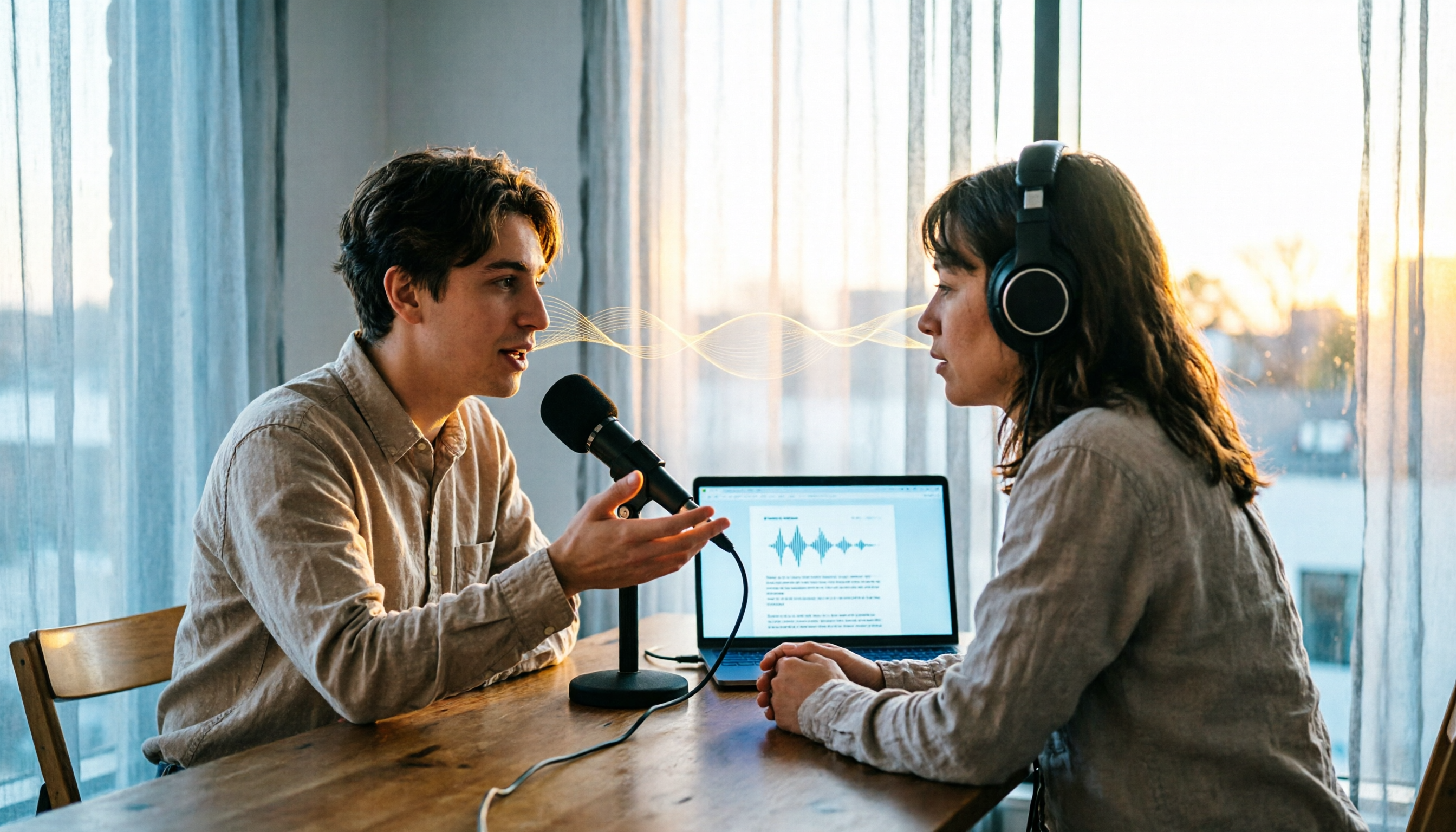
The same script fed into different tools produces wildly different 'human-like' results. This article first breaks down 4 key factors for choosing a text-to-speech tool with human-like voice, then hands-on compares MyEdit, Vidnoz, FlexClip, and Yating. Finally, it covers the other half of the human voice need: using Tinrec to turn meeting and interview recordings into searchable, queryable transcripts and summaries.

2026 Comparison of 5 Online Text-to-Speech Readers: Which Offers the Most Practical Traditional Chinese Voices and Audio Export?
Starting from the common misconception that you just paste text and press play, this article compares TextReader, MyEdit, Luvvoice, Vidnoz AI, and Speechify across speech engines, Traditional Chinese voices, long-text handling, and audio export. It includes comparison criteria, quota details, and recommendations based on user needs.

2026 Comparison of 3 AI Conversation Tools: Stop Treating Transcripts as Meeting Notes
AI conversation is more than just a chatbot. This article addresses common misconceptions and explains how to use Tinrec to turn meeting conversations into transcripts, summaries, action items, and queryable team data, along with purchasing checkpoints and FAQs.

2026 Comparison of 3 iPhone Image-to-Text Solutions: From Quick Copy to Automated Meeting Notes
iPhone's built-in Live Text can quickly extract text from photos and screenshots, but organizing and tracking that text is where the real time goes. This article uses a mid-level manager's real work scenarios to compare three approaches—Live Text, Shortcuts automation, and Tinrec—explaining their applicable scopes, limitations, and how to handle meetings and voice content.

2026 Speech-to-Text Tools Compared: Free Tiers, Chinese Transcription, and Post-Meeting Organization
Many speech-to-text tools exist, but the real challenge isn't transcription—it's what you do afterward. This hands-on comparison of Tinrec, Notta, Granola, and TurboScribe evaluates free tiers, Chinese transcription performance, and paid plan differences from three angles: post-meeting organization, online meeting recording methods, and team collaboration. Includes 4 common pitfalls to help you choose the right tool for your use case.

Huawei Phone Audio Transcription Tools Compared: Tinrec vs Built-in (2026)
How to transcribe Huawei phone recordings? This practical comparison examines whether the built-in transcription is sufficient, comparing Huawei's built-in recorder, Tinrec, Notta, and TurboScribe on Chinese recognition, post-meeting organization, AI Q&A, and team collaboration, with real-world scenarios and buying considerations to help you decide which approach saves the most time.

2026 iPhone Audio-to-Text App Guide: Tinrec No-Bot Meeting Recording + AI Q&A
iPhone's built-in Voice Memos transcription has device and OS limitations. This hands-on guide covers Tinrec, an iPhone audio-to-text app that records online meetings without a bot, transcribes mixed Chinese-English, provides AI summaries and Q&A, and helps teams retain knowledge. We explain how to use it and how it differs from built-in options.