

Turn recordings into transcripts and summaries in minutes
Upload audio or video for multilingual transcription, AI notes, and action items
Many people's first experience with English audio-to-text follows a similar pattern: upload the file, hit convert, wait a few minutes, and then get a text full of typos, no punctuation, and no speaker differentiation. The conclusion is often "AI transcription is unreliable"—but eight out of ten times, the problem isn't the tool, it's the settings.
Here are the three most common and time-consuming pitfalls, along with more reasonable approaches.
Pitfall 1: Using Subtitle Mode Instead of Transcript Mode
Many people think there's only one mode for "converting to text," but there are actually at least two: subtitle mode and transcript mode.
Subtitle mode outputs subtitle lines cut by time, without punctuation, suitable for subtitling but not for reading. For note-taking, meeting minutes, or archiving, you must choose transcript (transcription) mode so the system automatically adds punctuation, segments by meaning, and produces a readable English transcript. Also, set the number of speakers to auto-detect or manually input the number—for multi-person conversations, whether speakers are differentiated makes a huge difference in readability.
Pitfall 2: Leaving the Source Language on "Auto-Detect"
This is the second common trap. Many people leave the language setting on auto-detect or the default option, and as a result, English recordings are recognized as another language, producing garbled output.
If you're sure the content is in English, set the source language directly to English. For mixed Chinese-English meetings common in Hong Kong, choose a tool that supports mixed-language recognition. This one setting often determines whether the entire transcript is usable.
Pitfall 3: Not Building a Vocabulary List First
Names, company names, product names, and technical abbreviations are the most error-prone areas in English transcription. Before transcribing, add these terms to the vocabulary list so the system prioritizes your specified spelling, saving a lot of time correcting typos afterward.
Why "Just Transcribing" Actually Wastes the Most Time
Beyond settings, there's a more fundamental issue: assuming that getting a transcript means you're done.
A transcript without segmentation, key points, or action items still requires you to read it from start to finish, mark highlights yourself, and organize action items yourself. Manual transcription has the highest accuracy ceiling, but one hour of English recording often takes three to five hours, and even longer with heavy accents or multi-person conversations—almost impossible when facing deadlines. Pure upload-and-transcribe is fast, but most tools stop at "a large block of unstructured text."
The truly time-saving approach is to let the tool continue helping you organize after transcription. This is the biggest difference between Tinrec and ordinary transcription tools.
Tinrec vs. Ordinary Approach: The Difference Is After Transcription
How to record meetings and courses. For English meetings, online courses, and cross-border interviews, many people get stuck on "do I need to invite a bot to the meeting?" Tinrec's desktop version directly captures computer system audio, handling online meetings on Zoom, Google Meet, Microsoft Teams, Webex, etc., without needing an extra bot to join as a participant. Just open Tinrec and start recording, and the transcript is generated in real-time during the meeting.
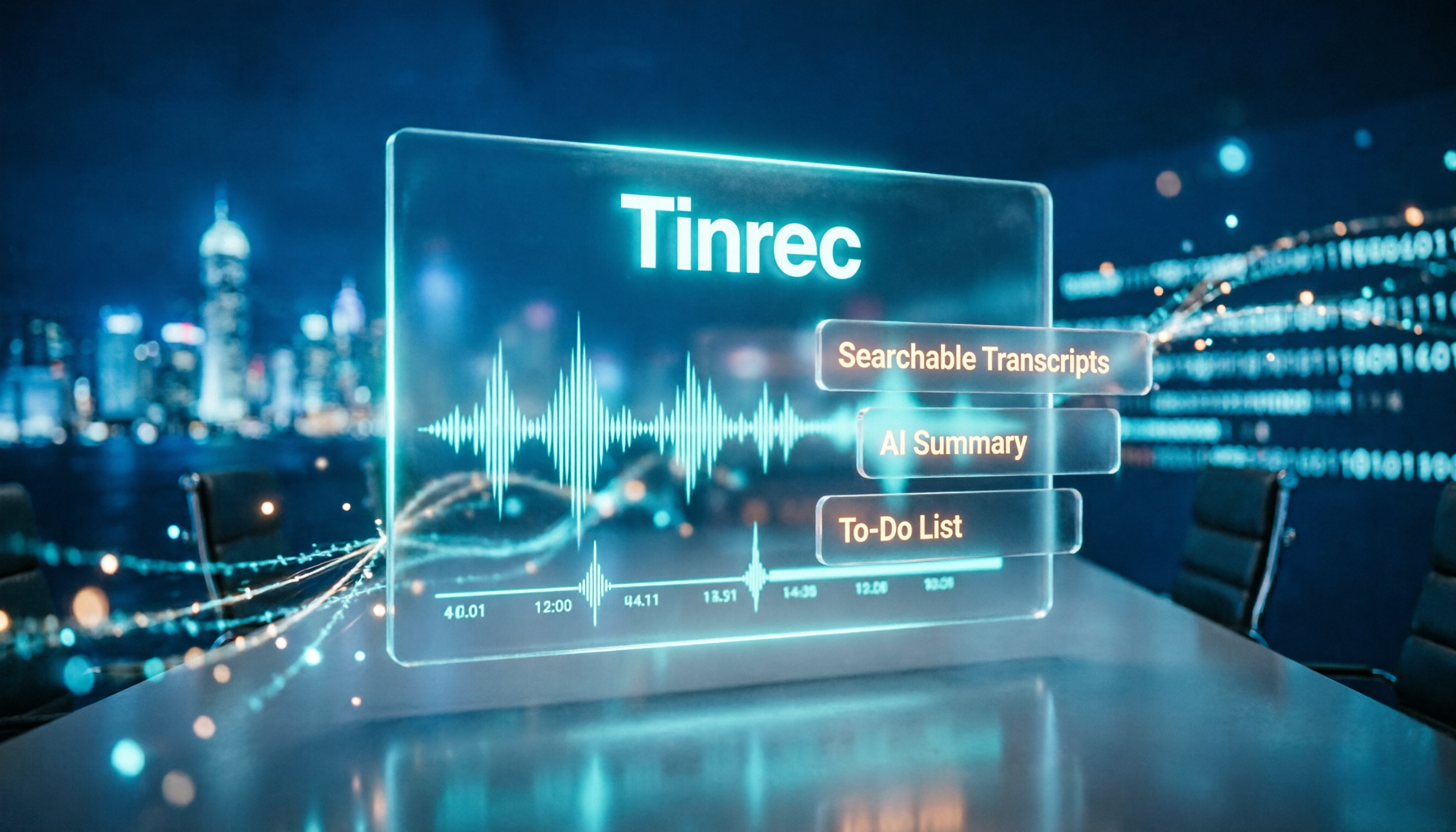
Output: transcript or usable data. Ordinary transcription tools give you text; Tinrec gives you transcripts, AI summaries, chapters, key points, and action items. For a 60-minute English meeting, when you return to your seat, what you need to read is no longer a 30-page transcript but a few summary paragraphs and a few action items. This gap is very noticeable in actual use.
Mixed Chinese-English and real-time translation. English content isn't necessarily all English; meetings in Hong Kong often mix Chinese and English. Tinrec supports multilingual meeting transcription and real-time translation, allowing you to switch between original, translated, or bilingual views during recording—useful for English listening review or cross-language meetings.
Term recognition. The team version provides team hotwords, allowing centralized maintenance of department-specific terms, product names, and abbreviations, reducing the need to manually correct typos each time. This is much more efficient than individually adding vocabulary lists before each transcription.
Data ownership and collaboration. Personal version data belongs to the individual account; the team version is an independent team space where meeting data belongs to the team. Members can view, play, and read team data; only after obtaining a seat can they record, upload, edit, and import/export. Roles govern management, seats govern usage—the two must be clearly distinguished.
Stop organizing recordings by hand
Upload audio or video and automatically get a transcript, summary, and action items
Overview of Tinrec's Core Features
Real-time recording to text. Transcribe while recording, suitable for offline meetings, interviews, and on-site notes. The transcript is ready by the end of the meeting, with no extra time needed for organization.
Bot-free online meeting recording. The desktop version captures system audio without inviting extra participants, and does not imply official cooperation with any platform.
Audio/video file transcription. Upload already-recorded English podcasts, online courses, or interview recordings and convert them into text data, suitable for making up notes or reviewing.
AI summaries, chapters, and action items. Long meetings are automatically broken into easily browsable structures, and follow-up action items are extracted from discussions.
AI Q&A. No need to scroll through the transcript from the beginning. Just ask "What were the conclusions of this meeting?" or "What concerns did the client raise?" and the system will answer based on the content.
Export and post-processing. Supports exporting results to Notion, Google Docs, OneNote, Dropbox, etc., for continued use, and can generate reports, tables, and documents based on meeting content.
Practical Use Cases
Reviewing English online courses and podcasts. Understanding only half is normal. Upload the audio file to Tinrec to get segmented transcripts, summaries, and bilingual comparison. For sentences you get stuck on, just read the text instead of repeatedly dragging the progress bar.
Multinational meeting notes. The biggest fear in English meetings is taking notes afterward. Keep the desktop version recording, and the real-time transcript is generated simultaneously. After the meeting, use AI Q&A to confirm consensus and owners, then export as meeting minutes.
English interviews and research. After transcribing a one-hour interview, use AI Q&A to quickly extract key statements and quotes from interviewees—much faster than manually going through the transcript.
Team knowledge retention. Centralize transcripts, summaries, and action items from each English meeting in the team space. New members can look up past discussions; when members leave, resources are handed over to other active members, so data doesn't disappear with the person.
Points to Consider When Choosing a Tool
Language and accent support. Don't just look at how many languages are supported; consider your actual recording conditions—accents, speaking speed, and background noise all affect results.
Whether audio files are retained. Some tools only provide text and don't keep the recording, making it troublesome to verify a sentence later. Tinrec retains audio files, and the team version even has an audio recycle bin, allowing recovery of accidentally deleted files before permanent cleanup (currently 30-day retention).
Output formats and export. Whether the transcript can be integrated into your existing workflow is more important than a long feature list.
Term management. Whether there's a centralized place to maintain professional terminology directly affects long-term usability.
Team governance. If multiple people share it, confirm whether roles, seats, usage, and operation logs are managed separately. Tinrec's team version provides member and seat management, usage analytics, and audit log query/export.
Pricing details. The team version is currently USD 29.80 per paid seat per month, or USD 199 per paid seat per year (approximately USD 16.58 per month). Each paid seat provides 2,000 minutes of team shared import quota per month; under a valid team plan and valid seats, real-time recording is currently not deducted by minutes. The first eligible team trial is 7 days, 1 free seat, and 300 minutes of team shared import quota. Actual prices, currencies, and settlement amounts are subject to the official purchase page.
Conclusion: Is Tinrec Worth a Try?
The real cost of converting English audio to text isn't the few minutes of "conversion," but redoing it due to wrong settings, organizing it yourself after transcription, and finding someone to take over after organizing.
Tinrec is worth considering for three reasons: first, bot-free recording on the desktop version means no extra participants needed for English meetings and online courses; second, the output includes not just transcripts but also summaries, chapters, action items, AI Q&A, and export; third, the team version turns meeting data into team assets, with roles, seats, usage, and auditing.
Keep in mind that transcription quality is still affected by recording quality, accents, noise, overlapping speakers, and technical terminology. It's not recommended to treat AI output as a 100% accurate final draft; important content should still be verified against the transcript timestamps and recording. Also, recording and transcription involve personal data, so comply with local laws and obtain participant consent when necessary.
If you have a particularly challenging English recording on hand, test it once with Tinrec's free version basic quota—that's more direct than reading any review.
References
- How to Create an English Transcript? Complete Guide to English Audio-to-Text | Subanana
- Audio to Text: Convert Recordings to Transcripts Online | Canva
- 2026 Latest 7 Speech-to-Text Tool Recommendations: Solve Time-Consuming Typing Pain Points, Easily Turn Audio Files into Text - Miaoting Recording Blog
- Can Audio Files Be Converted to Text Files? Complete Comparison and Tutorial of 6 Tools - VPN Recommendations
- Online Speech-to-Text AI, Free Conversion of MP3 or Audio Files to Text Transcripts - MyEdit
Turn every recording into actionable outcomes
Get 60 free transcription minutes when you sign in. No credit card required.
Related Reading
You might also like

2026 Comparison of 5 Xiaomi Audio-to-Text Tools: Is the Built-in Feature Enough?
The Xiaomi phone's built-in recorder has a free and easy-to-use 'speech-to-text' feature, but it only produces a large block of text with no summary or action items. Based on real meeting scenarios, this article outlines 4 key points for choosing an audio-to-text tool, compares Xiaomi's built-in recorder, Tinrec, Notta, and Otter.ai, and includes a pitfalls guide and selection advice.
2026 Comparison of 4 Web-Based Audio-to-Text Tools: Which One Turns Meetings into Searchable Team Data?
Web-based audio-to-text isn't just about uploading a file and hitting convert. This article starts with the three most common pitfalls people encounter, then breaks down what really needs to be handled after transcription: summaries, action items, Q&A, and team data ownership. Using Tinrec as an example, it explains how to record online meetings without a bot, AI summaries, and team spaces in practice, and concludes with a buying checklist and FAQs.

5 Free AI Meeting Minutes Generators Compared (2026): Which Offers the Best Free Tier and Chinese Summaries?
Most people choose a free meeting minutes tool based only on monthly minutes, overlooking per-recording length limits, whether existing audio files can be uploaded, whether recordings are retained, and whether summaries are included in the free tier. This article compiles the free-tier conditions and post-meeting outputs of five tools—Tinrec, Otter.ai, Notta, TurboScribe, and Granola—based on official public information, and includes a like-for-like comparison table and selection advice.

5 Bilibili Video-to-Text Tools Tested and Compared in 2026: Which Offers the Best Free Tier and Chinese Recognition?
How to choose a Bilibili video-to-text tool? This article covers three approaches: official subtitles, link transcription, and audio upload. It reviews 5 tools and Tinrec's tested workflow, comparing free quotas, Chinese recognition, timestamps, summary Q&A, and export capabilities to help you pick the right tool for course notes and content organization.

2026 Medical Record Summarization Tools Compared: Which Handles Mixed Chinese-English Clinic Conversations Best?
Short consultations and long documentation times are daily realities for most clinicians. This practical decision guide compares Tinrec, Notta, TurboScribe, and Otter.ai for medical record summarization, covering 4 key buying factors, 4 common mistakes, and scenario-based recommendations to help you determine which tool truly reduces manual organization time.

4 Audio-to-Text Tools Tested for 2026: Which One Saves the Most Time on Chinese Meeting Transcripts?
Turning meeting recordings into text shouldn't just be about converting audio to words. This article tests and compares Tinrec, Otter.ai, Notta, and TurboScribe from four angles: Chinese recognition, post-meeting organization, online meeting audio capture, and free quotas, to help you pick the one that truly saves time.

Tinrec vs Yating Transcription 2026: 5-Dimension Comparison for Chinese Meeting Notes
How to choose a meeting speech-to-text app? This article starts with common misconceptions and compares Tinrec and Yating Transcription across five dimensions: online meeting recording methods, post-transcription organization, accent and cross-language handling, export workflows, and team collaboration management. It honestly lists the limitations and plan differences of both to help you decide which suits your meeting style.

4 AI Transcription Tools Tested for 2026: Which Saves the Most Time on Chinese Meeting Notes?
When transcribing meeting recordings, the bottleneck is often not the transcription itself but the post-transcription organization. This article starts from 'what you need to do with the transcript afterward' and compares four AI transcription tools: Tinrec, Notta, Granola, and TurboScribe. It breaks down key purchasing factors, lists pricing and limitations for each plan, and summarizes 4 common pitfalls to help you choose the one that truly saves time.

2026 Comparison of 4 Meeting Transcription Tools: Which One Actually Saves Time on Post-Meeting Cleanup?
How to choose a meeting transcription tool? This article examines four key aspects—meeting scenarios, post-meeting organization, Chinese recognition, and free quotas—and compares Tinrec, Notta, Otter.ai, and TurboScribe through hands-on testing. It includes a pitfalls guide and selection advice to help you find the one that truly saves cleanup time.