
![[2026 Latest] AI Recording to Text App Recommendations: 5 Must-Have Transcription Tools for Meeting Minutes, Call Recording, and More](https://record-img.tos-accelerate.volces.com/images/2026/01/22/1769071278712961466.jpg)
Turn recordings into transcripts and summaries in minutes
Upload audio or video for multilingual transcription, AI notes, and action items
Whether it's a multi-hour international conference, a business call requiring precise records, or the tedious subtitle dictation for content creators, "speech-to-text" technology has evolved from a mere auxiliary tool into an indispensable core of productivity. With countless AI recording apps on the market, which one is right for you? This article will review the top recommended AI recording-to-text apps of 2026 and provide an in-depth look at a versatile tool that has recently emerged as a dark horse.
2026 AI Recording to Text Market Trend Analysis
Based on market evolution from 2024 to 2025, users' demands for recording-to-text apps have gone beyond just "accurate transcription." Now, users value the following three trends:
- AI Deep Understanding & Summarization: Simple transcripts are too long; AI must automatically extract meeting minutes, action items, and mind maps.
- Full-Scenario Coverage: From in-person meeting recordings, phone call recordings to importing MP3/video files, users want one app to handle all audio scenarios.
- Privacy & Cross-Platform: As iOS and Android tighten call recording permissions, tools that can stably provide two-way call recording to text have become extremely scarce and valuable.
Popular AI Transcription Tools Overview: Pros and Cons
Before introducing this year's dark horse, let's take a look at some well-known competitors on the market:
- PLAUD NOTE: Combines a hardware recording card with an app. It is convenient for physical recording but requires carrying additional hardware and is relatively expensive.
- Good Tape: Minimalist interface with a design-focused transcription service, suitable for users with occasional file conversion needs, but relatively limited in functionality.
- Vocol: Focuses on team collaboration and project management, ideal for large enterprise internal meetings, but may not fully meet individual users' or call recording needs.
- Yating Transcription: Developed in Taiwan, with excellent recognition for Taiwanese Mandarin or Hokkien, but somewhat lacking in AI summarization and foreign language translation.
Annual All-Round Dark Horse Recommendation: TinRec (Instant Recording Transcription)
Among the many competitors, TinRec (Instant Recording Transcription) stands out as the most noteworthy productivity tool of 2026, thanks to its all-round functionality. It not only addresses the basic need for recording-to-text but also provides precise solutions to the pain points of business professionals and creators.
Stop organizing recordings by hand
Upload audio or video and automatically get a transcript, summary, and action items
1. Core Feature: Call Recording to Text
This is TinRec's most competitive strength. In an environment with increasingly strict phone system restrictions, TinRec offers a stable call recording solution. It can clearly record two-way calls and instantly transcribe them, making it a powerful tool for protecting rights and retrieving information in business negotiations, interviews, or customer service records.
2. MP3 to Text & File Import
Have old voice recorder files? TinRec supports importing various audio formats. Tests show that a 60-minute speech recording can be transcribed in just a few minutes, with extremely high accuracy for Traditional Chinese, and it handles mixed Chinese-English contexts precisely.
3. AI Meeting Summary & Minutes (AI Meeting Summary)
TinRec features an advanced "Meeting Summary AI." It doesn't just convert speech to text; it acts as your AI secretary, automatically analyzing the full text to extract summaries, key decisions, and follow-up action items, freeing you from lengthy meeting notes.
4. YouTube Subtitle Generation
For video creators, this is a killer feature that saves hours of post-production time. Simply paste a YouTube video link, and TinRec will extract the audio track and generate subtitle files with timestamps. Creators can directly import the subtitles into editing software, significantly streamlining the workflow.

Why TinRec Is Your Best Choice?
| Feature Comparison | TinRec (Instant Recording Transcription) | General Recording Apps | Online Converter Websites |
|---|---|---|---|
| Call Recording | Supported (clear two-way) | Mostly not supported | Not supported |
| AI Smart Summary | Supported (summary/action items) | Transcription only | Depends on service |
| YouTube to Subtitles | Supported | Not supported | Partial support |
| Ease of Use | All-in-one mobile app | Single function | Requires computer |
Product Information Overview:
- Product Name: TinRec (Instant Recording Transcription)
- Website: https://tinrec.com/
- Key Features: Call recording to text, MP3 to text, AI meeting summary, meeting minutes AI, YouTube subtitle generation.
Conclusion: Free Your Mind with AI
The value of tools lies in saving time, allowing us to focus on more creative work. Whether you are a business professional who needs to record negotiation details, a project manager drowning in meeting notes, or a content creator seeking efficiency, TinRec (Instant Recording Transcription) is a productivity tool worth investing in. It hands over the tedious dictation work to AI, freeing you from endless replays and pauses.
Ready to experience the efficiency of "listening to an hour of recording in one second"?
👉 Try TinRec (Instant Recording Transcription) for free: https://tinrec.com/
Turn every recording into actionable outcomes
Get 60 free transcription minutes when you sign in. No credit card required.
Related Reading
You might also like

How to Use Apple Voice Memos Transcription in 2026: A 5-Step Guide
Is Apple's built-in Voice Memos transcription enough? This article uses real meeting scenarios from a mid-level manager's perspective to outline 5 decision steps, comparing Apple's built-in transcription, Yating Transcription, Recco, and Tinrec. It explains who each tool is for and where its limits lie, helping you decide which tool to use for post-meeting organization and team knowledge retention.

Tinrec Review 2026: Cantonese Meeting Transcription + AI Summaries & Action Items
Starting from the Cantonese meeting pain points Hong Kong teams face most, this guide covers the key criteria for choosing an AI meeting notes tool, tests Tinrec's performance on Cantonese and mixed Chinese-English transcription, summaries, action items, and team knowledge retention, and briefly reviews other common options to help you quickly decide which solution to use.

4 Meeting Note Apps Tested in 2026: Which Saves More Time Than Gemini?
Gemini's built-in meeting notes are convenient, but cross-platform use, mixed Cantonese-English, and team knowledge retention may fall short. Using Tinrec as an example, this article breaks down what a meeting note app can do, its core capabilities, practical use cases, 5 key considerations, and FAQs to help Hong Kong workers save time on post-meeting organization.
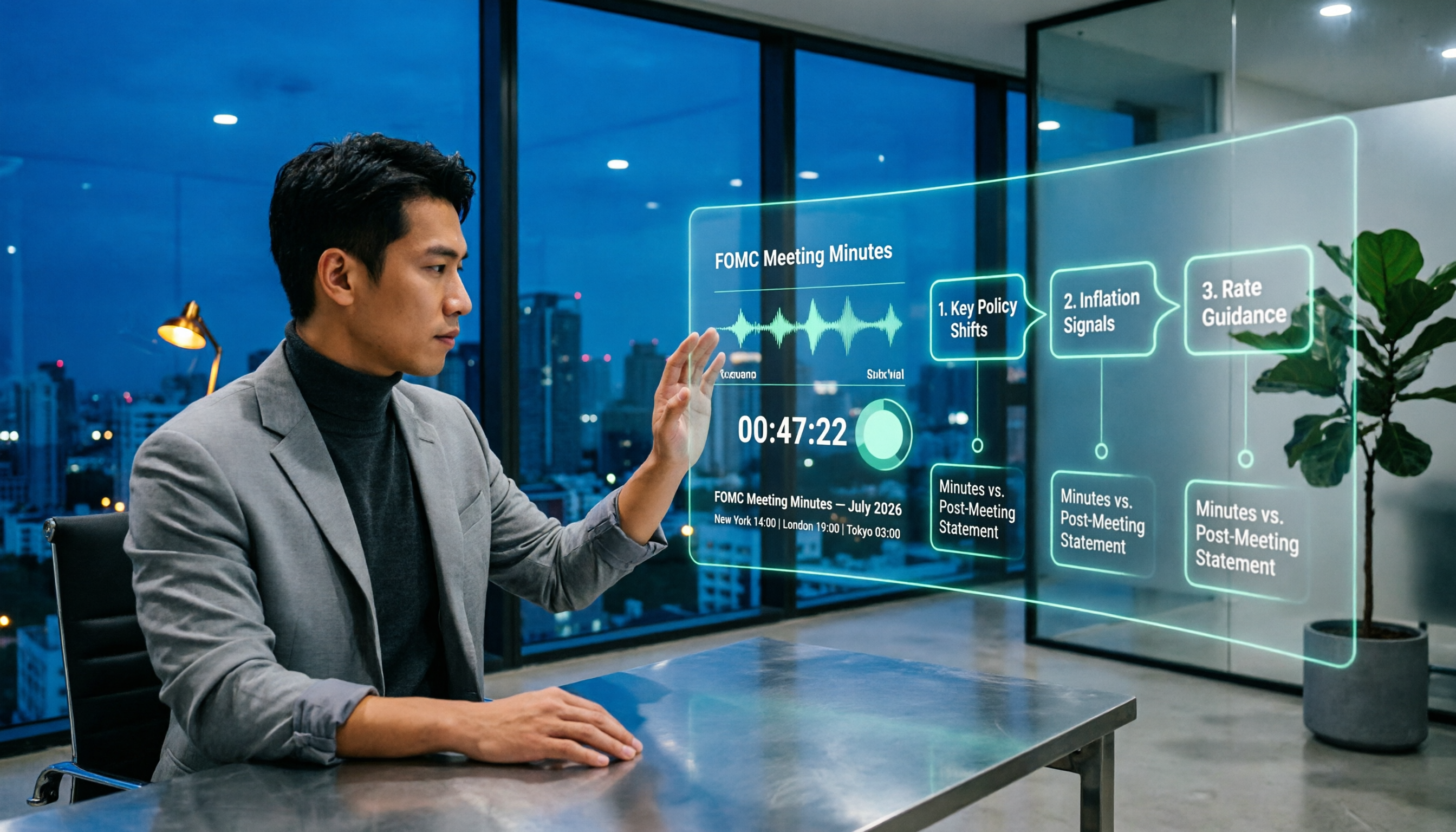
When Are Fed Meeting Minutes Released in 2026? 3 Steps to Track the Schedule and Key Details
When exactly are FOMC meeting minutes released? This guide explains the Fed's release pattern (about three weeks after the meeting, Wednesdays at 2 p.m. ET, early Thursday morning Taiwan time), uses the July 2026 meeting as a real example, and provides a 3-step method to find the next release date. It also explains the difference between meeting minutes and the post-meeting statement.

2026 Comparison of 4 Transcript Organization Tools: Which One Can Really Turn a One-Hour Meeting into Usable Minutes?
After feeding meeting recordings to AI, the real time-consuming part is never transcription but organization. Based on real testing experience with Chinese meeting recordings, this article breaks down 5 key points for choosing a transcript organization tool, compares Tinrec, Otter.ai, Notta, and Granola, and summarizes the 4 most common pitfalls.

Best Free Transcription Apps in 2026: We Tested 2 — This One Wins for Chinese Meetings and AI Organization
How do you choose a free transcription app? This article compares Tinrec and Yating Transcription, testing both free tools across five dimensions: free quota and cost, Chinese and multilingual recognition, post-transcription organization, online meeting and cross-platform support, and team collaboration. We also include an FAQ to help you decide which one fits your workflow.

2026 AI Transcription Free Plans Compared: 4 Tools to Know
The meeting is over, but the real work is just beginning. This guide reviews the free plans of four AI transcription tools in 2026—Tinrec, Otter.ai, Notta, and TurboScribe—comparing free quotas, file limits, Chinese recognition, and post-transcription organization features. It also covers the three most common pitfalls to help you choose the tool that truly saves time.

5 Free Transcription Tools Tested and Compared in 2026: Which Free Tier Is Actually Enough?
The most time-consuming part of meeting notes is never the recording—it's the re-listening. This article breaks down the common types of free transcription solutions in 2026, explains how free quotas are calculated, what to watch for with Chinese and mixed Chinese-English recognition, and how Tinrec turns transcripts into searchable, queryable, exportable meeting data.

The Complete Guide to Transcript Summarization in 2026: From Messy Recordings to Actionable Meeting Minutes
Once your transcript is ready, how do you actually extract the key points? This guide, based on a mid-level manager's real meeting scenarios, breaks down the correct order for summarizing transcripts, the core capabilities a tool must have, and 5 key factors to consider when choosing one. It also uses Tinrec to demonstrate the complete workflow from recording, transcription, summarization, and action items to team knowledge retention.