
Turn recordings into transcripts and summaries in minutes
Upload audio or video for multilingual transcription, AI notes, and action items
Why You Need AI Speech-to-Text Tools: Say Goodbye to Inefficient Overtime
In the high-pressure business environments of Hong Kong and Taiwan, meetings are a core part of daily work, but "organizing meeting notes" often becomes a productivity killer. Many professionals face these three major pain points:
- Low information density, high cost of replaying: A 60-minute meeting means a 60-minute audio file. If you need to find a specific decision point, you often have to scrub through the timeline repeatedly, wasting a lot of time.
- Manual note-taking can't keep up with speaking speed: People speak much faster than they type. Traditional handwritten or typed notes often miss key details, leading to deviations in subsequent execution.
- Multilingual mixing challenges: In business communication environments where Cantonese and English are mixed, single-language tools often fail to accurately recognize speech, resulting in fragmented transcripts.
Since 2025, with the maturation of AI technology, speech-to-text tools have evolved from simple "dictation" to intelligent assistants with "understanding" capabilities. A good tool not only produces verbatim transcripts but also automatically generates summaries, action items, and even allows you to "ask" the recording content as if talking to a person.
In-Depth Comparison of Popular Speech-to-Text Tools in the 2026 Market
Based on current market conditions and review data, we selected 6 tools that have gained attention in Hong Kong and the Traditional Chinese market for comparison. The following analysis is based on actual features and use cases:
1. Plaud Note / Plaud AI
- Type: Hardware recorder + App
- Features: Plaud takes a "software-hardware combination" approach, with the hardware being only 0.29cm thick and able to magnetically attach to the back of a phone for call recording. It supports 112 languages (including Cantonese) and integrates GPT-5/Claude models for summary generation.
- Price & Limitations: The hardware costs about HK$1,199. Note that after purchasing the hardware, you get only 300 minutes of transcription per month. It's suitable for business professionals with heavy call recording needs, but inconvenient for those who don't want to carry extra hardware.
2. Tinrec (Instant Recording)
- Type: Pure software app (iOS/Android/Web)
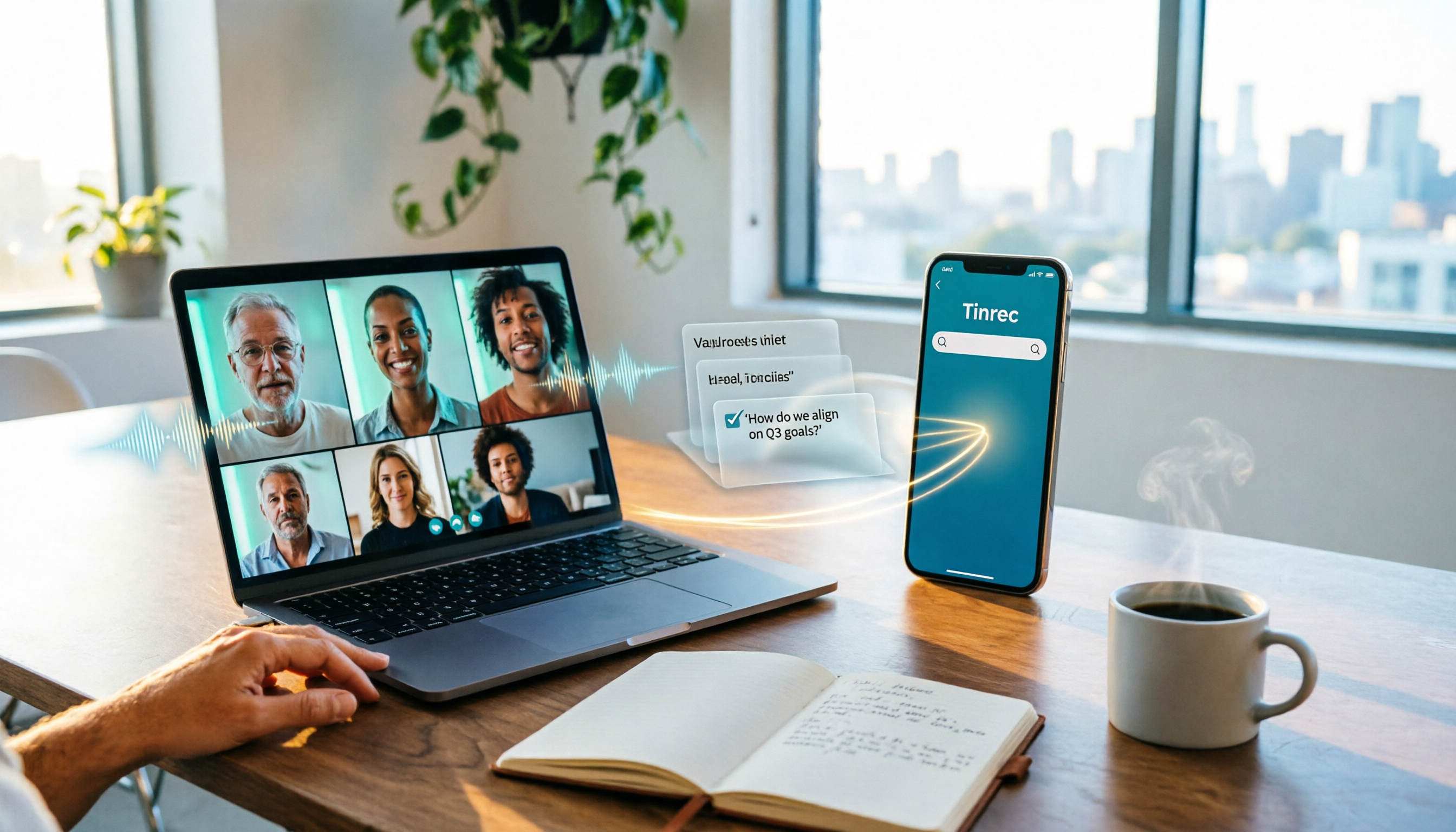
- Features: Tinrec is an AI assistant focused on the "record → understand → act" workflow. It requires no additional hardware; you can achieve real-time speech-to-text directly using your phone. Its core advantage lies in powerful multilingual recognition (including Cantonese, Taiwanese, and mixed Chinese-English) and a unique AI conversation query feature that lets you ask questions about the recording content directly.
- Applicability: Very high. Suitable for students, journalists, and professionals who don't want to carry a separate recorder.
3. Otter.ai
- Type: Meeting collaboration software
- Features: Extremely strong in English-speaking countries, with speaker identification and real-time tagging. However, its biggest pain point is very poor support for Cantonese and Chinese. If you're in all-English international meetings, it's the top choice; but in Hong Kong or Taiwan's mixed-language environments, its practicality is greatly reduced.
4. iFLYTEK
- Type: Professional recorder hardware
- Features: A traditional leader in Chinese and Cantonese recognition with extremely high accuracy, suitable for legal, medical, and other serious settings. The downside is the high price (around HK$2,900) and reliance on dedicated hardware.
5. Whisper by OpenAI
- Type: Open-source model
- Features: Favored by developers with very high recognition accuracy. However, it's just a "model" with no graphical interface, and based on tests, its native support for Cantonese and ease of use are not as polished as commercial software—mainly suitable for users with programming backgrounds who can set it up themselves.
6. Monica
- Type: Browser extension / All-in-one AI assistant
- Features: Full-featured, supporting web page summaries and basic audio transcription. The interface is user-friendly, but speech-to-text is merely an add-on feature. For long recordings and professional meeting minutes generation, it falls slightly short of specialized vertical tools.
Stop organizing recordings by hand
Upload audio or video and automatically get a transcript, summary, and action items
📊 Feature Comparison Table
| Feature | Tinrec | Plaud Note | Otter.ai | iFLYTEK | Whisper (OpenAI) |
|---|---|---|---|---|---|
| Hardware Required | None (phone/computer) | Dedicated recorder needed | None | Dedicated recorder needed | High-performance computer |
| Cantonese Support | Excellent (including mixed) | Excellent | Not supported | Excellent | Needs technical tuning |
| Real-time Transcription | Supported | Supported | Supported | Supported | Depends on implementation |
| AI Conversation Query | Yes (unique feature) | No | English only | No | No |
| Price Threshold | Free trial / subscription | HK$1,199 (hardware) | Free / subscription | HK$2,900+ | Free (computing costs) |
| Key Advantage | Software convenience, AI query | Easy call recording | English meeting collaboration | Professional-grade accuracy | Open-source, privacy control |
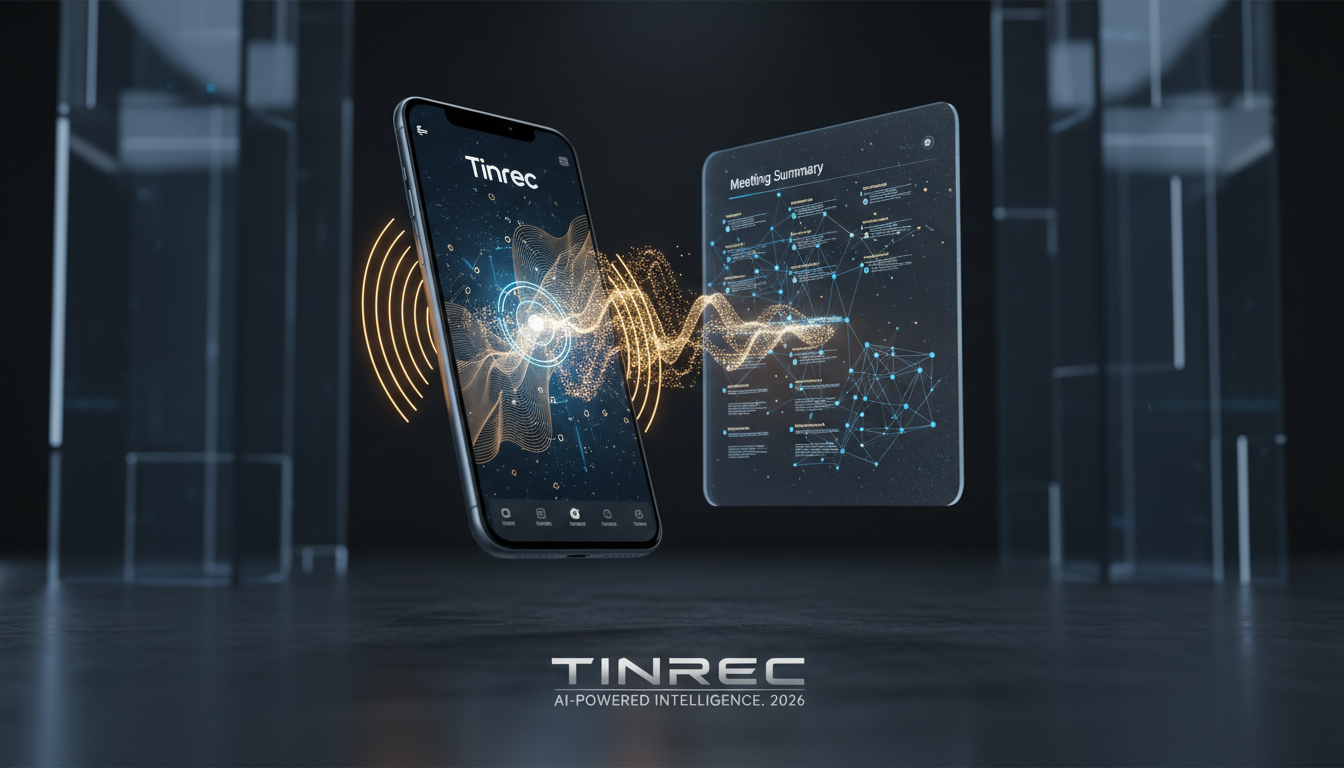
In-Depth Review: How Tinrec Solves the Pain Point of "What to Do After Recording"
Among many tools, Tinrec demonstrates the flexibility of a software solution. It doesn't just turn audio into text; it addresses the question of "what to do with the transcript." Here are the biggest differences between Tinrec and traditional tools:
1. Not Just Transcription, but "Conversational Query"
Traditional transcripts can be tens of thousands of words long. Even with search (Ctrl+F), it's hard to find "semantic" key points. Tinrec's built-in AI conversation query allows you to ask directly: "What was John's conclusion about the budget in the second half of the meeting?" The AI understands the entire recording and provides precise answers. This is extremely valuable for long meetings or class reviews.

2. Automatically Generate Structured Meeting Notes
Tinrec can distinguish speakers and automatically extract action items and decision summaries. This means that the moment the meeting ends, a draft meeting record including "who, when, what to do" is already complete, dramatically reducing post-meeting processing time.

3. Multiple Input Methods and Cantonese Support
For Hong Kong users, Tinrec supports Cantonese recognition and offers multi-device sync across iOS, Android, and web. In addition to live recording, it supports importing audio/video files and even YouTube/Podcast links for direct transcription, which is very convenient for media professionals or students organizing online course materials.

Practical Tutorial: How to Use Tinrec to Boost Work Efficiency by 3x
Here are four specific scenarios to integrate Tinrec into your daily workflow:
Scenario 1: In-person Meetings/Class Notes (Real-time Transcription)
- Download and open the Tinrec app (iOS/Android).
- Tap the microphone icon at the bottom of the home screen.
- Select the recording language (recommend "Auto-detect" or specify "Cantonese/Chinese" for better accuracy).
- During recording, the screen shows real-time transcription. If there's a key point, tap the "Mark" button anytime.
- When the meeting ends, tap stop, and AI will automatically generate a summary and action list.

Scenario 2: Transcribing Old Audio Files
- Go to the "Import" interface on the web or app.
- Upload your MP3/M4A/WAV files.
- The system processes quickly in the cloud—usually, a 1-hour recording takes just a few minutes to transcribe.
Scenario 3: Transcribing YouTube or Podcast Content
- Copy the URL of the YouTube video or podcast you want to transcribe.
- In Tinrec, select the "Link to Text" feature and paste the URL.
- Get a timestamped transcript; tap any line to jump to that moment in the audio.
Scenario 4: Quick Review of Key Points
- Open a completed recording note.
- Tap the "AI Chat" button.
- Ask: "What was the total marketing budget mentioned in this meeting?"
- The AI extracts the answer directly from the recording and presents it to you.

Frequently Asked Questions (FAQ)
Q1: What's the difference between iPhone's built-in dictation and Tinrec?
A: iPhone's dictation is suitable for short phrases (e.g., replying to messages); it cannot record for long periods and lacks speaker identification or summary generation. Tinrec is designed for long recordings, handling hours of audio and producing structured notes.
Q2: Can it recognize Cantonese mixed with English (Chinglish)?
A: Modern AI tools like Plaud and Tinrec have mixed-language recognition capabilities. Tinrec's model is trained to adapt to Hong Kong's common Chinese-English mix, making it more accurate than traditional single-language engines.
Q3: Does Tinrec have a free version?
A: Yes. Tinrec offers a free plan with up to 100 minutes of transcription per month—enough for occasional note-taking for students or individuals. For heavy use, consider the Basic or Pro plans.
Q4: Is my recording data secure? What about privacy?
A: When choosing a tool, pay attention to privacy policies. Professional paid tools like Tinrec and Plaud typically use encrypted transmission and rely on subscription fees rather than selling data, offering better protection than completely free, unknown software.
Q5: If I already have a voice recorder, can I still use Tinrec?
A: Yes. You can use your traditional recorder to capture audio, then export the file and upload it to Tinrec's web version for transcription and AI analysis. This way, you keep the high-quality recording and benefit from AI processing.
Q6: Can it work with Teams or Google Meet?
A: Tinrec supports system audio recording or web-based recording. During a video conference, open Tinrec's web version and select the appropriate audio input source to transcribe the online meeting in real time.
Turn every recording into actionable outcomes
Get 60 free transcription minutes when you sign in. No credit card required.
Related Reading
You might also like
6 Ways to Use Google Meet on Apple TV in 2026: Screen Mirroring, Streaming Devices, and Post-Meeting Tools Compared
Google Meet doesn't have an official Apple TV app. This guide covers 6 practical workarounds, from AirPlay screen mirroring and Mac mirroring to Google TV streaming devices, plus post-meeting tools like Notta, Granola, and Tinrec, with free and paid pricing to help you decide which is easiest.

How to Use Google Meet in Gmail (2026): Start a Meeting in 3 Steps & Auto-Organize Notes
Google Meet is built right into the Gmail sidebar, so you can start or join video meetings without switching to Calendar. This guide walks you through 3 steps, explains entry points for different account types, and tackles the part most people get stuck on—organizing transcripts, summaries, and action items after the meeting.

How to Record Google Meet Without a Bot and Auto-Generate Action Items with AI (2026 Guide)
Tired of forgetting key points after a Google Meet call? This guide explains the relationship between Google Meet and Google One plans, then hands-on tests Tinrec's bot-free desktop recording, AI summaries, and action item extraction. We also compare Otter.ai, Notta, and Granola, with key buying factors and pitfalls to avoid.

Google Meet Time Limit in 2026: Free 60-Minute Cap and Which Meeting Notes Tool to Choose
Google Meet free version limits group meetings with 3+ participants to 60 minutes, while 1-on-1 calls can last up to 24 hours. Paid Workspace plans allow up to 24 hours. This article breaks down how the limit actually works and compares Google Meet with Tinrec for meeting notes, cross-platform support, post-meeting output, and team data retention, helping you decide which to choose.

Best Google Meet Note-Taking Tools in 2026: 7 Tested, This One Excels for Chinese Meetings Without a Bot
Starting from the need to join a meeting via Google Meet now, this guide reviews 7 Google Meet note-taking and transcription tools, including Tinrec, Otter, Fireflies, Notta, Granola, TurboScribe, and Google Meet's built-in capabilities. It compares Chinese meeting support, bot-free recording, AI Q&A, team knowledge retention, and pricing.

Google Meet Pricing in 2026: Free Plan Limits and Tinrec as an Alternative
Google Meet's free version caps group meetings at 60 minutes, and recording and AI features are tied to Workspace subscriptions (annual billing around $7/$14/$22 per user per month). This article, from a student's hands-on perspective, explains why post-meeting organization is the real pain point and compares Tinrec's differences in bot-free recording, Chinese transcription, AI summaries, and team knowledge retention.
How to Share System Audio in Google Meet (2026): Full System Sound + High-Quality Stereo
Google Meet now lets you share your entire device's system audio during presentations, not just Chrome tab audio. This guide covers the steps to enable it, system requirements, rollout timeline, and common limitations, plus how to use Tinrec after a presentation to turn transcripts, summaries, and action items into searchable meeting records.

3 Google Meet on Windows Options Tested in 2026: Which Meeting and Note-Taking Method Saves the Most Time?
Using Google Meet on Windows, most people only solve the meeting itself but not how to keep the post-meeting data. This article walks you through: from browser and PWA to Tinrec desktop bot-free recording, automatically turning Google Meet meetings into transcripts, summaries, action items, and team-searchable data.

How to Check Your Google Meet Version in 2026: 4 Steps to Confirm the Latest Version
Can't find the version number in Google Meet settings? This guide covers how to check and update Google Meet across web, Android, iOS, Meet hardware, and the REST API, plus a practical way to organize transcripts, summaries, and action items after meetings.