
Productivity Tips
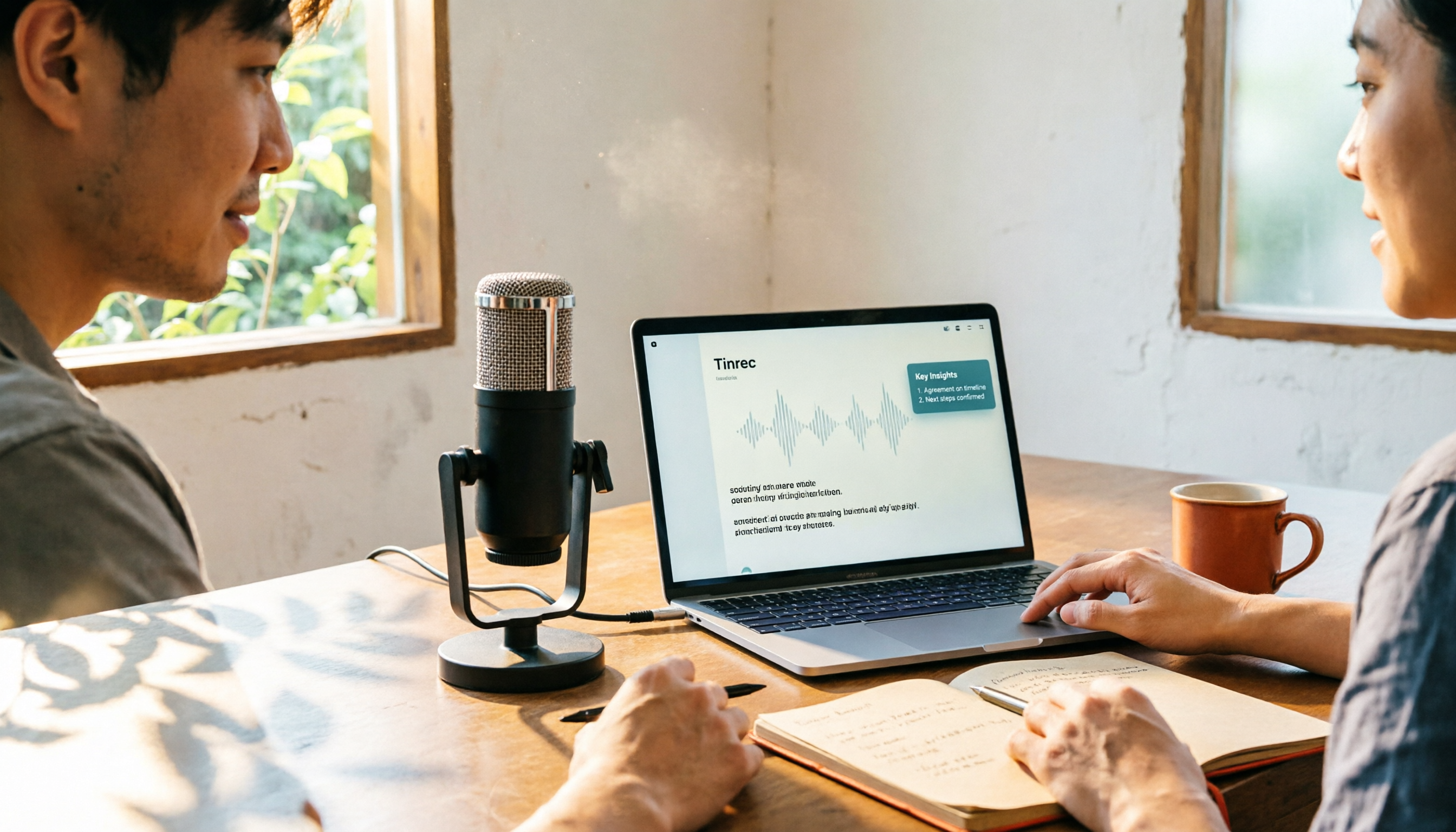
CapCut Desktop Recording 2026: Voiceover Steps & 4 Transcription Tools Compared
Can CapCut desktop record audio? Yes. This guide walks you through the complete voiceover recording steps in CapCut desktop, then answers the real question most people get stuck on: how to turn recordings into usable transcripts and meeting notes. It covers 4 key selection points and compares Tinrec, CapCut, Notta, and Otter.ai, with common pitfalls and scenario-based recommendations.
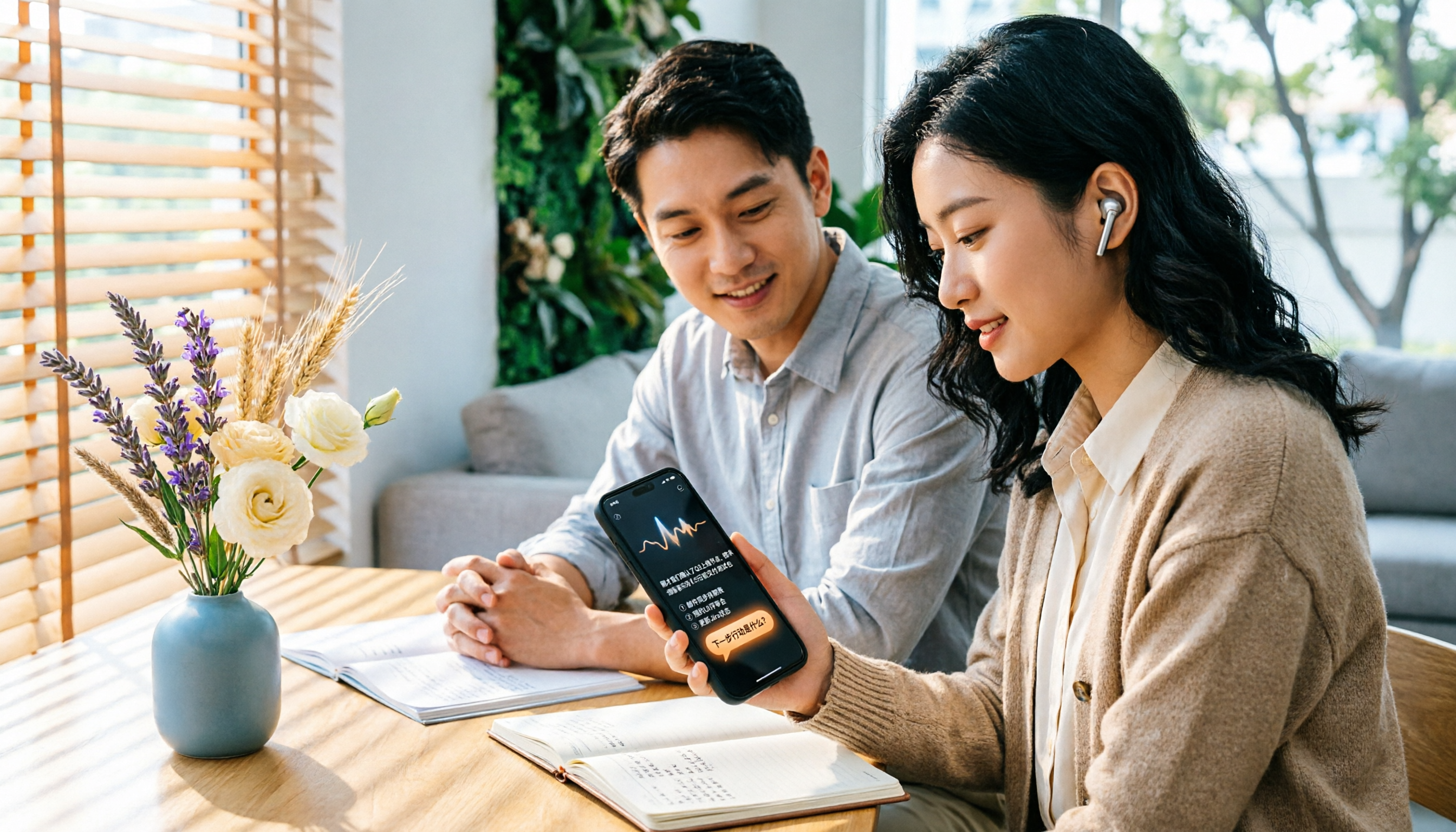
4 iPhone Voice Memos Organization Tools Compared: Where Are Recordings Stored? Tinrec Saves the Most Time
iPhone Voice Memos are stored locally by default, or in iCloud if sync is enabled. This article shows you where to find files and tests 4 organization tools. Tinrec stands out for Chinese transcription and AI Q&A, ideal for turning recordings into transcripts and to-dos.
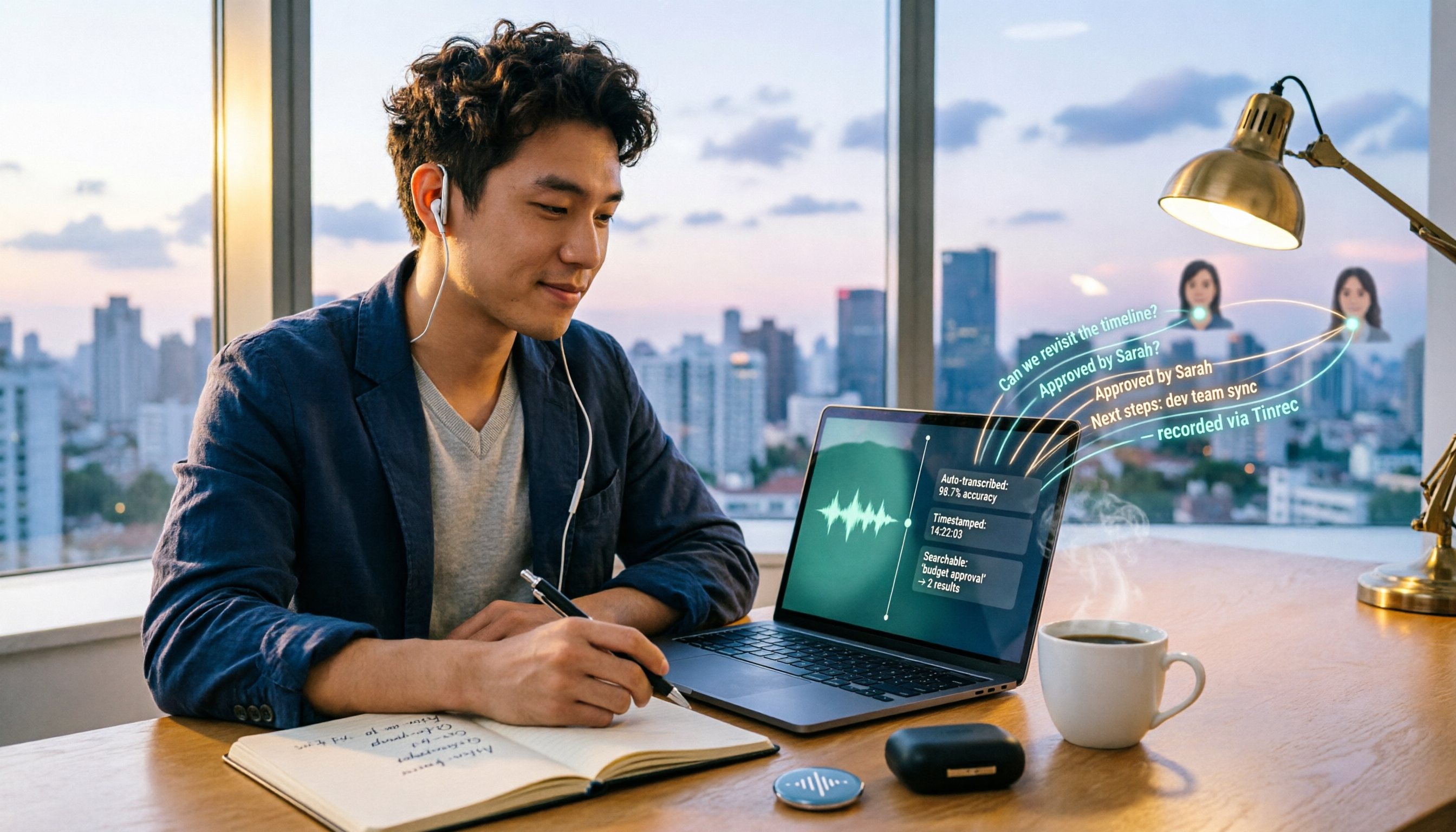
How to Record Computer Screen Audio in 2026: 3 Methods + Automatic Meeting Transcription
How do you record computer screen audio? This guide covers screen recording methods that still work in 2026, including Windows Game Bar, built-in Mac tools, and FonePaw. It also explains how Tinrec uses desktop bot-free recording and AI organization to turn meeting content into searchable, trackable data when you need transcripts and meeting notes instead of just video.
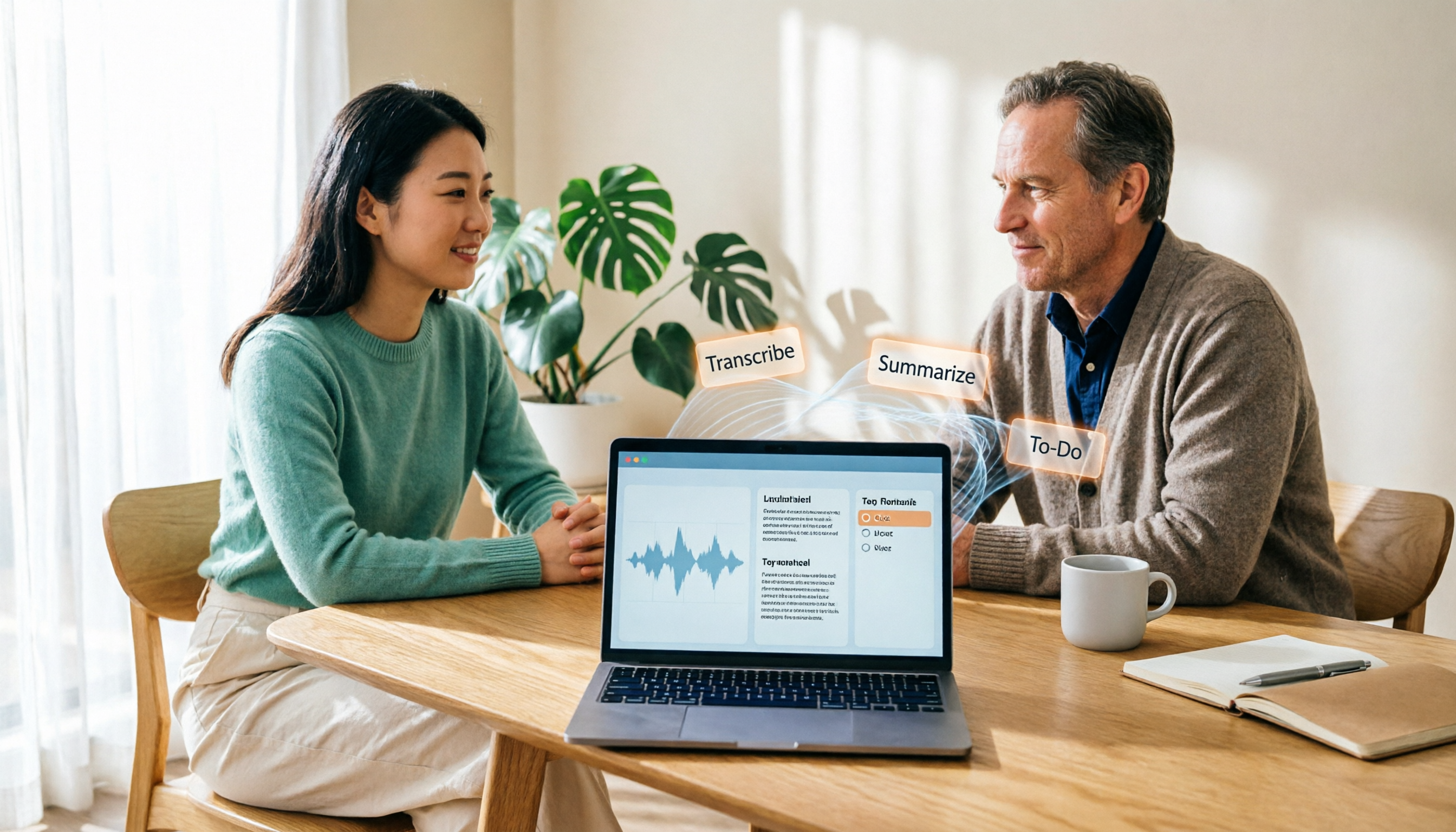
2026 Laptop Recording Guide: Built-in Features Tested + Tinrec Smart Organization
How do you record audio on a laptop? This article covers built-in recording methods on Windows and Mac, tests how Tinrec turns recordings into transcripts, summaries, and to-dos, and compares Tinrec with Notta for meeting notes to help you find the best laptop recording solution.

5 Recording Tools Tested and Compared in 2026: Where's the Recording Feature? Whose AI Summarization Saves the Most Time?
Where is the recording feature? iPhone's Voice Memos is hidden in the Utilities folder, Android devices have their own built-in recorders, and online meeting recording permissions are tied to the host. This article clarifies the recording entry points for three scenarios and tests 5 recording tools, covering transcription, AI summaries, to-dos, and team knowledge retention, helping you avoid common pitfalls and find the one that truly saves time.

2026年4款电脑录屏工具实测对比:内置够用吗?还是得靠AI整理
电脑其实都有内置录屏功能,Windows 10 以上按 Win + G 就能调出 Xbox Game Bar,Mac 也有内置屏幕录制。但真正的问题是录完之后怎么办——本文比较内置工具、剪辑型录屏软件与 AI 会议记录工具 Tinrec,带你判断哪一种才符合你的实际需求。
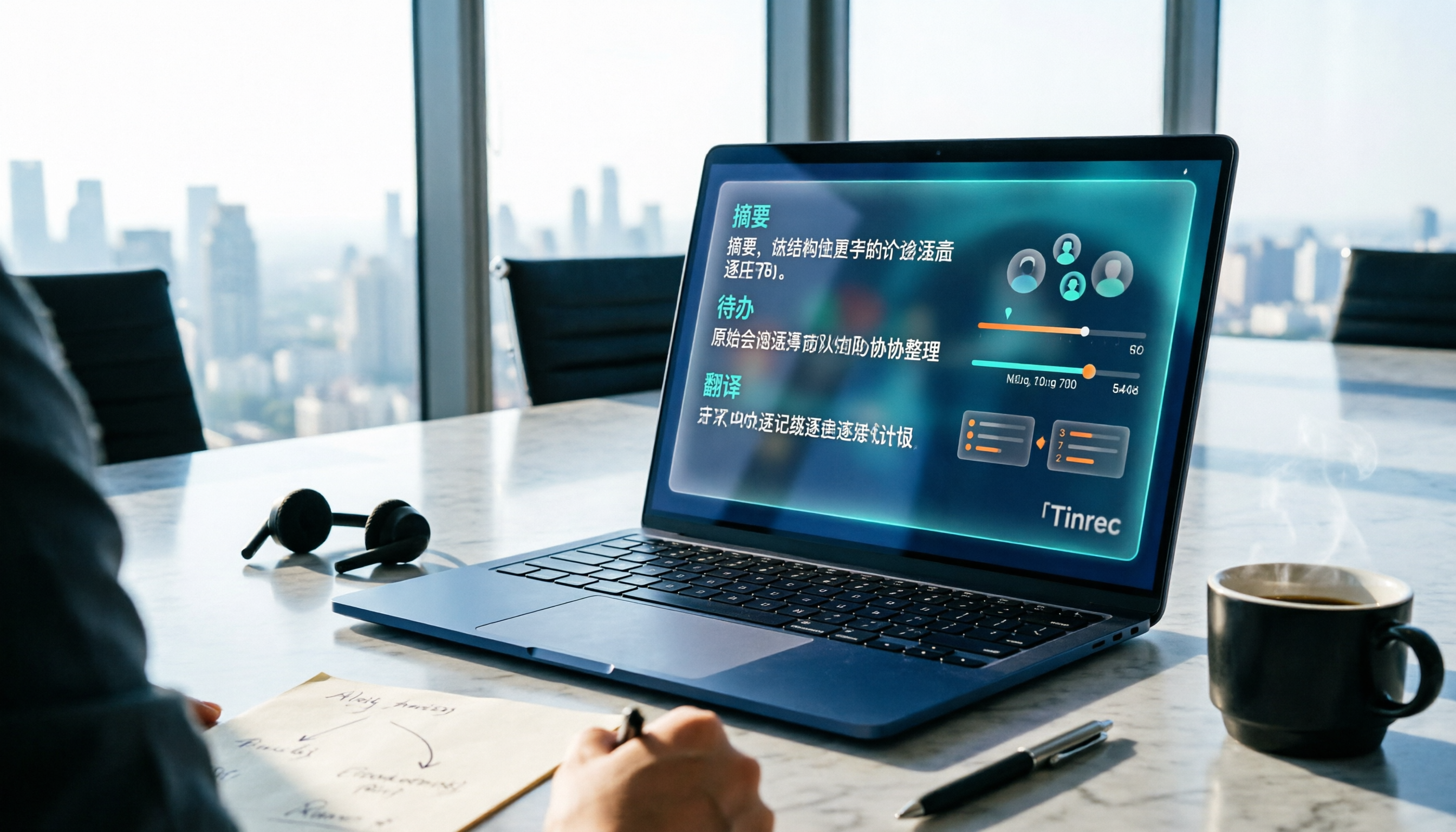
Tinrec vs Yating Transcription 2026: 5-Dimension Comparison for Chinese Meeting Transcription
People searching for 'which AI can generate transcripts' are often stuck not on converting speech to text, but on the time-consuming post-meeting organization. This article compares Tinrec and Yating Transcription across five dimensions: post-meeting organization, online meeting recording, cross-language translation, pricing flexibility, and team collaboration. It includes third-party test highlights and buying advice to help you decide which tool to use.

What Is Speech-to-Text in 2026: How It Works + AI Meeting Notes
What is Speech-to-Text (STT)? This plain-language guide explains how voice-to-text works, the difference between ASR and TTS, and the key factors for choosing a tool in 2026. It compares Tinrec with Otter, Notta, and Granola to help you decide which one fits your needs.