
Productivity Tips
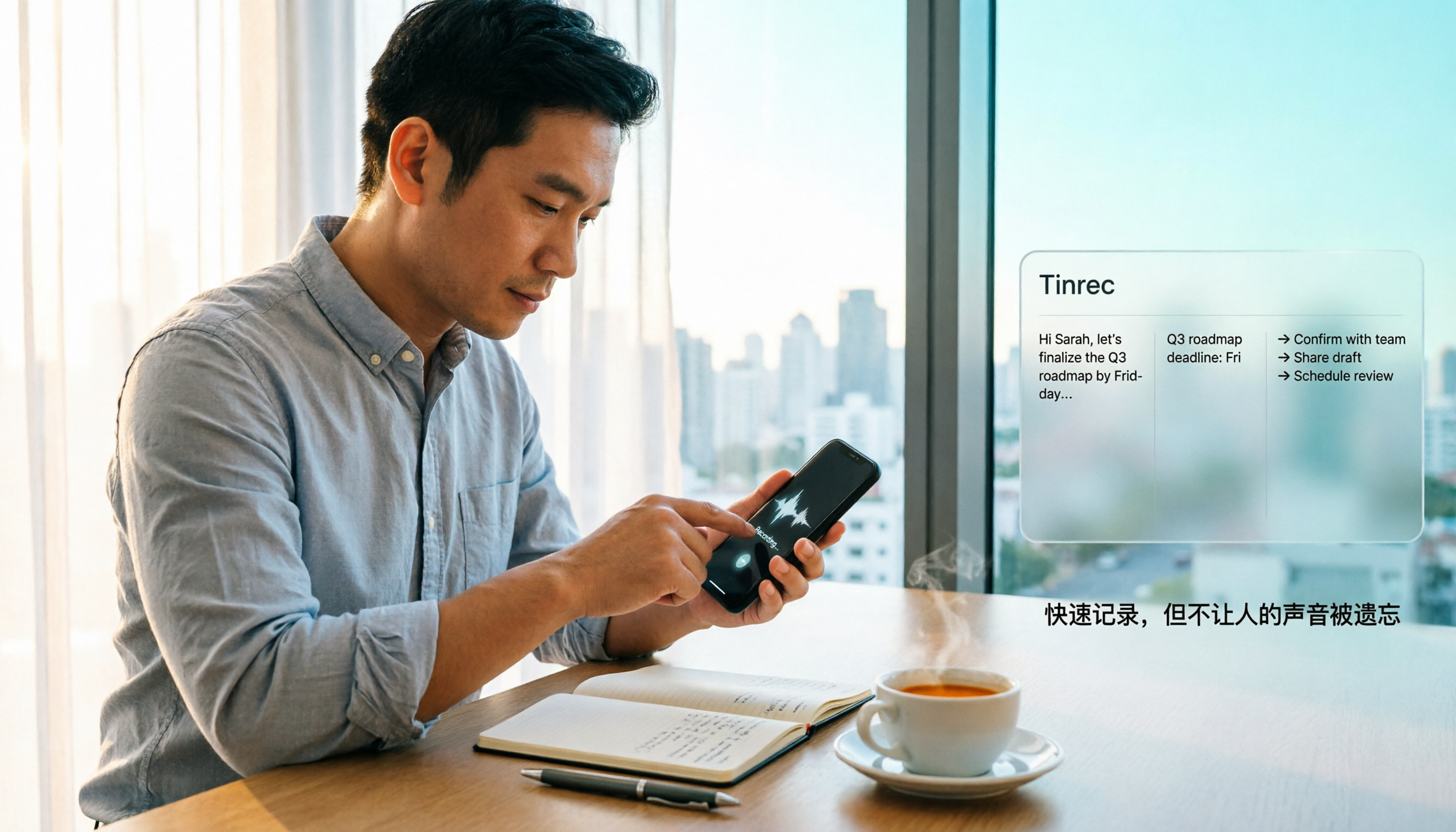
How to Quickly Start Recording on iPhone in 2026: 3 Shortcuts + Auto-Organize After Recording
iPhone has a one-tap recording method, but the settings are buried. This guide covers 3 ways to quickly start recording: Action Button, Back Tap, and Shortcuts on Home Screen. It also explains how to use Tinrec to turn recordings into transcripts, summaries, and to-dos, so quick recording actually saves time instead of piling up unheard audio files.
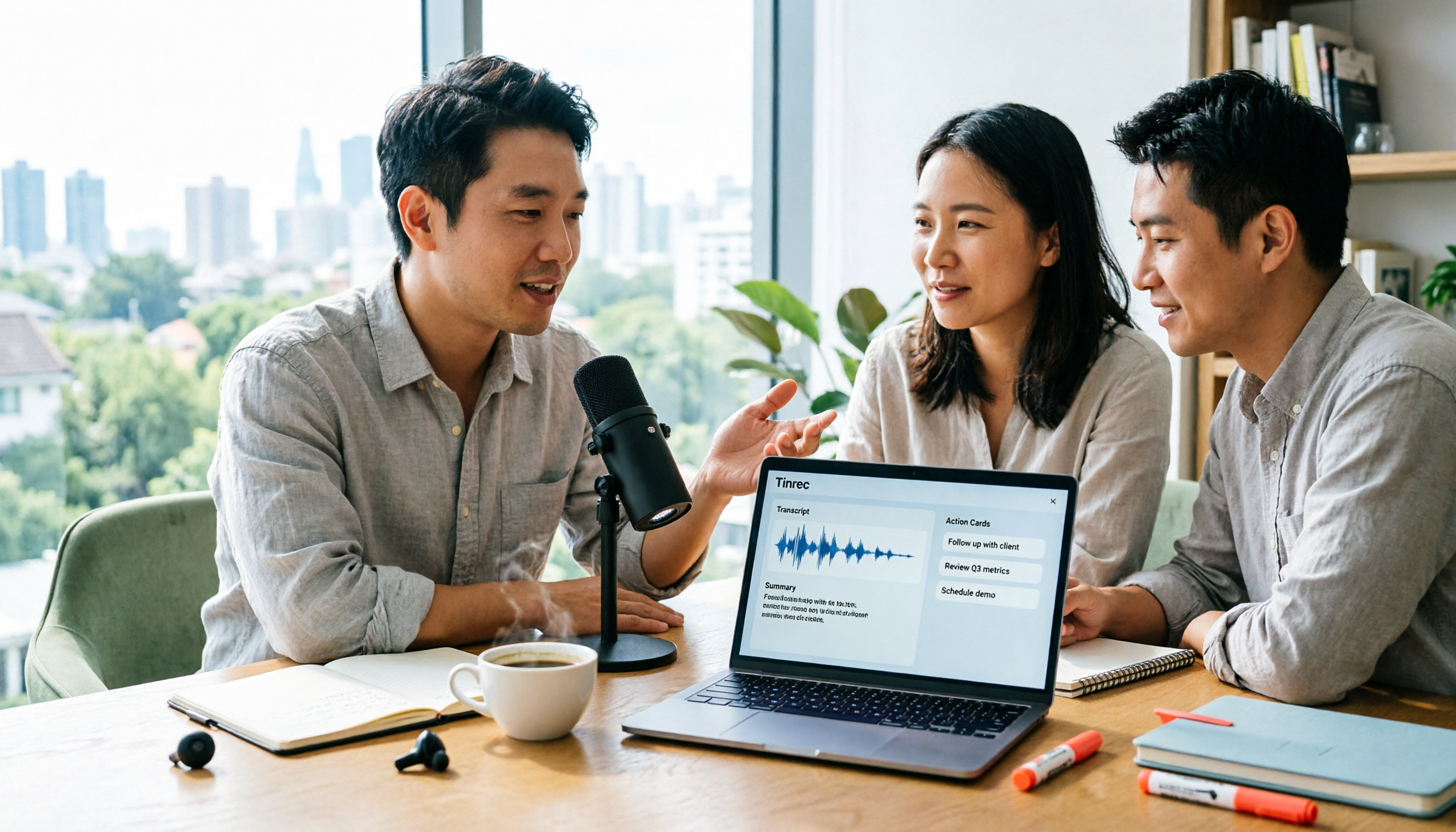
2026 Mac Audio-to-Text Showdown: Beyond Built-in Voice Memos, Why Tinrec Saves More Time
Apple's built-in Voice Memos can record, store, and edit audio, but after recording, you still have to create transcripts, summaries, and to-do lists yourself. This article compares Mac's built-in recording with Tinrec, explaining how bot-free online meeting recording, AI summaries, action item extraction, AI Q&A, and team spaces fill the post-recording workflow gap.

3 iPhone Quick Recording Methods Tested: Which One Auto-Organizes Transcripts After One-Tap Start?
Want to record quickly on iPhone? There are three one-tap start methods: Action Button, Back Tap, and Shortcuts. This article tests the setup steps, compatible models, and limitations of each, then compares what happens after you hit record—showing how Tinrec turns a phone recording into a searchable transcript, summary, and to-do list.

Complete Guide to iPhone Recording in 2026: Voice Memos Location, Export, and Meeting Organization
Where are iPhone recordings stored? The answer is the Voice Memos app, but many people can't find them in Files after recording. This complete guide first explains the three locations of iPhone recordings, how to export to the Files app, and quick launch settings, then discusses how to choose organization tools to turn meeting recordings into searchable, queryable, and deliverable data.

2026 Recording App Buying Guide: Tinrec vs Notta and 3 More Compared
A recording app shouldn't just capture audio. This guide compares Tinrec, Notta, Otter, Granola, and TurboScribe on Chinese transcription, bot-free meeting recording, post-meeting organization, and team collaboration—with a focus on whether you can use the output right away. It also covers free tiers, pricing, and key buying considerations.

4 AI Recording Tools Compared for 2026: Should Students Start with Free or Paid?
From class notes and group discussions to thesis interviews, we compare 4 common approaches to AI recording tools and demonstrate with Tinrec to explain whether the free version is enough, when to upgrade, and if group projects need the team plan.
5 Ways to Record Computer Audio in 2026: Which Is Easiest for System Sound?
Computer recording actually serves two different needs: recording your microphone or recording the sound your computer is playing. This article starts with common recording mistakes and covers Windows built-in Voice Recorder, Stereo Mix, Audacity, Otter.ai, and Tinrec, comparing their use cases and testing differences in system sound recording, transcription, AI summaries, and team collaboration to help you find the easiest approach.
4 Computer Recording Tools Tested and Compared in 2026: Why Your Screen Recording Has No Sound (It's Probably Not Your Microphone)
When your computer recording has no sound, it's usually not a broken microphone—it's that system audio wasn't captured. This article breaks down 5 common causes, 4 key factors for choosing a tool, and compares Tinrec, Granola, TurboScribe, and PLAUD for computer recording, so you can figure out whether to fix your settings or switch tools.